 myagent.mxBLOG
agents & inboxes · message id vs thread id
Message ID vs Thread ID: What Each Identifies in Email
Message-ID names one email. A thread ID groups a conversation. See how the two differ, how headers link replies, and how to keep agent replies in thread.
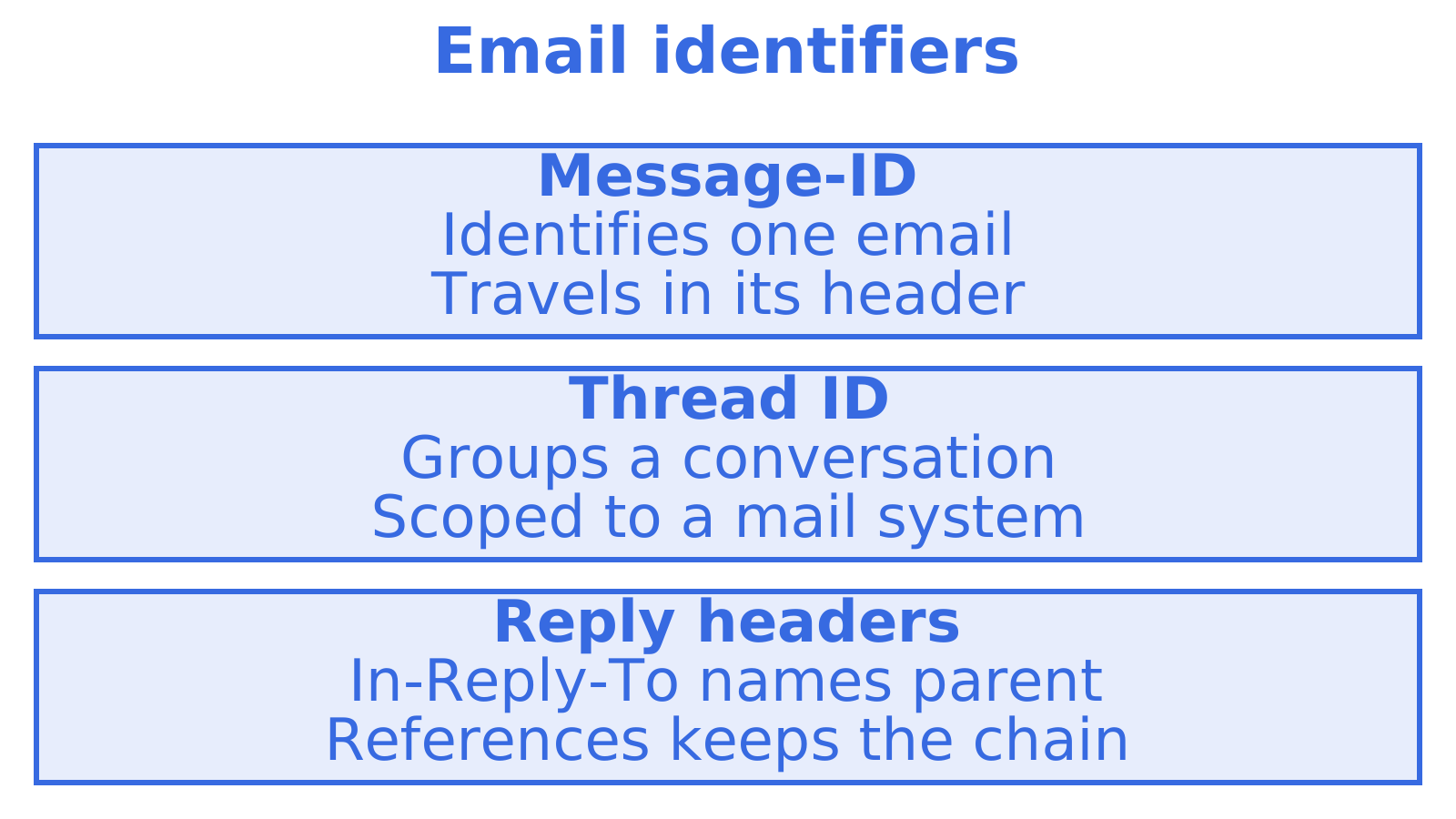
A message ID identifies one email. A thread ID identifies the conversation that email belongs to. The Message-ID is written into the message header when the email is created and never changes. A thread ID is a grouping label that a mail server or client works out, and each system does it its own way.
The two get confused because “message ID” means different things in different places. The Message-ID header in the email itself is not the same as the ID Gmail, Amazon SES or Postmark gives you for that email. This guide separates the identifiers, shows how replies are linked, and gives you a checklist for agents that need to reply inside an existing conversation.
TL;DR
- Message-ID is a header on the email itself. It is unique to one message and set once, under RFC 5322.
- Thread ID is not a header. It is a grouping identifier that a provider (Gmail, JMAP servers) or a client (Outlook) assigns to a conversation.
- In-Reply-To and References are the headers that carry the conversation link across providers. Set them correctly on every reply.
- Provider message IDs (SES, SendGrid, Postmark) are internal handles. Store them, but do not use them as the Message-ID header.
- Subject matters. Several clients split a thread when the subject changes, even if the headers are right.
Table of Contents
- The short version: one message versus one conversation
- What the Message-ID header is
- What a thread ID is, and why there is no single standard
- Message ID versus provider message ID
- How headers connect messages into a thread
- Why a reply sometimes starts a new conversation
- How to reply so the conversation stays intact
- Where to find each ID
- Design rules for agents that read and answer mail
- Perspective
- Give your agent a mailbox to test this on
- FAQ
- Sources
The short version: one message versus one conversation
Think of a conversation as a folder and each email as a page in it. The Message-ID is the page number printed on that page. The thread ID is the label on the folder.
| Message-ID | Thread ID | |
|---|---|---|
| What it identifies | One email message | A group of related messages |
| Where it lives | In the email header | Usually on the server or in the client, not in the message |
| Who assigns it | The sending mail system | The mailbox provider or client |
| Can it change? | No, once written it is not rewritten | Can change when the subject changes or threads merge, depending on the system |
| Shared across messages? | Never | Always, by every message in the conversation |
The research behind the Outlook example puts it the same way: the Message-ID names one specific email, while the thread ID names the whole conversation.
What the Message-ID header is
RFC 5322 section 3.6.4 defines Message-ID as a globally unique identifier for a single message. Its syntax is an ID, an @ sign and a domain-like right-hand side, all wrapped in angle brackets. An example looks like <20261103.abc123@example.com>. According to this breakdown of the header, the angle brackets and the @ are mandatory.
Three practical points follow from that definition:
- It is written once. The header is set when the message is created or first submitted. Servers along the path read and log it, but they do not rewrite it.
- Uniqueness is a convention. The same source notes that RFC 5322 requires global uniqueness but nobody enforces it on the wire, and there is no central registry. If you generate your own IDs, put a random component on the left and a domain you control on the right.
- Replies get their own. Every reply is a new message with its own Message-ID. It never reuses the parent’s.
What a thread ID is, and why there is no single standard
A thread ID is whatever a system uses to say “these messages belong together”. There is no universal header called Thread-ID in the core email standards, so each system chose its own approach.
Gmail
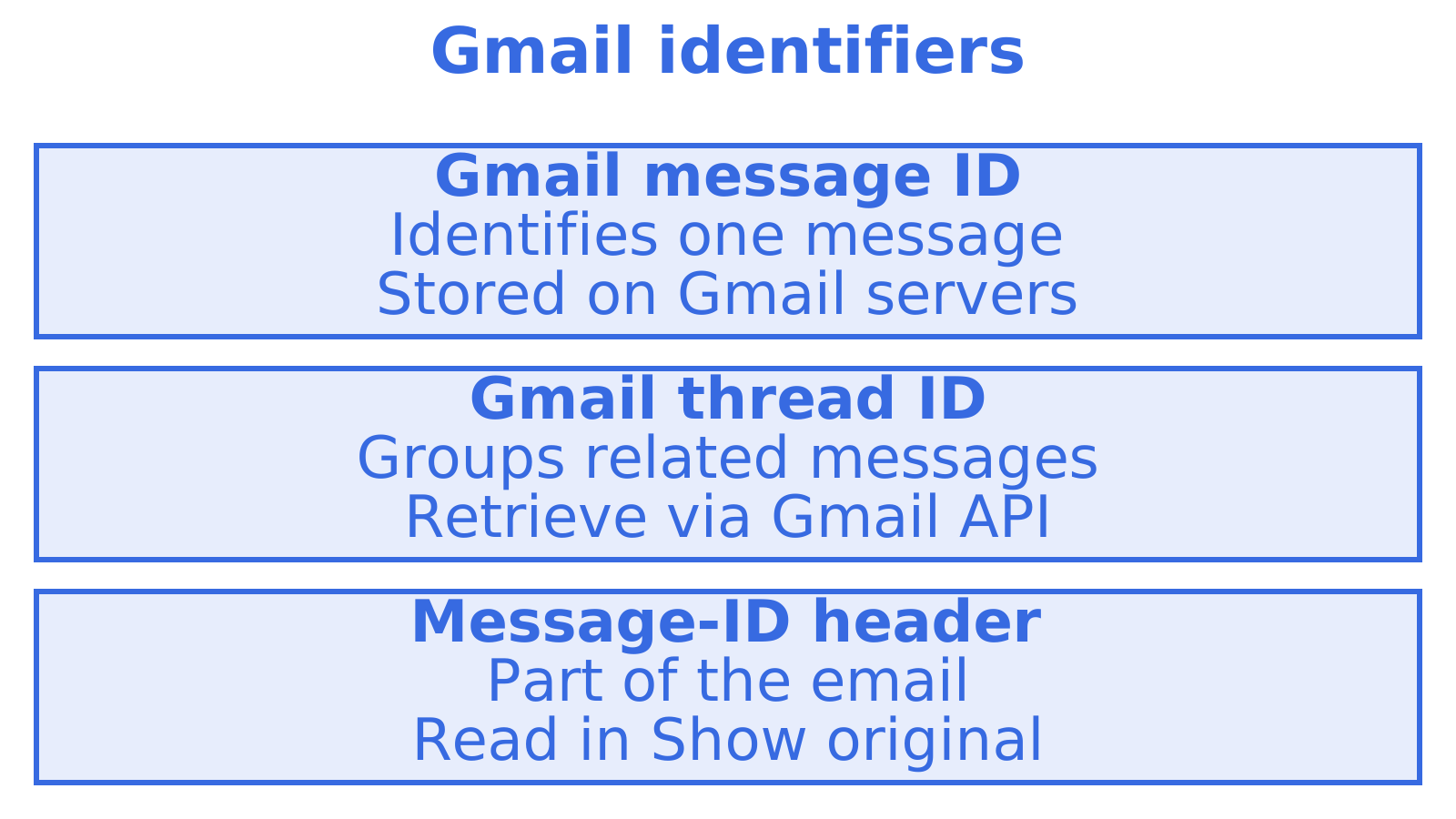
Gmail keeps its message ID and thread ID on the server, not in the message. Forensic notes on Gmail IDs explain that the Gmail message ID differs from the Message-Id header, and that a thread ID is shared: the ID of the first message in a thread is also the ID of the thread. That is why the “Show original” view in Gmail shows you the Message-ID header but not the Gmail thread ID.
In the Gmail API, the threads resource lets you retrieve and label whole threads. Threads can be deleted but not created directly; they come into existence when messages are grouped.
JMAP
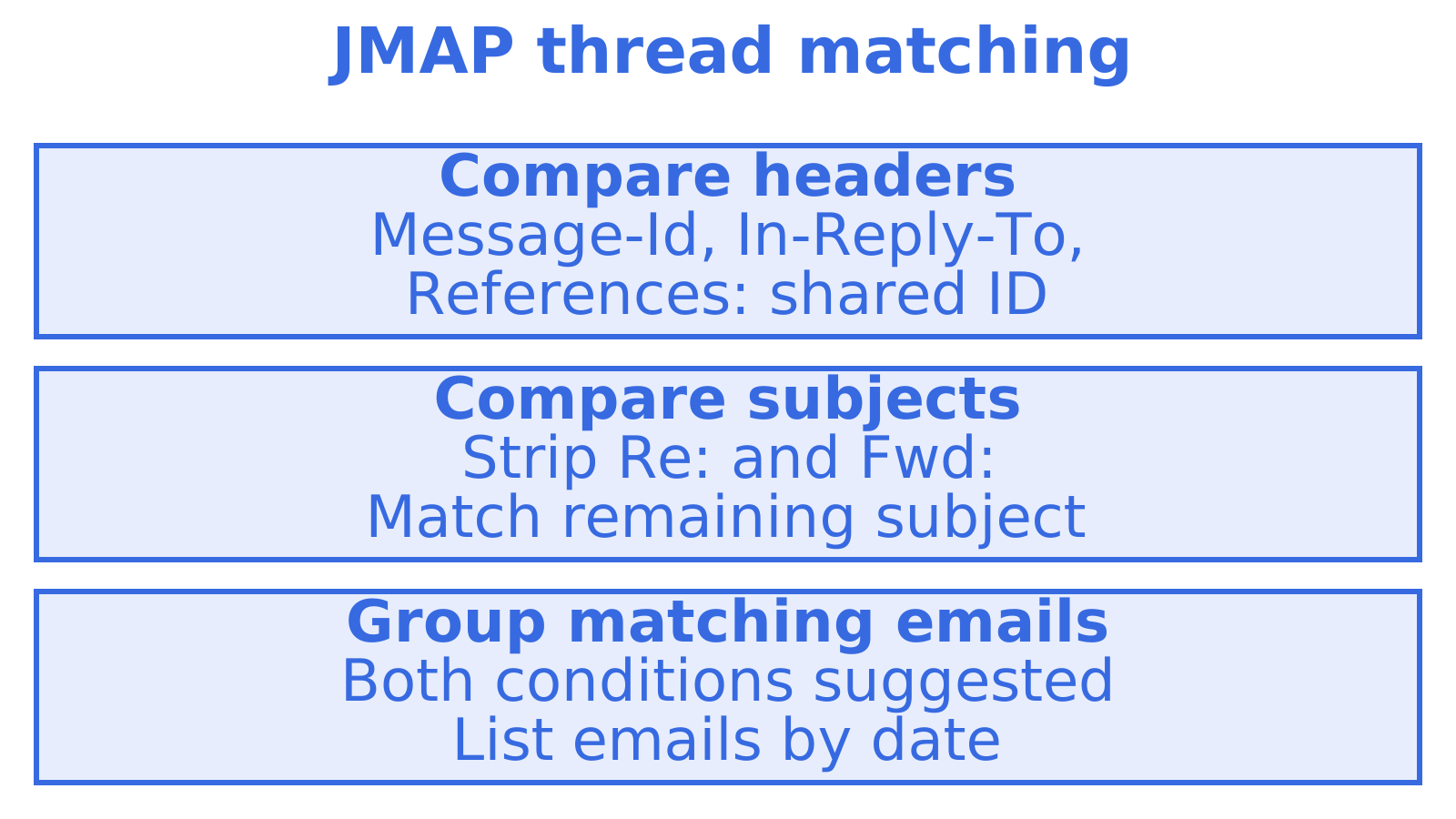
In JMAP, a Thread is a flat list of emails ordered by date. RFC 8621 suggests that two messages belong in the same thread when a message ID appears in the Message-Id, In-Reply-To or References headers of both, and the subjects match once prefixes like Re: and Fwd: are stripped. The spec adds that the threadId of an email is immutable, so if a late-arriving message joins two threads, the server has to delete and reinsert the affected emails with new IDs, as set out in the JMAP mail specification.
IMAP
IMAP has its own extensions: THREAD (RFC 5256) and OBJECTID with THREADID (RFC 8474). The IETF Conversation-ID draft lists these alongside JMAP as examples of server-computed groupings.
Outlook
Outlook has a conversation ID. One support article explains that Outlook uses the subject line as a key component of it, so editing the subject generates a new conversation ID for that message and its future replies. Outlook-originated mail also carries Thread-Index and Thread-Topic headers, which matter when you reply programmatically (more on that below).
Message ID versus provider message ID
This is where most developer confusion starts. When you send through an API, the response often contains a “message ID”. That value is usually not the Message-ID header.
| Provider | What its message ID is | Same as the Message-ID header? |
|---|---|---|
| Amazon SES | A handle for correlating a send with delivery, bounce and complaint events | Related but not guaranteed to be identical |
| SendGrid | An ID covering the request, server data and the message-to-recipient pairing | Different from the X-Message-ID response header |
| Postmark | An internal ID for referencing the message | Not related to the physical Message-ID header |
| Gmail API | A server-side message ID | Different from the Message-Id header |
One more wrinkle: the IETF draft notes that some submission services replace a Message-ID you supply, and cites the Amazon SES SendRawEmail API as documentation of this. A related discussion on SES IDs says SES assigns its own MessageId on the receiving host, unrelated to the header.
The consequence for your code: never assume the ID your send call returns is the one recipients’ mail clients will see in the header. The same draft warns that an application can fail to match a reply to the message it sent if it did not keep the delivered identifier. Store both: the provider’s handle for events, and the final RFC 5322 Message-ID for threading.
How headers connect messages into a thread
Across providers, three headers carry the relationship.
- Message-ID: this message’s own identifier.
- In-Reply-To: the Message-ID of the message being answered.
- References: the parent’s References value followed by the parent’s Message-ID.
That rule is the RFC 5322 algorithm, summarised in the Wikipedia article on online threads. The same page notes the purpose of References: it lets a client rebuild the discussion tree even if some replies in it are missing.
Here is a three-message conversation:
| Message | Message-ID | In-Reply-To | References |
|---|---|---|---|
| 1 (original) | <a1@example.com> |
none | none |
| 2 (reply) | <b2@example.net> |
<a1@example.com> |
<a1@example.com> |
| 3 (reply to 2) | <c3@example.com> |
<b2@example.net> |
<a1@example.com> <b2@example.net> |
No thread ID appears anywhere. A client that reads these headers can reconstruct the chain on its own, which is why headers are the portable layer and thread IDs are the local one. We cover the mechanics in more depth in our guide to the In-Reply-To header and in reply headers and thread IDs.
Why a reply sometimes starts a new conversation
Correct headers are necessary but not always sufficient. These are the usual causes, each tied to a documented behaviour.
- The subject changed. Pipedrive groups by Message-Id, In-Reply-To and References, but starts a new conversation if the reply’s subject changes, even when the headers still point to the original. Gmail documentation also states that subject headers must match when you add to a thread, as quoted in this write-up on LLM-written subjects.
- Headers are missing or wrong. A guide to fixing Gmail reply threading says replies that do not preserve the linkage headers often show up as a new conversation.
- Outlook wants its own headers. A FreeScout issue reports that Outlook and OWA did not group replies without Thread-Index, even with In-Reply-To and References set, and recommends copying Thread-Index and preserving Thread-Topic.
- A relay rewrote headers. The same Gmail guide notes that some ESPs or relay layers may rewrite or strip fields, so log the raw RFC message and confirm the final sent headers match what you set.
The subject point catches agents in particular. The ddz.dev author recommends deriving the reply subject in code, stripping Re: and Fwd: prefixes and prepending “Re: “, instead of letting a language model write it.
How to reply so the conversation stays intact
Follow this sequence whenever an application or agent answers an email.
- Capture the parent’s Message-ID from the inbound message when it arrives. Do not rely on a provider ID.
- Set In-Reply-To to that Message-ID. The MailBee documentation describes this as the first required step, and says that often In-Reply-To alone is enough.
- Build References by copying the parent’s References and appending the parent’s Message-ID.
- Reuse the original subject, optionally with a single “Re:” prefix, generated by code.
- Give the reply a new, unique Message-ID, and record what the sending service finally used.
- Use the provider’s thread ID as well, where one exists. With the Gmail API, pass the existing threadId alongside correct headers. The Gmail guide above says reliable placement typically needs both.
- Preserve Outlook headers (Thread-Index, Thread-Topic) when replying to a message that carries them.
- Check the result. In Gmail, use Show original and confirm In-Reply-To and References are present.
A minimal reply header block, in plain text, looks like this:
Subject: Re: Quote for 40 seats
Message-ID: <c3@example.com>
In-Reply-To: <b2@example.net>
References: <a1@example.com> <b2@example.net>
Where to find each ID
- Message-ID: open the raw source of the email (Show original in Gmail, View message source in most other clients) and read the Message-ID line. Delivery logs from your sending service also usually record it.
- Gmail thread ID: not visible in the message. You get it from the Gmail API. The Metaspike article notes that it reflects the timestamp of the parent message in a conversation.
- Provider message ID: the response to your send call, and the event payloads for delivery, bounce and complaint events.
- Outlook conversation ID: exposed through Outlook’s APIs rather than in standard headers, with Thread-Index as the header-level relative.
If you are debugging, it helps to see sends, events and bounces together. Our notes on email delivery logs and inbound webhook handling cover how to capture identifiers at the moment they appear.
Design rules for agents that read and answer mail
An agent that handles email carries state between turns. The identifiers you store decide whether its replies land in the right conversation.
- Key your records on the Message-ID header, and keep provider IDs as secondary fields.
- Treat thread IDs as provider-scoped. A Gmail threadId means nothing in Outlook or JMAP. Do not use one as a cross-provider key.
- Do not assume a thread ID is stable. JMAP says its threadId is immutable, but merges are done by reinserting emails with new IDs. Rebuild the link from headers when in doubt.
- Process inbound events idempotently. Webhooks can be delivered more than once, so dedupe on the Message-ID. See production-ready email webhooks with idempotency.
- Check the API before going live. Our threads API checklist lists eight things to verify.
Perspective
We build mailboxes for agents.
Our view is simple. The Message-ID header is the durable key, and the thread is something you derive from it. An agent mailbox should keep the raw headers of every inbound message, expose them as structured data, and let the agent build its reply from them rather than from guesswork.
We would also rather an agent could not send mail until a human has approved it. Threading mistakes are small, but a wrongly addressed reply goes out under a real person’s name. Keeping the owner in control is the cheaper way to fix both.
Give your agent a mailbox to test this on
If you want to see these identifiers on real mail, an agent can register its own @myagent.mx mailbox without a human signup form or an existing Sendmux API key. See myagent.mx. A durable read token lets the agent receive and read mail while its registration remains active. Sending unlocks once a human owner joins and approves, so the person the mail goes out under stays in control. For per-mailbox keys, see the Sendmux inbox product.
FAQ
Is a message ID the same as the Message-ID header?
Not always. The Message-ID header is the RFC 5322 identifier inside the email. A “message ID” returned by Gmail, SES, SendGrid or Postmark is that provider’s own handle and may differ from the header. Keep both, and use the header for threading.
Can a reply be added to an existing thread?
Yes. Set In-Reply-To to the parent’s Message-ID, build References from the parent’s chain, and keep the subject consistent. When using the Gmail API, also pass the existing threadId. A changed subject or missing headers can still split the conversation.
When you reply to an email, can the recipient see the whole thread?
The headers only link messages. They do not carry earlier message bodies. What a recipient sees depends on whether the reply quotes the earlier text and whether their client groups the messages by References. The sender controls the quoted content, and the headers let the recipient’s client group the messages.
Why did my reply start a new thread after I edited the subject?
Many systems use the subject as part of grouping. Outlook builds its conversation ID partly from it, and Pipedrive starts a new conversation when the subject changes, even with matching headers. Strip prefixes in code and reuse the original subject.
Is a thread ID a header I can read in the raw email?
No. Gmail’s thread ID is stored on the server, not in the message. The closest header-level signals are In-Reply-To and References, plus Thread-Index and Thread-Topic on Outlook-originated mail.
Sources
- Manage threads | Gmail API
- The Message-ID Header: Format, Generation and Why It Breaks
- Dates in Hiding Part 3: Gmail Message ID and Thread ID
- RFC 8621: JMAP for Mail (RFC Editor)
- RFC 8621: JMAP for Mail (jmap.io)
- The Conversation-ID Email Header Field (IETF draft)
- Why does changing the email subject in Outlook create a new thread?
- Message-ID: Definition and How It Works
- Get Message ID in response, SendGrid API v3
- Get message id of sent email, Postmark
- What is the format of AWS SES messageIDs?
- Thread (online communication), Wikipedia
- How are emails threaded in Pipedrive
- Never let the LLM write the subject line
- Email stream threading + quote context (Gmail)
- Replies do not include Thread-Index header (FreeScout issue)
- Set From, Reply-To, Return-Path and other headers (MailBee.NET)
Recommended
Give an agent its own address
Sendmux is the Email Inbox API for AI Agents.