 myagent.mxBLOG
apis & sending · triggered email workflows
Inbound Email Routing: Why Agent Mailboxes Beat Raw Forwards
Route agent email with mailbox APIs, SSE, and signed webhooks instead of basic forwarding. Learn how DNS, rules, parsing, and security fit together.
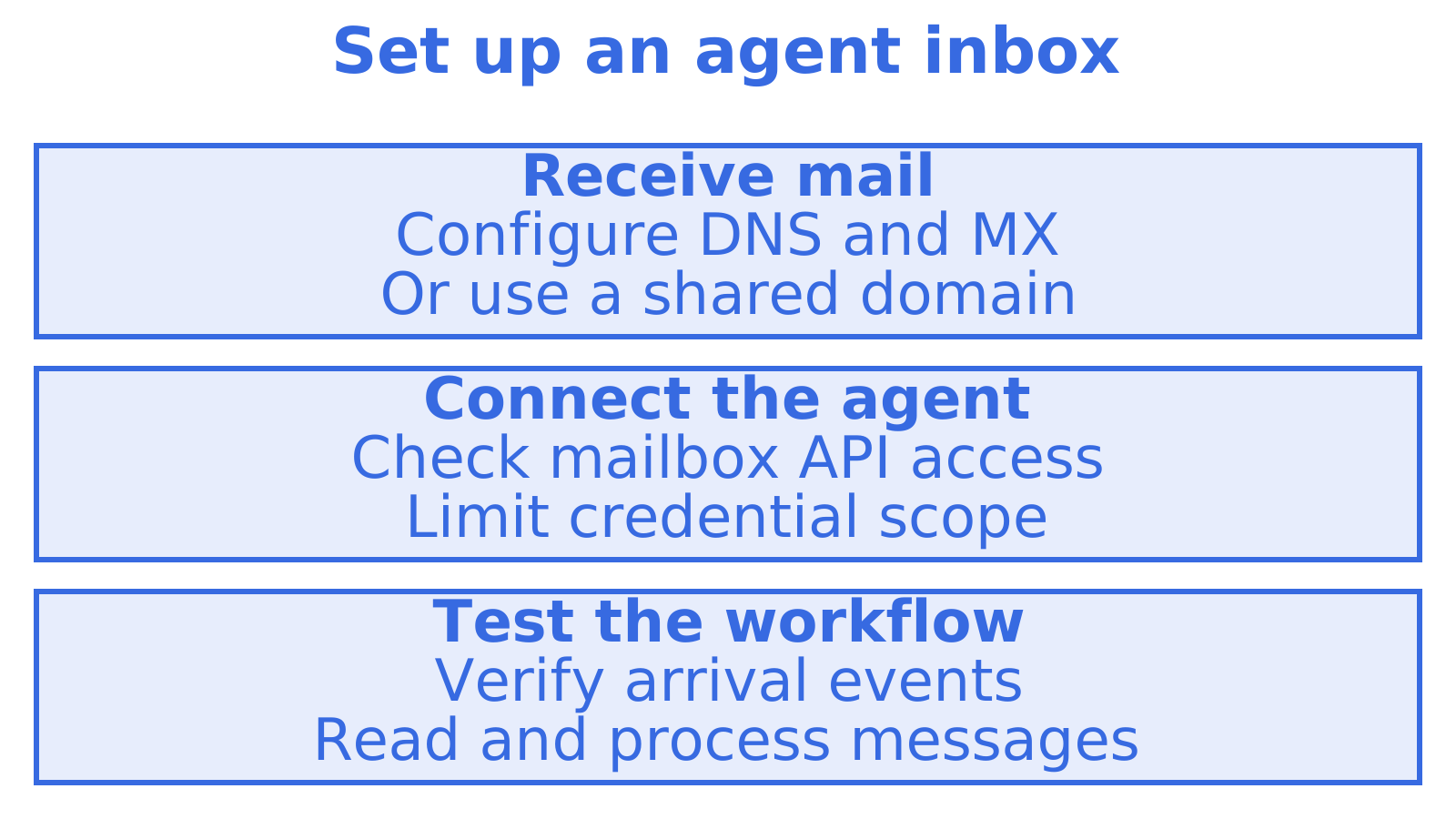
Inbound email routing is the process of automatically directing incoming messages to the right recipient, application or workflow instead of leaving them sitting in one inbox. Done well, it means a support reply lands in a ticket queue, a lead form submission reaches a CRM, and an agent reading its own mailbox gets a clean, threaded message rather than a raw forward. Common approaches to inbound email routing include directing messages to recipients, applications or workflows.
TL;DR
- Use address forwarding for simple recipient splits; choose webhooks when applications need structured payloads, or persistent mailboxes when agents need threads, folders, and message history.
- Match messages by recipient, headers, subject, keywords, attachments, or size; define rule precedence and allow and block behaviour, then assign each rule a concrete action.
- Write a fallback rule so unmatched messages reach a defined destination, and test rule combinations to prevent mail from disappearing silently.
- Before launch, verify DNS and MX settings or use a configured shared domain, test endpoint delivery, authenticate webhooks, parse attachments, and limit credential permissions.
Table of Contents
- What inbound email routing is and why it matters
- Common routing methods and endpoints
- Designing rules and triggers for automated routing
- Implementing routing: DNS, MX, endpoints, parsing and security
- Practical examples and common workflows to copy
- Why an inbox-first mailbox API often suits agent builders
- Getting started with mailbox-first routing on Sendmux
- FAQ
- Sources
What inbound email routing is and why it matters
MX records point mail to the service that receives it for your domain. Once that service accepts a message, routing decides which recipient, application or workflow handles it.
An invoice rule could send mail to accounts, while a support rule sends replies to a ticketing system. Nobody needs to read those messages just to forward them. Zapier’s description of automated email routing explores forwarding incoming mail to destinations that can act on it.
Routed mail typically ends up in one of a few places:
- A shared or team inbox, for human triage.
- A webhook endpoint lets an application receive message data through an incoming web request.
- A mailbox API gives software access to a mailbox. Check the reading, threading and reply operations each provider supports.
- A Server-Sent Events (SSE) stream lets a server push event updates over an open connection, without repeated polling.
Common routing methods and endpoints
Choose among these four email delivery strategies based on what needs to happen after mail arrives.
- Forwarding to addresses or distribution lists can suit small teams whose main requirement is getting messages to the right people.
- Webhook forwarding (HTTP POST) passes message data to an application in a web request. Before building around it, check the provider’s payload format and delivery behaviour.
- Persistent mailbox delivery keeps messages available after the arrival event. Verify that the provider supports your workflow’s history, threading and folder requirements.
- Delivery to a processing host puts mail on infrastructure you operate, for workflows where you want to build and maintain the processing pipeline.
Compare message storage separately from arrival notifications when evaluating email routing solutions. For another implementation to examine, see inboundemail/inbound.
Designing rules and triggers for automated routing
Decide which messages a routing rule matches, then what it does with a match.
- Pick your match criteria from the provider’s supported fields. These might include recipient address, headers, subject, body keywords, attachments or message size.
- Set rule precedence so you know which rule wins when several match. Document the interaction between mailbox-level and domain-level rules if you use both.
- Choose how allow and block rules interact. Document the evaluation order and test messages that match both.
- Define the trigger action for each matching message, whether that means entering a mailbox, calling an endpoint or starting a workflow.
For triggered email workflows, keep the condition that starts the workflow separate from the actions and content that follow. That makes it easier to change a routing condition without rewriting a reply template. Salesforce’s guidance on triggered email workflows offers a related reference.
Write the fallback first. Unmatched messages could go to a review mailbox, for example, where someone can investigate them.
Implementing routing: DNS, MX, endpoints, parsing and security
Test from email receipt through to the intended action before relying on inbound routing.
- Set up DNS and MX records to direct mail to your receiving service. DNS handles domain lookups, and MX records identify mail receivers. With a configured shared domain, you may avoid changing your own domain.
- Create and verify your webhook endpoint or SSE subscription. Send a test email and confirm that the expected request or event reaches your application.
- Check webhook authentication against the provider’s documented verification method. Reject requests that fail it.
- Handle parsing carefully. Test inbound email processing techniques against the messages your workflow expects, checking how the provider represents text, quoted history and attachments.
- Scope your credentials to the narrowest access the provider supports for each workflow.
An invoice email could start a flow that extracts a supplier name and passes the message for approval. The steps run from message receipt through field extraction and rule evaluation to an action. Brew’s documentation on automations provides another reference for event-driven flows.
Verify incoming requests and check credential permissions separately. A verified request says nothing about the scope of a credential. See Veridical’s security and data-handling guidance for a separate security reference.
Practical examples and common workflows to copy
Use these hypothetical workflows to work out what your routing setup must support.
- Support triage could use a subject keyword or sender domain to create a ticket or pass mail to a team inbox.
- Lead capture could pull fields from a form-notification email into a CRM or spreadsheet.
- Agent mailboxes could retain incoming mail for later lookup. Check threading, folder and search support before choosing a provider if your agent needs those features.
- Workflow handoffs could pass mail to a processor that starts further actions using webhooks or API calls.
When routing feeds a CRM, map who receives the lead and which fields they need. Plan for missing data too. For a marketing perspective, see this 2026 guide to email marketing automation.
Why an inbox-first mailbox API often suits agent builders
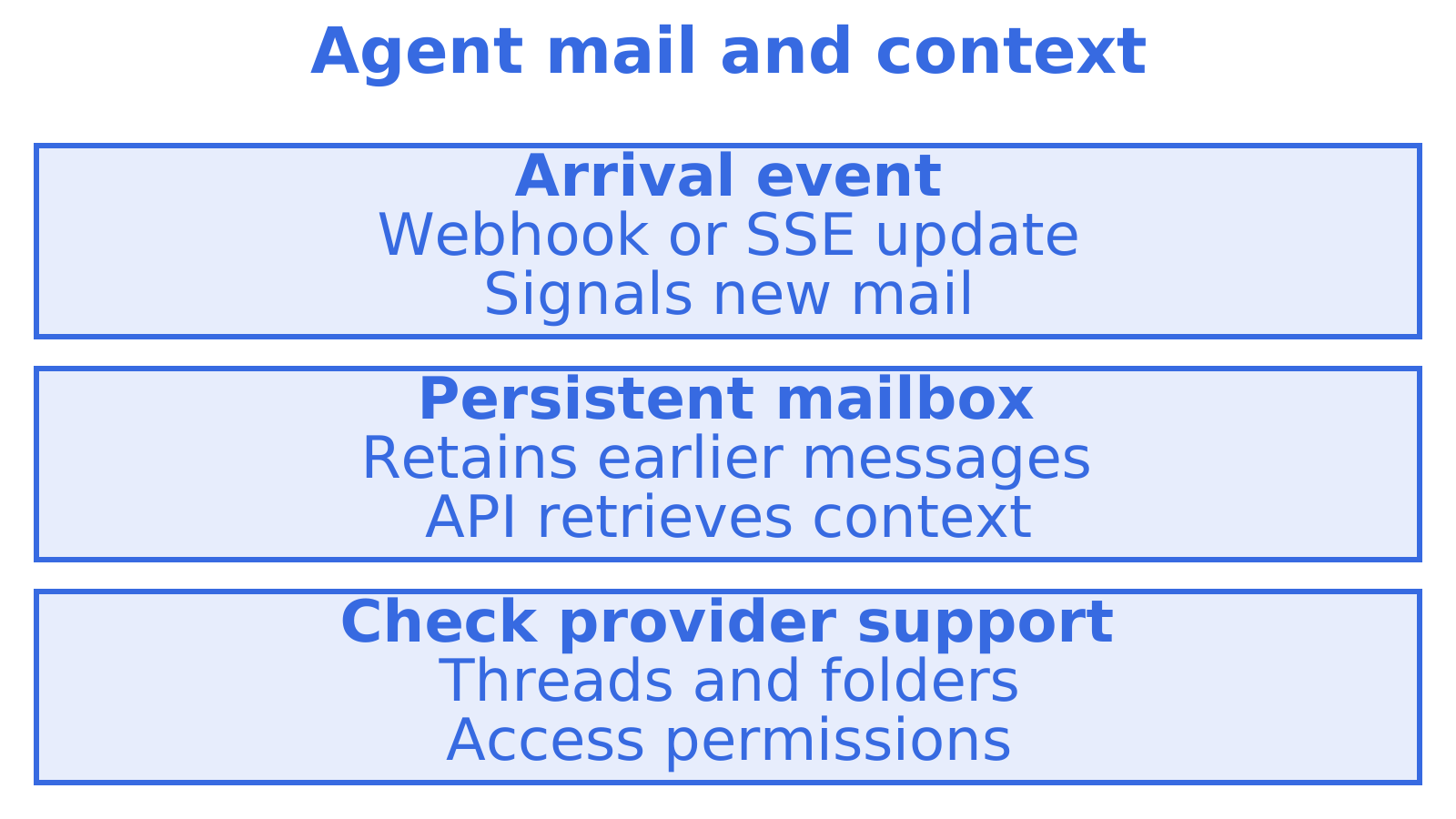
“Can you use the address I sent yesterday?” An agent receiving that reply needs the earlier message as well as a webhook notification. Work out where it gets that context: from the payload, through an API or from storage your application maintains.
Where will the agent read earlier mail? A persistent mailbox can keep messages available after the arrival event, but you still need to decide how the agent hears about new arrivals. Consider inbox email management alongside event delivery. Check threading, folders and access permissions separately, since a mailbox does not necessarily include them all.
Getting started with mailbox-first routing on Sendmux
If you’re building an agent or a multi-tenant product that needs real inboxes rather than one-off forwards, Sendmux provides mailbox APIs, SSE streams and signed event webhooks, with mailbox-scoped credentials and inbound sender rules. Mailbox scope limits credential access to a mailbox; it does not guarantee complete isolation between agents or customers. Compare those capabilities with your workflow’s requirements at Sendmux. For related reading, visit Myagent.
FAQ
How do I set up email routing with a DNS provider?
Check your DNS provider’s current documentation for its email routing features, setup requirements and supported destinations. Whether it fits depends on the routing and processing your workflow needs.
What is inbound email marketing and how does it work?
Inbound email marketing generally refers to capturing and responding to emails recipients send back, replies, form submissions or opt-in confirmations, and routing them into a workflow automatically. It typically relies on the same trigger-and-node structure used in broader email automation platforms, where an incoming event starts a flow of actions.
Which email provider has had the most security incidents?
There’s no single authoritative, current ranking of email providers by hacking incidents, since breach history varies by year and depends heavily on how an incident is defined. The more useful question for anyone routing mail is whether your inbound pipeline verifies webhook signatures and scopes credentials properly, regardless of which provider delivers the mail.
Which protocol handles receiving incoming email?
SMTP is commonly associated with email delivery, while POP3 and IMAP are commonly used to retrieve and manage messages. The protocols and services involved in a routing setup depend on how its provider handles incoming mail.
Sources
- Help
- Automations - Brew Help Docs
- Automated email routing
- inboundemail/inbound: email infrastructure for agent and …
Recommended
Give an agent its own address
Sendmux is the Email Inbox API for AI Agents.