 myagent.mxBLOG
agents & inboxes · ai agent mailbox
The Right Way to Give an AI Agent Its Own Mailbox
Discover how an AI agent mailbox enhances autonomy, safety, and deliverability with dedicated addresses and robust API access for better workflow.
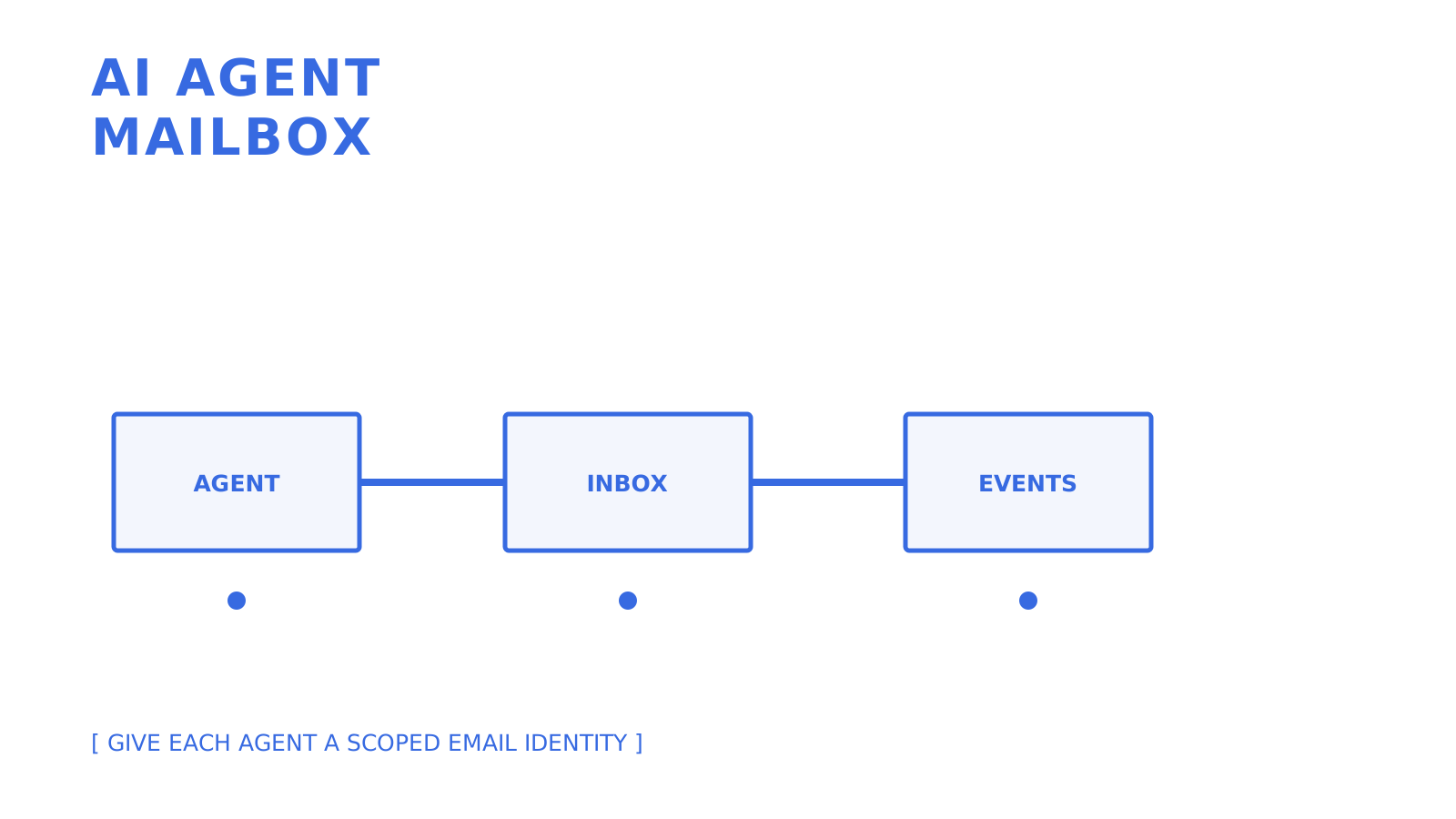
An AI agent mailbox is a dedicated mailbox designed to support AI agents with its own address, scoped credentials, and a proper API for sending and receiving emails. This API-first mailbox is better than a shared human mailbox with a parser attached or screen-scraping Gmail. Sendmux is designed with this mailbox pattern. Depending on the provider and stack, integration can use standards and interface descriptions like JMAP, SMTP, and OpenAPI.
Three things make this approach worth the switch:
- Autonomy and isolation. Each agent gets its own identity, so one misbehaving workflow never floods a shared inbox or triggers a domain-wide reputation problem.
- Safer operation and auditability. Mailbox-scoped keys and per-message logs mean you can trace exactly which agent sent what, and revoke access without touching anyone else’s mail.
- Reliable deliverability controls. Routing, failover, and provider health checks live at the infrastructure layer instead of inside your agent’s business logic.
Key Takeaways
At scale, maintain scoped access to the AI agent mailbox and handle events in real time. Route outbound mail only to eligible providers.
| Point | Details |
|---|---|
| Choose API-first over hacks | A dedicated mailbox API beats stitching together a sending provider, a shared inbox, and a parser. |
| Scope every key to one mailbox | Limit permissions to send, receive, read, or update on a single mailbox to contain blast radius. |
| Use webhooks or SSE, not polling | Real-time delivery cuts latency and avoids rate-limit issues that polling creates at scale. |
| Route outbound across providers | Provider eligibility, quotas, percentage-based distribution, and tested fallback behaviour reduce dependence on one configured route. |
| Sendmux fits agent-scale mail | Sendmux offers mailbox-scoped keys, OpenAPI 3.1, SDKs, and usage-based pricing with no per-mailbox fees. |
What Is an AI Agent Mailbox and Why API-First Wins?
An agent mailbox is a real email inbox that fully combines an address, storage, and protocol support as a system that is configured and managed only through an API. The difference is that the agents do not interact with the mailbox using the traditional “check mail” function. Instead, they make a request to an endpoint, interpret a webhook payload, or subscribe to a stream. Mailbox systems must be able to accommodate this kind of interaction.
Market activity supports this theory. AgentMail’s $6 million seed round for an inbox service specifically built for agents indicates that this is a distinct category of infrastructure, not a re-engineered marketing tool. Some vendors rely on JMAP, the RFC 8620/8621 standard, specifically because it provides agents a structured, contemporary methods set, rather than requiring them to reverse-engineer the quirks of IMAP. Others offer everything through REST and OpenAPI so that any agent framework can be integrated without a dedicated client.
The core primitives you should expect:
- Instant inbox creation, including a default domain for quick starts and custom domain verification for production identities.
- A message and thread model that tracks
in_reply_toandreferencesheaders automatically, so agents don’t have to rebuild threading logic by hand. - Mailbox-scoped API keys limited to one inbox with explicit send, receive, read, and update permissions rather than one master key for everything.
- Real-time delivery through signed webhooks or a Server-Sent Events stream, which beats polling on both latency and API load.
- Cleaned message text and HTML delivered to the agent, so it can act on a reply immediately instead of parsing raw MIME.
Pro Tip: Whenever a provider has push delivery offerings, this means you should probably design your solution around push delivery instead of pull delivery. This means subscribing to an SSE stream or registering a signed webhook and then creating your own reconnect and retry strategy based on the provider’s documented thresholds.
How Do You Integrate an Agent With a Mailbox API?
The integration flow is short if you plan the pieces in order. Here’s the sequence that works in practice:
- Create the inbox. Spin up an instant mailbox on a shared domain for prototyping, or verify a custom domain when the agent needs a branded, trusted sender identity.
- Authenticate. Issue a mailbox-scoped API key with only the permissions that agent needs. If it sends through Gmail or Outlook on the user’s behalf, use the provider’s OAuth flow instead of storing a raw mailbox password, and follow the provider’s refresh, expiry, and revocation rules.
- Handle inbound mail. Register a webhook endpoint (verify the HMAC-SHA256 signature on every payload) or open an SSE connection for lower latency. Avoid polling unless the provider has no push option, and if you must poll, cap it at intervals your rate limits can sustain.
- Reply and thread correctly. Every outbound reply should carry
in_reply_toandreferencesso mail clients and downstream agents keep the conversation intact. - Send with idempotency. Attach an
Idempotency-Keyheader on every send call, especially for batch sends, so a network retry never produces a duplicate email.
A mailbox API that exposes clean OpenAPI 3.1 specs, working SDKs, and a real CLI is the difference between a working prototype in an afternoon and a week lost to reading undocumented endpoints.
Find a provider that offers tooling with multi-language SDKs matching your application runtimes. Node.js is one runtime that you can test. A CLI command with documentation for creating an inbox or sending a test message can help speed up the integration process.
How Do You Keep Outbound Email Deliverable at Scale?
An explicit deliverability model is required for a self-built agent mail system. When multiple agents use one SMTP relay, domain, or provider pool, a bad sending pattern can impact the same reputation boundary used by other workflows.
The more resilient architecture gives you choices and fallbacks:
- Bring your own provider (Gmail OAuth, Outlook OAuth, SMTP) when an agent needs to send as a specific verified human identity, or use a managed provider like Amazon SES when you just need reliable throughput.
- Weighted routing across providers balances cost and reliability instead of betting everything on one sender.
- Per-provider quotas set at the second, minute, hour, and day level stop a runaway agent loop from burning through your entire sending allowance in minutes.
- Eligibility checks and fallback selection let the sending layer exclude unavailable or quota-ineligible configured providers and choose another eligible route. Test the exact fallback behaviour and managed-account boundary before production traffic.
None of this will work without validating your domain. SPF, DKIM and DMARC are essential components that authenticate your messages and provide the receiving systems assurance, however, there is no guarantee that messages will be placed in the inbox. You will need to test your actual workload requirements to evaluate your provider’s quotas, bounce behavior, and monitoring.
Scaling Agent Mailboxes Across Teams and Tenants
When you have more than just a few agents, tenant isolation cannot be optional. A platform that serves a multitude of customers, each with agents of their own, is required to have role separation. In addition to that, hard limits need to be established, which cannot be trusted to every integration.
- Role-based access (Owner, Admin, Developer, Member) keeps who can create mailboxes, view logs, or manage billing clearly separated.
- Team-level and mailbox-scoped keys let you issue broad management access to your backend while giving each individual agent only the one mailbox it needs.
- Revocation has to be instant. If an agent is compromised or a customer offboards, cutting its key should immediately stop all mail access, not queue a change for the next deploy.
- Rate limits at every window (per second, minute, hour, day) prevent one noisy tenant from starving everyone else’s sending capacity.
- Exportable delivery logs and metrics turn “why didn’t this email arrive” from a support ticket into a five-minute lookup.
What Security Controls Actually Matter Here?
Agent mailboxes come with more risks than human mailboxes because there’s nothing to prevent them from sending something without first confirming them. There’s nothing fancy about them. They are just the basics applied regularly.
- Least-privilege keys. Scope every credential to one mailbox with only the send, receive, read, or update permissions that agent actually uses.
- Signed webhooks. Verify HMAC-SHA256 signatures on every inbound event, and make sure your provider retries with exponential backoff instead of dropping failed deliveries.
- Audit trails. Every message needs provenance: which key sent it, when, and through which route, exportable for forensic review after an incident.
- Sandboxing and allowlists. Restrict which domains an agent can send to or receive from, and keep an emergency revocation path that works in seconds, not a support ticket cycle.
Pro Tip: Set sender allowlist tighter than is comfortable at first. If a sender is stable on the allowlist, it’s easy to loosen the controls. If a sender is provided an unrestricted allowlist, it is discovered on an incident that the sender has unrestricted access to email on the public internet.
How Much Does an AI Agent Mailbox Cost to Run?
Analyze each provider’s billing model with respect to what outbound recipients are accepted, how inbound deliveries are handled, storage units, plan costs, limits, and various other included resources. Usage-based pricing and flat mailbox pricing provide conflicting motivations when creating a product that provisions several lightweight agent identities.
- Estimate accepted outbound recipients. Sendmux charges $0.000500 for each provider-accepted recipient through an owned or connected provider and $0.000750 through managed Amazon SES.
- Add inbound volume. Each distinct mailbox delivery costs $0.000500.
- Factor storage. Mailbox storage costs $0.02 per decimal GB-month and is prorated by calendar day.
- Add the plan charge. Free is $0 with fixed limits. Pro costs $7 per team each month plus usage.
Where Do Agent Mailboxes Fit in Real Products?
Four patterns show up constantly once teams start building with agent mailboxes:
- AI SDRs and outreach agents need per-agent sending identities so replies route to the right conversation and one flagged sender doesn’t sink the whole domain.
- Account automation and OTP flows require an agent-owned address that can receive verification codes without a human checking a shared inbox.
- Support agents benefit from owning persistent threads, so a customer’s history stays intact across multiple exchanges without manual reassignment.
- Multi-tenant SaaS platforms give every customer or workspace its own agent identity, isolating one tenant’s sending behavior from every other tenant’s reputation.
Why Sendmux Fits This Pattern
Sendmux was created for agents who want dedicated mailboxes. Instead of using a shared inbox with a webhook relay attached, Sendmux provides a purpose-built solution. It publishes OpenAPI 3.1 specifications along with SDKs in TypeScript, Python, Go, PHP, Ruby, and Rust. The CLI currently has 104 generated API operation commands across management, mailbox, and sending, plus three profile commands. The agent email scenarios include AI sales development representative tools, support agents, and multi-tenant SaaS platforms.
What the Industry Gets Wrong About Agent Mailboxes
Standard guidance treats email as something that has a straightforward solution. For example, you get an SMTP library, you point it to a provider, and you’re done. That kind of advice made sense when a human had to write every message. However, that advice becomes irrelevant when we’re talking about autonomous agents. In this case, agents need to have the ability to send messages, interpret email replies, and so on. Permission boundaries, audit trails, and logic for interaction histories would be some of the challenges posed that a simple send/message function would not be equipped to handle.
A larger blind spot is for deliverability. Each reputation boundary can be shared by several agents. An unsafe retry loop or a poor sending pattern can influence other domains or providers used by other workflows. This is a design and policy as well as a code issue. The credentials need to be separated, quotas need to be capped, and idempotent workflows and representative traffic should be preserved and monitored prior to increasing the volume of the requests.
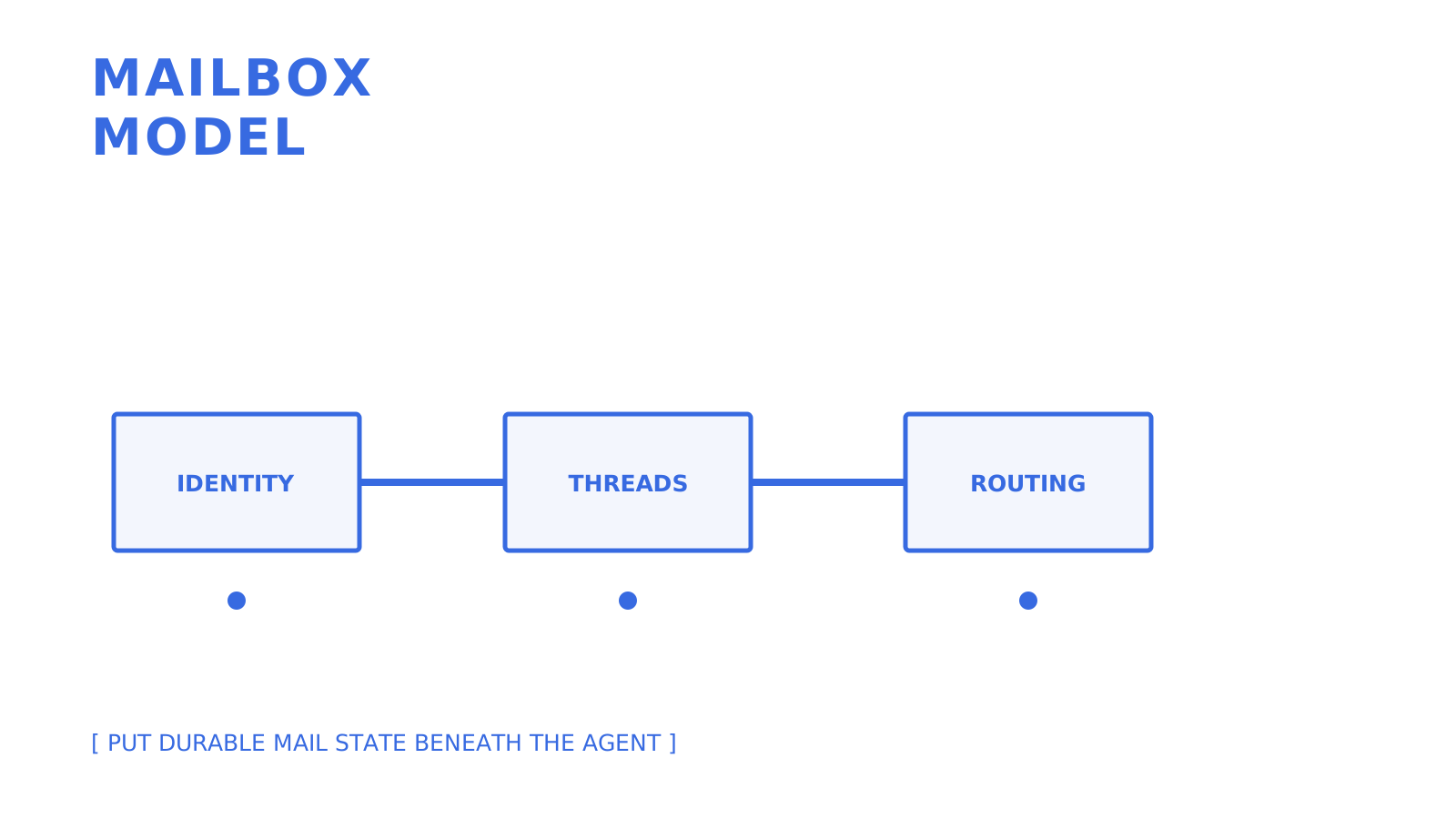
Begin with the mailbox model, which is located beneath the AI reasoning layer. This includes scoped keys, true threading semantics, observable delivery states, and clearly defined routing failures. Define these limits prior to prompt optimization and the agent’s workflow will be based on consistent infrastructure.
Get Your Agent a Real Mailbox in Minutes
Sendmux integrates mailbox creation with messages, threads, attachments, identities, delivery events, and outbound sending, all documented through API surfaces. You can choose a mailbox on the shared @myagent.mx domain or use a verified custom domain, with OpenAPI 3.1 and SDK packages in TypeScript, Python, Go, PHP, Ruby, and Rust. Free is $0 with fixed limits, while Pro costs $7 per team each month plus usage.
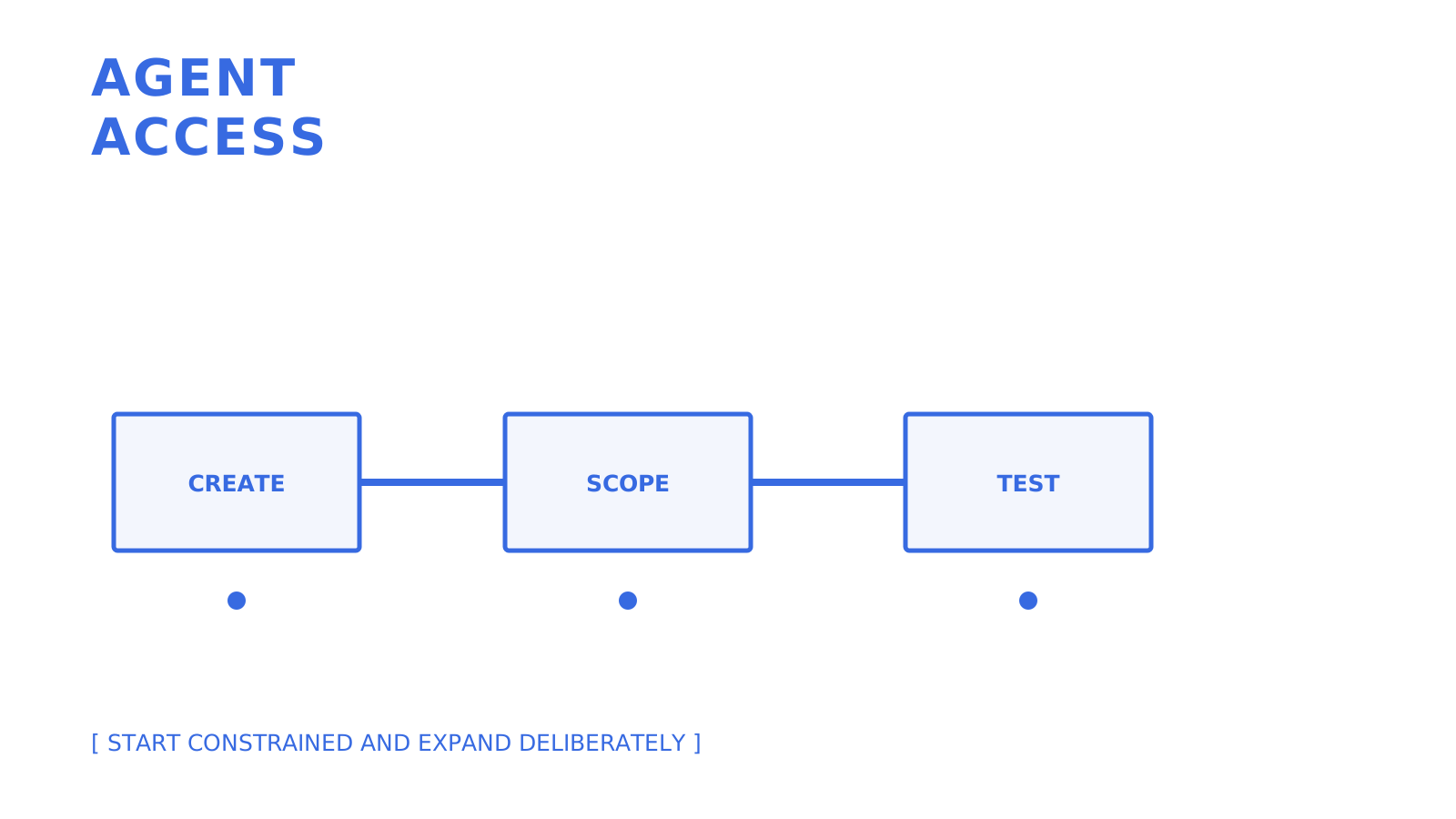
After checking the Sendmux developer documentation to understand the current state of the API surface, make a test mailbox for the system and execute the typical operations of create, send, receive, and reply, as a part of a workflow prior to using this in a production environment.
Sources
FAQ
What Is an AI Agent Mailbox?
This is a special email account that was created and managed using an API. It provides an autonomous agent email, storage, and sending and receiving privileges, and it does not need to use a human mailbox.
Should Agents Use IMAP/SMTP or a REST API?
REST APIs with webhooks or SSE can better handle real-time agent workflows, but IMAP and SMTP support is still necessary due to existing email client and legacy integration support.
How Does Sendmux Handle Multiple Agents Under One Account?
Sendmux uses roles (Owner, Admin, Developer, Member) plus mailbox-scoped API keys. Therefore, each agent has independent permissions, and scope control is centralized for admins for immediate revocation.
What Happens if an Outbound Email Provider Goes Down?
A well-architected routing layer can check provider status, quotas, and eligibility; then opt for another eligible configured route if the primary route cannot be used. Check the exact fallback and queue behavior for the chosen provider model.
How Is Pricing Usually Structured for Agent Mailboxes?
Sendmux bills each usage event individually. Connected outbound and inbound events cost $0.000500 each, managed Amazon SES accepted recipients cost $0.000750 each, and storage costs $0.02 per decimal GB-month. Pro costs $7 per team each month plus usage.
Related MyAgent guides
Give an agent its own address
Sendmux is the Email Inbox API for AI Agents.