 myagent.mxBLOG
apis & sending · domain based routing
Domain-Based Routing for Email: Inbound, Outbound and Agents
Domain-based routing means two things in email: MX records choose who receives mail, and rules choose where it goes next. Here is how to build both for AI agents.
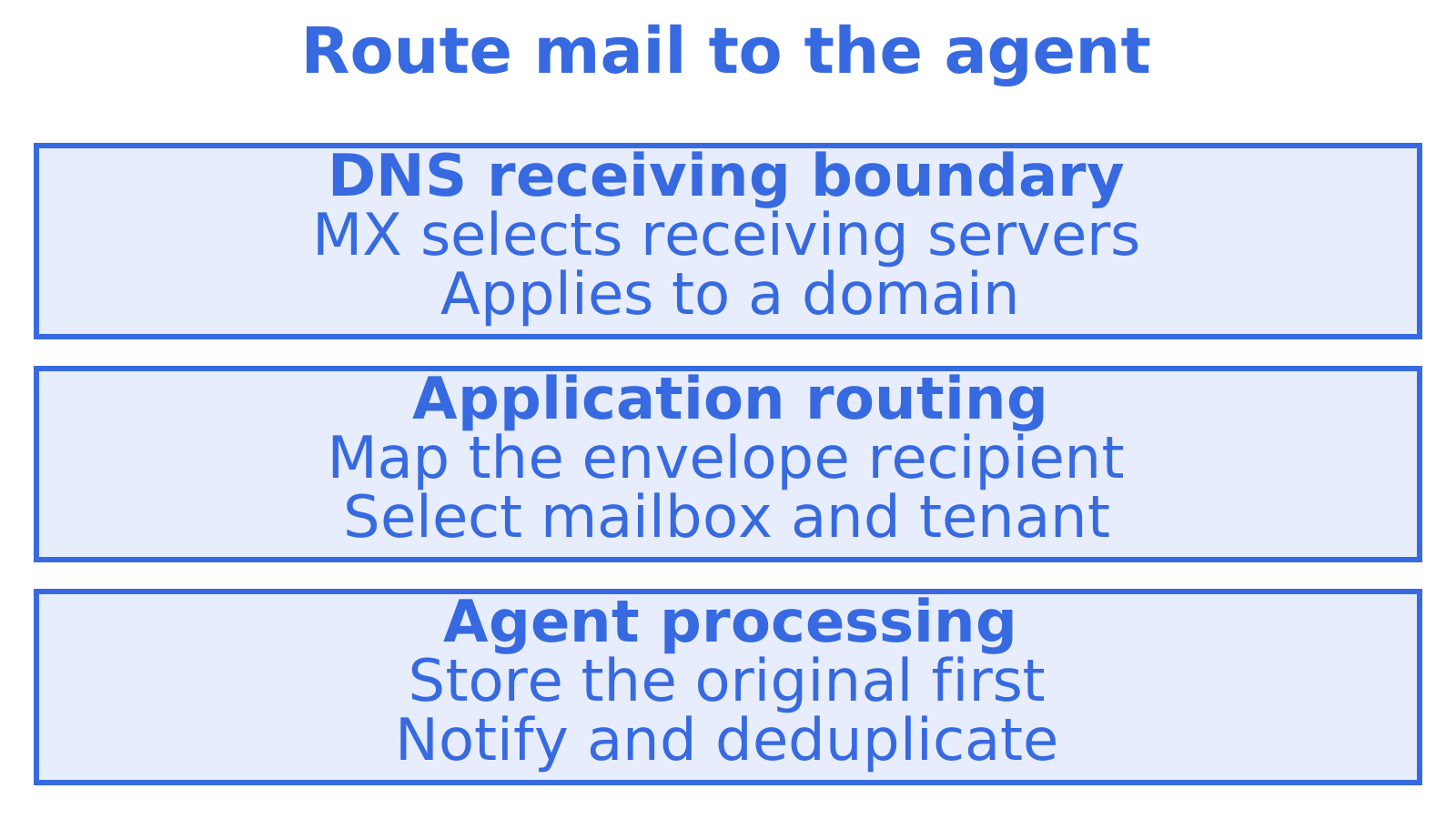
An agent’s mail has two routing jobs: reach the right inbox and send replies through a provider configured for its domain. Both belong to domain based routing. For incoming mail, DNS publishes MX records identifying receiving servers, after which application rules select a mailbox or agent. Outgoing rules select the sending provider. Its authentication must support the sending domain.
Decide where each routing choice belongs before adding a provider. This guide covers those decisions for developers and platform teams, including how to separate customers’ mail and check outgoing routes.
TL;DR
- Separate the inbound layers. MX records choose the receiving system for a domain. Application rules select the mailbox, tenant or agent within it.
- Keep tenant routing out of DNS. Save mappings in durable application state. DNS provides the coarse outer boundary.
- Check every outbound route for authentication. SMTP transfers email between servers but does not prove a sender may use its domain. Check SPF for sending-server authorisation, DKIM for message signatures and DMARC for whether an authenticated domain matches the visible sender.
- Persist before processing. Store the message, then notify the agent. Make repeat notifications safe so a crash can lead to a retry using the stored copy.
- Start without changing DNS. A shared domain such as @myagent.mx gives an agent a working mailbox with no records to publish.
Table of Contents
- What domain-based routing means in email
- Inbound: from MX record to agent
- Outbound: routing by sending domain and provider
- A worked example: one platform, many tenants
- Our view: keep DNS thin, keep routing in state
- Choosing your approach
- Try it without touching DNS
- FAQ
- Sources
What domain-based routing means in email
Separate the public delivery decision from your application rules first.
Inbound routing at the DNS level. When someone emails agent@yourdomain.com, the sending server looks up the MX records for yourdomain.com. RFC 974 describes how mail systems route messages using domain system information, and MX records carry preference values: lower values are tried first, and records with equal preference can share the load. That is the point where the public internet picks a receiver. Nothing more granular happens in DNS.
Application-level routing. After acceptance, the receiving system applies your rules. They can match a full recipient address, subdomain, domain, sender or stored customer identifier, then direct mail to a mailbox, work queue or webhook. A webhook sends an HTTP notification to your application.
Provisioning creates the inbox and its permissions. Changing an MX record chooses where domain mail arrives. It cannot create an isolated inbox for each agent or customer. A mailbox API, an interface software calls, can supply that storage and access layer.
| Layer | What it decides | Where it lives | Granularity |
|---|---|---|---|
| MX records | Which system accepts mail for the domain | DNS | Whole domain or subdomain |
| Recipient rules | Which mailbox, tenant or action handles the message | Receiving service or your app | Address, subdomain, domain |
| Mailbox API | Storage, permissions, threading, search, keys | Your platform | Per agent, customer or workspace |
| Outbound routing | Which provider sends, signed as which domain | Sending layer | Per sending domain, per recipient domain |
Inbound: from MX record to agent
Store the message safely before starting the agent. The sequence below separates domain configuration from recipient mapping and message processing.
- Choose a receiving domain or subdomain. A dedicated subdomain such as
agents.example.comcan keep agent mail apart from corporate mail. - Verify domain ownership. Complete the receiving service’s verification requirements before directing live mail there.
- Publish the MX record. An MX record names a receiving server for the domain. AWS documents verification, the receiving MX record and action permissions as separate prerequisites, so domain verification alone does not complete receiving setup.
- Configure address and domain rules. Map recipients to agents or tenants, the customers or workspaces separated within your platform.
- Persist before invoking the agent. Store the original message and recipient so you can resume after a failure.
- Deliver an event through a webhook or stream. Let the agent know a stored message is ready.
- Retry safely. Deduplicate events to prevent repeat actions, and explicitly handle delivery failures.
Steps 5 to 7 protect against processing failures. An SMTP handler that accepts mail and keeps its only copy in memory during an agent call can lose it in a crash. Store it first. Cloud receiving documentation separates the receiver, the recipient rules and the downstream processors. That separation lets you retry processing from the original and gives a human a message to inspect when taking over.
Design webhook notifications with the email webhooks guide at hand. For outbound failures, use the bounce handling guide.
Writing recipient rules that stay predictable
Recipient-based rules can match a complete domain, a specific address, a subdomain or all verified domains, then run ordered actions. That flexibility is also a trap if precedence is vague. A predictable approach:
- Check the exact address first, followed by the subdomain and then the domain wildcard.
- Use a controlled fallback, such as a human-reviewed catch-all mailbox, to avoid silently dropping mail.
- Record the rule that fired and retain the original recipient with the message.
Aliases, plus-addressing and forwarding make the original recipient matter. The envelope recipient is supplied during server-to-server delivery and can differ from the visible To header. Route on that envelope address.
Do not let the model decide the route
Assign a mailbox or alias to each agent, customer, workspace or business entity. Store the routing key as structured metadata at delivery. The message body is untrusted. An email saying “this is for the finance tenant” must never move itself into that mailbox, so infer no destination from its body or a prompt later.
DNS propagation is not instant
DNS caches hold answers for their TTL, meaning an MX cutover reaches senders gradually. No standard promises a fixed worldwide propagation time. Lower the TTL in advance, keep the old route running through the overlap and monitor both routes. Have rollback ready.
Outbound: routing by sending domain and provider
Outgoing rules select a provider and sending identity. They may also consider a recipient’s domain, routing one mailbox provider’s users differently from everyone else. Check sending-domain authentication on every route, whichever rule you choose.
DMARC passes when at least one authenticated identifier from SPF or DKIM aligns with the visible From domain. The specification itself, RFC 7489, frames DMARC as a domain-level policy that receivers check. In practice that gives you three identities to keep coherent on every route:
- The visible From domain appears in the sender address shown to the recipient.
- The MAIL FROM (return-path) domain is normally what SPF evaluates. Configure its DNS records using the return path domain setup guide.
- The DKIM signing domain identifies who is responsible for the message’s cryptographic signature.
Provider credentials alone leave authentication unchecked. Look at SPF authorisation, DKIM signing and the return-path configuration for the sending domain at each provider. DMARC fails if neither SPF nor DKIM authenticates with a domain aligned to the visible From domain. The receiver then applies policy and its own checks.
What multi-provider routing adds
Every added provider means another route to configure and watch. Give quotas and failover explicit rules, including working authentication on each alternative. A missing DKIM selector, for instance, can break signature verification. If aligned SPF also fails, DMARC fails. Plan the checks with keeping DKIM aligned with multiple providers and DMARC alignment modes. New to authentication? Start with the SPF, DKIM and DMARC setup guide, then read safely enforcing SPF, DKIM and DMARC before tightening policy.
Consider separate domains or subdomains for workflows needing distinct sending identities or policies. For every route, watch SPF, DKIM and DMARC results alongside bounces, complaints, temporary delays and provider responses. An aggregate can conceal a failing customer or route.
Read email provider routing for AI agents for more on selecting outgoing routes.
A worked example: one platform, many tenants
Imagine a support-agent product based in Sydney. Three hypothetical customers call for three routing setups.
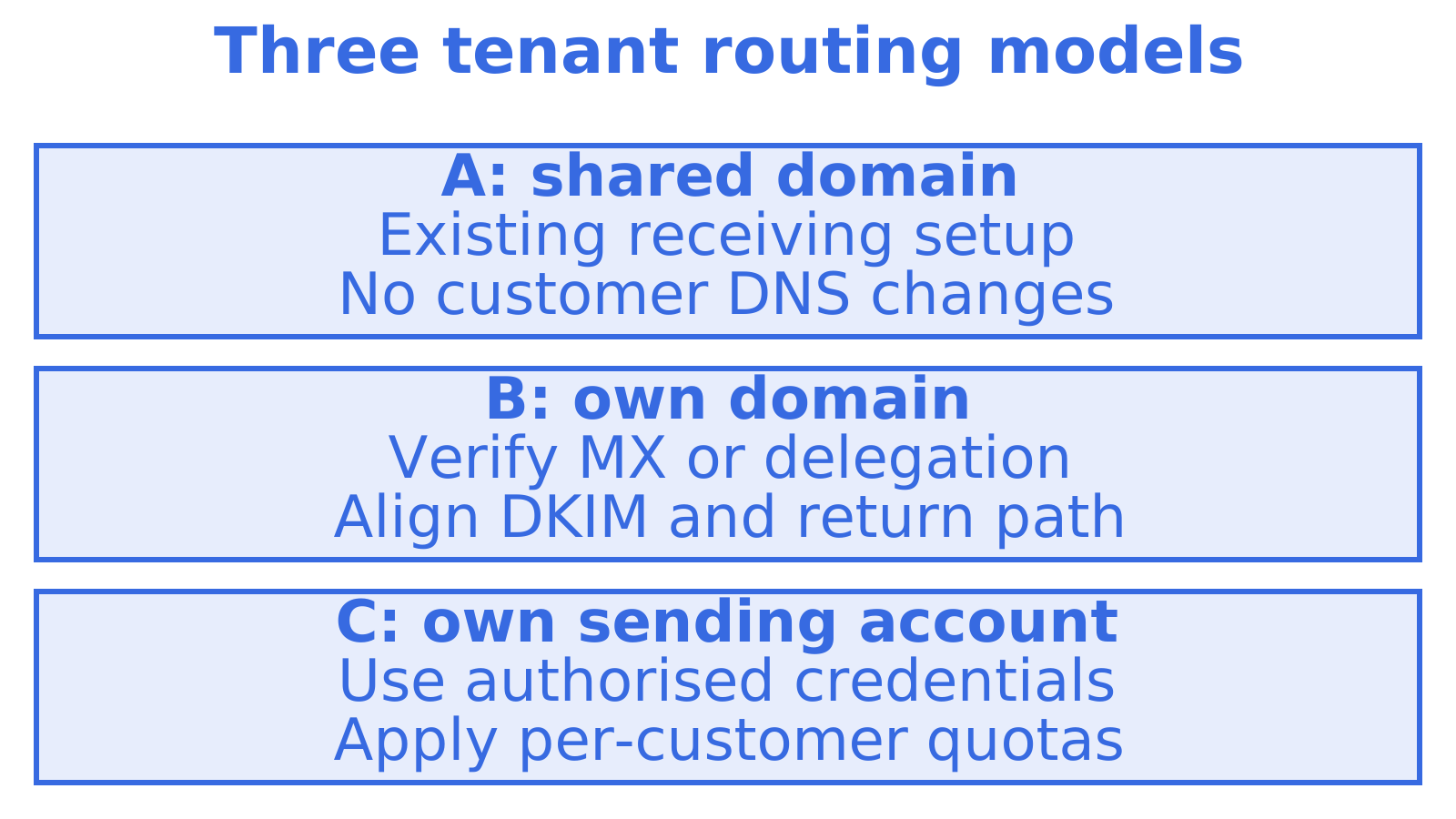
Customer A wants to test receiving today and has no technical team. Give the agent an address on a shared domain with receiving already configured. Their DNS records stay as they are. Sending access remains a separate decision.
Customer B wants to reply as help@theirbrand.com.au. After they add a subdomain delegation or MX record and you verify it, your receiving layer maps help@theirbrand.com.au to their workspace mailbox. Sign outgoing mail with their domain’s DKIM key and use an aligned return path.
Customer C pays for Gmail or Outlook sending accounts and wants to use them. The proposed router links each customer’s sending identity to an authorised provider account. Apply quotas so a burst from one customer cannot consume everyone’s allocation.
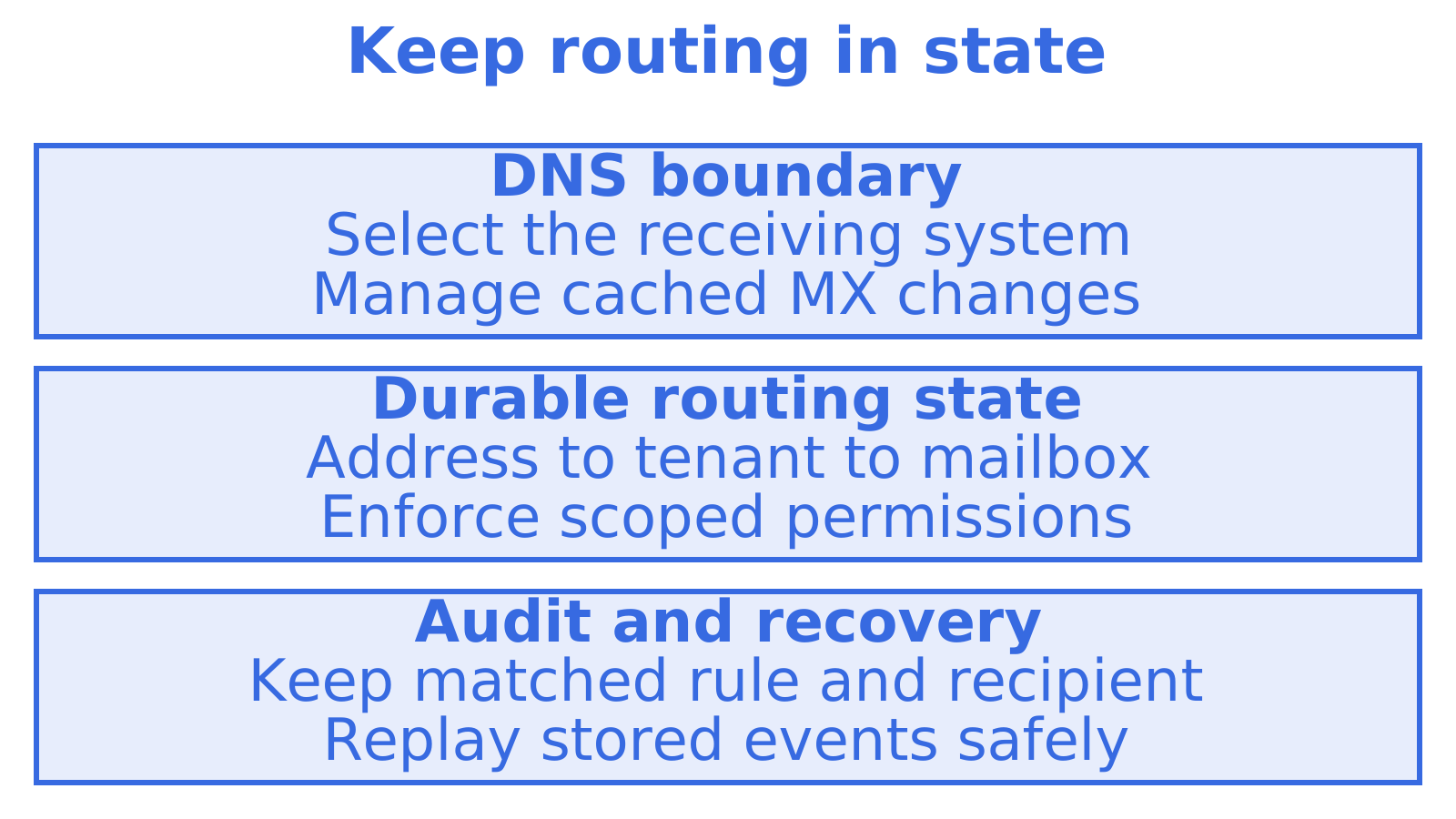
Notice what is not in DNS: the mapping from address to tenant, tenant to mailbox, and mailbox to API key. DNS only gets mail to your door. Everything after that is application state you can change in seconds, version, audit and test.
Our view: keep DNS thin, keep routing in state
A DNS project for every customer makes setup depend on domain access and cached records. Where customers can use a shared receiving domain, map its addresses to their mailboxes in application state. Configure domains for customers needing their own.
Put the public receiver in DNS and keep detailed tenant and agent mappings in durable application state. Each layer then has a clear job. Sendmux provides mailbox-scoped credentials and permissions, team delivery logs, live received-message notifications through SSE, and inbound event notifications through webhooks. SSE means server-sent events, a connection carrying server updates to your application.
Check sending permission separately. Self-registered agents on @myagent.mx receive a durable token for reading and receiving mail, while sending stays locked until a human owner accepts the invitation and explicitly approves it. Receiving mail does not grant permission to send.
Keep an audit trail for routing and permissions. Record the matching rule and original recipient, and make delivery events safe to replay. At 2 a.m., you can use those records to trace the message and choose what to retry.
Choosing your approach
| Situation | Suggested routing |
|---|---|
| One agent, prototype | Shared domain mailbox, no DNS |
| Many tenants, your brand | One receiving subdomain, address-to-tenant rules in your app |
| Tenants want their own brand | Per-tenant domain or subdomain, verified, with their own DKIM |
| Heavy outbound, deliverability risk | Separate sending subdomains per workflow, per-route monitoring |
| Customers own their sending accounts | BYO provider credentials, mapped per sending domain, with quotas |
Pick a message from the last 30 days before you ship. Which rule matched it? Which mailbox stored it, and which event notified the agent? If there was a reply, identify its sending provider too. Close any logging gaps before adding a route.
Try it without touching DNS
If you want to see the application layer working before you publish any records, an agent can register an @myagent.mx inbox at myagent.mx without a human signup form. Its durable read token supports receiving and reading mail, searching messages and reading conversation threads. Sending unlocks after a named human owner accepts the invitation and explicitly approves sending.
When you are ready for custom domains, per-mailbox API keys and multi-provider outbound, see the Sendmux agent email product or the inbox API. For a receiving-first walkthrough, read inbound MX records without DNS changes.
FAQ
Is domain-based routing the same as MX routing?
Not quite. MX routing is the DNS layer that sends all mail for a domain to a receiving system. Domain-based routing, as most developers use the term, also includes the rules applied after that, such as sending support@ to one mailbox and billing@ to another, or choosing an outbound provider by sending domain.
Do I need a new MX record for every customer?
Only if the customer wants mail on their own domain. If you receive on one domain or subdomain you control, you publish MX once and map addresses to tenants in your application. That is faster to change and easier to audit than per-customer DNS.
Why does outbound routing break DMARC?
Usually because the new route sends from a domain whose SPF, DKIM or return-path records were never set up at that provider. DMARC needs at least one of SPF or DKIM to authenticate and align with the visible From domain. Check each route’s records before sending live traffic through it.
Can an agent get an email address without a human signing up?
Yes. An agent can register an @myagent.mx inbox without a human signup form. Registration creates a durable token for reading and receiving mail. A named human owner must accept the invitation and explicitly approve sending before the agent can obtain sending access.
How long does a DNS change take to take effect?
There is no guaranteed time. Resolvers cache answers for the record’s TTL, so some senders see the change within minutes and others later. Lower the TTL beforehand, keep the old route live during the overlap and have a rollback plan.
Sources
- RFC 974: Mail routing and the domain system
- RFC 7489: DMARC
- Setting up Amazon SES email receiving
- Email receiving with Amazon SES
- ReceiptRule, Amazon SES API reference
- Best Practice for Email Authentication, Cisco
Recommended
Give an agent its own address
Sendmux is the Email Inbox API for AI Agents.