 myagent.mxBLOG
apis & sending · best transactional email service 2026
Best Transactional Email Service 2026 for Devs: 3 Axes, When Sendmux Fits
Developer-focused comparison of transactional email services. Learn to read deliverability tests, weigh DX (React Email, SDKs) versus cost, and see when...
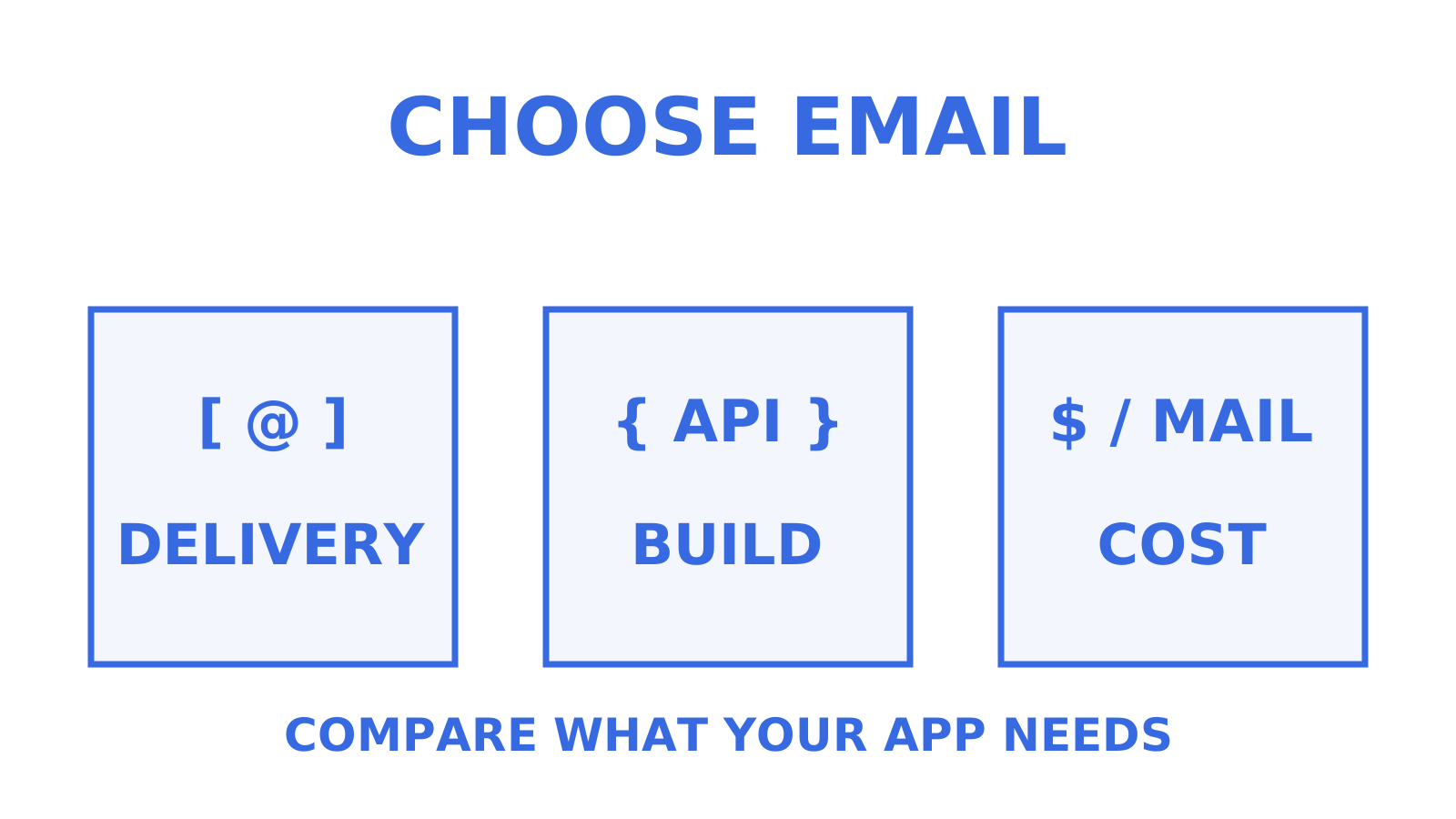
Facing the best email delivery services 2026 has on offer, for production apps consider Postmark’s separate Transactional and Broadcast streams; consider Sendmux when your product needs agent-native mailboxes and bring-your-own outbound routing. Resend offers React Email integration for React and Next.js teams, while Amazon SES offers usage pricing and native deliverability tools. Judge every option on three axes, the same three that shape any transactional email services comparison: deliverability, developer experience, and cost.
TL;DR
- Sendmux is ideal for teams requiring persistent agent mailboxes with outbound routing across multiple providers, offering a free tier with two mailboxes and usage-based pricing.
- Postmark separates transactional and marketing mail into Transactional and Broadcast message streams; that separation does not establish a universal inbox-placement ranking.
- Amazon SES offers usage pricing and native deliverability tools, including Virtual Deliverability Manager; budget for the features and integration work your application needs.
- For modern frontend stacks, Resend’s React Email integration lets teams work with React components; evaluate the integration effort against your own application.
- Proper testing and staged migration are essential to maintain inbox placement, as deliverability depends heavily on domain hygiene, reputation, and content.
Table of Contents
- Best transactional email service 2026: shortlist by use case
- Provider profiles: what each transactional email service actually gets you
- How to choose the right transactional email service
- How deliverability testing actually works
- Which transactional email service wins for which job
- Pricing shape and free-tier availability in 2026
- The real cost of a transactional email service, beyond the sticker price
- Migration reality: what actually happens when you switch providers
- Where Sendmux fits if you’re building with agents
- Sources
- FAQ
Best transactional email service 2026: shortlist by use case
Any tour of the top transactional email providers 2026 offers comes down to matching your actual constraints, deliverability need, engineering time, and budget, against what each provider offers. Some products focus on transactional sending; others offer both marketing and transactional mail. Check how the provider separates those message streams instead of assuming that one product category guarantees better placement.
The table below groups the strongest contenders by the job they’re actually good at, not by feature-list length.
| Provider | Best for | Deliverability notes | Developer experience | Pricing shape / free tier |
|---|---|---|---|---|
| Sendmux | Agent-native mailboxes, BYO outbound routing | Uses your own connected providers or managed Amazon SES; mailbox-scoped credentials and routing | REST API, SDKs across six languages, MCP and CLI support | Free tier (2 mailboxes), usage-based Pro from $7/team/month |
| Postmark | Deliverability-critical production apps | Separate Transactional and Broadcast message streams | Clean API, mature libraries | Free Developer plan: 100 emails/month; paid volume plans |
| Amazon SES | AWS-native teams optimising cost | Native reputation and delivery insights through Virtual Deliverability Manager | SDK via AWS SDKs, integration work required | Usage pricing, with bundled plans and à-la-carte options |
| Resend | React/Next.js greenfield apps | Test placement with your own domains and content | React Email native, TypeScript-first | Free tier for low volume, then usage pricing |
| SMTP2GO | Mixed teams and SMBs evaluating SMTP relay | Test placement with your own domains and content | Simple SMTP relay plus API, a combination worth weighing in any best SMTP service 2026 comparison you run | Free tier, then tiered volume plans |
| Mailgun | Teams wanting deep routing and log retention | Solid, requires domain hygiene discipline | Flexible API, strong analytics | Free plan and paid volume tiers; selected paid plans offer a one-month trial |
| SendGrid | Enterprise teams in the Twilio ecosystem | Check the chosen sending configuration and stream separation | Large SDK ecosystem, enterprise support | Free trial, then paid plans; permanent free plan retired |
| Mailtrap | Email sandbox testing and production sending | Evaluate live sending separately from sandbox results | Email Sandbox plus production Email API and SMTP relay | Production Free plan: 4,000 emails/month; paid plans also available |
| Brevo | Small teams wanting marketing plus transactional in one account | Verify stream separation for the chosen configuration | Decent API, marketing-first UI | Free tier, then bundled plans |
| MailerSend | Cost-conscious teams with moderate volume | Reasonable for low-to-mid volume | Clean API, good docs | Generous free tier, low entry pricing |
Every entry here serves a different use case, which is how this transactional email solutions review groups them. Sendmux supports persistent, addressable mailboxes when your app or agent needs to receive and thread replies as well as send outbound mail. Postmark offers separate Transactional and Broadcast streams, while SMTP2GO provides SMTP relay and an API. Resend offers React Email integration for component-driven frontend stacks. Compare those capabilities with your requirements and test placement before choosing.
Don’t take any vendor’s deliverability number at face value, including the ones cited in this article. When interpreting seed-list results, compare the sending domain, content, recipient panel and test conditions with your own workload. Run your own short test before committing, a point covered in more depth further down.
Provider profiles: what each transactional email service actually gets you
Here’s the substance behind the shortlist, provider by provider, covering what each one is, who it suits, its standout technical differentiator, pricing shape, deliverability posture, and integration friction.
Sendmux
Sendmux is a mailbox-first email API built for AI agents and multi-tenant platforms. Agents, customers, or workspaces can have real, persistent mailboxes on the shared @myagent.mx domain or a verified custom domain.
Who it suits: teams building agent products, multi-tenant SaaS platforms, or AI SDR tools where each customer or entity needs its own addressable inbox, plus developers who want scoped API keys per mailbox rather than one team-wide credential.
Standout differentiator: Sendmux lets you bring your own outbound providers, Gmail OAuth, Microsoft 365, or a compatible custom SMTP host, and route sends across them with weighted distribution, per-provider quotas, and automatic failover, while also offering a managed Amazon SES account active by default for teams that don’t want to configure their own.
Pricing shape: a team plan plus usage charges, without per-seat or flat per-mailbox fees on Free or Pro. The free tier covers one team, two mailboxes, one connected sending account, and $1 of starting credit, with a limit of 50 provider-accepted recipients per UTC day. Usage consumes that credit; a Free team must upgrade to Pro to buy more when it runs out. Pro is $7 per team per month plus $0.000500 per provider-accepted outbound recipient occurrence through your own connected provider, $0.000750 through managed Amazon SES, $0.000500 per distinct inbound mailbox delivery, and $0.02 per decimal GB-month of storage.
Deliverability note: when you route through your own Gmail, Microsoft 365, or SMTP accounts, delivery depends on the selected account, provider, domain and content; health monitoring skips accounts that keep failing. The managed Amazon SES route is transactional-only under Sendmux’s policy. That policy is not an inbox-placement guarantee.
Integration notes: REST API split across Mailbox, Management, and Sending surfaces, with OpenAPI-documented endpoints you can assess against your own best APIs for transactional emails criteria, SDKs in TypeScript, Python, Go, PHP, Ruby, and Rust, a CLI, and an MCP server with 51 curated tools for agents that need to read mail directly. SMTP submission runs through smtp.sendmux.ai on port 587 or 2525 with STARTTLS. Teams migrating from a pure sending API need to think in terms of mailboxes and threads rather than fire-and-forget messages, which is a different mental model worth budgeting a bit of ramp time for. Our integration guide for transactional APIs walks through SMTP versus API decisions and webhook setup in more detail.
Postmark
Postmark supports both transactional and bulk marketing email through separate Transactional and Broadcast message streams. The separation is part of its sending design; it does not by itself establish an inbox-placement advantage over every other provider.
Who it suits: production apps where a password reset or payment receipt landing in spam is a genuine incident, not an inconvenience.
Standout differentiator: Postmark separates Transactional and Broadcast traffic into different message streams. A third-party inbox placement comparison can suggest questions to investigate, but require the underlying test method, dates, domains and recipient mix before treating any ranking as applicable to your mail.
Pricing shape: a permanent free Developer plan includes 100 emails every month, with paid plans based on email volume. Compare the selected plan and its included features with alternatives such as Amazon SES rather than assuming that price alone predicts deliverability.
Deliverability note: test Postmark with your sending domains and content across recipient services such as Gmail and Outlook, and check rendering in Apple Mail; no universal ranking follows from the evidence cited here.
Integration notes: mature, well-documented API and template system, wide language support, and a straightforward migration path since it doesn’t demand unusual architecture from your app.
Amazon SES
Amazon SES provides email sending and native deliverability tooling, including Virtual Deliverability Manager’s analytics, reputation insights and configuration advice. Your team still needs to configure the sending application, bounce and complaint handling, and template workflows that fit its requirements.
Who it suits: AWS-native engineering teams with the bandwidth to configure SES and integrate its sending and deliverability features into their application.
Standout differentiator: configurable usage pricing. SES lists an à-la-carte outbound rate of $0.10 per 1,000 emails, with attachment-data and optional-feature charges in addition; it also offers bundled pricing plans. Use a transactional-email pricing comparison to identify candidates, then calculate the current plan and feature costs for your own volume.
Pricing shape: SES offers bundled plans and à-la-carte usage pricing. Virtual Deliverability Manager includes a deliverability dashboard and advisor; inclusion and additional charges depend on the selected pricing plan and features.
Deliverability note: manage domain authentication, list hygiene, bounce processing, and complaint handling alongside SES’s native delivery insights. The sending service and its tools do not guarantee inbox placement for your particular mail.
Integration notes: SDK access through the standard AWS SDKs, which means anyone already inside the AWS ecosystem gets a fast start, and anyone outside it faces a steeper climb than a dedicated email API would demand.
Resend
Resend is the transactional provider that decided email tooling should feel like the rest of a modern developer’s toolchain, not like something left over from 2010.
Who it suits: greenfield apps on React, Next.js, or similar modern stacks where the team already leans on TypeScript-first tooling.
Standout differentiator: native React Email integration lets developers write emails as React components instead of authoring each template directly with HTML tables and inline styles. Assess the time saved against your existing component and template workflow.
Pricing shape: a free tier for low volume, then paid pricing as you scale. Compare the plan cost with the engineering work your integration requires; choose according to your workload and implementation effort rather than a fixed email-volume cutoff.
Deliverability note: evaluate Resend with your own sender identity, recipient mix and content instead of inferring performance from the provider’s age.
Integration notes: TypeScript-first SDKs; use the official Node.js and Next.js quickstarts to estimate setup effort with your own application.
SMTP2GO
SMTP2GO doesn’t chase headlines. It offers SMTP relay and an API; test the service against your sending requirements before making it your default.
Who it suits: mixed teams and SMBs that want dependable relay infrastructure without deep customisation demands.
Standout differentiator: evaluate SMTP2GO’s setup against your requirements and run a placement test with your own domain, recipient mix and content before choosing it.
Pricing shape: a usable free tier, then tiered plans scaling by monthly volume.
Deliverability note: your own domain history and content affect how useful any published placement result is. Require the test methodology and dates before comparing it with another provider.
Integration notes: SMTP relay plus an API, which suits teams that don’t want to rebuild their sending logic around a bespoke SDK. Read current user reviews on platforms like Trustpilot, then verify support hours and response commitments directly with the provider before relying on help at 2am.
Mailgun
Mailgun provides APIs and SDKs for sending, receiving and tracking email.
Who it suits: engineering teams evaluating inbound routing and plan-specific analytics and log-retention limits.
Standout differentiator: inbound routing, with route allowances that vary by plan.
Pricing shape: a permanent Free plan and paid volume tiers, with a one-month trial on selected paid plans.
Deliverability note: maintain domain hygiene and SPF, DKIM, and DMARC alignment, and test with your own mail. Postmark’s separate Transactional and Broadcast streams are a product feature to compare, not evidence that Mailgun is categorically less reliable.
Integration notes: mature API, well-supported libraries, and a migration path that’s rarely a surprise for teams coming from another SMTP-based provider.
SendGrid
SendGrid is a platform to evaluate when your enterprise already uses Twilio and wants email within that vendor ecosystem.
Who it suits: enterprise teams that want transactional and marketing sending under one procurement umbrella and value ecosystem breadth over lean focus.
Standout differentiator: evaluate SendGrid within the Twilio ecosystem, and confirm the integrations, account-management features and template tools included in the plan you are considering.
Pricing shape: a free trial followed by paid plans. Twilio retired SendGrid’s permanent Free Email API and Free Marketing Campaigns plans; verify the current trial allowance and paid tier for your volume.
Deliverability note: inspect how the selected SendGrid configuration separates transactional and marketing mail, including any IP or subuser settings you use. Test that configuration rather than assuming every account shares the same reputation setup.
Integration notes: review the SDK surface your application needs, and test migration of templates, sending configuration and delivery-event handling before cutting over.
Mailtrap
Mailtrap offers both Email Sandbox for pre-production testing and production Email API and SMTP relay services.
Who it suits: teams that want to test email rendering, catch bugs, and check deliverability signals in a sandbox before anything touches a real inbox.
Standout differentiator: Email Sandbox provides testing and staging tooling, while the production Email API and SMTP relay handle live sending. Evaluate the two products for their separate roles.
Pricing shape: Email Sandbox has its own plans, and the production sending Free plan includes 4,000 emails per month. Paid sending plans are also available.
Deliverability note: sandbox results do not establish live inbox placement. Evaluate Mailtrap’s production sending with the same domain, content and recipient tests you use for Postmark or SMTP2GO.
Integration notes: evaluate Email Sandbox in your CI/CD pipeline, whether your production sender is Mailtrap or another provider. Test any production migration separately; using a sandbox does not make that migration inherently low risk.
Brevo
Brevo bundles marketing automation and transactional sending into a single account, which appeals to teams that don’t want two vendor relationships.
Who it suits: small teams or early-stage products that would rather manage one dashboard than split responsibilities across two providers.
Standout differentiator: genuinely useful marketing automation layered on top of transactional sending, at pricing aimed squarely at SMBs.
Pricing shape: a free tier, then plans with included email volumes; check the contact limits and add-ons for the plan you choose.
Deliverability note: check the selected configuration’s transactional and marketing stream separation, and measure your own placement. Product bundling alone does not establish that a platform will test lower than a dedicated sending service.
Integration notes: decent API, though the interface is clearly built marketing-first, which shows in how transactional configuration is surfaced.
MailerSend
MailerSend targets the gap between “free and limited” and “powerful and expensive.”
Who it suits: cost-conscious teams and early-stage apps with moderate, not massive, sending volume.
Standout differentiator: a genuinely usable free tier and low entry pricing that doesn’t punish you the moment you cross a few thousand emails a month.
Pricing shape: generous free allowance, then straightforward volume-based tiers.
Deliverability note: test MailerSend with your expected sending volume, domains and content rather than using an unverified reputation ranking against Postmark.
Integration notes: try the API with a small integration that exercises your required sending and event-handling paths before committing to a migration schedule.
How to choose the right transactional email service
How to choose email service plumbing is mostly this: line up the transactional email features to consider in an email service providers comparison across three axes: how strict your deliverability requirement actually is, how much engineering time you have to spend managing reputation, and how sensitive your budget is to per-email or per-seat costs. Selection depends on this combination, not on which provider has the flashiest landing page.
Before you sign up for anything, run through this checklist:
- Domain authentication. Confirm SPF, DKIM, and DMARC records are correctly configured for the sending domain, not just the marketing domain; those anchor the secure email delivery options on any plan.
- Stream separation. Check whether transactional and marketing mail share an IP pool or reputation history, and separate them if the provider allows it.
- Webhook reliability. Confirm delivery, bounce, and complaint events arrive as signed webhooks you can act on programmatically, not just dashboard notifications.
- Bounce and complaint handling. Ask how the provider suppresses hard bounces and complaint addresses automatically, and whether you can export that data.
- Rate limits and retention. Know your per-second and per-day sending caps, and how long delivery logs are retained before they disappear.
- Dedicated IP options. Decide whether your volume justifies a dedicated IP, and at what tier the provider offers one.
When you talk to a vendor, ask directly about SLA terms, data residency if you operate across jurisdictions, migration support for moving existing templates and suppression lists, and what support response times actually look like outside a sales pitch. Consider whether two providers would fit your workload: one for account-critical transactional mail and another for lower-stakes notifications, with placement and cost tested for each use.
Pro Tip: Check how the provider separates transactional and marketing streams, and monitor complaints in each. Postmark documents separate sending infrastructure for its Transactional and Broadcast streams; do not assume that a bundled product necessarily combines the two.
How deliverability testing actually works
Seed-list deliverability tests send messages to a panel of inboxes across mailbox services such as Gmail, Outlook, and Yahoo, then record where each message landed; distinguish those mailbox services from a mail client such as Apple Mail. The metrics to inspect are inbox placement rate, bounce rate, complaint rate, and time-to-inbox. Check the panel size, content type, sending domain history and test dates before applying a result to your own sending list.
Run your own check before trusting anyone’s published number. For an initial diagnostic, one possible test design uses 10 to 20 unique inboxes across Gmail, Outlook, Yahoo, and Apple, sending three content variants, plain text, templated HTML, and link-heavy HTML, over 48 to 72 hours, then logging where each message landed and how fast. This is a suggested small test, not a statistically representative benchmark or a measured result.
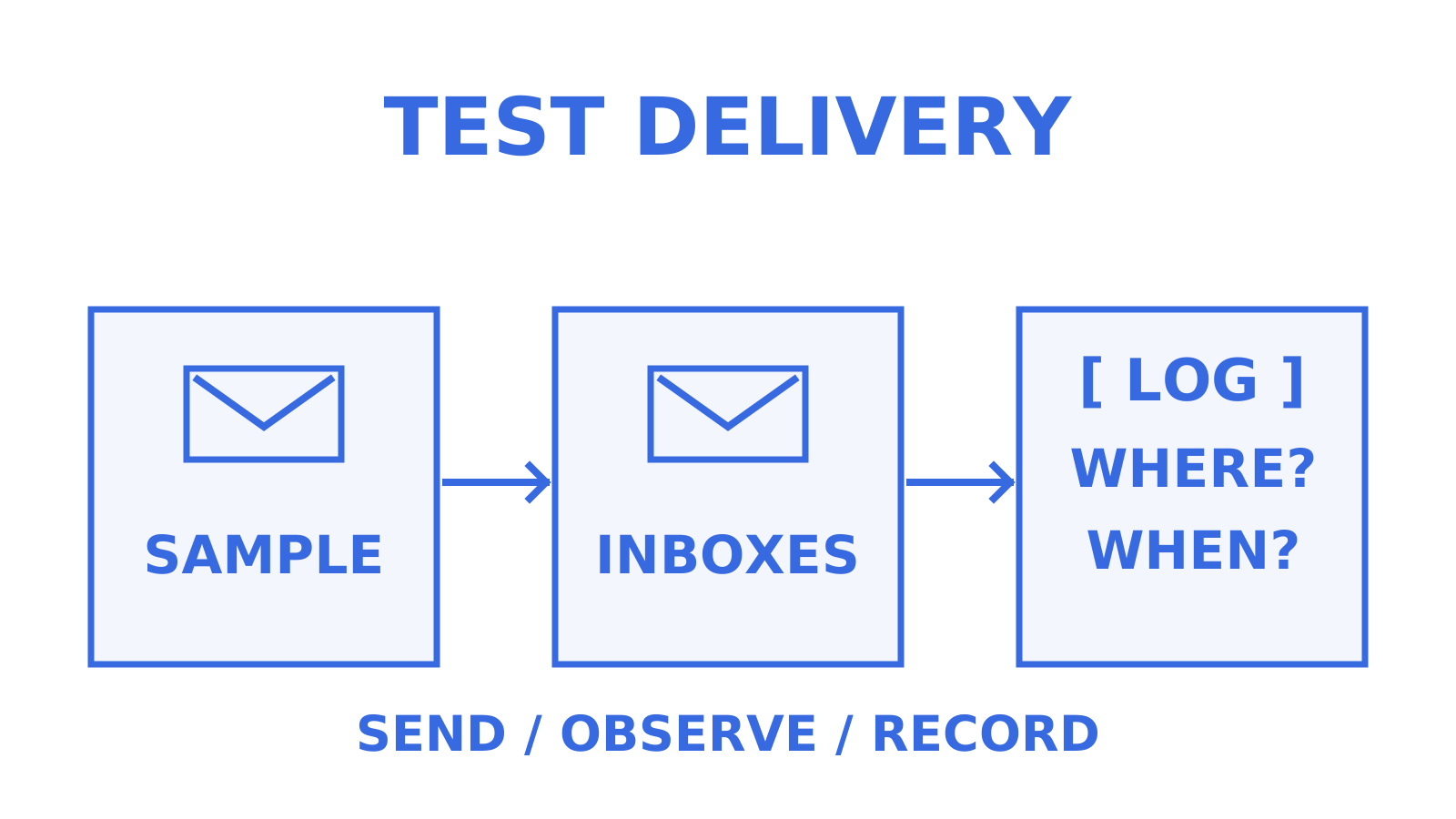
Read the methodology behind a published inbox-placement result before comparing transactional-only and bundled platforms. Check whether its sending conditions are relevant to your domain, and validate the result with your own mail.
Which transactional email service wins for which job
If deliverability is mission-critical, include Postmark’s separate Transactional and Broadcast streams in your evaluation and verify placement with your own mail. For greenfield apps built on React or Next.js, assess Resend’s React Email integration against your existing workflow. If you’re AWS-native and cost-sensitive at scale, compare Amazon SES’s current plan, optional features and integration costs, including its native reputation tools. Small teams wanting marketing and transactional mail in one account can evaluate Brevo. If your product needs persistent, addressable mailboxes for agents or multi-tenant customers, Sendmux supports that model.
Pricing shape and free-tier availability in 2026
Among affordable transactional email services, pricing models include per-email usage pricing, tiered volume plans, and monthly fees with usage add-ons. Amazon SES offers bundled plans and à-la-carte pricing, with native deliverability tooling whose inclusion or charges depend on the plan. Postmark and SendGrid offer paid plans for sending volume. Sendmux offers Free and Pro plans, with Pro charging a team subscription plus metered usage rather than per-seat or flat per-mailbox fees; Resend offers Free and paid plans.
Free tiers matter when early-stage teams are validating a product. MailerSend and Resend offer free allowances; check their current limits against your testing volume. Sendmux’s free tier covers one team, two mailboxes, and one connected sending account with $1 of starting credit, capped at 50 provider-accepted recipients per UTC day. Usage consumes the credit, and a Free team must upgrade to Pro to buy more when it is depleted. Postmark’s permanent free Developer plan includes 100 emails every month.
Watch how each provider defines a “recipient” for billing. Sendmux bills each provider-accepted To, Cc, or Bcc recipient occurrence separately, including repeated addresses in different recipient fields. Compare that unit with the other provider’s documented unit when estimating multi-recipient message costs.
The real cost of a transactional email service, beyond the sticker price
The headline price per thousand emails is rarely the whole story. Check the selected plan for dedicated IP add-ons, overage charges and support-tier costs before comparing the total with another provider.
Amazon SES’s à-la-carte outbound rate is $0.10 per 1,000 emails, before attachment-data and optional-feature charges; bundled plans have different terms. Budget for configuring bounce processing, complaint handling, and analytics around your application, while accounting for SES’s native Virtual Deliverability Manager rather than assuming every capability must be built from scratch. Include engineering and configuration work alongside the advertised service fees.
Storage and retention fees are another line item to check. Read each provider’s allowance and metering rules for stored delivery history, attachments, or message content. Sendmux charges $0.02 per decimal GB-month on measured mailbox usage, prorated by calendar day; the charge is not limited to storage above a Free or Pro plan allowance. Compare that rate with expected message volume and attachment sizes before you commit.
Seat-based and per-mailbox fees are the other trap, especially for multi-tenant products spinning up hundreds or thousands of mailboxes for customers or agents. A provider charging per mailbox rather than per usage event can turn a lean cost structure into a runaway bill the moment your customer count grows, which is precisely the pricing shape usage-based platforms like Sendmux are built to avoid.
Migration reality: what actually happens when you switch providers
Plan time for reputation changes and parallel testing before switching transactional providers completely. For perspective on team inbox requirements, see this overview of best shared inbox tools.
Stage the migration. If you use a new domain or IP, plan a gradual warm-up; choose the first workload according to your operational risk, retain an appropriate fallback on the old provider, and monitor placement before retiring it. Test the cutover rather than assuming a single deployment or a particular message priority is the safest choice for every application.
Set the migration schedule from the work required to move configuration, templates and suppression data, then validate it with staged testing. Allow time to investigate differences in delivery results before completing the cutover; a staged migration cannot guarantee unchanged inbox placement.
Where Sendmux fits if you’re building with agents
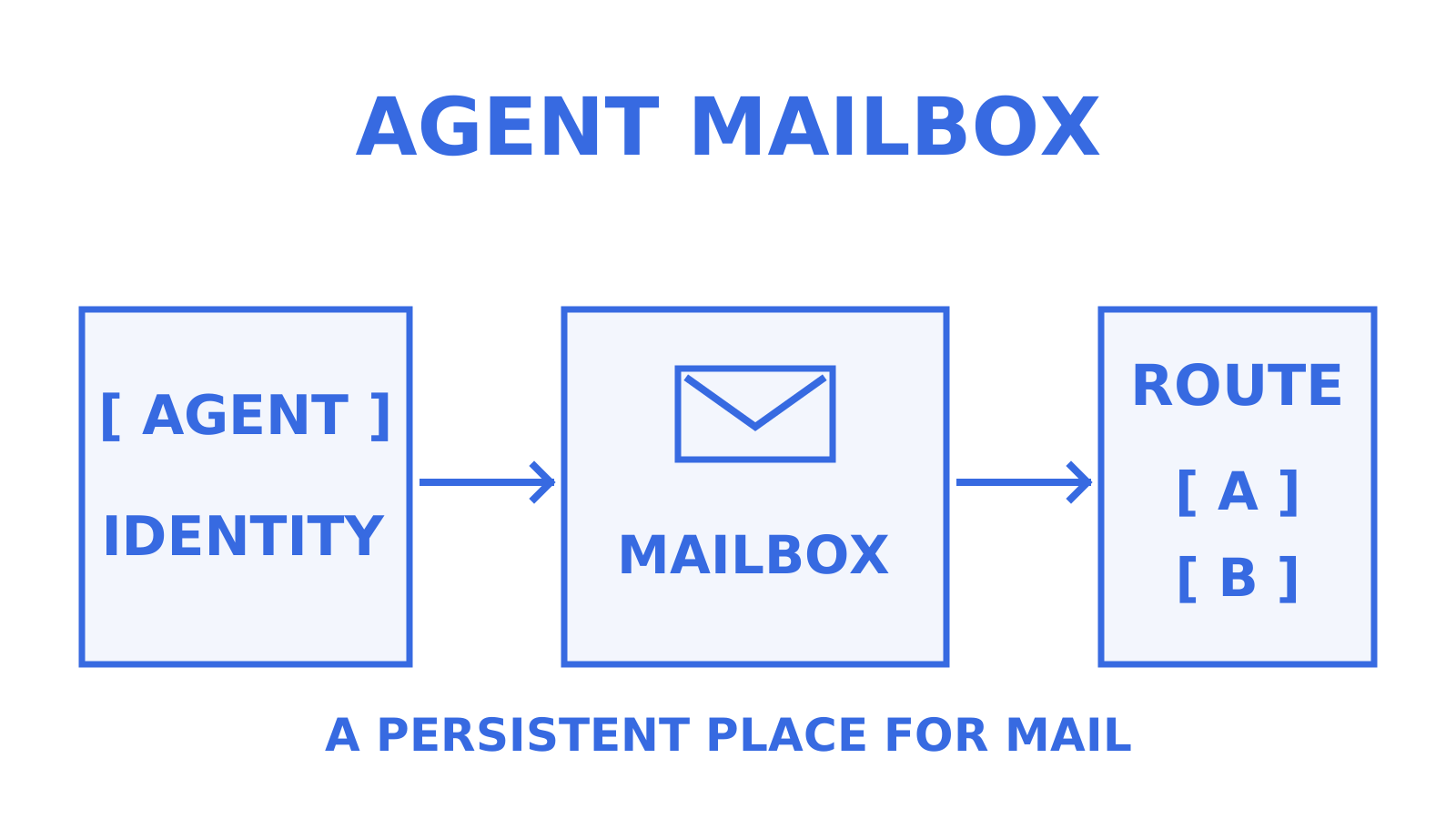
Everything above assumes a fairly standard transactional flow: your app sends, a recipient receives, done. If your product involves AI agents, multi-tenant customers, or workspaces that each need a real, two-way email identity, that model breaks down fast, and that’s the specific gap Sendmux is built to close.
Sendmux gives agents, customers, or workspaces persistent mailboxes on the included @myagent.mx domain or a verified custom domain, with outbound routing across connected providers, Gmail, Microsoft 365, or custom SMTP hosts, or the managed Amazon SES account provided for teams. Scoped per-mailbox API keys, OpenAPI-documented endpoints, and SDKs across six languages provide mailbox and sending interfaces. Free and Pro have no per-seat or flat per-mailbox fees; Pro combines a monthly team subscription with usage charges, including inbound mailbox deliveries and storage.
This fits two scenarios especially well: an agent product where each support, scheduling, or research agent needs its own addressable inbox to receive and reply from, and a multi-tenant platform giving every customer a distinct sending identity without per-inbox billing eating your margin.
Start with the free tier at Myagent to explore your first mailbox, or check the inbox API details if you’re evaluating how mailbox-scoped keys and BYO routing would fit your architecture.
Sources
- The Best Transactional Email Services in 2026 (We Tested 7)
- Courier: transactional email services analysis
- Best Transactional Email Services in 2026: A Tested Top 5 (and When to Pick Each) (SMTP2GO)
- Postmark pricing and free Developer plan
- Postmark Message Streams
- Twilio: changes to SendGrid’s Free Plan
- Mailtrap pricing
- Amazon SES pricing
- Amazon SES Virtual Deliverability Manager
- Resend pricing and capabilities
FAQ
Which email provider is best for transactional emails?
Postmark offers separate Transactional and Broadcast streams, which are useful features to evaluate when inbox placement is mission-critical; test the result with your own mail rather than assuming a universal winner. For agent-native products needing persistent, addressable mailboxes with bring-your-own outbound routing, Sendmux supports that model.
What is the best email platform in 2026?
There’s no single universal best platform. The right choice depends on your deliverability requirement, available engineering bandwidth, and cost sensitivity at your volume, a framework Courier’s analysis lays out clearly.
Which email provider is the most secure in 2026?
Evaluate domain authentication (SPF, DKIM, DMARC), encrypted credential storage, and tenant isolation for multi-customer platforms. Check the specific implementation and scope at Postmark, Amazon SES, Sendmux, or any other candidate rather than assuming that a provider name establishes equivalent security or identifies a universal winner.
Is email marketing still worth it in 2026?
Whether email marketing is worthwhile depends on your audience, objectives and measured results. Keep marketing and transactional traffic appropriately separated; Postmark, for example, offers separate Broadcast and Transactional streams. Verify the chosen provider’s configuration rather than assuming all dedicated providers support only transactional mail.
How much does Sendmux cost?
Sendmux offers a Free plan and a Pro plan. Pro costs $7 per team per month plus usage charges for sending, inbound mailbox delivery and storage; Free usage also consumes the starting credit. Before choosing Myagent, review Sendmux’s current Free and Pro rates.
Give an agent its own address
Sendmux is the Email Inbox API for AI Agents.