 myagent.mxBLOG
strategy · ses vs sendgrid
Save $6,000? SES vs SendGrid for Developer Teams at 100K–1M Emails
Developer TCO: compare SES and SendGrid at 100K–1M emails. See the ~$6,000 engineering cost, deliverability work, and a Sendmux mailbox option.
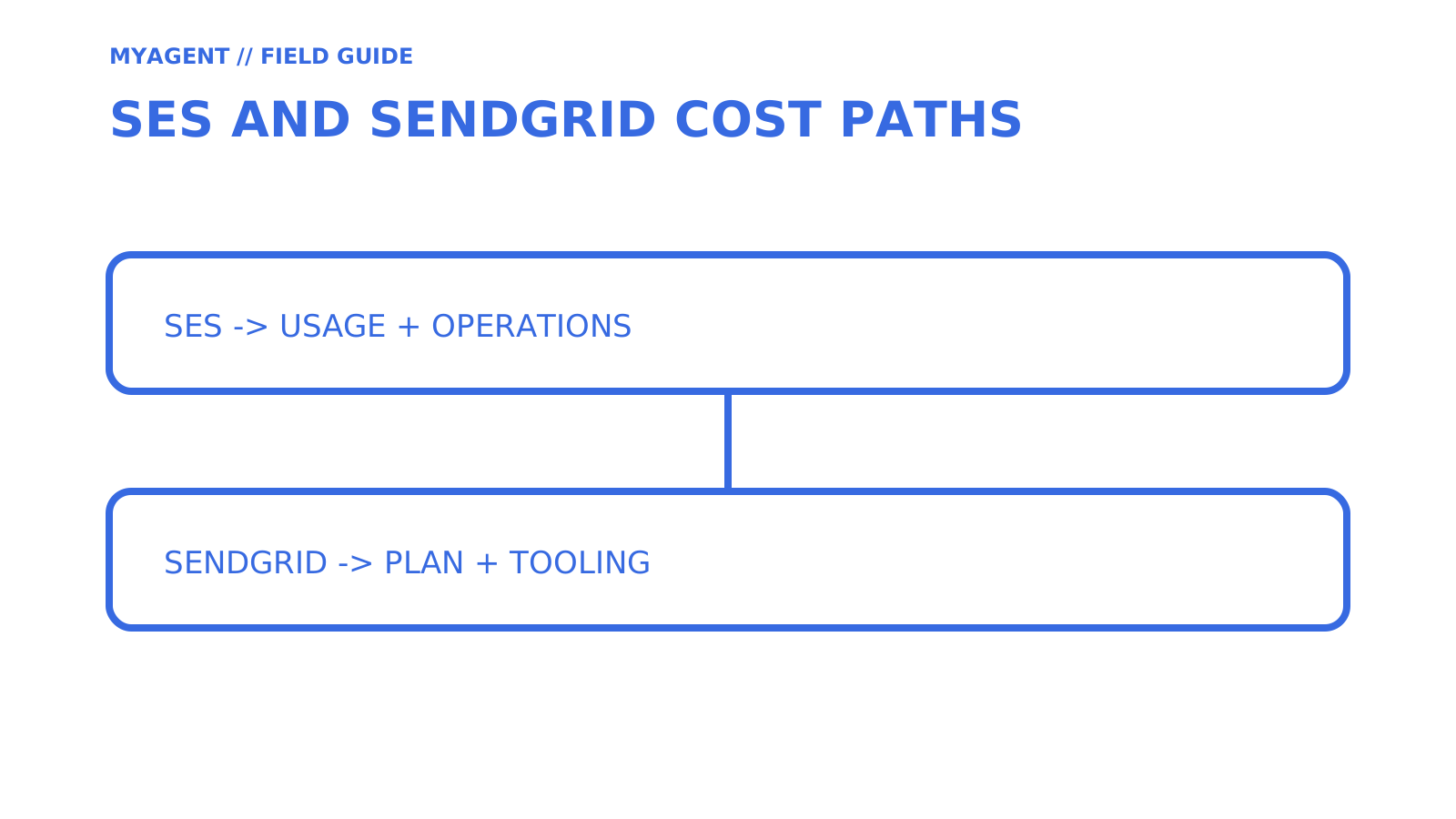
There is no universal winner between Amazon SES and SendGrid. SES has low usage-based sending prices and substantial operational features, while SendGrid bundles a different dashboard and tooling experience. Compare current plan limits, the work your team must operate, and whether the product needs outbound delivery or persistent mailboxes.
This guide retains the source search vocabulary: amazon ses sending, SendGrid features review, SES pricing options, SendGrid alternatives, amazon ses vs sendgrid, SES setup guide, SES vs SendGrid comparison, SES email service, SendGrid email delivery, email marketing solutions, best email service provider, ses vs sendgrid.
TL;DR
- An SES integration still needs application-specific event consumption, suppression, monitoring, and operational ownership; the $6,000 figure in this article is an illustrative 80-hour estimate at $75 per hour, not a published industry average.
- Volume alone does not determine payback: current provider prices, included tooling, existing AWS capability, and ongoing operations all affect the result at 100,000 or 1,000,000 emails per month.
- Dedicated IPs isolate IP reputation but do not automatically improve deliverability; Amazon SES warms standard dedicated IPs automatically over 45 days, and teams still need to monitor bounce and complaint rates.
- SMTP and HTTP APIs expose different acknowledgement and error models. The documented SES and SendGrid send APIs do not expose a general idempotency-key field, so applications must own retry and duplicate-suppression behaviour.
- For inbox-first workflows and autonomous agent or customer mailboxes, a mailbox-first platform like Sendmux provides routing, outbound and inbound management, and usage-based pricing without per-seat fees.
Table of Contents
- SES vs SendGrid: how the two approaches actually differ
- What does it actually cost at 100K and 1M emails a month?
- What do you have to build yourself with a low-level sending API?
- How do you protect deliverability when switching or scaling providers?
- Which integration patterns actually save engineering time?
- How do you decide between SES, SendGrid and a mailbox-first platform?
- SES or SendGrid: the final call for developer teams
- A developer’s note on this comparison
- Why Sendmux fits teams caught between SES and SendGrid
- Sources
- FAQ
SES vs SendGrid: how the two approaches actually differ
The “ses vs sendgrid” question isn’t really about two companies. It’s about two different philosophies for getting email out the door, and once you see that, the rest of the decision gets a lot easier.
Amazon SES is a usage-priced AWS email service with SMTP and API sending, templates, event publishing, reputation metrics, account suppression, and shared or dedicated IP options. Teams still own application-specific event consumers, list and consent policy, observability, and incident response.
SendGrid Email API offers templates, a dashboard, engagement tracking and event webhooks, with limits that depend on the plan. Email API and Marketing Campaigns plans are purchased separately. Compare the features and volume you need before assuming either provider costs more per message.
Sendmux is a mailbox-first category rather than a direct SES or SendGrid substitute. It documents persistent mailbox access, connected-provider and managed Amazon SES sending routes, delivery groups, provider quotas, and usage units for accepted outbound recipients, inbound deliveries, and storage. Provider failure behaviour is route-specific, so configured routing must not be described as automatic universal failover.
Three scenarios show how differently this plays out:
- A two-person startup sending a few marketing campaigns a month. Check whether the campaign editor and unsubscribe tools cover your workflow before building your own. Compare the separate Marketing Campaigns product where needed, and allow time for sender verification, consent checks and integration. A subscription does not guarantee a same-day launch.
- A logistics platform sending millions of transactional notifications a month. Compare the provider bill with the extra engineering and ongoing operations each option needs. Existing AWS event consumers and monitoring can reduce the SES integration effort. Millions of messages alone do not establish savings or a payback period.
- An AI-agent platform where every customer or workspace needs its own inbox. Check persistent storage, threading, reply handling and access permissions separately from outbound sending. SES supports receiving and SendGrid has Inbound Parse, but neither feature alone establishes the mailbox workflow your product needs. Email API volume pricing must not be confused with Marketing Campaigns contact pricing or dashboard teammate limits.
The services expose different contracts and operating models. Compare the current official pricing, sending interfaces, templates, events, reputation controls, support terms, and mailbox requirements for the job you are actually doing.
What does it actually cost at 100K and 1M emails a month?
AWS currently lists Amazon SES outbound email at US$0.10 per 1,000 emails on its à-la-carte schedule, before applicable data and optional feature charges. That is about US$10 for 100,000 emails or US$100 for 1,000,000 emails. Twilio SendGrid currently lists Email API Essentials from US$19.95 per month and Pro from US$89.95 per month. Included volume and overage terms must be checked on the current plan page.
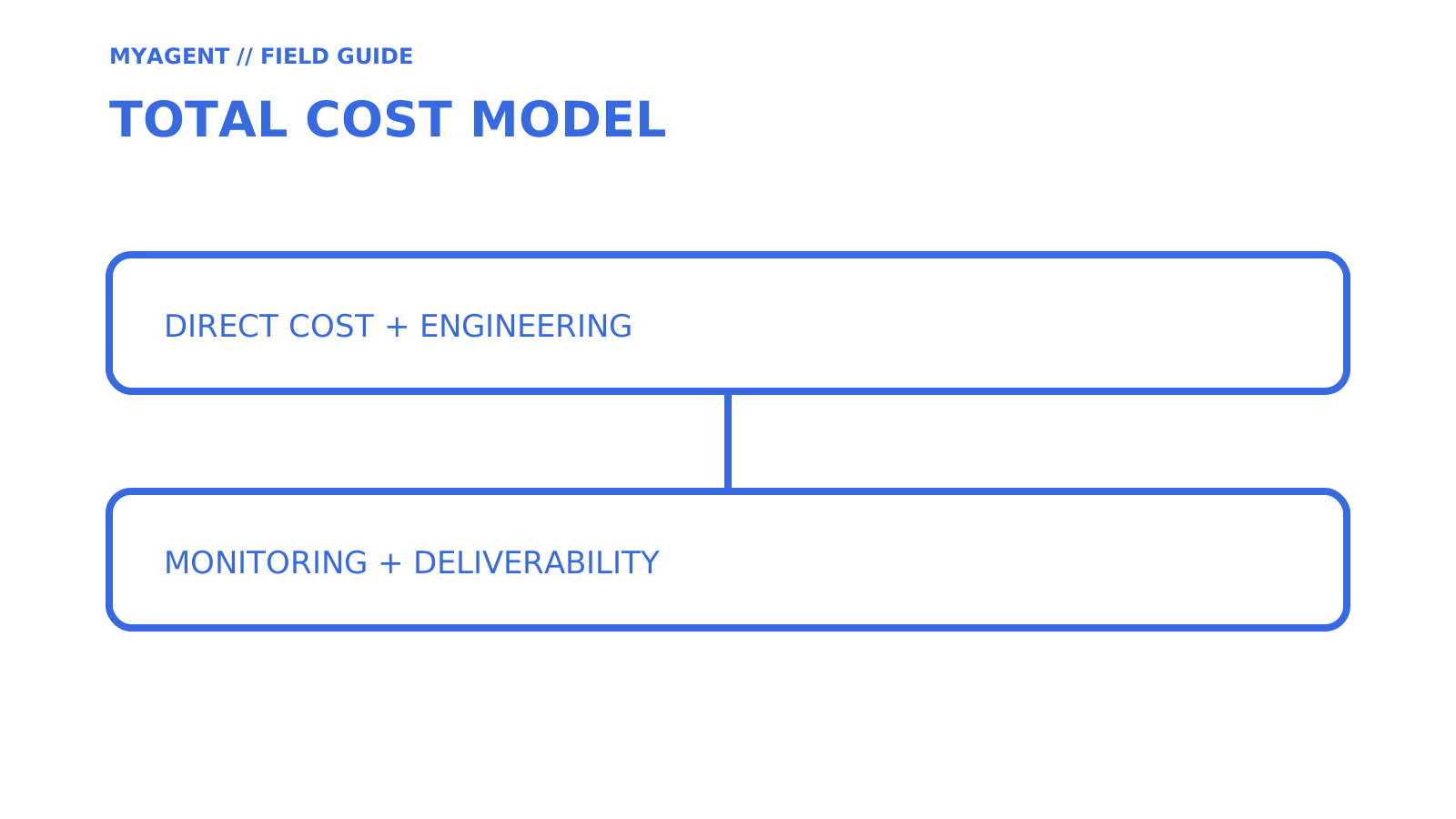
Compare plans at the same volume with the features you will use. A starting subscription price is not a quote for 100,000 or 1,000,000 emails. Add engineering time and ongoing operations to both sides of the comparison.
Pro Tip: Don’t just cost the build. Cost the maintenance too. Bounce handling isn’t a one-off script; it’s a system that needs monitoring, alerting and the occasional 2am fix when a provider changes its bounce format.
This article uses a planning scenario of 80 engineering hours at a loaded rate of $75 per hour, which equals $6,000. It is an illustrative input for your own total-cost model, not a benchmark or claim about a typical implementation.
Run the comparison as a simple payback calculation:
- Calculate the net monthly saving from the actual provider charges plus ongoing operations for each option. Include relevant data, dedicated IP, monitoring and support costs. Count existing infrastructure only where it creates an additional cost for this decision.
- Divide the additional one-time engineering cost by the positive net monthly saving to estimate the payback period in months. Use $6,000 at 80 hours and $75/hour only as this article’s illustrative input. If the saving is zero or negative, there is no cost payback under those assumptions.
- Compare the payback period with your planning horizon, using the same expected volume and feature requirements for both options. Recalculate when prices, volume or operational effort change. A delayed payback is a cost-model result, not a verdict on product fit.
Run separate estimates for 100,000 and 1,000,000 emails a month. Higher volume can increase a sending-price difference, but the result also depends on plan tiers and the work already covered by your team. Neither volume establishes a universal winner or a guaranteed payback within a year.
Hidden costs regularly get missed in these calculations: inbox placement testing across major providers, ongoing analytics dashboard maintenance, and the validation work needed to keep sender reputation clean as volume grows. None of those show up in a simple per-message price comparison, but all of them show up in your roadmap.
What do you have to build yourself with a low-level sending API?
SES already provides event publishing, suppression controls and reputation metrics. Start with those features, then identify the application-specific work your team still needs. Check the same gaps on SendGrid. A provider dashboard does not take over your consent policy, incident response or integration with customer records.
- Event plumbing. SES can publish sending events through configuration sets to destinations including CloudWatch, Firehose, EventBridge, Pinpoint, and SNS. Your application still needs consumers that safely handle retries and possible duplicate delivery.
- Bounce and suppression handling. SES has an account-level suppression list for hard bounces and reported complaints. Check its enabled reasons and configuration-set overrides. Your application still needs to apply its own consent rules and reconcile events with recipient records. Let SES handle temporary delivery retries before deciding whether an application retry is appropriate.
- Complaint processing. Apply reported complaints to the appropriate suppression and consent records, and check which complaint feedback reaches the provider. SES notes that Gmail spam-button reports do not feed its account-level suppression list. Keep a working unsubscribe route as well, rather than relying on complaints to identify everyone who wants to stop receiving mail.
- Webhook delivery. Amazon SNS sends HTTP POST notifications directly to subscribed HTTP or HTTPS endpoints. Your endpoint needs subscription confirmation, signature verification and duplicate-safe event handling. A separate conversion service is optional, useful when your application needs a different event format, rather than a requirement for receiving SNS notifications.
- Monitoring and alerting. Use SES reputation metrics and CloudWatch alarms to detect bounce and complaint problems. Assign an owner and a response procedure. Sending restrictions depend on the provider’s account policies and the observed problem, not a universal number of hours before a domain is throttled.
Pro Tip: Write a high-bounce runbook before an incident. Include when to pause sends, how to inspect the last campaign’s list hygiene, where to check suppression sync and whom to notify. Rehearse it with the team responsible for sending. A checklist helps organise the response but does not guarantee a recovery time.
Estimate only the work each option leaves with your team. A managed feature may remove a task, reduce it or still require application integration. Record that difference in your TCO worksheet instead of counting every SES capability as a custom build or every SendGrid capability as included operational support.
How do you protect deliverability when switching or scaling providers?
Deliverability is where good intentions meet inbox providers’ spam filters, and it punishes shortcuts on both platforms.
SES offers shared and dedicated IP options. Dedicated IPs isolate the IP’s sending history, but domain reputation, recipient engagement and sending practices still matter. AWS recommends considering volume at each receiving provider and consistency over time. There is no universal monthly-volume cutoff that makes a dedicated IP worthwhile, and its costs and warm-up requirements belong in the comparison.
Amazon SES automatically warms standard dedicated IP addresses over 45 days. Managed dedicated IPs use adaptive warm-up behaviour. Domain and recipient-engagement planning remains workload-specific, so do not apply a generic doubling schedule without the provider’s current guidance.
- Amazon SES recommends keeping bounce rate under 5% and complaint rate under 0.1%. These are SES reputation recommendations, not universal thresholds for other platforms or a promise of inbox placement. Check the current policies for every service you use.
- Alert immediately, not daily, when either threshold is crossed, since reputation damage compounds fast.
- Separate transactional and marketing streams for clearer monitoring and appropriate reputation isolation. Different sending identities alone do not guarantee protection from account-level restrictions. Check the provider’s controls, including dedicated IP pools where appropriate, before relying on separation to protect password reset emails.
- Test inbox placement across Gmail, Outlook and Yahoo before going live, not after.
Amazon SES sandbox accounts can send only to verified recipients or addresses in the Amazon SES Mailbox Simulator, and have restricted quotas. Production-access requests are reviewed by AWS, but the current documentation does not promise a universal 24-to-72-hour completion time, so include approval uncertainty in the launch plan.
LeadPilot’s guide to dedicated warmup services describes seed-network engagement such as simulated opens and replies. That activity does not replace Amazon SES standard dedicated-IP warm-up, which AWS manages automatically by default. Check the sending provider’s current guidance before using a separate warmup service, and do not treat simulated engagement as proof that real recipients want your mail.
Which integration patterns actually save engineering time?
SMTP and HTTP APIs expose different acknowledgement and error models. A connection timeout can leave delivery outcome uncertain in either integration, and the documented SES SendEmail and SendGrid /v3/mail/send contracts do not include a general idempotency key. Applications should persist their own operation key and delivery state before retrying.
During the trial, check which webhook events are available: delivered, bounced, complained, opened and clicked. Verify signature handling, retry conditions, delivery limits and duplicate-event identifiers in the provider’s documentation. Test temporary receiver failures and repeated events against your handler. A successful initial integration does not establish how it behaves during an outage.
Compare the template and inbound features your workflow needs:
- SendGrid provides dynamic templates with an editor and testing tools. Check the chosen plan’s features and permissions, and decide how your team will review, version and release template changes. A visual editor can remove a code deployment without removing the need to test the email.
- Amazon SES supports stored and inline templates through its sending API, while your team still owns template governance, preview, testing, and release workflow.
- Inbound parsing and threading matter for replies, support tickets and agent-to-agent conversations. SES receiving and SendGrid Inbound Parse provide ways to process incoming mail. Check whether you must build the persistent storage, threading and mailbox access your product requires around those features.
If your product needs an inbox that reads, threads and replies to incoming mail, rather than just a firehose of outbound sends, check whether the platform models mailboxes as first-class objects before you build around webhook-only inbound parsing.
How do you decide between SES, SendGrid and a mailbox-first platform?
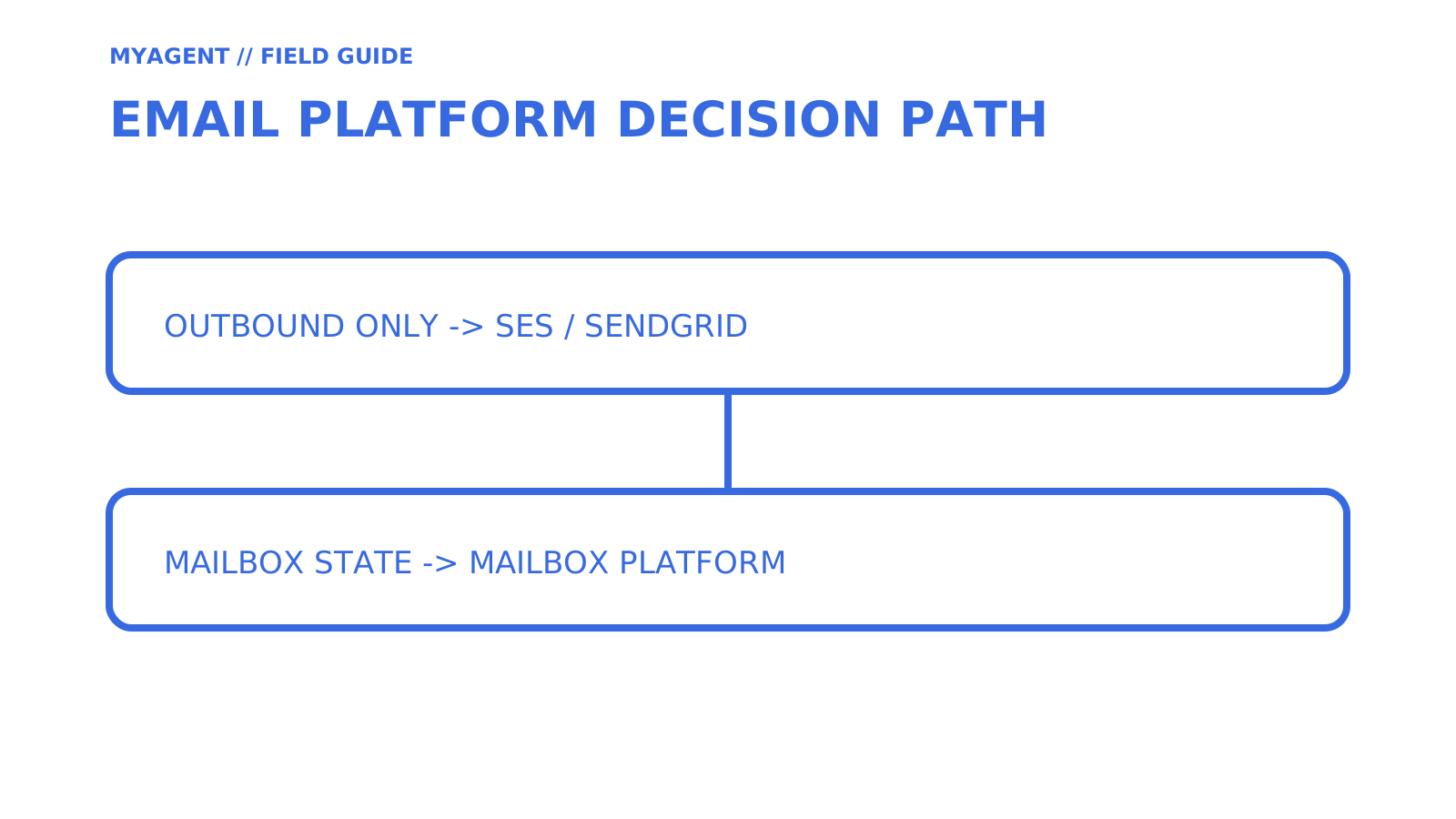
Run this as a short spike before committing to either architecture, not as a boardroom debate.
- Check your team’s AWS skills. If no one on your team has used SNS, IAM policies, or CloudWatch alarms before, plan for extra time or extra costs if you take the basic approach, or consider skipping it for now.
- Model your volume honestly, including growth. Plug your current and 12-month projected volume into the breakeven formula from the cost section. Don’t just model today’s number.
- List your feature must-haves. Dedicated IPs, inbound parsing, template UIs and built-in analytics each carry a different weight depending on whether marketing, transactional, or agent-to-agent mail dominates your sends.
- Set trial acceptance criteria before you start. Decide what “pass” looks like (deliverability rate, webhook reliability, support responsiveness) before you run the trial, not after you’ve already picked a favourite.
- Run a three-step spike. Send a test batch through each candidate, deliberately trigger a bounce to confirm your handling works, then monitor inbox placement and reputation metrics for 7 to 30 days before deciding.
Check support and SLA terms separately for the exact AWS and SendGrid plans you are considering. Confirm escalation channels, response commitments and the cost of specialist help. Do not assume that account management or hands-on deliverability support is included merely because a service has a monthly subscription.
SES or SendGrid: the final call for developer teams
Direct sending price is only one part of total cost. Compare current provider charges with the engineering and operational work your team actually lacks; an existing AWS event, monitoring, and suppression stack can materially change the result.
SES can suit teams that can operate the required AWS integration at their actual volume. It is not restricted to extremely high-volume workloads. If agents or customers need persistent mailboxes, compare the complete receive, store, thread and reply workflow alongside outbound sending costs. That requirement needs its own evaluation rather than a volume-based shortcut.
If you’re migrating off either platform, keep your suppression lists and DNS records (SPF, DKIM, DMARC) intact through the switch. Reputation doesn’t reset cleanly.
- Choose SES when its capabilities, integration effort and total cost fit the workload, with a clear owner for the AWS operations it needs.
- Choose SendGrid when its selected Email API or Marketing Campaigns features reduce the work your team needs to deliver and operate the product.
- Choose Sendmux when your product needs real mailboxes, routing across your own providers, and usage pricing without per-seat costs.
A developer’s note on this comparison
Treat the breakeven model as a worksheet, not a verdict. Use the current official AWS and Twilio pricing and product documentation, then replace the 80-hour and $75-per-hour assumptions with your own measured implementation and operating costs. Use G2’s SES and SendGrid comparison as a starting point for questions about reviewer experience, not as evidence for this article’s cost assumptions.
Why Sendmux fits teams caught between SES and SendGrid
If the requirement includes persistent send-and-receive mailbox state, evaluate that separately from outbound campaign tooling. Sendmux documents mailboxes on shared or verified custom domains and sending routes through connected providers, custom SMTP, or managed Amazon SES. Route behaviour depends on the configured provider and eligibility; do not assume a failed connected account automatically switches providers.
Sendmux currently documents US$0.000500 per connected-provider accepted outbound recipient, US$0.000750 per managed Amazon SES accepted outbound recipient, US$0.000500 per inbound delivery, and US$0.02 per decimal GB-month of storage. It lists no separate per-mailbox usage line; plan fees, Free-team limits, provider quotas, and account health controls still apply.
Sources
FAQ
What is better than SendGrid?
The answer depends on the workload. Amazon SES can offer lower direct sending cost for teams prepared to operate the surrounding AWS controls, while SendGrid packages more dashboard and campaign tooling. Products that need persistent agent or customer mailboxes should evaluate a mailbox-first platform as a separate category.
Is Amazon SES legit?
Yes. Amazon SES is an AWS email service with documented SMTP and API sending, templates, event publishing, reputation metrics, and shared or dedicated IP options. Production suitability still depends on your configuration, sending practices, and account status.
What is SMTP and SES?
SMTP is a standard protocol for submitting and relaying email. Amazon SES is a service that accepts mail through SMTP or an HTTP API and provides related sending, template, event, reputation, and IP-management features.
What are some good alternatives to Amazon SES?
SendGrid is a managed sending platform with dashboards and templates, while mailbox-first platforms such as Sendmux add persistent send-and-receive mailbox state. Compare the exact sending volume, operational work, inbound requirements, and current pricing rather than treating them as interchangeable services.
Give an agent its own address
Sendmux is the Email Inbox API for AI Agents.