 myagent.mxBLOG
apis & sending · imap vs smtp
Ports First for Developers: IMAP vs SMTP and Why 993/465 Matter
Developer focused IMAP vs SMTP guide. Learn what each protocol does, why ports 993/465 vs 143/587 matter, and how to troubleshoot send and sync with a...
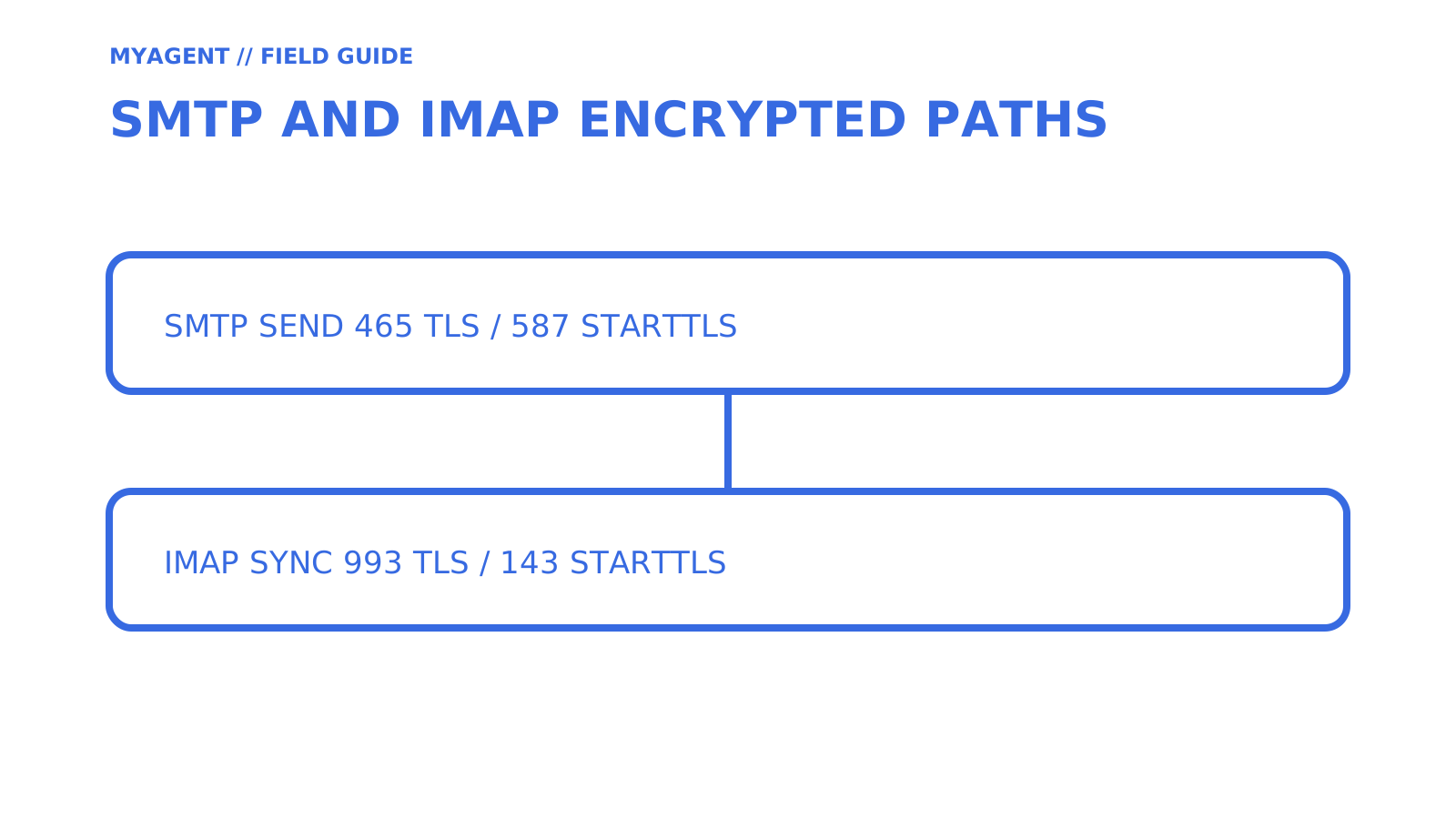
SMTP sends; IMAP reads and keeps mail in sync. One handles outgoing mail from your device to a recipient’s server, and the other manages what happens on the server after mail arrives, giving every device the same view of your inbox. A working email account almost always needs both configured correctly, because they cover opposite halves of the same job.
This guide retains the source search vocabulary: best imap smtp api, gmail vs outlook smtp, imap vs pop3, imap vs smtp, Email protocols comparison, Difference between IMAP and SMTP, SMTP server settings, SMTP email protocol, How IMAP works, SMTP disadvantages, How SMTP works, email protocols explained, IMAP advantages, IMAP email protocol.
TL;DR
- SMTP handles outgoing mail and relies on ports 465 or 587 with implicit TLS or STARTTLS, respectively, while port 25 is mainly for server-to-server relay and often blocked.
- IMAP uses port 993 with implicit TLS or port 143 with STARTTLS, and it requires the server to store all mailbox states to keep devices synchronized.
- Correctly matching SMTP and IMAP ports with their designated encryption modes is essential, as mismatches are a common source of connection failures.
- Troubleshooting should treat SMTP and IMAP as independent systems, checking connectivity and authentication separately for each protocol before further diagnosis.
- IMAP cannot send emails; it only manages and retrieves mail stored on the server, with sending exclusively handled by SMTP.
Table of Contents
- IMAP vs SMTP: the quick comparison
- What is SMTP and how sending works
- What is IMAP and how retrieval and syncing work
- How SMTP and IMAP work together: an end-to-end flow
- Ports, encryption and authentication: a practical checklist
- Common troubleshooting cases: quick diagnostic checklist
- Where POP3 fits: when to choose IMAP vs POP3
- A practical implementation note from Sendmux
- What actually matters when you’re setting this up
- Building agent email without the SMTP and IMAP guesswork
- Sources
- FAQ
IMAP vs SMTP: the quick comparison
SMTP and IMAP solve different problems, and mixing them up is a common cause of “my email is broken” support tickets.
- SMTP handles outgoing mail. It pushes a message from your device to your provider, then hands it off between mail servers until it reaches the recipient’s inbox.
- IMAP handles incoming mail and mailbox state. It leaves messages on the server and lets every device you own see the same folders, flags and read/unread status.
- Storage behaviour differs sharply: SMTP defines message transfer rather than mailbox storage, although sending systems may queue messages during delivery; IMAP depends on the server holding the authoritative mailbox copy.
- Best use: SMTP is the only option for sending; IMAP is the right choice for anyone checking mail from more than one device.
| Protocol | Direction | Stores mail? | Typical use |
|---|---|---|---|
| SMTP | Outgoing | No | Sending and relaying messages between servers |
| IMAP | Incoming | Yes, on the server | Reading, syncing and organising mail across devices |
The exact port numbers and encryption modes matter more than most people realise, and we’ll get to those in the ports checklist below.
What is SMTP and how sending works
SMTP, or Simple Mail Transfer Protocol, exists to move a message from sender to recipient as reliably as possible. RFC 5321 defines that core objective, and a companion standard, RFC 6409, splits the job into two distinct roles: message submission, where your mail client hands a message to your provider, and relay, where mail servers pass that message between each other until it reaches its destination.
The mechanics are simple once you see them laid out. Your mail client opens a connection and issues three basic commands: MAIL FROM (who’s sending), RCPT TO (who’s receiving), and DATA (the actual message content). From there, the message hops between Mail Transfer Agents until it lands in the recipient’s mailbox, often passing through several servers along the way.
Port 25 is primarily used for server-to-server relay, while authenticated client submission normally uses ports 465 or 587. Many networks restrict outbound port 25, so use the submission host, port, and authentication method published by your provider.
- SPF lets a domain publish which systems may send on its behalf; DKIM adds a verifiable signature; DMARC evaluates alignment and publishes handling and reporting policy.
- Receiving systems combine those signals with reputation and content checks, so authentication is necessary but does not by itself guarantee inbox placement.
What is IMAP and how retrieval and syncing work
IMAP, or Internet Message Access Protocol, does the opposite job: it lets a client access and manage mail that already lives on a server. The current standard, IMAP4rev2, defined in RFC 9051, is explicit that it covers accessing and manipulating mail, not posting it. That distinction is the whole reason SMTP and IMAP exist as separate protocols rather than one combined system.
In practice, IMAP runs on a handful of core operations:
- SELECT opens a specific mailbox folder so subsequent commands act on it.
- FETCH pulls message content, headers or specific parts without necessarily downloading everything.
- STORE updates flags, marking a message as read, flagged or deleted.
- UID gives each message a stable identifier so clients can track it across sessions.
- IDLE keeps a connection open so the server can push new-mail notifications instantly, instead of the client polling repeatedly.
The consequence of all this is that the server, not your device, holds the authoritative copy of your mailbox. Open your phone, laptop and webmail client at once and all three show identical folders and read states, because IMAP’s server-side storage is what makes that sync possible. The trade-off is that your provider carries the storage cost, and some offline caching still happens locally so you can browse recent mail without a live connection.
How SMTP and IMAP work together: an end-to-end flow
Picture sending a message to a colleague and having them open it on their phone ten seconds later. Two separate protocols, two separate connections, one seamless experience from the outside.
- You hit send. Your mail client opens an SMTP connection to your provider’s submission server, authenticates, and hands over the message.
- Your provider’s server checks the recipient’s domain, then relays the message across one or more Mail Transfer Agents until it reaches the recipient’s mail server.
- The recipient’s server accepts the message and drops it into their mailbox, where it sits as server-side state.
- The recipient’s mail client, whether on a phone or desktop, connects over IMAP and fetches the new message, updating flags and folders across every device they use.
Delivery failures can appear as bounces or Delivery Status Notifications (DSNs) through the SMTP path, while display, folder, or read-state problems may be on the IMAP side. The protocols use separate connections, but authentication policy varies: a provider may use one account identity, app-specific credentials, or OAuth for both.
Pro Tip: Treat your SMTP and IMAP connections as independent when troubleshooting. A working IMAP session proves nothing about whether SMTP will accept your next outgoing message, and vice versa.
Ports, encryption and authentication: a practical checklist
A port and encryption-mode mismatch is a common reason client setup fails. RFC 8314 recommends implicit TLS for mail access and submission while recognising STARTTLS submission on port 587 as widely deployed.
| Protocol | Port | Encryption mode |
|---|---|---|
| IMAP | 993 | Implicit TLS |
| IMAP | 143 | STARTTLS (upgrade after connecting) |
| SMTP submission | 465 | Implicit TLS |
| SMTP submission | 587 | STARTTLS |
| SMTP relay | 25 | Server-to-server only, not for clients |
Implicit TLS encrypts from the first byte of the connection. STARTTLS starts in plain text and upgrades to encryption mid-handshake, which is why pairing the wrong port with the wrong mode causes a connection to hang or fail outright rather than fall back gracefully.
- Always match port 993 or 465 with implicit TLS, never STARTTLS.
- Match ports 143 or 587 with STARTTLS, never implicit TLS.
- Many providers now require OAuth or an app-specific password instead of your account password for SMTP AUTH, particularly since legacy basic-auth clients carry known security gaps around multi-factor authentication.
- Check whether your provider has a per-mailbox SMTP AUTH toggle, since it’s a setting people forget exists until sending suddenly stops working.
Common troubleshooting cases: quick diagnostic checklist
Most support requests fall into one of two buckets, and knowing which one you’re in cuts diagnosis time dramatically.
- Mail sends but doesn’t arrive. Check your submission host, port and authentication first. Look for a bounce message or DSN, since misconfigured submission ports are a frequent culprit when clients default to port 25 instead of 587 or 465. If nothing bounces, check the receiving server’s spam filtering and SPF/DKIM alignment.
- Mail arrives but you can’t send. This usually points to an SMTP AUTH policy issue rather than a wrong password, especially if your provider recently shifted to OAuth or app passwords. Check per-account submission settings before assuming your credentials are broken.
Pro Tip: Test STARTTLS endpoints with openssl s_client -connect host:port -starttls smtp or -starttls imap. For implicit TLS endpoints such as 465 or 993, connect without -starttls. A successful TLS connection narrows the problem, but authentication and client policy still need separate checks.
Where POP3 fits: when to choose IMAP vs POP3
POP3 predates IMAP and uses a download-oriented model. A client may issue DELE after retrieval or leave a server copy, so removal is controlled by client behaviour rather than guaranteed by the protocol. That makes checking a message’s header useful during an imap vs pop3 migration, but it does not establish whether a POP3 client deleted the server copy.
- POP3 still makes sense for a single-device setup with no need to check mail elsewhere, or for extremely tight server storage quotas.
- IMAP is the better default for almost everyone else, particularly anyone syncing mail across a phone, laptop and tablet.
- Mail clients like Thunderbird default to IMAP-style behaviour for exactly this reason, keeping mail on the server unless you explicitly configure otherwise.
Unless server storage is genuinely constrained, IMAP wins on flexibility every time.
A practical implementation note from Sendmux
Building agent mailboxes makes the send-and-receive split concrete. Sendmux documents mailbox API operations for messages, threads, folders, and events, while sending permission is separately scoped; its API model should not be described as an implementation of IMAP.
That separation is enforced in the documented credential model. A durable agent token can read and receive but cannot send; owner approval can issue a one-hour send-capable token. Test mailbox events independently from the sending path, just as you would test SMTP and IMAP separately.
What actually matters when you’re setting this up
Treat SMTP and IMAP as independent systems that happen to share an email address, not as one protocol with two modes. Diagnose connectivity, encryption, authentication, and provider policy separately for each path.
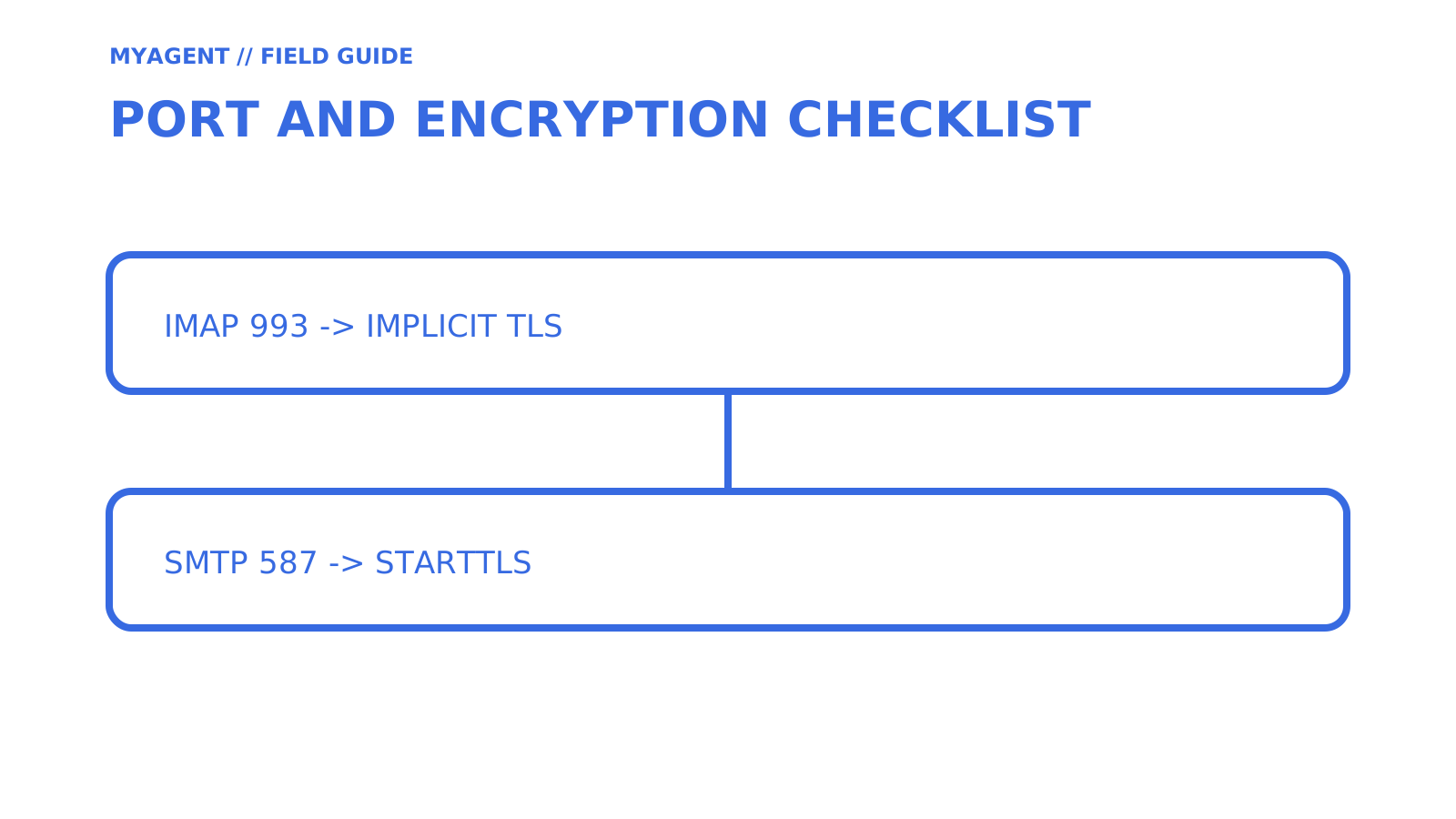
Port numbers are not trivia. Pairing 993 or 465 with STARTTLS, or pairing 143 or 587 with implicit TLS when the provider documents STARTTLS, is a common reason a client will not connect.
If you take one thing from this article, prioritise getting your submission port and TLS mode right before touching anything else. Everything else, from OAuth quirks to per-mailbox AUTH toggles, is easier to fix once the basic connection actually works. Developers building anything that sends and receives programmatically face this same split at the architecture level, which is worth understanding before you wire up an integration rather than after it breaks in production.
Building agent email without the SMTP and IMAP guesswork
An agent that sends and receives mail needs both a sending path and durable mailbox access. Sendmux documents mailbox-scoped API access, SMTP submission and IMAP retrieval credentials, custom domains, and sending keys that can be configured for all providers, selected providers, or a delivery group. Route behaviour depends on the configured provider and eligibility rules; do not assume universal failover.
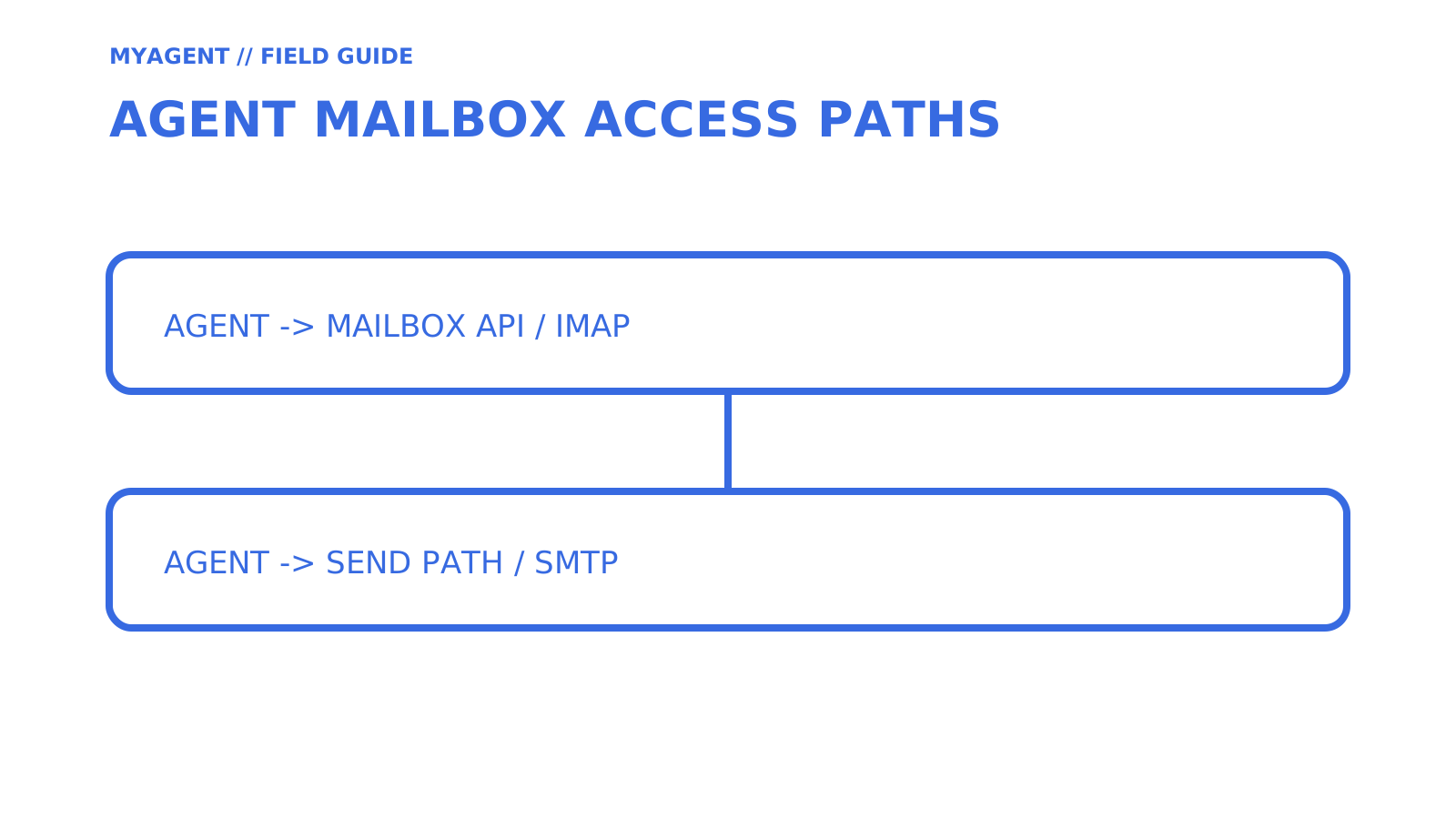
Teams building support, research, or outreach agents can choose the Mailbox API, SMTP submission, or IMAP retrieval according to the integration they need. Start with Sendmux’s Mailbox API documentation and verify the current Free-team limits before modelling production usage.
Sources
- RFC 5321
- RFC 8314
- RFC 9051
- RFC 1939
- Outlook.com POP, IMAP and SMTP settings
- Sendmux Mailbox API introduction
- Sendmux API keys
FAQ
How do I find my SMTP and IMAP settings?
Check your provider’s official account or security documentation for the exact SMTP and IMAP host, port, encryption mode, and authentication method. Outlook.com, for example, documents IMAP on port 993 with SSL/TLS and SMTP submission on port 587 with STARTTLS.
Is my IMAP password the same as my SMTP password?
It depends on the provider. Some use one account credential for both protocols, while others require OAuth or app-specific credentials. Outlook.com currently requires OAuth2/Modern Auth for both IMAP and SMTP, so use the provider’s current settings rather than assuming separate passwords.
Does IMAP allow sending emails?
No. IMAP accesses and manages messages stored in a mailbox; it does not submit outgoing messages. Sending uses SMTP or a provider’s sending API.
What are the disadvantages of IMAP?
IMAP keeps authoritative mailbox state on the server, so it depends on server storage and benefits from a stable connection for fresh synchronisation. Clients can cache mail for offline use, but authentication and sync behaviour still vary by provider and client.
Give an agent its own address
Sendmux is the Email Inbox API for AI Agents.