 myagent.mxBLOG
deliverability · bounce reason codes
RFC Backed Bounce Reason Codes, Automation Rules for Developers
An RFC backed reference for engineers to read SMTP and enhanced bounce reason codes, implement retry and suppression automation, and integrate with Sendmux.
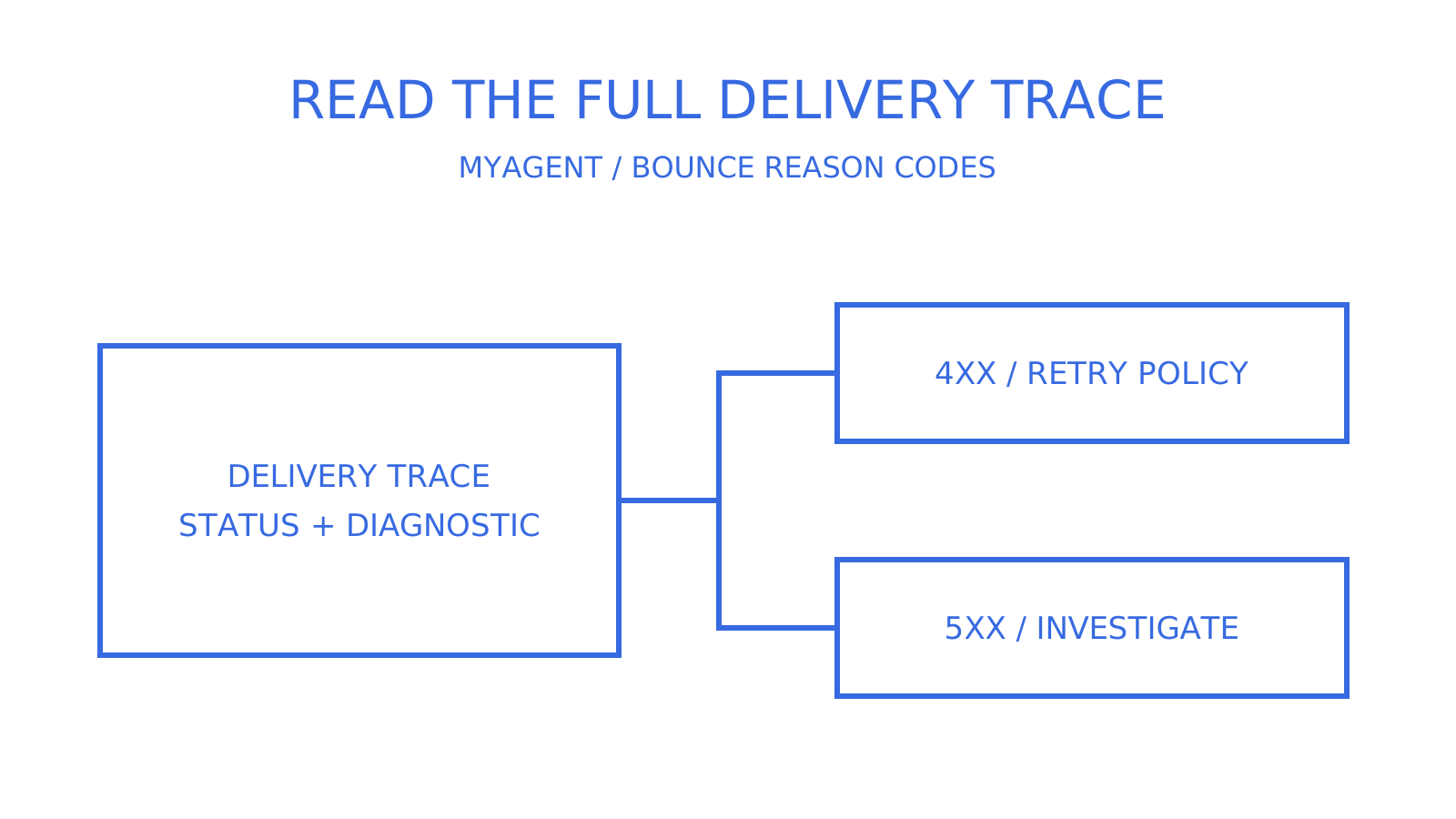
A bounce reason code describes a delivery outcome, but a failure report does not always contain both a three-digit SMTP reply and an enhanced status code. SMTP 4xx replies indicate transient negative completion; retry according to the sending system’s queue policy. A 5xx reply means the same request should not be retried unchanged. Diagnose the recipient, message, authentication, policy or routing cause before deciding whether address suppression is appropriate.
TL;DR
- Codes such as 421 and 450 describe temporary failures; retry through a bounded queue with backoff, but do not promise resolution within hours or days.
- A confirmed 5.1.1 bad destination mailbox warrants stopping unchanged sends and checking or suppressing that address; generic 550 also covers policy and access failures, so it is not enough by itself to justify suppression.
- Provider-specific tags and components can help distinguish reputation, authentication and infrastructure causes when interpreted with the full response and the provider’s documentation.
- Internationalised addresses can encounter SMTPUTF8 capability failures, including permanent 5.6.7 responses; distinguish transport support from an invalid address instead of labelling every such failure a soft bounce.
- Monitor spam complaints alongside bounce codes because both affect delivery decisions; their relative impact depends on the receiving provider and cannot be ranked universally.
What SMTP reply codes and enhanced status codes actually mean
The three-digit reply codes 250, 421 and 550 are defined by RFC 5321 and describe success, transient failure and permanent failure in the SMTP exchange. Enhanced status codes follow the X.Y.Z structure defined in RFC 3463. In a structured delivery status notification, the Status field carries the enhanced result; the optional Diagnostic-Code field may retain the SMTP response. Not every bounce contains both layers, and 250 acceptance alone does not prove inbox placement.
An enhanced status code has three numerical components, not necessarily three individual digits. The first component gives the class: 2 for success, 4 for persistent transient failure and 5 for permanent failure. The subject component identifies the broad area to investigate:
- X.1.X — addressing (bad recipient, unknown user)
- X.2.X — mailbox status, such as a full or disabled mailbox; a nonexistent destination mailbox belongs under X.1.X.
- X.3.X — mail system problems, including system capacity or feature support.
- X.4.X — network or routing failures
- X.5.X — protocol errors during the SMTP conversation
- X.6.X — content or media issues (encoding, message format)
- X.7.X — security and policy status; interpret specific authentication and filtering failures using the registered code and provider documentation.
The detail component narrows the condition within that subject. Senderreputation’s reference discusses this taxonomy, but RFC 3463 and the current IANA registry define the standard meanings. Use the general class and subject when a detail is unknown, then consult the provider’s diagnostic text.
Use the SMTP reply class for protocol handling, then combine the enhanced code, diagnostic text and reporting context. A generic summary such as “mailbox unavailable” may omit the cause, but neither numbers nor text should be treated as infallible across providers. RFC 3464 makes Status mandatory while Diagnostic-Code and Remote-MTA are optional; Reporting-MTA identifies the system that issued the delivery status notification.
Common bounce codes and what to do with each one
The table keeps a practical set of bounce code meanings, with a suggested action and a diagnostic next step. It is a lookup reference, not a measured ranking of the codes most frequently seen in production.
| Code | Likely cause | Action | Diagnostic tip |
|---|---|---|---|
| 421 | Receiving server temporarily unavailable or refusing connection | Retry with backoff | Check if it’s isolated to one provider or affects all sends |
| 450 | Requested action not taken because a mailbox is temporarily unavailable | Retry with backoff | Inspect the full response; greylisting is one possible implementation, not the definition |
| 451 | Requested action aborted because of a local processing error | Retry with backoff | Escalate persistent errors; there is no guaranteed recovery within hours |
| 452 | Requested action not taken because of insufficient system storage | Retry with backoff, space out attempts | Inspect the full response and watch for repeated occurrences on the same domain |
| 4.2.2 | Recipient mailbox is full, reported as a transient failure | Retry under queue policy; a 24 to 48 hour review point is an application choice | Persistence over a few days merits investigation, not proof that the address is inactive |
| 4.7.28 | Gmail temporary rate limit, with several unusual or unsolicited-volume variants | Investigate sending rate, reputation and the exact variant | Check the named IP, domain, URL or Message-ID condition before resuming volume |
| 4.7.29 | Gmail rate limit because the SMTP connection is not using TLS | Fix the TLS connection before another attempt | This is not a new-sender or IP warm-up code |
| 550 | Requested action not taken: mailbox unavailable, including access or policy rejection | Diagnose before suppressing | Combine the enhanced code and provider text to distinguish a bad address from other failures |
| 551 | User not local; response can supply a forwarding path | Check recipient address and routing before another attempt | Validate any forwarding address rather than assuming a typo or suppressing blindly |
| 553 | Requested action not taken because the mailbox name is not allowed | Validate address format and the full response | Correct syntax or encoding where implicated before resending |
| 554 | Transaction failed, or no SMTP service at connection opening | Investigate before resending | Read the diagnostic text; policy is one possible cause |
| 5.1.1 | Bad destination mailbox address | Stop unchanged sends; confirm or suppress the bad address | Correct the recipient or directory/cache issue before trying again |
| 5.2.1 | Mailbox disabled and not accepting messages, reported as permanent | Stop unchanged sends and investigate or suppress | Confirm the mailbox state with its administrator; an account change may resolve it |
| 5.7.1 | Delivery blocked by policy (content or sender rules) | Investigate content and sending domain | Check for blocklist or filtering rule triggers |
| 5.7.26 (Gmail) | Authentication rejection, including SPF or DKIM failure or a DMARC-policy case | Fix authentication; do not suppress solely for this code | Read the exact variant and verify the sending configuration before resending |
| 5.4.1 | Microsoft uses provider-specific forms; RFC X.4.1 describes no answer from host as transient | Investigate the exact provider response | Exchange Online access denied can mean a nonexistent recipient; relay access denied can mean server or DNS misconfiguration |
The bounce handling reference at BounceCheck provides examples, but its blanket suppression guidance is too broad for a production rule. A 4xx response calls for deferred handling; a 5xx response calls for stopping the unchanged request and diagnosing the cause. Authentication failures such as Gmail’s 5.7.26 need a configuration investigation, and routing, content or policy failures may also leave the recipient address valid.
Pro Tip: A regex such as /\b[245]\.[0-9]+\.[0-9]+\b/ can find candidate enhanced codes in Diagnostic-Code when that field exists. It is not a full validator: RFC 3463 limits subject and detail to one to three digits without leading zeroes, and surrounding text can contain unrelated numbers. Parse the structured Status field when available, retain the raw diagnostic, and validate a candidate before using it as a classification key.
Provider quirks that change how you diagnose a bounce
Provider-specific text can refine a generic SMTP result, but not every provider supplies a uniform tag or component name. Keep the full response and match it to the documentation for the system that generated the error.
- Gmail adds
gsmtpto its errors andgcdpfor custom Google Workspace policy errors; these may appear in response text such as[gsmtp]or[gcdp]. Its bounce-message help explains general troubleshooting. The separate SMTP error reference defines 4.7.28 as several rate-limit variants, 4.7.29 as a missing-TLS connection, and 5.7.26 as several authentication-rejection variants; read the complete variant before choosing a fix. - Microsoft and Exchange Online responses can contain components such as
RESOLVERorSTOREDRV. Their NDR reference lists 550 5.4.1 access-denied cases for nonexistent recipients and relay-access-denied cases for server or DNS configuration. Diagnose that exact response; it is not generally a reputation block. - For Yahoo and AOL, retain any bracketed TSS identifier present in your response and consult the current provider explanation. Gateways such as Proofpoint and Mimecast publish their own SMTP error guidance. Use those details to identify the handling system and policy involved, without assuming that a tag alone locates the final mailbox failure.
- Use Reporting-MTA, any Remote-MTA and the complete Diagnostic-Code together to identify the responsible system and its postmaster or support process. A diagnostic line need not contain a reporting hostname; verify the destination before submitting an unblock request.
Read any component prefix before changing a suppression list. RESOLVER and STOREDRV identify different Exchange components, but their full diagnostic strings determine the remediation; an identical surface-level 550 does not establish the same cause.
Building reliable automated bounce handling
Turning bounce codes into automation rules comes down to a handful of decisions, made once and applied consistently.
- Retry transient 4xx codes through the existing queue policy. Exponential backoff can be an application strategy, but a 5 to 15 minute starting interval, doubling each attempt and a 72 hour cap are not RFC defaults. RFC 5321 generally recommends at least 30 minutes between retries and a give-up time of at least 4 to 5 days; it permits strategy-dependent variation. Do not add a second application retry loop while the mail system is already retrying.
- Stop unchanged sends to confirmed bad destinations. Codes such as 5.1.1 and 5.1.2 identify destination mailbox or system-address problems. Check the address and domain, and suppress confirmed unusable destinations from automation; a corrected address or repaired destination configuration can justify a new attempt.
- Separate authentication and policy repair from address suppression. Gmail’s 5.7.26 or another documented auth-related 5xx should trigger the relevant SPF/DKIM/DMARC check. Do not infer that the address is valid or invalid solely from that code, and do not retry the same failing request unchanged.
- Define an application event schema. Fields such as
event_id,event_type,timestamp,recipient,message_id,bounce_code,enhanced_statusanddiagnostic_messageare a proposed internal record, not a Sendmux webhook schema. Map available source fields explicitly, retain provenance and represent missing codes or diagnostics as unknown instead of inventing them. - Set alert thresholds, not just logs. Investigate a spike in 5.7.x across multiple recipients or sustained 4.7.28/4.7.29 responses. For Gmail, those last two require different checks: the exact rate-limit condition for 4.7.28 and TLS for 4.7.29. Choose thresholds from your traffic rather than assuming a single reputation cause.
Pro Tip: Repeated 4.7.28 and 4.7.29 responses deserve diagnosis before more volume. Gmail uses 4.7.28 for multiple rate-limit conditions and 4.7.29 for a non-TLS connection; passive retries do not fix a missing TLS configuration. These transient replies do not prove that a recipient is invalid.
Preventing bounces before they hit your logs
Address validation, authentication and operational monitoring can prevent some email delivery issues. They cannot eliminate every bounce, because mailbox state, receiving policies and network conditions change.
- Configure SPF, DKIM and DMARC for your sending domains. SPF limits evaluated DNS-causing terms to 10 across the complete check; exceeding the limit returns
permerror, rather than silently proving a reputation problem. Check alignment and the actual sending route as well as DNS syntax. - Validate addresses at the point of capture rather than after a bounce tells you the address was bad, and run periodic list hygiene passes to catch mailboxes that have gone stale since signup.
- Increase new sending volume gradually and respect provider rate and concurrency limits. Gmail’s 4.7.29 concerns TLS, not a guaranteed new-sender hold; diagnose its exact response instead of treating warm-up as a remedy for missing transport security.
- Monitor complaint rates through the provider feedback loops and postmaster tools available to you. Rising complaints merit investigation, but there is no universal lead time or guarantee that they will precede 5.7.x blocks.
- Review domain and link reputation as part of content troubleshooting. A linked domain can trigger filtering independently of the sending IP; the ScanKit article is contextual reading, while receiving-provider diagnostics determine the specific action.
How Sendmux fits the workflow
Sendmux delivery logs expose message status, sender, recipient, provider and recorded attempt count. Signed webhooks support bounced, complained and delivery-delayed outcomes when the configured route produces those events; verify coverage for each sending provider. Mailbox-scoped credentials constrain mailbox operations, while delivery-log and webhook administration use the Management API. A mailbox key does not automatically grant access to team-wide logs or suppression management.
Do internationalised addresses change how bounces behave?
Internationalised addresses can contain non-ASCII local parts or domains. RFC 6531 requires SMTPUTF8 when the SMTP exchange needs internationalised syntax; an internationalised domain represented as an ASCII A-label does not by itself require it. The standard defines 5.6.7 for a non-ASCII address not permitted by the receiving system. A 5.5.4 reply describes invalid command arguments and is not a specific internationalisation diagnosis.
A valid internationalised address may be undeliverable through a route that lacks SMTPUTF8. Check the receiving server capability and the actual failure hop before declaring the address malformed. Do not send SMTPUTF8-dependent mail to a server that does not advertise support, or assume that changing recipient suppression will repair the transport path.
SMTPUTF8 support must be verified for the route, but no higher baseline soft-bounce rate follows simply from a list containing non-ASCII addresses. A 5.6.x reply is a permanent failure for the message in its current form; it can require an encoding or route correction rather than suppression of a valid recipient. Retry only after an appropriate change, not merely because internationalisation is involved.
Why complaint feedback loops matter as much as bounce codes
Bounce outcomes describe delivery failures. Complaint feedback loops (FBLs) describe abuse reports, often after delivery, and must be measured separately. Yahoo offers a complaint feedback loop for eligible DKIM domains; Gmail exposes aggregate spam information through Postmaster Tools and does not provide a traditional recipient-identifying FBL for every complaint. Coverage varies by provider and programme.
A low hard-bounce rate does not establish a healthy complaint rate. Receiving providers can restrict unwanted mail even when recipient addresses are valid; Gmail 4.7.28 includes unsolicited-volume variants. Investigate rising complaints alongside 5.7.x and 4.7.x responses, without claiming that one necessarily predicts a block next week.
Enroll in eligible FBL programmes, track complaint rate separately from bounce rate, and consider pausing the affected sending segment when complaints spike while you investigate. Use available postmaster dashboards and preserve each metric’s coverage, denominator and observation window; some sources expose aggregates rather than individual complainants.
Can machine learning improve bounce handling beyond fixed rules?
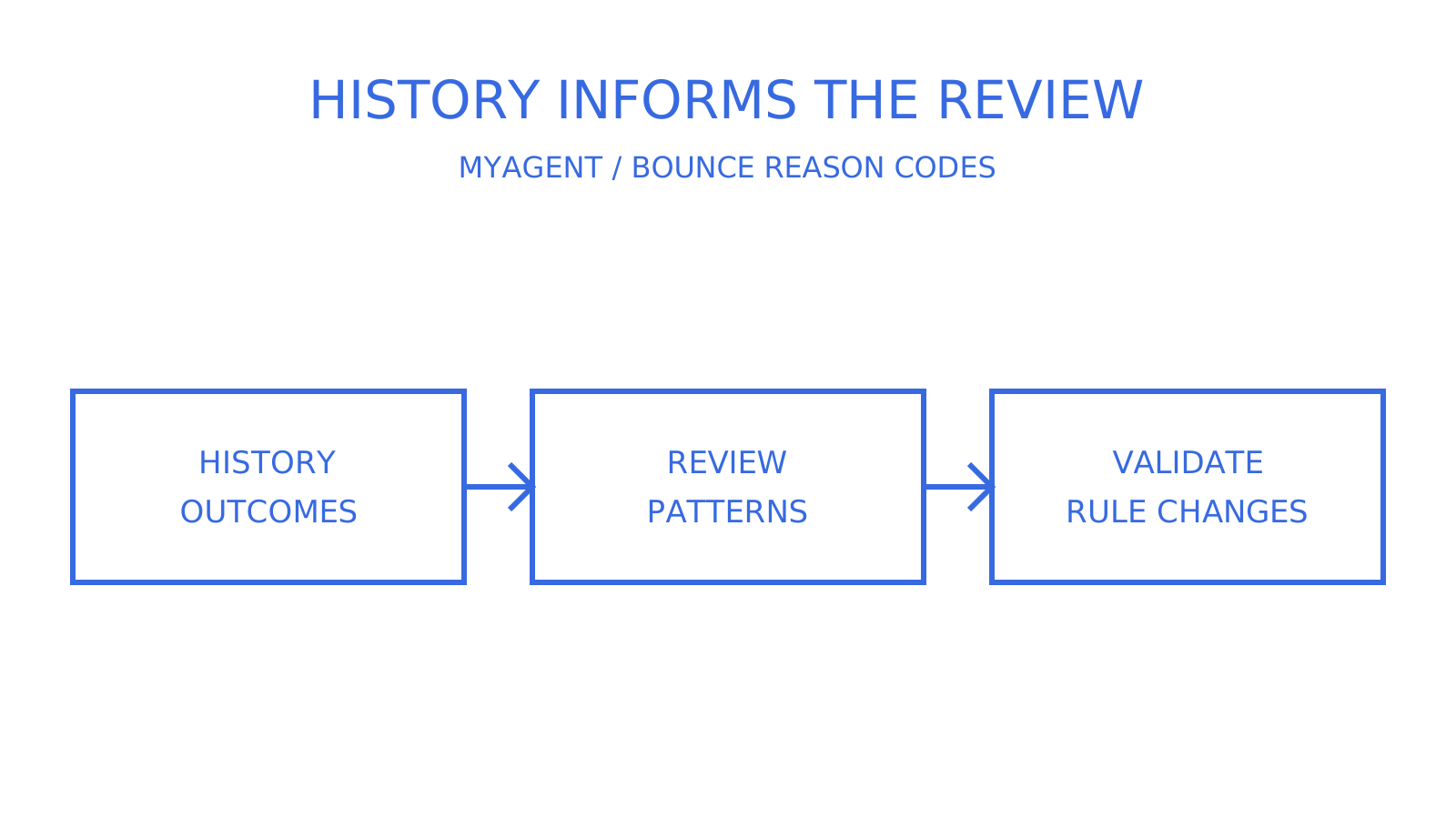
Fixed rules should retry eligible 4xx outcomes under queue policy, stop unchanged 5xx requests and distinguish address suppression from message or configuration repair. Pattern recognition can supplement those rules, but its value must be established against labelled historical outcomes rather than assumed from the code alone.
For example, historical data might show one recipient domain’s 450 replies resolving within two retries while another domain’s replies persist. That is an illustrative hypothesis to test, not a documented provider pattern. A rules engine can also use domain and history; machine learning is one possible way to model those signals. Validate any timing or suppression change before applying it automatically.
Anomaly detection is a candidate supplement to existing alerts: it can flag a deviation from the historical baseline for review. A rise in 4.7.x a week before a later spike is an illustrative scenario, not a promised warning period or proof of a coming reputation block. Investigate rate, authentication, transport and policy evidence before changing sending behaviour.
Keep pattern detection subordinate to validated protocol handling and reviewed operational policy. Candidate-code extraction and backoff are useful parts of the workflow, but neither a regex nor a learned pattern proves the cause or authorizes automatic recipient suppression.
What CAN-SPAM and GDPR mean for how you manage bounces
Bounce and suppression records can intersect with legal obligations when the applicable law and message purpose bring them within scope. CAN-SPAM in the United States addresses commercial-email requirements; the GDPR applies to covered processing of personal data, with territorial scope that can reach organisations outside the European Union.
CAN-SPAM requires covered commercial-email opt-outs to be honoured within 10 business days. An opt-out and a hard bounce are different reasons for suppressing an address; the Act does not turn every hard bounce into a statutory permanent opt-out. Check re-imported lists against recorded opt-outs so an address is not accidentally reactivated for marketing.
Where GDPR applies, an email address and associated suppression reason can be personal data when they relate to an identifiable person. Use a lawful basis, keep only necessary data, document retention and handle applicable access or erasure requests. Erasure is not unconditional: its legal exceptions and the need to respect a direct-marketing objection must be assessed. Do not assume that every suppression record must be deleted or that indefinite retention is automatically justified.
These frameworks do not prescribe one SMTP retry algorithm. Keep auditable records that distinguish delivery failures, complaints and opt-outs, with access controls and a justified retention policy, so operational recovery does not accidentally override a marketing objection.
A quick first-five-minutes checklist for any bounce
Start with the reply class and any structured enhanced Status, then correlate the full diagnostic and reporting host. If fields disagree or are missing, preserve the evidence and investigate instead of forcing an automatic classification.
First five minutes: identify the class (4 or 5), identify which host generated the response, check authentication and transport requirements, and investigate relevant IP or domain blocklists. Avoid suppressing an address solely for a sender-reputation or authentication failure, and do not discard provider-specific diagnostic text when interpreting the enhanced code.
A developer-friendly way to act on bounce events
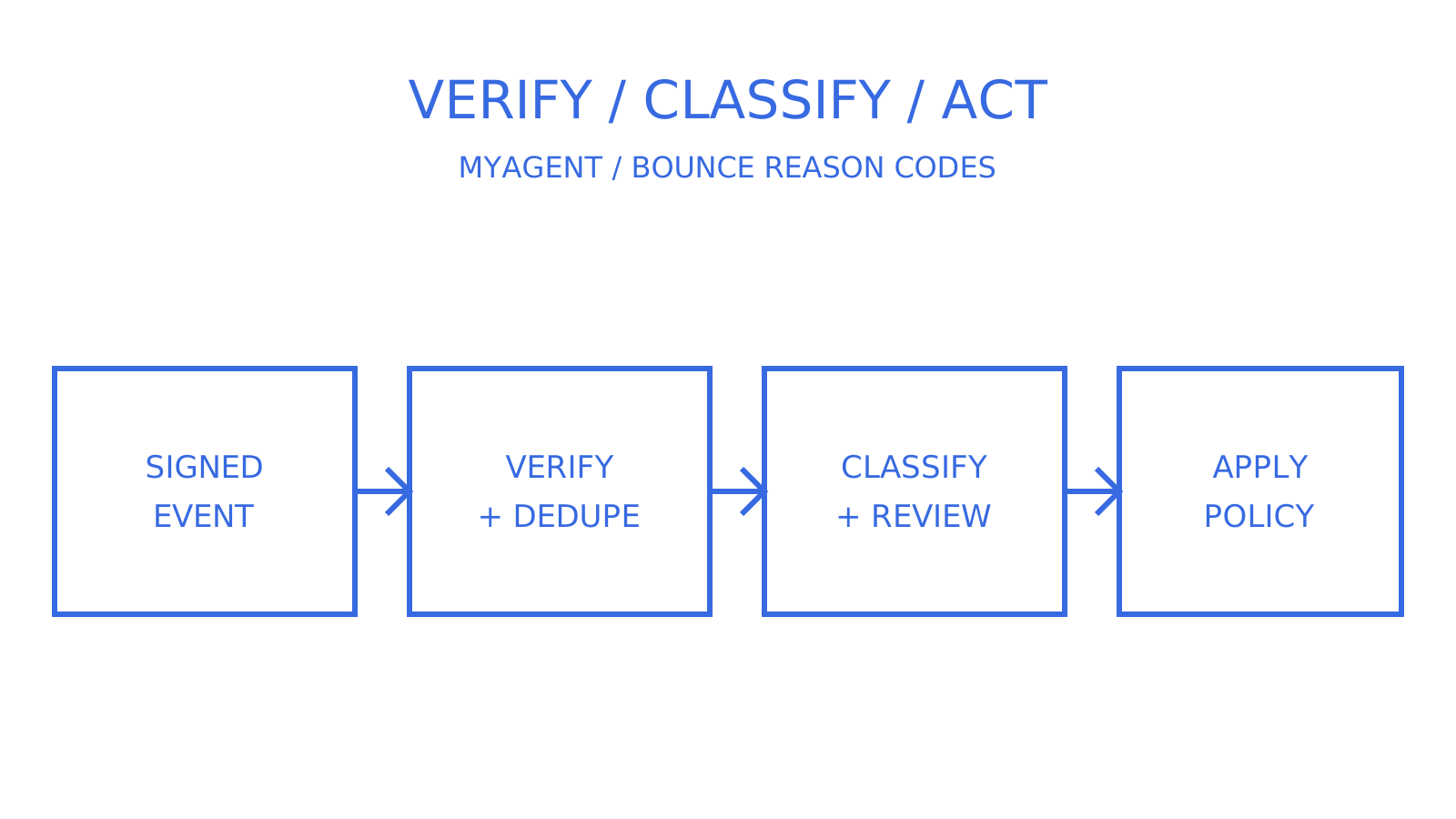
To connect the handling rules to an application, evaluate signed bounce, complaint and delay webhooks alongside per-message delivery logs and recorded attempt counts. Sendmux offers these surfaces subject to route event coverage, plus mailbox-scoped API access for mailbox operations. Your application still owns its retry and suppression policy; using an event API does not make every raw SMTP diagnostic available or make the decision automatically.
For agent inboxes, Myagent links to Sendmux registration instructions for a free @myagent.mx mailbox without a card or human signup step. Initial access is read and receive; sending requires owner invitation acceptance and explicit approval. Sendmux can route through eligible configured providers and fail over after a definitive provider-authentication rejection, not every bounce. Before integration, compare the product overview and Mailbox API with your proposed event schema: webhook envelopes use id, type, occurred_at and data, and do not promise every bounce_code, enhanced_status or diagnostic_message field used in your own record.
Sources
- RFC 3463
- Microsoft Docs: Non-delivery reports in Exchange Online
- Google support: read bounce messages and delivery errors
- BounceCheck: Full SMTP & NDR lookup
- Senderreputation
FAQ
Why do my emails bounce?
Emails can fail because of a bad destination mailbox (5.1.1), a full mailbox reported as transient (4.2.2), a policy block (5.7.1), or an authentication rejection such as Gmail’s 5.7.26. Read the full provider response with the enhanced code. Authentication and routing failures require a different fix from a confirmed invalid recipient.
What is an acceptable hard bounce rate?
There is no universal acceptable hard-bounce rate defined by the SMTP standards. Use the limits and measurement method of your sending provider, distinguish hard bounces from complaints, and investigate a rise against your own baseline. A low rate does not guarantee good reputation or acceptance by every receiving provider.
What are the common email bounce back error codes?
Examples include 421 and 450 for transient failures, 550 for several permanent SMTP rejections, 5.1.1 for a bad destination mailbox, 4.2.2 for a full mailbox reported as transient, 5.7.1 for a policy failure, and Gmail 5.7.26 for documented authentication cases. These are lookup examples, not a measured frequency ranking; use the table and full diagnostic before taking action.
Is a bounce reason code the same as a bounce back error code?
The phrases “bounce reason code” and “bounce back error code” are commonly used for delivery-failure diagnostics. A report may include a basic SMTP reply, an enhanced status code or both; they are related layers, not a guaranteed pair returned by every receiving server.
How does Sendmux help with bounce reason codes in production?
Sendmux supports signed bounced, complained and delivery-delayed webhook events where the sending route supplies them, with delivery logs for message status and recorded attempts. Mailbox-scoped credentials cover mailbox operations; Management API permissions govern team log and webhook administration. Map the documented payload to your application schema and handle missing raw SMTP diagnostics explicitly before implementing retry or suppression rules.
Give an agent its own address
Sendmux is the Email Inbox API for AI Agents.