 myagent.mxBLOG
apis & sending · batch email sending
Batch Email Sending: A Practical Guide for 2026
Master batch email sending in 2026 with our practical guide. Learn key strategies to ensure inbox delivery and avoid spam filters.
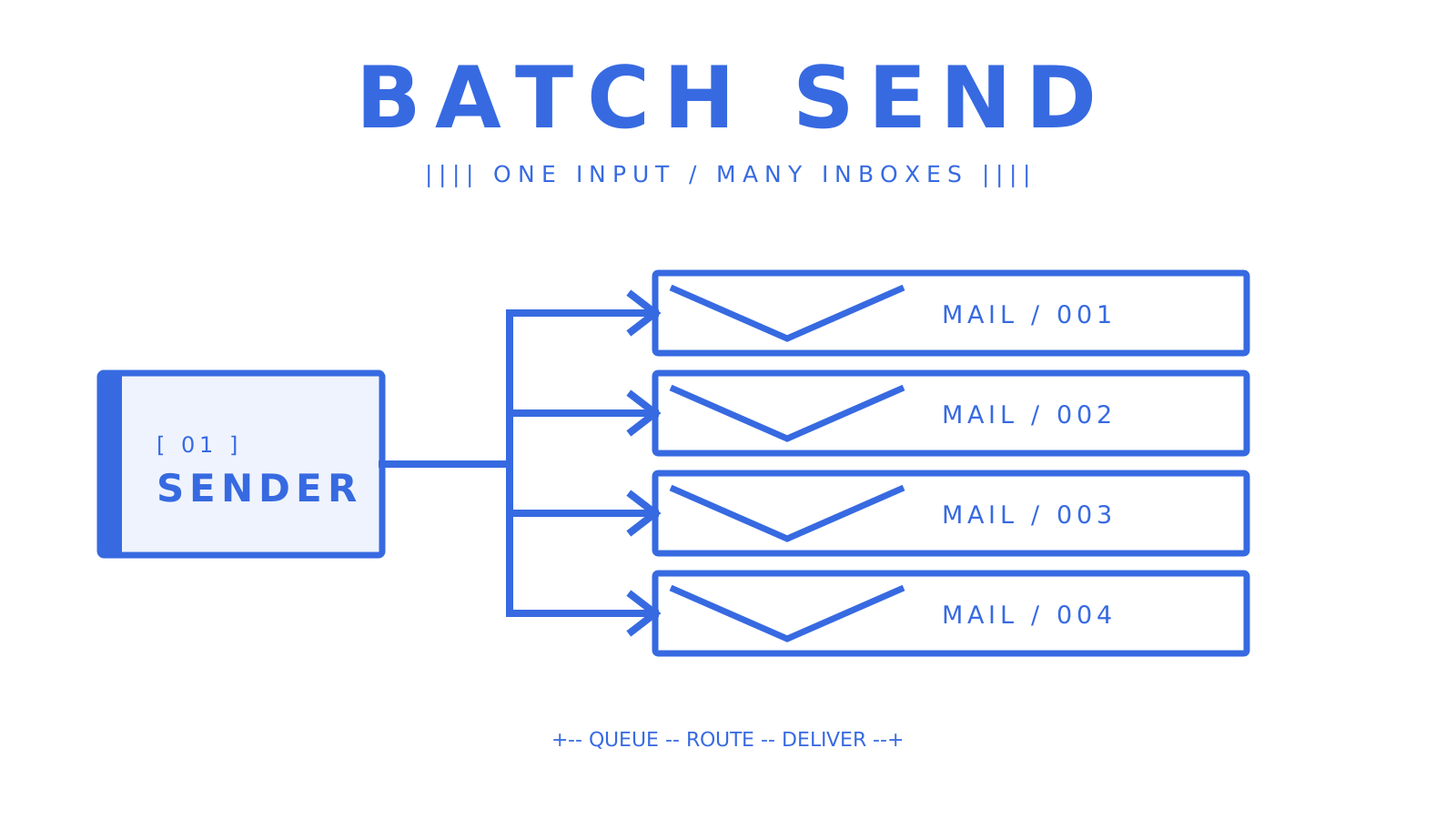
A batch send can look healthy at the API and still end up in spam. Safe delivery rests on five basics: verify the sending domain, publish SPF/DKIM/DMARC authentication, clean and segment the list, warm up gradually, and use a platform with delivery logs and suppression lists. Cover all five and you give every message a fair route to the inbox. Miss one and blocklists, complaint spikes, or CAN-SPAM violations can follow. Sendmux is the recommended API-first option for programmatic and multi-tenant workflows. More on that below.
Quick-start checklist:
- Verify your sending domain and publish SPF, DKIM, and DMARC records.
- Clean your list by removing invalid addresses, duplicates, and unsubscribes.
- Split recipients by engagement before the first send.
- Run seed tests at major inbox providers such as Gmail, Outlook, and Yahoo.
- Start with a low sending volume to engaged users, then increase it gradually.
- Monitor server responses, spam rate, bounce rate, complaint rate, and domain reputation throughout the ramp.
Key Takeaways
Good batch email sending starts before the first large campaign. Domain authentication, list hygiene, a measured warmup, and real-time monitoring need to be ready first.
| Point | Details |
|---|---|
| Authenticate before you send | Gmail and Yahoo require bulk senders to authenticate with SPF, DKIM, and DMARC, and require one-click unsubscribe for bulk mail. |
| Ramp volume gradually | Start with a low sending volume to engaged users and increase it slowly while monitoring delivery, spam rate, and domain reputation. |
| Respond to bounces | If messages start bouncing or being deferred, reduce the sending volume, investigate, and increase slowly after recovery. |
| CAN-SPAM requirements | Accurate headers, honest subject lines, a working unsubscribe mechanism, a valid physical address, and clear advertisement identification when applicable. |
| Sendmux for programmatic use | Sendmux’s API covers domain auth, weighted routing, failover, idempotency, and multi-tenant isolation; Pro is $7 per team each month plus $0.000500 per connected-provider accepted recipient. |
What bulk email is and when to use it instead of transactional email
Bulk email, also known as mass email or batch email distribution, sends one message or a nearly identical version to a large recipient list at a scheduled time. Newsletters fit. So do product announcements, promotional offers, and re-engagement campaigns. The content stays the same for most people, with small changes such as a first name or recommended product supplied through merge fields.
Transactional email works differently. It fires in direct response to a user action: a password reset, an order confirmation, a shipping notification. Transactional messages are one-to-one by design, and mailbox providers treat them with more trust because they are expected and wanted by the recipient.
Here’s the thing: that distinction changes how the sending infrastructure should be arranged. Bulk mail needs careful warmup, clean lists, and close complaint monitoring. Transactional mail needs low latency and high reliability. Put both streams on the same IP or domain and a promotional complaint spike can damage the transactional stream, delaying messages customers are waiting for.
Primary use cases for bulk sending: newsletters, product launch announcements, seasonal promotions, onboarding drip sequences (where the same email goes to everyone at day 1, day 3, day 7), and re-engagement campaigns. When the message is triggered by a specific user event, switch to a transactional pattern instead.
How to send batch email: plan, authenticate, test, and ramp
Preparation does most of the work in a successful large send. Dispatching the messages is the easy part.
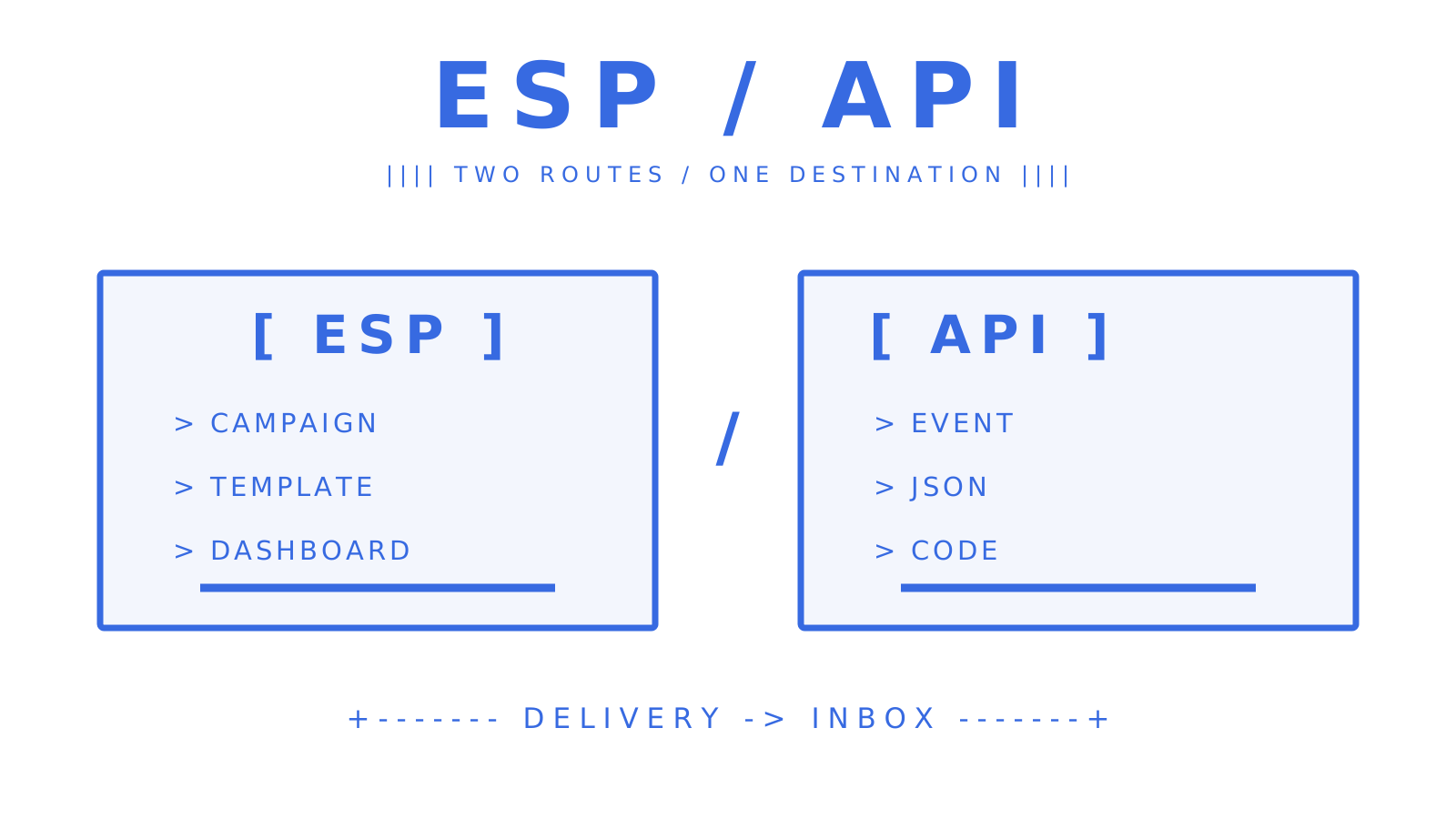
- Choose your provider. Decide between an ESP (email service provider) with a visual campaign builder and an email API. ESPs suit marketing teams running one-off campaigns; APIs suit developers building automated or multi-tenant workflows.
- Verify your sending domain. Add your domain to your provider’s dashboard and follow their domain verification steps. This proves you own the domain and is required before authentication records will work.
- Publish SPF, DKIM, and DMARC records. SPF tells receiving servers which IPs are allowed to send on your domain’s behalf. DKIM adds a cryptographic signature to each message. DMARC tells receivers what to do when either check fails. Gmail and Yahoo require SPF, DKIM, and DMARC for bulk senders; they also require one-click unsubscribe for bulk mail.
- Prepare and segment your list. Remove hard bounces, role addresses (info@, support@), and anyone who has previously unsubscribed. Segment by engagement: separate recent openers from cold contacts and warm them up separately.
- Design and test your template. Check rendering across clients (Gmail, Outlook, Apple Mail, mobile), verify all links, and confirm the unsubscribe link works end-to-end.
- Run seed tests. Send to a seed list of test addresses across major providers before any real send. Tools like Mail-Tester or GlockApps show you spam-filter scores, authentication results, and rendering issues.
- Follow a ramp-up schedule. Start small and increase volume gradually. The checklist below gives you checkpoints for monitoring delivery while you scale. An established domain with a clean history may ramp faster, but never skip the monitoring steps.
Deliverability risks and how to protect your sender reputation
Mailbox providers care more about reputation than raw throughput. They score the sending domain and IP from recipient behaviour. Once that score drops, even a well-written email can go to spam.
Watch four signals closely. Bounces and deferrals are a direct signal to reduce sending volume, investigate, and increase slowly after recovery. Complaint rate must stay below 0.3% for Gmail bulk senders, while Google recommends less than 0.1%; Yahoo also requires less than 0.3%. Spam-trap hits indicate serious list-hygiene problems. And authentication failures, including any DMARC failure, are an immediate warning. Open and click trends add context, though the hygiene signals carry more weight.
What to monitor and how often:
- Check bounce rate and complaint rate after every send rather than waiting for a weekly review.
- Check the sending IPs and domain against MXToolbox or a similar blocklist lookup regularly.
- Put an
ruatag in the DMARC record so aggregate reports reach a reporting inbox, then review those reports regularly. - Use the provider’s delivery logs to inspect DKIM and SPF pass or fail status per message.
When a metric jumps, pause the campaign. Find where the complaints or bounces came from, remove the affected addresses, and restart at a lower volume. Powering through a complaint spike only compounds the damage.
Pro Tip: On a shared IP pool, monitor both domain and IP reputation. Google notes that the activity of any sender using a shared IP can affect every sender on that IP.
US compliance essentials and content best practices
Commercial email in the United States must meet the CAN-SPAM Act. The FCC publishes CAN-SPAM guidance, and the FTC’s CAN-SPAM compliance guide puts the maximum penalty at $53,088 for each violation.
CAN-SPAM compliance checklist:
- Use accurate “From,” “To,” and routing headers that identify the real sender.
- Make the subject line an honest description of the message, without deceptive teasers.
- Place a clear, working opt-out method in every commercial email.
- Process unsubscribe requests within 10 business days, and leave the opt-out available for at least 30 days after sending.
- Include a valid physical postal address in every message.
- Identify the email as an advertisement when applicable. The law allows flexibility in how that label appears.
Content best practices:
- Personalize beyond just the first name: reference the recipient’s industry, past purchase, or location when your data supports it.
- One clear call to action per email. Multiple competing CTAs dilute click rates and confuse readers.
- Use mobile-friendly templates with a single column and clear tap targets.
- Avoid spam-trigger patterns: all-caps subject lines, excessive exclamation marks, phrases like “FREE!!!” or “Act now,” and image-only emails with no text.
- Keep useful text alongside images so recipients can understand the message when images do not load.
Suppression list management: keep one suppression list for unsubscribes, hard bounces, and abuse complaints. Check it before every dispatch. Record the time and source of each entry too, because that history matters when a recipient disputes a send.
Technical approaches for developers: APIs, SMTP, idempotency, and multi-tenant design
Developers make a real operational choice when they select an email API or SMTP batching.
API vs. SMTP for batch sending:
SMTP works with almost every language and framework, and setup is simple. Its visibility is limited, though. A connection succeeds or fails, while per-message delivery state, bounce classification, and webhook events require extra tooling. RFC 6409 reserves port 587 for message submission, making it the standards-based SMTP submission path for application mail.
An HTTP API returns structured JSON for each message, including per-recipient status codes. It can also supply idempotency and webhook callbacks for delivered, bounced, deferred, and rejected events. At scale, those details let a team react before a small problem damages sender reputation.
Implementation checklist for reliable batch sending:
- Idempotency keys: include a unique
Idempotency-Keyheader on every API request. If your worker crashes mid-batch and retries, the server deduplicates the request and you do not double-send. Sendmux’s sending API supports this natively. - Retry with exponential backoff: on a 429 (rate limit) or 5xx response, wait and retry with increasing delays. Never retry immediately in a tight loop.
- Webhook event handling: subscribe to
message.delivered,message.bounced,message.complained,message.rejected, andmessage.delivery_delayedevents. Write each event to your database immediately and process asynchronously. Do not rely on polling delivery logs for real-time status. - Per-tenant quotas: in multi-tenant platforms, set per-tenant sending limits so one customer’s blast cannot exhaust the shared quota or damage the shared domain reputation.
- Chunk sizes: with Sendmux, keep each batch at or below 100 messages per request. This reduces HTTP overhead without exceeding the verified API contract.
- Worker pools: use a queue (Redis, SQS, or similar) to dispatch batch jobs. Workers pull from the queue, send a chunk, record the result, and acknowledge the job. This pattern handles backpressure cleanly and makes retries safe.
For multi-tenant platforms, tenant isolation is not optional. Each tenant should have its own sending identity (domain or subdomain) so a complaint from one customer does not affect another’s deliverability. This is the core architectural argument for an API-first approach over a shared ESP account.
What to look for in a batch-email platform and how pricing scales
Email platforms target different workloads. Check the operating model before making a commitment.
Feature checklist:
- Domain authentication tools (SPF, DKIM, DMARC setup in the dashboard)
- Sending API with per-message status responses
- Webhook support for delivery events
- Suppression list management (bounces, complaints, unsubscribes)
- Delivery logs with filtering and export
- Throughput controls (per-second, per-minute, per-day quotas)
- Multi-tenant controls and tenant isolation
- Automatic failover across sending providers
- Dedicated IP options for high-volume senders
Pricing drivers to understand:
Most providers bill for each recipient, not each campaign. A dedicated IP usually adds a fixed monthly fee to the usage charge, while managed warmup tends to be sold as an add-on. Support SLA tiers also change response times. That difference matters when a live campaign runs into trouble.
Three illustrative scenarios:
Early-stage sender: compare usage-based pricing with monthly plans, then require basic domain auth, a suppression list, and delivery logs. A dedicated IP adds cost and operational work, so adopt one only when you need reputation isolation.
Growing sender: evaluate a dedicated IP when reputation isolation outweighs its cost and warmup work, especially if you mix promotional and transactional mail. Look for webhook support and per-tenant controls if you are building a product on top of the platform.
High-volume sender: throughput limits, failover routing, and SLA guarantees become critical. Sendmux records a 10M+ accepted messages per day capacity target; treat it as evidence about the sending path, not a blanket guarantee for every account and provider configuration. You still need a platform that can sustain your measured peak volume, with CSV log export and real-time webhook reliability. Operational transparency matters at this tier: a public status page and detailed incident history are meaningful differentiators.
When an email API is the right long-term solution
A visual ESP is a good fit for a marketing team that sends a monthly newsletter. A developer building an AI agent for many customers has different needs: each customer has a domain, a sending identity, and personalized outreach generated by code.
The scenarios where an API-first, multi-tenant platform outperforms an ESP:
- AI agent workflows: agents that send and receive email need a real mailbox per identity, not a shared sending pool. They need to read replies, parse threads, and act on responses, not just fire-and-forget.
- Outbound agencies: isolating each client’s sending identity prevents cross-contamination of reputation. One client’s complaint spike should not touch another’s deliverability.
- SaaS platforms giving customers their own email identity: each customer needs their own domain, their own suppression list, and their own quota. A shared ESP account cannot model this cleanly.
Sendmux is built for exactly these cases. It covers the full checklist from earlier sections: custom domain verification with SPF, DKIM, DMARC, and bounce-handling records; weighted delivery groups across BYO Gmail OAuth, Outlook OAuth, and Sendmux-managed Amazon SES; per-provider quotas per second, minute, hour, and day; automatic failover; delivery logs covering every state from queued to failed; and batch sends of up to 100 messages per HTTP request with idempotency key support.
For platform builders and multi-tenant SaaS teams, Sendmux adds tenant isolation, team-level Management API keys, and per-team resource limits. Each tenant gets its own sending identity and its own mailbox, so the control plane maps directly to your product’s customer model.
Pro costs $7 per team each month plus usage. Connected-provider recipients cost $0.000500 each, managed Amazon SES recipients cost $0.000750 each, and storage costs $0.02 per decimal GB-month. At 50,000 connected-provider recipients, that is $25 in usage or $32 including the Pro base charge. At 500,000, it is $250 in usage or $257 including Pro.
SDKs are available for TypeScript, Python, Go, PHP, Ruby, and Rust, with a 101-command CLI and LangChain and Vercel AI SDK integrations for teams building on modern agent frameworks.
Your 90-day checklist for safe batch sending
Days 0–30: Foundation
- Publish SPF, DKIM, and DMARC records and verify all three pass in your provider’s dashboard.
- Clean your list: remove hard bounces, role addresses, and all prior unsubscribes.
- Enable webhook listeners for
message.bounced,message.complained, andmessage.deliveredevents on day 1. - Send to your seed list and confirm inbox placement at Gmail, Outlook, and Yahoo.
- Start at low daily volumes and increase only if bounce and complaint rates remain at acceptable low levels.
- Review DMARC aggregate reports regularly throughout the ramp.
Days 31–60: Growth
- Increase daily volume in controlled steps, pausing if any metric spikes.
- Segment your list by engagement: separate openers from non-openers and send different content to each.
- Run A/B tests on subject lines and send times with a sample large enough to interpret responsibly.
- Confirm your suppression list is updating in real time from webhook events.
- Check blocklist status for your sending domain and IPs regularly.
Days 61–90: Scale and tune
- Roll out to your full list if all metrics remain within thresholds.
- Review open and click trends by segment and suppress non-engaged contacts after a documented period of inactivity.
- Enable DMARC enforcement (
p=quarantineorp=reject) if your aggregate reports show no legitimate authentication failures. - Document your ramp-up results and set baseline thresholds for ongoing monitoring alerts.
- Evaluate whether a dedicated IP is warranted based on your monthly volume and complaint history.
Why API-first is the right architecture for programmatic sending
Most articles about bulk email focus on the campaign side: pick a template, upload a list, click send. That framing works for a marketing team running a monthly newsletter. It breaks down the moment you need to send on behalf of multiple customers, react to replies programmatically, or guarantee that a retry does not double-send a critical message.
The case for API-first sending is not about features on a checklist. It is about what you can observe and control. With an HTTP API, every send returns a structured response. Every delivery event fires a webhook you can log, alert on, and act on. Per-tenant quotas mean one customer’s behavior cannot damage another’s reputation. Idempotency keys mean your retry logic is safe by design, not by hope.
ESPs remain the right choice for non-programmatic marketing teams. If your workflow is “build a campaign in a visual editor, send to a list, review the report,” an ESP is faster and simpler. But if your workflow involves code, agents, or multiple customers sharing your infrastructure, an ESP’s abstraction layer becomes a ceiling, not a floor.
The teams that run into trouble are usually the ones who started with an ESP because it was easy, then tried to bolt programmatic logic on top of it when their product grew. Starting with an API-first platform does not cost more at low volume. It just gives you the right primitives from day one.
Sendmux handles the infrastructure so you can focus on the send
Running batch email infrastructure yourself means connecting a sending provider, mailbox layer, webhook relay, bounce handler, and suppression list. Sendmux puts outbound mail, real inboxes, delivery logs, and multi-tenant controls behind one API.
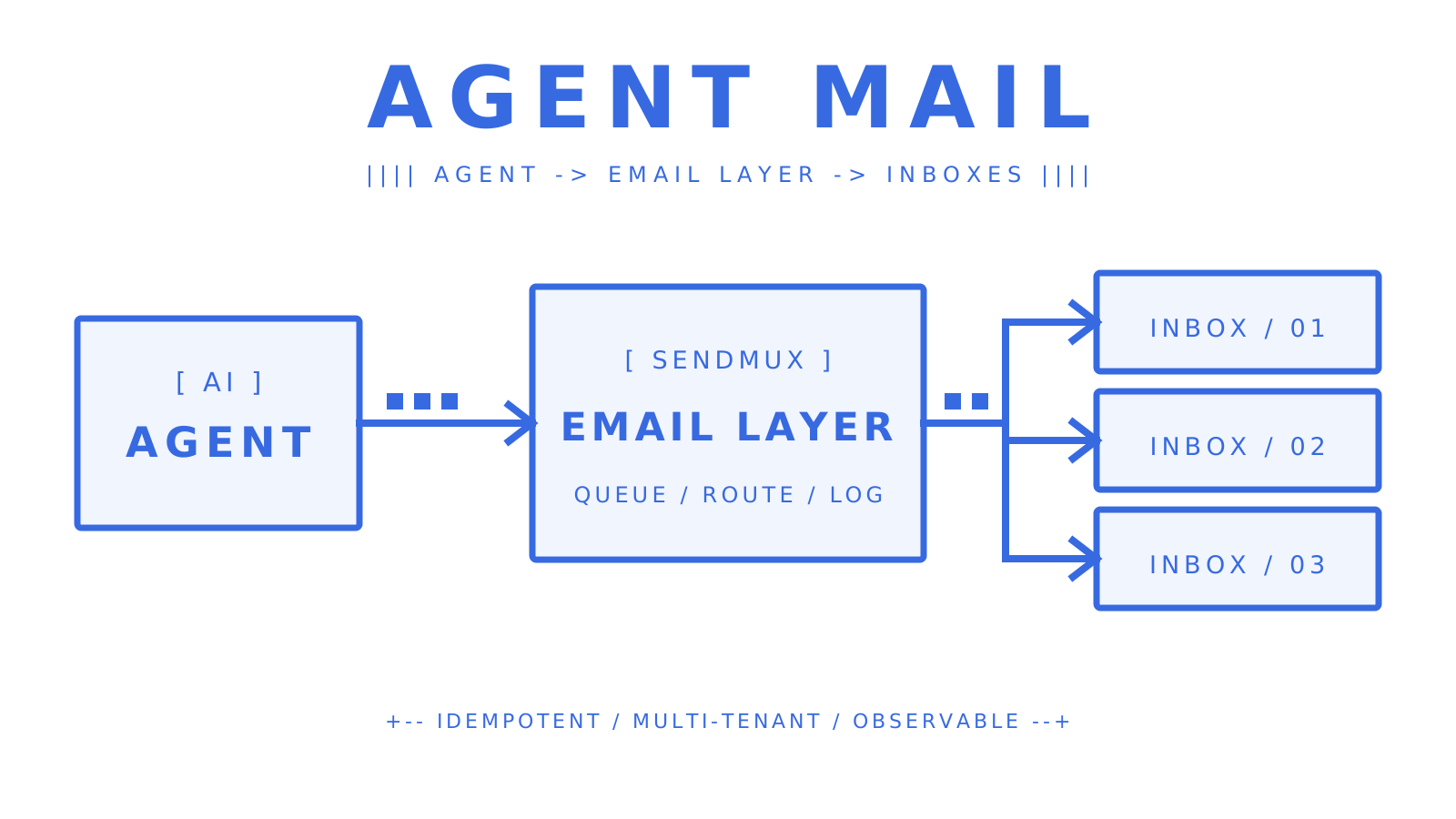
For engineering teams and platform builders, the Sendmux sending API gives you weighted routing across BYO Gmail, Outlook, and managed Amazon SES, automatic failover, per-provider quotas, and idempotency-safe batch sends of up to 100 messages per request. Connected-provider usage costs $0.000500 per provider-accepted recipient.
Bottom line: you pay for what you send.
Sources
- CAN-SPAM | Federal Communications Commission
- Email sender guidelines | Google
- Spam rate and sender guidelines | Google
- Best practices for senders | Yahoo
- CAN-SPAM Act: A Compliance Guide for Business | Federal Trade Commission
- Message Submission for Mail | IETF
FAQ
Is there a way to batch-send emails safely?
Yes. Use an email API or ESP that supports idempotency keys, suppression lists, and webhook delivery events. Authenticate your domain with SPF, DKIM, and DMARC, start with a low sending volume to engaged users, and increase it gradually while monitoring server responses, spam rate, and domain reputation.
How do you send 1,000 emails at once without hitting spam filters?
Clean your list first, then authenticate your sending domain. Send to engaged contacts before cold ones, keep your complaint rate below 0.1% as Google’s recommendation, and include a working unsubscribe link in every message as required by the CAN-SPAM Act. Gmail and Yahoo set a bulk-sender threshold below 0.3%.
What is sending bulk emails called?
Sending the same message to a large list is called bulk email, mass email, or batch email distribution. When the message is triggered by a specific user action (a purchase, a signup), it is called transactional email and follows a different sending pattern.
How do I send 100 emails at once to one person?
You would not. Sending 100 copies of the same message to a single recipient is not a valid use case and would likely trigger spam filters or abuse reports. If you mean sending one message to 100 different recipients, use a batch API call or an ESP campaign send with your list of 100 addresses.
What is the difference between an ESP and an email API for batch sending?
An ESP provides a visual campaign builder and handles infrastructure for you, making it faster for non-technical marketing teams. An email API gives developers structured responses, webhook events, idempotency support, and per-tenant controls, making it the better choice for programmatic or multi-tenant workflows.
Give an agent its own address
Sendmux is the Email Inbox API for AI Agents.