 myagent.mxBLOG
deliverability · gmail sending limits
50/Day Team Cap: Gmail Sending Limits for Sendmux Agents
Sendmux developer brief on Gmail sending limits: Free has a 50/day team cap, Pro's SES is 100/hr and 1,000/day. Learn token flow, routing, and batching to...
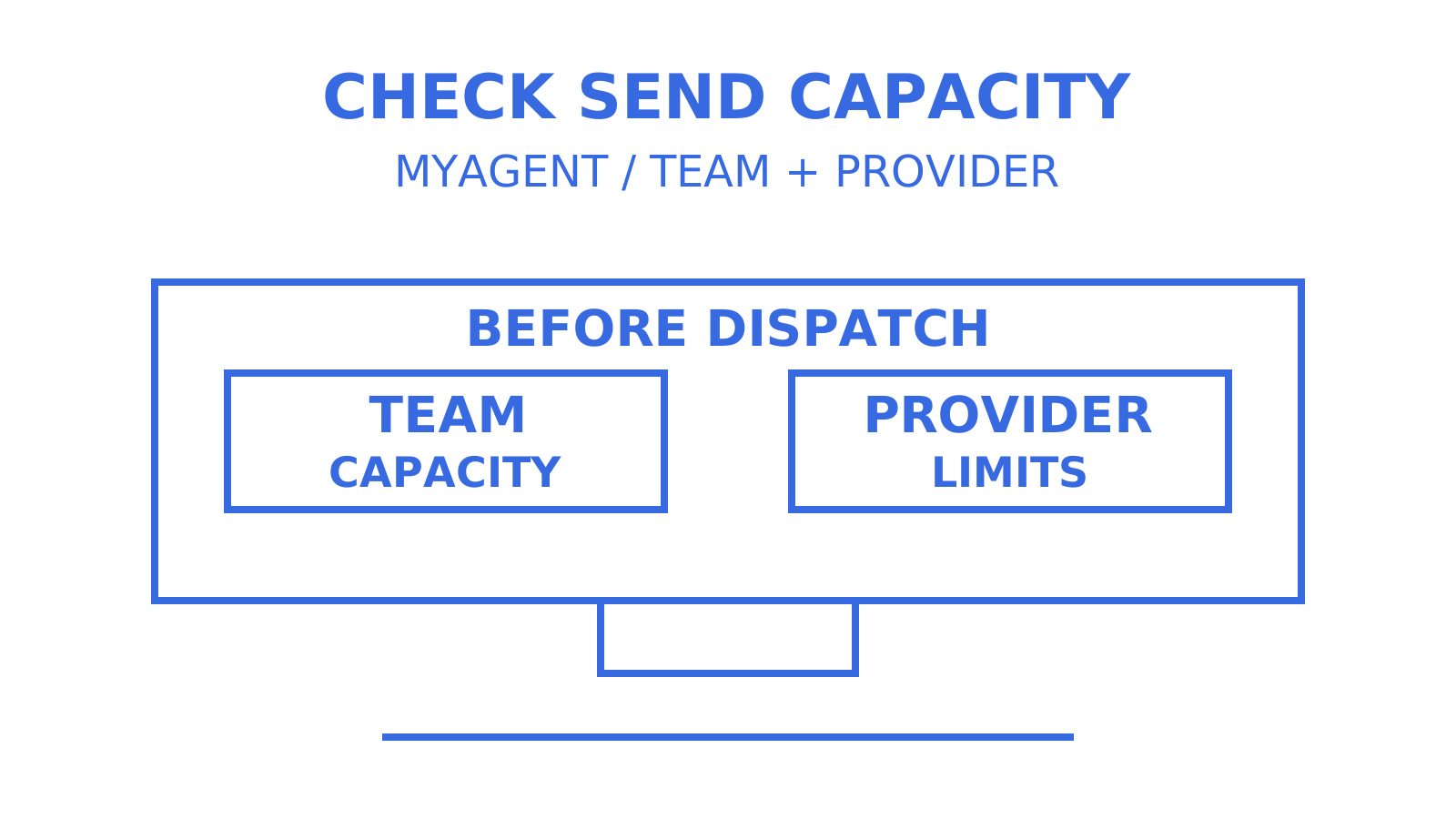
Free-tier agent mailboxes share a team cap of provider-accepted recipients per UTC day, with additional hourly limits on the managed Amazon SES route. Pro starts with higher managed SES allowances, while connected-provider sending remains subject to provider quotas, configured limits and account controls. Once registration has provisioned the inbox, an agent can receive and read mail; sending requires a human owner to accept the invitation, approve sending and enable exchange of the durable credential for a Sending-resource token.
TL;DR
- Free allows 50 provider-accepted recipients per UTC day team-wide across all routes, with managed SES further limited to two accepted recipients per hour.
- Sending requires the human owner to accept the invitation and approve it; the durable read token is then exchanged for a separate Sending-resource token.
- BYO providers avoid the managed SES route ceiling, but Free’s team cap and other Sendmux controls still apply. Delivery groups cannot include managed SES accounts.
- Sending and Mailbox API keys allow 1,800 requests per minute. A Sending API batch of up to 100 messages counts as one API request, without reducing recipient usage.
- Paid Workspace accounts can have higher Gmail sending allowances than personal accounts; choosing Workspace does not itself guarantee deliverability.
Table of Contents
- What are Gmail email limits inside Sendmux, at a glance?
- How does Sendmux gate sending for agent mailboxes?
- What do Free and Pro tiers actually cost per recipient?
- Which route should carry your outbound volume?
- How do API rate limits interact with batch sending?
- What signals show a quota or deliverability problem?
- What patterns keep an agent fleet inside its quotas?
- How do individual Gmail accounts differ from Google Workspace accounts?
- What happens if a connected provider’s limit gets exceeded?
- How can you legitimately raise a Gmail sending cap?
- An editorial take on quota design for agent fleets
- Start free, scale when the recipient count says so
- Sources
- FAQ
What are Gmail email limits inside Sendmux, at a glance?
For an agent using Sendmux, “Gmail sending limits” involves several boundaries. Free has a team-wide accepted-recipient cap across all routes; managed Amazon SES adds its own hourly and daily ceilings. A BYO Gmail OAuth connection also obeys Google’s account limits and anti-spam controls. Per-mailbox credentials define access, but the Free daily cap is not a separate allowance for every mailbox. Design around whichever applicable limit is reached first.
Keep these limits and billing units separate:
- The Free daily cap of 50 accepted recipients applies across the whole team, not per mailbox, so a burst from one agent can consume another mailbox’s remaining team capacity.
- The managed SES hourly cap on Free (two accepted recipients per hour) suits initial tests and very low-volume transactional traffic; it is not a general-purpose bulk allowance.
- Billing units are provider-accepted recipient occurrences outbound, distinct mailbox deliveries inbound, and storage prorated by calendar day against a monthly rate: three separate meters to track in your usage dashboard.
How does Sendmux gate sending for agent mailboxes?
An agent-created mailbox needs owner approval to send. Use the current registration and approval sequence:
- Read Sendmux’s auth.md, the agent-facing discovery document, and use the documented CLI flow or HTTP fallback.
- Generate and persist an idempotency key for registration; the current flow does not require the old proof-of-work challenge.
- Register an anonymous identity and securely save the returned durable
smx_agent_token while the constrained @myagent.mx mailbox is provisioned. Registration no longer requires a separate identity-assertion exchange to obtain read access. - Confirm the ready mailbox at
/api/v1/mailbox/meusing that durable credential. It grantsmailbox.readandemail.receive. - Invite a named human owner. After the owner accepts and explicitly approves sending, exchange the durable credential for a one-hour Sending-resource token with
email.send.
The pre-claim durable token carries mailbox.read and email.receive. Once the inbox is ready, the agent can poll, search and read threads. That read token never gains email.send: after owner approval, use the separately exchanged Sending-resource token. A send attempted with the read token remains outside its permissions.
Pro Tip: For CI, use a separate mailbox whose owner has explicitly approved the intended sending tests. Approval can be revoked; do not treat it as permanent or assume a pre-claim token can send. Test the denied path separately, and keep human invitation acceptance out of an unattended test’s critical path.
What do Free and Pro tiers actually cost per recipient?
Free supports prototypes within fixed team-resource and sending limits. Pro removes plan-level resource-count caps and the Sendmux-wide outgoing-volume cap, but provider limits, managed SES safeguards and safety controls still apply. Usage billing tracks recipients, inbound deliveries and storage; Pro also has a monthly team fee.
Usage pricing breaks down cleanly:
Usage pricing separates outbound recipients by route, inbound deliveries and storage. The published rates are $0.000500 per provider-accepted recipient occurrence through a connected provider and $0.000750 through managed SES. Inbound mailbox deliveries and storage have their own rates, and Pro adds a monthly team fee.
Each provider-accepted To, Cc and Bcc recipient occurrence is billed separately, so one email accepted for ten people bills as ten occurrences, not one. Recipients rejected before provider acceptance incur no outbound usage charge. A later bounce can follow acceptance, so a bounce-rate forecast is not the same as a forecast of unbilled recipients.
Which route should carry your outbound volume?
Sendmux supports your own connected sending provider and an included managed Amazon SES account that is active by default for a team. BYO options are Gmail OAuth, Outlook / Microsoft 365 OAuth and supported Custom SMTP servers. An agent registration still requires owner approval before it can use sending, even when the team has an active managed account.
- Managed SES is transactional-only: two accepted recipients per hour on Free, with Pro starting at 100 per hour and 1,000 per day. Review the current managed-account allowance before sending.
- BYO providers do not use the managed-route ceiling. Free’s team-wide cap, configured Sendmux quotas and the provider’s own rules still apply; connected credentials do not guarantee independent reputation or ownership of the provider’s infrastructure.
- Delivery groups support weighted routing across eligible connected accounts, with per-provider quotas for second, minute, hour and day windows. Weights are not a promise of exact short-run percentages.
- Health controls can exclude failing or inactive accounts from routing. Delivery still requires an eligible healthy account with capacity; automatic selection cannot guarantee that every failed send immediately succeeds elsewhere.
One hard rule worth flagging: the managed Amazon SES account cannot join a delivery group. A mixed managed/BYO failover plan therefore needs an explicitly configured credential or mailbox route and application-level handling; a request cannot override its route with an invented provider-selection header or body field. Check acceptance and idempotency before attempting a fallback.
How do API rate limits interact with batch sending?
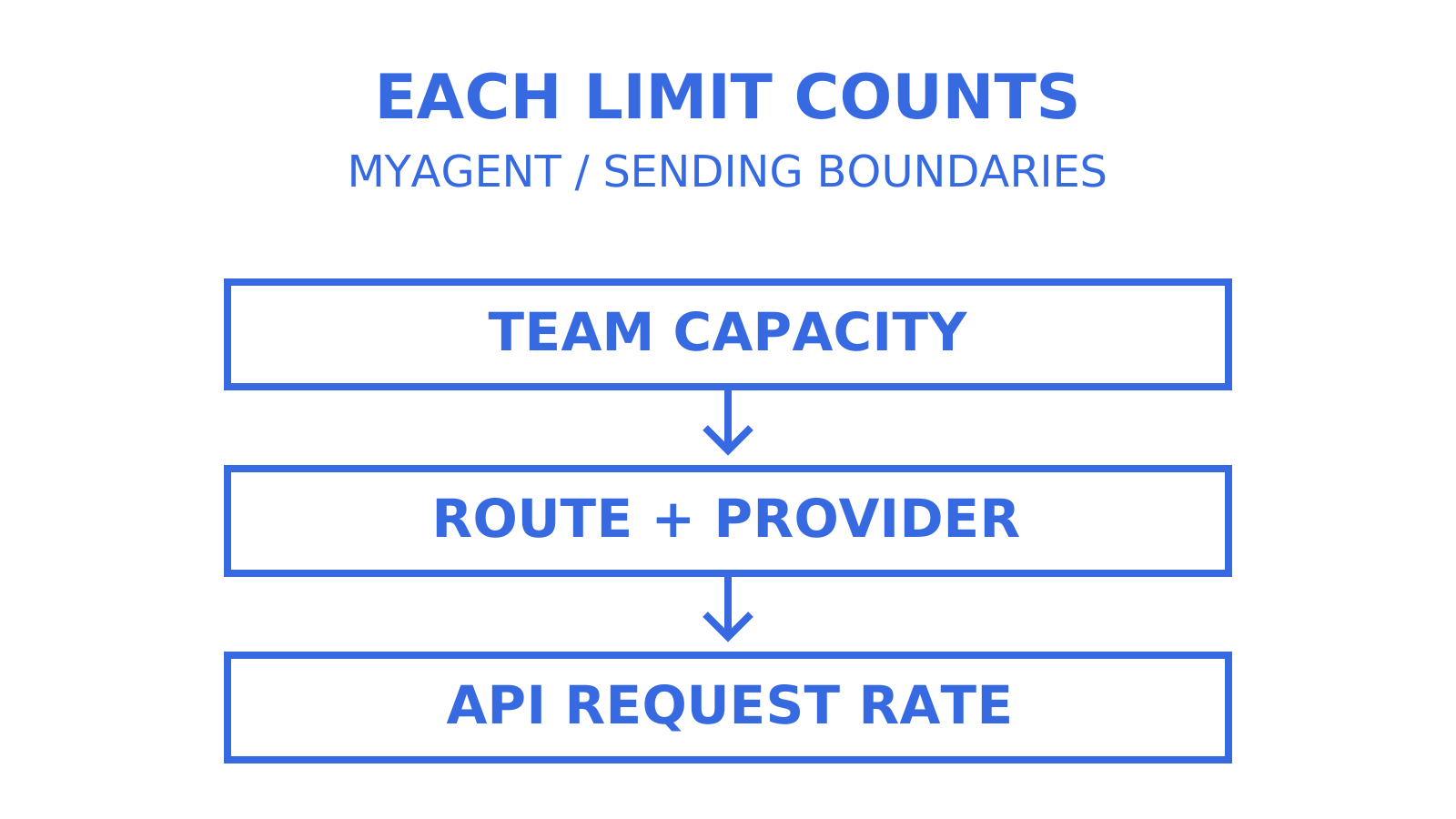
Track API request rate, team capacity and route/provider quotas separately. Requests and accepted recipients are different units, and more than two limits can apply at once.
- Sending and Mailbox API keys allow 1,800 requests per minute; Management API keys allow 600. The documented Sending API allowance applies per sending credential, not as one team-wide request pool.
- A Sending API batch of up to 100 messages counts as one HTTP request. Inspect each message result; batching does not reduce accepted-recipient billing or provider quota consumption.
- Use the
Idempotency-Keyheader on HTTP sends and retry with the same key and body within the documented replay window. A changed body or an in-flight conflict needs the documented handling; SMTP does not gain HTTP-header idempotency. - For retryable 429 or 5xx responses, honour
Retry-Afterwhere supplied and back off with jitter. Resolve permanent errors and exhausted daily capacity instead of blindly retrying.
Pro Tip: Monitor both daily capacity and request rate. Free’s 50-recipient team cap may bind before 1,800 requests a minute during sending, but repeated read requests can hit the API limit without consuming outbound capacity. The team cap is a Sendmux limit, not a Gmail provider cap.
What signals show a quota or deliverability problem?
Delivery logs show message-level status (pending, sent, failed, rejected), sender, recipient, provider and attempt count, with filters and CSV export. Provider-acceptance details and recipient outcomes are separate from inbox placement. Bounce, complaint and delay feedback arrives through supported webhook subscriptions; Sendmux’s mailbox SSE stream is for inbound received-message notifications, not the same delivery-feedback feed.
- Subscribe to the events your route supports: delivered (
message.delivered), bounced (message.bounced), complained (message.complained), rejected (message.rejected), delayed (message.delivery_delayed), received (message.received) and spam-received (message.received.spam). The mailbox SSE stream supports only the last two inbound types. - Webhooks use HMAC-SHA256 in
X-Sendmux-Signatureand retry with backoff. Recent attempts, response status, latency and retained payload availability are inspectable for seven days; payload availability can fail separately, so do not assume every payload is present. - Sendmux’s deliverability summary uses 24-hour signals and warning points near a 5% bounce rate and a 0.1% complaint rate. These are not a universal per-mailbox cutoff or Gmail’s enforcement thresholds; match your own alert to the same metric and scope.
- Verify every webhook signature over the exact received body before trusting the payload, and deduplicate events in your handler.
What patterns keep an agent fleet inside its quotas?
Use these guardrails to make quota decisions visible and enforceable before dispatch:
- Keep per-mailbox preflight counters and a shared team counter because Free’s 50/day cap is team-wide. Include in-flight work; Sendmux’s own admission checks remain authoritative.
- Use a trusted queue to enforce provider windows and the configured delivery-group scope before agents dispatch. Do not let an agent invent a route outside its credential permissions.
- Group recipients only when the same content and recipient visibility are appropriate. Every accepted recipient occurrence is still counted and billed, so larger messages do not lower that cost.
- Audit the approval exchange using non-secret registration or credential identifiers, timestamps, scopes and the approving owner. Never log the issued token itself; keep it in a secret store.
Pro Tip: Use your team-level counter for planning and each per-mailbox counter for local controls, but reconcile both against authoritative Sendmux usage and admission responses. A central queue must also account for sends from other clients and in-flight reservations; a local counter alone cannot guarantee spare capacity.
How do individual Gmail accounts differ from Google Workspace accounts?
Personal Gmail and paid Google Workspace have different published allowances, while Workspace trials have lower limits than established paid accounts. Check the current account status and sending method; the Workspace edition alone does not describe every sending constraint.
The Gmail OAuth account matters only when that BYO route carries the message. Free’s 50/day team cap applies across routes; Pro’s starting 1,000/day managed SES allowance applies only to managed SES, not BYO Gmail. Neither Gmail nor Sendmux is always the first limit reached: compare the actual account allowance, current usage, configured quotas and team plan.
Choose an account and plan that fit the authorised workload. Workspace provides administrator controls, but it does not promise better deliverability or a discretionary increase to each user’s daily sending allowance. Google documents the transition from trial to paid limits separately from API project-quota requests; verify which limit an error actually names.
What happens if a connected provider’s limit gets exceeded?
Exceeding a connected provider’s limits can cause throttling or rejection; the exact response and recovery depend on the provider and reason. Gmail can temporarily stop sending after a limit is reached, while spam abuse can lead to longer restrictions. A quota error alone does not prove that reputation was damaged.
Inspect Sendmux delivery logs for the provider, attempt count, status and recorded reason. Do not assume every provider-limit error maps to rejected: message failures and recipient-level rejections are different records. Delivery-group selection can exclude disabled accounts and respect quota windows, but queued work may wait or fail if no permitted provider has capacity.
Investigate repeated rejection patterns promptly. Check the provider response, recipient list, authentication and traffic pattern before resuming; a recovered request allowance does not prove that an underlying delivery problem is resolved.
For managed Amazon SES, Sendmux can show provider-health signals alongside bounce and complaint rates when those signals are available. Compare them with delivery logs rather than assuming they are statistically independent. Pause risky traffic while investigating; switching providers is not a remedy for unwanted mail, invalid recipients or a shared domain problem.
How can you legitimately raise a Gmail sending cap?
A Sendmux plan change cannot raise Google’s per-user Gmail allowance. Use the account’s documented limits and, when appropriate, an eligible paid Workspace account. Do not confuse a Google Cloud API project-quota request with permission to exceed a Gmail user’s sending limit.
Configure SPF, DKIM and DMARC correctly for the sending domain and follow Google’s applicable sender requirements. Authentication and a consistent sending history support legitimate delivery, but neither raises an account quota or guarantees freedom from throttling. Increase traffic gradually and review feedback; a jump from a handful of daily sends to thousands is a reason to reassess capacity, not proof of a universal automated-review trigger.
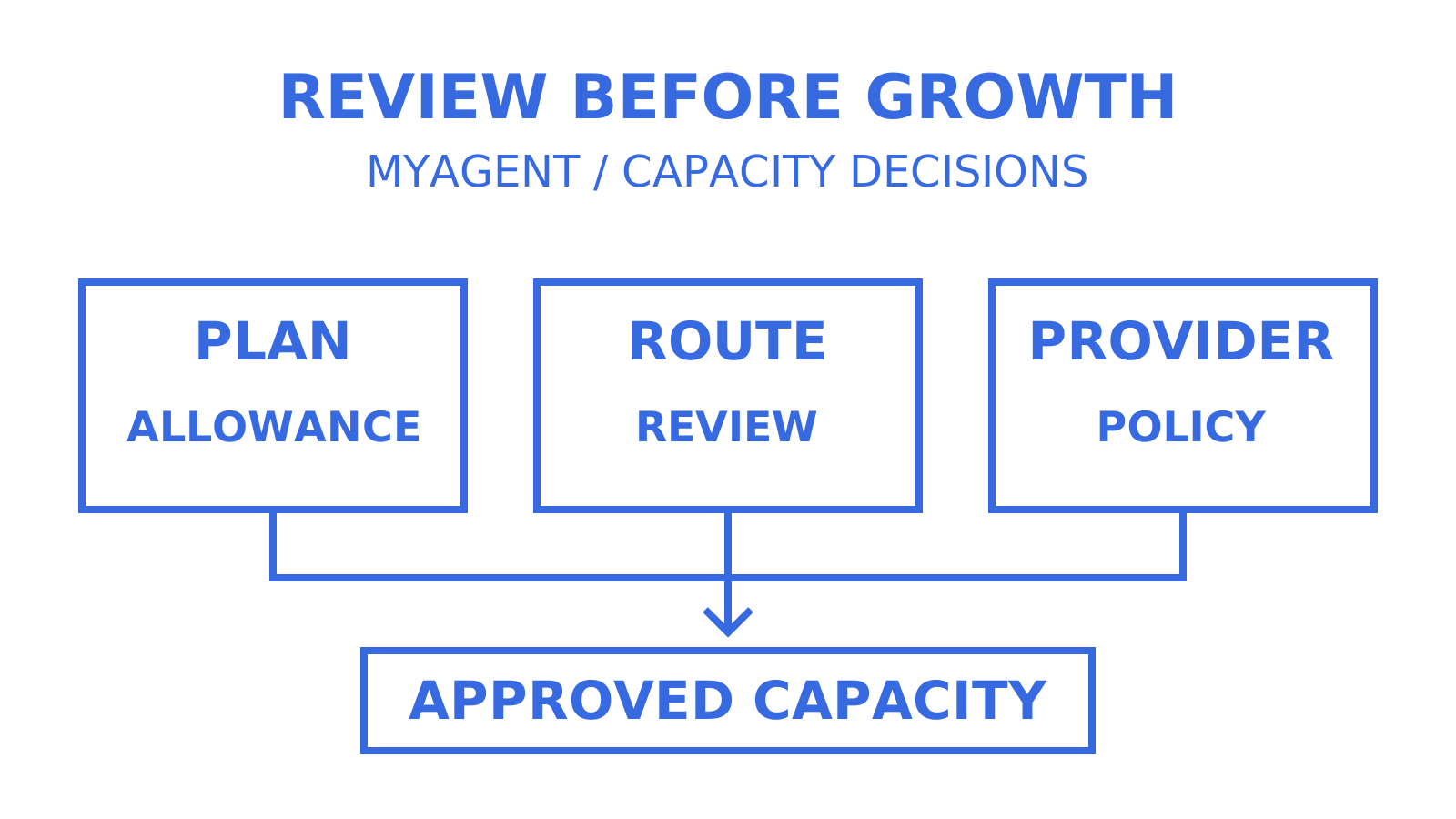
Upgrading Free to Pro removes Sendmux’s plan-level resource-count caps and Sendmux-wide outgoing-volume cap; other controls remain. Managed SES starts at 100 accepted recipients per hour and 1,000 per UTC day, up from two per hour on Free. Pro teams can request a managed-limit review from Accounts at 80% of the daily allowance. Connected BYO accounts and delivery groups are another capacity option when their own quotas and policies allow it; they do not guarantee reputation isolation or uninterrupted delivery.
An editorial take on quota design for agent fleets
Per-mailbox credentials and quotas help control an agent fleet, but a shared team or provider limit can still affect several mailboxes. Sendmux’s recipient-based pricing and scoped access do not guarantee that a bad agent’s reputation impact stays inside its own inbox. Use access boundaries, team counters and provider feedback together.
Per-recipient billing makes the recipient count explicit: ten separate one-recipient emails and one email accepted for ten people both create ten billed occurrences. Choose grouping for content and privacy, not a billing discount. Treat Bring Your Own Inbox as a capability to verify in current public documentation, not a promised roadmap item. A per-mailbox usage API already exposes mailbox quota resources; that is not a complete per-agent outbound cost forecast.
Start free, scale when the recipient count says so
A raw Gmail API integration or a transactional provider with a webhook relay may require you to assemble mailbox state, OAuth handling, parsing and usage accounting. Sendmux offers a persistent @myagent.mx mailbox through agent registration without a human signup form or card to start. Receive and read access becomes usable when provisioning completes; a human owner is still required to approve sending.
After owner acceptance and sending approval, exchange the durable read credential for a separate Sending-resource token. Start within Free’s allowances and review the plan and route when volume grows; usage charges and Pro’s monthly team fee both matter. Read the Sendmux product overview and agent-access documentation, register a mailbox, then use /api/v1/mailbox/me to inspect mailbox identity and available storage usage. That endpoint is not a live Gmail sending-quota meter.
Sources
- Personal Gmail sending limits
- Workspace sending limits
- Gmail API error handling
- Gmail sender guidelines
FAQ
What is the Free tier’s daily sending cap on Sendmux?
Free caps sending at 50 provider-accepted recipients per UTC day, team-wide, with managed Amazon SES further limited to two accepted recipients per hour.
Can an agent mailbox send email immediately after registering?
No. An agent can receive and read once its registered inbox is provisioned. Sending requires the human owner to accept the invitation and approve sending, followed by exchange of the durable read credential for a separate Sending-resource token.
How much does Pro raise the managed SES sending cap?
Pro starts managed Amazon SES at 100 accepted recipients per hour and 1,000 per UTC day, up from two per hour on Free. Eligible Pro teams can request a review of the managed allowance; these are starting limits, not a Sendmux-wide cap on BYO sending.
How is outbound email billed on Sendmux?
Connected providers bill $0.000500 per accepted recipient, managed SES bills $0.000750 per accepted recipient, and each To, Cc, and Bcc address counts as its own billed occurrence.
What’s the difference between Gmail’s personal account limits and Workspace limits?
Personal Gmail and paid Workspace have different documented limits, and Workspace trial accounts have their own restrictions. Use the allowance for the actual account status and sending method; Workspace is not a guarantee of better deliverability.
What API rate limits apply on top of provider quotas?
Sendmux’s Sending and Mailbox API keys allow 1,800 requests per minute. A Sending API batch of up to 100 messages counts as a single request against its API rate limit, but each accepted recipient occurrence still consumes the applicable sending capacity and billing usage.
Give an agent its own address
Sendmux is the Email Inbox API for AI Agents.