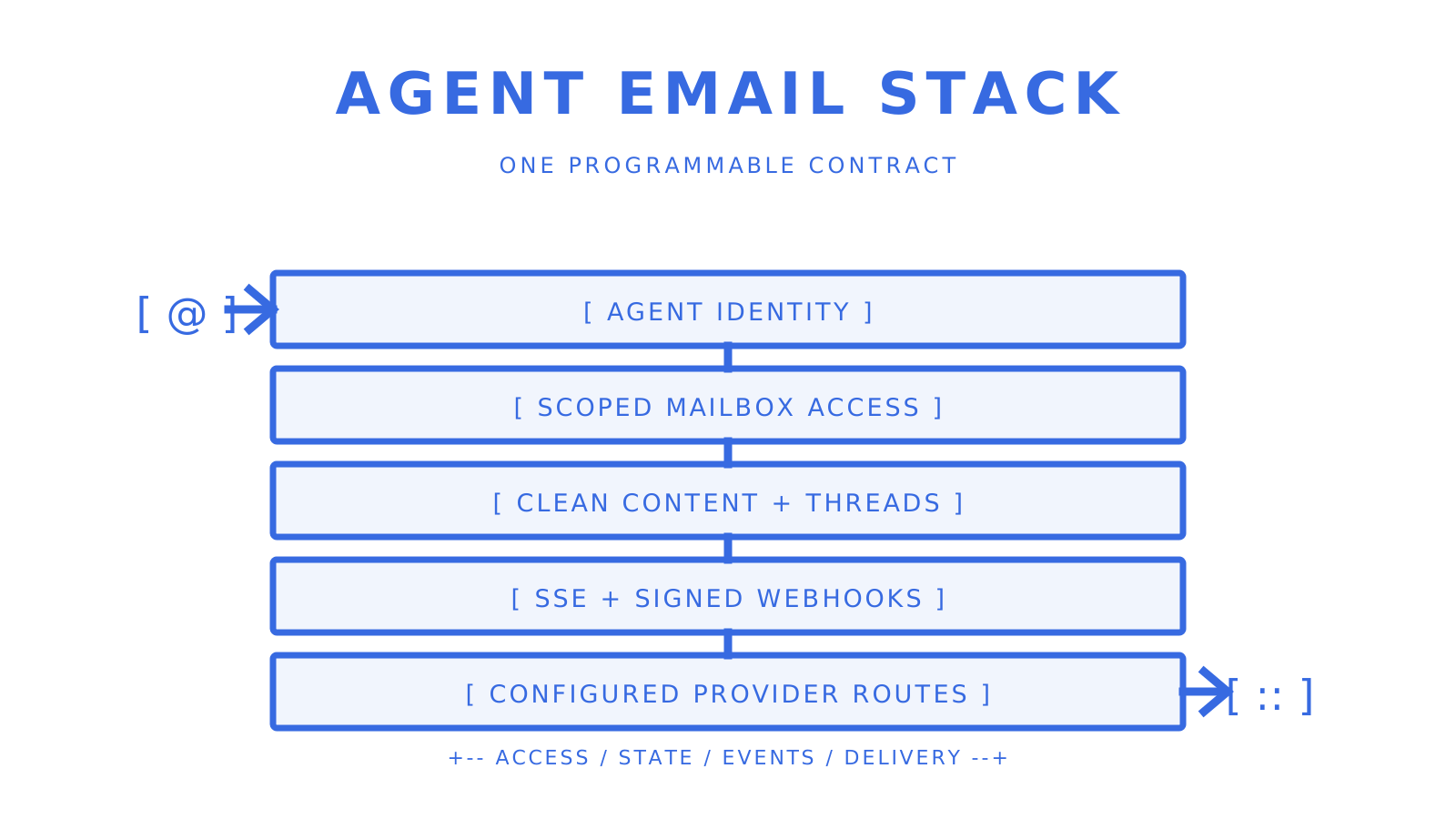
# myagent.mx > myagent.mx is the home for Sendmux agent inbox signup and engineering notes on email for AI agents; product documentation lives at sendmux.ai. ## Start here - [Homepage Markdown](https://myagent.mx/index.md): Get a Sendmux inbox for an AI agent. - [Blog Markdown index](https://myagent.mx/blog/index.md): Browse every published engineering article. - [Blog RSS](https://myagent.mx/blog/feed.xml): Follow newly published articles. ## Published articles - [How to Verify an Email Domain Before You Trust It](https://myagent.mx/blog/verify-email-domain.md): Learn how to verify an email domain effectively with simple commands to ensure trust and security in your communications. (category: deliverability; topic: verify email domain) - [Mailbox-First SendGrid Alternatives for AI Agent Platforms](https://myagent.mx/blog/sendgrid-alternatives.md): Discover the best SendGrid alternatives for AI agent platforms, including mailbox-first solutions that simplify email infrastructure. (category: alternatives; topic: sendgrid alternatives) - [Best Nylas Alternatives for Developers in 2026](https://myagent.mx/blog/nylas-alternatives.md): Discover the best alternatives to Nylas for developers in 2026. Explore options tailored for email access, CRM, and scheduling needs. (category: alternatives; topic: nylas alternatives) - [The Right Way to Give an AI Agent Its Own Mailbox](https://myagent.mx/blog/ai-agent-mailbox.md): Discover how an AI agent mailbox enhances autonomy, safety, and deliverability with dedicated addresses and robust API access for better workflow. (category: agents; topic: ai agent mailbox) - [Cold Email Infrastructure for Agencies and Growth Teams](https://myagent.mx/blog/cold-email-infrastructure.md): Build reliable cold email infrastructure with strategic mailing practices that maximize inbox placement and enhance your outreach efforts. (category: strategy; topic: cold email infrastructure) - [12 Resend Alternatives for Developers Building With Agents](https://myagent.mx/blog/resend-alternatives.md): Explore the best resend alternatives for developers, from Sendmux to Postmark. Find the right solution for your email needs today! (category: alternatives; topic: resend alternatives) - [Amazon SES Alternatives for Developers in 2026](https://myagent.mx/blog/amazon-ses-alternatives.md): Explore top alternatives to Amazon SES for developers in 2026, offering tailored solutions for transactional and marketing emails. (category: alternatives; topic: amazon ses alternatives) - [Email API Pricing for Developers: Volume and BYO Guide](https://myagent.mx/blog/email-api-pricing.md): Discover how email API pricing varies by volume. Learn cost-effective strategies to maximize your budget and streamline email delivery. (category: apis; topic: email api pricing) - [AgentMail Alternatives for Developers: Inbox & API Picks](https://myagent.mx/blog/agentmail-alternatives.md): Discover the best AgentMail alternatives for developers, from Sendmux's robust inbox solutions to cost-effective options like Amazon SES. (category: alternatives; topic: agentmail alternatives) - [Best SMTP Providers for Developers in 2026](https://myagent.mx/blog/best-smtp-providers.md): Discover the best SMTP providers for developers in 2026. Choose from Sendmux, Amazon SES, Mailgun, and Postmark for efficient email solutions. (category: apis; topic: best smtp providers) - [12 Solid Mailgun Alternatives for Developers in 2026](https://myagent.mx/blog/mailgun-alternatives.md): Discover 12 top Mailgun alternatives for developers in 2026, each tailored to enhance deliverability, cost, and transactional workload efficiency. (category: alternatives; topic: mailgun alternatives) - [SparkPost Alternatives for Developers: Deliverability-First Picks](https://myagent.mx/blog/sparkpost-alternatives.md): Explore top SparkPost alternatives for enhanced deliverability, featuring options like Postmark and Sendmux tailored for developers and teams. (category: alternatives; topic: sparkpost alternatives) - [Email Deliverability Monitoring: A Guide for Technical Teams](https://myagent.mx/blog/email-deliverability-monitoring.md): Master email deliverability monitoring with effective strategies to enhance inbox placement, prevent reputation drops, and ensure seamless delivery. (category: deliverability; topic: email deliverability monitoring) - [Best Missive Alternatives for Agent-First Email APIs](https://myagent.mx/blog/missive-alternatives.md): Discover top Missive alternatives for building AI agents with programmable inboxes, featuring Sendmux and more tailored solutions. (category: alternatives; topic: Missive like apps) - [Team Inbox Management for AI Agents and Platforms](https://myagent.mx/blog/team-inbox-management.md): Streamline your AI agents' communication with team inbox management, ensuring reliability and efficiency through API-driven solutions. (category: agents; topic: how to streamline team inbox) - [Domain Verification Email: DNS, DKIM, and DMARC for Developers](https://myagent.mx/blog/domain-verification-email.md): Learn how to properly verify your email-sending domain using DNS, DKIM, and DMARC for secure and efficient message delivery. (category: deliverability; topic: domain verification email) - [The Best Postmark Alternatives for Developers in 2026](https://myagent.mx/blog/postmark-alternatives.md): Discover top Postmark alternatives for developers in 2026, offering cost savings, enhanced features, and robust routing capabilities to meet your needs. (category: alternatives; topic: Postmark alternatives comparison) - [Best Email APIs for Developers: 2026 Comparison Guide](https://myagent.mx/blog/best-email-api.md): Discover the best email APIs for developers in 2026. Compare features like real mailboxes, parsing, and delivery options to find your ideal choice. (category: apis; topic: best vercel email api) - [Transactional vs Marketing Email: A Practical Guide](https://myagent.mx/blog/transactional-vs-marketing-email.md): Learn the key differences between transactional and marketing emails. Understand their roles, compliance, and how to optimize your email strategy. (category: strategy; topic: transactional vs outreach) - [The Best Front Alternatives for AI Agent Mailboxes](https://myagent.mx/blog/front-alternatives.md): Discover top Front alternatives for AI agent mailboxes. Explore Sendmux, OpenAgent, and others to find the best solution for your team. (category: alternatives; topic: Front alternatives) - [Transactional Email API: A Developer's Integration Guide](https://myagent.mx/blog/transactional-email-api.md): Discover how to seamlessly integrate a transactional email API in three simple steps, enhancing your app's email capabilities today. (category: apis; topic: transactional email api) - [Batch Email Sending: A Practical Guide for 2026](https://myagent.mx/blog/batch-email-sending.md): Master batch email sending in 2026 with our practical guide. Learn key strategies to ensure inbox delivery and avoid spam filters. (category: apis; topic: batch email sending) - [AI Agent Email for Developers: Build Real Agent Inboxes](https://myagent.mx/blog/ai-agent-email.md): Unlock the potential of AI agent email with Sendmux. Empower your agents to autonomously manage emails using an efficient API setup. (category: agents; topic: ai agent email) --- title: "How to Verify an Email Domain Before You Trust It" description: "Learn how to verify an email domain effectively with simple commands to ensure trust and security in your communications." canonical: "https://myagent.mx/blog/verify-email-domain" publishedAt: "2026-08-25T13:35:42.842Z" updatedAt: "2026-08-25T13:35:50.358Z" category: "deliverability" topic: "verify email domain" author: "Roshan Jonnalagadda" authorProfile: "https://myagent.mx/blog/author/roshan-jonnalagadda" keywords: - "sender allowlist denylist" - "email allowlist denylist" - "verify email domain" - "domain verification email" - "verify domain for email" - "check email domain" - "confirm email domain ownership" - "how to verify email domain" - "email domain validation" - "dmarc alignment check" --- # How to Verify an Email Domain Before You Trust It Learn how to verify an email domain effectively with simple commands to ensure trust and security in your communications.
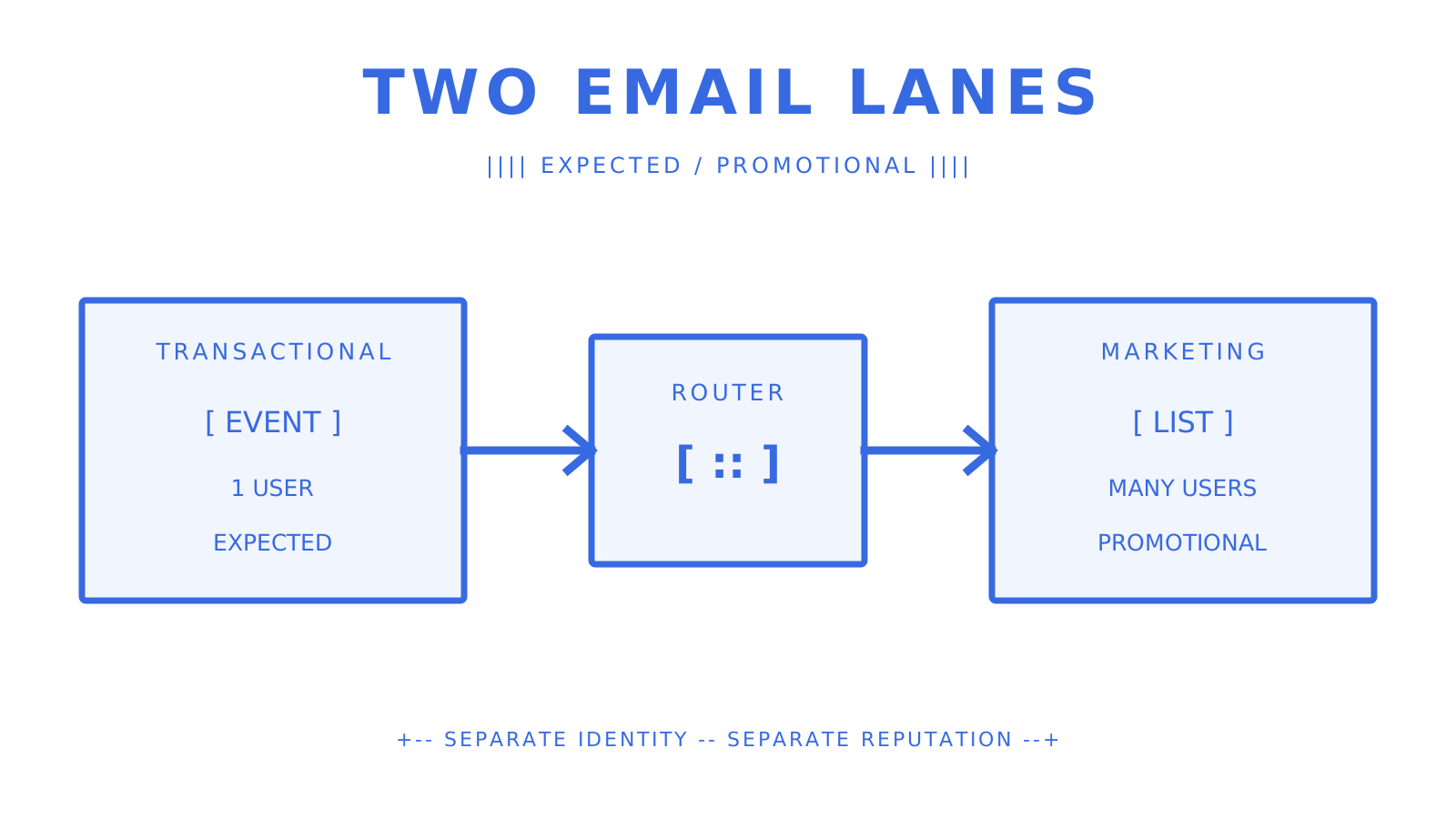
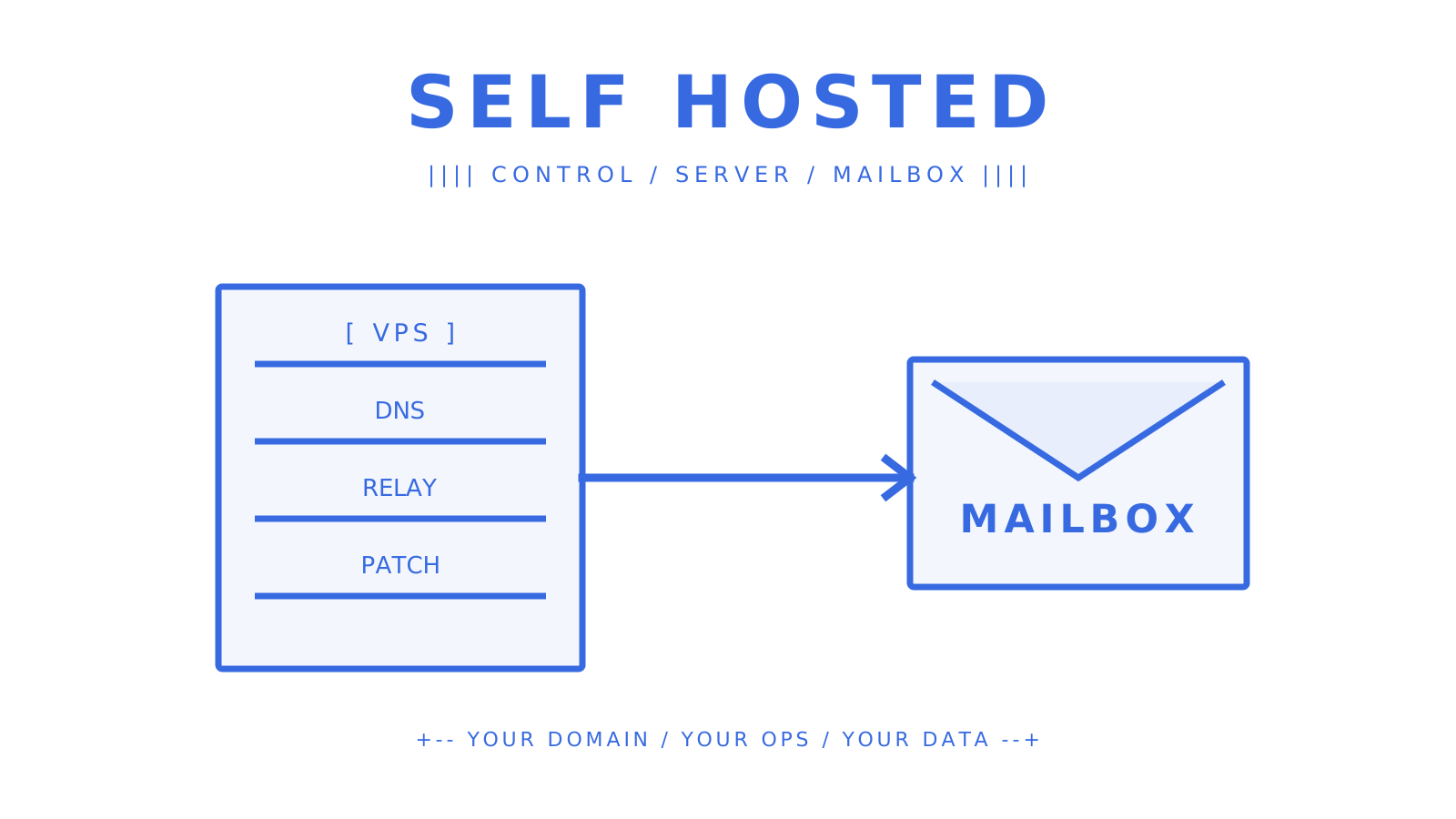
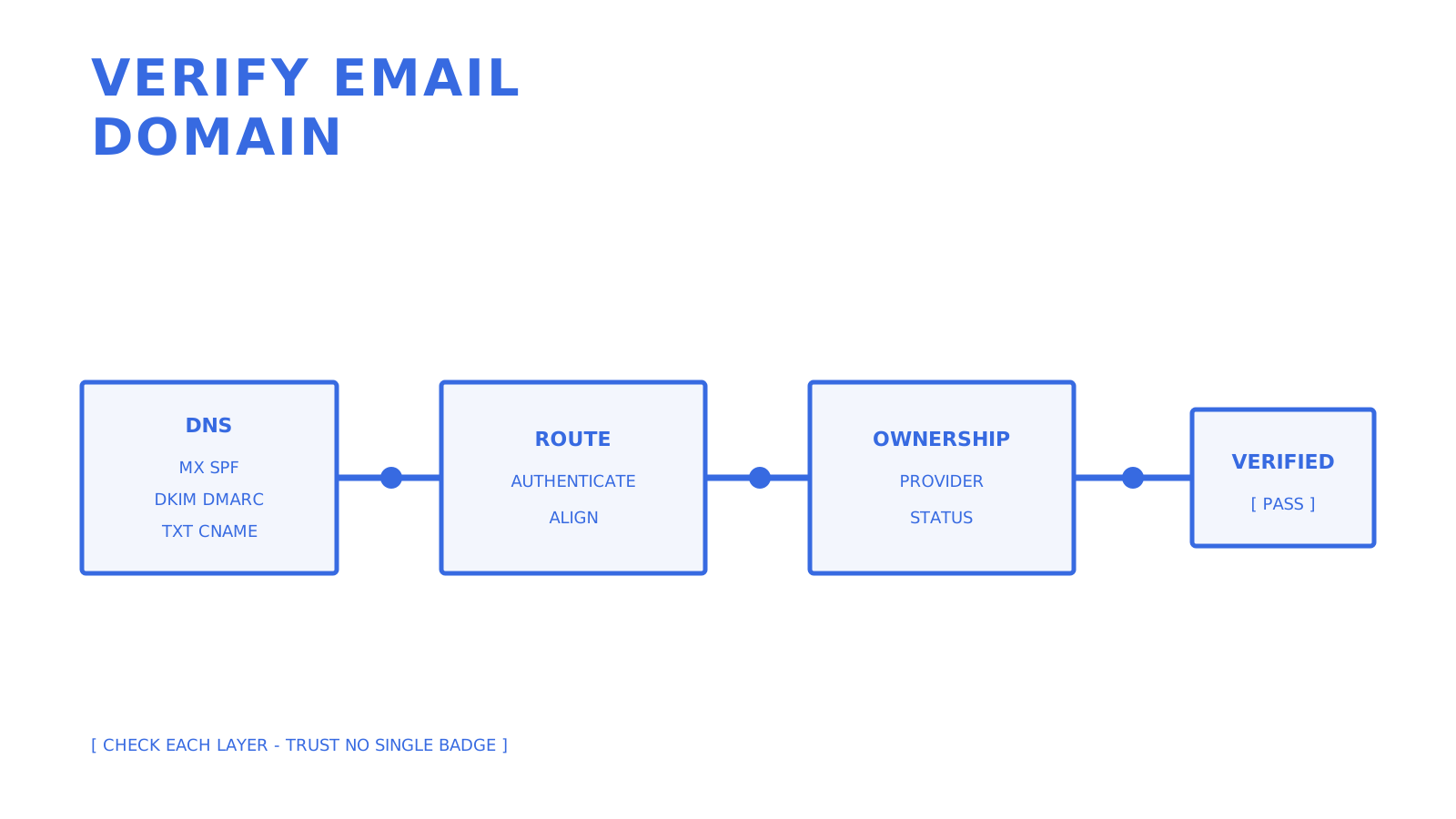
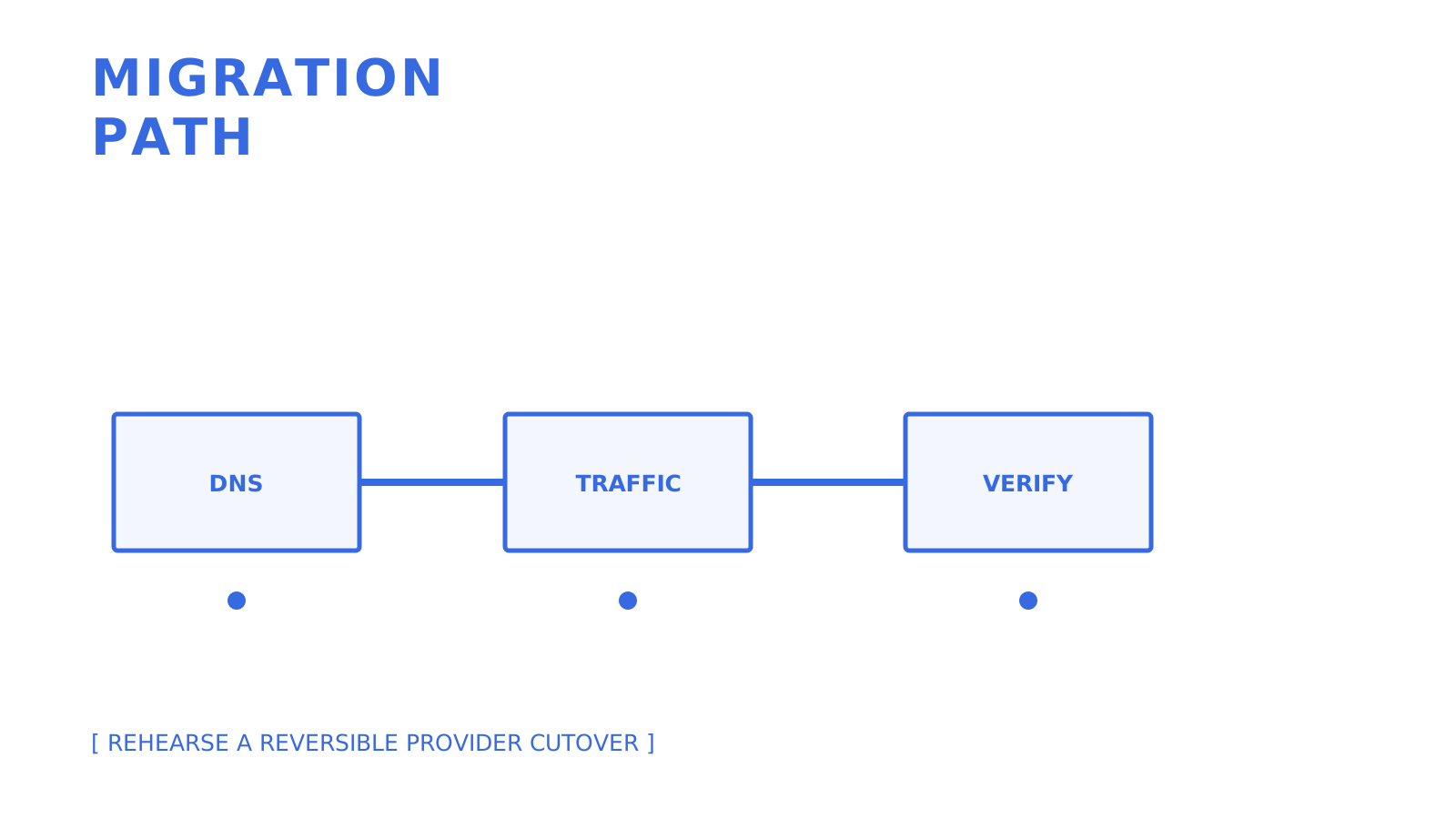
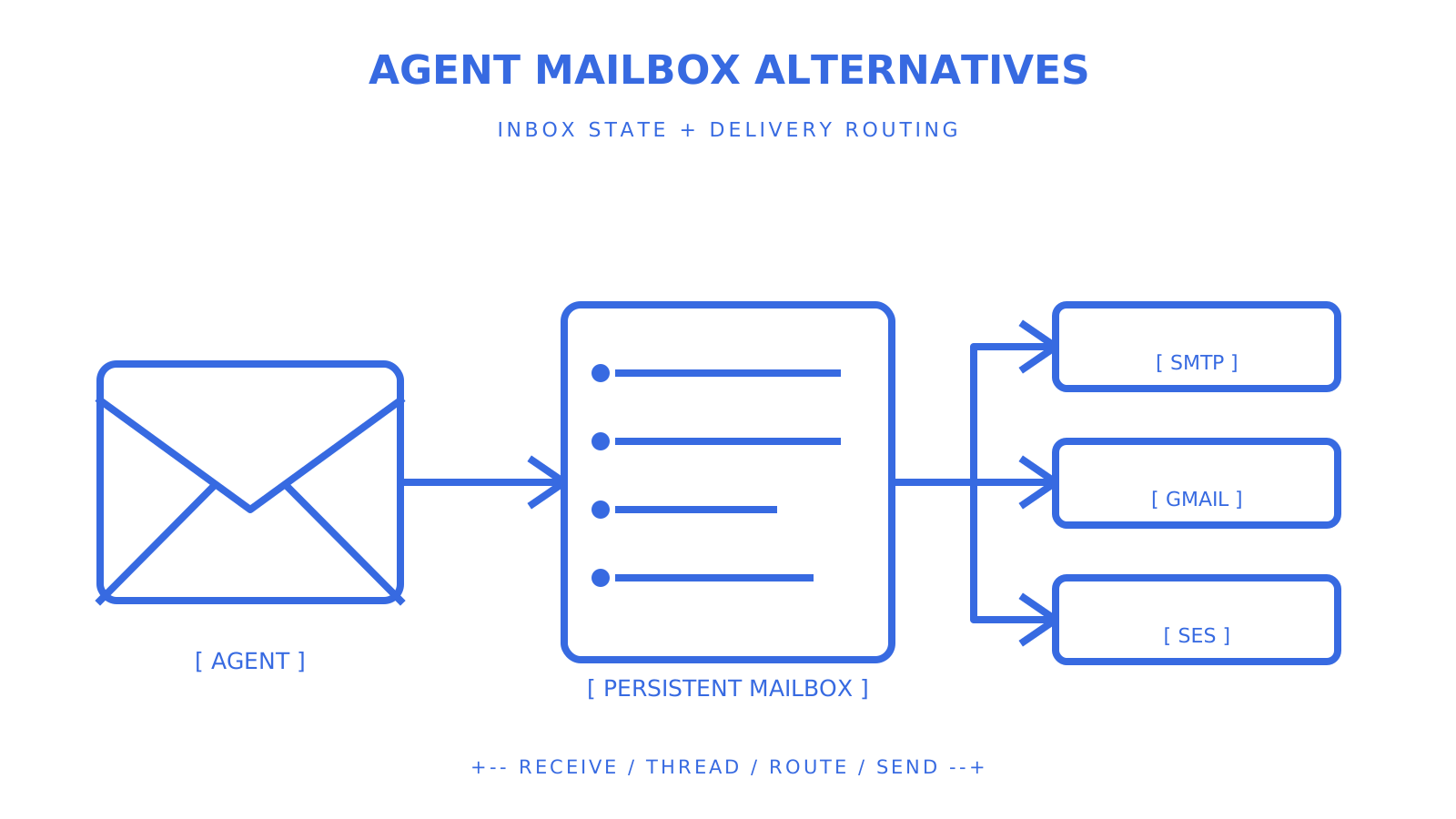
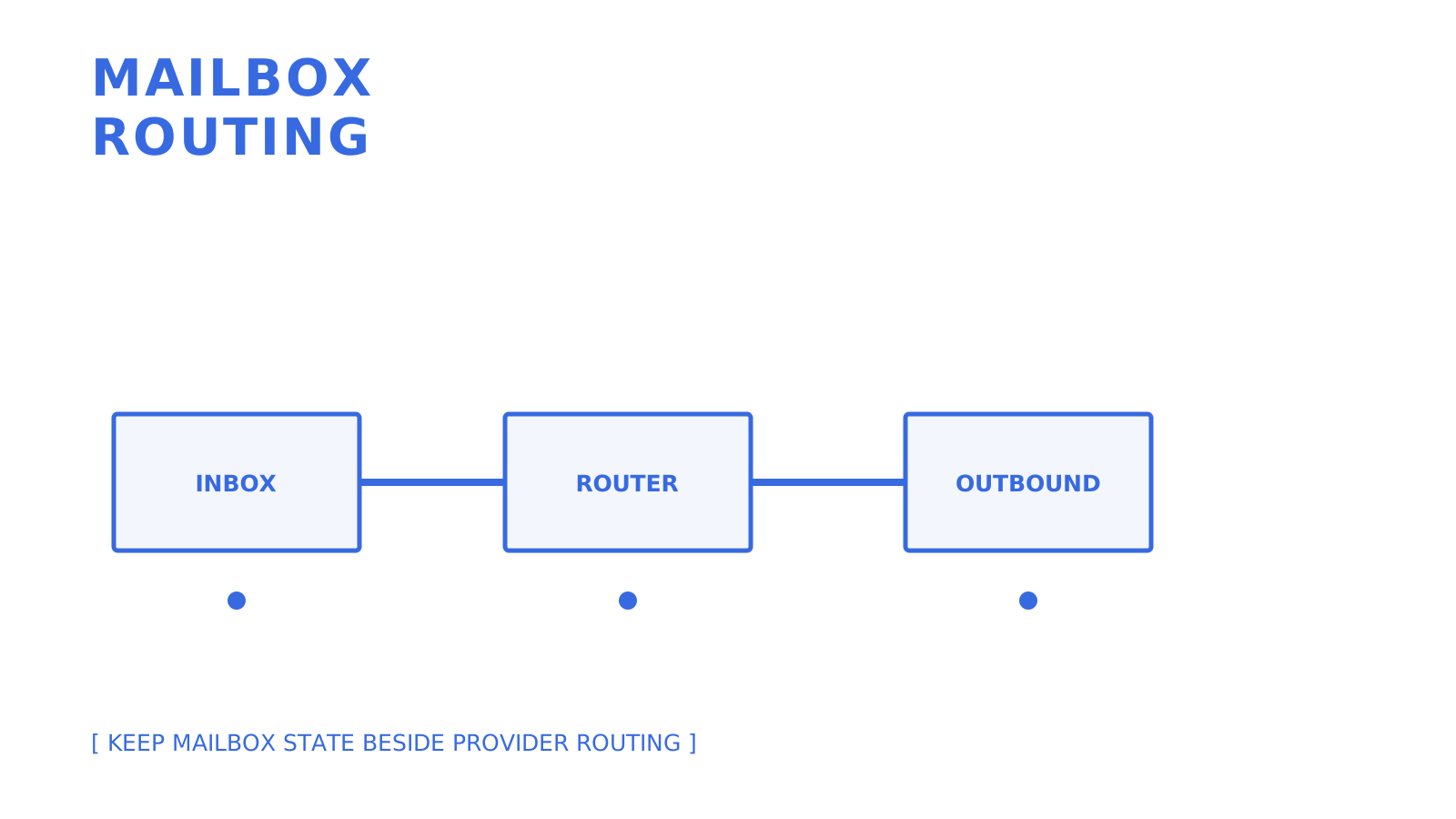
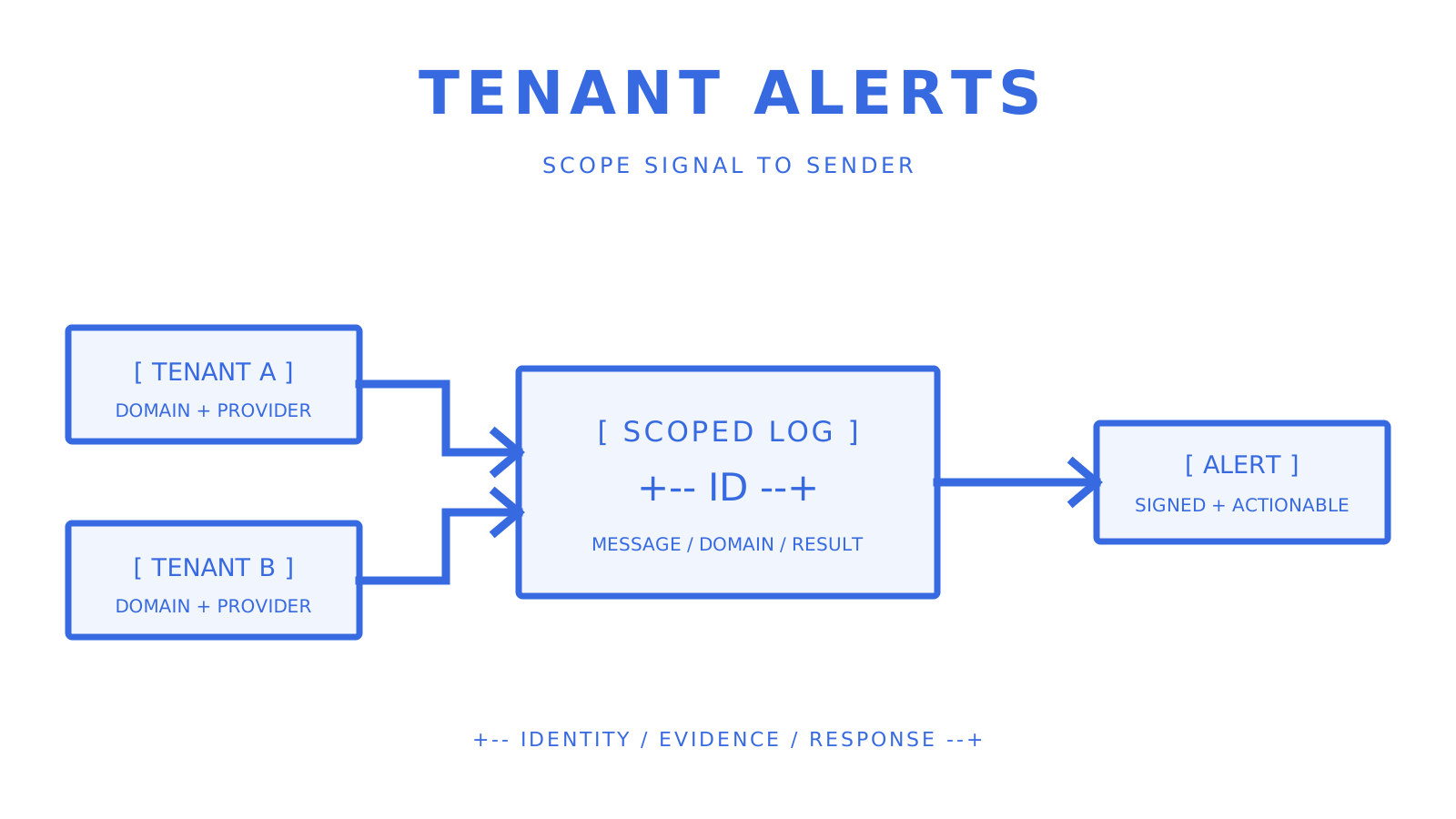
DNS records flowing through mail routing, authentication, alignment, and provider ownership checks.
Verify routing, authentication, alignment, and provider ownership as separate checks.
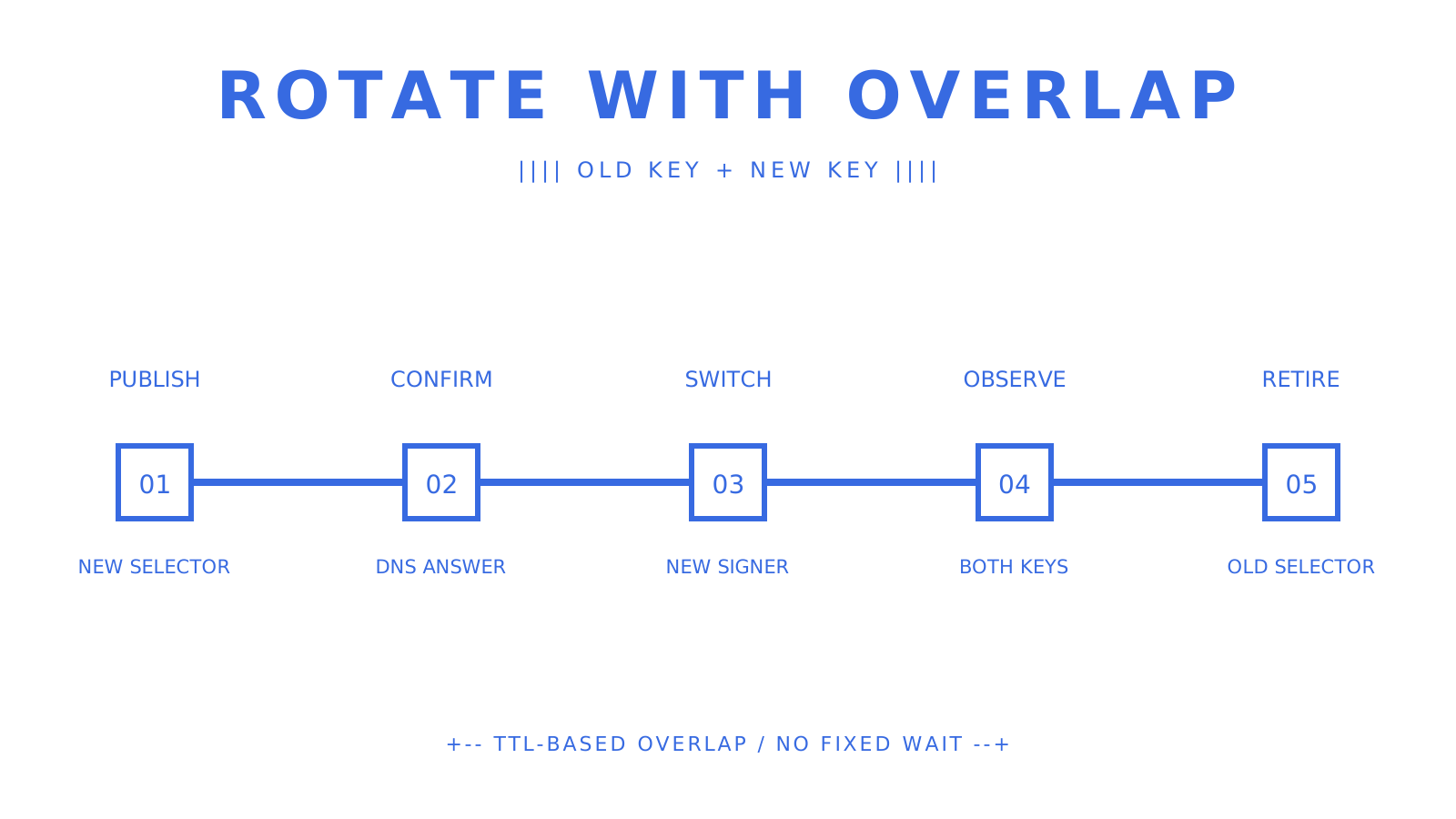
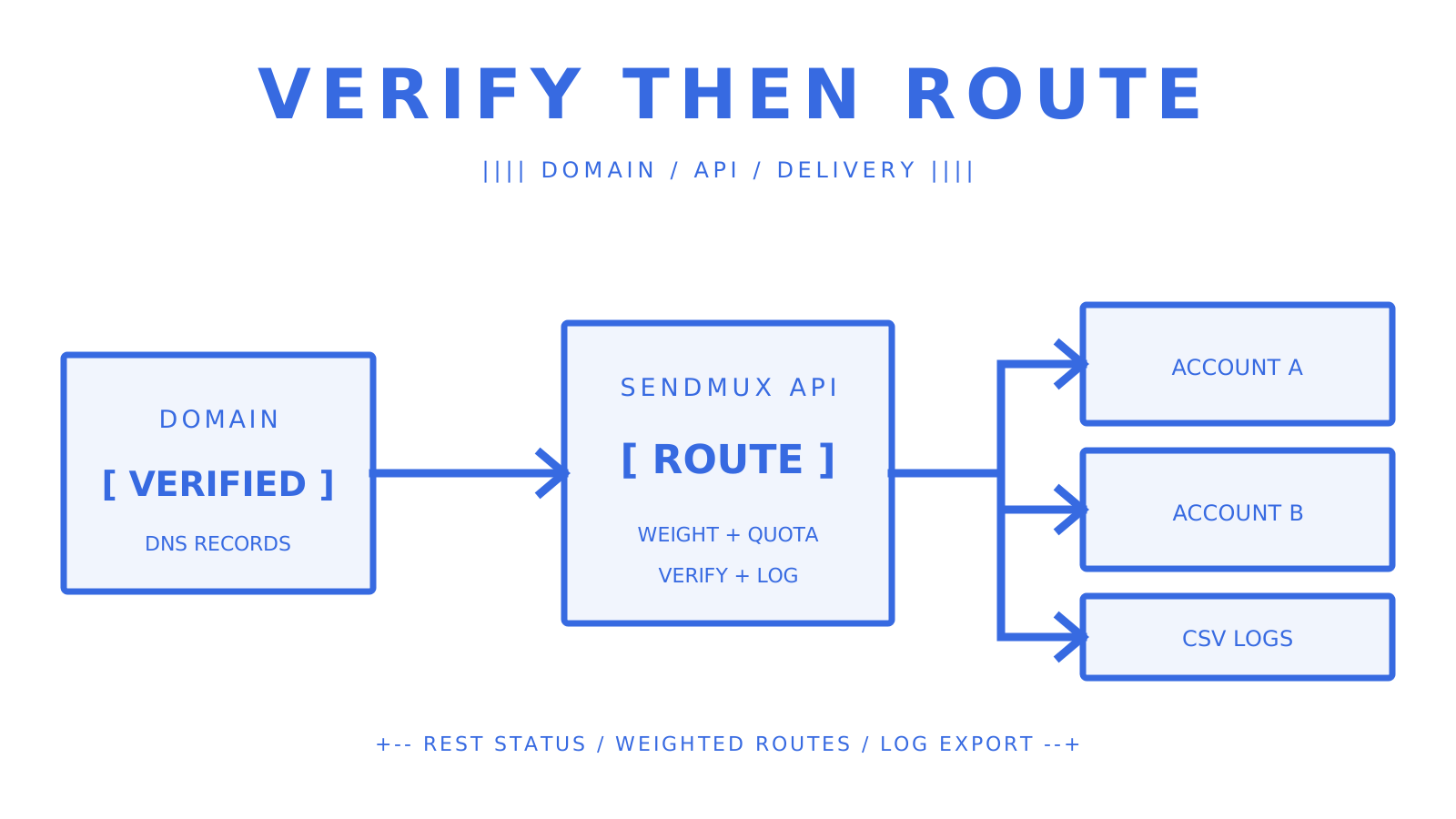
A domain is ready for email only when the records required for its actual job are present and correct. Receiving needs a mail route. Sending authentication uses SPF and DKIM. DMARC evaluates alignment with the visible From domain, while a provider may require an additional TXT or CNAME record to confirm email domain ownership. If you need to **verify email domain** configuration now, start with `dig MX example.com`, `dig TXT example.com`, and `dig +short TXT _dmarc.example.com`. Then query the exact DKIM selector and ownership record supplied by the email provider. This is **email domain validation**, not proof that the organisation or a particular message is trustworthy. > **TL;DR:** > > - Check mail routing, SPF, DKIM, DMARC, and provider ownership independently; one green result does not stand in for the others. > - Treat a missing MX carefully because SMTP defines an implicit A or AAAA fallback, even though many hosted services require an explicit MX for their own routing. > - Publish one SPF policy at a domain and keep the number of DNS-querying terms within the RFC 7208 limit of 10. > - DMARC passes when at least one passing SPF or DKIM identity aligns with the visible From domain; both mechanisms do not need to align. > - Use DNS-only checks first and reserve SMTP interaction for authorised cases where its extra evidence is genuinely needed. ## Table of Contents - [Quick Checks You Can Run Right Now](#quick-checks-you-can-run-right-now) - [How to Verify Domain Ownership and Authentication Step by Step](#how-to-verify-domain-ownership-and-authentication-step-by-step) - [What Your Checker Results Actually Mean](#what-your-checker-results-actually-mean) - [Automating Domain Checks in Signup Flows and Pipelines](#automating-domain-checks-in-signup-flows-and-pipelines) - [Fixing the Most Common Verification Failures](#fixing-the-most-common-verification-failures) - [What Years of Domain Verification Actually Teach You](#what-years-of-domain-verification-actually-teach-you) - [Verified Sending Without the DNS Guesswork](#verified-sending-without-the-dns-guesswork) - [Sources](#sources) - [FAQ](#faq) ## Quick Checks You Can Run Right Now Three terminal commands reveal most of the published DNS state: - `dig MX example.com` lists explicit mail exchangers and their priorities. - `dig TXT example.com` shows TXT data at the organisational domain, including an SPF policy when one is published there. - `dig TXT selector._domainkey.example.com` queries the provider's exact DKIM selector. Also run `dig +short TXT _dmarc.example.com` for the DMARC policy. A missing MX answer is not automatically "no route, full stop": RFC 5321 defines an implicit MX that falls back to the domain's A or AAAA address. In a hosted product, follow the product's explicit MX requirements even when that protocol fallback exists. For SPF, multiple records beginning with `v=spf1` produce a permanent error under RFC 7208. The evaluation also limits DNS-querying terms to 10. Extra whitespace alone is not a reliable diagnosis, so inspect the complete policy and its includes rather than rewriting it on sight. **Pro Tip:** *Compare the answer from your normal resolver with a public resolver such as `8.8.8.8`. Different cached answers can indicate propagation, but the record's TTL and authoritative response are the evidence to inspect.* ## How to Verify Domain Ownership and Authentication Step by Step Domain verification for email has two distinct purposes: prove control to a provider, and prove that real messages authenticate as intended. 1. **Confirm mail routing.** Query MX first, then check the implicit A or AAAA fallback if no MX is published. A provider-hosted receiving flow may still require its documented explicit MX record. 2. **Publish and validate SPF.** Keep a single SPF policy at the domain. Confirm every required sending source is authorised and count the terms that cause DNS lookups; RFC 7208 permits no more than 10 during one evaluation. 3. **Publish DKIM selectors.** Copy the provider's selector and TXT or CNAME target byte-for-byte. Query that exact name after publication rather than guessing a conventional selector. 4. **Publish DMARC.** A policy can look like `v=DMARC1; p=quarantine; rua=mailto:reports@example.com`. Relaxed alignment permits the same organisational domain, while strict alignment requires an exact domain match. 5. **Confirm provider ownership.** Follow the provider's generated DNS instructions. Amazon SES, for example, uses DNS records for domain identity and DKIM verification, and its documentation says verification can take up to 72 hours. 6. **Send a permitted test message.** Inspect the receiving system's `Authentication-Results` header. DMARC needs at least one aligned passing SPF or DKIM result; requiring both to pass and align is stricter than DMARC itself. The important **dmarc alignment check** compares the domain authenticated by SPF or DKIM with the visible From domain according to the selected relaxed or strict mode. An SPF pass for an unrelated return path and a DKIM pass for an unrelated signing domain do not make DMARC pass. ## What Your Checker Results Actually Mean A checker reports observations, not a universal trust verdict. Interpret each signal at its own layer: - **SPF and DKIM pass but DMARC fails:** neither passing identity aligned with the visible From domain under the active policy. - **A catch-all result:** individual-recipient validation remains uncertain because acceptance does not distinguish one mailbox from another. - **A reputation or parked-domain flag:** investigate the data source and context; it is a risk signal, not a protocol-level disqualifier. - **DNS records look correct but a message fails:** inspect that message's `Authentication-Results`, return path, DKIM `d=` domain, selector, and visible From domain. This is also why **sender allowlist denylist** policy and **email allowlist denylist** policy are separate from DNS authentication. An allowlist is a local trust decision. SPF, DKIM, and DMARC describe authentication and alignment, not whether an application should authorise an action. ## Automating Domain Checks in Signup Flows and Pipelines Manual `dig` commands work for one domain. A signup flow needs bounded, repeatable checks that distinguish definitive absence from a resolver or transport failure. - Run DNS checks asynchronously when they can block the interface, and return a pending state for transient resolver failures rather than converting them into a false negative. - Cache positive and negative answers according to DNS TTL, then schedule a bounded recheck while a customer's records are propagating. - Use provider status APIs for ownership verification and signed delivery events for message outcomes; ownership state and delivery state are different resources. Sendmux's [custom domain verification](https://myagent.mx/blog/domain-verification-email) flow checks the DNS records required by the selected domain mode. Its current implementation represents MX, SPF, DKIM, DMARC, provider ownership, and custom MAIL FROM checks separately, and leaves the status unchanged when DNS resolution is indeterminate. For delivery events, Sendmux signs the exact webhook request body with HMAC-SHA256 in `X-Sendmux-Signature`, includes event and attempt headers, and retries failed deliveries through a durable retry path. Delivery logs are available through the management API with cursor pagination and filters; the current verified surface does not establish a CSV export, so integrations should use the documented API rather than assume one. **Pro Tip:** *Give pending, failed, and verified states different operational meaning. A timeout is not proof that the customer's record is absent.*
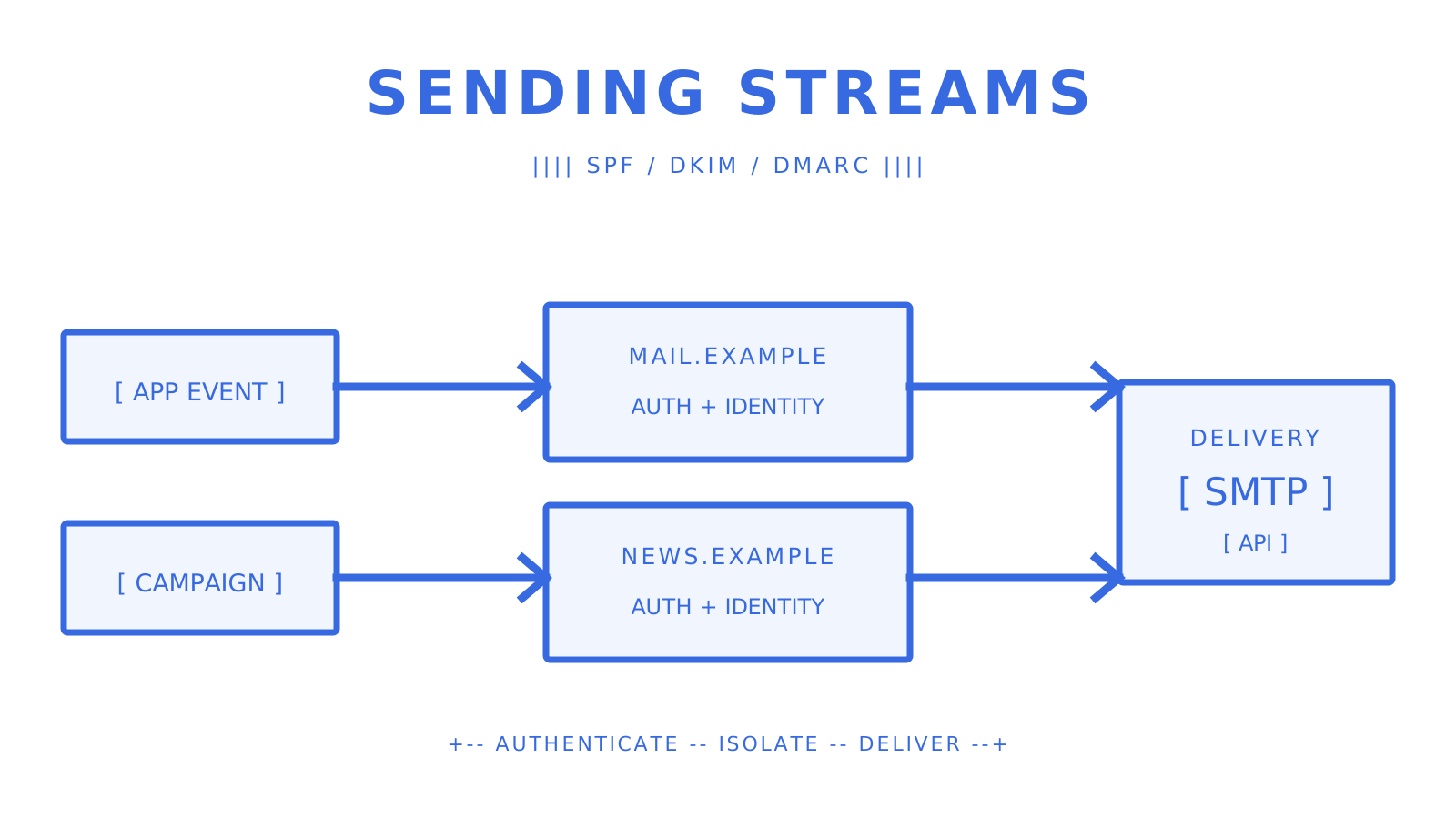
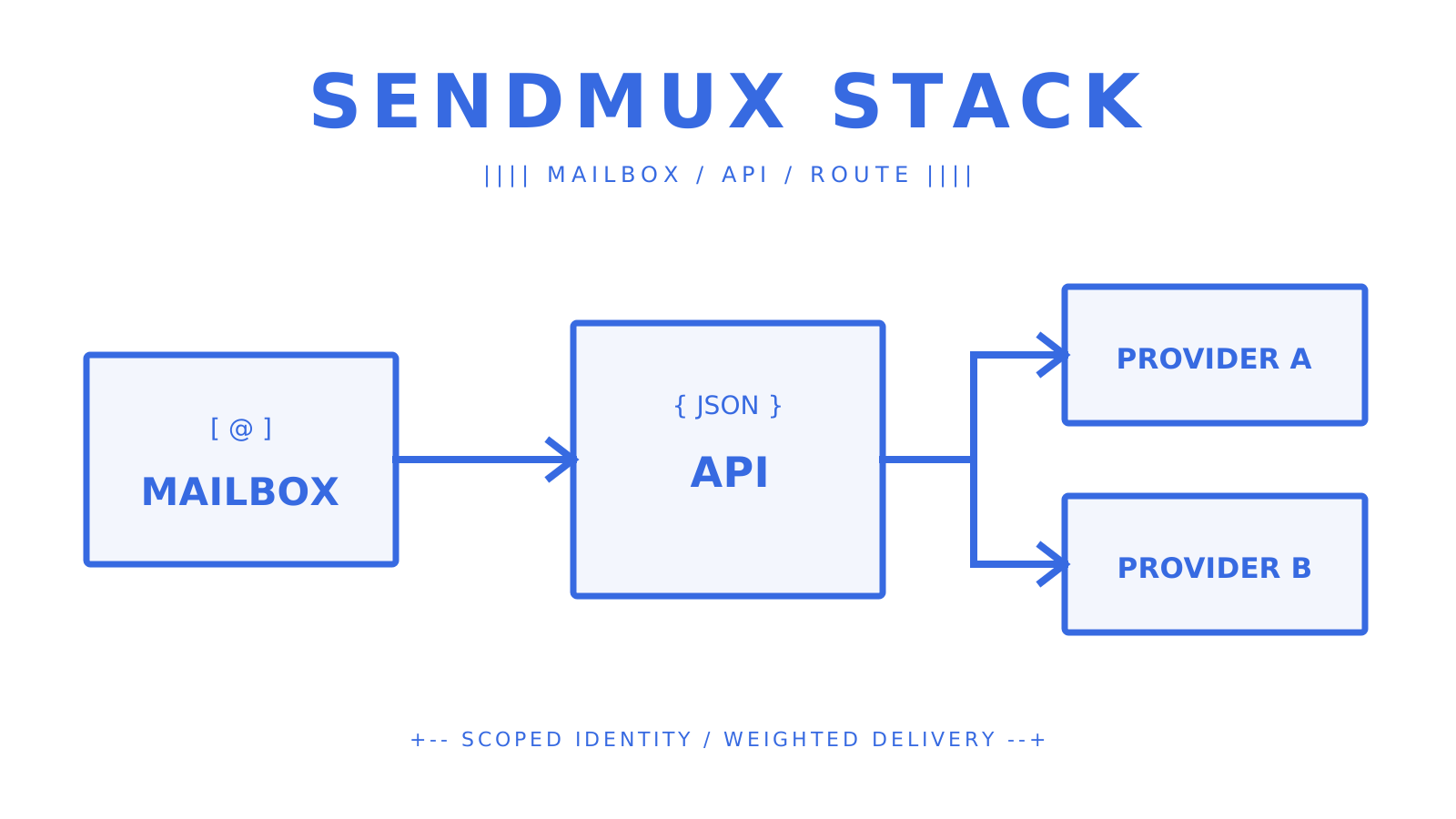
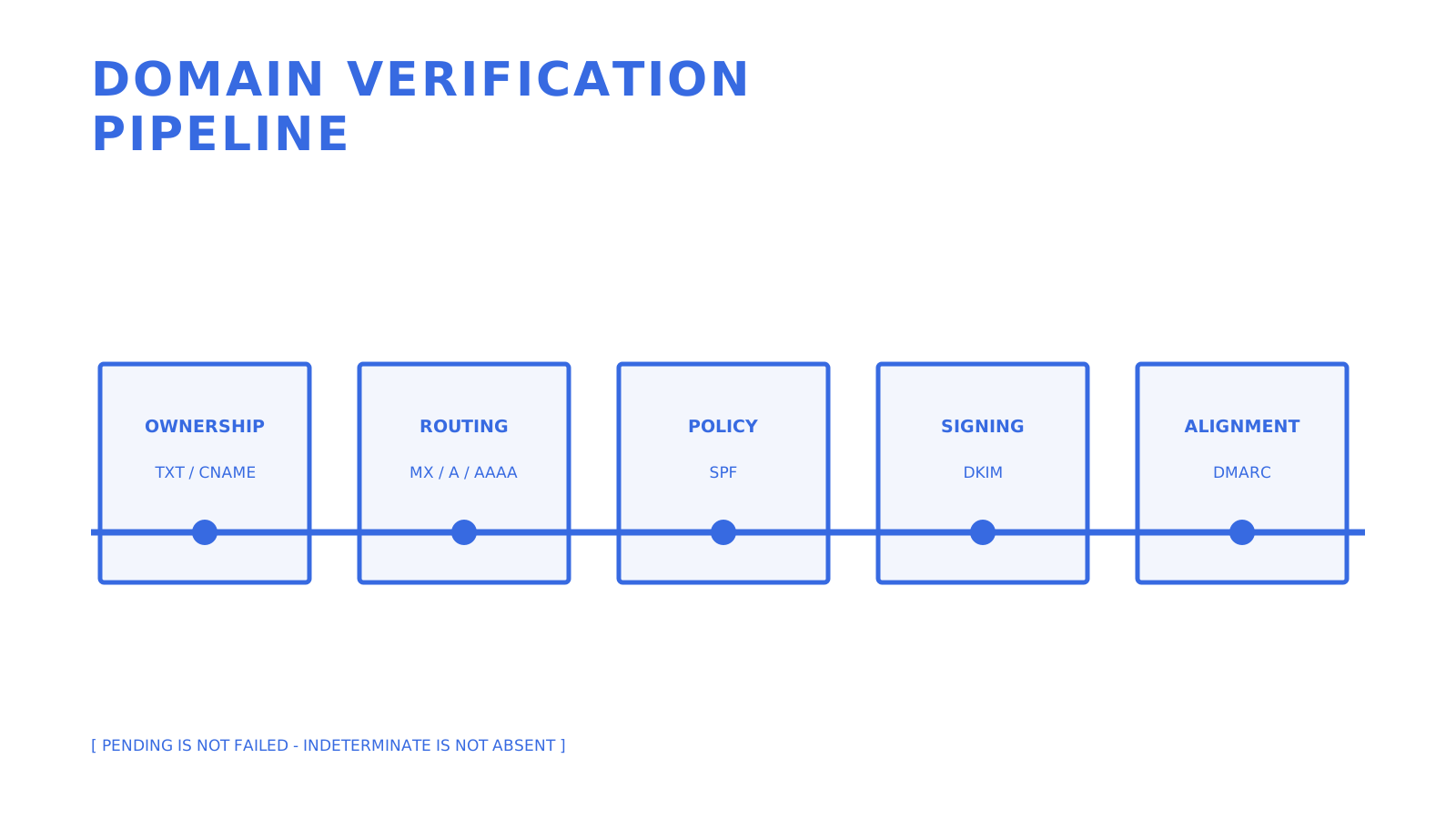
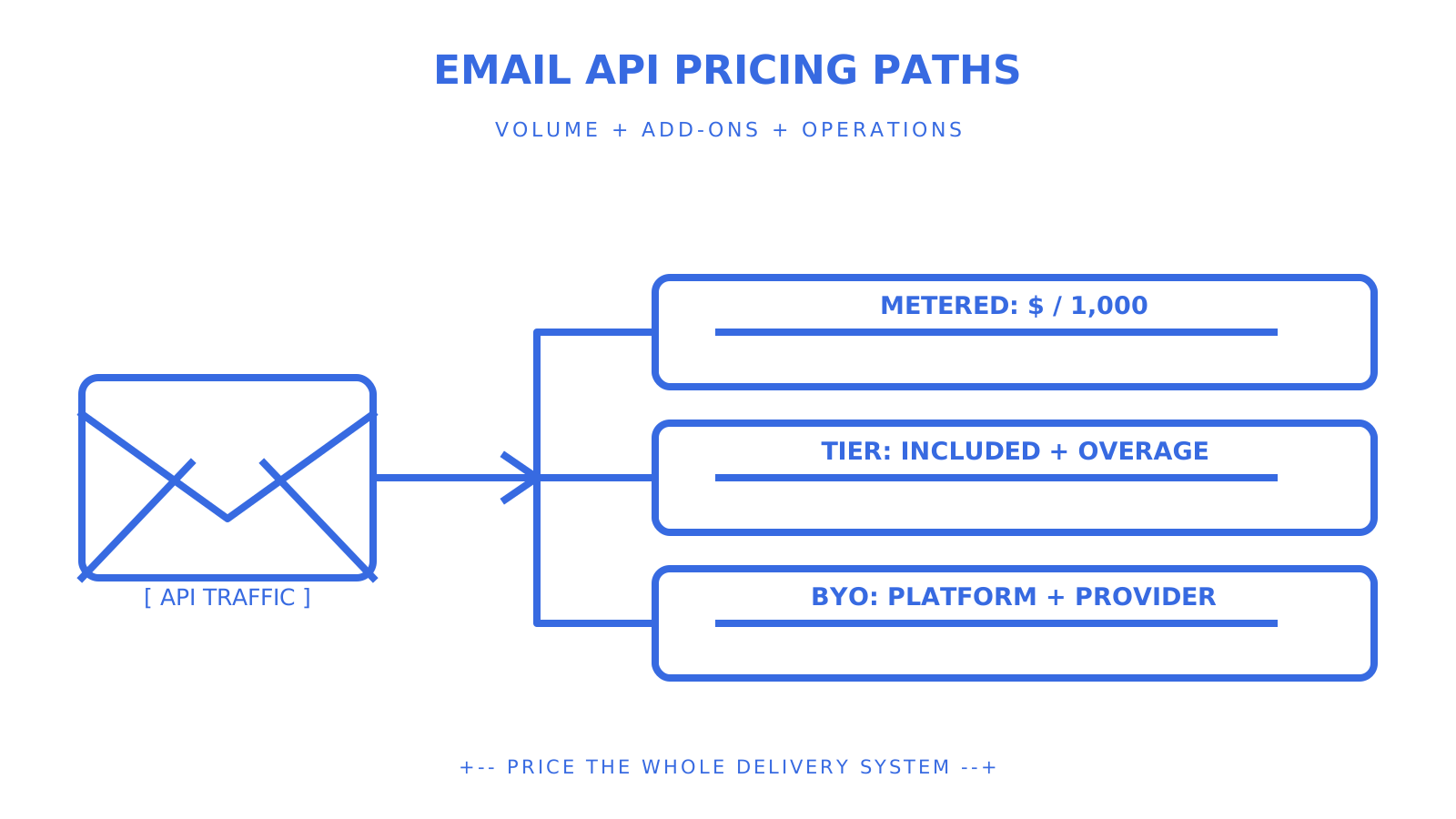
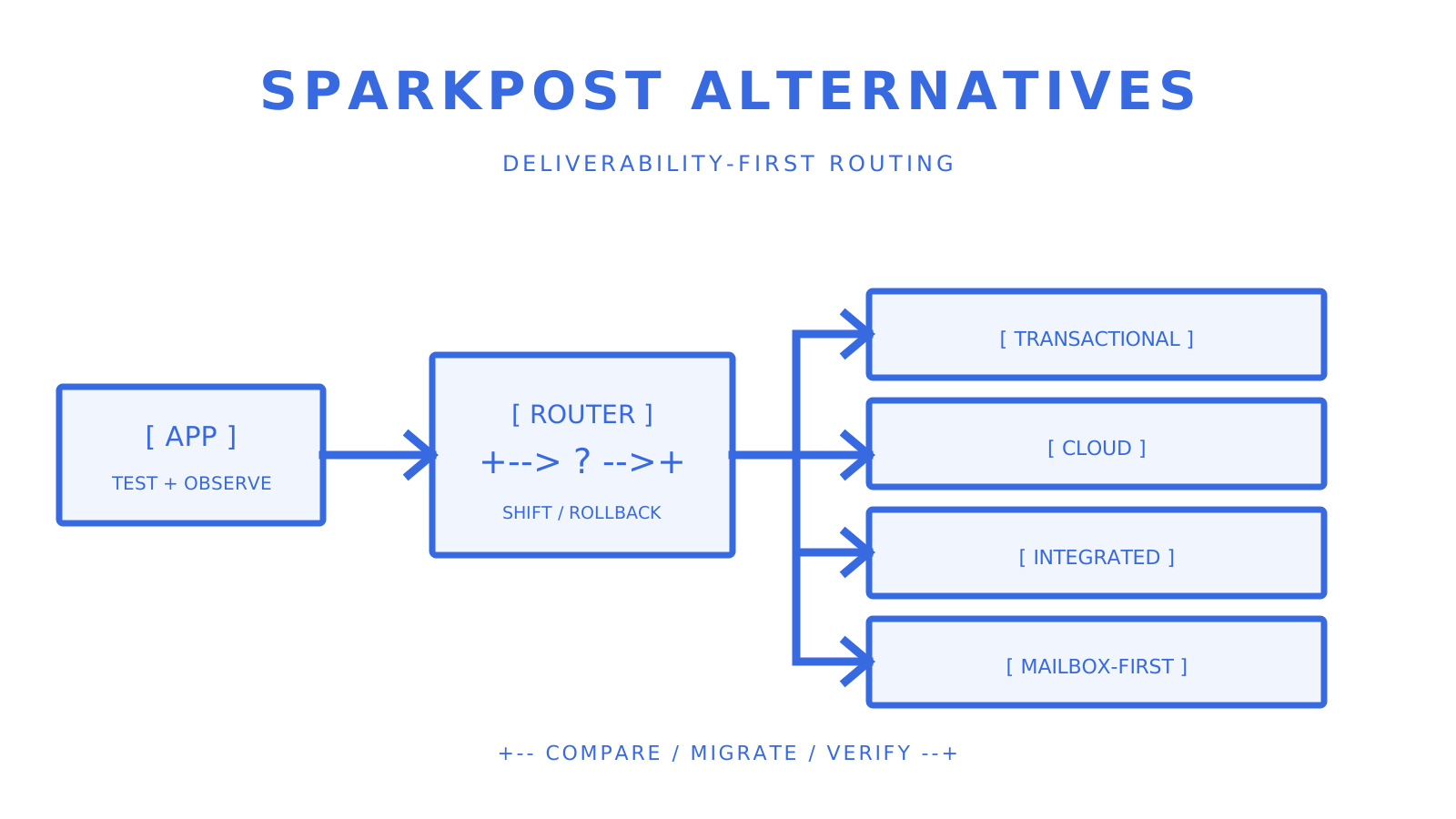
Ownership TXT, mail routing, SPF, DKIM, and DMARC checks leading to a verified domain state.
Keep ownership, routing, policy, signing, and alignment visible as separate gates.
## Fixing the Most Common Verification Failures Work from authoritative DNS outward before changing records: 1. **Check the authoritative answer and TTL.** Resolver caches can legitimately disagree until their cached TTL expires. 2. **Check the effective record name.** Some DNS interfaces append the zone automatically, so confirm the fully qualified name that was actually published. 3. **Remove duplicate SPF policies.** Merge authorised senders into one valid SPF record instead of publishing two `v=spf1` records. 4. **Check DMARC alignment on a delivered message.** Align either a passing DKIM signing domain or a passing SPF-authenticated return-path domain with the visible From domain. 5. **Use the provider's documented window.** If the authoritative answer is correct but status remains pending, compare the TTL and provider guidance before escalating. Amazon SES documents that verification can take up to 72 hours, not a universal 48-hour cutoff. ## What Years of Domain Verification Actually Teach You Most difficult failures happen at boundaries: a DNS interface publishes a different name than the operator expected, a resolver failure is mistaken for a missing record, or a message passes one authentication mechanism without DMARC alignment. Keep those states observable and avoid compressing them into one green or red badge. SMTP `VRFY` and recipient probes are not universal truth machines. RFC 5321 permits servers to disable verification for security reasons and to limit or close connections after abusive recipient probing. Use them only with authorisation, respect receiver policy, and do not treat an ambiguous response as proof that a mailbox is fake. ## Verified Sending Without the DNS Guesswork Sendmux exposes custom-domain creation, DNS record requirements, a verification action, and queryable domain status. Its implementation verifies the record set required for the selected mode, including ownership and authentication records, without collapsing an indeterminate DNS lookup into a definitive failure. After verification, Sendmux provides mailbox-scoped credentials with explicit permissions, signed backend webhooks for delivery events, and filtered delivery logs. Its public SDK packages cover TypeScript, Python, Go, PHP, Ruby, and Rust, with generated coverage checks over the current OpenAPI operations. That product surface can help a multi-tenant application **verify domain for email** workflows and **check email domain** status programmatically. It does not prove that a sender is legitimate, guarantee inbox placement, or replace message-level header inspection. Start with the [Sendmux platform](https://myagent.mx) when you need a documented domain and mailbox API. ## Sources The technical baseline uses [RFC 5321 for SMTP routing and verification commands](https://www.rfc-editor.org/info/rfc5321/), [RFC 7208 for SPF](https://www.rfc-editor.org/info/rfc7208/), [RFC 9989 for DMARC](https://www.rfc-editor.org/info/rfc9989/), [Amazon SES identity verification](https://docs.aws.amazon.com/ses/latest/dg/creating-identities.html), [Amazon SES custom MAIL FROM](https://docs.aws.amazon.com/ses/latest/dg/mail-from.html), and [Cloudflare's DNS TTL reference](https://developers.cloudflare.com/dns/manage-dns-records/reference/ttl/). ## FAQ ### How can I check if an email domain is valid? Check the domain's mail route and authentication records separately. An MX record, or the implicit A or AAAA fallback defined by SMTP, can establish a route; SPF, DKIM, and DMARC describe sending authentication. Those records do not prove that the organisation or every mailbox is trustworthy. ### Can I verify if an email address is real? DNS can show that the domain exists and has mail-routing infrastructure, but it cannot prove that a particular mailbox is active. SMTP verification commands may be disabled or return deliberately ambiguous results, so a permitted delivery attempt is stronger evidence of acceptance, not of the recipient's identity. ### How do I check the domain of an email address? Take the text after the `@` symbol, normalise the domain, and query its MX records. If there is no MX answer, SMTP also defines an implicit MX fallback to the domain's A or AAAA address, although a receiving service may require an explicit MX in its own setup. ### How do I check if a domain is legit? Do not infer legitimacy from one DNS result. Mail routing, SPF, DKIM, DMARC, ownership records, message headers, organisational identity, and reputation data are separate signals; none of them alone proves that a sender or message is safe. ### What's the difference between a DNS-only check and an SMTP probe? A DNS-only check reads published records without opening a session with the receiving mail server. An SMTP probe interacts with that server, may be restricted or disabled by receiver policy, and should be used only when authorised and operationally necessary. ## Recommended - [Domain Verification Email: DNS Setup for Developers](https://myagent.mx/blog/topic/domain%20verification%20email) - [Domain Verification Email: DNS, DKIM, and DMARC for Developers](https://myagent.mx/blog/domain-verification-email) - [Email Deliverability Monitoring for Technical Teams](https://myagent.mx/blog/topic/email%20deliverability%20monitoring) - [Email Deliverability Monitoring: A Guide for Technical Teams](https://myagent.mx/blog/email-deliverability-monitoring) --- title: "Mailbox-First SendGrid Alternatives for AI Agent Platforms" description: "Discover the best SendGrid alternatives for AI agent platforms, including mailbox-first solutions that simplify email infrastructure." canonical: "https://myagent.mx/blog/sendgrid-alternatives" publishedAt: "2026-08-24T00:00:00.000Z" updatedAt: "2026-08-27T10:41:46.816Z" category: "alternatives" topic: "sendgrid alternatives" author: "Roshan Jonnalagadda" authorProfile: "https://myagent.mx/blog/author/roshan-jonnalagadda" keywords: - "sendgrid alternatives" - "sendgrid vs mailgun" - "sendgrid vs postmark" - "top email APIs" - "email marketing alternatives" - "SendGrid substitutes" - "sendgrid competitors" - "best email services" - "alternatives to sendgrid" - "email service comparisons" - "affordable email tools" --- # Mailbox-First SendGrid Alternatives for AI Agent Platforms Discover the best SendGrid alternatives for AI agent platforms, including mailbox-first solutions that simplify email infrastructure.
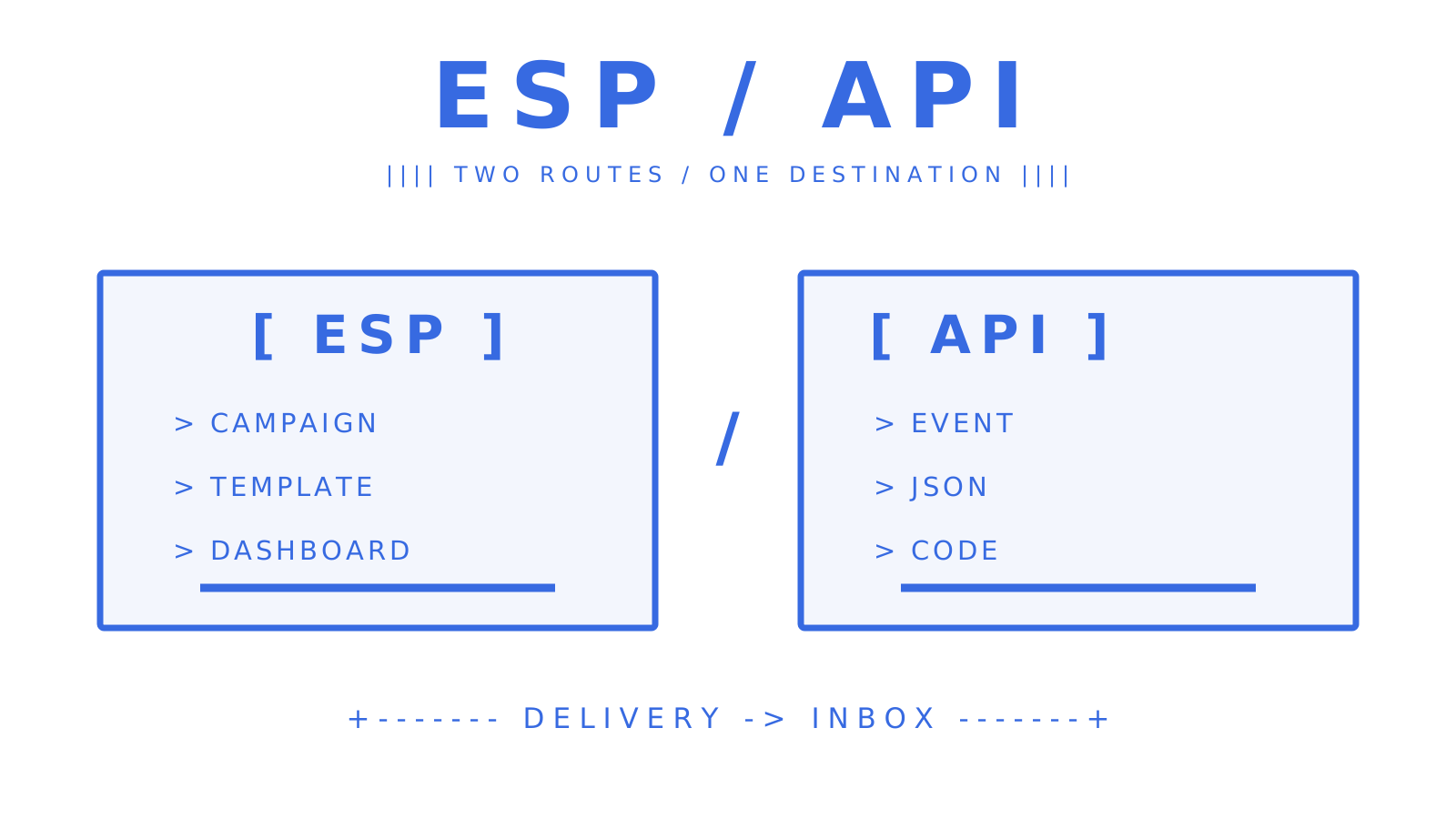
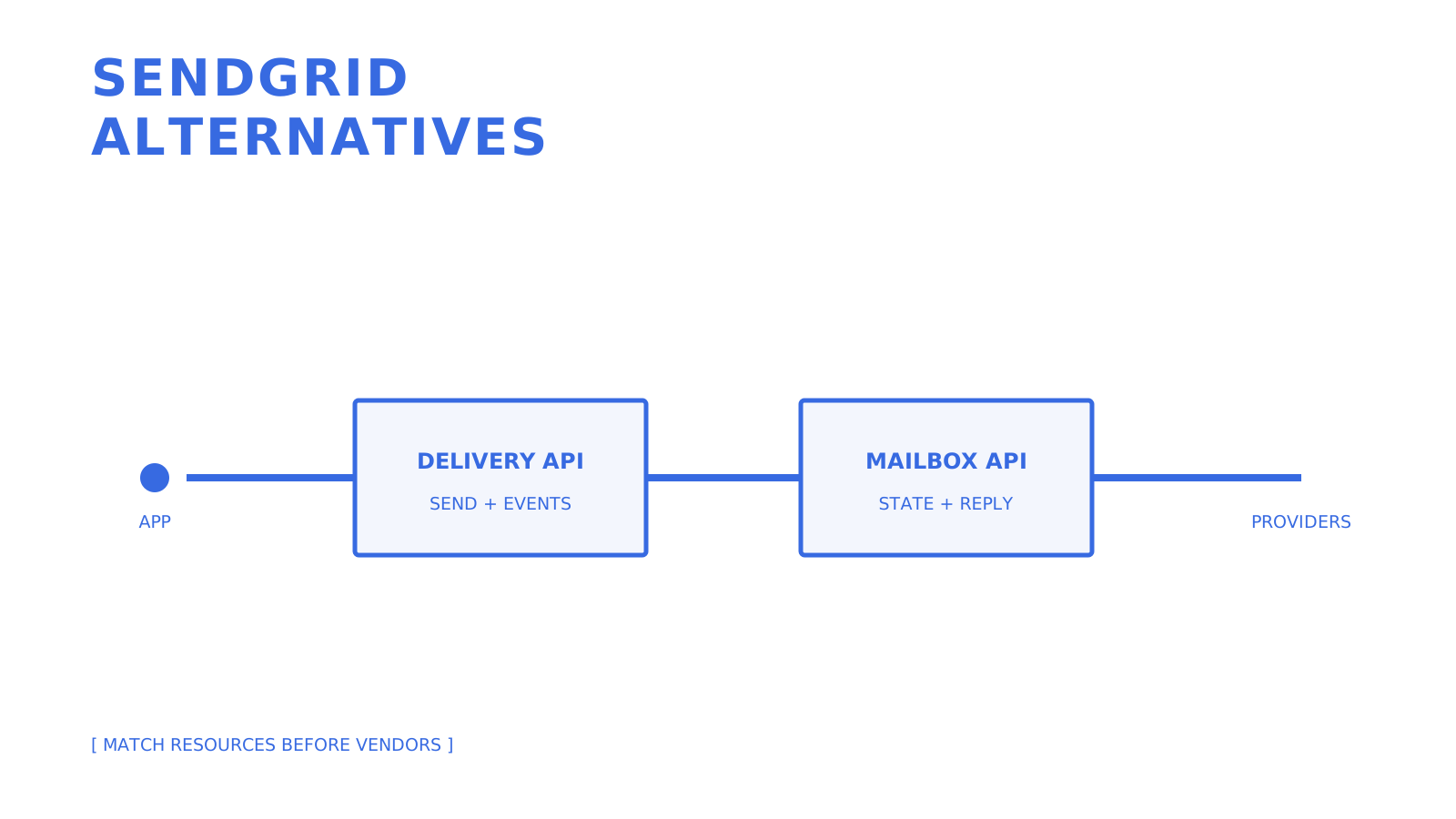
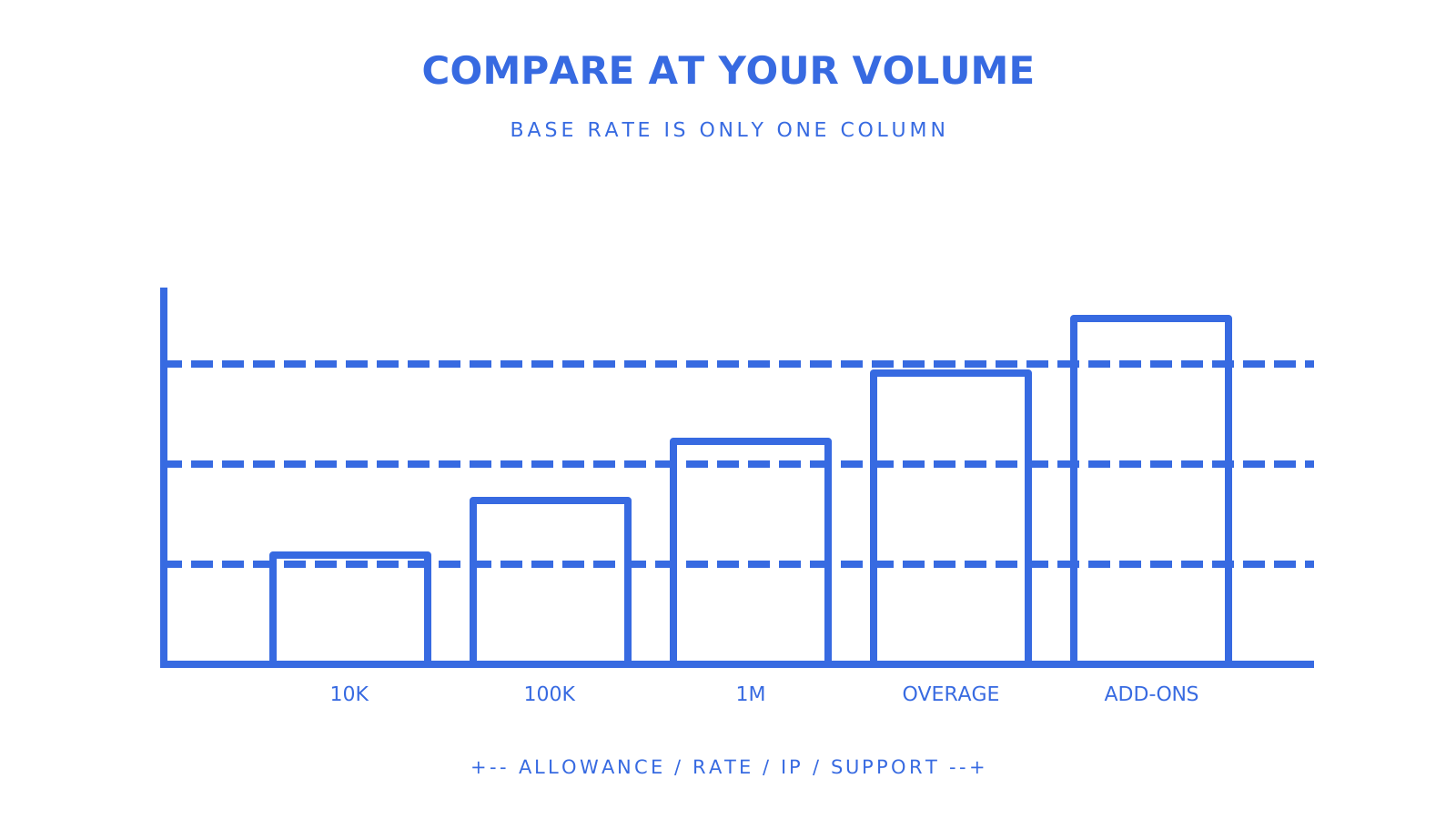
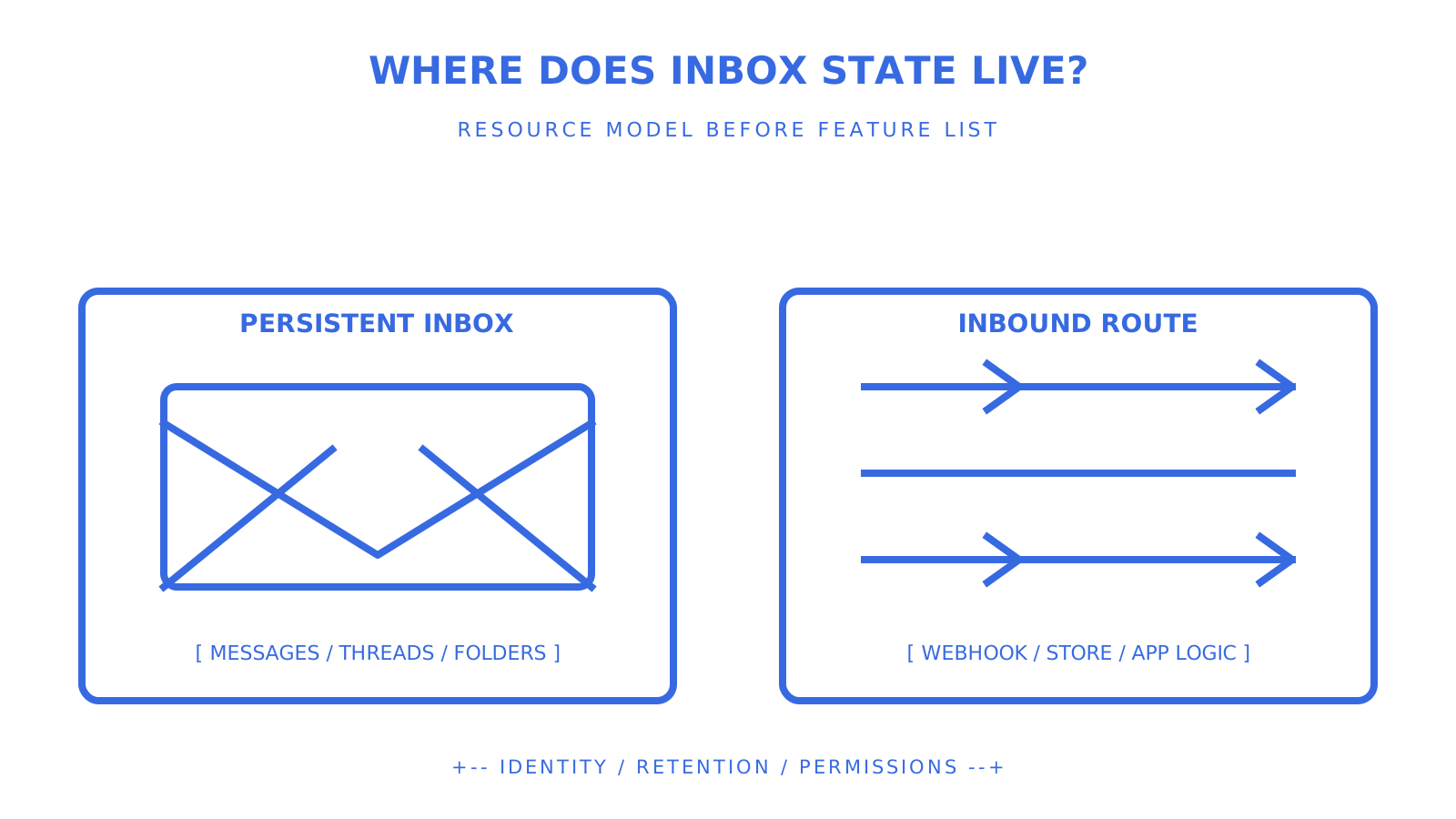
Developer comparing SendGrid delivery with mailbox-first email infrastructure for AI agents.
Compare the resource model first: delivery, inbound parsing, and durable mailbox state are different layers.
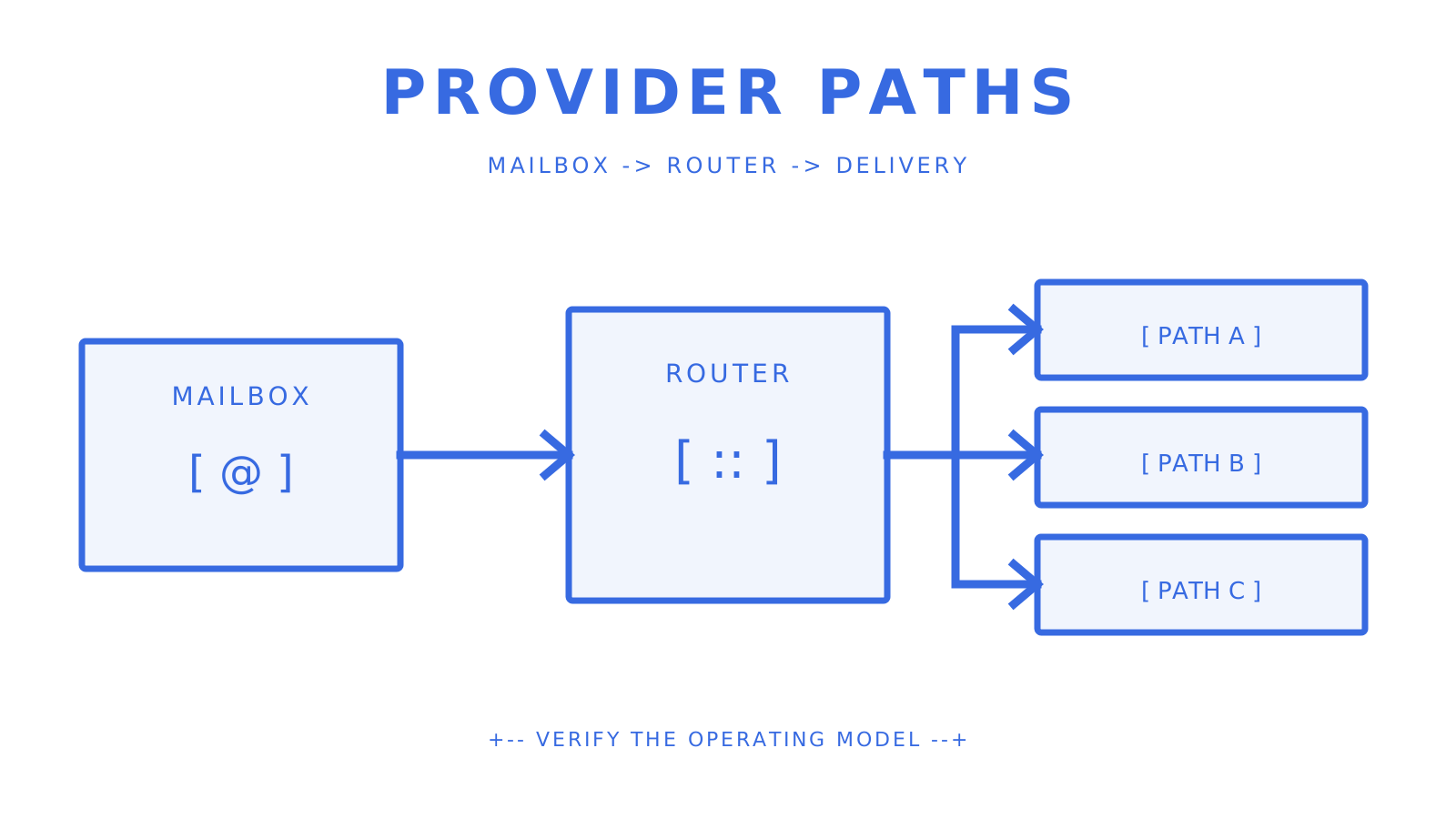
For agent-first email infrastructure, **Sendmux** is one SendGrid alternative to evaluate when every agent or tenant needs a persistent mailbox, structured message data, and both inbound and outbound workflows. That is a different requirement from choosing an email delivery provider. SendGrid sends email and also documents Inbound Parse for receiving mail at configured domains, but an application still owns the mailbox, thread, permission, and durable-state model around those events. The field splits into three broad types of alternatives: - **Self-hosted agent platforms** such as AgenticMail, for teams prepared to operate their own IMAP/SMTP infrastructure. - **Communications inbox APIs** such as Bird, whose current API documents threads and messages across supported channels. - **API-first hosted mailboxes** such as Sendmux and Euromail, with different resource and processing models that must be tested directly. SocialAPI belongs on a multi-channel shortlist for social comments, direct messages, reviews, and mentions, and it documents MCP access. Its current public inbox documentation does not establish email as a channel, so it should not be treated as a SendGrid or mailbox replacement without separate evidence. What matters is not whether a provider calls itself one of the **top email APIs**. It is whether its documented resources match the work the product performs: sending, inbound parsing, persistent mailbox state, connected accounts, or some combination of them. ## Key Takeaways Mailbox-first infrastructure is useful when agents need durable messages, threads, scoped access, and inbound events. It is not automatically better than an email delivery API for every workload. | Point | Details | | --- | --- | | Pick the right category | Separate outbound delivery, inbound parsing, connected mailbox access, and provider-hosted mailboxes before comparing products. | | Test the crash case | Follow the candidate's documented recovery mechanism and prove redelivery, replay, or reconciliation after interrupted processing. | | Check routing flexibility | Confirm eligible providers, quotas, percentage distribution, delivery groups, and failure behaviour with a representative test. | | Scope your keys | Prefer mailbox-scoped credentials and explicit permissions over one unrestricted credential shared across tenants. | | Use Sendmux where its mailbox model fits | Persistent mailboxes, inbound state, scoped access, and outbound delivery suit some agent platforms, but they do not replace every SendGrid feature. | | Verify provider routes | Gmail, Outlook / Microsoft 365, custom SMTP, and managed Amazon SES have distinct setup and limits. | ## Table of Contents - [Sendgrid Alternatives for Mailbox-First Email APIs](#sendgrid-alternatives-for-mailbox-first-email-apis) - [What Should a POC Checklist Include?](#what-should-a-poc-checklist-include) - [How Do Deliverability Rates Compare Across Alternatives?](#how-do-deliverability-rates-compare-across-alternatives) - [Migrating From SendGrid: Tools, Support, and Common Issues](#migrating-from-sendgrid-tools-support-and-common-issues) - [Customer Support and SLA Options Across These Alternatives](#customer-support-and-sla-options-across-these-alternatives) - [Security and Compliance for Mailbox-First Providers](#security-and-compliance-for-mailbox-first-providers) - [Scalability and Performance Under Multi-Tenant Load](#scalability-and-performance-under-multi-tenant-load) - [User Interface and Usability Differences That Matter](#user-interface-and-usability-differences-that-matter) - [Why Mailbox-First Beats Deliverability-Only Thinking](#why-mailbox-first-beats-deliverability-only-thinking) - [Get Started With a Mailbox-First Email API](#get-started-with-a-mailbox-first-email-api) - [Sources](#sources) - [FAQ](#faq) ### Primary Sources and Technical References This comparison uses the current [Twilio SendGrid Inbound Parse documentation](https://www.twilio.com/docs/sendgrid/for-developers/parsing-email/setting-up-the-inbound-parse-webhook), [SendGrid webhook security guidance](https://www.twilio.com/docs/sendgrid/for-developers/tracking-events/getting-started-event-webhook-security-features), [AgenticMail repository](https://github.com/agenticmail/agenticmail), [Bird API documentation](https://docs.bird.com/api), [Euromail Emails API documentation](https://docs.euromail.ai/api-reference/emails), and [SocialAPI inbox documentation](https://docs.socialapi.ai/inbox). Product scope, prices, limits, and support terms can change; confirm them before migration. ## Sendgrid Alternatives for Mailbox-First Email APIs The traditional delivery API model is designed to accept a message from an application, hand it to a delivery path, and expose status events. Agent workflows may need a longer loop: establish an address, receive a message, read structured content, preserve thread context, decide what to do, and reply. That loop requires a resource model as well as transport. **1. Sendmux** exposes mailboxes, messages, threads, folders, attachments, identities, submissions, sending, and an SSE mailbox event stream. Mailbox access is scoped through credentials and permissions. Sending can use configured connected or managed providers, with provider eligibility, quotas, percentage routing, and delivery groups. Those controls are not a promise that every failure automatically switches providers, so a proof of concept should exercise the exact configuration and failure mode the product will use. Sendmux bills each usage event individually. Connected outbound and inbound events cost $0.000500 each, managed Amazon SES accepted recipients cost $0.000750 each, and storage costs $0.02 per decimal GB-month. Pro costs $7 per team each month plus usage, with no separate per-mailbox line item. **2. AgenticMail** takes a self-hosted approach. Its repository documents an SMTP and IMAP mail server, REST API, CLI, optional Gmail relay, webhooks, and agent-oriented tools. That can fit strict infrastructure ownership or data-location requirements, but the team also owns mail-server operations, domain authentication, abuse controls, uptime, monitoring, and recovery. **3. Bird** documents conversation threads and messages, including direction, participants, timestamps, status, and authentication-related fields on supported surfaces. Those semantics are useful when evaluating structured communications, but the candidate still has to prove the channels, routing, retention, and tenant-isolation requirements of the actual workload. **4. Euromail** documents an email API and agent-processing patterns that include lease, acknowledge, and negative-acknowledge operations. That makes interrupted processing testable. Do not project this pattern onto every provider: ask each candidate which resource is claimed, when a lease expires, how a message is retried, and what prevents duplicate side effects. **5. SocialAPI** documents a unified social inbox and MCP tools for interactions such as direct messages and comments. Because its current public inbox surface does not document email, the source claim that it normalises email alongside DMs and comments is not supported. Evaluate it as a social-channel product unless the provider supplies current email documentation. ## What Should a POC Checklist Include? Before committing engineering time, run a focused technical spike against the public API and the failure paths the production workload will hit. Must-have API primitives: - Mailbox-scoped keys with explicit send, receive, read, and update permissions. - Thread objects, not raw message lists, with participants and reply chains intact. - Structured JSON for message content, cleaned text and HTML, not raw MIME to parse. - Webhook or SSE delivery for new messages, not polling as the primary path. - An idempotency mechanism for safe retries on send. Operational checks worth running: - Confirm routing and failover actually trigger when you simulate a provider outage. - Pull delivery logs and check they cover queued, sent, delivered, bounced, and deferred states. - Verify domain verification walks you through SPF, DKIM, and DMARC, not just one of the three. - Check whether rate limits are per-tenant or global. Global quotas mean one noisy tenant can starve everyone else. Treat those lines as tests, not assumptions: record the candidate's exact status vocabulary, verify how quotas are really scoped, and distinguish configured eligible routing from a universal failover promise. Developer ergonomics checks should include the OpenAPI description, generated SDK surface, CLI, and MCP tools the team will really use. Sendmux's current generated coverage matrix records 101 OpenAPI operations, generated SDK and CLI coverage for every operation, and 50 deliberately curated MCP tools. Its language packages cover TypeScript, Python, Go, PHP, Ruby, and Rust. The source article's claim about dedicated LangChain and Vercel AI SDK integrations was not established by the current public surface, so use the documented SDK, CLI, and MCP contracts instead. **Pro Tip:** *Run the recovery test before the happy-path demo. Receive a message, interrupt processing before the side effect completes, then verify the provider's documented replay or redelivery path and your own idempotency handling.* ## How Do Deliverability Rates Compare Across Alternatives? No single inbox-placement percentage establishes how these **SendGrid substitutes** will perform for a specific domain, recipient mix, content stream, and sending provider. Transactional, conversational, marketing, and cold-outreach traffic have different consent, reputation, and volume patterns. The source claim that conversational traffic inherently delivers at higher rates than cold outreach is too broad to use as a planning guarantee. The routing layer still matters. A fixed provider path concentrates quota and reputation exposure; several eligible providers can create options, but only when identity, domain alignment, recipient policy, and the platform's routing rules permit them. Sendmux supports configured provider quotas, percentages, and delivery groups. Treat failover as a behaviour to prove for the selected configuration, not a universal outcome. For self-hosted AgenticMail, the operator owns more of the DKIM, SPF, reputation, uptime, and monitoring boundary. That is control, not automatic deliverability improvement. For any candidate, use seed tests and production-like canaries, then monitor provider acceptance, bounces, complaints, deferrals, and authenticated-domain alignment. ## Migrating From SendGrid: Tools, Support, and Common Issues Migrating can involve two separate jobs. One is replacing outbound API calls, templates, credentials, event handlers, suppression logic, and reporting. The other is introducing durable inboxes for agents or tenants. If the current system uses SendGrid Inbound Parse, it already has an inbound webhook path; a mailbox-first migration changes who owns addresses, parsed content, threads, storage, permissions, and reply state. Domain reputation does not move as a simple application setting. Review DNS and domain-authentication changes, warm-up requirements, suppression and bounce data, and coexistence before switching traffic. Existing SPF records must be merged within DNS limits rather than blindly duplicated, while DKIM selectors and DMARC policy need an explicit transition plan. Do not budget a universal one week or promise an under-an-hour integration. The source's one-week and under-an-hour estimates were not tied to a tested workload. Time depends on templates, inbound routes, historical state, domains, provider credentials, event contracts, compliance, traffic volume, and rollback requirements. Start with a canary, keep the old path available, compare observable outcomes, and cut over only after the new path passes the critical journeys. ## Customer Support and SLA Options Across These Alternatives Support models differ by deployment type. A self-hosted platform places first-line operations on the team running it, including failures that arrive at 2 a.m. A hosted API moves some infrastructure responsibility to the provider, but the support channel, response target, availability commitment, event replay, and data-recovery terms still depend on the selected plan and contract. The source described Sendmux as load-tested above 10 million accepted messages a day. Current repository evidence supports a 10 million-plus daily capacity target, not a public load-test guarantee. Treat that number as a planning target until a current benchmark or contractual commitment covers the workload. Practical SLA questions include: How long are failed webhook deliveries retried? Can an operator replay them? What event ID prevents duplicate processing? Which status history is public? Which response and restoration targets apply to this plan and region? A usage-based price does not mean every account receives the same production support from day one.
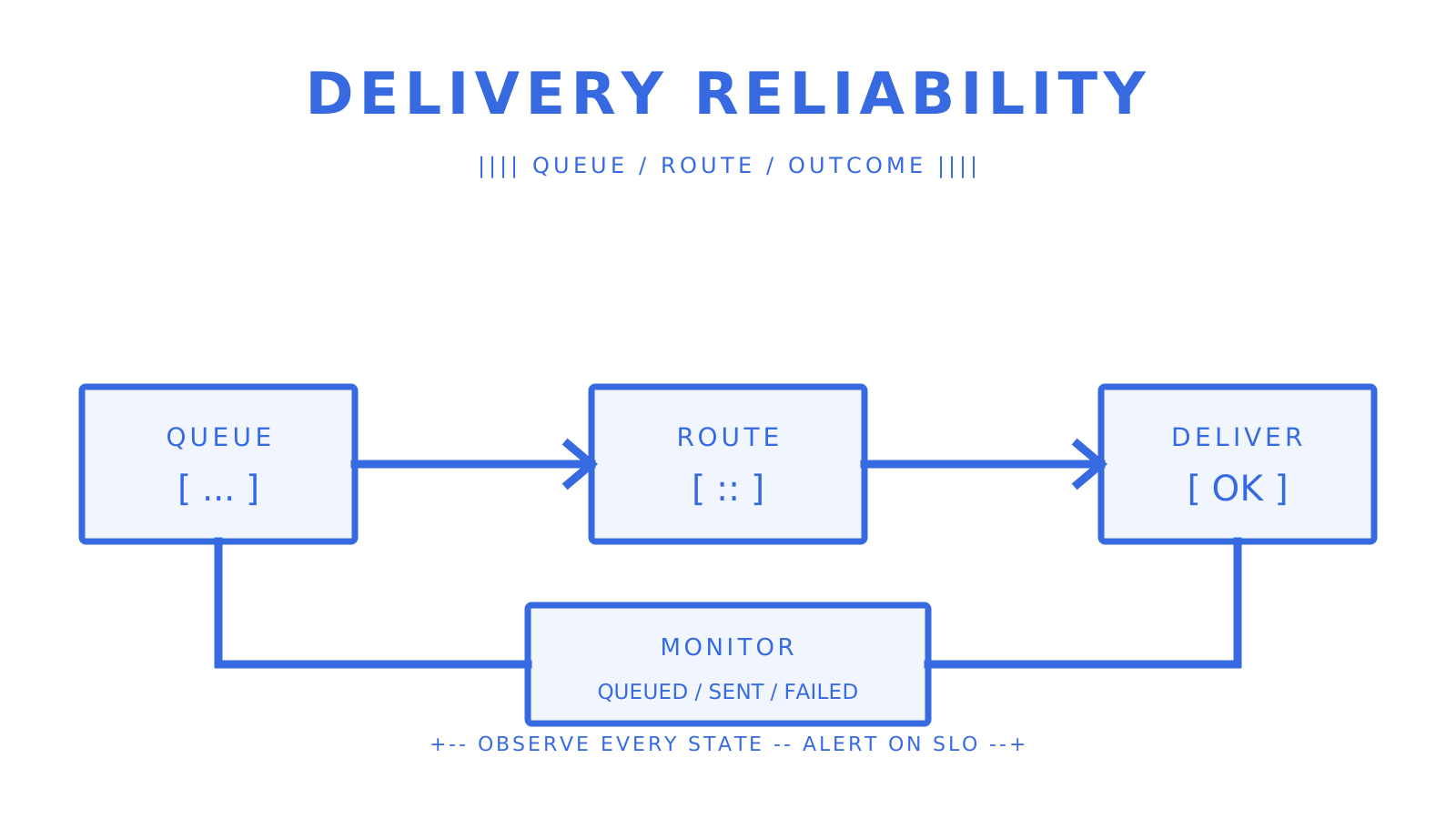
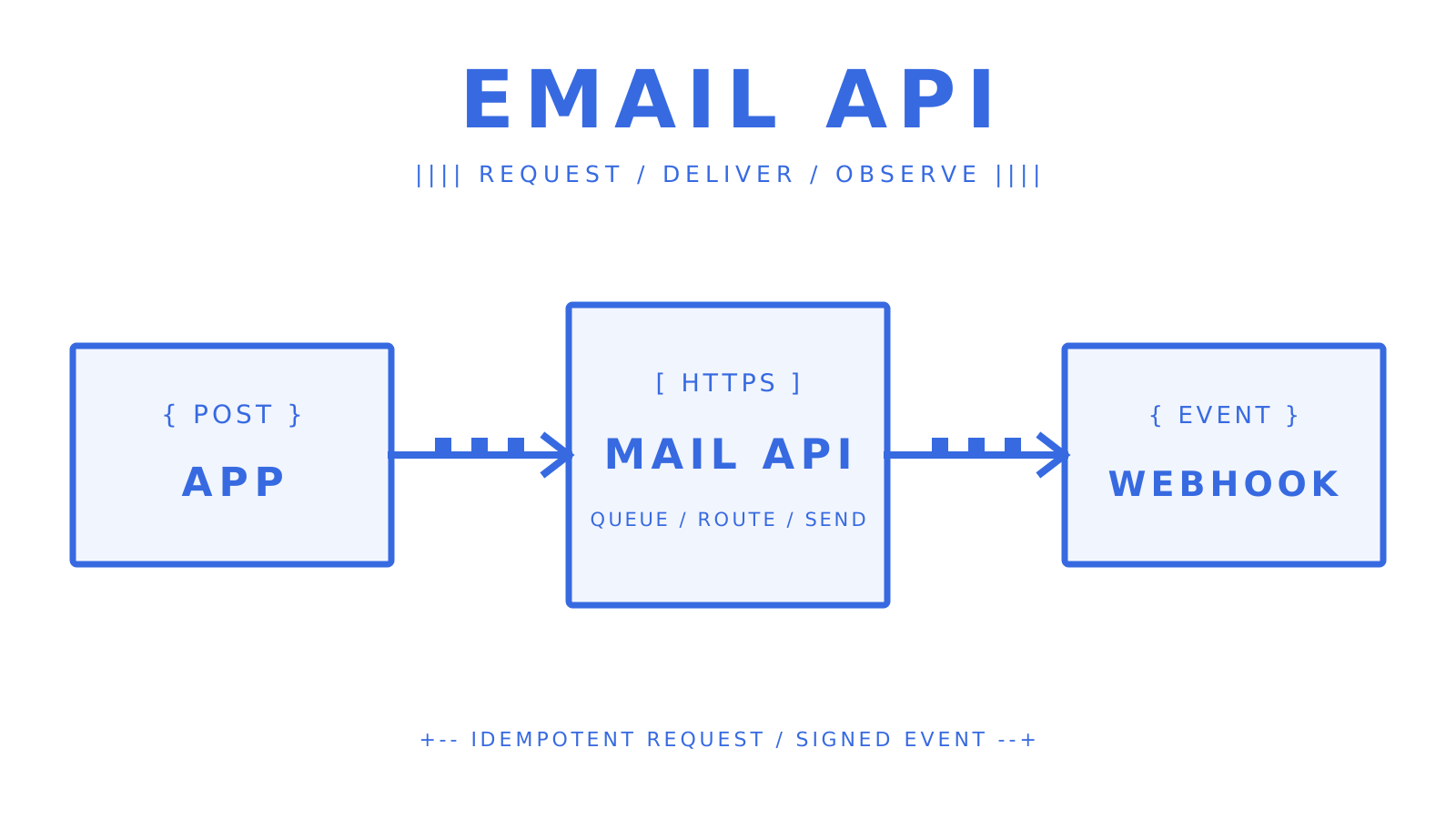
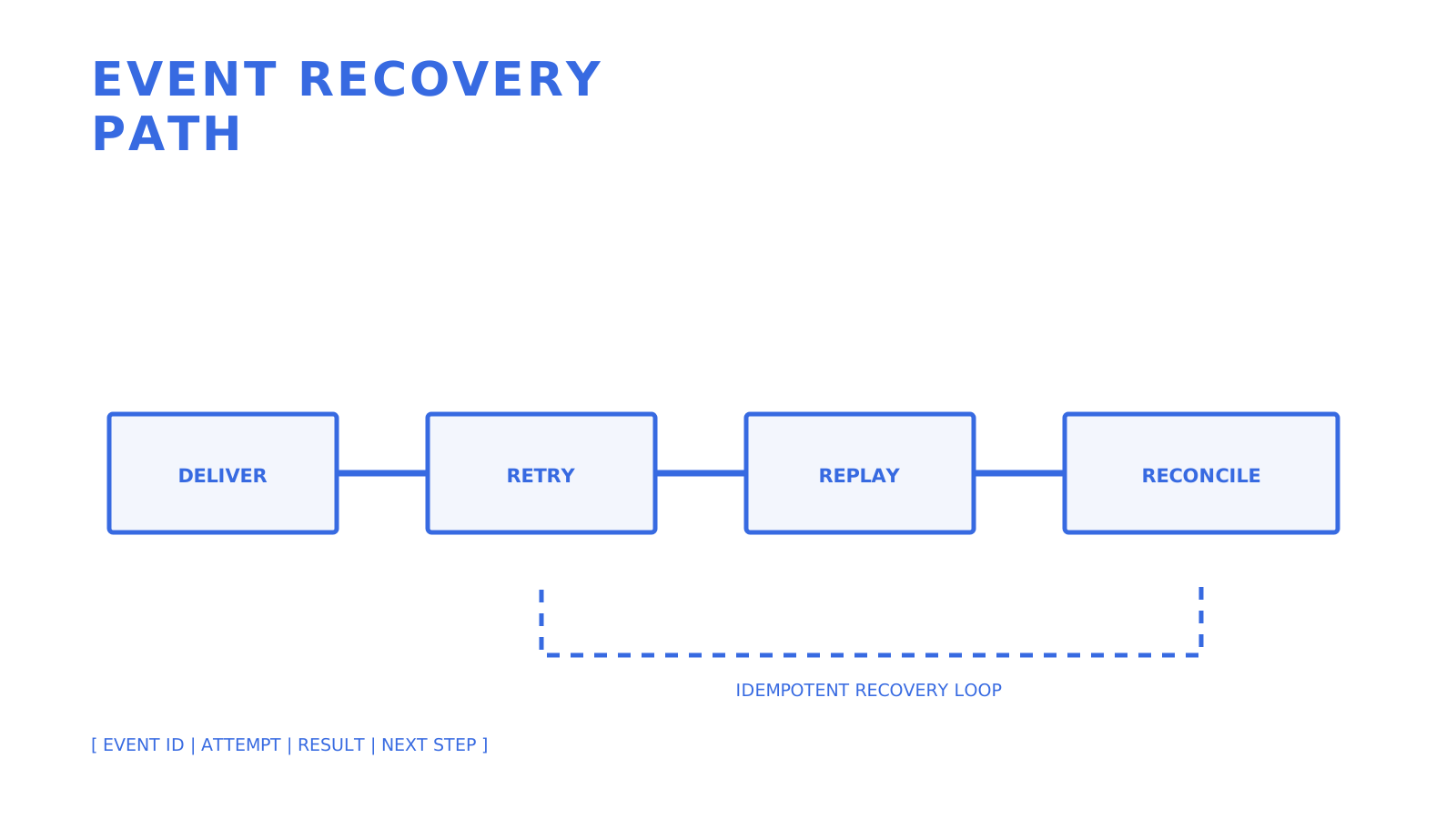
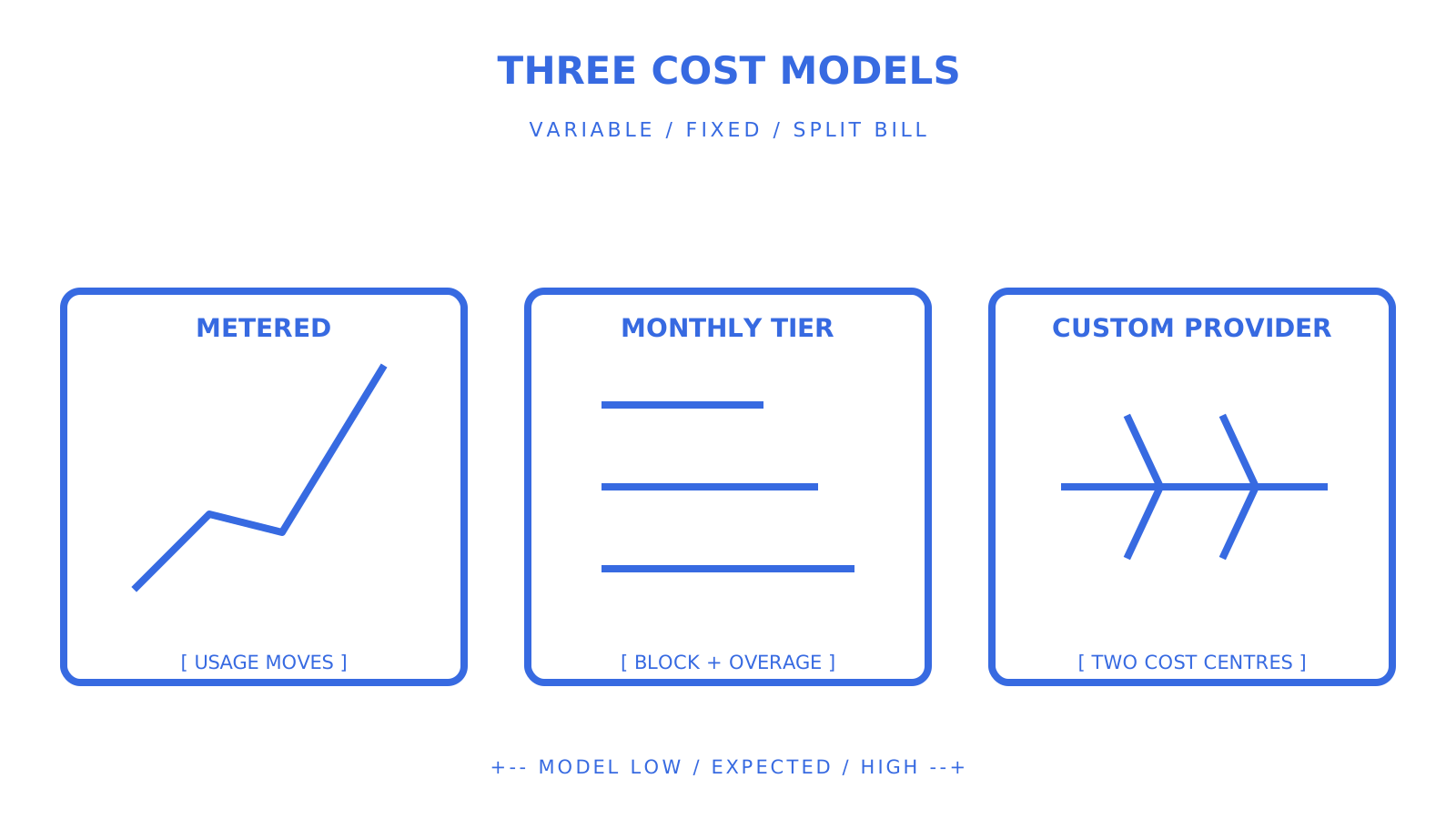
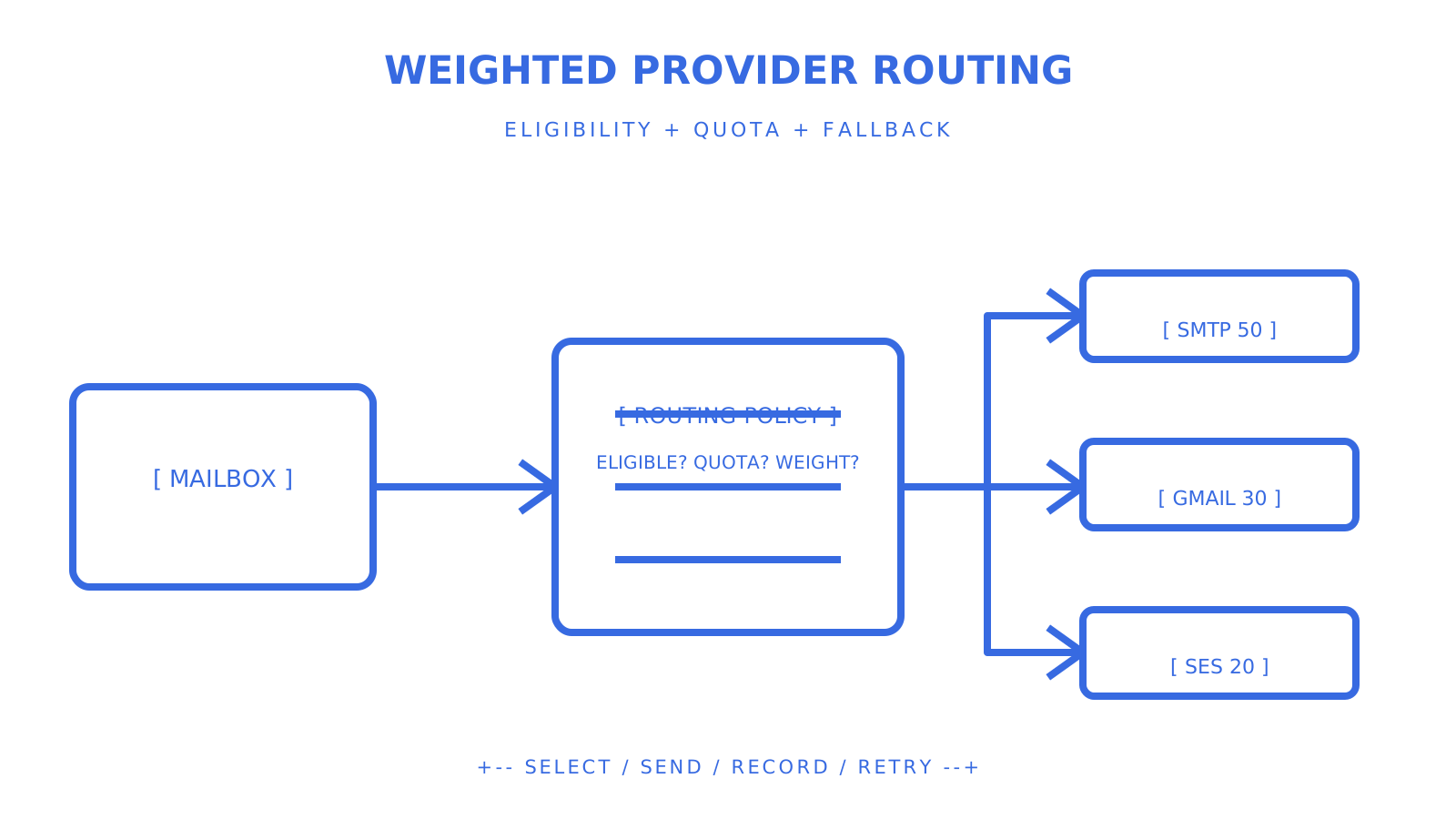
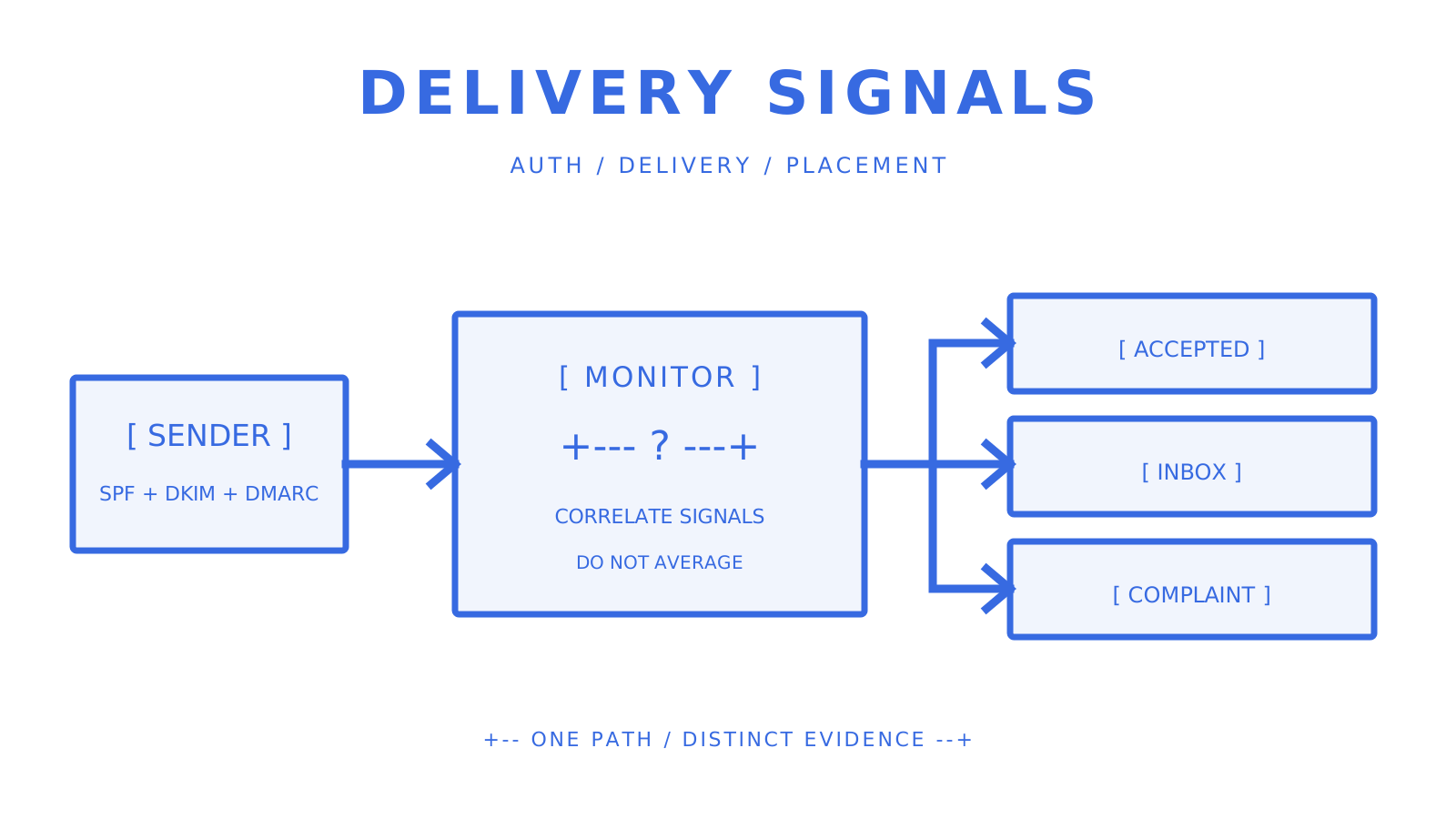
Reliability evaluation showing event delivery, retry, replay, and reconciliation stages.
A support promise is useful only when its event recovery path is testable.
## Security and Compliance for Mailbox-First Providers Domain authentication is a baseline control. Verify SPF, DKIM, DMARC, return-path or bounce handling, and any custom-domain records from the provider's current instructions. These controls help establish authorised sending and reporting; they do not eliminate abuse, compromised credentials, or unsafe automated actions. Access control matters because one tenant's mailbox must not expose another's state. Sendmux documents mailbox-scoped access and explicit permission surfaces, alongside team roles for management actions. Test permitted and forbidden credentials against message, thread, attachment, identity, and settings endpoints. Do not infer that every key is isolated merely because it was issued for a mailbox. Webhook security is another boundary. SendGrid documents signed event webhooks and OAuth as security options. Sendmux documents signed backend webhooks, while its mailbox API exposes a separate SSE stream for live events. HMAC-SHA256 signatures, delivery retries, and SSE are related operational surfaces, but they are not one interchangeable channel. Authentication verdicts can help an agent decide whether a sender's domain passed available checks, but those verdicts are inputs rather than proof that a message is safe. Combine them with mailbox policy, allow and block rules, content safeguards, action authorisation, and audit trails.
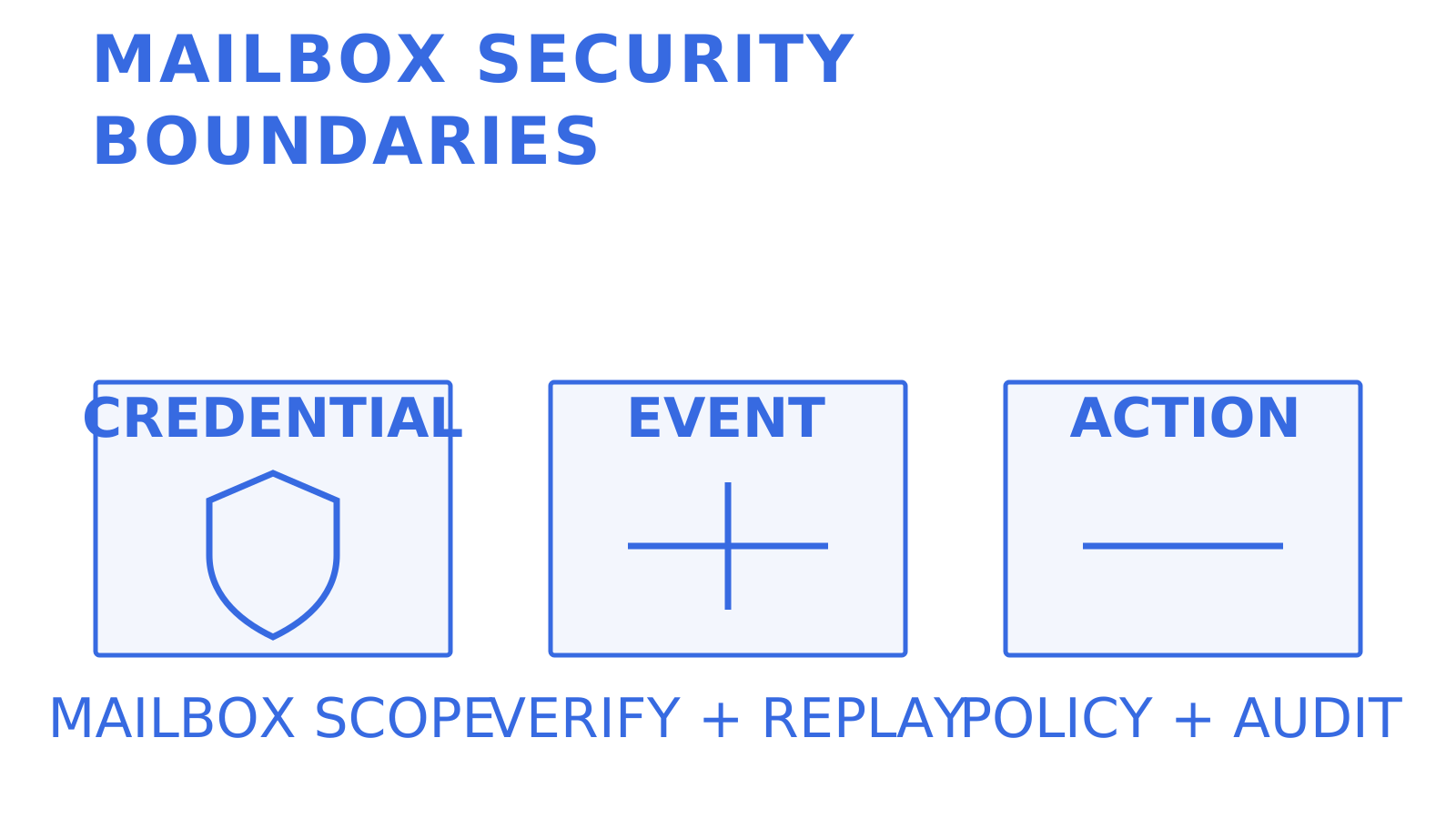
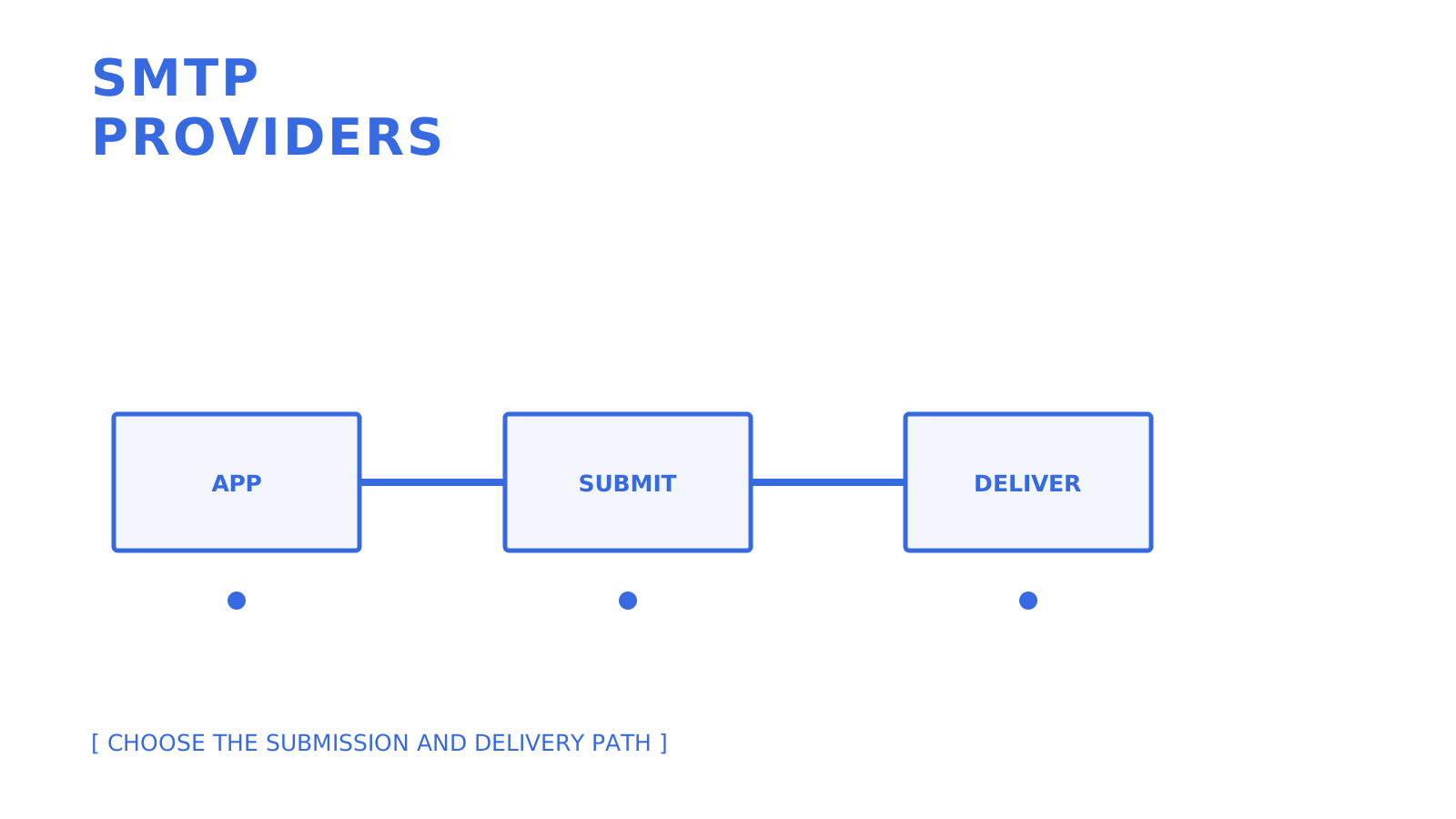
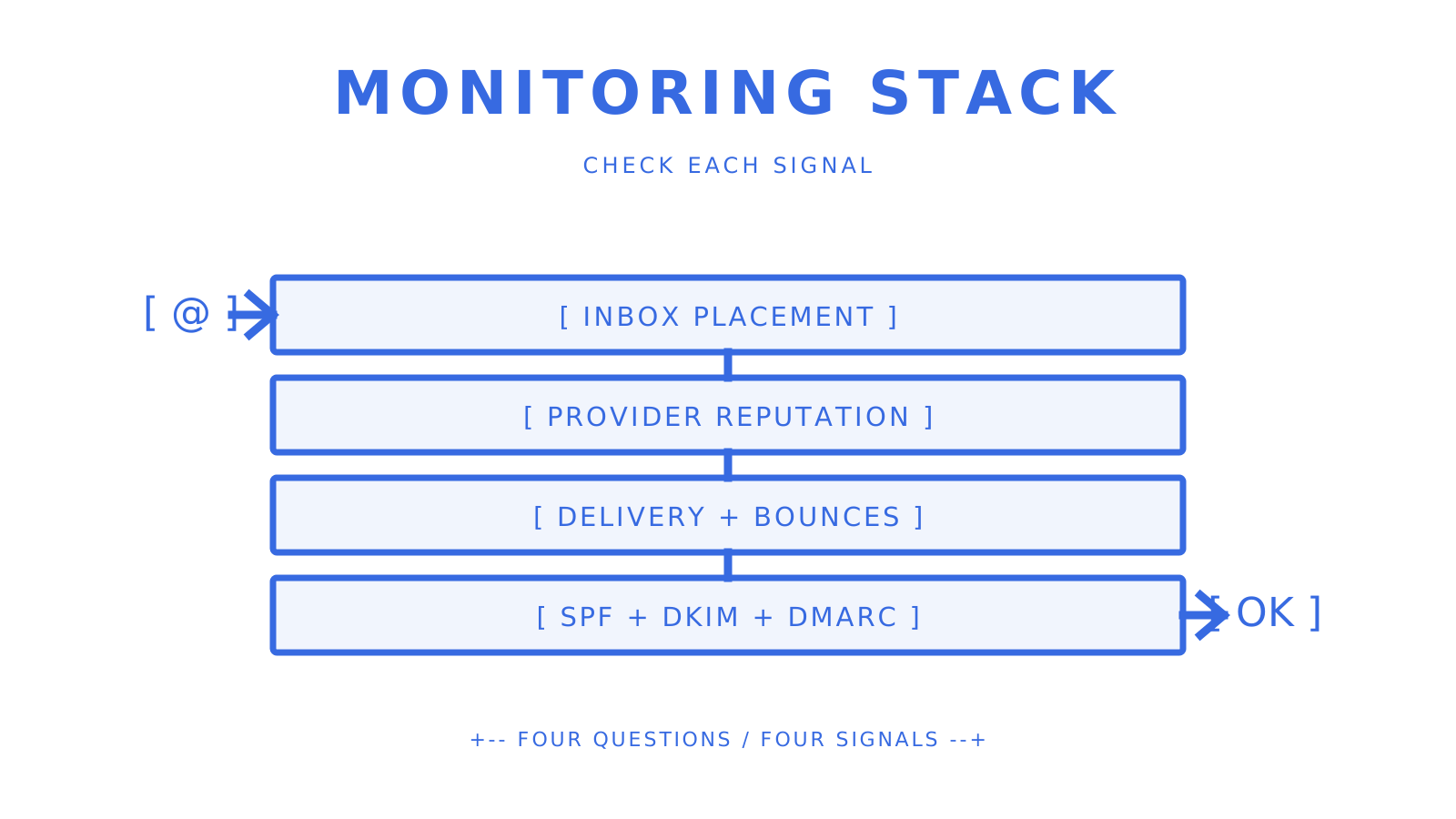
Mailbox security boundaries separating tenant credentials, event verification, and agent action policy.
Keep mailbox access, event authenticity, and agent authority as separate controls.
## Scalability and Performance Under Multi-Tenant Load Raw throughput is only one scaling dimension. A multi-tenant platform also needs fair capacity, bounded retries, observable queue age, provider-specific limits, and a way to prevent one tenant's burst from exhausting shared resources. Sendmux applies quotas to configured providers across second, minute, hour, and day windows, and its routing layer evaluates eligible providers. That can isolate one provider's capacity boundary, but it is not the same as a guaranteed per-tenant quota. A platform serving 50 mailboxes and one serving 5,000 may need different application-level admission control even when both use the same provider API. Ask each candidate how limits are scoped, what `Retry-After` or equivalent signal is exposed, how delayed work is retained, what expires, and how operators distinguish provider quota, lock contention, temporary failure, and terminal rejection. Test zero, one, and many messages for both permitted and forbidden tenants. ## User Interface and Usability Differences That Matter For infrastructure, the most important interface is usually the API and documentation engineers use every day. A dashboard still matters for people investigating message state, delivery attempts, domains, usage, and access without writing a query. AgenticMail is CLI- and self-hosting-oriented. Hosted products usually combine API access with a web dashboard, but the useful question is whether that dashboard exposes the same identifiers and states as the API. If support sees one state while the application receives another, diagnosis gets slower. OpenAPI 3.1, generated clients, SDKs, a CLI, and MCP tools can reduce integration work when their coverage is current and tested. Generate or run the client for the exact operations in the proof of concept. A list of languages is not evidence that every edge case or release is equal, and a loose claim about LangChain or the Vercel AI SDK should not replace a verified integration surface. ## Why Mailbox-First Beats Deliverability-Only Thinking Mailbox-first is the right frame when the product needs an address with durable state and an agent that can receive, reason, and reply. Deliverability-only comparisons miss permission scope, inbound recovery, thread state, attachments, duplicate processing, and tenant isolation. It is still possible to overcorrect. A receipt sender, password-reset service, or marketing programme may need a strong delivery API and event stream without a persistent mailbox for each user. Conversely, an autonomous support or operations agent may need a mailbox model even if its outbound volume is low. Match architecture to behaviour instead of assuming one category wins. For a 2026 evaluation, prioritise the resource model first, event and recovery semantics second, and eligible-provider routing third. Then test deliverability with representative domains and recipients. A missing thread or permission model can force a rebuild; a routing configuration can often be changed without replacing the whole application. ## Get Started With a Mailbox-First Email API If the application needs persistent agent mailboxes, Sendmux is one option to test against the checklist above. It exposes mailbox-scoped API surfaces, structured messages and threads, inbound events, and outbound delivery through configured providers. Those capabilities should be verified against the exact tenant, identity, attachment, domain, quota, event, and recovery cases in the intended workload. Start with one mailbox and one critical round trip. Receive a message, inspect the body and attachment contract, reply in context, observe the delivery state, interrupt one event path, and prove recovery. Then test 50 and 5,000 only as representative scale shapes, not as universal thresholds. Expand only after the same checks pass for multiple tenants and forbidden credentials. ## FAQ ### What Makes an Email API "Mailbox-First"? A mailbox-first API treats the mailbox, messages, threads, identities, permissions, and inbound state as first-class resources. It may also send mail, but the defining test is whether an agent can receive, inspect, and act on durable mailbox state without assembling that model from an outbound API and an inbound parser. ### Is Sendmux a Direct Replacement for SendGrid? Not for every SendGrid workload. Sendmux is an option when the product needs persistent agent or tenant mailboxes, scoped access, inbound state, and outbound delivery. SendGrid remains an email-delivery platform with Inbound Parse and event webhooks, so compare the exact resources, templates, marketing features, routing, and operational controls you use. ### How Do I Test Reliability Before Committing to a Provider? Run the provider's documented recovery path rather than assuming every platform uses lease, ack, and nack semantics. Interrupt processing after receipt, verify redelivery or replay, send the same idempotency key twice, disable an event endpoint, and confirm the documented retry and reconciliation behaviour. ### Does Self-Hosting Improve Deliverability? Not inherently. Self-hosting gives a team more control over domains, DKIM, SPF, infrastructure, and sending policy, but it also transfers reputation, abuse prevention, monitoring, patching, uptime, and incident response to that team. ### What Should I Check First in a Proof of Concept? Start with the resource model and the critical round trip: provision or connect an address, receive a message, read its body and attachments, preserve thread context, reply, observe delivery events, and recover from one failed attempt. Then test tenant isolation, quotas, and provider-specific limits. ## Recommended - [Front Alternatives for AI Agent Mailboxes – Best Email Tools](https://myagent.mx/blog/topic/Front%20alternatives) - [AgentMail Alternatives for Developer Email APIs](https://myagent.mx/blog/topic/agentmail%20alternatives) - [The Best Front Alternatives for AI Agent Mailboxes](https://myagent.mx/blog/front-alternatives) - [AgentMail Alternatives for Developers: Inbox & API Picks](https://myagent.mx/blog/agentmail-alternatives) --- title: "Best Nylas Alternatives for Developers in 2026" description: "Discover the best alternatives to Nylas for developers in 2026. Explore options tailored for email access, CRM, and scheduling needs." canonical: "https://myagent.mx/blog/nylas-alternatives" publishedAt: "2026-08-23T00:00:00.000Z" updatedAt: "2026-08-26T11:10:43.019Z" category: "alternatives" topic: "nylas alternatives" author: "Roshan Jonnalagadda" authorProfile: "https://myagent.mx/blog/author/roshan-jonnalagadda" keywords: - "Nylas alternative platforms" - "affordable Nylas alternatives" - "top Nylas alternatives" - "Nylas alternatives for integration" - "best Nylas alternatives" - "Nylas substitutes" - "nylas alternatives" - "Nylas vs other services" - "email API alternatives" - "Nylas alternatives comparison" - "which Nylas alternative is best" - "nylas competitors" - "nylas vs sendgrid" --- # Best Nylas Alternatives for Developers in 2026 Discover the best alternatives to Nylas for developers in 2026. Explore options tailored for email access, CRM, and scheduling needs.
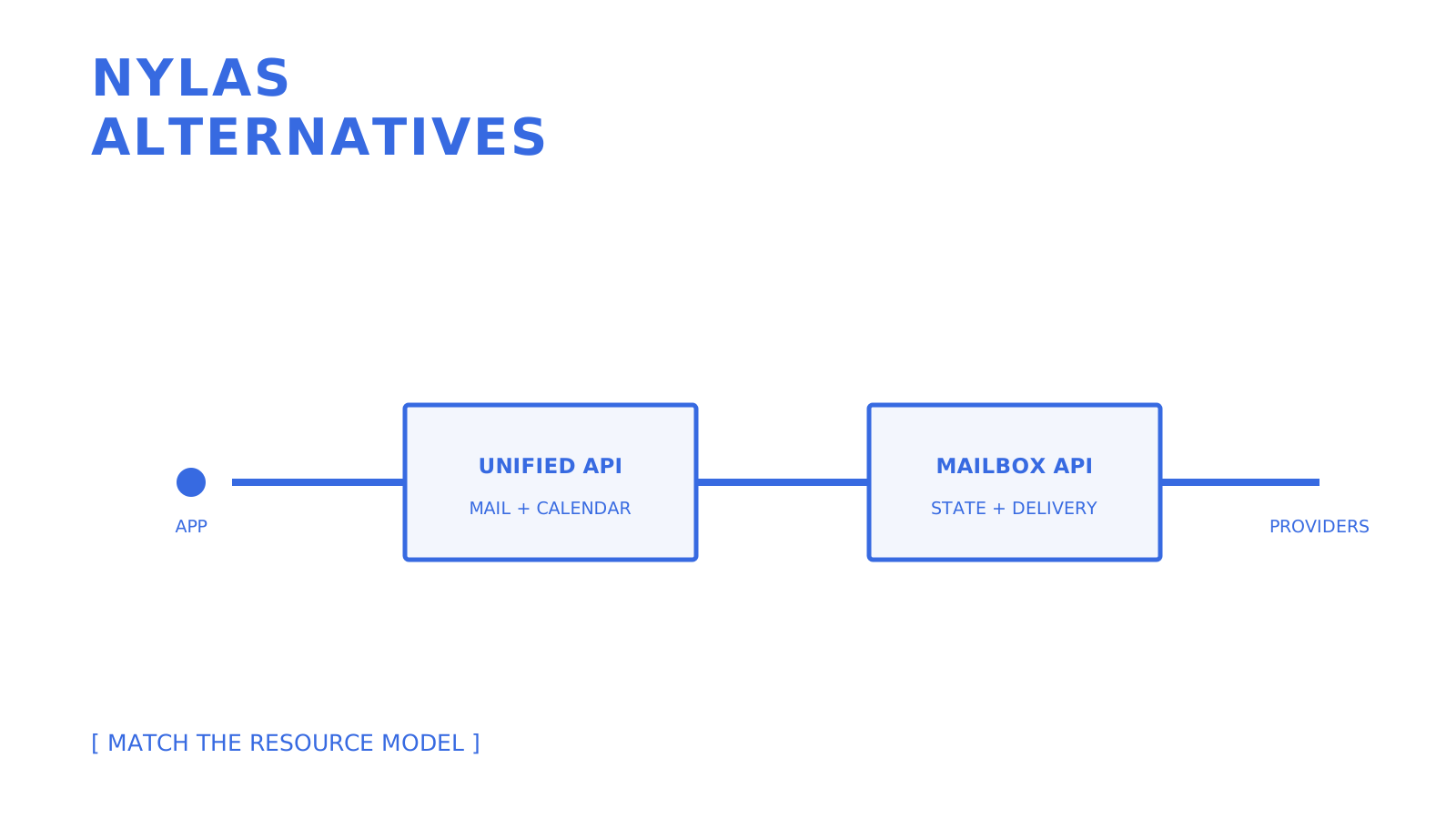
Developer comparing mailbox APIs, native provider APIs, and self-hosted email infrastructure.
Start with the resources and traffic directions your product actually needs.
If your team is evaluating **Nylas alternatives**, the shortlist depends on the resources your product uses and the direction its traffic flows. Nylas currently documents unified email, calendar, contacts, scheduling, Notetaker, and Agent Account surfaces, so no narrower provider is a complete replacement by default. For persistent agent mailboxes and outbound delivery, **Sendmux** is one option. If you need mailbox, calendar, contacts, and task synchronisation, Aurinko is closer to a unified gateway. For calendar and scheduling infrastructure, Cronofy is purpose-built. If users are concentrated on Microsoft 365 or Google Workspace, native provider APIs remove the unified-API layer. For transactional delivery, SendGrid or Mailgun may fit, but both need a separate product model if the application requires durable mailbox state. **Quick shortlist by category:** - **Sendmux** — persistent mailboxes, mailbox-scoped access, inbound message state, and outbound delivery for agent and multi-tenant workflows - **Aurinko** — unified email, calendar, contacts, and task synchronisation across supported mailbox providers - **Cronofy / Zeeg** — calendar and scheduling-focused products with different API and booking-workflow surfaces - **Microsoft Graph API / Google Workspace APIs** — native mail, calendar, and contacts integrations when provider coverage is deliberately narrow - **SendGrid / Mailgun** — transactional delivery with inbound parsing surfaces, not a complete connected-mailbox replacement - **IMAP/SMTP direct** — protocol-level control when the team is prepared to own provider differences, state, security, and operations ## Key Takeaways The most effective approach to replacing Nylas is matching required resources, traffic direction, provider coverage, compliance, and operating ownership to the provider category, not chasing the cheapest unit rate in isolation. | Point | Details | | --- | --- | | Inventory the Nylas resources in use | Email, calendar, contacts, Scheduler, Notetaker, webhooks, and grants do not have one-for-one equivalents everywhere. | | Match traffic direction to provider type | Outbound delivery, inbound parsing, connected mailbox access, and provider-hosted mailboxes are different product models. | | Run the pricing math at your scale | Compare plan fees, connected accounts, requests, recipients, inbound events, storage, regions, and support with representative traffic. | | Budget for auth remapping | Scope changes, connector ownership, user consent, and token portability can dominate migration work. | | Test before full rollout | Validate provider coverage, threading, attachments, pagination, webhooks, retries, rate limits, and failure recovery on a small account batch. | | Use Sendmux where its mailbox model fits | Persistent mailboxes and scoped credentials suit some agent workflows, but they do not replace Nylas calendar, contacts, or scheduling features. | ### Primary Sources and Technical References The technical baseline uses the current [Nylas API references](https://developer.nylas.com/docs/v3/api-references/), [Nylas authentication guide](https://developer.nylas.com/docs/v3/auth/), [Aurinko Unified Mailbox API documentation](https://docs.aurinko.io/), [Cronofy developer documentation](https://docs.cronofy.com/developers/), [Microsoft Graph mail, calendar, and contacts documentation](https://learn.microsoft.com/en-us/exchange/client-developer/exchange-web-services/office-365-rest-apis-for-mail-calendars-and-contacts), and [Gmail API overview](https://developers.google.com/workspace/gmail/api/guides). Product scope, pricing, limits, and migration requirements can change; confirm them directly before committing to a provider. ## Nylas Alternatives Comparison: Which Fits Your Stack? Picking among **Nylas competitors** comes down to practical questions: which resources you need, which direction mail flows, which mailbox providers must connect, how the service is hosted, how pricing scales, what compliance boundaries apply, and how much migration work the team can absorb. The table below keeps the source shortlist while correcting false equivalence between mailbox APIs, calendar APIs, communications platforms, and email delivery providers. | Provider | Best-Fit Evaluation | Documented Surface | Hosting | Pricing Check | Migration Check | | --- | --- | --- | --- | --- | --- | | Sendmux | Agent and multi-tenant workflows needing persistent mailboxes and outbound delivery | Mailboxes, messages, threads, folders, attachments, identities, sending, domains, logs, and events | Managed service | Free is $0 with fixed limits; Pro is $7 per team each month plus usage | Test mailbox scopes, state, configured-provider routing, and event delivery; calendar and contacts parity are out of scope | | Aurinko | Products needing mailbox-provider synchronisation | Email, calendar, contacts, tasks, deltas, and webhooks across supported providers | Managed service | Verify current account and usage terms | Map provider accounts, sync tokens, deltas, and webhooks rather than assuming Nylas grant portability | | Cronofy | Scheduling, availability, and calendar workflows | Calendar connectivity, availability, scheduling, events, push notifications, and meeting tooling | Managed service with documented data centres | Verify current synced-user and product pricing | Calendar-focused migration; no email mailbox parity | | Zeeg | Booking and meeting workflows | Scheduling product and related integrations; verify the current developer surface directly | Managed service | Verify current plan and API access | Low only when the requirement is scheduling rather than mailbox access | | Microsoft Graph API | Products intentionally centred on Microsoft 365 | Mail, calendars, contacts, and other Microsoft Graph resources | Microsoft cloud | Licensing and metering depend on the exact API and tenant arrangement | Rebuild provider-specific OAuth, permissions, subscriptions, schemas, and operational handling | | Google Workspace APIs | Products intentionally centred on Gmail and Google Calendar | Gmail, Calendar, People, and related APIs with separate scopes and quotas | Google cloud | Verify current per-project, per-user, and product-specific quota rules | Rebuild provider-specific OAuth, watches, sync tokens, schemas, and operational handling | | SendGrid | Transactional and marketing email delivery | Outbound email APIs plus Inbound Parse and event webhooks | Managed service | Verify current plan, contacts, recipients, and add-ons | High when replacing connected mailbox, calendar, or contacts access | | Mailgun | Developer email delivery and inbound routing | Sending, events, validation, and inbound routes | Managed service | Verify current plan, volume, retention, and add-ons | High when durable mailbox continuity or calendar access is required | | IMAP/SMTP direct | Protocol-level mailbox access and submission | Depends on each selected mailbox and SMTP provider | Provider-hosted or self-managed | Provider, infrastructure, support, and operator cost | High engineering and operational lift across auth, MIME, folders, threading, retries, and provider differences | | Twilio Customer Engagement Platform | Broader customer communications | Evaluate SendGrid email separately from messaging, voice, and other Twilio products | Managed service | Product-specific usage pricing | Broad platform migration rather than Nylas feature parity | | Vonage Communications APIs | Messaging, voice, and video workflows | Communications APIs; verify any email requirement separately | Managed service | Product-specific usage pricing | Not a direct mailbox API substitute | | Postal.io | Direct-mail and gifting workflows | Physical and digital engagement products rather than connected mailbox APIs | Managed service | Subscription and campaign costs | Niche workflow change, not Nylas parity | | Webex Connect | Enterprise omnichannel orchestration | Channel and journey capabilities vary by contract and deployment | Managed enterprise service | Obtain current contract terms | Enterprise onboarding and integration scope | | Infobip | Global omnichannel messaging | Email, messaging, voice, and related communications products | Managed service | Product and destination-specific usage | Broad platform scope; verify mailbox requirements separately | | Sinch | Communications APIs and email delivery products | Product surface varies across messaging, voice, and email brands | Managed service | Product-specific usage pricing | Broad platform scope; not unified mailbox parity by default | | NXCLOUD | Communications infrastructure | Verify current messaging channels and regional availability directly | Managed service | Obtain current usage terms | Treat as a communications evaluation, not an assumed email mailbox replacement | | Azure Communication Services | Azure-native communications | Email, SMS, voice, chat, and related Azure communication resources | Azure | Azure resource and usage pricing | Azure-specific resources, identity, domains, and monitoring | | AWS services | AWS-native email and messaging components | Amazon SES and other separately operated AWS services | AWS | Service-specific usage and support pricing | Rebuild sending, receiving, events, storage, identity, and application state as separate components | | Zimbra | Self-hosted or provider-hosted mail and collaboration | Email, calendar, contacts, and administration | Self-hosted or managed by a partner | Licence, infrastructure, and operations | Full server and client migration rather than an API gateway swap | | Plivo | Programmable messaging and voice | Messaging and voice products; verify email requirements separately | Managed service | Product and destination-specific usage | Not a direct connected-mailbox replacement | Before committing to any row, verify whether the provider connects existing inboxes or provisions new ones, which resources are first class, who owns OAuth applications, whether tokens can migrate, how webhooks and replay work, which regions process data, and whether attachment or rate limits fit representative traffic. Public documentation is the starting point; a proof of concept is the acceptance test. ## Should You Choose a Proxy, a Native API, or Self-Hosted Mail? The real trade-off is not a generic feature count. It is who owns provider differences, credentials, stored state, uptime, compliance evidence, and failure recovery. **1. Unified or proxy APIs (Nylas, Aurinko, and similar gateways)** sit between an application and supported mailbox providers, presenting a common interface over provider-specific APIs. That normalisation can save engineering time, but it introduces another processor and another operational boundary. Nylas documents US and EU API endpoints, while Aurinko documents its own synchronisation and caching model. Evaluate actual data flow, retention, sub-processors, regions, and contractual terms instead of assuming every gateway handles a complete copy of every mailbox in the same way.
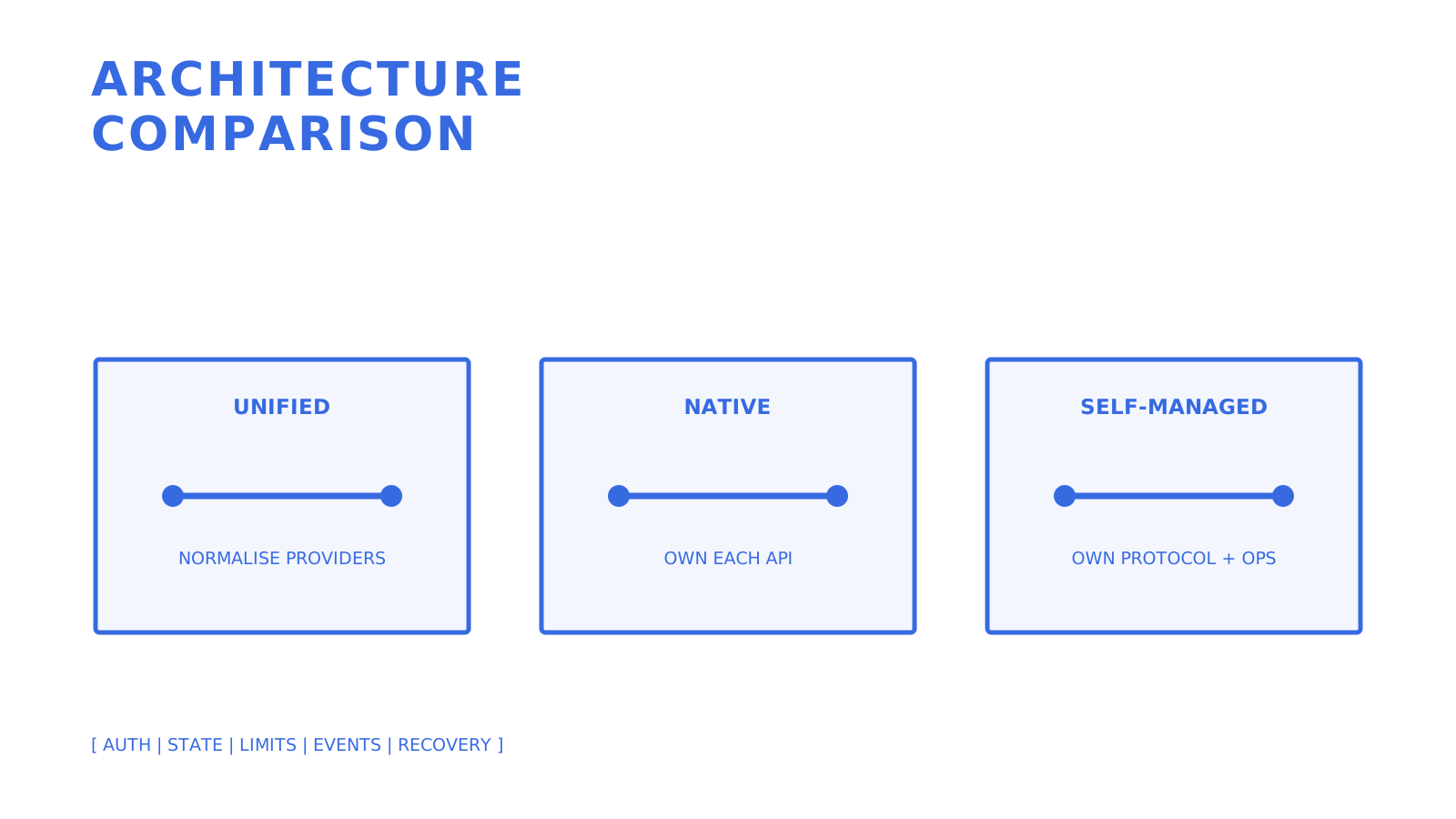
Unified API, native provider API, and self-managed protocol architectures compared side by side.
Each architecture assigns provider differences, state, and operations to a different owner.
**2. Native APIs (Microsoft Graph and Google Workspace APIs)** remove the unified-API vendor, but they do not remove application work. The team owns separate OAuth applications, scopes, schemas, subscriptions or watches, pagination, quotas, and provider-specific edge cases. This is a deliberate provider-coverage trade, not a universal reduction in latency, legal exposure, or cost. **3. Direct protocols or self-managed platforms (IMAP/SMTP and Zimbra)** give the team more control over integration and infrastructure choices. They also make the team responsible for authentication modes, MIME handling, folders, threading, retries, deliverability, uptime, patching, monitoring, and incident response. The long-term cost can be lower or higher depending on provider fees, staffing, support, and reliability requirements. The two-way question still matters, but "send-only" is too blunt. SendGrid offers Inbound Parse and Mailgun offers inbound routes as well as outbound delivery. Those surfaces can feed replies into an application, yet the application still has to decide how addresses, durable messages, folders, threads, permissions, retention, and outbound routing fit together. A connected-mailbox API, a provider-hosted mailbox, an inbound parser, and an SMTP delivery API are four different building blocks. Sendmux bills each usage event individually. Connected outbound and inbound events cost $0.000500 each, managed Amazon SES accepted recipients cost $0.000750 each, and storage costs $0.02 per decimal GB-month. For illustration, 2,000 groups of 1,000 connected-provider recipient occurrences equal $1,000 in usage, or $1,007 including the monthly Pro team charge, before storage or provider costs. **Pro Tip:** *Before signing, test the provider's actual request, concurrency, recipient, and provider limits at your peak shape. A monthly allowance does not describe burst behaviour or recovery from throttling.* Watch event reliability too. Ask how the provider signs events, retries failures, exposes delivery attempts, supports replay, and handles endpoint downtime. Sendmux documents signed backend webhooks and a separate Server-Sent Events stream for live inbound mailbox events; they are not interchangeable outbound and inbound channels. ## How Do You Evaluate a Nylas Substitute for Your Stack? Start with the current Nylas resources in production. If the product only sends notifications or receipts, an email delivery API may be enough. If it connects users' existing accounts, identify every provider and grant type. If it needs replies, threads, calendar availability, contacts, scheduling, or agent-owned identities, test each resource independently instead of labelling the whole requirement "two-way email." **Checklist before you shortlist any vendor:** - Does traffic flow one way, arrive through an inbound parser, connect to an existing mailbox, or use a newly provisioned mailbox? - Which resources are required: email, calendar, contacts, scheduling, tasks, meeting capture, or several together? - Which mailbox providers, regions, and authentication methods must be supported? - What compliance requirements apply, including data residency, sub-processors, audit evidence, retention, deletion, and incident response? - What is the projected scale in accounts, requests, recipients, messages, inbound deliveries, events, and stored bytes? - Do you need per-tenant isolation, role-based access, mailbox-scoped keys, delegated consent, or administrative access? **Questions to put directly to any vendor during evaluation:** 1. What is the account, grant, mailbox, and permission model, and what happens when scopes change later? 2. Is there a documented migration path, or must every user complete a new consent flow? 3. Are current OpenAPI specifications, SDKs, event schemas, and idempotency rules available? 4. Does the test environment mirror production resources, limits, and provider behaviour closely enough for a canary? 5. Which support, availability, security, and data-processing commitments apply to the exact plan and region? Three red flags should slow or end an evaluation: no verifiable contract for the required resource, no test path for the critical workflow, and pricing or limits that cannot be modelled before launch. Some enterprise products legitimately use negotiated contracts, but the team still needs written units, limits, data boundaries, and support commitments before migration. ## What Does Migrating Off Nylas Actually Involve? Migration fatigue often concentrates around **auth and grant remapping**, but the exact work depends on the destination. Nylas uses OAuth 2.0 grants for connected accounts, with provider connectors, scopes, and grant IDs. A replacement may use different OAuth applications, tokens, mailbox identities, or protocol credentials. Do not assume tokens are portable or that every user must reauthenticate; prove the destination-specific path. 1. **Inventory auth flows first.** Record connector ownership, provider, grant type, scopes, consent state, token lifecycle, and user-visible reauthorisation requirements. 2. **Preserve data continuity deliberately.** Map Nylas grant, message, thread, folder, event, calendar, and contact identifiers only where the destination exposes an equivalent. Keep an application-owned crosswalk during coexistence. 3. **Test representative accounts.** Include each provider, zero-state and populated accounts, large and unusual attachments, non-ASCII bodies, recurring events, shared calendars, and long threads where applicable. 4. **Validate events and retries.** Exercise signature validation, duplicate delivery, out-of-order events, endpoint downtime, replay, and a fresh resynchronisation after missed changes. **Pro Tip:** *Migrate five representative accounts before five thousand. A small canary can expose consent, schema, threading, calendar, and event-delivery failures before they affect the whole user base.*
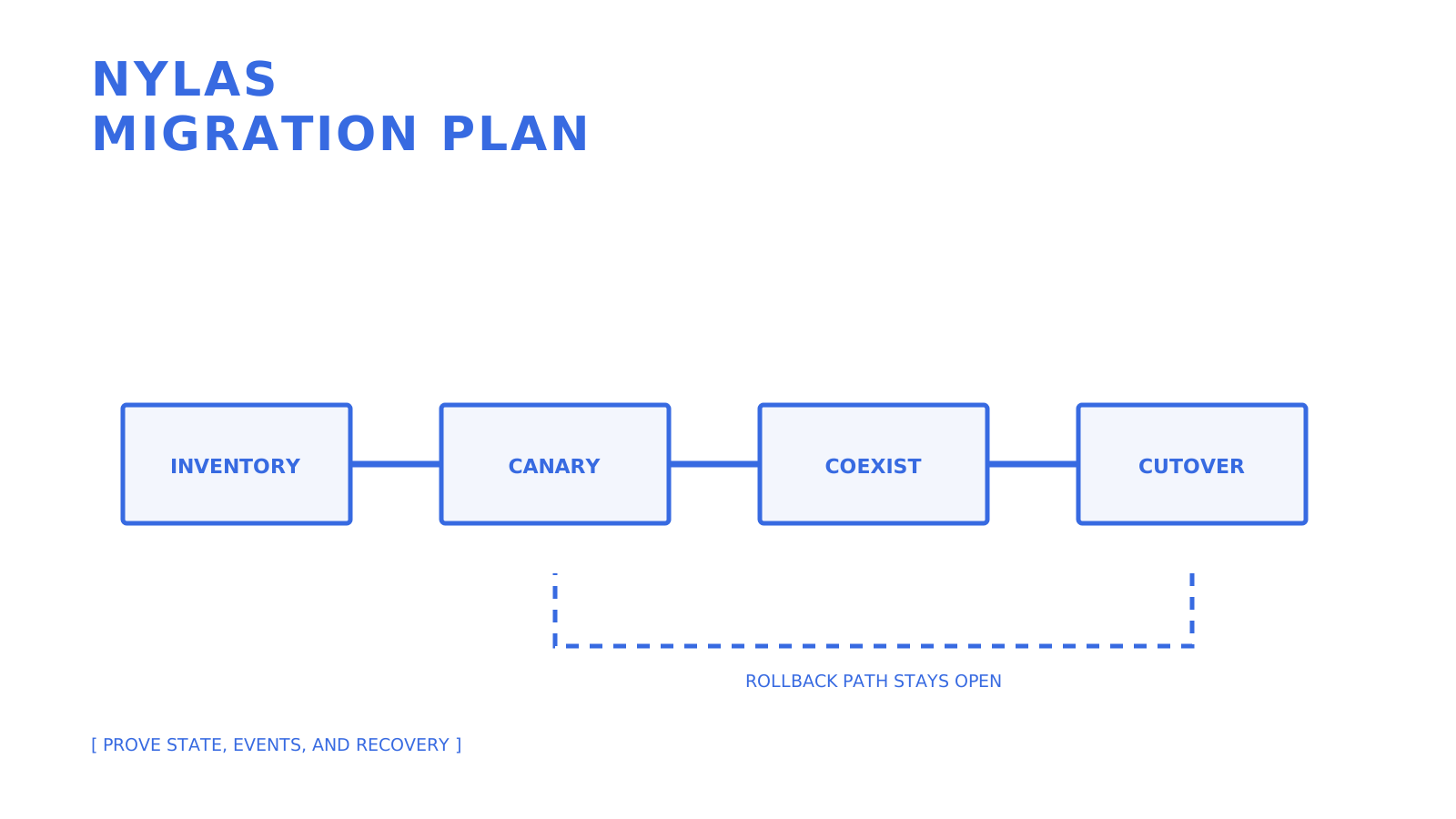
A phased Nylas migration from inventory through canary, coexistence, cutover, and rollback.
Keep the old and new paths observable until the acceptance evidence supports cutover.
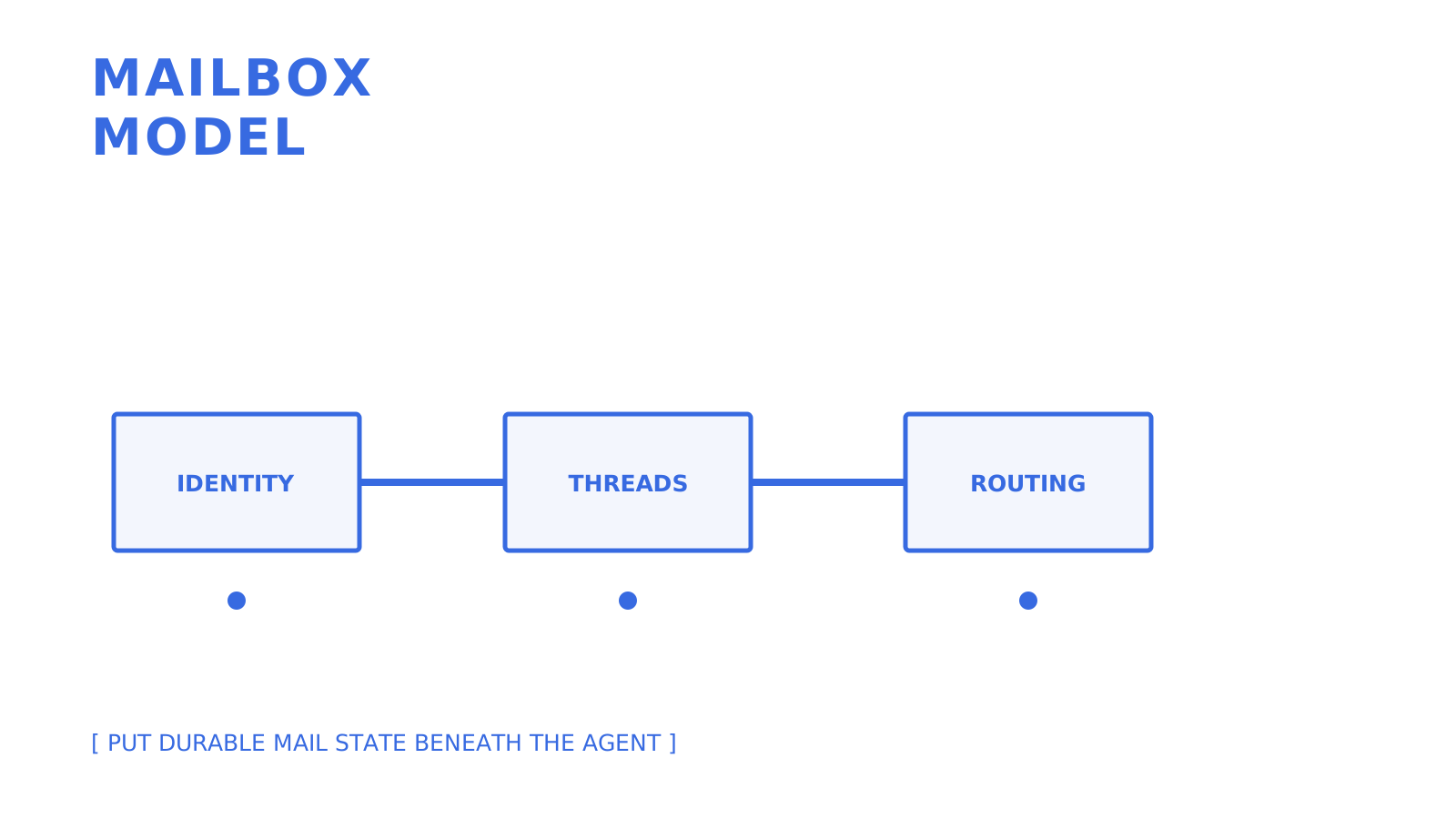
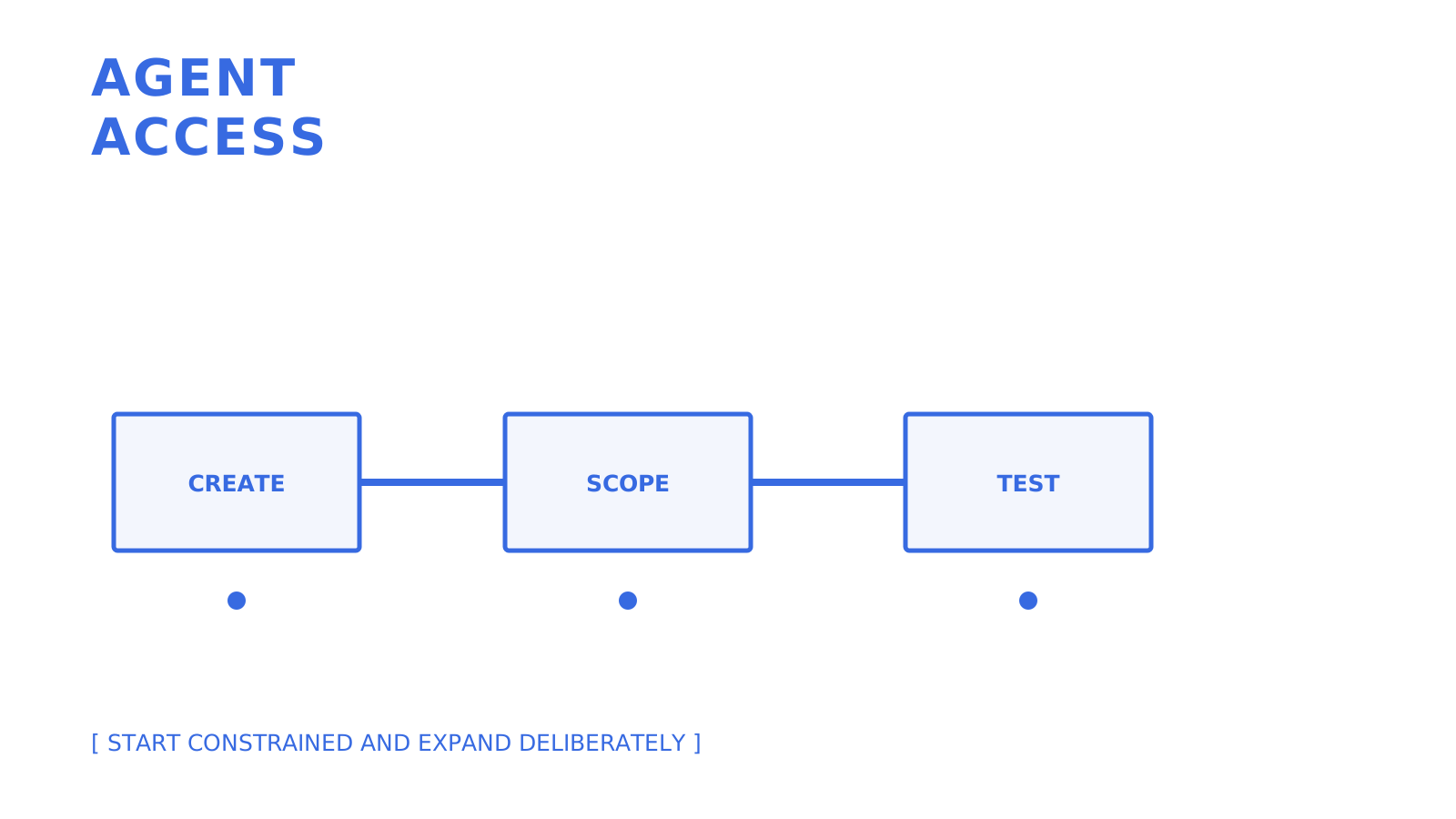
## Why Sendmux Fits Some Agent-Driven Two-Way Email Workflows Sendmux gives an agent, customer, or workspace a persistent mailbox on `@myagent.mx` or a verified custom domain. That model can fit software that needs a durable address, inbound messages, threads, attachments, mailbox-scoped access, and outbound delivery. It does not claim Nylas feature parity for calendars, contacts, Scheduler, Notetaker, or every connected-provider mailbox operation. - **Mailbox-scoped access:** manual mailbox credentials apply to one mailbox, while granted tokens are limited by their mailboxes and scopes such as `email.send`, `email.receive`, `mailbox.read`, and `mailbox.settings.update`. - **Parsed message fields:** the Mailbox API exposes text and HTML body fields, message and thread resources, folders, identities, and attachments so applications do not have to treat raw MIME as the only interface. - **Controlled outbound routing:** Sendmux provides a managed Amazon SES path plus configured Gmail, Outlook, and SMTP accounts. Configured providers support eligibility checks, quotas, percentage distribution, and delivery groups; test definitive failures and ineligible routes rather than promising universal automatic failover. - **Developer tooling:** Sendmux publishes OpenAPI 3.1 specifications and SDK packages for TypeScript, Python, Go, PHP, Ruby, and Rust. The current SDK repository inventories 101 generated OpenAPI operation commands, and the CLI also has three profile commands. - **Current billing:** Pro costs $7 per team each month plus usage. Connected outbound and inbound events cost $0.000500 each, managed Amazon SES accepted recipients cost $0.000750 each, and storage costs $0.02 per decimal GB-month. The sending repository describes a **10M+ accepted messages per day capacity target**. Treat that as an architecture target, not proof that a particular tenant, provider, domain, quota, or workload has been load-tested to that volume. A representative pilot must still prove the selected routes, limits, credit handling, logs, events, and failure behaviour. ## What Most Comparison Lists Get Wrong Most roundups rank **Nylas vs SendGrid** and similar matchups by feature count, as if every provider competes for the same job. They do not. A delivery API with inbound parsing, a unified connected-account API, a calendar API, a provider-hosted mailbox, and a self-managed mail server solve overlapping but distinct problems. A flat feature table can obscure the resource and ownership model that determines migration cost. The bigger blind spot is coexistence and cutover. Vendor pages emphasise API shape, but production migration also includes OAuth consent, connector ownership, identifier mapping, backfill, pagination, rate limits, duplicate events, missed-change recovery, support, and rollback. The work may take days or months; an uncited two-week estimate for ten thousand users is not a planning basis. What separates a suitable alternative from an unsuitable one is whether its resource model matches the product's real behaviour. If users or agents need to read a reply and act in-thread, define who owns the address, message, thread, permission, retention, and sending route. If they also need calendars, contacts, or scheduling, keep those resources in the decision rather than choosing an email-only tool and rediscovering the gap during migration. ## A Different Path if You'd Rather Not Manage Every Provider Integration Yourself Gateways, native APIs, delivery providers, protocol integrations, and self-managed platforms place work in different locations. Sendmux takes a mailbox-first approach for a narrower problem: persistent agent or tenant mailboxes, scoped access, inbound state, and outbound delivery. Its public billing documents a $7 monthly Pro team charge plus usage and storage, without a separate per-mailbox line item. Price is only one gate. If the workflow requires an agent to read a reply and act in-thread, test a mailbox against the exact identity, permission, attachment, routing, event, retention, and failure cases before committing to a migration plan. If the product also depends on Nylas calendar, contacts, Scheduler, or Notetaker, design and verify those replacement paths separately. ## Sources - [Nylas API reference documentation](https://developer.nylas.com/docs/v3/api-references/) - [Nylas authentication and grants](https://developer.nylas.com/docs/v3/auth/) - [Aurinko Unified Mailbox API](https://docs.aurinko.io/) - [Cronofy developer documentation](https://docs.cronofy.com/developers/) - [Microsoft Graph mail, calendar, and contacts](https://learn.microsoft.com/en-us/exchange/client-developer/exchange-web-services/office-365-rest-apis-for-mail-calendars-and-contacts) - [Gmail API overview](https://developers.google.com/workspace/gmail/api/guides) - [Google Calendar API overview](https://developers.google.com/workspace/calendar/api/guides/overview) - [Twilio SendGrid Inbound Parse](https://www.twilio.com/docs/sendgrid/for-developers/parsing-email/setting-up-the-inbound-parse-webhook) - [Mailgun inbound routes](https://documentation.mailgun.com/docs/mailgun/user-manual/receive-forward-store/receive-http) ## FAQ ### How Much Does Nylas Cost Compared to Alternatives? Nylas and its alternatives use different plan, account, user, request, and usage units. Compare a current quote against the exact mailboxes, API requests, inbound events, outbound recipients, storage, support, and regional requirements in your workload. ### Is There a Better Option Than Calendly for Scheduling? Cronofy and Zeeg address scheduling from different angles, but neither is automatically better for every product. Compare calendar providers, embedded booking, availability rules, data regions, API access, support, and current pricing against your scheduling workflow. ### What Are Some Open-Source or Self-Hosted Alternatives to Calendly? This is a scheduling question rather than a direct Nylas replacement question. Zimbra is a self-hosted mail and collaboration suite, not a drop-in Calendly substitute, so evaluate dedicated self-hosted scheduling software separately against your calendar and booking requirements. ### Is Sendmux a Good Nylas Alternative for AI Agents? Sendmux is an option when the required surface is a persistent agent mailbox with scoped access, inbound message state, and outbound delivery. It is not feature parity for Nylas calendar, contacts, Scheduler, Notetaker, or every connected-provider workflow, so test the exact resources your agent needs. ### What's the Difference Between Nylas and SendGrid? Nylas exposes grant-scoped email, calendar, contacts, scheduling, and related unified API surfaces. SendGrid focuses on email delivery and also offers Inbound Parse; that does not by itself provide the same connected-mailbox, calendar, contacts, or grant model. ## Recommended - [Postmark Alternatives Comparison for Developers](https://myagent.mx/blog/topic/Postmark%20alternatives%20comparison) - [SparkPost Alternatives for Developer Email Delivery](https://myagent.mx/blog/topic/sparkpost%20alternatives) - [AgentMail Alternatives for Developer Email APIs](https://myagent.mx/blog/topic/agentmail%20alternatives) - [The Best Postmark Alternatives for Developers in 2026](https://myagent.mx/blog/postmark-alternatives) --- title: "The Right Way to Give an AI Agent Its Own Mailbox" description: "Discover how an AI agent mailbox enhances autonomy, safety, and deliverability with dedicated addresses and robust API access for better workflow." canonical: "https://myagent.mx/blog/ai-agent-mailbox" publishedAt: "2026-08-22T00:00:00.000Z" updatedAt: "2026-08-23T00:00:00.000Z" category: "agents" topic: "ai agent mailbox" author: "Roshan Jonnalagadda" authorProfile: "https://myagent.mx/blog/author/roshan-jonnalagadda" keywords: - "support inbox for agents" - "best agent mailbox api" - "best shared mailbox api" - "shared inbox for agents" - "team inbox for agents" - "intelligent email agent" - "AI chat agent mailbox" - "virtual mailbox service" - "AI-driven email solutions" - "how to use AI mailbox" - "smart inbox management" - "virtual assistant for emails" - "smart mailbox technology" - "intelligent message sorting" - "virtual mailbox assistant" - "automated inbox management" - "AI-powered email solutions" - "AI email management" - "automated email responder" - "digital assistant mailbox" - "how does AI mailbox work" - "virtual assistant inbox" - "AI email assistant" - "email management AI" - "ai agent mailbox" --- # The Right Way to Give an AI Agent Its Own Mailbox Discover how an AI agent mailbox enhances autonomy, safety, and deliverability with dedicated addresses and robust API access for better workflow.
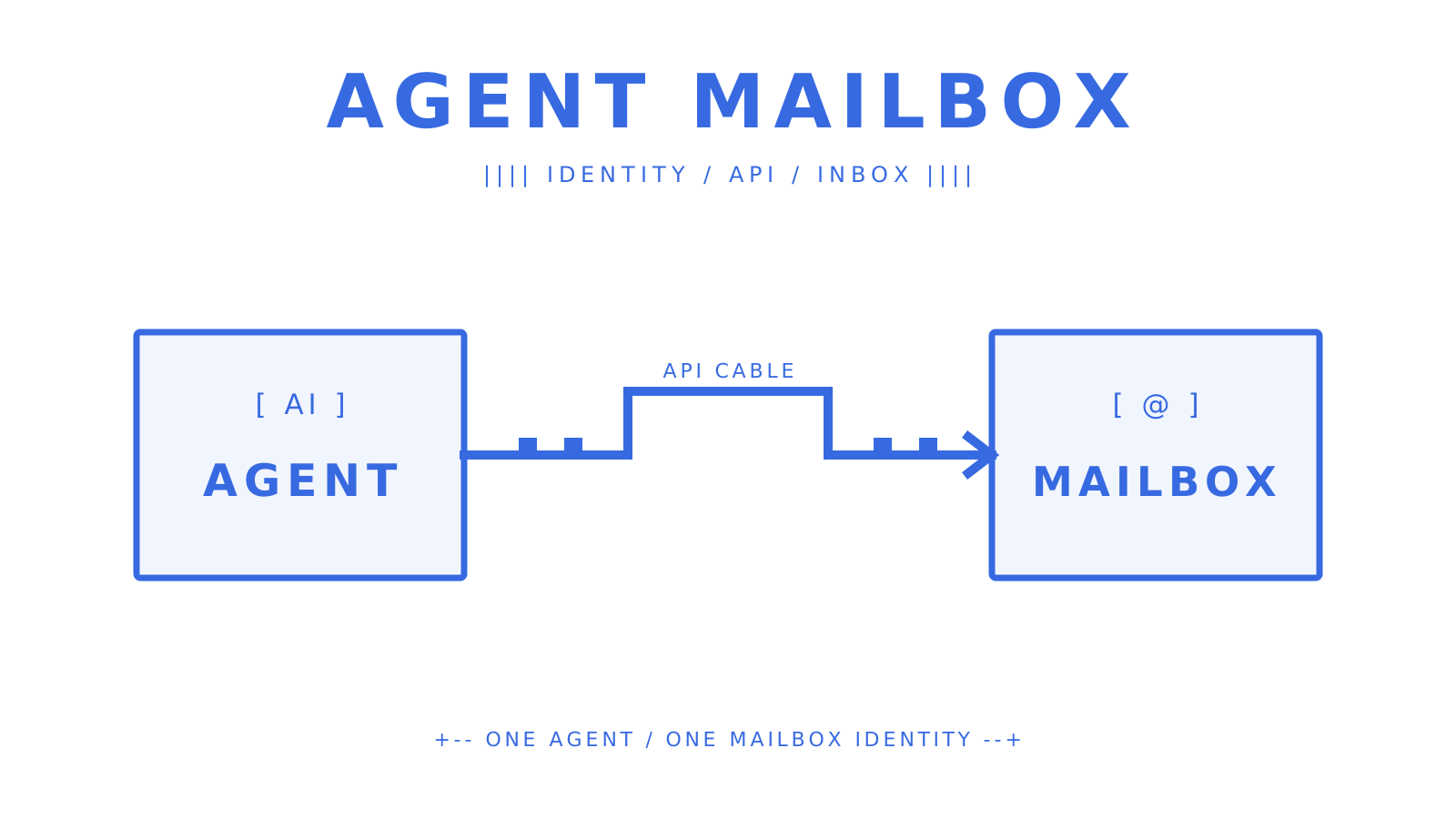
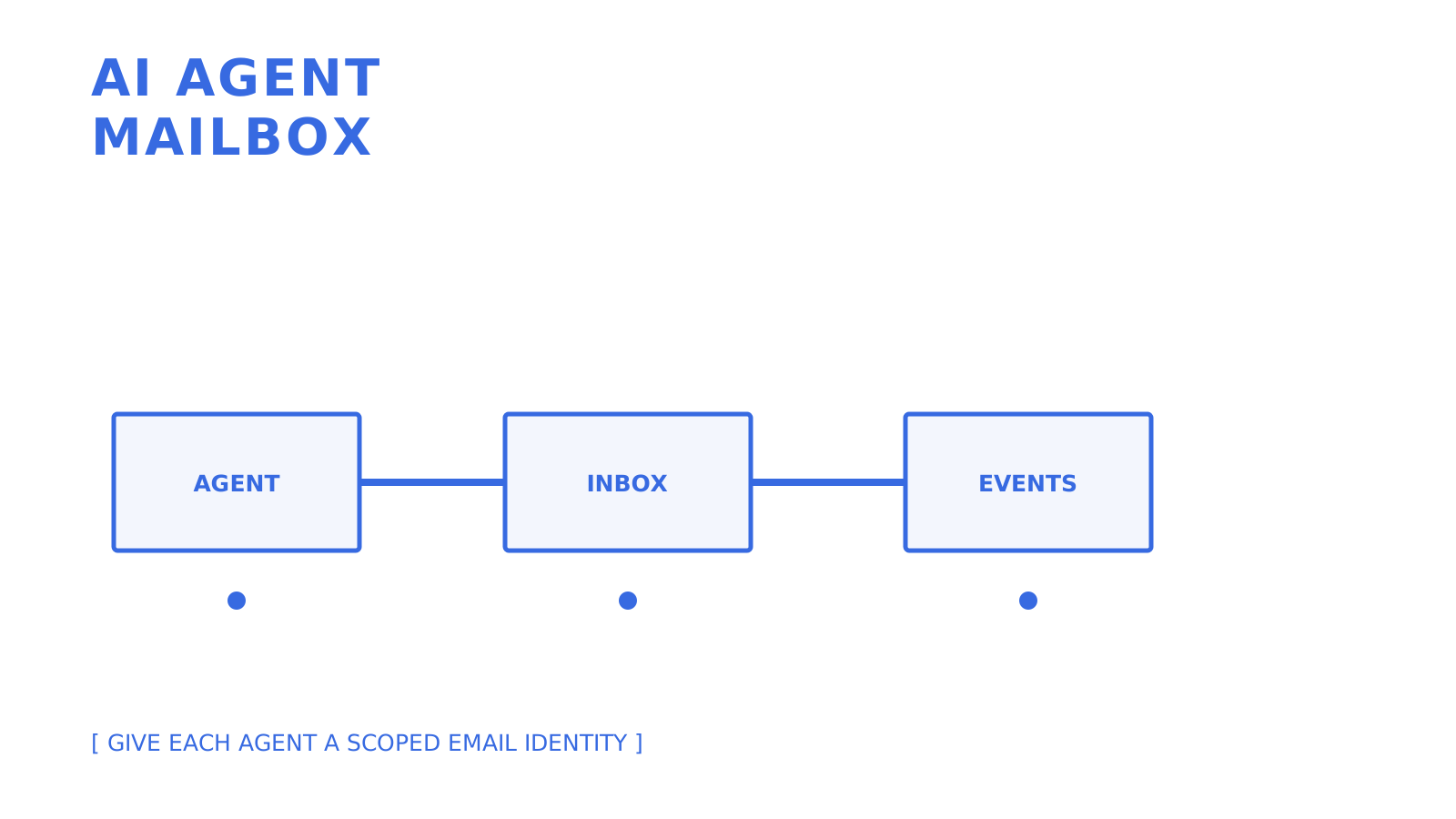
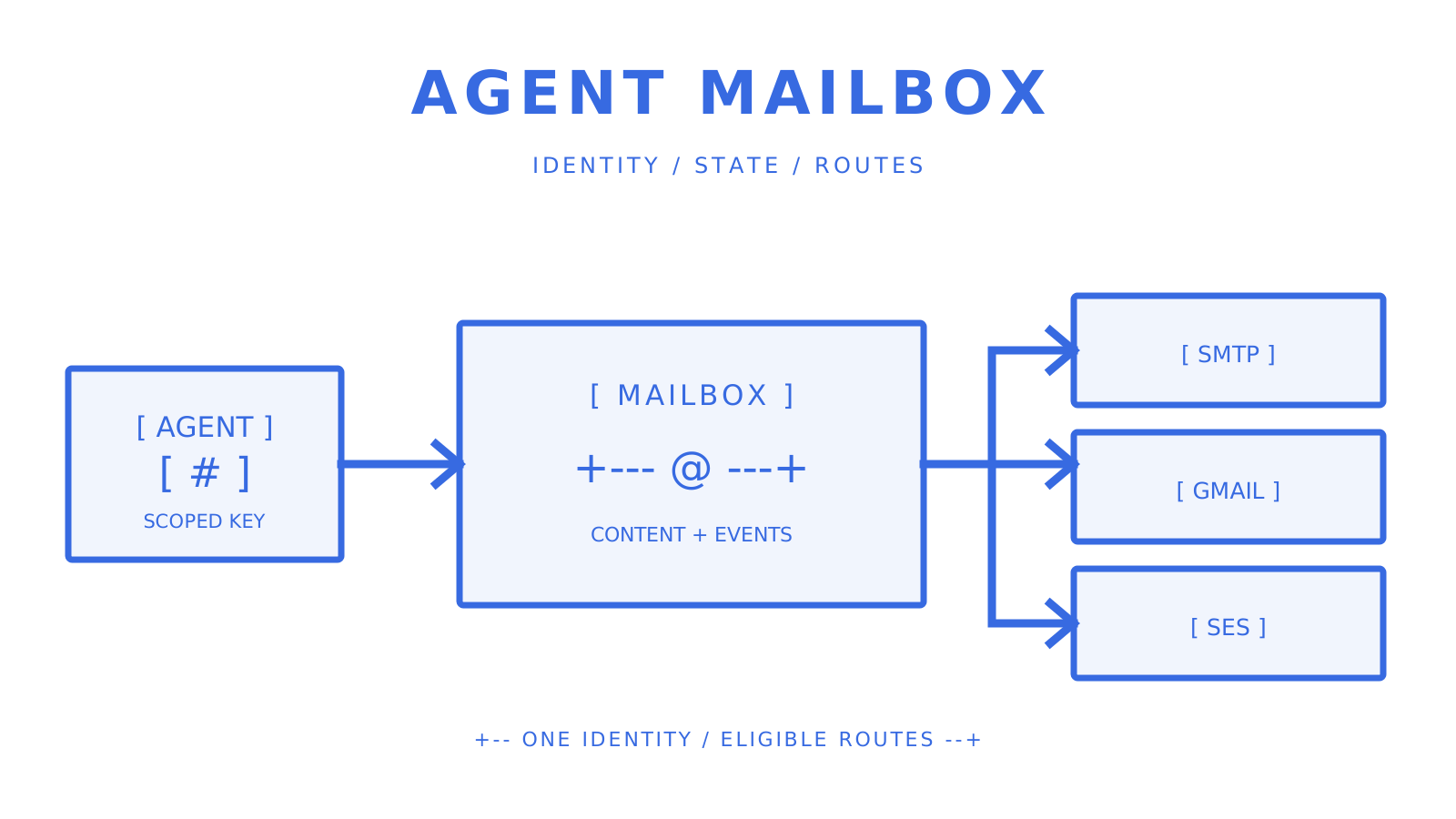
AI agent connected to a dedicated mailbox with scoped API access and delivery events.
A dedicated agent mailbox joins identity, scoped access, and delivery state.
An AI agent mailbox is a dedicated mailbox designed to support AI agents with its own address, scoped credentials, and a proper API for sending and receiving emails. This API-first mailbox is better than a shared human mailbox with a parser attached or screen-scraping Gmail. **Sendmux** is designed with this mailbox pattern. Depending on the provider and stack, integration can use standards and interface descriptions like **JMAP**, **SMTP**, and **OpenAPI**. Three things make this approach worth the switch: - **Autonomy and isolation.** Each agent gets its own identity, so one misbehaving workflow never floods a shared inbox or triggers a domain-wide reputation problem. - **Safer operation and auditability.** Mailbox-scoped keys and per-message logs mean you can trace exactly which agent sent what, and revoke access without touching anyone else's mail. - **Reliable deliverability controls.** Routing, failover, and provider health checks live at the infrastructure layer instead of inside your agent's business logic. ## Key Takeaways At scale, maintain scoped access to the AI agent mailbox and handle events in real time. Route outbound mail only to eligible providers. | Point | Details | | --- | --- | | Choose API-first over hacks | A dedicated mailbox API beats stitching together a sending provider, a shared inbox, and a parser. | | Scope every key to one mailbox | Limit permissions to send, receive, read, or update on a single mailbox to contain blast radius. | | Use webhooks or SSE, not polling | Real-time delivery cuts latency and avoids rate-limit issues that polling creates at scale. | | Route outbound across providers | Provider eligibility, quotas, percentage-based distribution, and tested fallback behaviour reduce dependence on one configured route. | | Sendmux fits agent-scale mail | Sendmux offers mailbox-scoped keys, OpenAPI 3.1, SDKs, and usage-based pricing with no per-mailbox fees. | ## What Is an AI Agent Mailbox and Why API-First Wins? An agent mailbox is a real email inbox that fully combines an address, storage, and protocol support as a system that is configured and managed only through an API. The difference is that the agents do not interact with the mailbox using the traditional “check mail” function. Instead, they make a request to an endpoint, interpret a webhook payload, or subscribe to a stream. Mailbox systems must be able to accommodate this kind of interaction. Market activity supports this theory. AgentMail's [$6 million seed round](https://techcrunch.com/2026/03/10/agentmail-raises-6m-to-build-an-email-service-for-ai-agents/) for an inbox service specifically built for agents indicates that this is a distinct category of infrastructure, not a re-engineered marketing tool. Some vendors rely on JMAP, the RFC 8620/8621 standard, specifically because it provides agents a structured, contemporary methods set, rather than requiring them to reverse-engineer the quirks of IMAP. Others offer everything through REST and OpenAPI so that any agent framework can be integrated without a dedicated client. The core primitives you should expect: - **Instant inbox creation**, including a default domain for quick starts and custom domain verification for production identities. - **A message and thread model** that tracks `in_reply_to` and `references` headers automatically, so agents don't have to rebuild threading logic by hand. - **Mailbox-scoped API keys** limited to one inbox with explicit send, receive, read, and update permissions rather than one master key for everything. - **Real-time delivery** through signed webhooks or a Server-Sent Events stream, which beats polling on both latency and API load. - **Cleaned message text and HTML** delivered to the agent, so it can act on a reply immediately instead of parsing raw MIME. **Pro Tip:** *Whenever a provider has push delivery offerings, this means you should probably design your solution around push delivery instead of pull delivery. This means subscribing to an SSE stream or registering a signed webhook and then creating your own reconnect and retry strategy based on the provider's documented thresholds.* ## How Do You Integrate an Agent With a Mailbox API? The integration flow is short if you plan the pieces in order. Here's the sequence that works in practice: 1. **Create the inbox.** Spin up an instant mailbox on a shared domain for prototyping, or verify a custom domain when the agent needs a branded, trusted sender identity. 2. **Authenticate.** Issue a mailbox-scoped API key with only the permissions that agent needs. If it sends through Gmail or Outlook on the user's behalf, use the provider's OAuth flow instead of storing a raw mailbox password, and follow the provider's refresh, expiry, and revocation rules. 3. **Handle inbound mail.** Register a webhook endpoint (verify the HMAC-SHA256 signature on every payload) or open an SSE connection for lower latency. Avoid polling unless the provider has no push option, and if you must poll, cap it at intervals your rate limits can sustain. 4. **Reply and thread correctly.** Every outbound reply should carry `in_reply_to` and `references` so mail clients and downstream agents keep the conversation intact. 5. **Send with idempotency.** Attach an `Idempotency-Key` header on every send call, especially for batch sends, so a network retry never produces a duplicate email. > A mailbox API that exposes clean OpenAPI 3.1 specs, working SDKs, and a real CLI is the difference between a working prototype in an afternoon and a week lost to reading undocumented endpoints. Find a provider that offers tooling with multi-language SDKs matching your application runtimes. [Node.js](https://nodejs.org/) is one runtime that you can test. A CLI command with documentation for creating an inbox or sending a test message can help speed up the integration process. ## How Do You Keep Outbound Email Deliverable at Scale? An explicit deliverability model is required for a self-built agent mail system. When multiple agents use one SMTP relay, domain, or provider pool, a bad sending pattern can impact the same reputation boundary used by other workflows. The more resilient architecture gives you choices and fallbacks: - **Bring your own provider** (Gmail OAuth, Outlook OAuth, SMTP) when an agent needs to send as a specific verified human identity, or use a managed provider like Amazon SES when you just need reliable throughput. - **Weighted routing across providers** balances cost and reliability instead of betting everything on one sender. - **Per-provider quotas** set at the second, minute, hour, and day level stop a runaway agent loop from burning through your entire sending allowance in minutes. - **Eligibility checks and fallback selection** let the sending layer exclude unavailable or quota-ineligible configured providers and choose another eligible route. Test the exact fallback behaviour and managed-account boundary before production traffic. None of this will work without validating your domain. SPF, DKIM and DMARC are essential components that authenticate your messages and provide the receiving systems assurance, however, there is no guarantee that messages will be placed in the inbox. You will need to test your actual workload requirements to evaluate your provider's quotas, bounce behavior, and monitoring. ## Scaling Agent Mailboxes Across Teams and Tenants When you have more than just a few agents, tenant isolation cannot be optional. A platform that serves a multitude of customers, each with agents of their own, is required to have role separation. In addition to that, hard limits need to be established, which cannot be trusted to every integration. - **Role-based access** (Owner, Admin, Developer, Member) keeps who can create mailboxes, view logs, or manage billing clearly separated. - **Team-level and mailbox-scoped keys** let you issue broad management access to your backend while giving each individual agent only the one mailbox it needs. - **Revocation has to be instant.** If an agent is compromised or a customer offboards, cutting its key should immediately stop all mail access, not queue a change for the next deploy. - **Rate limits at every window** (per second, minute, hour, day) prevent one noisy tenant from starving everyone else's sending capacity. - **Exportable delivery logs and metrics** turn "why didn't this email arrive" from a support ticket into a five-minute lookup. ## What Security Controls Actually Matter Here? Agent mailboxes come with more risks than human mailboxes because there’s nothing to prevent them from sending something without first confirming them. There’s nothing fancy about them. They are just the basics applied regularly. - **Least-privilege keys.** Scope every credential to one mailbox with only the send, receive, read, or update permissions that agent actually uses. - **Signed webhooks.** Verify HMAC-SHA256 signatures on every inbound event, and make sure your provider retries with exponential backoff instead of dropping failed deliveries. - **Audit trails.** Every message needs provenance: which key sent it, when, and through which route, exportable for forensic review after an incident. - **Sandboxing and allowlists.** Restrict which domains an agent can send to or receive from, and keep an emergency revocation path that works in seconds, not a support ticket cycle. **Pro Tip:** *Set sender allowlist tighter than is comfortable at first. If a sender is stable on the allowlist, it's easy to loosen the controls. If a sender is provided an unrestricted allowlist, it is discovered on an incident that the sender has unrestricted access to email on the public internet.* ## How Much Does an AI Agent Mailbox Cost to Run? Analyze each provider's billing model with respect to what outbound recipients are accepted, how inbound deliveries are handled, storage units, plan costs, limits, and various other included resources. Usage-based pricing and flat mailbox pricing provide conflicting motivations when creating a product that provisions several lightweight agent identities. 1. **Estimate accepted outbound recipients.** Sendmux charges $0.000500 for each provider-accepted recipient through an owned or connected provider and $0.000750 through managed Amazon SES. 2. **Add inbound volume.** Each distinct mailbox delivery costs $0.000500. 3. **Factor storage.** Mailbox storage costs $0.02 per decimal GB-month and is prorated by calendar day. 4. **Add the plan charge.** Free is $0 with fixed limits. Pro costs $7 per team each month plus usage. ## Where Do Agent Mailboxes Fit in Real Products? Four patterns show up constantly once teams start building with agent mailboxes: - **AI SDRs and outreach agents** need per-agent sending identities so replies route to the right conversation and one flagged sender doesn't sink the whole domain. - **Account automation and OTP flows** require an agent-owned address that can receive verification codes without a human checking a shared inbox. - **Support agents** benefit from owning persistent threads, so a customer's history stays intact across multiple exchanges without manual reassignment. - **Multi-tenant SaaS platforms** give every customer or workspace its own agent identity, isolating one tenant's sending behavior from every other tenant's reputation. ## Why Sendmux Fits This Pattern Sendmux [was created](https://myagent.mx) for agents who want dedicated mailboxes. Instead of using a shared inbox with a webhook relay attached, Sendmux provides a purpose-built solution. It publishes OpenAPI 3.1 specifications along with SDKs in TypeScript, Python, Go, PHP, Ruby, and Rust. The CLI currently has 97 generated API operation commands across management, mailbox, and sending, plus three profile commands. The [agent email scenarios](https://myagent.mx/blog/topic/ai%20agent%20email) include AI sales development representative tools, support agents, and multi-tenant SaaS platforms. ## What the Industry Gets Wrong About Agent Mailboxes Standard guidance treats email as something that has a straightforward solution. For example, you get an SMTP library, you point it to a provider, and you're done. That kind of advice made sense when a human had to write every message. However, that advice becomes irrelevant when we're talking about autonomous agents. In this case, agents need to have the ability to send messages, interpret email replies, and so on. Permission boundaries, audit trails, and logic for interaction histories would be some of the challenges posed that a simple send/message function would not be equipped to handle.
AI agent connected to a dedicated mailbox with scoped API access and delivery events.
The mailbox model belongs beneath the agent's reasoning and workflow layers.
A larger blind spot is for deliverability. Each reputation boundary can be shared by several agents. An unsafe retry loop or a poor sending pattern can influence other domains or providers used by other workflows. This is a design and policy as well as a code issue. The credentials need to be separated, quotas need to be capped, and idempotent workflows and representative traffic should be preserved and monitored prior to increasing the volume of the requests. Begin with the mailbox model, which is located beneath the AI reasoning layer. This includes scoped keys, true threading semantics, observable delivery states, and clearly defined routing failures. Define these limits prior to prompt optimization and the agent’s workflow will be based on consistent infrastructure. ## Get Your Agent a Real Mailbox in Minutes Sendmux integrates mailbox creation with messages, threads, attachments, identities, delivery events, and outbound sending, all documented through API surfaces. You can choose a mailbox on the shared `@myagent.mx` domain or use a verified custom domain, with OpenAPI 3.1 and SDK packages in TypeScript, Python, Go, PHP, Ruby, and Rust. Free is $0 with fixed limits, while Pro costs $7 per team each month plus usage.
AI agent connected to a dedicated mailbox with scoped API access and delivery events.
Start with one constrained mailbox, then expand permissions and routing deliberately.
After checking the [Sendmux developer documentation](https://docs.sendmux.ai/) to understand the current state of the API surface, make a test mailbox for the system and execute the typical operations of create, send, receive, and reply, as a part of a workflow prior to using this in a production environment. ## Sources - [AgentMail raises $6M to build an email service for AI agents | TechCrunch](https://techcrunch.com/2026/03/10/agentmail-raises-6m-to-build-an-email-service-for-ai-agents/) - [Node.js](https://nodejs.org/) ## FAQ ### What Is an AI Agent Mailbox? This is a special email account that was created and managed using an API. It provides an autonomous agent email, storage, and sending and receiving privileges, and it does not need to use a human mailbox. ### Should Agents Use IMAP/SMTP or a REST API? REST APIs with webhooks or SSE can better handle real-time agent workflows, but IMAP and SMTP support is still necessary due to existing email client and legacy integration support. ### How Does Sendmux Handle Multiple Agents Under One Account? Sendmux uses roles (Owner, Admin, Developer, Member) plus mailbox-scoped API keys. Therefore, each agent has independent permissions, and scope control is centralized for admins for immediate revocation. ### What Happens if an Outbound Email Provider Goes Down? A well-architected routing layer can check provider status, quotas, and eligibility; then opt for another eligible configured route if the primary route cannot be used. Check the exact fallback and queue behavior for the chosen provider model. ### How Is Pricing Usually Structured for Agent Mailboxes? Sendmux bills each usage event individually. Connected outbound and inbound events cost $0.000500 each, managed Amazon SES accepted recipients cost $0.000750 each, and storage costs $0.02 per decimal GB-month. Pro costs $7 per team each month plus usage. ## Related MyAgent guides - [Give Your AI Customer Support Agent a Mailbox | Sendmux](https://sendmux.ai/use-cases/customer-support-agents) - [The Best Front Alternatives for AI Agent Mailboxes](https://myagent.mx/blog/front-alternatives) - [Front Alternatives for AI Agent Mailboxes – Best Email Tools](https://myagent.mx/blog/topic/Front%20alternatives) - [AI Agent Email for Developers: Build Real Agent Inboxes](https://myagent.mx/blog/topic/ai%20agent%20email) --- title: "Cold Email Infrastructure for Agencies and Growth Teams" description: "Build reliable cold email infrastructure with strategic mailing practices that maximize inbox placement and enhance your outreach efforts." canonical: "https://myagent.mx/blog/cold-email-infrastructure" publishedAt: "2026-08-22T00:00:00.000Z" updatedAt: "2026-08-25T04:15:41.971Z" category: "strategy" topic: "cold email infrastructure" author: "Roshan Jonnalagadda" authorProfile: "https://myagent.mx/blog/author/roshan-jonnalagadda" keywords: - "cold email infrastructure" - "email marketing infrastructure" - "cold email setup" - "cold outreach strategies" - "B2B email infrastructure" - "automated email systems" - "cold email campaign management" - "email deliverability techniques" - "how to build email outreach infrastructure" - "email outreach tools" - "cold email best practices" - "effective cold emailing" --- # Cold Email Infrastructure for Agencies and Growth Teams Build reliable cold email infrastructure with strategic mailing practices that maximize inbox placement and enhance your outreach efforts.
Sending domains connected to authenticated mailboxes, routing controls, and reputation monitoring.
Reliable outreach starts with authenticated domains, controlled sending, and observable feedback.
Reliable cold email infrastructure combines authenticated sending domains, controlled mailbox capacity, list hygiene, legal eligibility, and monitoring. No single component guarantees inbox placement. The practical goal is to send wanted, authenticated mail at a consistent rate and respond to provider and recipient feedback before increasing volume. Operational advice such as 10 to 50 messages per mailbox per day and a 2 to 4 week ramp appears in practitioner guides, including the [Astra GTM setup guide](https://astragtm.io/guides/how-to-set-up-cold-email-infrastructure). Treat those figures as planning assumptions to test against your provider policies, audience, and observed reputation, not as universal safe limits. Three things to do first: - Decide which domain or subdomain will carry the outreach stream and keep it operationally separate from critical transactional mail. - Create the first mailbox with a sender identity that accurately identifies the person or business behind the message. - Publish the authentication records required by your provider, then begin with low legitimate volume to recipients you are allowed to contact. ## Key Takeaways Reliable cold email infrastructure depends on authenticated domains, legally eligible recipients, gradual sending, controlled capacity, and continuous monitoring against provider and recipient feedback. | Point | Details | | --- | --- | | Separate important mail streams | Keep outreach operations from disrupting invoices, support replies, password resets, and other critical mail. | | Authenticate everything | Configure SPF and DKIM, then publish DMARC with alignment and reporting appropriate to the domain. | | Increase volume gradually | Google recommends starting with low volume to engaged users, sending consistently, and monitoring reputation while volume increases. | | Size from evidence | Provider limits are ceilings, not deliverability guarantees; use observed outcomes to set lower operational caps. | | Monitor recipient feedback | Google recommends keeping spam rates below 0.1% and preventing them from reaching 0.3%; Yahoo also requires bulk senders to remain below 0.3%. | | Use API controls where they fit | Mailbox-scoped credentials, weighted eligible-provider routing, quotas, and logs can reduce manual work for multi-tenant systems. | ### Primary Sources and Technical References The technical baseline uses the current [Gmail sender guidelines](https://support.google.com/mail/answer/81126), [Yahoo Sender Hub best practices](https://senders.yahooinc.com/best-practices/), [RFC 7208 for SPF](https://www.rfc-editor.org/info/rfc7208/), [RFC 6376 for DKIM](https://www.rfc-editor.org/info/rfc6376/), [RFC 9989 for DMARC](https://www.rfc-editor.org/info/rfc9989/), and [RFC 8058 for one-click unsubscribe](https://www.rfc-editor.org/info/rfc8058/). The [ACMA spam guidance](https://www.acma.gov.au/avoid-sending-spam) is the primary Australian compliance source. Practitioner sources remain useful for operational hypotheses, but they do not override provider rules, standards, or law. ## What Is Cold Email Infrastructure and Why It Breaks Without a Plan Cold email infrastructure is the combined stack of sending domains, mailboxes, authentication records, sending controls, and monitoring that shapes how outbound messages are evaluated. Marketers often use "email outreach tools" as shorthand for the software layer, but software cannot compensate for missing authentication, unlawful targeting, or ignored recipient feedback. Mailbox providers analyse authentication, sending patterns, reputation, and user feedback. Google explicitly tells high-volume senders to avoid bursts, begin with low volume to engaged users, increase gradually, and monitor server responses, spam rate, and domain reputation. A new domain suddenly sending 500 messages a day therefore creates avoidable risk even when the provider's account-level limit is much higher. ## Which Infrastructure Approach Fits Your Team? There are three broad paths, and the right one depends on operational ownership rather than a universal send-volume breakpoint. **Mailbox-first setups** use individual inboxes, often on Google Workspace or Microsoft 365, connected to a sending tool. They are quick to start, but each domain, mailbox, policy, and sending cap still needs an owner. Google and Microsoft publish account and service limits, and Microsoft states that Exchange Online is not designed for bulk mailing scenarios. **Managed outreach platforms** bundle parts of provisioning, sending, and monitoring into one subscription. They can reduce setup work, but teams still need to verify the platform's routing logic, security model, current pricing, provider-policy compliance, and evidence for every claimed deliverability feature. **API-first infrastructure** places programmatic control over domains, mailboxes, credentials, quotas, and routing behind documented interfaces. It requires engineering work, but it gives agencies and multi-tenant products a way to encode isolation and observability instead of maintaining those controls manually. Where each path tends to make sense: - **Solo operators and small teams (under 200 sends a day):** a mailbox-first setup may be manageable, provided the provider permits the traffic and recipients are legally eligible. - **Agencies running multiple client campaigns:** managed or API-first infrastructure can separate client credentials and operations. - **Multi-tenant SaaS or AI platforms giving every customer a sending identity:** API-first controls can make mailbox and tenant isolation enforceable. Every path shares the same burdens: domains must be authenticated, provider policies and legal requirements still apply, volume must be controlled, and recipient feedback must be monitored. ## The Technical Pillars: Domains, Authentication, Warmup, and Monitoring Most failures in cold email setup trace back to identity, authentication, sending behaviour, recipient eligibility, or missing feedback loops. **Separate important mail streams deliberately.** A company domain may carry invoices, support replies, and password resets as well as outreach. An alternate domain or subdomain can create an operational reputation boundary, but it is not a licence to send unwanted mail and it does not remove links between related domains in every receiver's reputation model. The [Snipe Outbound infrastructure guide](https://snipeoutbound.com/blog/cold-email-infrastructure/) describes close-variant domains as a practitioner pattern; evaluate brand, legal, and anti-impersonation risks before adopting it. **SPF, DKIM, and DMARC have distinct jobs.** SPF lets a domain authorise sending hosts. DKIM provides a cryptographic domain signature. DMARC aligns an authenticated SPF or DKIM identity with the visible From domain and publishes handling and reporting policy. Gmail requires SPF or DKIM for all senders to personal Gmail accounts, and SPF, DKIM, and DMARC for senders over its bulk threshold. A DMARC `p=none` policy is accepted by Gmail's bulk-sender requirement, but moving to enforcement requires confirming alignment for legitimate streams first. **Increase legitimate traffic gradually.** Google recommends a low starting volume to engaged users, consistent sending rather than bursts, and regular monitoring as volume grows. That is different from fabricating replies or opens. Any warmup service or automated exchange still has to comply with account terms, anti-spam rules, and recipient-consent requirements. **Watch authentication, bounces, complaints, and placement separately.** A conservative internal bounce threshold such as [2%](https://woodpecker.co/blog/cold-email-campaign/) can be useful for list-quality alerts, but it is not a universal provider rule. Gmail recommends keeping user-reported spam below 0.1% and preventing it from reaching 0.3%; Yahoo tells bulk senders to remain below 0.3%. Delivery logs show transport outcomes, while independent seed tests and provider tools answer placement questions. | Metric | Operating Check | What It Signals | | --- | --- | --- | | Bounce rate | Set a conservative internal alert and stop on sudden changes | List quality, invalid addresses, or provider rejection | | User-reported spam | Aim below 0.1%; never allow 0.3% or higher for Gmail bulk traffic | Recipient relevance and targeting quality | | Inbox placement | Measure separately with representative accounts | Where accepted mail lands | | Volume trend | Increase gradually and avoid bursts | Whether traffic resembles the expected stream | Complaint or bounce spikes require investigation before more mail is sent. Stop the affected stream, preserve the evidence, and fix the source rather than routing around recipient feedback. ## Sizing, Cost, and Timeline for 100 to 10,000 Daily Sends Provider limits are enforced ceilings, not promises of inbox placement. Google Workspace and Exchange Online publish limits far above common cold-outreach heuristics, while both providers also apply anti-spam controls and recommend specialised services for legitimate high-volume commercial mail. Practitioner guides often model 10 to 50 sends per mailbox per day after a gradual ramp. Use that range only for capacity scenarios, then validate a lower operational limit from provider responses, complaints, bounces, and domain reputation. 1. **100 sends a day** maps to roughly 3 to 10 mailboxes at the source guide's 10 to 50-message planning range. 2. **1,000 sends a day** maps to roughly 20 to 100 mailboxes before adding redundancy or per-domain constraints. 3. **10,000 sends a day** maps to roughly 200 to 1,000 mailboxes under the same assumptions, which makes manual inventory and policy enforcement difficult. The source guide's 2 to 4 week warmup estimate is not an official provider minimum. M3AAWG's sending-domain guidance instead advises starting low and slow and gives six weeks as an average warm-up consideration. Build the launch plan around measured reputation rather than a fixed graduation date. Recurring costs include domains, mailbox subscriptions, sending services, monitoring, and operator time. Google Workspace and Microsoft 365 charge for licensed users, while API services may charge by event or recipient. Obtain current quotes and model the complete cost instead of relying on the source draft's few-dollars-per-domain or $100 to $500 monthly estimates. There is no primary-source basis for claiming that Google Workspace universally places cold outreach better than Microsoft 365. Compare each provider's published service limits, anti-spam policy, account restrictions, and observed outcomes for your authorised traffic.
Domains, mailboxes, and measured provider limits forming a capacity plan.
Capacity planning starts with provider policy and observed limits, then adds domains and mailboxes only where justified.
## Step-by-Step Setup Checklist You Can Execute This Week This order establishes compliance and observability before volume. It does not guarantee inbox placement. 1. **Choose the sending identity.** Decide whether a separate domain or subdomain is appropriate, document ownership, and keep the sender identity accurate. 2. **Configure authentication.** Publish the SPF and DKIM values required by the provider, add DMARC with reporting and alignment, and verify the records before sending. 3. **Create mailboxes with an accountable naming convention.** Use addresses and display names that accurately identify the sender; do not use naming as a tactic to evade filtering. 4. **Begin with low legitimate volume.** Increase gradually to engaged or legally eligible recipients while monitoring server responses, spam rate, and reputation. 5. **Validate addresses and suppress failures.** Remove invalid contacts, respect previous opt-outs, and stop retrying permanent failures. Verification tools reduce obvious address errors but do not create consent. 6. **Implement unsubscribe correctly.** Gmail requires RFC 8058 one-click unsubscribe for marketing and promotional traffic over its bulk threshold, plus a visible body link. In Australia, ACMA says commercial messages generally need consent, accurate sender details, and a functional unsubscribe that is honoured within 5 working days. 7. **Test transport and placement separately.** Confirm authentication and delivery with provider responses, then use representative recipient accounts or placement testing to see where accepted messages land. 8. **Confirm delivery logging.** Whether the path uses SMTP, an HTTP API, or a platform, verify queued or pending, accepted, delivered, bounced, complained, rejected, and failed outcomes that the chosen provider actually exposes. A [batch sending guide](https://myagent.mx/blog/topic/batch%20email%20sending) covers bounded API delivery patterns. 9. **Scale only after the evidence supports it.** Review authentication, rate limits, bounces, complaints, placement, and legal eligibility before each increase rather than following an automatic one-to-two-week schedule. **Pro Tip:** *Keep an inventory mapping each mailbox to its domain, provider, creation date, permissions, and current send cap. When a signal changes, that record shows which traffic and credentials belong to the affected boundary.* ## Scaling and Operational Practices for Agencies and Platform Builders Multiple clients or tenants turn a mailbox problem into an isolation problem. A shared credential, provider pool, or domain can let one integration affect another unless the system enforces boundaries. Programmatic tenant isolation makes those boundaries testable. Scope credentials, routing targets, quotas, and logs to the tenant or mailbox instead of relying on folders and operator memory. - Give each tenant or client mailbox-scoped credentials so access is limited to the granted mailbox and permissions. - Route only through eligible configured providers, and test quota, disabled, blacklisted, and failure cases before relying on an alternative path. - Enforce provider and mailbox quotas programmatically, while treating bounce and complaint signals as stop-and-review inputs rather than targets to route around. - Alert on authentication failures, rejection changes, bounces, complaints, and unavailable routes while preserving the evidence needed to diagnose them. When reputation signals change, stop the affected traffic and inspect authentication reports, provider responses, delivery logs, list provenance, and recent sending changes. Do not assume that replacing a domain repairs the underlying targeting, consent, or message problem. A [deliverability monitoring guide](https://myagent.mx/blog/topic/email%20deliverability%20monitoring) covers the monitoring layers that help locate the failure. ## How Sendmux Maps to This Checklist Sendmux provides documented surfaces for custom domains, mailboxes, scoped credentials, configured sending accounts, delivery groups, quotas, delivery logs, webhooks, and mailbox events. It does not perform list acquisition, manufacture consent, or guarantee inbox placement. Custom-domain verification shows the DNS records required for the selected domain mode. Sending-only domains check ownership, sending policy, message policy, email signing, and bounce handling. Sending-and-receiving domains add inbound routing, while the included `@myagent.mx` domain can be used for simple mailbox tests. The controls most relevant to agencies and platform builders are: - Manual mailbox credentials are scoped to one mailbox, while agent and connected-app tokens are limited by their granted mailboxes and scopes such as `email.send`, `email.receive`, `mailbox.read`, and `mailbox.settings.update`. - Configured sending accounts support per-second, per-minute, per-hour, and per-day quotas, percentage weights, and delivery groups. The sending path must still be tested for disabled, quota-exhausted, blacklisted, and otherwise ineligible routes. - Delivery logs and CSV export provide message-level transport evidence. Independent inbox-placement testing remains a separate workflow. - Signed webhooks deliver outbound status and inbound events to backend services. The Mailbox API's Server-Sent Events stream is for inbound `message.received` and `message.received.spam` updates, not outbound bounce notifications. That combination can implement mailbox and tenant controls without overstating what infrastructure can promise about recipients, legality, or placement. ## Why Continuous Warmup Matters More Than a One-Time Ramp A fixed warmup date does not establish permanent reputation. Providers evaluate ongoing authentication, volume, server responses, and recipient feedback, so every campaign increase needs the same evidence-based review as the initial ramp.
Authentication, sending volume, and recipient feedback flowing into reputation monitoring.
Reputation monitoring separates authentication, volume, and recipient feedback before the next increase.
The source guide quotes a 2 to 4 week timeline, while M3AAWG's sending-domain guidance discusses six weeks as an average warm-up consideration. Neither is a graduation guarantee. Increase legitimate volume slowly, monitor provider responses and reputation, and pause when the evidence deteriorates. Automated warmup networks that simulate replies or opens are not equivalent to engaged recipients. Verify the account provider's terms before using one, and never let background traffic obscure bounces, complaints, opt-outs, or legal eligibility. ## What the Conventional Advice Gets Wrong Infrastructure is not a one-time checklist. Authentication can drift, lists age, provider limits change, credentials leak, and recipient expectations differ across campaigns. The operational work is preserving evidence and reacting before a bad signal becomes a broader incident. Mailbox count is only one capacity variable. Six mailboxes may be too many for a poor list and too few for an authorised high-volume workflow; no amount of copywriting fixes missing consent, ignored opt-outs, unauthenticated domains, or a provider policy violation. Prioritise authentication, recipient eligibility, suppression, scoped credentials, explicit quotas, and observable outcomes. API-first controls earn their complexity when they remove manual ambiguity at the number of tenants and routes your team actually operates, not at a universal send-volume threshold. ## Get Your Sending Infrastructure Running on Sendmux If you need API-first control, multi-tenant isolation, or agent mailboxes, Sendmux combines mailbox, domain, sending-account, routing, delivery-log, and event surfaces. Current public billing charges by provider-accepted outbound recipient occurrence, distinct inbound mailbox delivery, and mailbox storage; it does not document the source draft's claim of no per-seat or per-mailbox fees. Use a representative pilot to verify the exact parts you need: mailbox scopes, custom-domain records, quota behaviour, eligible-provider routing, delivery logs, signed webhooks, and inbound mailbox events. Test failure and ineligibility cases before production, and do not use infrastructure features to bypass provider policy, recipient consent, or legal requirements. ## Sources - [Gmail sender guidelines](https://support.google.com/mail/answer/81126) - [Yahoo Sender Hub best practices](https://senders.yahooinc.com/best-practices/) - [RFC 7208: Sender Policy Framework](https://www.rfc-editor.org/info/rfc7208/) - [RFC 6376: DomainKeys Identified Mail](https://www.rfc-editor.org/info/rfc6376/) - [RFC 9989: Domain-based Message Authentication, Reporting, and Conformance](https://www.rfc-editor.org/info/rfc9989/) - [RFC 8058: One-Click Unsubscribe](https://www.rfc-editor.org/info/rfc8058/) - [ACMA: Avoid sending spam](https://www.acma.gov.au/avoid-sending-spam) - [Microsoft: Troubleshoot outbound sending limits](https://learn.microsoft.com/en-us/defender-office-365/outbound-spam-sending-limits-troubleshoot) - [M3AAWG published documents](https://www.m3aawg.org/published-documents) - [How to Set Up Cold Email From Scratch, Step by Step | Astra GTM](https://astragtm.io/guides/how-to-set-up-cold-email-infrastructure) - [Cold Email Campaign Setup 2026: Technical and Strategic Guide](https://woodpecker.co/blog/cold-email-campaign/) - [Cold Email Infrastructure: The Setup Behind Inboxing at Scale | Snipe Outbound](https://snipeoutbound.com/blog/cold-email-infrastructure/) ## FAQ ### What Is the 30/30/50 Rule for Cold Emails? It is a framing tool for copywriting discipline, not a technical infrastructure requirement. ### Is Cold Email Still Effective in 2026? There is no universal 2026 benchmark. Measure consent-qualified replies and conversions for your audience, and treat open rates as a noisy diagnostic rather than proof of business impact. ### Is Cold Email Outreach Illegal? The rules depend on the recipients and jurisdiction. For messages with an Australian link, ACMA says commercial messages generally require consent, accurate sender details, and a working unsubscribe method. ### What Is the Best Structure for a Cold Email? No structure guarantees performance. Test a short relevant opening, one specific value proposition, and one low-friction call to action with an audience you are legally allowed to contact. ### How Many Mailboxes Do I Need for My Send Volume? There is no universal safe per-mailbox limit. Start from provider policies and limits, low legitimate volume, recipient consent, and observed reputation, then add capacity only after measurement supports it. --- title: "12 Resend Alternatives for Developers Building With Agents" description: "Explore the best resend alternatives for developers, from Sendmux to Postmark. Find the right solution for your email needs today!" canonical: "https://myagent.mx/blog/resend-alternatives" publishedAt: "2026-08-21T00:00:00.000Z" updatedAt: "2026-08-24T00:00:00.000Z" category: "alternatives" topic: "resend alternatives" author: "Roshan Jonnalagadda" authorProfile: "https://myagent.mx/blog/author/roshan-jonnalagadda" keywords: - "resend alternatives" - "resend vs sendgrid" - "how to resend emails" - "resend options for messages" - "email follow-up strategies" - "retry email alternatives" - "email delivery alternatives" - "message resend substitutes" - "resend vs mailgun" - "re-sending tips" - "email resend options" - "alternative sending methods" - "second chance delivery" - "different resend solutions" - "resend competitors" - "best resend alternative" --- # 12 Resend Alternatives for Developers Building With Agents Explore the best resend alternatives for developers, from Sendmux to Postmark. Find the right solution for your email needs today!
Developer comparing Resend with transactional, marketing, and mailbox-first email infrastructure.
Compare the email resource model before comparing the price line.
For agent-first products and multi-tenant SaaS platforms, **Sendmux** can be considered a Resend alternative with a strong focus on architecture, as it combines persistent mailbox states with mailbox-scoped and access outbound delivery. Resend also provides for the inbound delivery of messages as well as the storage of received emails for API-based retrieval. Thus, the appropriate choice depends on who should manage ownership of addresses, threads, and permissions, as well as conversation-routing and state persistence. - **Postmark** if inbox placement speed and full inbound webhook payloads matter most. - **Mailgun** if you want deliverability analytics and inbox placement testing baked in. - **Amazon SES** if you're sending at real volume and want the lowest per-email cost. - **SendGrid** if you need transactional and marketing campaigns on one platform. - **Plunk** if you want an open-source, self-hostable stack with pay-as-you-go pricing. Self-hosting (Plunk, or combining Listmonk with Amazon SES) offers a lower cost per email at the expense of the time required to manage your own email system and deliverability. Amazon SES uses tiered pay-as-you-go pricing. Pricing for self-hosted systems reflects the cost of the infrastructure plus the cost of the monitoring and deliverability that the sending rate alone does not account for. Analyze the current [Amazon SES pricing](https://aws.amazon.com/ses/pricing/) and the complete operating costs of the self-managed and hosted alternatives. ## Key Takeaways Deciding which resend alternatives to choose is a matter of aligning your email needs against the platform's foundational design of core deliverability, cost, marketing, or mailbox. | Point | Details | | --- | --- | | Deliverability leaders | Postmark and Mailgun differentiate on owned MTA infrastructure and inbox placement testing. | | Cost leader | Amazon SES offers the lowest raw per-email cost but requires you to manage reputation yourself. | | Open-source path | Plunk and self-hosted stacks like Listmonk plus SES cut per-email cost at the price of running your own infrastructure. | | Marketing plus transactional | SendGrid, Brevo, and MailerLite combine campaigns and transactional sending on one platform. | | Best fit for agents | Sendmux gives agent and multi-tenant products a real mailbox with unified send and receive on one API, not just an outbound send endpoint. | ## How Do Resend Competitors Compare on Price and Features? Before choosing a resend alternative option, comparing pricing models side by side is helpful, as some charge per email, some charge per contact, some charge per seat, and some require you to run the infrastructure yourself.
Developer comparing Resend with transactional, marketing, and mailbox-first email infrastructure.
Each provider combines a different sending, receiving, and operating model.
The Sendmux resource model is different in that it showcases persistent mailboxes and mailbox-based credentials and sending. Resend offers storing messages with Receiving APIs and the use of webhooks. On the other hand, Postmark and Mailgun offer services for inbound parsing. Instead of treating receiving as a feature that is simply present or absent, examine where each product contains address identity, threading, permissions, retention, and outbound routing. ## What Makes Each Resend Alternative Different Under the Hood? **Sendmux** implements a mailbox-first model rather than a send-first model. Each agent or tenant can have a mailbox on `@myagent.mx` or a verified custom domain. Mailbox-scoped credentials control permission to send, receive, read, and change mailbox settings. Sendmux offers a managed Amazon SES account alongside configured Gmail, Outlook, and SMTP accounts. Eligible configured providers can use percentage-based distribution and delivery groups. The managed Amazon SES account is a separate default path and does not support delivery groups. Connected-provider accepted recipients cost $0.000500 each, while managed Amazon SES recipients cost $0.000750 each.
Developer comparing Resend with transactional, marketing, and mailbox-first email infrastructure.
A mailbox-first layer keeps conversation state beside controlled outbound routing.
**Postmark** captures its delivery mechanism and distinguishes between transactional and broadcast Message Streams. Once received, their webhook will submit a message to an app, along with its content, headers, and attachments. To determine current message routing and retention, refer to Postmark's documentation. Do not try to determine inbox placement by where products are positioned. Mailgun focuses on observability. Testing where emails land and control over IP warm-up gives teams insight into where emails land before a large scale campaign goes out, which is important for those who have come to know the pain of a quiet deliverability drop. **Amazon SES** provides an AWS-based sending service and regional email-receiving primitives. The application still retains most of the durable mailbox and thread model, as well as thread permissions, reputation, and monitoring. Direct implementations can reduce the work of abstraction layers, but increase the workload regarding integration and operations work that the team has to maintain. **SendGrid** combines complete marketing campaigns with transactional messaging and supports distinct IP pools so you do not jeopardize your transactional deliverability during marketing blasts, a concern when both types of traffic share a reputation. **Plunk** is a self-hostable, open-source software that provides pay-as-you-go services with embedded marketing automation at the expense of maintaining and updating your own system. - **MailerSend**: developer-friendly API with light marketing add-ons, thinner on inbound handling. - **MailerLite**: budget-friendly for small teams running both campaigns and transactional mail. - **Brevo**: multi-channel platform (SMS, chat, email) but heavier than most teams need for pure transactional use. - **Loops**: per-contact pricing suits lifecycle email but scales awkwardly for high-volume transactional traffic. ## How Should You Evaluate a Resend Competitor Before Switching? Run through this checklist before committing engineering time to a migration: 1. Does it separate transactional and marketing IP reputation, or do both traffic types share a pool? 2. Are SPF, DKIM, and DMARC setup documented clearly, and does it support custom domain verification? 3. Do inbound webhooks deliver full parsed content, or just delivery metadata? 4. What's the real rate limit per second, minute, and day, and does it enforce per-tenant quotas? 5. How are bounces, deferrals, and rejections surfaced, and can you export delivery logs? 6. What retry and backoff behavior applies to failed sends, and is there an idempotency mechanism? 7. What support channels exist, and is there a real SLA behind them? Along with other factors, the trial period can be ended early if we identify three main things. First, inbound webhooks return metadata only. Second, pricing above a certain volume tier excludes transparency. Last, there is no structural separation between marketing and transactional sending streams. **Pro Tip:** *Perform a small proof of concept before migrating anything in production. Send a batch of test messages. Reply from an external inbox and note how long it takes before your webhook receives the reply. The single test determines inbound fidelity and latency quicker than you can read the documentation.* ## Why Sendmux Fits Agent and Multi-Tenant Email Workflows Most resend alternatives do not address the problem at their core: agents and multi-tenant platforms require a mailbox and not a send button. Sendmux was created to address this. - Mailbox-first API covering messages, threads, folders, attachments, and identities, so an agent reads cleaned message text instead of parsing raw MIME. - Per-mailbox API keys with explicit send, receive, read, and update permissions, so one compromised key never touches another tenant's mail. - A managed Amazon SES default path plus configured Gmail, Outlook, and SMTP accounts, with quotas, percentage-based distribution, eligibility checks, and delivery groups for configured providers. - Real-time delivery through Server-Sent Events or signed HMAC-SHA256 webhooks with retry and backoff. - SDK packages for TypeScript, Python, Go, PHP, Ruby, and Rust, plus 97 generated API operation commands and three profile commands in the CLI, with LangChain and Vercel AI SDK integrations. > Most transactional email platforms were built for one-way notifications. Agent products need the other half of that conversation, the reply, the thread, the attachment, handled by the same system that sent the original message. Sendmux Pro costs $7 per team each month plus usage. Connected outbound and inbound events cost $0.000500 each, managed Amazon SES accepted recipients cost $0.000750 each, and storage costs $0.02 per decimal GB-month. Send and parse flow examples are available in [real integration walkthroughs](https://myagent.mx/blog/transactional-email-api). ## How Good Is Support Across These Email APIs? Support quality differs more than most comparison pages describe. With Amazon SES, you get AWS support tiers, so unless you have a Business or an Enterprise AWS plan, you pay for everything beyond community forums. This works fine for teams with AWS support contracts, and is frustrating for the rest. Before you sign up to Postmark, Mailgun, or SendGrid, you should check the support terms for the specific tier you’re interested in. Then, figure out who will deal with an urgent deliverability issue? What does escalation look like? What’s the actual response time target the provider commits to? For Plunk, MailerSend, Loops, and all smaller or newer competitors, please identify the support channel, response time, and escalation procedures for incidents. Community channels can assist with simpler integrations. However, these channels cannot replace a contractual SLA when required to compensate for workload. Sendmux provides OpenAPI 3.1 specifications, SDK documentation, CLI command generation, and an OAuth MCP server. These resources help you do self-service integration. However, teams should consult the current human escalation process and response time before depending on any provider in production. Whichever platform you use, directly inquire as to what the escalation path is from your current plan tier before you use it during an incident. ## What Do Developers Actually Say About These Platforms? Developer forums may help discover free tiers and short trials, but may not contain posts about current products. Before leveraging any service for your prototype, validate low volume constraints, expiration, support, and sending limitations on each vendor's official pricing page. Instead of assuming that reviews of a service provider offer insights on deliverability and cost estimation, consider them as hypotheses to be tested. The existing documentation of Postmark and Mailgun should be referred to understand product behavior. The cost can be derived from the current price listings of Amazon SES. For assessing the deliverability of email traffic, focus on the sender profiles. Engagement is lower but comes from developers who want to avoid vendor lock-in by using the code and hosting it themselves. However, this comes at the cost of code maintenance and stack management. Open-source projects in this area, including implementations described on [GitHub](https://github.com/usesend/usesend), are well known. Sendmux is built for agent and multi-tenant mailbox workflows. Assess the documented routing, mailbox-scoped access, inbound state, limits, and pricing for indicative traffic instead of assessing community discussions and star ratings as product evidence. ## How Long Does It Take to Set Up a Resend Alternative? Setup time varies based on whether the platform requires domain verification, IP warm-up, or infrastructure provisioning. Among the mentioned options, Amazon SES and self-hosted stacks like Plunk or Listmonk have the slowest setup time. For SES, you need to move out of sandbox mode and for the self-hosted options you must provision your own servers, configure your own MTA, and manage DNS records. Each provider requires their own unique configuration for Postmark, Mailgun, and SendGrid. i.e. Don’t promise a universal 24-to-48 hour propagation window or same day production readiness, because DNS timing is a product of the record TTLs, resolver caching, provider verification, and the current zone. Sendmux builds its onboarding process through Self Provisioning of Agents. With `auth.md`, agents can register themselves, claim a no cost mailbox on the provided domain, and send invites to a human owner to approve send permissions. For teams that don’t want agent self-registration, customary domain verification is done via SPF, DKIM, DMARC, and bounce-handling records, which is consistent with most other providers. The quickest route for any of these platforms is to begin with a shared or included domain (like Sendmux's `@myagent.mx`) for testing your integration, then transition to a verified custom domain after the flow is verified to be working. ## Do These Platforms Give You Real Analytics and Reporting? Similarly to the rest of the categories here, depth of analytics is either a dedicated deliverability platform, raw infrastructure, or a mailbox-first tool. Mailgun has documentation that describes inbox-placement testing and delivery analysis. Postmark has documentation that describes delivery and bounce activity for Message Streams. SendGrid and Brevo document marketing analytics like open and click rates. Test based on the exact plan in use and send test emails for specific placement. Do not rely on the assumption that every provider offers the same analytics. Amazon SES provides raw sending data via CloudWatch and leaves you to build your dashboards rather than providing you with prebuilt solutions. Sendmux's reporting offers delivery logs of messages that have been queued, sent, delivered, bounced, deferred, rejected, and failed. It includes metrics for each team and a CSV report export. These reports answer different questions than campaign analytics. These reports answer the question, "Did this specific agent-to-customer message actually arrive, and if not, why," rather than "how did this email campaign perform." Message level accountability is much more important than open-rate dashboards for agent and multi-tenant workflows. ## What the Research Actually Points To Traditional guidance states that picking a resend alternative is no more than a pricing comparison. However that is not true. The larger divide is architectural. Does your product need a mailbox, or does it need to send mail? Resend now has stored inbound receiving and Receiving APIs and webhooks. Therefore, it is inaccurate to market the product as outbound-only. The other architectural question is, who among the application or the provider will own the assignment of addresses, durable threads, permissions, retention, and routing of outbound messages for the various agents or tenants? What often gets the short end of the stick during comparisons is inbound fidelity. A system that gives you delivery metadata instead of message content is almost like a system that doesn't, until your agent has to read the reply from the customer. Until that happens, test that gap first, not the deliverability percentages you probably can’t verify either. ### Try Sendmux Before You Commit to Anything Else Each of the options above addresses a unique aspect of the Resend decision related to sending and receiving, deliverability tools, cost, marketing reach, and the persistent mailbox state. If your product needs to handle incoming replies, you'll need to compare the complete address, message, thread, permissions, retention, and routing model. Create a test mailbox on the provided domain, confirm the custom domain if necessary, and conduct a small sending and replying proof of concept. Prioritize the Mailbox API, and the MCP and SDK Tools for agent integrations. ## Sources - [GitHub implementation example](https://github.com/usesend/usesend) - [Resend Receiving](https://resend.com/docs/dashboard/receiving/introduction) - [Postmark inbound parsing](https://postmarkapp.com/developer/user-guide/inbound/parse-an-email) - [Postmark Message Streams](https://postmarkapp.com/message-streams) - [Mailgun receiving routes](https://documentation.mailgun.com/docs/mailgun/user-manual/receive-forward-store/receive-http) - [Amazon SES pricing](https://aws.amazon.com/ses/pricing/) - [Sendmux billing](https://docs.sendmux.ai/account/billing) - [Sendmux sending accounts](https://docs.sendmux.ai/sending/accounts) ## FAQ ### What Are Some Free Alternatives to Resend? Sendmux Free is $0 with two mailboxes, a $1 usage credit, and up to 50 provider-accepted recipients per UTC day. Its limits are fixed, credit cannot be topped up, and more capacity requires Pro. On Pro, managed Amazon SES costs $0.000750 per accepted recipient. ### What Are Some Platforms Similar to Resend? Postmark, Mailgun, SendGrid, MailerSend, and Amazon SES are developer-focused alternatives that each have their own models for sending and processing inbound mail. Resend itself provides stored inbound receiving and webhooks. Sendmux, on the other hand, combines a persistent resource for mailboxes, access scoped to a mailbox, and a configurable outbound delivery provider layer. ### Which Is Better, MailerSend or Resend? MailerSend and Resend both provide transactional email services aimed at developers. Selecting the ideal option is based on the existing marketing features, receiving needs, pricing, and tools. Resend is not limited to outbound services: its Receiving API keeps stored inbound email and makes available both the content and the attachments along with webhook events. ### Is It Correct to Say "Resend"? That's correct. We can use the verb resend to mean to send again. The company this article is about is also the email API company called Resend. Context makes the distinction clear in almost every sentence. ### How Does Sendmux Handle Both Sending and Receiving Email? Sendmux creates a mailbox for an agent or tenant with mailbox-scoped permissions for sending, receiving, reading, and settings. Outbound delivery can be done through the sending accounts configured or managed by the team. Replies and threads can be queried using the Mailbox API. ## Related MyAgent guides - [AgentMail Alternatives for Developer Email APIs](https://myagent.mx/blog/topic/agentmail%20alternatives) - [AgentMail Alternatives for Developers: Inbox & API Picks](https://myagent.mx/blog/agentmail-alternatives) - [AI Agent Email for Developers: Build Real Agent Inboxes](https://myagent.mx/blog/topic/ai%20agent%20email) - Email MCP, SDK and API for Agent Builders | Sendmux --- title: "Amazon SES Alternatives for Developers in 2026" description: "Explore top alternatives to Amazon SES for developers in 2026, offering tailored solutions for transactional and marketing emails." canonical: "https://myagent.mx/blog/amazon-ses-alternatives" publishedAt: "2026-08-20T00:00:00.000Z" updatedAt: "2026-08-23T00:00:00.000Z" category: "alternatives" topic: "amazon ses alternatives" author: "Roshan Jonnalagadda" authorProfile: "https://myagent.mx/blog/author/roshan-jonnalagadda" keywords: - "sendgrid alternatives" - "amazon ses alternatives" - "aws ses alternatives" - "best amazon ses alternatives" - "top transactional email services" - "mailgun vs amazon ses" - "affordable email marketing tools" - "reliable email platforms" - "email delivery services" - "smtp service alternatives" - "cost-effective email APIs" - "cloud email solutions" - "email service providers" - "ses vs mailgun" - "ses competitors" --- # Amazon SES Alternatives for Developers in 2026 Explore top alternatives to Amazon SES for developers in 2026, offering tailored solutions for transactional and marketing emails.
Developer comparing Amazon SES with managed APIs and mailbox-first email infrastructure.
Compare cost, receiving architecture, tenancy, and operational ownership before leaving SES.
While researching **amazon ses alternatives**, focus first on architecture. Sendmux works best with agent and multi-tenant platforms that utilize and need persistent mailboxes paired with scoped credentials. Mailgun and SendGrid develop sending APIs, Brevo and Mailchimp Transactional bridge sending with additional marketing products, and Scaleway TEM offers an EU-based transactional service. Check the current plan, residency, and deliverability evidence for your particular workload. The reputation of Amazon SES was based on popular usage-based pricing. With the current pay-as-you-go schemes, Essentials pricing starts at [$0.16 per 1,000 outgoing emails](https://aws.amazon.com/ses/pricing/) for the initial 10 million emails per month. SES, like AWS services SNS and CloudWatch, is built for an integrated ecosystem. "Just a pipe" is the challenge for teams that are developing AI agents, SaaS products that include per-tenant sending, and applications where an inbound mail component is a first-class feature. SES provides an email-sending service along with regional email receiving that includes receipt rules and actions. However, it lacks a traditional persistent mailbox, an application-level thread model, and per-tenant mailbox permission surfaces. Here's the practical shortlist, with the migration-readiness question answered upfront: - **Sendmux** — mailbox-first API with per-mailbox keys, structured JSON threads, and provider weighted routing. Migration-ready for SES users who need inbound mailboxes, not just outbound sending. - **Mailgun** — developer-grade transactional API with built-in validation. Straightforward SES swap for outbound-only use cases. - **SendGrid** — transactional plus marketing in one platform. Good fit if you're consolidating tools, not just replacing a sending API. - **Brevo (Sendinblue)** — EU-forward, bundles CRM and multichannel. Best for teams that need GDPR-aligned defaults without extra configuration. - **Infraforge** — private sending infrastructure for cold outreach. Best when account-level suspension risk from shared infrastructure is your actual pain point. Pricing structures have significant variability, even when comparison charts imply otherwise. For example, some alternatives will charge per contact, some will charge per volume tier, and others (for example, Sendmux) will charge purely per accepted message. Inbound and mailbox support are compared least (if at all) and the most dangerous support to leave out of a comparison for your organization. If you skip it now, it will hurt you six months into a migration. ## Key Takeaways For multi-tenant and agent-based platforms, rather than the cost of sending raw emails through SES, mailbox-scoped API keys and structured inbound parsing would be more important to consider when looking at alternatives to Amazon SES. | Point | Details | | --- | --- | | SES trades a managed mailbox model for AWS primitives | SES combines tiered sending with regional receipt rules and actions, but applications own durable mailbox and thread state. | | Match category to architecture | Infra-first, managed transactional, mailbox-first, and private infrastructure are distinct vendor categories, not interchangeable options. | | Migration risk lives in DNS and suppression | SPF/DKIM/DMARC setup and suppression list parity cause more deliverability dips than any code change. | | Ask about suspension policy upfront | Opaque suspension terms and missing inbound parity are the most common red flags across vendor reviews. | | Sendmux fits mailbox-first, multi-tenant needs | Sendmux offers scoped mailbox keys, structured threads, and weighted routing across eligible connected providers. | ### Where to Verify These Claims - Amazon SES vs SendGrid vs Mailgun vs Sendinblue — pricing and AWS integration comparison for SES. - Best AWS SES alternatives · Email for Developers — ranking criteria and developer-tooling comparisons. - Best Amazon SES alternatives for developers and email teams — migration checklist and feature trade-off details. - 12 Best AWS SES Alternatives & Competitors — vendor shortlist and suspension policy notes. ## Table of Contents - [How We Compared These Amazon SES Alternatives](#how-we-compared-these-amazon-ses-alternatives) - [Which Amazon SES Alternative Should You Choose?](#which-amazon-ses-alternative-should-you-choose) - [How to Migrate off Amazon SES: A Developer's Checklist](#how-to-migrate-off-amazon-ses-a-developers-checklist) - [What Questions Should You Ask Before Switching Providers?](#what-questions-should-you-ask-before-switching-providers) - [When Sendmux Is the Right Call (and When It Isn't)](#when-sendmux-is-the-right-call-and-when-it-isnt) - [Sources](#sources) - [FAQ](#faq) ## How We Compared These Amazon SES Alternatives We didn't rank these on marketing copy. Six axes drove every claim in this article: - **Pricing predictability** — can you forecast cost at 10x volume without a sales call? - **Deliverability tooling** — does the platform help you monitor reputation, or just hand you an API and hope? - **API ergonomics** — SDK coverage, SMTP fallback, webhook signatures, idempotency support. - **Inbound and mailbox support** — can the platform receive mail and parse it into structured threads, or is inbound bolted on? - **Support and onboarding** — SLA terms, dedicated IP availability, and how fast a real human responds when something breaks. - **Data residency and compliance** — EU hosting options, SOC 2, BAA availability for regulated data. Email for Developers uses the same dimensions for its SES alternative rankings for good reasons. Factors like pricing efficiency, deliverability, and webhook ergonomics will break in production. These issues will not present themselves in the features comparison because of what looks good. We validated claims by comparing them to vendors’ documentation, pricing pages, and other primary resources, including whether an SDK is available in your programming language. We deprioritized platforms that focused on marketing an offering via heavy campaign builders and drag-and-drop template editors, when an agent’s real job is transactional or agent-driven mail, even if platforms offer a transactional add-on. **Pro Tip:** *Take a look at the last 90 days of SES sending logs before you decide on anything. Information on your bounce rate, complaint rate, and hourly send volume will help you better determine which alternative you should look at than even the vendor's pricing page.* ## Which Amazon SES Alternative Should You Choose? The solutions offered below for the 'send transactional email' problem are distinguished by how they handle post-send variables. This includes handling of inbound email, bill predictability, and the degree to which the platform was architected for one-off applications as opposed to a multi-tenant product with a large number of sending identities.
Developer comparing Amazon SES with managed APIs and mailbox-first email infrastructure.
SES alternatives range from raw delivery APIs to persistent mailbox infrastructure.
A few of these deserve more than a table row. **Sendmux** solves the problem in which each customer or agent needs a permanent mailbox instead of a shared outbound identity. The Mailbox API supports messages, threads, folders, identities, and attachments. Scoped mailbox keys control sending, receiving, reading, and mailbox settings. Managed Amazon SES is the default sending path, while eligible connected Gmail, Outlook, and SMTP providers can be grouped for weighted distribution. Connected-provider accepted recipients cost $0.000500 each, while managed Amazon SES recipients cost $0.000750 each. Mailgun is an API and SMTP option that developers may prefer, but unlike other options that are outbound-only, some of its plans also feature inbound routes that forward, temporarily store, or post parsed messages. Its validation tools and developer SDKs help eliminate bad addresses before sending, and if you've previously worked with the SMTP interface of SES, this API will feel familiar. **SendGrid** is helpful once your transactional email and marketing email needs converge. When you are already performing lifecycle campaigns and if you prefer to have a single vendor relationship rather than multiple ones, the combined tool saves you work on the integrations (even if it is not designed with mailbox-per-tenant use cases). **Postmark** provides transactional and broadcast Message Streams for applications to differentiate traffic classes. While the separation of traffic classes helps in the evaluation, it does not ensure inbox placement for a particular sender. **Brevo** publishes EU-focused data protection material, while **Scaleway TEM** specifies that service data is hosted and processed in the EU. For EU data residency, check the exact service, subprocessors, and contracts. Brevo adds CRM and multichannel messaging. Scaleway TEM remains focused on transactional sending only in the EU infrastructure. **Infraforge** is focused on dedicated outreach infrastructure. While dedicated resources can isolate some of the reputation boundary, suspension risk, policy risk, domain-reputation risk, and compliance risk remain unaddressed and will not be removed. Mailtrap, MailerSend, rapidmail, Sweego, and Lettermint target specific niches of the market, providing staging environments before you go live and offering easier onboarding for small teams, or a minimal API when marketing features are unnecessary. ## How to Migrate off Amazon SES: A Developer's Checklist Migrating away from SES is mostly a DNS and testing problem, not a code rewrite. Here's the order that avoids the most common outages: 1. **Verify domain authentication first.** Set up SPF, DKIM, and DMARC records for the new provider before sending production email. DNS visibility depends on TTLs, authoritative updates, and resolver caches, so verify the records instead of assuming a universal propagation window. 2. **Port templates and variables.** Most providers use different templating syntax than SES's template system, so budget real time here, not just a find-and-replace pass. 3. **Rebuild webhook handlers.** Providers use different event schemas and signature mechanisms. Verify Sendmux signatures with the documented HMAC-SHA256 process, and implement idempotent retry handling from the current provider contract. 4. **Replicate suppression and consent state.** Preserve bounced, complained, unsubscribed, and otherwise suppressed recipients so the new provider does not mail addresses that should remain excluded. 5. **Map inbound architecture** if the product receives mail. SES supports regional receipt rules and actions; decide how those workflows map to the new provider's parsing, storage, webhook, or persistent-mailbox model. 6. **Test in staging** with real template data and webhook payloads before touching production traffic. 7. **Warm dedicated IPs according to the provider's guidance** if you use one. Set the ramp from historical volume, engagement, and destination mix, and monitor provider responses rather than assuming one universal schedule or cause of placement changes. 8. **Ramp traffic and monitor bounce/complaint rates** before fully decommissioning SES. 9. **Decommission SES** only after the new path has completed a representative production cycle, continuity checks have passed, and the rollback window has closed. During the cutover window, use the provider's documented idempotency mechanism on send requests. Sendmux accepts an `Idempotency-Key` header. Other providers may use different fields or may have no equivalent tools, so test the retry behavior before using with production traffic. **Pro Tip:** *For a business cycle simulation, operate SES and the candidate provider at the same time. Set the initial traffic weight based on risk and volume, and then look at bounces, complaints, provider responses, and inbox placement to decide whether to increase it.* ## What Questions Should You Ask Before Switching Providers? Before diving into pricing pages, it is important to classify your team profile and partner with the right vendor category. Private infrastructure providers like Infraforge are the best matches for Infra-first teams demanding full control. For a reliable transactional pipe, partner with a managed API service like Mailgun or Postmark. Agent and multi-tenant platforms work with mailbox-first tools like Sendmux. Marketing-centric teams work best with SendGrid or Brevo. Ask every vendor these questions directly: - What's the SLA for delivery, and is it contractual or aspirational? - What triggers an account suspension, and what's the appeal process? - Is a dedicated IP available, and at what cost and volume threshold? - Are webhook deliveries guaranteed, retried, or fire-and-forget? - Is there a BAA or SOC 2 report available for regulated data? > Treat an undocumented suspension process, incompatible inbound model, or missing suppression controls as unresolved procurement risks. Ask for the current policy and confirm it applies to the exact service and plan. You are seeing red flags in these aspects: no specified bounce threshold, no inbound API, and webhook documentation omits signature verification. ## When Sendmux Is the Right Call (and When It Isn't) Sendmux is applicable when you need a persistent mailbox, targeted scoped permissions, and weighted delivery for each customer, workspace, or AI agent across the connected available providers. SES covers sending and receipt-rule primitives, whereas Sendmux covers the mailbox and tenant resource model for those particular workflows. Choose another category when your main need is large-scale marketing campaigns (SendGrid, Brevo), when you are looking to optimize costs for outbound-only volume and have no need for inbound (Mailgun, SendPulse-like tools), and when EU-only data residency is a firm contractual stipulation (Scaleway TEM, rapidmail). Next steps that actually de-risk the decision: - Run a small pilot with real traffic, not a synthetic test batch. - Measure provider responses, bounces, complaints, and independent inbox placement against the current SES baseline over a representative sending cycle. - Test support responsiveness by asking a real technical question before you commit, not after. ### A Migration Perspective From Someone Who's Done This An SES migration may seem simple on a whiteboard, but it actually hides some complexity around DNS, suppressions, and states work. Suppressions and Consent states should be preserved before the production traffic is routed, to ensure that the new provider does not email excluded recipients.
Developer comparing Amazon SES with managed APIs and mailbox-first email infrastructure.
A staged migration keeps DNS, suppression, and provider-routing changes reversible.
The more important thing to learn from observing teams abandon SES is this: the teams that have trouble switching providers aren't doing so for the wrong reasons, they are doing so without first clarifying what “inbound” means for their product. While threaded replies are important for a support ticket system, an AI agent would need a more structured, parseable way to process email. A one-way transactional sending system doesn’t need to have anything. You should figure this out before evaluating pricing pages, not after. If multiple agents or tenants require unique sending identities, [mailbox-scoped permissions](https://docs.sendmux.com/account/api-keys) create explicit permissions to send, receive, and read, as well as set mailbox permissions, in contrast to using a shared, unrestricted key. Please consult the current mailbox and provider resource documentation for further details. ### Why Sendmux Fits the Developer and Platform Use Case Since you've made it this far, you’re likely evaluating inbound support, per-tenant isolation, or multi-provider routing as your current SES setup becomes inadequate. Sendmux was built to fill that gap: Each agent, customer, or workspace, receives a real mailbox on our included domain, `@myagent.mx`, or on a verified custom domain, along with a mailbox API key that scopes the mailbox's sending, receiving, reading, and updating permissions. The routing layer lets you choose your own Gmail, Outlook, or SMTP providers, or use Amazon SES via Sendmux, and delivery groups balance traffic among eligible connected providers according to configured weights. SDKs support TypeScript, Python, Go, PHP, Ruby, and Rust, and SMTP submission is available for protocol-level access. Pro costs $7 per team each month plus usage. Connected outbound and inbound events cost $0.000500 each, managed Amazon SES accepted recipients cost $0.000750 each, and storage costs $0.02 per decimal GB-month. The quickest method for testing fit: build a mailbox under the Sendmux plan you’re analyzing, send a few example threads using the Mailbox API, and receive the threads. Then determine if the thread parsing reduces engineering time vs. the current webhook relay and mailbox setup. ## Sources - Amazon SES vs SendGrid vs Mailgun vs Sendinblue: Pricing, Features, and WordPress Plugin Quality - Best Amazon SES alternatives for developers and email teams ## Related evaluation terms These exact source terms remain part of the article's evaluation scope: - sendgrid alternatives - top transactional email services - mailgun vs amazon ses - affordable email marketing tools - reliable email platforms - email delivery services - smtp service alternatives - cost-effective email APIs - cloud email solutions - email service providers - ses vs mailgun - ses competitors ## FAQ ### Is Amazon SES Cheaper Than Resend? The first 10 million outgoing emails every month with Amazon SES Essentials are $0.16 per 1,000 emails. There are lower marginal pricing tiers at higher volumes. Compare that complete current plan to Resend's current plan with allowances, overages, and included tools, instead of the previous $0.10 SES rate. ### What Are Good Alternatives to Amazon SES on Google Cloud? There isn't a direct Google Cloud Platform SES equivalent, so many GCP-based teams will typically focus on a third-party API like Mailgun, SendGrid, or Sendmux over HTTP or SMTP. Most teams do not depend on any Google-hosted email sending service. ### Who Is the Biggest Competitor to AWS? Microsoft Azure and Google Cloud are AWS’s biggest competitors in the public cloud market. Within email sending, competitors such as Mailgun, SendGrid, and Sendmux, compete with SES based on developer experience and email service features, rather than raw compute scale. ### Does Switching From SES Always Mean Losing the AWS Integration? Not really. Sure, there are options, like Sendmux's managed Amazon SES routing option, which allows you to continue sending mail through SES infrastructure, but, unlike SES, you can gain mailbox and routing features that SES doesn’t provide. ### How Long Does a Typical SES Migration Take? There is no consistent time frame for migration that can be applied generally. Estimate time based on number of domains, DNS TTLs, the inventory of templates and suppressions, changes in the receiving state, provider approvals, the warm-up time for dedicated IPs, monitoring and rollback. ## Recommended - [Front Alternatives for AI Agent Mailboxes – Best Email Tools](https://myagent.mx/blog/topic/Front%20alternatives) - [The Best Front Alternatives for AI Agent Mailboxes](https://myagent.mx/blog/front-alternatives) - [Roshan Jonnalagadda - AI Agent Expert & Founder](https://myagent.mx/blog/author/roshan-jonnalagadda) - Agent Email: One API to Send, Receive, Route | Sendmux --- title: "Email API Pricing for Developers: Volume and BYO Guide" description: "Discover how email API pricing varies by volume. Learn cost-effective strategies to maximize your budget and streamline email delivery." canonical: "https://myagent.mx/blog/email-api-pricing" publishedAt: "2026-08-19T00:00:00.000Z" updatedAt: "2026-08-19T00:00:00.000Z" category: "apis" topic: "email api pricing" author: "Roshan Jonnalagadda" authorProfile: "https://myagent.mx/blog/author/roshan-jonnalagadda" keywords: - "best usage-based email api" - "email api pricing comparison" - "email API costs" - "email API subscription rates" - "email api pricing" - "what is email API pricing" - "best email API pricing" - "monthly email API fees" - "usage based email pricing" - "pricing for email APIs" - "affordable email API options" - "transactional email pricing" --- # Email API Pricing for Developers: Volume and BYO Guide Discover how email API pricing varies by volume. Learn cost-effective strategies to maximize your budget and streamline email delivery.
Email API usage flowing through metered, tiered, and bring-your-own-provider cost paths.
Model the sending bill, provider add-ons, and operating work together.
For most teams sending under 100,000 emails a month, usage-based pricing is worth comparing with flat-fee plans because it scales down when volume is light. The cheapest option still depends on included allowances, overage blocks, and add-ons. Here is the snapshot before the math: - **10,000 emails/month:** roughly $1 to $20 across the examples below, before add-ons. - **100,000 emails/month:** roughly $10 to $90, with dedicated IPs and validation potentially pushing costs higher. - **1,000,000 emails/month:** roughly $100 to $250 on the usage-priced examples; tiered plans can cost more once add-ons and overages are included. Sendmux bills each usage event individually. Connected outbound and inbound events cost `$0.000500` each, managed Amazon SES accepted recipients cost `$0.000750` each, and storage costs $0.02 per decimal GB-month. Pro costs $7 per team each month plus usage, with no separate seat or mailbox fee. This guide covers **best usage-based email api**, **email api pricing comparison**, **email API costs**, **email API subscription rates**, **email api pricing**, **what is email API pricing**, **best email API pricing**, **monthly email API fees**, **usage based email pricing**, **pricing for email APIs**, **affordable email API options**, and **transactional email pricing**. ## Key Takeaways Usage-based pricing can deliver the lowest sending charge for developer teams, while direct Amazon SES can become attractive at high, steady volume when the team already has the engineering capacity to operate it. | Point | Details | | --- | --- | | Usage-based avoids forced tiers | Pay-per-email pricing can avoid add-on rates beyond an included allowance. | | Dedicated IPs are a separate line item | Amazon SES standard dedicated IPs cost `$24.95` each per month; managed dedicated IPs start with a `$15` account charge plus usage. | | Direct SES lowers raw send cost | Amazon SES lists `$0.10 per 1,000` outbound emails before attachment data and optional features. | | Sendmux suits mailbox-heavy products | Pro pairs mailbox state with connected or managed delivery for $7 per team each month plus individually billed usage. | ## Table of Contents - [What Drives Email API Pricing at Different Volumes?](#what-drives-email-api-pricing-at-different-volumes) - [How Do You Choose the Right Email API Plan?](#how-do-you-choose-the-right-email-api-plan) - [What Are the Main Email API Pricing Models?](#what-are-the-main-email-api-pricing-models) - [Does BYO SES Actually Save Money?](#does-byo-ses-actually-save-money) - [Why Sendmux Fits Price-Conscious Developer Teams](#why-sendmux-fits-price-conscious-developer-teams) - [Sources](#sources) - [FAQ](#faq) ## What Drives Email API Pricing at Different Volumes? Price per email is only half the picture. The other half is what you buy alongside it: dedicated IPs, validation credits, longer log retention, or a higher support tier. At low volume, the free allowance or trial can dominate the comparison. Postmark keeps a permanent developer plan for `100 emails/month`. SendGrid currently offers a `60-day` trial with `100 emails/day`. Amazon SES changed its free-tier structure on `21 July 2026`: new AWS customers can use general AWS credits, while existing customers retain any remaining legacy SES free-tier eligibility. At mid volume, included allowances and overage prices matter. Mailgun currently publishes add-on email rates from `$1.10 to $1.80 per 1,000`, depending on plan. Postmark Basic includes `10,000` emails for `$15/month`, then charges `$1.80 per 1,000` extra emails. SendGrid lists Essentials `50,000` at `$19.95/month` and Essentials `100,000` at `$34.95/month`. At high volume, infrastructure and account limits matter more. Dedicated-IP warm-up, throughput limits, attachment data, and account-level rate controls can change both cost and delivery capacity even when the base message price looks low. The table below compares published examples across provider categories. These are not interchangeable products, and live plan terms can change.
Published email API prices compared at ten thousand, one hundred thousand, and one million messages.
Separate base sending charges from included allowances, overages, and dedicated-IP fees.
| Comparison Point | Usage-Based (Sendmux) | Tiered SaaS (SendGrid, Mailgun) | Developer-First (Postmark) | Direct / Managed SES | | --- | --- | --- | --- | --- | | Price per 1,000 emails | `$0.50 to $0.75` equivalent, plus the `$7` Pro base charge | `$1.10 to $1.80` on published Mailgun add-on blocks | `$1.80` on extra Postmark Basic emails | About `$0.10` direct through Amazon SES | | Free tier / trial | No forced tier is documented | SendGrid: `100 emails/day` for `60 days` | `100 emails/month` permanent developer plan | General AWS credits for eligible new customers; legacy SES eligibility varies | | Best for | AI agents, multi-tenant apps, mixed send/receive | Teams that value bundled campaign and delivery features | Transactional applications and small teams | Cost-sensitive teams with AWS operating capacity | | Dedicated IP availability and cost | Ask Sendmux about the required provider setup | Mailgun lists extra IPs at `$59/month` | Postmark lists `$50/IP/month` | SES standard `$24.95/IP/month`; managed starts at `$15/account/month` plus usage | | Inbound / mailbox support | Persistent mailbox resources | Product-specific inbound parsing | Inbound webhook parsing | SES receipt rules and actions, not a conventional mailbox | | Deliverability and analytics | Delivery logs and webhooks | Plan-dependent dashboards and tools | Bounce, complaint, and delivery activity | AWS tooling plus application-owned monitoring | | Support and SLA | Verify the selected commercial terms | Plan-dependent support | Plan-dependent support | AWS support plans are separate | | Enterprise / custom options | Contact sales for platform-scale usage | Custom tiers are available | Enterprise terms are available | Quotas can be raised through AWS processes | A few things to know about each category beyond the table: - **Usage-based platforms** charge for accepted message usage instead of forcing an included monthly block; verify storage and premium-service terms separately. - **Tiered SaaS plans** bundle a fixed number of emails into a monthly price, then apply an add-on rate after the allowance. - **Developer-first tools** such as Postmark keep a permanent testing allowance but charge a monthly production plan and separate dedicated-IP fee. - **Direct or managed SES setups** offer a low raw message price, but mailbox state, reputation operations, and application logic remain separate concerns. Sample math makes the differences concrete. At `10,000` connected-provider recipients each month, Sendmux usage is `$5`, or `$12` with the Pro base charge, while Postmark Basic is `$15` with `10,000` included. At `100,000`, Sendmux is `$50` in usage or `$57` with Pro; SendGrid Essentials lists `$34.95`, and Mailgun Scale lists `$90` with `100,000` included. At `1,000,000`, Sendmux is `$500` in connected-provider usage or `$750` through managed Amazon SES, before the `$7` Pro charge. Direct SES outbound messages are about `$100` before data and optional features. ## How Do You Choose the Right Email API Plan? Sticker price does not tell you what you will pay at scale. The real cost is in overage rules, dedicated-IP charges, data transfer, retention, and whether inbound mail is included. Run through this checklist before signing anything: 1. **Throughput limits.** Ask for the exact messages-per-second or per-hour cap, not just a monthly allowance. 2. **Deliverability tooling.** Confirm whether bounce handling, feedback loops, and reputation monitoring are included or separate. 3. **Dedicated IP costs.** Get the monthly fee and the provider's warm-up process in writing. 4. **Inbound mailbox needs.** If your product needs two-way email, distinguish inbound parsing from persistent mailbox state. 5. **Validation and analytics add-ons.** Include these separate line items in the volume model. 6. **SLA and support tier.** Confirm response times for the plan you will buy. 7. **Billing cadence and overage rules.** Monthly and annual commitments affect flexibility when volume drops. During a trial, ask how an overage is calculated, whether usage is rounded to a block, what happens at a throughput limit, and what inbound mail costs. Use the answer to build low, expected, and high-volume scenarios. Watch for red flags: per-seat charges that dominate a mailbox-heavy product, rate limits that do not match the plan, log retention under `3 days`, or an overage formula that cannot be reproduced from an invoice. **Pro Tip:** *Export the trial's actual bounce and complaint data before committing, then confirm the same events are available through the production API or webhook surface.* ## What Are the Main Email API Pricing Models? Four models cover most providers in this space. **Pay-as-you-go** charges per accepted email or recipient occurrence. **Tiered monthly plans** bundle an allowance, then charge add-on rates past the cap. **Flat-fee models** advertise one price but can still enforce acceptable-use or throughput limits. **BYO models** connect a customer-configured SMTP, Gmail, or Outlook provider so infrastructure and platform charges remain separate.
Metered, monthly tier, and customer-configured provider email cost models.
The billing model decides which costs move with volume and which stay fixed.
The break-even math depends on the exact workload. Direct Amazon SES outbound email is about `$0.10 per 1,000`, but a standard dedicated IP adds `$24.95/month`; managed dedicated IPs start with a `$15/month` account charge plus usage. A `$30/month` tiered plan could still be competitive below `300,000 emails` when its included features replace engineering or vendor costs, but that is a scenario to test, not a universal threshold. Primary cost drivers beyond the base rate: - Dedicated IPs and warm-up management - Email validation credits - Analytics and log-retention windows - Inbound mailbox storage or retention - Account management and delivery consulting - Attachment data and optional reputation features ## Does BYO SES Actually Save Money? > Direct Amazon SES has a raw outbound rate of roughly `$0.10 per 1,000 emails`, but that number excludes attachment data, optional dedicated IPs, mailbox state, and the engineering time needed to operate delivery. Direct SES can win on unit economics when sending is high and steady and the team already has AWS and deliverability capacity. A hypothetical `500,000 emails/month` workload saves about `$25` in raw message charges compared with Sendmux standard usage, before platform features and operating work are valued. Below or above that volume, run the same calculation with the actual workload. - **Direct SES makes sense when:** the team can own AWS configuration, reputation monitoring, event processing, and any receiving workflow. - **Managed delivery makes sense when:** the product needs mailbox state, inbound handling, or platform-managed delivery without building each layer. Sendmux supports managed Amazon SES plus customer-configured SMTP, Gmail, and Outlook providers. It documents percentage-based provider distribution and delivery groups. The reviewed documentation does not establish a direct customer-owned SES connector or a blanket automatic-failover guarantee. **Pro Tip:** *Treat a `2 to 4 week` IP warm-up as an illustrative planning range, not a provider guarantee; the safe schedule depends on sender history, volume, destinations, and the provider's current guidance.* ### How We Collected and Checked Pricing Pricing was drawn from current official SendGrid, Mailgun, Postmark, Amazon SES, and Sendmux pages on `20 August 2026`. Sample monthly costs use published rates and included allowances. Regional taxes, committed-use discounts, AWS credit eligibility, and custom enterprise deals are not included. ### Author Perspective and Practical Recommendation Compare the invoice shape before comparing providers. Sendmux fits when AI agents or multi-tenant applications need mailbox state plus configured delivery. Direct Amazon SES fits when the team already operates the surrounding AWS, deliverability, and receiving infrastructure. ## Why Sendmux Fits Price-Conscious Developer Teams Sendmux Pro costs $7 per team each month plus usage. Connected outbound and inbound events cost `$0.000500` each, managed Amazon SES accepted recipients cost `$0.000750` each, and storage costs `$0.02` per decimal GB-month. Usage is billed per event, not in blocks of 1,000. For AI agents and multi-tenant platforms, that pricing sits beside persistent mailbox resources, a unified sending and receiving surface, percentage-based distribution across eligible configured providers, and delivery groups. The first-party SDK repository includes TypeScript, Python, Go, Rust, PHP, and Ruby. Check current terms on the [Sendmux pricing page](https://sendmux.ai/pricing) and run your own volume numbers. ## Sources - [Sendmux pricing](https://sendmux.ai/pricing) - [Sendmux provider accounts](https://docs.sendmux.ai/sending/accounts) - [Amazon SES pricing](https://aws.amazon.com/ses/pricing/) - [Amazon SES pricing-plan announcement](https://aws.amazon.com/blogs/messaging-and-targeting/introducing-amazon-simple-email-service-ses-pricing-plans/) - [Mailgun pricing](https://www.mailgun.com/pricing/) - [Postmark pricing](https://postmarkapp.com/pricing) - [Postmark dedicated IP pricing](https://postmarkapp.com/dedicated-ips) - [Twilio SendGrid pricing](https://www.twilio.com/en-us/products/email-api/pricing) ## FAQ ### How Much Does It Cost to Use an Email API? Published examples range from `$1.50` for `10,000` Sendmux standard recipient occurrences to `$100 to $250` for `1 million` messages on the usage-priced examples, before optional services and taxes. ### Is There a Free Email API? Some providers offer a limited developer plan or trial. Postmark includes `100 emails/month`, SendGrid offers `100 emails/day` for `60 days`, and Amazon SES credit eligibility depends on the AWS account and current programme rules. ### How Much Does It Cost to Send 1,000 Emails? Sendmux bills each event individually. Connected outbound and inbound usage is equivalent to `$0.50 per 1,000` events, while managed Amazon SES is equivalent to `$0.75 per 1,000` accepted recipients. Pro also has a `$7` monthly team charge. Mailgun's published add-on rates run from `$1.10 to $1.80 per 1,000`, Postmark Basic extras are `$1.80 per 1,000`, and direct Amazon SES outbound email is about `$0.10 per 1,000` before data and optional features. ### How Much Is a 1,000 Email List Worth? The value of a `1,000`-address email list depends on consent, engagement, conversion rate, and margin rather than a fixed dollar figure. Compare [email marketing costs against expected returns](https://babylovegrowth.ai/blog/what-is-email-marketing-guide-cost-effective-growth) before treating list size as an asset. ## Recommended - [Email API Pricing, Usage-Based and No Seats | Sendmux](https://sendmux.ai/pricing) - [Transactional Email API: A Developer's Integration Guide](https://myagent.mx/blog/topic/transactional%20email%20api) - [Batch Email Sending: A Practical Guide for 2026](https://myagent.mx/blog/batch-email-sending) - [Sendmux - The Email API for AI Agents, with Inboxes](https://sendmux.ai/) --- title: "AgentMail Alternatives for Developers: Inbox & API Picks" description: "Discover the best AgentMail alternatives for developers, from Sendmux's robust inbox solutions to cost-effective options like Amazon SES." canonical: "https://myagent.mx/blog/agentmail-alternatives" publishedAt: "2026-08-18T00:00:00.000Z" updatedAt: "2026-08-18T00:00:00.000Z" category: "alternatives" topic: "agentmail alternatives" author: "Roshan Jonnalagadda" authorProfile: "https://myagent.mx/blog/author/roshan-jonnalagadda" keywords: - "top alternatives to agentmail" - "best email marketing tools" - "email automation software" - "cheaper agentmail options" - "email service alternatives" - "agentmail alternatives" - "agentmail vs resend" --- # AgentMail Alternatives for Developers: Inbox & API Picks Discover the best AgentMail alternatives for developers, from Sendmux's robust inbox solutions to cost-effective options like Amazon SES.
Agent mailbox connected to inbound state and multiple outbound providers.
Start with the inbox model, then compare delivery, tenancy, and operating cost.
For AI agents that need persistent inboxes with integrated sending and receiving, **Sendmux** is the strongest developer-first AgentMail alternative when bring-your-own provider routing matters. Its Mailbox API covers messages, threads, folders, identities, cleaned content, and attachments. Configured Gmail, Outlook, SMTP, and managed Amazon SES providers handle outbound delivery with quotas, weighting, and failover. AgentMail is also a genuine mailbox platform. Its current documentation describes inboxes, messages, threads, labels, attachments, drafts, webhooks, WebSockets, and inbox-scoped access. Resend now stores received email and exposes it through a Receiving API as well as webhooks. The practical distinction is the resource model: persistent per-agent inboxes and queryable conversation state, or domain-level receiving plus application-owned routing and state. An older [Resend and AgentMail comparison](https://www.coursesidekick.com/computer-science/34048458) is useful context for how quickly this category changes, but current vendor documentation is the authority for today's feature set. Use this workload-based shortlist: - **Best for agent mailboxes plus bring-your-own routing:** Sendmux, for persistent mailboxes and weighted configured providers in one system. - **Best for an AgentMail-style managed inbox:** AgentMail itself, with inboxes, threads, labels, drafts, and multi-tenant pods. - **Best for dedicated cold-outreach infrastructure:** Infraforge, when dedicated IPs, mailbox provisioning, and sender isolation match the programme. - **Best for AWS-operated, usage-priced sending:** Amazon SES, when the team can own storage, threading, DNS, monitoring, and receiving workflows. - **Best for domain-level inbound webhooks:** Resend, when stored received email plus API retrieval fits better than a per-agent mailbox resource. This guide covers **top alternatives to agentmail**, **best email marketing tools**, **email automation software**, **cheaper agentmail options**, **email service alternatives**, **agentmail alternatives**, and **agentmail vs resend**. The products span several categories, so the comparison starts with architecture instead of forcing them into one ranking. Marketing suites use another billing and workflow model again; the [EmailVendorSelection platform guide](https://www.emailvendorselection.com/best-email-marketing-platforms/) remains a broader discovery list rather than evidence for an agent-mailbox API. ## Key Takeaways Choose the inbox model first. Pricing, SDKs, delivery controls, and migration work only make sense after deciding who owns messages, threads, identities, and long-lived conversation state. | Point | Details | | --- | --- | | Inbox state decides the shortlist | A mailbox resource and domain-level receiving solve different application problems. | | Dedicated IPs are conditional | They can isolate reputation, but they add warm-up and operating work and are not required for every workload. | | Billing units shape cost | Compare inbox, message, storage, domain, provider, support, and overage charges at your expected usage. | | Migration risk sits in DNS and state | Stage MX and sending changes, preserve message identifiers, and verify webhook payloads before cutover. | | Sendmux fits multi-provider agent systems | Mailbox APIs, scoped permissions, and weighted configured providers combine receiving state with delivery control. | ## Table of Contents - [What Are the Best AgentMail Alternatives for Developers?](#what-are-the-best-agentmail-alternatives-for-developers) - [Short Profiles: What Each Alternative Actually Does](#short-profiles-what-each-alternative-actually-does) - [How We Evaluated These AgentMail Alternatives](#how-we-evaluated-these-agentmail-alternatives) - [How Do You Choose the Right Alternative for Your Agent?](#how-do-you-choose-the-right-alternative-for-your-agent) - [How Do You Migrate Off AgentMail Without Downtime?](#how-do-you-migrate-off-agentmail-without-downtime) - [Why Sendmux Treats Agent Mailboxes as Infrastructure](#why-sendmux-treats-agent-mailboxes-as-infrastructure) - [AgentMail Alternatives for Developers: Inbox and Delivery Picks](#agentmail-alternatives-for-developers-inbox-and-delivery-picks) - [Ready to Give Every Agent a Real Inbox?](#ready-to-give-every-agent-a-real-inbox) - [Sources](#sources) - [FAQ](#faq) ## What Are the Best AgentMail Alternatives for Developers? The right pick depends on whether the agent needs an addressable mailbox, domain-level receiving, a shared sending service, or dedicated outreach infrastructure. These are different resources. Compare inbox state, delivery controls, API depth, tenancy, and billing shape before comparing headline prices.
Comparison of mailbox state and domain-level receiving models.
A mailbox keeps identity and conversation state together; domain receiving leaves more state to the application.
| Provider | Best fit | Receiving model | Delivery model | Evidence to verify | | --- | --- | --- | --- | --- | | Sendmux | Agent and multi-tenant products using several outbound providers | Persistent mailbox resources with messages, threads, folders, identities, and attachments | Gmail, Outlook, SMTP, or managed Amazon SES with quotas, weighting, and failover | Owning repositories, OpenAPI snapshots, generated SDKs, and targeted tests | | AgentMail | Teams wanting managed inboxes designed for agents | Persistent inboxes with threads, labels, drafts, attachments, webhooks, and WebSockets | AgentMail-managed sending, custom domains, and plan-dependent delivery features | Official inbox documentation and pricing | | Infraforge | Cold-outreach programmes needing dedicated infrastructure | Provisioned outreach mailboxes | Dedicated IP and domain infrastructure | Official product and pricing pages | | Amazon SES | AWS teams prepared to build the mailbox layer | Receipt rules and actions rather than a user mailbox | Usage-priced API and SMTP sending | AWS documentation and regional pricing | | Resend | Applications routing received mail by domain | Stored received email, webhook events, and API retrieval | API and SMTP sending | Resend Receiving documentation | | Mailgun | Applications building around routes and parsed inbound posts | Routes can forward, store temporarily, or post parsed mail | API and SMTP sending | Mailgun receiving and sending documentation | | Postmark | Application email with inbound parsing | Inbound addresses post parsed content and attachments to an application | Transactional and broadcast Message Streams | Postmark inbound and Message Streams documentation | | MailerSend | Templated transactional delivery | Product-specific inbound options should be verified for the selected plan | Email API and SMTP delivery | MailerSend developer documentation | | Mailtrap | Teams needing both email testing and production sending | Email Sandbox for testing, with separate production Email API products | Production API and SMTP sending | Mailtrap Email Sandbox and Email API documentation | The source article framed this as mailbox-first platforms versus webhook-only providers. That split is now too crude. AgentMail documents full inbox state. Resend stores inbound messages even when a webhook endpoint is down and lets applications retrieve them through the Receiving API. Postmark and Mailgun also have inbound processing surfaces. The engineering question is where identity, threading, retention, permissions, and routing live. Dedicated infrastructure is another separate axis. A dedicated IP can isolate an IP reputation boundary, but it also needs a sensible warm-up and monitoring plan. Shared pools do not automatically fail when one tenant misbehaves, and dedicated IPs do not automatically create good deliverability. Judge this against the sender's volume, history, destinations, and operating capacity. ## Short Profiles: What Each Alternative Actually Does **Sendmux** suits developers who need a queryable mailbox and controlled outbound routing in the same system. Its current Mailbox API surface includes messages, threads, folders, identities, attachment operations, and cleaned message content. Mailbox credentials use explicit `email.send`, `email.receive`, `mailbox.read`, and `mailbox.settings.update` permissions. Outbound providers can be SMTP, Gmail API, Outlook API, or managed Amazon SES. The generated OpenAPI 3.1 surface matrix records 101 operations: 53 management, 41 mailbox, and 7 sending operations.
Weighted outbound providers connected to one persistent agent mailbox.
One mailbox can keep conversation state while eligible providers share outbound work by configured weight.
The first-party SDK repository covers TypeScript, Python, Go, PHP, Ruby, and Rust. It also contains LangChain and Vercel AI SDK integrations. Pro costs $7 per team each month plus usage. Each provider-accepted recipient through an owned or connected provider costs `$0.000500`; managed Amazon SES costs `$0.000750` per accepted recipient. Storage costs $0.02 per decimal GB-month, with no separate seat or mailbox fee. **AgentMail** is the closest like-for-like mailbox alternative in this list. Its official inbox guide covers sending, receiving, reply and forward operations, drafts, attachments, labels, threads, webhooks, WebSockets, custom domains, REST, Python and TypeScript SDKs, SMTP, and an MCP server. Its published self-serve tiers currently list 3, 10, and 150 inboxes before enterprise pricing. Check the live page because plan limits can change. **OpenMail** presents itself as agent email infrastructure. Verify its current mailbox model, residency, pricing, and support commitments directly before treating it as an EU-residency substitute. The source article's specific residency and integration-size comparison did not include enough primary evidence to retain as fact. **Infraforge** is aimed at cold-outreach infrastructure. Its official materials emphasise dedicated IPs, domains, and mailboxes. That can suit a programme where sender isolation is central, but it is not the same resource model as a general agent mailbox API. Confirm warm-up, monitoring, mailbox access, pricing, and support for the intended volume. **AI Inbx**, **Mailforge**, **Sequenzy**, **A1 Inbx**, **Smartlead**, **Mailpool**, **AGmail**, **agentmail.email**, **Knock**, **InboxKit**, **AeroSend**, **Maildoso**, **Zapmail**, **Robotomail**, and **Bavimail** remain discovery candidates from the source. Public documentation varies, and this review did not find enough current primary evidence to rank each one on mailbox state, delivery controls, or support. Keep them on a research list rather than treating a one-line profile as verified product guidance. **Mailgun** provides mature API and SMTP sending, plus receiving routes that can forward, temporarily store, or post parsed messages to an application. It can support an application-owned inbox layer, but the application remains responsible for its own mailbox identity, durable state, permissions, and threading model. Treat [Trustpilot reviews](https://www.trustpilot.com/review/mailgun.com) as user reports to investigate, not proof of technical behaviour. **Postmark** supports transactional and broadcast Message Streams and also documents inbound parsing. Incoming messages can be posted as JSON with headers, content, and attachments. That is useful for application workflows, though it is not the same as giving every agent a persistent mailbox resource. Current product behaviour belongs in Postmark's official documentation, not a review summary. **Amazon SES** provides usage-priced sending and receiving building blocks in AWS. It is inaccurate to say it has no receiving capability, but it does not present a conventional persistent user mailbox. Teams generally combine receipt rules and actions with their own storage, thread model, permissions, and application logic. Use the current regional [Amazon SES pricing](https://aws.amazon.com/ses/pricing/) when modelling cost. **MailerSend** documents an Email API for transactional messages and templates. Verify inbound requirements separately rather than assuming a sending API supplies queryable mailbox state. Its developer documentation is the correct source for request shape, limits, and plan-dependent features. **Resend** supports inbound email as well as sending. It processes received messages, sends `email.received` webhook events, stores email when a webhook endpoint is unavailable, and exposes content and attachments through receiving APIs. It does not document the same per-agent inbox, folder, credential, and thread resource model as AgentMail or Sendmux. That makes **agentmail vs resend** an architecture comparison, not a simple send-versus-receive comparison. **Mailtrap** has two relevant product families: Email Sandbox for testing and Email API/SMTP for production sending. The source sentence calling it a sandbox and “not production infrastructure” is out of date. Teams should compare the specific Mailtrap product they intend to use and avoid treating sandbox behaviour as evidence for production delivery. **SendGrid** and **Twilio** cover established messaging and delivery surfaces. They belong on the broader **email service alternatives** list, but an agent builder still needs to verify inbound state, threading, tenancy, and credential boundaries for the exact product. Product names alone do not prove mailbox fit. **Pro Tip:** *Before evaluating any alternative, decide whether the agent must query message history later, use a stable mailbox identity, or only react to a received event. That answer removes several mismatched products before a pricing call.* ## How We Evaluated These AgentMail Alternatives Selection used seven criteria: inbox model, API depth, delivery controls, integrations and SDKs, billing shape, scalability and limits, and data-residency or compliance evidence. For each product, the checks were: 1. Read current official API and product documentation where it was publicly available. 2. Note whether mailbox or receiving resources can be created programmatically. 3. Check whether inbound delivery uses stored resources, webhooks, real-time events, or application-owned persistence. 4. Separate vendor documentation from user-review signals such as [Trustpilot](https://www.trustpilot.com/review/mailgun.com). 5. Compare published pricing units without assuming an unlisted fee is zero. - What was not tested: private service-level enforcement, controlled inbox-placement rates, undisclosed limits, and support response times. - Sources of truth: owning Sendmux repositories and current primary vendor documentation. Review platforms were not used to establish product facts. Run a proof of concept with representative messages, domains, attachments, replies, and failure cases before committing. The source suggested a 500-message batch. That can be a planning example, but it is not a universal sample size or deliverability benchmark. ## How Do You Choose the Right Alternative for Your Agent? Start with your own requirements. A feature spreadsheet is less useful when the products expose different core resources. Check these first: - Does each agent need its own persistent mailbox, or is domain-level receiving enough? - What send and receive volume do you expect in the first 90 days, and what happens if it grows by 10x? - Does the workload need dedicated IPs, or would that add cost and warm-up work without enough volume? - Do you need multi-tenant isolation with per-customer credentials and role-based access control (RBAC)? - What retention, export, deletion, and audit behaviour must exist for stored messages? During vendor evaluation, ask directly: 1. Can mailboxes or receiving routes be created and removed through the documented API? 2. What happens when an outbound provider is unavailable or over quota during a send? 3. Which permissions can be scoped to one mailbox, tenant, domain, or operation? 4. What limits apply by second, minute, hour, day, mailbox, domain, and account? 5. Which logs and metrics can be exported, and in what format? Three red flags deserve careful review: no persistent state when the agent must query history, no suitable reputation-isolation option for a high-risk outreach workload, and a required manual dashboard step in an otherwise automated provisioning path. Each is conditional on the workload, not an automatic failure for every email application. ## How Do You Migrate Off AgentMail Without Downtime? Migration risk concentrates in DNS, message continuity, credentials, and application identifiers. Plan a reversible cutover. 1. Inventory inboxes, domains, credentials, messages, threads, labels, attachments, and retention requirements. 2. Export supported message and thread data, then document anything the current platform cannot export. 3. Prepare SPF, DKIM, DMARC, and MX changes without removing working records early. 4. Provision target mailboxes or receiving routes and map old identifiers to new ones. 5. Test sending, replies, attachments, webhook signatures, retries, and thread reconstruction on a small cohort. 6. Move one domain or cohort at a time, monitor provider responses and application errors, and keep a rollback path. 7. Retire the old service only after the agreed continuity and retention checks pass. Before cutover, compare webhook schemas, message and thread identifiers, attachment encoding, quotas, retention, retry behaviour, and SDK coverage. Internet email threading commonly uses `Message-ID`, `In-Reply-To`, and `References` fields defined by [RFC 5322](https://www.rfc-editor.org/rfc/rfc5322); provider-specific thread IDs still require an explicit mapping. The source article offered a few hours, a few days, and several weeks as migration ranges. Those are illustrative, not verified commitments. A small proof of concept can be quick, while DNS coordination, data migration, provider approval, dedicated-IP warm-up, and reputation rebuilding can extend the schedule. Estimate from an inventory and rehearse the rollback. ## Why Sendmux Treats Agent Mailboxes as Infrastructure Sendmux combines persistent mailbox resources with a separate outbound provider layer. An agent can read messages, threads, folders, identities, cleaned bodies, and attachments while delivery uses configured Gmail, Outlook, SMTP, or managed Amazon SES providers. - The current OpenAPI inventory contains 101 operations: 53 management, 41 mailbox, and 7 sending. - Mailbox keys expose `email.send`, `email.receive`, `mailbox.read`, and `mailbox.settings.update` permissions. - Provider types are `smtp`, `gmail_api`, `outlook_api`, and `amazon_ses`. - Provider selection filters ineligible accounts and exhausted quotas before weighted selection, with a fallback path when rounding leaves no earlier match. - SDK source exists for TypeScript, Python, Go, PHP, Ruby, and Rust, plus LangChain and Vercel AI SDK packages. These are the primitives that separate mailbox-centred infrastructure from a sending API plus an application-owned inbound pipeline. They do not remove the need to test deliverability, define retention, or review current commercial terms. ## AgentMail Alternatives for Developers: Inbox and Delivery Picks Most comparison pages ask whether a product sends, receives, and has a low starting price. That hides the hard engineering choice. An agent may need state: an address it owns, threads it can query, attachments it can retrieve, and permissions that do not expose another tenant's mail. AgentMail documents that mailbox model. Sendmux documents mailbox resources too, then adds configured multi-provider outbound routing. Resend stores received email and provides webhook-driven receiving, but the application owns more of the address routing and conversation model. Amazon SES, Mailgun, and Postmark provide useful primitives for teams prepared to assemble that layer. Decide the inbox model before opening the pricing spreadsheet. Then compare delivery controls, SDK ergonomics, retention, support, and total cost at the expected volume. A cheap sending API becomes expensive when the team must build identity, threading, storage, permissions, and operations that the workload actually requires. ## Ready to Give Every Agent a Real Inbox? If agents need to send, receive, and return to earlier conversations, test a mailbox-centred design with representative traffic. Sendmux gives each agent or tenant a mailbox on `@myagent.mx` or a verified custom domain and can route outbound delivery through configured providers. Review the [Sendmux developer documentation](https://docs.sendmux.ai/) and verify the current API and commercial terms before adoption. Start with a small proof of concept. Create test mailboxes, send and receive representative messages, inspect cleaned bodies and attachments, verify thread behaviour, and force one safe provider-failure case. For a multi-tenant product, test that one tenant's credential cannot read or change another tenant's mailbox. Related MyAgent guides: - [Front Alternatives for AI Agent Mailboxes – Best Email Tools](https://myagent.mx/blog/topic/Front%20alternatives) - [The Best Front Alternatives for AI Agent Mailboxes](https://myagent.mx/blog/front-alternatives) - [AI Agent Email for Developers: Build Real Agent Inboxes](https://myagent.mx/blog/topic/ai%20agent%20email) ## Sources - [AgentMail inbox capabilities](https://docs.agentmail.to/knowledge-base/inbox-capabilities) - [AgentMail pricing](https://www.agentmail.to/pricing) - [Resend Receiving documentation](https://resend.com/docs/dashboard/receiving/introduction) - [Amazon SES pricing](https://aws.amazon.com/ses/pricing/) - [Mailgun receiving routes](https://documentation.mailgun.com/docs/mailgun/user-manual/receive-forward-store/receive-http) - [Postmark inbound parsing](https://postmarkapp.com/developer/user-guide/inbound/parse-an-email) - [Postmark Message Streams](https://postmarkapp.com/message-streams) - [MailerSend Email API](https://developers.mailersend.com/api/v1/email) - [Mailtrap production Email API](https://mailtrap.io/email-api/) - [RFC 5322 Internet Message Format](https://www.rfc-editor.org/rfc/rfc5322) - [Best email marketing platforms (EmailVendorSelection)](https://www.emailvendorselection.com/best-email-marketing-platforms/) - [Comparing Resend and AgentMail: Which Email API Fits Your Needs? (Course Sidekick)](https://www.coursesidekick.com/computer-science/34048458) - [Trustpilot](https://www.trustpilot.com/review/mailgun.com) ## FAQ ### What Are the Best Alternatives to AgentMail? Sendmux is the strongest fit when agents need persistent mailboxes plus routing across configured outbound providers. Infraforge serves dedicated outreach infrastructure, Amazon SES supplies AWS sending and receiving primitives, and Resend stores inbound email for webhook-and-API workflows. ### How Is AgentMail Different From Resend? AgentMail exposes per-agent inboxes with messages, threads, labels, drafts, attachments, and access methods. Resend stores received email, emits webhook events, and provides receiving APIs, while the application owns more of the address routing and conversation state. ### What's the Best Email Automation Tool for AI Agents? For an agent that must send, receive, and revisit conversation state, choose a mailbox API before adding workflow automation. Sendmux and AgentMail expose mailbox resources; campaign and lifecycle tools solve a different layer of the system. ### Which AI Email Assistant Tool Is Best for Developers? Choose by resource model: Sendmux for mailbox state plus configured provider routing, AgentMail for a managed agent-inbox platform, or Resend for stored domain-level receiving with webhook-and-API processing. Validate the fit with representative traffic. ### How Long Does Migrating Off AgentMail Take? There is no reliable universal duration. Estimate from mailbox count, export support, DNS changes, identifier mapping, provider approval, dedicated-IP warm-up, and rollback testing, then migrate one cohort at a time. --- title: "Best SMTP Providers for Developers in 2026" description: "Discover the best SMTP providers for developers in 2026. Choose from Sendmux, Amazon SES, Mailgun, and Postmark for efficient email solutions." canonical: "https://myagent.mx/blog/best-smtp-providers" publishedAt: "2026-08-18T00:00:00.000Z" updatedAt: "2026-08-23T00:00:00.000Z" category: "apis" topic: "best smtp providers" author: "Roshan Jonnalagadda" authorProfile: "https://myagent.mx/blog/author/roshan-jonnalagadda" keywords: - "smtp 587 vs 2525" - "best smtp providers" - "port 587 vs 465" - "smtp relay providers" - "reliable SMTP host" - "high deliverability SMTP" - "best smtp relay" - "cheap SMTP providers" - "best SMTP for businesses" - "top SMTP services" - "best email delivery services" - "SMTP provider comparison" - "smtp port 2525" - "smtp routing" - "email service providers" - "smtp providers comparison" - "port 25 blocked smtp" --- # Best SMTP Providers for Developers in 2026 Discover the best SMTP providers for developers in 2026. Choose from Sendmux, Amazon SES, Mailgun, and Postmark for efficient email solutions.
Developer comparing SMTP submission paths and email delivery providers.
Choose the submission protocol and provider model that fit the workload.
When developers are building agent-enabled products or multi-tenant SaaS, **Sendmux** can be a good choice among the best SMTP providers, especially when your workload requires persistent mailboxes and SMTP submission. It offers sending and receiving in one mailbox instead of forcing the application to make all the decisions for the inbound state. When your workload is transactional or marketing email where inbound mailboxes are not required, the other three options will cover most of your needs. **Amazon SES** is recommended for AWS-operated, pay-per-use volumes, if the team is prepared to handle the reputation management and integration work. **Mailgun** is a reliable default for developer-friendly APIs with built-in validation tools. **Postmark** is recommended for applications that differentiate transactional emails from broadcast emails. However, the speed of delivery and placement of emails in the inbox by the sender still need to be empirically tested. - **Sendmux** — unified send + receive API, per-mailbox keys, weighted routing across eligible providers. - **Amazon SES** — tiered AWS-operated sending, with more integration and reputation work left to the team. - **Mailgun** — strong API plus SMTP parity and built-in email validation. - **Postmark** — focused on application email through transactional and broadcast Message Streams. If you’re testing things out today: Set up a Sendmux mailbox under the plan you’re testing. Send an API request to test message sending and check delivery logs. All of these steps should be completed before deciding on a routing strategy. This small smoke test gives you application-specific evidence beyond what a pricing page can provide. ## Key Takeaways The unified send-and-receive infrastructure with weighted routing across eligible connected providers deals with the mailbox and distribution issues that specialized SMTP relays cause application developers. | Point | Details | | --- | --- | | Port choice matters | Use port 587 with STARTTLS or port 465 with implicit TLS when the provider supports them; port 2525 is a provider-specific alternate, and port 25 is for relay rather than client submission. | | API can improve application integration | A documented REST API can provide structured errors and may support idempotency; SMTP remains useful for legacy and drop-in cases. | | Match provider to use case | High-volume senders favor Amazon SES; transactional-only apps favor Postmark or Mailgun. | | Test before committing | Run a representative pilot long enough to cover the workload's normal sending cadence, then inspect placement, bounces, complaints, webhooks, and API errors. | | Multi-tenant and agent workloads need unified mailboxes | Sendmux pairs per-mailbox API keys with weighted connected-provider routing for products where every tenant or agent needs its own inbox. | ## Table of Contents - [What Are the Best SMTP Providers for Developers?](#what-are-the-best-smtp-providers-for-developers) - [How We Evaluated These Email Delivery Services](#how-we-evaluated-these-email-delivery-services) - [Provider Profiles: Strengths and Trade-Offs](#provider-profiles-strengths-and-trade-offs) - [How to Choose the Right SMTP Provider for Your Project](#how-to-choose-the-right-smtp-provider-for-your-project) - [Technical Setup Essentials: Ports, TLS, and SMTP vs API](#technical-setup-essentials-ports-tls-and-smtp-vs-api) - [Final Verdict by Developer Use Case](#final-verdict-by-developer-use-case) - [Give Every Agent or Customer a Real Mailbox](#give-every-agent-or-customer-a-real-mailbox) - [Sources](#sources) - [FAQ](#faq) ## What Are the Best SMTP Providers for Developers? The answer depends on the specific requirements of your app to either just send emails, read replies, segregate tenants, or handle mail distribution to multiple eligible providers. A snapshot comparison of the leading **smtp relay providers** defines trade-offs and saves your precious time from integrating. The following is a summary based on the current official documentation and pricing pages. For assistive tooling and reputation controls, it cannot be proven that a particular sender can reach the inbox, and as a result, deliverability grades cannot be assigned.
Developer comparing SMTP submission paths and email delivery providers.
SMTP providers differ in mailbox support, operating model, and billing shape.
Some things a table does not exhibit: Connect Gmail, Outlook, or SMTP providers configured with Sendmux delivery groups, and distribute work based on configured weight. The managed Amazon SES account is a different default path and does not support delivery groups. This is structurally different from a single provider relay, regardless of how high that provider's uptime is. ## How We Evaluated These Email Delivery Services Looking beyond marketing pages is essential for ranking and selecting the best email delivery services. The evaluation criteria concentrate on what post-production email delivery services will deliver, instead of the pre-production marketing comparison charts. - **Deliverability signals**: dedicated IP availability, feedback loop support, and documented reputation management practices. - **Pricing shape**: whether cost scales by volume, tier, or seat, and where free-tier limits actually cap out. - **API and SMTP parity**: does the provider treat SMTP as a legacy fallback, or does it get the same features as the API? - **SDKs and webhooks**: language coverage, webhook retry behavior, and idempotency support for safe retries. - **Analytics and log retention**: how long bounce, delivery, and open data stays queryable. - **SLA and support options**: whether enterprise support, dedicated onboarding, or migration help exists. - **Security and compliance**: SPF, DKIM, and DMARC support out of the box, plus any HIPAA or GDPR-relevant data handling documentation. Each criterion aligns with a genuine failure mode. A lack of a feedback loop results in late discovery of spam complaints. Weak webhook retry logic means that a lost bounce notification will undermine your suppression list. Multi-tenant routing that doesn’t have per-tenant quotas means that one disruptive client can adversely impact the deliverability for all other clients on the platform. Current official vendor documentation and product pricing pages provide the basis of this comparison. API behavior, pricing, and deliverability cannot be established by these platforms, but G2 and [Capterra](https://www.capterra.com/p/210463/Mailtrap/) do provide insight into customer concerns that may be worth investigating. Before budgeting, confirm current figures with the vendor. ## Provider Profiles: Strengths and Trade-Offs ### Sendmux Sendmux differentiates itself at an architectural level. Rather than having a sending API sandwiched between a mailbox parser, we provide a true inbox for every mailbox. Each mailbox has its own address and API key as well as its own permission set. This architectural difference is crucial for agent platforms and multi-tenant SaaS where isolated identity is required for each customer or AI agent. - Unified Mailbox API for messages, threads, folders, and attachments, so agents read cleaned message text instead of parsing raw MIME. - Outbound delivery through managed Amazon SES or connected Gmail, Outlook, and SMTP providers, with weighted delivery groups for eligible connected providers. - Mailbox-scoped API keys limit each key to explicit send, receive, read, or update permissions, which limits blast radius if a key leaks. - Mailbox event delivery through documented webhook and event-stream surfaces; verify signatures and retry handling against the current API contract. - SMTP submission on port 587 or 2525 with STARTTLS, plus documented HTTP sending surfaces and idempotency support. **Pros**: The current design unifies sending and receiving, which eliminates the need for application-owned mailbox glue. Delivery groups distribute traffic by weight between eligible connected providers. Current billing is based on outbound recipients, inbound mailbox deliveries, and mailbox storage rather than a separate mailbox-count charge. **Cons**: there are Free plan limits and a multi-provider routing model is more complex than a single vendor relay. **Pricing**: Free is $0 with fixed limits. Pro costs $7 per team each month plus usage. Connected outbound and inbound events cost $0.000500 each, managed Amazon SES accepted recipients cost $0.000750 each, and storage costs $0.02 per decimal GB-month. **Deliverability and Scale**: The capacity goal for the sending path is more than 10 million daily occurrences of a recipient being accepted by a provider. This should be understood as a target rather than a load-test completed assertion. Currently available public delivery logs show `pending`, `sent`, `failed`, and `rejected` statuses.
Developer comparing SMTP submission paths and email delivery providers.
Port 587 and port 465 are standard submission choices; port 2525 is a provider-specific alternate.
**Integration**: OpenAPI 3.1 specs, SDKs for TypeScript, Python, Go, PHP, Ruby, and Rust, 97 generated API operation commands and three profile commands in the CLI, and LangChain and Vercel AI SDK integrations. ### SendGrid By name recognition and a wide integration marketplace, most teams still choose SendGrid first. SendGrid manages both high transactional and high marketing volume well, equipped with a mature dashboard and documentation of dedicated IP options for senders requiring reputation isolation. The trade-off is the API surface that has grown large over the years, and newer teams sometimes find its dashboard more tailored to marketers. If your team is using adjacent Twilio products, SendGrid is a reasonable choice because account management and billing are more consistent within that ecosystem. ### Mailgun Mailgun is for developers who need SMTP and API at parallel levels, amenities competitors usually overlook, such as email validation combined with placement testing on the platform. Mailgun provides a solid reference with its SMTP server's documentation which covers multiple ports (25, 465, 587) and SPF, DKIM, and DMARC authentication, even if you pick a different provider. Mailgun favors teams wanting detailed control over sending domains and are willing to accept a more complicated, steeper, and initial configuration process for that benefit. ### Amazon SES Amazon SES has a tiered, usage-based pricing model, meaning that the cost to send an email scales with volume. However, the total cost depends on your messaging and pricing plan choices, data transfer rates, dedicated IPs, and other surrounding AWS services. SES is sending infrastructure and not a complete application, so teams must build reputation monitoring, event handling, and operational reporting on top of SES, as well as suppression. Existing AWS services can help reduce this effort, but the use of IAM, CloudWatch, and SNS should be considered in their pricing and not assumed to be free. ### Postmark Postmark runs application traffic through transactional and broadcast Message Streams. Postmark specializes in application email, and email speed and placement for Postmark still rely on the sender, content, the recipient, and various test scenarios. Examine the existing approval methodology and plan terms to test the password reset and receipt emails with example domains and destinations. ### Mailtrap Mailtrap has an Email Sandbox for testing emails and an Email API/SMTP product for production email sending. If you want to review a product and plan for production, do that instead of using the sandbox reviews for evidence about production delivery. If your team has ever sent emails to real customers from a staging environment, that is why Mailtrap was created. ### Brevo (formerly Sendinblue) Brevo's product combines marketing automation and transactional SMTP relay and provides a limited free plan. It may work for teams wanting one account for sending newsletters and transactional receipts, though. You should also check the current limitations for contacts, daily limits, features and support against the competition. ### SMTP2GO SMTP2GO simplifies email delivery by offering an SMTP relay network that's designed to deliver email first and foremost, as well as easy to configure. SMTP2GO works best for teams that are looking for a reliable SMTP relay and don't want the overhead of adding features to their platform. SMTP2GO is less advanced with the multi-tenant controls and complex routing features when stacked against their developer-first competition. ### SendLayer SendLayer has specifically designed their pricing and setup process to consider WordPress sites and smaller applications, and targets both groups. If you are using a WordPress site in your stack to send order confirmations or password resets, you should see SendLayer's simplicity as a benefit, not a drawback. ### MailerSend MailerSend offers a friendly API for developers along with a WordPress SMTP Integration Plugin. This helps teams that rely on a CMS integrate MailerSend with ease. The strong presence of first-party plugin support shows that the setup process for MailerSend is relatively frictionless, as a supported plugin is usually better than a plugin developed by the community. **Pro Tip:** *Conduct a representative seed-list test for all destination domains that your workload touches before choosing a provider. A universal inbox-placement rate cannot be based on a ten-message sample.* ## How to Choose the Right SMTP Provider for Your Project Begin with what you actually send, not the provider everyone but you discuss in forum threads. A checklist beats a vibe-based decision all the time. 1. **Estimate real volume and growth curve.** A provider priced for 10,000 emails a month behaves very differently at 10 million. 2. **Decide if you need inbound mail.** If your app only sends, most providers on this list work. If it needs to receive and route replies, that narrows the field fast. 3. **Map your compliance requirements.** GDPR data residency and HIPAA-adjacent handling rule out providers that don't document where data lives. 4. **Check multi-tenant needs.** If different customers or agents need isolated sending identities, confirm the provider supports per-tenant quotas and keys, not just per-account limits. 5. **Test provider-selection behaviour before you need it.** Verify what happens when the primary path is disabled, over quota, ineligible, or unavailable. Inquire with the vendors about the SLAs, the warm-up policies for newly provisioned sending domains, automated bounce handling, the durability of retries for webhooks, and the time frame for rate limits (i.e. per second, per minute, or per day). If they are evasive on any of these items, continue your evaluation. Be cautious if you see any of the following during a trial: SPF/DKIM/DMARC documentation not provided, delivery logs not shown, pricing that is not clear until a sales call, and documentation of webhooks lacking information on retry and signature verification. Any of these issues could lead to a production incident. ## Technical Setup Essentials: Ports, TLS, and SMTP vs API Use **port 587 with STARTTLS** for client-submission when supported. RFC 8314 also suggests using TLS with submission on **port 465**; this is not just using a legacy submission port. **Port 2525** is a non-IETF standard submission port, used at the discretion of the provider, and can be used when the chosen provider has documented it, and a network policy restricts the use of the existing submission ports. **Port 25** should not be used for client submission because it is purposely used for server-to-server SMTP relay, and it is blocked by most residential and cloud networks to mitigate spam. | Port | Purpose | Security model | When to use | |---|---|---|---| | 587 | Client submission | STARTTLS (negotiated) | Default choice for new integrations | | 465 | Client submission | Implicit TLS | Standard implicit-TLS option where the provider supports it | | 2525 | Provider-specific alternate | Provider-defined, commonly STARTTLS | Use only when the provider documents it and standard ports are unavailable | | 25 | Server-to-server relay | Varies, often unencrypted | Never for client submission; relay only | - Test TLS negotiation directly rather than assuming it works. Firewalls and corporate proxies love to silently downgrade connections. - Prefer the **REST API** over raw SMTP when you control the application. You get idempotency keys, richer structured error responses, and easier retry logic. - Keep SMTP relay in your toolkit for legacy apps, CMS platforms, or anywhere a drop-in replacement beats a code change. This is the practical split between **smtp 587 vs 2525** decisions: pick 587 first, 2525 as your escape hatch. **Pro Tip:** *Once you've verified SPF, DKIM, and DMARC on a new sending domain, run inbox placement tests. Passing authentication and checking actual inbox placement are two different steps. Skipping the latter is how delivered emails land in spam.* ## Final Verdict by Developer Use Case - **Small SaaS, transactional email only**: Postmark or Mailgun. Both handle receipts, password resets, and alerts reliably without extra platform overhead. - **High-volume marketing plus transactional**: Amazon SES for cost at scale, or Brevo if you want marketing automation bundled in. - **Multi-tenant or agent-driven send and receive**: Sendmux. Per-mailbox API keys and weighted connected-provider routing solve problems a single-purpose sending API doesn't address. - **Quick prototype using Gmail relay**: Fine for early testing, but plan to migrate before real users depend on it. Gmail's sending limits and reputation model aren't built for production traffic. Use any pick with a representative pilot sample for a workload with the expected cadence. Examine inbox placement apart from the provider acceptance, bounces, complaints, webhook delivery, and API errors. Do not take for granted that the result from the initial sample will either improve or worsen when run at a larger scale. ### Why unified mailboxes change the calculus I spend a lot of my time observing where sending providers slowly return a problem to the developer. Most stacks are built with a parser-plus-webhook-relay pattern to simulate an inbound email. This pattern is fragile and doesn’t show its issues until an agent tries to read a reply in the middle of a conversation. Having a unified send and receive infrastructure gets rid of a whole category of glue code. That is the gap that Sendmux aims to fill for multi-tenant and agent-driven products. ## Give Every Agent or Customer a Real Mailbox Several alternatives listed above provide solutions for sending and some cover inbound parsing or receipt-rule workflows. Sendmux differs by integrating persistent mailbox states and scoped mailbox credentials with sending in a single resource model. If your product creates an agent, a customer workspace, or a tenant entity and that entity needs to send and read replies without a parser hack duct-taped to a webhook, Sendmux gives it a real inbox from day one. Sendmux charges $0.000500 for each connected-provider accepted recipient or distinct inbound mailbox delivery, $0.000750 for each managed Amazon SES accepted recipient, and $0.02 per decimal GB-month of storage. Pro costs $7 per team each month plus usage. Test a mailbox and a weighted delivery group with representative success, quota, and ineligibility cases before production. ## Sources - [SMTP port 25 vs 587 | Cloudflare Learning](https://www.cloudflare.com/learning/email-security/smtp-port-25-587/) - Mailtrap reviews | G2 - [Mailtrap Reviews | Capterra](https://www.capterra.com/p/210463/Mailtrap/) ## Related evaluation terms These exact source terms remain part of the article's evaluation scope: - port 587 vs 465 - reliable SMTP host - high deliverability SMTP - best smtp relay - cheap SMTP providers - best SMTP for businesses - top SMTP services - SMTP provider comparison - smtp port 2525 - smtp routing - email service providers - smtp providers comparison - port 25 blocked smtp ## FAQ ### What Is the Most Hacked Email Provider? There's no single definitive ranking for the most hacked email provider, as the exposure of email accounts hinges not only on the email provider. Email providers can benefit from a well-configured SPF, DKIM, and DMARC, as well as some scoped API Keys to constrain the damage in case the credentials are leaked. ### What Is Replacing SMTP? While nothing has really taken over SMTP for email transport, many teams choose REST APIs over raw SMTP for application-driven sending SMTP because they provide idempotency controls and structured error handling. For legacy apps and Content Management Systems, SMTP relay options are common because they can easily be integrated. ### What Is the Cheapest SMTP Provider? While Amazon SES is a low-cost, high-volume tiered option, the team manages more of the surrounding integration and reputation work. Sendmux Pro costs $7 per team each month plus $0.000500 per provider-accepted recipient through an owned or connected provider. Compare the complete plan, inbound, storage, and operating costs. ### Which SMTP Is Free to Use? A number of companies offer free or trial plans to send a limited number of emails. Current offerings allow Mailgun users to send 100 emails a day for free, SendGrid users have 100 emails a day for 60 consecutive days, Brevo users have a free, daily sending allowance, and MailerSend has a free plan. Users should check plan limits as these offerings can change. Free sending plans usually cap the number of emails sent each day or each month. Visit the pricing pages of these companies to see limitations for production emails. ### Should I Use Port 587 or 2525 for SMTP Submission? Use port 587 with STARTTLS for standard message submissions, or use port 465 for providers and clients that use implicit TLS. Port 2525 is a provider-specific alternate to the IETF-standard submission ports. Use Port 2525 only when your provider specifically documents it and the network policy restricts the standard options. ## Recommended - Email Sending API with Automatic Failover | Sendmux - [Batch Email Sending: A Practical Guide for 2026](https://myagent.mx/blog/batch-email-sending) - [Batch Email Sending: Practical Guide for Inbox Delivery 2026](https://myagent.mx/blog/topic/batch%20email%20sending) - Agent Email: One API to Send, Receive, Route | Sendmux --- title: "12 Solid Mailgun Alternatives for Developers in 2026" description: "Discover 12 top Mailgun alternatives for developers in 2026, each tailored to enhance deliverability, cost, and transactional workload efficiency." canonical: "https://myagent.mx/blog/mailgun-alternatives" publishedAt: "2026-08-17T00:00:00.000Z" updatedAt: "2026-08-23T00:00:00.000Z" category: "alternatives" topic: "mailgun alternatives" author: "Roshan Jonnalagadda" authorProfile: "https://myagent.mx/blog/author/roshan-jonnalagadda" keywords: - "mailgun alternatives" - "mailgun vs sendgrid" - "best Mailgun alternatives" - "mailgun vs postmark" - "SMTP service options" - "email delivery platforms" - "Mailgun reviews" - "mailgun competitors" - "email service providers" - "alternatives to mailgun" --- # 12 Solid Mailgun Alternatives for Developers in 2026 Discover 12 top Mailgun alternatives for developers in 2026, each tailored to enhance deliverability, cost, and transactional workload efficiency.
Developer comparing mailbox and email delivery alternatives to Mailgun.
Compare the mailbox model, delivery path, and operating cost before switching providers.
For many developer-oriented transactional and multi-tenant workloads, **Sendmux, Postmark, Amazon SES, and SendGrid** build a functional Mailgun shortlist, each addressing a distinct part of the challenge. Sendmux is for agents and multi-tenant applications that require persistent mailboxes. Postmark is for application emails, Amazon SES is for AWS’s sending and receiving primitives, and SendGrid offers a combined transactional and marketing offering. Evaluate inbox placement, along with representative traffic rather than considering them deliverability wins. Mailgun is an active provider with an API and SMTP services with an inbound routing feature. Choosing the right alternative should be based on the workload and not an estimated cutoff of 500,000 messages. If delivery is absolutely critical then the proper domain authentication through SPF, DKIM, and DMARC is more relevant than the provider whose API you are using. Here's the shortlist and the one-line reason each one earns a spot: - **Sendmux** — best for AI-agent builders and multi-tenant SaaS platforms that need mailbox-level read/write, not just send. - **Postmark** — best for deliverability-critical transactional mail like password resets and receipts. - **Amazon SES** — best for high-volume senders willing to trade engineering time for the lowest per-email cost. - **SendGrid** — best for teams that want transactional and marketing campaigns under one roof. ## Key Takeaways Your best Mailgun alternative depends on your prioritization of raw sending volume, deliverability, combined marketing tools, or true mailboxes for agents and tenants. | Point | Details | | --- | --- | | No single best alternative | Postmark focuses on application email, SES offers AWS-operated infrastructure, and SendGrid combines marketing and transactional products. | | Engineering effort is the hidden cost | Amazon SES's low price shifts real cost into reputation management and monitoring that your team must build. | | Deliverability differences compound | Even a small measured placement difference matters on revenue-driving transactional mail, but the result depends on sender and test conditions. | | Migration effort varies widely | Estimate from domain count, templates, suppressions, webhooks, IP strategy, receiving state, and rollback requirements. | | Mailbox-first fits agent products | Sendmux gives AI agents and multi-tenant platforms real inboxes with structured parsing, not just outbound sending. | ## Table of Contents - [Mailgun Alternatives Compared: Pricing, Deliverability, and Feature Fit](#mailgun-alternatives-compared-pricing-deliverability-and-feature-fit) - [Top Mailgun Alternatives Worth Evaluating](#top-mailgun-alternatives-worth-evaluating) - [Other Notable Mailgun Competitors Worth a Look](#other-notable-mailgun-competitors-worth-a-look) - [How to Choose the Right Mailgun Alternative for Your Stack](#how-to-choose-the-right-mailgun-alternative-for-your-stack) - [What Migrating Off Mailgun Actually Costs You in Engineering Time](#what-migrating-off-mailgun-actually-costs-you-in-engineering-time) - [How to Test Deliverability Before You Commit to a Provider](#how-to-test-deliverability-before-you-commit-to-a-provider) - [Which Mailgun Alternative Fits Your Team](#which-mailgun-alternative-fits-your-team) - [Why Mailbox-First Infrastructure Matters for Agent-Driven Products](#why-mailbox-first-infrastructure-matters-for-agent-driven-products) - [When Sendmux Is the Right Next Step](#when-sendmux-is-the-right-next-step) - [Sources](#sources) - [FAQ](#faq) ## Mailgun Alternatives Compared: Pricing, Deliverability, and Feature Fit Choosing something to replace Mailgun involves four questions. What do you need to send? How much do you need to send? How is your deliverability managed? Do you need inbound mail? Below is a table that answers those questions and uses the information provided on pricing models. | Provider | Best for / use case | Pricing model | Deliverability reputation | Transactional vs marketing | | --- | --- | --- | --- | --- | | Sendmux | AI agents, multi-tenant apps needing mailboxes | Pro is $7 per team each month plus usage: $0.000500 per connected recipient, $0.000750 per managed Amazon SES recipient, and $0.02 per decimal GB-month of storage | Weighted routing across eligible connected providers | Transactional plus inbound mailbox, not marketing campaigns | | Postmark | Application email and inbound processing | Free 100-message developer tier; paid plans from $15 for 10,000 emails | Transactional and broadcast Message Streams | Transactional and broadcast streams | | Amazon SES | AWS-operated sending and receipt-rule workflows | Pay-as-you-go plans; Essentials starts at $0.16 per 1,000 outgoing emails in the first 10 million | Sender configuration and AWS reputation tooling | Sending plus receipt rules and actions | | SendGrid | One vendor for transactional and marketing products | 100 emails per day for a 60-day trial; Email API paid plans start at $19.95 | Requires representative placement testing | Both, as separate product surfaces | | Mailtrap | Email testing plus production API and SMTP sending | Free Email API plan includes 4,000 emails per month with a 150-per-day limit; Sandbox is separate | Requires representative placement testing | Transactional sending plus separate testing | | MailerSend | SaaS teams wanting APIs + simple templates | Free tier, then volume tiers | Solid for transactional workloads | Transactional with template tooling | | SMTP2GO | SMTP relay migrations | Free 1,000 emails per month; Starter $10 for 10,000 | Requires representative placement testing | Transactional relay | | Brevo (Sendinblue) | Marketing automation + transactional | Free tier, then paid plans | Adequate, shared-IP by default on lower tiers | Both, marketing-first | | Mailjet | Mid-market transactional + campaigns | Free tier, then paid plans | Adequate for mixed workloads | Both | | MessageBird (formerly SparkPost) | Enterprise-scale complex routing | Custom enterprise pricing | Strong at enterprise throughput | Transactional-first | | Elastic Email | Cost-sensitive volume senders | Low-cost volume tiers | Adequate, price-driven | Both, budget-tier | | Moosend | Marketing-heavy teams with light transactional needs | Subscription tiers | Adequate for marketing sends | Marketing-first | Calling out some pricing notes before you put together a shortlist. Sendmux Pro costs $7 per team each month plus usage. Connected outbound and inbound events cost $0.000500 each, managed Amazon SES accepted recipients cost $0.000750 each, and storage costs $0.02 per decimal GB-month. Amazon SES uses a tiered pay-as-you-go billing model, so use the current plan and marginal pricing instead of the old benchmark of $0.10. SendGrid and Brevo both bundle transactional and marketing products, but their billing units and inclusions differ, so refer to current pricing for the workload's actual contact and send volumes. Scroll down to find each provider profile, including the positive and negative aspects, and comments on migration. ## Top Mailgun Alternatives Worth Evaluating ### Sendmux Sendmux is designed for a different purpose than most competitors in the market. Instead of piecing together a sending API, a mailbox hack, a parser, and a webhook relay, we give every AI agent, customer, or workspace, a real mailbox that sends and receives. If your product spins up an inbox per tenant or per agent, the difference in price for email usage is less of a concern than what Sendmux offers. - **Pros:** Mailbox API for messages, threads, folders, identities, and attachments; weighted delivery groups across eligible connected Gmail, Outlook, or SMTP providers; mailbox-scoped keys with explicit permissions; team roles for multi-tenant platforms; documented webhook and event-stream surfaces. - **Cons:** Not built for bulk marketing campaigns or drip sequences; newer in the market than legacy transactional providers; best value shows up once you need mailbox features, not for a single simple send. - **Pricing snapshot:** Pro is $7 per team each month plus $0.000500 per connected-provider accepted recipient, $0.000750 per managed Amazon SES accepted recipient, and $0.02 per decimal GB-month of storage. - **Migration note:** If you're currently faking inbound mail with a parsing service bolted onto Mailgun's routes, migrating to Sendmux often *removes* infrastructure rather than adding it, since the Mailbox API replaces the parser and the webhook relay in one step. **Pro Tip:** *Applies specifically to you if you need a sending API along with an inbox that behaves like one (i.e. reply threading, folders, read state, etc.): stop and check if you are paying for two separate tools to mimic what a mailbox-first API does natively.* ### Postmark Postmark divides application traffic into their transactional and broadcast Message Streams. This architecture helps with divided application email. For example, transactional streams manage password resets and receipts. However, provider placement is not proof of inbox placement. You should validate it with the domains, content, and destinations that are representative. - **Pros:** Dedicated infrastructure separated from bulk senders; fast delivery times; clean, well-documented API; strong template editor for transactional messages. - **Cons:** No full campaign-marketing suite; pricing uses monthly tiers; inbound parsing is application-facing rather than a persistent mailbox model. - **Pricing snapshot:** A free developer tier allows 100 emails per month; Basic starts at $15 for 10,000 emails, with plan-specific inbound and overage terms. - **Migration note:** Straightforward for teams sending only transactional mail. DNS and DKIM changes are the bulk of the work, and Postmark's onboarding docs walk through domain verification cleanly. ### Amazon SES Amazon SES is a low-cost option offered through AWS, though the service costs have changed. Instead of a flat fee of $0.10 per 1,000 sent, Essentials now costs $0.16 per 1,000 sent emails for the first 10 million per month, after which the cost decreases. [G2 reviews](https://www.g2.com/products/amazon-simple-email-service-amazon-ses/reviews) list the concerns of users, while the current AWS manuals identify the specifics of the service: SES includes sending, rules for receipt, destinations of events, suppression controls and metrics for reputation. The application manages its own durable mailbox and its own thread model. - **Pros:** Tiered usage pricing; integration with AWS services such as Lambda, SNS, and CloudWatch; account quotas that can be increased through AWS processes. - **Cons:** Teams own more monitoring and integration work than with a managed application-email platform; dedicated-IP warm-up, suppression handling, and support terms depend on the chosen AWS configuration and plan. - **Pricing snapshot:** Pay-as-you-go, priced per thousand emails sent, with additional charges for dedicated IPs. - **Migration note:** This is the migration with the most engineering overhead on this list. Budget real time for reputation building, bounce/complaint webhook wiring, and monitoring, since [Capterra reviewers flag the same trade-off](https://www.capterra.com/p/179662/Amazon-SES/) repeatedly: cheap to run, expensive to build around. ### SendGrid SendGrid is the vendor that is an all-in-one solution. It offers both transactional send and marketing campaigns under the same account. This is ideal for groups that prefer not to manage two vendors and two sets of DNS records. - **Pros:** Transactional Email API and Marketing Campaigns products; broad SDK and integration coverage; a 100-email-per-day, 60-day trial; dashboard and analytics surfaces. - **Cons:** Pricing rises quickly past the free tier; [G2 reviewers note support responsiveness varies by plan tier](https://www.g2.com/products/twilio-sendgrid-email-api/reviews); shared IP on lower tiers can inherit reputation issues from other senders. - **Pricing snapshot:** The Email API trial allows 100 emails per day for 60 days, and paid plans start at $19.95; [pricing crossover points against Mailgun](https://techconcepts.org/blog/sendgrid-vs-mailgun) depend heavily on whether you need marketing features too. - **Migration note:** API structure is similar enough to Mailgun that swapping transactional sends is usually a moderate effort. Migrating marketing lists and templates adds more work than the API swap itself. ### Mailtrap Unlike most other solutions, Mailtrap brings a method to a unique process: testing email before it enters an actual inbox. A combination of a sandbox and a production email system helps teams eliminate the worry of unintentionally emailing real customers from the staging system. - **Pros:** Email sandboxing for safe testing; [G2 reviews rate it well for developer testing workflows](https://www.g2.com/products/mailtrap/reviews); simple API for production sending once you're ready. - **Cons:** Less mature marketing feature set; production sending scale is smaller than SES or SendGrid; best value is realized when you actually use both testing and sending together. - **Pricing snapshot:** Free sandbox tier, then paid tiers for production sending volume. - **Migration note:** Low-risk since you can run Mailtrap's sandbox in parallel with your existing sender before cutting over production traffic. [Capterra's feature notes](https://www.capterra.com/p/210463/Mailtrap/) back this dual-mode use case. ### MailerSend MailerSend is developed for the SaaS teams seeking developer-grade APIs but would also appreciate some more user-friendly templates for the non-developers. MailerSend offers a more comprehensive solution than Postmark, but is less overwhelming than SendGrid. - **Pros:** Clean API and SDK coverage; drag-and-drop template editor alongside code-based templates; reasonable free tier for early-stage products. - **Cons:** Smaller ecosystem and community than SendGrid or SES; fewer enterprise compliance certifications listed publicly; marketing automation is lighter than dedicated marketing platforms. - **Pricing snapshot:** Free tier for low volume, then tiered plans by monthly send count. - **Migration note:** API mapping from Mailgun is straightforward. Template migration takes longer if you're moving from Mailgun's handlebars-style templates to MailerSend's format. ### SMTP2GO SMTP2GO fits one migration use case: applications that have been programmed to use SMTP that can’t be easily modified to consume a REST API. For legacy systems that only know how to send mails to an SMTP relay, this is the easiest substitution. - **Pros:** Drop-in SMTP relay replacement; minimal code changes required for SMTP-dependent apps; straightforward setup for legacy systems. - **Cons:** Less feature-rich than API-first competitors; fewer modern developer conveniences like webhooks and inbound parsing; positioning skews toward relay simplicity over platform depth. - **Pricing snapshot:** Volume-based tiers, generally positioned as an affordable relay option. - **Migration note:** Often the fastest migration on this list when your only requirement is "send SMTP mail somewhere reliable" without touching application code. ## Other Notable Mailgun Competitors Worth a Look Beyond the top picks, several providers deserve a mention if your requirements are more specific: - **Brevo (Sendinblue)** — worth testing if you want marketing automation and transactional sending in one dashboard and don't need heavy developer tooling. - **Mailjet** — a fit for mid-market teams that need both collaborative campaign building and a transactional API without enterprise pricing. - **MessageBird (formerly SparkPost)** — evaluate this one if you're operating at enterprise scale with complex routing and reporting needs beyond what mid-market tools support. - **Elastic Email** — consider it when cost per email at high volume matters more than a polished dashboard or advanced features. - **Mailchimp Transactional Email (Mandrill)** — makes sense if you're already running Mailchimp for marketing and want a transactional add-on in the same ecosystem. - **Moosend** — a niche fit for marketing-heavy teams that need light transactional capability but not a developer-first API. - **Zepto (by Zoho)** — reasonable if your stack already runs on Zoho products and you want transactional email that integrates natively. If you care more for a specific integration (like Zoho or Mailchimp) and don’t care as much about deliverability or scale, you could use one of those “other” providers instead of a top pick. ## How to Choose the Right Mailgun Alternative for Your Stack Ranking your priorities before you start evaluating vendors saves weeks of back-and-forth later. Work through this order: 1. **Deliverability requirements.** If a delayed email means a broken user flow (password reset, one-time code), prioritize providers with strong transactional-specific reputations, like Postmark, over general-purpose platforms. 2. **Engineering effort available.** Amazon SES is cheap in dollars but expensive in engineering hours for reputation management and monitoring. If you don't have that capacity, pay more for a managed platform. 3. **Cost at your actual scale.** Model pricing at your real monthly volume, not your current volume. Pricing crossover points between providers can flip once you cross certain thresholds. 4. **Inbound and mailbox needs.** If your product needs to receive and process mail (support tickets, agent replies, forwarded documents), most transactional-only APIs require you to bolt on a separate parsing service. Mailbox-first platforms handle this natively. 5. **Marketing feature overlap.** Decide whether you want one vendor for transactional and marketing, or whether keeping them separate gives you more flexibility. 6. **Compliance and data residency.** Confirm SOC 2 or HIPAA coverage if you're in a regulated industry, and check where data is stored if residency matters for your users. When you are demoing vendors, there is a place for frankness. A few examples of questions would be, what are the SLAs for uptime and delivery time? What is the structure of the inbound parsing and what is the returned structure? Do APIs support safe retries and batching idempotency keys? Lastly, if we terminate your service, can we obtain your suppression list? During evaluation watch for some warning signals. These are the red flags that will signal a problem. These will include: overage terms that were not documented prior to purchase, the absence of an IP option for the sender's volume and reputation plan, an inbound model that fails to meet the application's requirements for retention and threading, and webhook documentation that completely leaves out signatures, retries, and duplicate-delivery handling. ## What Migrating Off Mailgun Actually Costs You in Engineering Time The listed price from a new provider is seldom indicative of the true cost of a switch. What is really behind the cost is the engineering work and how long it will take to complete. 1. **DNS and domain verification.** Configure the exact SPF, DKIM, and DMARC records required by the new provider. Estimate the work and propagation window from your DNS inventory and TTLs instead of assuming a few hours. 2. **IP warm-up.** If you're moving to a dedicated IP, follow the provider's warm-up guidance and adjust the ramp from historical volume, engagement, and destination mix rather than assuming a universal one-to-two-week schedule. 3. **Suppression list import.** Your bounce and complaint history needs to move with you, or you risk re-emailing addresses that already marked you as spam. 4. **Webhook parity.** Map every event type you currently consume (delivered, bounced, opened, complained) to the new provider's equivalent, since naming and payload structure rarely match exactly. 5. **Template portability.** Handlebars-style templates don't always translate cleanly between providers. Budget time to rebuild, not just copy-paste. 6. **Local testing.** Confirm your staging environment can hit the new provider's sandbox before flipping production traffic. The length of time to migrate anything is anything but predictable. In general, it can take a long time to a brief amount of time to migrate based on things such as sending domains, templates, suppressions, webhook schemas, state on the receiving end, approval from the provider, the IP strategy, the compliance review, representative testing, and the rollback. **Pro Tip:** *You must choose whether this provider will be a "thin layer behind an abstraction that you control" (replaceable) or if the provider will be "integrated" (deeply embedded within the logic of your application). This decision drives your total cost of ownership more than any cost per email will.* ## How to Test Deliverability Before You Commit to a Provider Before shifting production traffic, you need to do your tests. A vendor's deliverability claims shouldn't be given blind faith. 1. **Seed list testing.** Send test messages to accounts across Gmail, Outlook, and Yahoo, and check inbox versus spam placement for each. 2. **Domain authentication verification.** Confirm SPF, DKIM, and DMARC all pass cleanly using a header inspection tool before you send a single real message. 3. **A/B testing on headers and content.** Test variations in subject lines and sending domains to isolate what affects placement versus what doesn't. 4. **Dedicated versus shared IP comparison.** If the provider offers both, test a batch on each to see if reputation differs meaningfully for your sending pattern. 5. **Webhook monitoring.** Confirm bounce and complaint events fire reliably and in a format your system can parse without extra glue code. If the gap is smaller than the range, then the difference probably isn't worth doing another migration. If the gap is larger and there is consistency across multiple test rounds, you should continue testing before making a commitment. ## Which Mailgun Alternative Fits Your Team - **Startup dev team building an agent or multi-tenant product:** Sendmux, for mailbox-first sending and receiving without stitching together four separate tools. - **High-volume cost-optimizer:** Amazon SES, once your engineering team can absorb reputation management. - **Deliverability-first operations team:** Postmark, for dedicated transactional infrastructure and consistent inbox placement. - **Mixed marketing and transactional team:** SendGrid, for one vendor covering both without managing two integrations. Remember to choose a provider for the correct reason. Look into what you're actually sending and who the recipient is. Do not select a provider just because their name is the most recognizable. ## Why Mailbox-First Infrastructure Matters for Agent-Driven Products The inspiration to build Sendmux came from the understanding that many transactional providers expect a human recipient for simple send-and-forget messages. This expectation collapses when a product is built to incorporate an AI agent that needs to send a message, wait for a reply, read the reply, and take an action, with no human oversight of a dashboard.
Developer comparing mailbox and email delivery alternatives to Mailgun.
Each provider category leaves a different amount of delivery and mailbox work with the application.
SendGrid, Postmark, and Amazon SES are outstanding at what they do - sending emails at scale. Infrastructure is needed when there is a need to build an inbox. Use cases include threading, folders, and JSON parsing. This problem requires a different solution. ## When Sendmux Is the Right Next Step If your offering provides a unique inbox to every customer, agent, or workspace, then Sendmux can replace the sending API, mailbox hack, parser, and webhook relay that you'd otherwise combine. Its current public billing documents list outbound recipient charges, inbound mailbox deliveries, and storage. There are no separate per-mailbox or per-seat charges. Once a platform allocates multiple tenant inboxes, the pricing model becomes meaningful. Current billing documentation focuses on outbound recipient occurrences, inbound mailbox deliveries, and storage rather than mailbox counts. The Mailbox API encompasses messages, threads, folders, identities, and attachments. Managed Amazon SES is the default sending path. However, eligible connected Gmail, Outlook, and SMTP providers can participate in weighted delivery groups.
Developer comparing mailbox and email delivery alternatives to Mailgun.
Mailbox state and weighted provider routing solve separate parts of an agent email workflow.
When testing this for a multi-tenant platform, add a single mailbox on the included `@myagent.mx` domain, set an inbound event path, and confirm the parsed content for representative messages. Only after that, add a custom domain. Also, test a weighted delivery group spanning two eligible, connected provider accounts, including quota/ineligibility cases, before expecting provider selection to work in production. ## Sources - [Mailgun vs the Competition: Where It Stands in 2026 • AeroLeads](https://aeroleads.com/blog/mailgun-vs-competition-where-it-stands-2026/) - [SendGrid vs Mailgun for Transactional Email: Deliverability and Pricing (2026) | TechConcepts](https://techconcepts.org/blog/sendgrid-vs-mailgun) - [Amazon Simple Email Service (Amazon SES) reviews • G2](https://www.g2.com/products/amazon-simple-email-service-amazon-ses/reviews) - [Twilio SendGrid Email API reviews • G2](https://www.g2.com/products/twilio-sendgrid-email-api/reviews) Confirm pricing, SLAs, and compliance coverage from the current documentation of each provider for accuracy before finalizing any commitment. ## Related evaluation terms These exact source terms remain part of the article's evaluation scope: - mailgun vs sendgrid - best Mailgun alternatives - mailgun vs postmark - SMTP service options - email delivery platforms - Mailgun reviews - email service providers ## FAQ ### Is Mailgun or SendGrid better? Neither is better in all scenarios. Mailgun has an API, SMTP, validation, and a product for inbound routes. SendGrid, on the other hand, has a product for a Transactional Email API and a separate product for Marketing Campaigns. Rather than using a nonverified 500,000-message cutoff or looking for a universal winner, compare current tiers and representative delivery evidence. ### Does Mailgun have a free plan? Historically, Mailgun provided limited free or trial-level access. However, due to the frequent changes in the free-tier terms across the category, please check the current documentation for the most updated access. ### What is the best free option for sending newsletters? Multiple service providers including SendGrid and Brevo offer free tiers that can support small newsletter sending. Each service varies and changes the limits on features and monthly volume. ### Is Mailgun a trustworthy provider? Mailgun has been a well-known transactional email provider for some time. However, because specialized alternatives have developed for deliverability, cost, and a mailbox-first approach, it has grown increasingly difficult for Mailgun to remain competitive within the industry. ### Which alternative is best for AI agents that need to receive email? Sendmux specializes to provide each agent with an individual mailbox, with structured message parsing, instead of needing an additional inbound parsing service integrated with a transactional API. ## Recommended - [The Best Front Alternatives for AI Agent Mailboxes](https://myagent.mx/blog/front-alternatives) - [Front Alternatives for AI Agent Mailboxes – Best Email Tools](https://myagent.mx/blog/topic/Front%20alternatives) - [Notes From the Email Layer: AI Agent Email Tips](https://myagent.mx/blog) - [Batch Email Sending: A Practical Guide for 2026](https://myagent.mx/blog/batch-email-sending) --- title: "SparkPost Alternatives for Developers: Deliverability-First Picks" description: "Explore top SparkPost alternatives for enhanced deliverability, featuring options like Postmark and Sendmux tailored for developers and teams." canonical: "https://myagent.mx/blog/sparkpost-alternatives" publishedAt: "2026-08-17T00:00:00.000Z" updatedAt: "2026-08-18T20:19:36.095Z" category: "alternatives" topic: "sparkpost alternatives" author: "Roshan Jonnalagadda" authorProfile: "https://myagent.mx/blog/author/roshan-jonnalagadda" keywords: - "SMTP service alternatives" - "email service provider alternatives" - "affordable email API solutions" - "best SparkPost alternatives" - "Cloud-based email solutions" - "reliable SparkPost substitutes" - "top email marketing platforms" - "comparing SparkPost alternatives" - "email marketing tool comparisons" - "alternative email delivery services" - "sparkpost alternatives" - "sparkpost vs sendgrid" - "alternatives to sparkpost" - "sparkpost vs mailgun" - "sparkpost competitors" --- # SparkPost Alternatives for Developers: Deliverability-First Picks Explore top SparkPost alternatives for enhanced deliverability, featuring options like Postmark and Sendmux tailored for developers and teams.
Developer routing email traffic across deliverability-first provider alternatives.
Compare provider fit, then migrate in measured stages with a rollback path.
When considering SparkPost alternatives, the practical shortlist falls into four buckets: transactional specialists such as Postmark and MailerSend, cloud infrastructure such as Amazon SES, all-in-one platforms like SendGrid and Brevo, and agent-native infrastructure such as **Sendmux** for AI agents and multi-tenant products. Sendmux offers a single system that combines mailbox APIs with weighted routing over configured providers for teams that require each tenant to have its own sending identity and mailbox. SparkPost earned its reputation on email delivery infrastructure. Teams still compare to other providers if they want a different pricing model, API surface, support arrangement, or multi-tenant mailbox architecture. Please refer to SparkPost’s [official documentation](https://support.sparkpost.com/docs/) for current capabilities and terms before making a decision on migration. Here’s the category breakdown worth trying before you commit: - **Agent and multi-tenant infrastructure** (Sendmux): for AI agents and SaaS products that give each tenant a real mailbox. - **Transactional specialists** (Postmark, MailerSend): for application email where focused delivery logs and message streams matter. - **Pay-as-you-go cloud** (Amazon SES): for teams prepared to operate an AWS sending setup. - **Developer-first APIs** (Resend, Mailgun): for teams prioritising a modern API and SDK workflow. - **Integrated marketing and transactional** (Brevo, SendGrid, Mailjet): for teams that want campaigns and transactional sends in one product. - **Notification and lifecycle platforms** (Courier, OneSignal Email, Loops, Customer.io): for multi-channel product messaging rather than a raw email API alone. This guide also covers **SMTP service alternatives**, **email service provider alternatives**, **affordable email API solutions**, **best SparkPost alternatives**, **Cloud-based email solutions**, **reliable SparkPost substitutes**, **top email marketing platforms**, **comparing SparkPost alternatives**, **email marketing tool comparisons**, **alternative email delivery services**, **sparkpost alternatives**, **sparkpost vs sendgrid**, **alternatives to sparkpost**, **sparkpost vs mailgun**, **sparkpost competitors** without pretending one category fits every workload. ## Key Takeaways The mailbox-per-tenant architecture of Sendmux and the weighted selection of providers address a different problem than a generic transactional API: the operation of isolated mailbox identities for agents and multi-tenant products. | Point | Details | | --- | --- | | Deliverability comes first | Test inbox placement with a seed list before migrating full traffic to any alternative. | | Category shapes the pick | Choose the product category that matches the workload before comparing feature lists. | | Migrate in stages | Route 5 to 10% of traffic first as an example starting range, monitor results, and adjust the increment to your sender history and risk. | | Compliance varies by provider | Confirm HIPAA BAA and SOC 2 status directly with the vendor, not from a comparison chart. | | Contracts vary | Standard and enterprise terms can differ; confirm cancellation and export conditions in writing. | | Sendmux fits agent and multi-tenant builds | Mailbox APIs, scoped permissions, and weighted provider alternatives support tenant isolation. | ## Table of Contents - [How Do SparkPost Alternatives Compare Side by Side?](#how-do-sparkpost-alternatives-compare-side-by-side) - [Quick Profiles: What Each SparkPost Alternative Actually Offers](#quick-profiles-what-each-sparkpost-alternative-actually-offers) - [How Do You Choose the Right SparkPost Alternative?](#how-do-you-choose-the-right-sparkpost-alternative) - [How Do You Migrate From SparkPost With Minimal Disruption?](#how-do-you-migrate-from-sparkpost-with-minimal-disruption) - [What Makes Sendmux a Strong Choice for Agent and Multi-Tenant Email?](#what-makes-sendmux-a-strong-choice-for-agent-and-multi-tenant-email) - [How Were These SparkPost Alternatives Evaluated?](#how-were-these-sparkpost-alternatives-evaluated) - [What Deliverability Tools Actually Matter When Comparing Providers?](#what-deliverability-tools-actually-matter-when-comparing-providers) - [What Compliance and Support Should You Expect?](#what-compliance-and-support-should-you-expect) - [What Should You Know About Contracts and Cancellation Terms?](#what-should-you-know-about-contracts-and-cancellation-terms) - [A Practical Take on Choosing Between These Platforms](#a-practical-take-on-choosing-between-these-platforms) - [Try Sendmux for Agent and Multi-Tenant Email](#try-sendmux-for-agent-and-multi-tenant-email) - [Sources](#sources) - [FAQ](#faq) ## How Do SparkPost Alternatives Compare Side by Side? In production, these providers are differentiated by pricing shape, delivery controls, API maturity, and support for multi-tenant or agent-driven patterns. The table is a live selection tool, based on official product and pricing pages and is not a controlled deliverability ranking. | Provider | Best for | Current pricing shape | Documented product surface | | --- | --- | --- | --- | | Sendmux | Agent-driven platforms and multi-tenant SaaS | Pro is $7 per team each month plus usage: $0.000500 per connected recipient or $0.000750 per managed Amazon SES recipient | Mailboxes, scoped credentials, weighted configured providers, delivery logs, OpenAPI 3.1, SDKs, SMTP | | Postmark | Transactional application email | Free developer tier and volume-based monthly plans | Transactional and broadcast message streams, API, SMTP, activity and bounce data | | Mailgun | API-led sending and address validation | Free and paid volume tiers | REST API, SMTP, validation, logs, and dedicated IP options by plan | | SendGrid | Established API and SMTP sending | Volume-based plans; verify the current plan page | REST API, SMTP, webhooks, and dedicated IP options by plan | | Amazon SES | AWS teams wanting usage-based infrastructure | Pay as you go, including $0.10 per 1,000 outbound messages before applicable extras | API and SMTP sending, reputation features, shared and dedicated IP options | | Brevo | Marketing and transactional email together | Free and paid plans with plan-specific limits | Campaign and transactional email, API and SMTP | | Elastic Email | Budget-conscious API or SMTP sending | Free trial and paid Email API plans | API, SMTP, templates, webhooks, and private IP options by plan | | Mailjet | Marketing and transactional workflows | Free and paid volume plans | API, SMTP, webhooks, templates, and campaign tools | | Courier | Multi-channel notification orchestration | Free tier and usage-based paid plans | API-led orchestration across email and other channels | | Mailchimp Transactional | Mailchimp customers needing transactional email | Paid add-on to eligible Mailchimp plans | Transactional API and SMTP | | Resend | Modern application teams | Free and paid volume plans | REST API, SMTP, SDKs, and React Email support | | OneSignal Email | Product teams already orchestrating OneSignal channels | Free and paid usage tiers | Email alongside push, SMS, and in-app messaging | | Loops | Startups combining lifecycle and transactional email | Free tier and paid contact plans | Transactional API plus lifecycle and campaign workflows | | Customer.io | Behaviour-led lifecycle messaging | Paid platform plans | Journeys, transactional messaging, API, and webhooks | | MailerSend | Transactional email and template management | Free and paid volume plans | API, SMTP, templates, webhooks, SDKs, and dedicated IP add-ons | For teams building multi-tenant products where each customer or agent needs a unique sending identity, Sendmux’s mailbox permissions and weighted provider alternatives solve a coordination problem that generic transactional APIs don’t expose as one mailbox-centric surface. Pricing through [Amazon SES pricing](https://aws.amazon.com/ses/pricing/) remains a critical benchmark for AWS-native usage-based sending. ## Quick Profiles: What Each SparkPost Alternative Actually Offers **Sendmux** is built for AI agents and multi-tenant platforms. Each agent or customer can have a real mailbox on the included `@myagent.mx` domain or a verified custom domain. Outbound delivery can use configured Gmail OAuth, Outlook OAuth, SMTP, or managed Amazon SES providers. The Mailbox API covers messages, threads, folders, keywords, and attachments. Each provider-accepted recipient through an owned or connected provider costs $0.000500; managed Amazon SES costs $0.000750 per accepted recipient. - **Pros:** Mailbox-level tenant isolation, scoped permissions, weighted configured providers, OpenAPI 3.1, and first-party SDKs. - **Cons:** Buyers should verify current certifications and legal terms directly during procurement. - **Best for:** AI agents and SaaS products that give every tenant a distinct mailbox identity. Here’s a look at the rest of the field by category: **Postmark** documents transactional and broadcast message streams that keep traffic classes separate. - Pros: Focused message activity, bounce handling, API, SMTP, and official libraries. - Cons: It is not positioned as an all-in-one marketing automation suite. - Best for: Applications sending password resets, receipts, and notifications. **Mailgun** offers sending API, SMTP relay, validation, logs, and dedicated IP features based on plans. - Pros: Mature API and validation options. - Cons: Retention, dedicated IPs, and support vary by plan. - Best for: Developers who want granular sending controls. **Amazon SES** is an AWS service that uses pay-as-you-go pricing and dedicated or shared IPs. - Pros: Low unit price and AWS integration. - Cons: Teams own more of the setup, monitoring, and reputation workflow. - Best for: High-volume senders already operating in AWS. **Brevo** combines marketing campaigns and transactional sending. - Pros: A free plan and combined workflows. - Cons: Compare its transactional controls with specialist APIs for your exact workload. - Best for: Small teams wanting one product for campaigns and transactional email. **Elastic Email** has Email API and SMTP plans for the budget-minded sender. - Pros: Accessible entry pricing and private IP options. - Cons: Compare support and observability requirements against the selected plan. - Best for: Senders prioritising budget and a direct API or SMTP path. **Mailjet** merges campaign collaboration with transactional API and SMTP sending. - Pros: One workspace for marketing and development teams. - Cons: Specialist transactional requirements still need a direct trial. - Best for: Teams blending marketing and transactional needs. **Courier, OneSignal Email, Loops, and Customer.io** orchestrate lifecycle or multi-channel messaging and email. They fit product and growth teams who want routing and journey logic, not a raw sending API. ## How Do You Choose the Right SparkPost Alternative? With a transactional flow, deliverability and integration compatibility are key. But a cheaper provider is not cheaper if the messages it produces do not reach their intended destination. Before you sign that contract, go through this checklist: 1. **IP strategy.** Decide whether a shared or dedicated IP fits your volume, consistency, and control requirements; a new dedicated IP needs a warm-up plan. 2. **Domain authentication.** Confirm support for SPF, DKIM, and DMARC, then use the exact records supplied by the selected provider. 3. **Feedback loops.** Verify how the provider reports bounces and complaints and how your system will act on them. 4. **Rate limits.** Check documented throughput ceilings against peak sending volume, not only the average. 5. **API completeness.** Confirm batch sending, templating, and attachment behaviour through current documentation and a trial. 6. **Inbound parsing and webhooks.** If the product receives replies, verify the inbound model and event payloads. 7. **Log retention.** Ask how long logs are retained and whether the selected plan charges for longer retention; do not assume 30 days. 8. **Dedicated deliverability tooling.** Establish whether you need provider reputation data, complaint reporting, or independent mailbox-placement testing. **Pro Tip:** *Run a side-by-side seed-list test before going all in. Send representative messages through SparkPost and the candidate provider to controlled test mailboxes on Gmail, Outlook, and Yahoo, then compare placement over 48 hours before routing production traffic.* Recent support experiences can be good context, but look at individual reviews as clues to follow up on. Ask vendors in writing about their current suspension, appeal, support and export processes. ## How Do You Migrate From SparkPost With Minimal Disruption? Migration risk rises when everything changes at once. A staged approach lets you validate the new provider while preserving a rollback path. 1. **Audit the current setup.** List every message stream, template, suppression list, sending domain, credential, and webhook endpoint in SparkPost. 2. **Replicate DNS and authentication.** Configure SPF, DKIM, and DMARC for the new provider before a production send. 3. **Import templates and suppression lists.** Validate the destination format; HTML and merge-tag syntax can differ. 4. **Route a small percentage first.** A 5 to 10% starting range can expose integration faults, but choose the actual increment from sender history, volume, and risk. 5. **Complete the cutover and decommission SparkPost.** Move remaining traffic only after a representative sending cycle, then retire old API keys. A few technical details trip teams up during this process: - API request and response shapes differ, so isolate the provider boundary in the application rather than scattering vendor-specific calls. - SMTP can provide a lower-change migration path when both the old and new providers support the required SMTP behaviour. - Webhook payloads are not standardised, so update and test bounce and complaint handlers rather than changing only the endpoint URL. **Pro Tip:** *Use weighted routing during cutover when the selected platform supports it. Sendmux can move traffic among eligible configured providers by weight, allowing a measured shift and a fast rollback when results deteriorate.* Watch bounce rate, complaint rate, provider responses, and inbox placement through a representative period, including the first two weeks when that matches the programme's sending cadence. A same-day rollback plan is part of the migration design. ## What Makes Sendmux a Strong Choice for Agent and Multi-Tenant Email? Most transactional email APIs are built around a sender pushing notifications to end users. A multi-tenant product has a different requirement, that each agent, customer, or workspace may require their own mailbox identity and permission boundary. Sendmux is built around that problem: - Real mailboxes on `@myagent.mx` or a verified custom domain, with API access to messages, threads, folders, keywords, and attachments. - Mailbox-scoped credentials with `email.send`, `email.receive`, `mailbox.read`, and `mailbox.settings.update` permissions. - Weighted delivery groups across configured Gmail OAuth, Outlook OAuth, SMTP, and managed Amazon SES providers; disabled, blacklisted, or quota-exhausted options are excluded before eligible alternatives are tried by weight. - Delivery logs with `pending`, `sent`, `failed`, and `rejected` filters, plus CSV export. - OpenAPI 3.1 contracts, first-party SDK packages for TypeScript, Python, Go, PHP, Ruby, and Rust, and a `101-command CLI`. > For agent infrastructure, the mailbox is the interface an agent uses to read a reply, continue a thread, and act again. Treating it as a first-class resource removes a layer of bespoke mailbox plumbing. The sending repository documents a `10M+ accepted messages per day capacity target`; it also records complete validation of the whole business pipeline as a separate operational requirement. That distinction matters: a target is not a claim that every production path has been load-tested at that volume. ## How Were These SparkPost Alternatives Evaluated? We compare against current official pricing pages and documented product capabilities. It’s not a one-off controlled deliverability test, nor is it a ranking of providers based on inbox placement. Inbox placement depends on sending domain, authentication, list quality, content, mix of destinations, and volume history. Use documented tools to cut down the shortlist, then run a controlled test with representative sending domains before committing to a migration. ## What Deliverability Tools Actually Matter When Comparing Providers? Deliverability reputation isn’t one score. The result is affected by sender history, authentication, complaints, receiving-server responses, list quality and destination behaviour. Dedicated IPs can separate an IP reputation boundary but new dedicated IPs typically require warm-up. [Amazon SES dedicated IP guidance](https://docs.aws.amazon.com/ses/latest/dg/dedicated-ip.html) distinguishes between standard and managed dedicated options, and other providers document their own plan and warm-up rules. Provider dashboards can display bounce, complaint and reputation signals. Mailbox placement testing involves controlled addresses to determine where messages go. These address different questions: server acceptance does not prove inbox placement. Sendmux’s delivery logs are message-level sending evidence. Independent placement tests are a separate workflow. ## What Compliance and Support Should You Expect? Before any protected health information is entered into an email system, healthcare teams should have a contract in place, including a Business Associate Agreement where appropriate. Compliance eligibility and contract availability may vary by plan, so please check directly with the vendor and counsel. SOC 2 and ISO 27001 claims can change as reports, certificates, products, and legal entities change. Request the current evidence that applies to the exact service and plan being purchased. Support terms vary by plan, as well. Request written commitments of response times, escalation procedures, availability and deliverability support. Don’t expect the same support model on free and enterprise plans. This article discusses general product features and public documentation. It does not replace reviewing current legal, security, compliance and support terms prior to signing a contract. ## What Should You Know About Contracts and Cancellation Terms? Do not infer cancellation terms from a pricing interval. A monthly price can still sit inside a longer agreement, while enterprise offers may use negotiated terms. Confirm renewal, downgrade, termination, data export, suppression-list export, and deletion conditions in the contract. Sendmux Pro costs $7 per team each month plus usage. Connected recipients cost `$0.000500` each, managed Amazon SES recipients cost `$0.000750` each, and storage costs $0.02 per decimal GB-month. There is no separate seat or mailbox fee. ## A Practical Take on Choosing Between These Platforms Deliverability control, operational simplicity, and unit cost pull in different directions. Amazon SES gives AWS teams a low unit price but leaves more of the operating model to the customer. Postmark and MailerSend focus on transactional workflows. SendGrid and Brevo span broader marketing and transactional use cases. Another axis is agent and multi tenant products. You can get away with a single provider account and a home-grown inbound parser initially, but as the tenant count grows, isolation and permissions become more difficult. If each tenant needs its own identity, inbox and scoped credentials, the mailbox-centric platform is useful. ## Try Sendmux for Agent and Multi-Tenant Email If you're building AI agents or a multi-tenant platform, Sendmux gives you real mailboxes, mailbox-scoped credentials, and weighted routing across your configured providers. It unifies sending and receiving in a single mailbox-oriented API without asserting that delivery logs can substitute for independent inbox-placement testing. Review the [Sendmux developer documentation](https://docs.sendmux.ai/) and test a mailbox with representative traffic before adopting it. Confirm the current API, pricing, compliance, and support terms during evaluation. ## Sources Read the current primary sources before running an evaluation: - [SparkPost Support documentation](https://support.sparkpost.com/docs/) - [Postmark Message Streams](https://postmarkapp.com/message-streams) and [Postmark pricing](https://postmarkapp.com/pricing/) - [Mailgun pricing and product limits](https://www.mailgun.com/pricing/) - [Amazon SES pricing](https://aws.amazon.com/ses/pricing/) and [dedicated IP guidance](https://docs.aws.amazon.com/ses/latest/dg/dedicated-ip.html) - [Brevo pricing-plan guidance](https://help.brevo.com/hc/en-us/articles/208589409-About-Brevo-s-pricing-plans) - [Elastic Email API pricing](https://elasticemail.com/email-api-pricing) - [Mailjet pricing](https://www.mailjet.com/pricing/) - [Courier pricing](https://www.courier.com/pricing) - [Mailchimp Transactional pricing](https://mailchimp.com/pricing/transactional-email/) - [Resend pricing](https://resend.com/pricing) - [OneSignal pricing](https://onesignal.com/pricing) - [Loops transactional email](https://loops.so/transactional-email) - [Customer.io pricing](https://customer.io/pricing) - [MailerSend pricing](https://www.mailersend.com/pricing) ## FAQ ### What happened to SparkPost? SparkPost keeps current support documentation for its email delivery service. Teams considering a change should look right at the current product and terms, not infer status from an old comparison. ### What is the best alternative to Spark Mail? Spark Mail is an email client, while SparkPost is email delivery infrastructure. If you mean SparkPost, shortlist by workload: transactional specialists for focused application email, Amazon SES for an AWS-operated model, and Sendmux for mailbox-level isolation in agent or multi-tenant products. ### How much does SparkPost cost per month? Because the reviewed source didn’t have a current official public price, this article doesn’t have a SparkPost monthly price. Get the latest pricing from SparkPost and compare the total cost at your expected volume. ### What is the best free email newsletter platform? Brevo and Mailjet have free plans with marketing email but there are limits and differences in features. Before you choose, test the current plan against contact, daily-send, template, support, and transactional requirements. ### Is Sendmux a good fit for a small startup, not just large platforms? It might be when the startup needs a real mailbox per agent or per tenant. The right question is architectural fit: test the mailbox API, scoped credentials, provider routing, and current usage pricing against the startup’s workload. ## Recommended - [Notes From the Email Layer: AI Agent Email Tips](https://myagent.mx/blog) - [The Best Front Alternatives for AI Agent Mailboxes](https://myagent.mx/blog/front-alternatives) - [Email Sending API with Automatic Failover](https://sendmux.ai/) - [Front Alternatives for AI Agent Mailboxes](https://myagent.mx/blog/topic/Front%20alternatives) --- title: "Email Deliverability Monitoring: A Guide for Technical Teams" description: "Master email deliverability monitoring with effective strategies to enhance inbox placement, prevent reputation drops, and ensure seamless delivery." canonical: "https://myagent.mx/blog/email-deliverability-monitoring" publishedAt: "2026-08-16T00:00:00.000Z" updatedAt: "2026-08-16T00:00:00.000Z" category: "deliverability" topic: "email deliverability monitoring" author: "Roshan Jonnalagadda" authorProfile: "https://myagent.mx/blog/author/roshan-jonnalagadda" keywords: - "email bounce tracking" - "email sending reputation" - "how to track email deliverability" - "monitoring email performance" - "best email monitoring tools" - "improving deliverability rates" - "email deliverability monitoring" - "email inbox placement" - "email deliverability analysis" - "email reputation monitoring" --- # Email Deliverability Monitoring: A Guide for Technical Teams Master email deliverability monitoring with effective strategies to enhance inbox placement, prevent reputation drops, and ensure seamless delivery.
Email deliverability signals flowing through authentication, delivery, and inbox monitoring.
Authentication, delivery, complaint, reputation, and placement signals answer different questions.
Good email deliverability monitoring uses a combination of independent signals: inbox placement tests, SPF/DKIM/DMARC checks, native provider reputation data, delivery and bounce events, complaint feedback, and blocklist monitoring. Bounce rate alone doesn’t tell you anything more than if the receiving servers accepted or rejected mail. It doesn’t tell you if accepted mail made it to an inbox, another tab, or spam. Current monitoring workflows are dominated by three approaches. Lightweight diagnostics are good for teams that do manual DNS, authentication and blocklist checks before big sends. The dashboard included with managed deliverability suites includes inbox placement testing, DMARC reporting, blocklist checks, and reputation signals. API-first monitoring products expose alerts and machine-readable results for platform teams needing to automate a response across many sending identities. The signals worth prioritising are: - **Inbox placement rate (IPR)**: the percentage of delivered mail that reaches the primary inbox rather than spam or another folder such as Promotions. - **SPF, DKIM, and DMARC status**: DNS or sender changes can leave a sending source unauthenticated or misaligned. - **Spam complaint and provider reputation data**: Google Postmaster Tools and Yahoo's Complaint Feedback Loop expose destination-specific feedback that generic delivery logs do not. - **Blocklist status**: a listing is a diagnostic signal to investigate with the list operator and affected destination data, not proof that every provider is blocking the sender. - **Delivery and bounce events**: these show acceptance, temporary deferral, rejection, and provider responses, but not final folder placement. This guide covers **email bounce tracking**, **email sending reputation**, **how to track email deliverability**, **monitoring email performance**, **best email monitoring tools**, **improving deliverability rates**, **email deliverability monitoring**, **email inbox placement**, **email deliverability analysis**, and **email reputation monitoring** without treating one score as a complete answer. **Pro Tip:** *Then, complement your authentication and provider requirements with inbox placement testing, complaint feedback, delivery events, and blocklist alerts. Match each signal to the question it really answers.* ## Key Takeaways Centralised monitoring is helpful when it preserves signal boundaries rather than collapsing them into a single unexplained score. | Point | Details | | --- | --- | | Distinguish delivery from placement | A receiving server can accept a message that is later placed in spam or another tab. | | Monitor authentication | SPF, DKIM, and DMARC checks help detect missing senders, invalid records, and alignment failures. | | Match recheck cadence to operations | SenderSignal documents scheduled blocklist rechecks from 60 minutes to as fast as one minute, including a 15-minute plan cadence. | | Prefer automatable evidence when needed | APIs and signed webhooks can feed incident workflows; dashboards remain useful for investigation and reporting. | | Keep Sendmux in its verified lane | Sendmux exposes domain verification status, delivery logs, CSV export, provider routing, inbound mailbox SSE, and signed outbound delivery webhooks; it does not provide inbox placement testing, DMARC aggregate-report ingestion, or public blocklist monitoring. | ### A Note From the Author on Testing and Disclosure Sendmux is the product discussed directly in this article, so its claims were checked against the current owning repositories rather than a marketing feature list. External deliverability claims were checked against current provider documentation, standards, and each vendor's own current product surface. Product-owned pages can verify what a tool says it provides; they do not make that tool's comparative marketing claims independent evidence. ## Which Email Deliverability Monitoring Approach Fits Your Team? Deliverability monitoring is more of a continuum than a product category. Four solution categories deal with the operational models of this guide. The right choice depends on whether people look at reports, systems need programmatic events, or a team needs only periodic diagnostics.
Four deliverability monitoring approaches compared by automation and signal coverage.
Choose the monitoring model by required signals, response time, and integration depth.
### 1. API-first monitoring platforms These products expose monitoring results to the systems that operate a sending programme. Rather than relying only on a person opening a dashboard, an API or webhook can pass a new listing, authentication change, or placement result into an incident workflow. This model fits engineering-led teams and platforms that manage many domains or IP addresses. The strength is response automation, provided the event has a documented payload, authentication method, retry policy, and source signal. A [layered monitoring approach](https://e-warmup.com/features/email-health-monitoring) can bring authentication, reputation, bounce, blocklist, DNS, and inbox placement views together. The integration must still distinguish a DNS check from a seed-list result and a receiving-server response. ### 2. All-in-one deliverability suites These consolidate inbox placement testing, DMARC monitoring, blocklist checks, and postmaster telemetry in a dashboard for marketing and deliverability teams. [EmailConsul](https://emailconsul.com/) documents DMARC monitoring, seed-list tests, IP and domain reputation monitoring, Google Postmaster Tools, Microsoft SNDS, and SMTP-log analysis as separate services within one interface. The trade-off is integration depth. A dashboard can make investigation easier, while a team that must pause or quarantine a sender automatically needs a documented API, webhook, or export for that exact signal. ### 3. Inbox placement testers plus manual audit workflows Seed-list tests show where controlled messages land across participating mailbox providers. A manual audit then checks infrastructure, content, list practices, and reputation evidence around those results. A current [Litmus email deliverability audit](https://www.litmus.com/blog/email-deliverability-audit) recommends regular review and reports that marketers who describe their programmes as successful are 22% more likely to monitor deliverability or inbox placement than less successful programmes. That 22% result is an association reported by Litmus, not proof that monitoring alone caused programme success. Audit duration also varies by scope; the source does not support a universal two-week completion time. ### 4. Free diagnostic tools plus custom alerting Teams can combine free DNS, authentication, sender-reputation and blocklist lookups with scripts or scheduled checks. This works if ownership is explicit. It becomes brittle if no one owns false-positive review and delisting follow-up, a new domain or IPs are not added, or an upstream response shape changes. ### Comparing the four categories | Dimension | API-first platform | All-in-one suite | Placement tester + manual audit | Free tools + custom alerts | |---|---|---|---|---| | Best for | Engineering-led and multi-tenant teams | Marketing and deliverability specialists | Periodic audits and pre-send checks | Budget-constrained teams with engineering ownership | | Core features | Machine-readable monitoring signals and alerts | Bundled placement, authentication, reputation, and reporting views | Seed-list results plus a manual review | Individual DNS, authentication, reputation, and blocklist checks | | Reporting & alerting | API, webhook, or event feed where documented | Dashboard reports and vendor-specific alerts | Point-in-time report | Whatever the team builds and maintains | | Integration / API access | Central product requirement | Varies by product and plan | Usually limited | Depends on each selected tool | | Data granularity | Verify domain, IP, campaign, provider, and tenant fields | Verify the dimensions exposed by the suite | Per test and seed provider | Per query, domain, or IP | | Pricing shape | Usage, asset, or subscription pricing | Subscription tiers | Per test, audit, or subscription | Free usage plus engineering time | | Ease of setup | Requires an integration and incident policy | Dashboard configuration | Repeated manual workflow | Scripts, schedules, and maintenance | | Support model | Documentation plus plan-specific support | Human support plus documentation | Audit deliverable or tool support | Tool documentation and community help | **Quick actions after an alert fires**, regardless of category: - Confirm the signal and its scope. A second DNS lookup can confirm a record result, but a DNS check cannot confirm inbox placement. - For a blocklist hit, identify the exact list, affected IP or domain, published reason, and operator-owned removal process. - For authentication drift, compare current SPF, DKIM, and DMARC records with every authorised sending source and the destination's requirements. - For a bounce spike, group receiving-server responses by destination and enhanced status code before treating it as a global reputation issue. - For a complaint spike, pause the affected promotional stream, suppress reporters where feedback is available, and review consent, targeting, frequency, and unsubscribe handling. **Pro Tip:** *If the incident workflow involves pausing a campaign or quarantining a sender, make sure the tool you choose exposes that exact signal via a supported, machine-readable interface.* Using a combination of placement tests, delivery and bounce logs, authentication results, and destination-native telemetry, practitioners can triangulate the root cause. Each source covers a different part of the path, so disagreement between sources is evidence to investigate, not to average into one score. ## How Do You Choose the Right Deliverability Monitoring Tool? A short checklist narrows the market before a vendor evaluation: 1. **Does it test inbox placement across the providers you need**, and does it distinguish primary inbox, other tabs, spam, and missing mail? 2. **Does it monitor authentication continuously**, or only run an on-demand DNS check? 3. **What is the blocklist recheck cadence?** [SenderSignal](https://sendersignal.com/) currently documents scheduled cadences of 60 minutes, 30 minutes, 15 minutes, and as fast as one minute, depending on plan. 4. **Can it integrate through an API or authenticated webhook**, and are retries, event identifiers, and replay behaviour documented? 5. **Does it expose or connect destination-native data**, such as Google Postmaster Tools, Yahoo Complaint Feedback Loop reports, or Microsoft SNDS, and does it state update latency and qualification limits? **Vendor questions worth asking directly:** - What granularity is available: IP, domain, campaign, provider, or account? - Which alert channels exist, and which plans expose APIs or webhooks? - Which blocklists and mailbox providers are covered today? - How are seed addresses maintained, and how is a missing message classified? - Can the vendor provide a sample report, schema, or redacted event payload before purchase? **Red flags that should stop a deal:** - A single opaque score with no component evidence. - Authentication checks presented as proof of inbox placement. - No documented provider coverage or blocklist inventory. - No stated monitoring cadence or data-refresh behaviour. - An automation promise without API, event authentication, retry, or replay documentation. Pricing takes several forms: per test, per monitored asset, subscription tiers, usage charges, or negotiated enterprise terms. Compare the billable unit and current plan limits rather than assuming that domain count, API calls, seats, and support are bundled the same way. If sending cadence is part of the risk, read the [batch sending strategy guide](https://myagent.mx/blog/batch-email-sending) alongside the monitoring decision. Google and Yahoo also tell senders to use permission-based lists, remove invalid recipients, and honour unsubscribe and complaint signals; those operating practices matter as much as the dashboard. ## What Metrics Actually Predict Inbox Placement? The inbox placement rate is the proportion of delivered test messages that land in the inbox, not spam or some other folder. Delivery rate is a measure of server acceptance. These are related metrics, but they are not interchangeable: a provider can accept a message and then put it outside of the inbox. Other signals worth tracking alongside IPR include: - **Bounce rate, separated by permanent and temporary responses**: classify the actual SMTP response before deciding whether to suppress or retry. - **Spam complaint rate**: Google recommends keeping Postmaster Tools spam rates below 0.10% and avoiding 0.30% or higher; Yahoo requires bulk senders to remain below 0.3%. - **Engagement trends**: use them as audience feedback, but remember that Google says it does not track open rates and cannot verify third-party open-rate accuracy. - **DMARC aggregate reports and ARC headers**: DMARC reports show authentication and alignment results reported by receivers; ARC preserves an authenticated chain through forwarding but is not an "ARC alignment report." - **Blocklist status**: investigate the specific list, listed asset, destination impact, and delisting instructions. - **Provider-native reputation and delivery data**: Google Postmaster Tools exposes spam, reputation, authentication, and delivery-error dashboards for mail sent to personal Gmail accounts; Yahoo's feedback loop reports complaints for enrolled DKIM domains. For each signal, define an action. A permanent invalid-recipient response should enter suppression policy. Temporary responses need bounded retries based on the receiving server's status. A complaint report should stop promotional mail to that recipient. A DMARC failure should be traced to the sending source and alignment result. A blocklist event should be scoped before changing global sending policy. Authentication is required by major mailbox providers, but passing authentication does not guarantee inbox placement. Google and Yahoo also cite complaints, wanted mail, DNS, message format, and other reputation signals in their sender guidance. **Pro Tip:** *Use threshold alerts for actionable items. A daily report may be appropriate for a slow-moving trend, but a new complaint spike, permanent rejection pattern, or critical blocklist listing may require a more rapid response.* ## How Are Deliverability Monitoring Tools Actually Tested? Assess the tool against the signals and workflows it says it owns. The six most important factors are: 1. **Coverage**: authentication, blocklists, placement, complaints, provider telemetry, and delivery logs are separate capabilities. 2. **Recheck cadence**: record the actual schedule for each signal instead of quoting one platform-wide frequency. 3. **Reporting and alerting fidelity**: inspect event payloads, timestamps, history, and the evidence behind a score. 4. **API and integration maturity**: verify authentication, idempotency, retry, replay, pagination, limits, and failure semantics. 5. **Remediation guidance**: confirm whether a recommendation links to the responsible provider or list operator and identifies the affected asset. 6. **Historical trend analysis**: choose a retention window that matches incident review and reporting needs; a 90-day trend is useful only if the source data and sampling stay comparable. Practical evaluation can include seed-list tests across the required providers, SPF/DKIM/DMARC validation, a blocklist sweep with a known clean test asset, parsing of representative hard and soft bounce responses and review of Google Postmaster Tools or Microsoft SNDS data where the sender qualifies. Do not create a real reputation incident to test an alert. A useful report details timestamps, source signals, provider or list names, affected IPs or domains, and a prioritised action list. Have a look at a sample report, redacted event payload and API schema before you buy, so you know you are looking at the operational interface, not the sales demo. ## How Does Centralized Monitoring Change for API-First Platforms? Deliverability monitoring becomes a tenant-boundary problem when a platform sends for many customers. If tenants share a sending domain or IP, their activity contributes to the same reputation context. AWS documents that shared IP reputation is pooled across customers, while dedicated IPs isolate reputation after warm-up. Yahoo recommends separating different message types by IP or DKIM domain because each carries reputation. The architecture combines destination and placement evidence with tenant-scoped delivery telemetry. A platform may need placement tests per sending domain, provider-native data for eligible destinations, delivery and bounce events, authentication checks, and complaint feedback tied to the tenant that originated the message. **Integration checklist for platform teams:** - Ingest delivery responses and events into a tenant-scoped store with stable message, provider, domain, and recipient references. - Connect destination-native feeds such as Google Postmaster Tools, Yahoo CFL, and Microsoft SNDS where available. - Schedule placement tests for the identities whose placement you actually need to measure. - Monitor SPF, DKIM, and DMARC records for every authorised sending domain and source. - Require signed webhooks, stable event IDs, bounded retry, replay or retrieval, and idempotent consumers. - Keep access controls, provider eligibility, quotas, logs, billing, and complaint policy aligned to the same tenant boundary.
Tenant sending identities feeding scoped delivery evidence and signed alerts.
Tenant scope must survive from sending identity through logs, alerts, and response policy.
Per-tenant visibility prevents one customer's delivery evidence from disappearing inside an account-wide average. It does not automatically isolate sending reputation. Reputation isolation depends on the actual domain, DKIM identity, provider account, IP pool, message stream, and destination behaviour used for each tenant. This operating model fits AI agent mailboxes, outbound platforms, and multi-tenant SaaS products only when the platform can trace each signal back to the responsible sending identity. Centralisation should improve correlation without erasing the boundaries needed for diagnosis and remediation. ## Per-Tool Summary: Best-For, Features, and Pricing **Sendmux** provides sending and mailbox infrastructure rather than a complete deliverability-monitoring suite. Its verified surface includes domain verification status, delivery logs with `pending`, `sent`, `failed`, and `rejected` filters, CSV export, configured sending accounts, quota windows, weighted provider selection, inbound mailbox SSE, and HMAC-SHA256 signed outbound webhooks with durable retries. Each provider-accepted recipient through an owned or connected provider costs $0.000500; the Sendmux-managed Amazon SES route costs $0.000750 per accepted recipient. Add a separate product for inbox placement, DMARC aggregate-report analysis, or public blocklist monitoring. **Mailtrap** documents an email sandbox for pre-production testing and separate email-delivery products. Verify the current plan if inbox placement or ongoing reputation monitoring is required rather than inferring those capabilities from the sandbox. **GlockApps** documents inbox placement testing across multiple mailbox providers for pre-send and diagnostic checks. **Mailgun Optimize** documents inbox placement tests, IP and domain blocklist monitoring, Google Postmaster Tools and Microsoft SNDS integrations, validation, and deliverability services. **Warmup Inbox** and **EmailWarmup.com** focus on warm-up and placement workflows. EmailWarmup.com currently documents IP warm-up and placement tracking across more than 50 providers; verify methodology, guarantees, and current plan terms directly. **MXToolbox** provides DNS, SPF, DKIM, DMARC, MX, and blocklist lookups. Its public API reference includes lookup and monitor commands; free and paid limits differ. **PowerDMARC** centres on DMARC aggregate-report analysis, SPF/DKIM alignment views, authentication tools, and domain-security monitoring. **Sender Score** provides sender-reputation and blocklist tools for a quick benchmark; treat the score as one diagnostic input rather than an inbox-placement result. **Litmus** documents pre-send rendering and spam tests plus deliverability products for inbox placement, authentication, blocklists, reputation, alerts, and engagement analytics. **Postmark** focuses on transactional email with message activity, receiving-server responses, bounces, suppressions, webhooks, and configurable retention. Server acceptance still does not prove inbox placement. **Mailshake** targets outreach workflows and documents warm-up, validation, mailbox rotation, bounce and blocklist monitoring, and campaign tracking. ## Does Your IP Reputation Really Depend on Dedicated vs. Shared? Shared IPs and dedicated IPs have different reputation boundaries. A shared IP aggregates traffic from multiple senders, meaning the provider manages a pooled reputation and the customer has less direct control. A dedicated IP is assigned to a single customer, which isolates the reputation of that IP, but also places the onus on the customer to build and maintain a consistent history. AWS recommends that you use shared IPs if you don't send a high volume on a regular and predictable basis. Its SES guidance says that most mailbox providers need a lot of volume before they track an IP's reputation, giving the example of hundreds of messages to each provider within a 24-hour period at least once a month. That’s not an across-the-board threshold of tens of thousands a month. New standard dedicated IPs need warm-up. Managed dedicated IP products can automate warm-up or route some volume through a shared pool while reputation builds, but the exact behaviour varies by provider. Choose the model according to real volume, predictability, need for IP control, destination mix, and the reputation boundary the platform requires. ## How Sendmux Centralizes Deliverability Monitoring Sendmux centralises sending evidence, not every deliverability signal. The Management API exposes configured sending accounts, routing weights, quota windows, custom-domain verification status, message-level delivery logs, and filtered CSV export. The sending implementation excludes disabled or quota-exhausted accounts and selects from eligible accounts by configured weight. Outbound delivery changes can arrive through HMAC-SHA256 signed webhooks. The event owner records durable retry state and delivery attempts, while inbound mailbox `message.received` events use SSE. These event directions are different: SSE is not the public channel for outbound delivery changes, and a signed delivery webhook is not an inbox placement test or an authentication-drift alert. Mailbox-scoped API keys support `email.send`, `email.receive`, `mailbox.read`, and `mailbox.settings.update`. Team and mailbox scope can isolate access, logs, and resource ownership. They do not prove that tenants have separate IP or domain reputation; verify the actual sending account, domain, DKIM identity, and IP arrangement. Developers get current OpenAPI 3.1 contracts, first-party SDK packages for TypeScript, Python, Go, PHP, Ruby, and Rust, plus a CLI for published Management, Mailbox, and Sending operations. Use these interfaces to collect Sendmux delivery evidence, then correlate it with a specialist placement, DMARC-reporting, reputation, or blocklist product when the incident requires those signals. ## Sources - [Google email sender guidelines](https://support.google.com/mail/answer/81126?hl=en) - [Google Postmaster Tools dashboards](https://support.google.com/mail/answer/14668346?hl=en) - [Yahoo Sender Requirements and Recommendations](https://senders.yahooinc.com/best-practices/) - [Yahoo Complaint Feedback Loop](https://senders.yahooinc.com/complaint-feedback-loop/) - [Amazon SES dedicated IP guidance](https://docs.aws.amazon.com/ses/latest/dg/dedicated-ip.html) - [Email Deliverability Audit: How to Find and Fix Your Issues | Litmus](https://www.litmus.com/blog/email-deliverability-audit) - [Litmus inbox placement guidance](https://www.litmus.com/blog/deliverability-myth-why-you-need-measure-inbox-placement) - [E-Warmup email health monitoring](https://e-warmup.com/features/email-health-monitoring) - [EmailConsul deliverability monitoring](https://emailconsul.com/) - [SenderSignal: Email deliverability and reputation monitoring](https://sendersignal.com/) - [SenderReputation.org](https://senderreputation.org/) - [Mailgun Optimize](https://www.mailgun.com/products/optimize/) - [MXToolbox Lookup API](https://api.mxtoolbox.com/api/api-reference) - [PowerDMARC SaaS platform](https://powerdmarc.com/dmarc-saas-platform/) - [Postmark delivery confirmation](https://postmarkapp.com/support/article/787-how-can-i-confirm-delivery-of-a-message) - [Mailshake email deliverability](https://mailshake.com/features/email-deliverability/) **Pro Tip:** *Before any unusually important send, run a placement test and have the provider-native reputation, complaint, authentication, and delivery data ready to go for diagnosis.* ## FAQ ### What is the 30/30/50 rule for writing effective cold emails? There is no single standardised 30/30/50 rule in the current provider or standards sources reviewed for this article. Judge a sending programme with permission, complaints, authentication, delivery responses, and inbox placement rather than treating a copywriting ratio as a deliverability control. ### How can I check the deliverability of my email? Begin with authentication and DNS checks, then run a seed list inbox placement test across the providers that are important to your audience. Add destination-native reputation and complaint data plus delivery and bounce logs so you can tell server acceptance from folder placement. ### What are the 5 D's of email management? The 5 D's are not a standardised deliverability framework in the current sources reviewed here. For deliverability, track inbox placement, receiving-server responses, complaint rates, authentication, provider reputation, and blocklist status as separate signals. ### What is the 12 second rule for emails? The 12 second rule is a copy-reading heuristic, not a sender requirement or inbox-placement metric. Current Google and Yahoo guidance instead covers authentication, DNS, wanted mail, complaints, message format, and unsubscribe behaviour. ### How often should I recheck my blacklist status? Use a cadence that matches the monitored asset, sending risk, and response coverage. Current SenderSignal plans document scheduled rechecks from 60 minutes to as fast as one minute, including a 15-minute cadence; lower-risk programmes may use a slower schedule, while every alert still needs exact-list confirmation and investigation. --- title: "Best Missive Alternatives for Agent-First Email APIs" description: "Discover top Missive alternatives for building AI agents with programmable inboxes, featuring Sendmux and more tailored solutions." canonical: "https://myagent.mx/blog/missive-alternatives" publishedAt: "2026-08-15T00:00:00.000Z" updatedAt: "2026-08-15T00:00:00.000Z" category: "alternatives" topic: "Missive like apps" author: "Roshan Jonnalagadda" authorProfile: "https://myagent.mx/blog/author/roshan-jonnalagadda" keywords: - "Missive like apps" - "top email management apps" - "best Missive alternatives" - "Missive competitor tools" - "email collaboration software" - "what are Missive alternatives" - "Missive alternatives" - "Missive vs Front" --- # Best Missive Alternatives for Agent-First Email APIs Discover top Missive alternatives for building AI agents with programmable inboxes, featuring Sendmux and more tailored solutions.
Agent mailbox connected through secure routing, failover, and tenant controls.
An agent mailbox keeps scoped access, inbound state, and delivery routes visible.
The best Missive alternative depends on the job. Human teams may need assignment and collaboration UI; agent-first applications need mailbox identity, scoped credentials, clean content, events, thread-aware sending, and tenant boundaries. Do not infer one operating model from the phrase shared inbox. This guide covers **Missive like apps**, **top email management apps**, **best Missive alternatives**, **Missive competitor tools**, **email collaboration software**, **what are Missive alternatives**, **Missive alternatives**, and **Missive vs Front** for teams evaluating programmable agent mailboxes. Product names may appear in both UI and API searches, but the public contract determines what an integration can actually do. Useful shortlist by operating model: - **Sendmux** — hosted application-owned mailboxes, scoped credentials, clean message and thread content, inbound SSE, signed outbound webhooks, and configured provider routing - **OpenAgent** — Apache-2.0 self-hosted email stack with REST and MCP, operated on your infrastructure - **AgentMail** — hosted agent inbox API with MCP, webhooks, WebSockets, and documented multi-tenancy controls - **MailSlurp** — hosted programmable inbox and testing API with webhooks, OTP tooling, and deliverability checks - **Resend, Postmark, Mailgun, and Amazon SES** — delivery or inbound-processing surfaces whose exact mailbox-state fit must be verified separately **Pro Tip:** *Before comparing features, identify the agent's identity: a human teammate, an application-owned mailbox, an existing provider mailbox, or a delivery-only sender.* ## Key Takeaways Choose identity and ownership first. A human collaborative inbox, a hosted agent mailbox, a self-hosted mailbox stack, and a delivery API are related but not interchangeable. | Point | Details | |---|---| | Agent identity | Application-owned mailboxes need lifecycle, scoped access, inbound state, and reply operations. | | Self-hosting | OpenAgent provides source code; the operator owns deployment, relays, DNS, security, and availability. | | Routing evidence | Sendmux exposes configured account types, weights, quota windows, blacklist filtering, and weighted alternatives. | | Event boundary | Sendmux inbound mailbox events use SSE; outbound delivery changes use HMAC-SHA256 signed webhooks. | | Verified Sendmux price | Pro costs $7 per team each month plus usage; connected recipients cost $0.000500 each and managed Amazon SES recipients cost $0.000750 each. | ## Which Missive alternatives work for programmatic agent inboxes? Compare only capabilities covered by the current primary contract. | Option | Operating model | Agent-facing evidence | What to verify | |---|---|---|---| | Sendmux | Hosted mailbox and sending infrastructure | Mailboxes, clean content, scoped credentials, SSE, signed webhooks, configured accounts | Commercial terms and chosen provider routes | | OpenAgent | Self-hosted mailbox stack | Apache-2.0 repository with REST and MCP | Deployment, relay, security, and deliverability ownership | | AgentMail | Hosted agent inbox API | Inboxes, hosted MCP, webhooks, WebSockets, and scoped pods | Exact plan, retention, and tenant limits | | MailSlurp | Hosted programmable inbox/testing API | Inbox, webhook, OTP, testing, and deliverability documentation | Required production routing behavior | | Resend | Hosted delivery API | Send API with idempotency and inbound/webhook documentation | Whether retained mailbox state is required | | Postmark | Hosted transactional and broadcast delivery | Separate Transactional and Broadcast Message Streams | Inbound state and workflow ownership | | Mailgun | Hosted sending and inbound Routes | Route filters plus forward, store, and stop actions | Thread state and current plan limits | | Amazon SES | AWS delivery service | Usage pricing, sending APIs, events, and dedicated-IP guidance | Application-owned inbound and thread state | For Missive like apps or a Missive vs Front decision, evaluate the vendors' current human-collaboration contracts. For an application-owned agent identity, require a documented mailbox resource, scoped access, message state, event semantics, and reply path. ## How each alternative actually behaves for agent use cases ### Programmatic inboxes and lifecycle Sendmux provisions mailboxes through POST /api/v1/mailboxes and returns an initial bearer token plus matching mailbox password. Additional credentials use POST /api/v1/mailboxes/{public_id}/keys. The current mailbox permission taxonomy includes email.send, email.receive, mailbox.read, and mailbox.settings.update. [OpenAgent](https://github.com/openagentemail/openagentemail) documents an Apache-2.0 self-hosted REST and MCP stack. [AgentMail](https://docs.agentmail.to/introduction) documents hosted agent inboxes, while [MailSlurp](https://www.mailslurp.com/llms.txt) documents programmable inbox and testing APIs. Confirm current deployment, tenant, retention, and production-delivery terms directly. Delivery-first products may receive or parse inbound mail without owning the mailbox lifecycle your agent needs. Test provision, receive, retrieve, reply, suspend, and delete semantics as separate operations. ### Two-way threading and message model [RFC 5322](https://www.rfc-editor.org/rfc/rfc5322) defines Message-ID, In-Reply-To, and References identification fields. Sendmux clean-content endpoints return deterministic JSON, and mailbox sends accept the reply fields needed to preserve conversation context. Store the RFC message identifiers, Sendmux message and thread identifiers, application conversation ID, and tenant ID together. Subject matching can remain a diagnostic fallback, not the primary correlation key. ### Webhooks, SSE, and event reliability Sendmux exposes inbound mailbox events at GET /api/v1/mailbox/events using SSE and supports Last-Event-ID for reconnection. Outbound delivery changes use HMAC-SHA256 signed webhooks. Verify the raw request body before parsing, then deduplicate by event ID. Other products expose different combinations of webhooks, WebSockets, polling, or provider-native events. Compare signed payload shape, retry policy, replay, reconnect, and full-content retrieval from each official contract. **Pro Tip:** *Reject an event integration that cannot explain authentication, deduplication, retry, replay, and full-content retrieval separately.* ### Routing, failover, and multi-tenancy Sendmux configured accounts include custom SMTP, Gmail API, Outlook API, and managed Amazon SES. Accounts expose routing weight plus per-second, per-minute, per-hour, and per-day quota windows. The sending implementation filters blacklisted or quota-exhausted accounts and selects from available accounts by weight. That is verified availability-aware selection. It is not a promise that every provider error triggers universal automatic failover. Define which failures are retryable, which account remains eligible, and what evidence the application receives when no route is available.
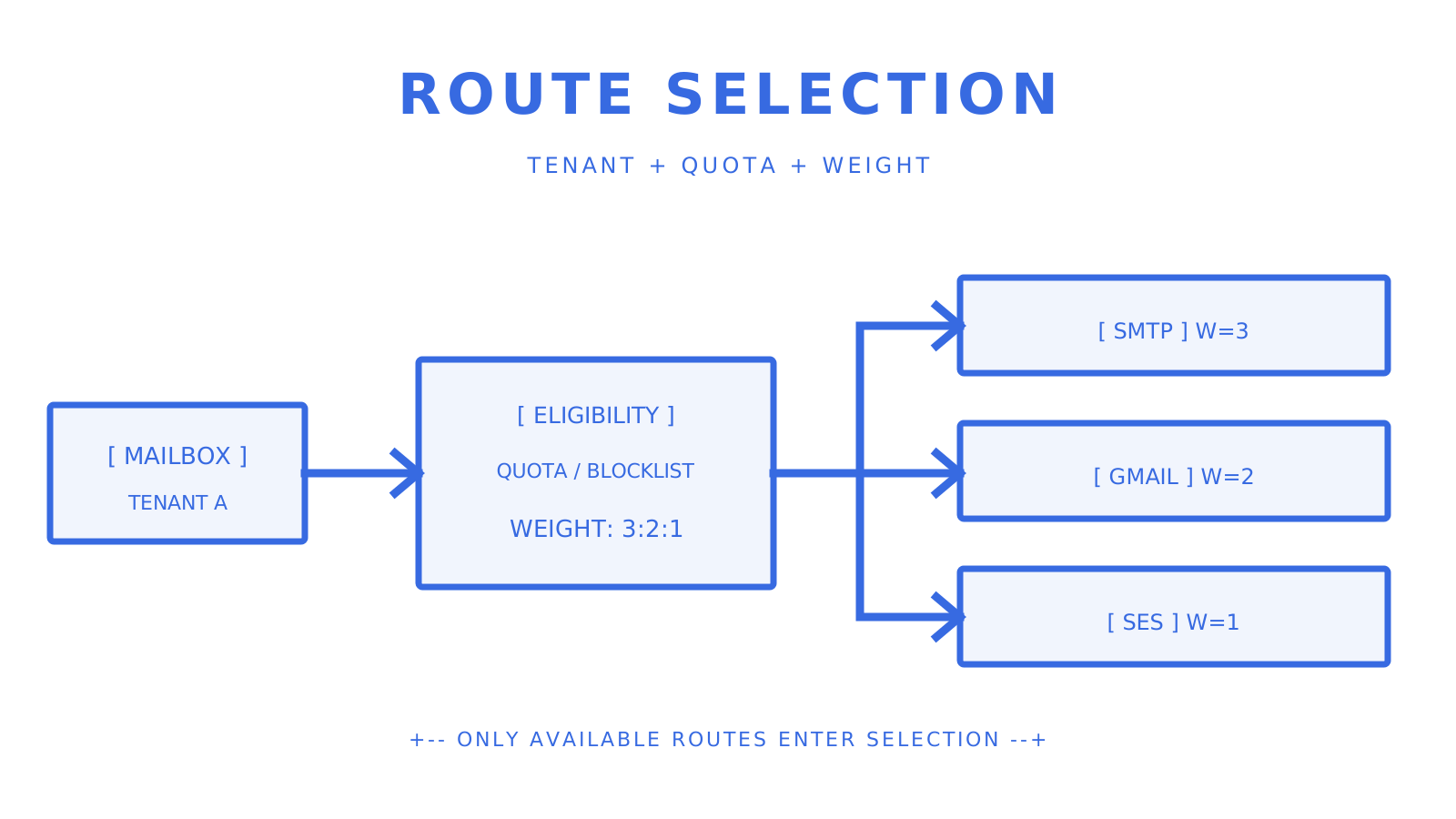
Weighted provider routes protected by quota and tenant boundaries.
Weights and quota windows control which configured route remains eligible.
Tenant isolation also needs mailbox ownership, credential scope, provider eligibility, quotas, logs, and billing aligned to the same tenant. A separate mailbox alone does not prove reputation isolation. ### Developer DX and AI integrations The Sendmux SDK owner covers TypeScript, Python, Go, PHP, Ruby, and Rust, and its current CLI manifest check passes with 101 commands. Sendmux also documents REST, CLI, SDK, MCP, LangChain, and Vercel AI SDK packages; verify the specific operation you need because no one integration surface mirrors every API operation. OpenAgent documents REST and MCP in its repository. AgentMail documents hosted MCP, and AtomicMail documents JMAP-oriented agent interfaces. Treat AI labels as integration surfaces, not as evidence of mailbox, routing, or delivery behavior. ## How we evaluated these alternatives Evaluation criteria, in priority order: - **Identity ownership** — human user, application mailbox, tenant mailbox, or delivery-only sender - **Mailbox lifecycle** — provision, receive, retrieve, reply, suspend, and remove - **Credential scope** — exact mailbox and team permissions - **Message model** — clean text, HTML, headers, attachments, and thread state - **Events** — authentication, deduplication, retry, replay, and reconnect behavior - **Routing** — account types, weights, quotas, blacklisting, and no-route behavior - **Tenant controls** — ownership, provider access, logs, limits, and billing boundaries - **Developer tooling** — current OpenAPI, SDK, CLI, MCP, and idempotency contracts - **Operational ownership** — DNS, relays, reputation, security, backups, and incidents The main evidence comes from the owning Sendmux repositories and the current vendor-owned documentation linked in the Sources section. Marketing rankings, cached feature grids, and unsupported benchmark numbers are excluded. > **Coverage gap:** no independent benchmark covers every option under the same workload. The reviewed Sendmux owner records a 10M+ accepted messages per day capacity target; treat that as an owner target, not a blanket guarantee. ## When to self-host vs. choose a hosted agent inbox API Self-host when a requirement genuinely needs infrastructure ownership and the team can operate the mail stack. [OpenAgent](https://github.com/openagentemail/openagentemail) provides an inspectable starting point, but source availability does not remove DNS, relay, upgrade, security, backup, abuse, and deliverability work. Choose a hosted mailbox API when the product needs application-owned inboxes but the team does not want to operate that infrastructure. Verify data-processing, residency, retention, deletion, support, and incident terms in the current contract instead of inferring them from hosting labels. Choose a delivery API when the workload sends messages but does not need durable inbound mailbox state. Amazon SES, Resend, Postmark, and Mailgun expose different delivery and inbound-processing primitives; compare the exact API path your application owns. Migration checkpoints: - Use a non-production mailbox and consented recipients - Verify domain records before sending - Exercise clean-content, attachment, and reply flows - Verify event signatures and replay behavior - Test idempotent retries and quota exhaustion - Record rollback criteria before increasing traffic ## Sendmux covers the full agent email stack in one API The reviewed Sendmux owners expose mailbox provisioning, one-time credentials, clean message and thread content, inbound SSE, signed outbound webhooks, thread-aware sends, configured provider accounts, quota windows, delivery logs, and CSV export.
Agent identity connected to mailbox content, events, and provider routes.
A single mailbox contract keeps state, events, access, and delivery observable.
Mailbox-scoped permissions include email.send, email.receive, mailbox.read, and mailbox.settings.update. Configured accounts include custom SMTP, Gmail API, Outlook API, and managed Amazon SES. The implementation excludes blacklisted or quota-exhausted accounts before weighted selection. Pro costs $7 per team each month plus usage. Each provider-accepted recipient through an owned or connected provider costs $0.000500; the Sendmux-managed Amazon SES route costs $0.000750 per accepted recipient. Storage costs $0.02 per decimal GB-month. The [platform overview](https://sendmux.ai/solutions/platform-builders) describes the product model. Use the owning repositories for technical behavior, then run a non-production mailbox journey before committing traffic. ## Sources - [RFC 5322: Internet Message Format](https://www.rfc-editor.org/rfc/rfc5322) - [OpenAgent repository](https://github.com/openagentemail/openagentemail) - [AgentMail introduction](https://docs.agentmail.to/introduction) - [AgentMail MCP integration](https://docs.agentmail.to/integrations/mcp) - [AgentMail multi-tenancy](https://docs.agentmail.to/multi-tenancy) - [MailSlurp machine-readable documentation](https://www.mailslurp.com/llms.txt) - [Resend Send Email API](https://resend.com/docs/api-reference/emails/send-email) - [Postmark Message Streams](https://postmarkapp.com/support/article/how-to-create-and-send-through-message-streams) - [Mailgun Routes](https://documentation.mailgun.com/docs/mailgun/user-manual/receive-forward-store/routes) - [Amazon SES pricing](https://aws.amazon.com/ses/pricing/) - [Google email sender guidelines](https://support.google.com/mail/answer/81126?hl=en) - [Sendmux platform overview](https://sendmux.ai/solutions/platform-builders) ## FAQ ### What makes Sendmux different from Resend or Postmark for agents? Sendmux owns application mailboxes, clean message and thread state, mailbox-scoped credentials, inbound SSE, signed outbound webhooks, and configured sending accounts in one reviewed contract. Resend and Postmark expose delivery and inbound-processing features, but verify whether your application also needs retained mailbox lifecycle and thread operations. ### Can OpenAgentMail replace a hosted inbox API in production? OpenAgent can be a production foundation when the team deliberately accepts responsibility for deployment, relays, DNS, security updates, backups, abuse handling, observability, and deliverability. Review its current Apache-2.0 repository and test the exact production topology rather than treating self-hosting as feature parity with a managed service. ### How does multi-tenant reputation isolation work? Separate mailbox credentials, provider eligibility, quotas, logs, recipient policy, and billing at the tenant boundary. A distinct mailbox does not automatically create a distinct sending reputation; confirm the actual domain, provider account, and IP-pool arrangement used for each tenant. ### What is the minimum setup for SPF, DKIM, and DMARC? Publish the exact SPF, DKIM, DMARC, ownership, and bounce-handling records required by the chosen provider and verify their status before sending. Then follow each destination's current sender rules, including [Google's email sender guidelines](https://support.google.com/mail/answer/81126?hl=en), instead of copying a universal policy sequence. ### Which provider fits a high-volume outbound-only agent? [Amazon SES pricing](https://aws.amazon.com/ses/pricing/) lists $0.10 per 1,000 outbound messages before data and optional features. The best complete fit also depends on events, dedicated IPs, support, destination mix, and the routing or mailbox infrastructure the application would otherwise build. --- title: "Team Inbox Management for AI Agents and Platforms" description: "Streamline your AI agents' communication with team inbox management, ensuring reliability and efficiency through API-driven solutions." canonical: "https://myagent.mx/blog/team-inbox-management" publishedAt: "2026-08-14T00:00:00.000Z" updatedAt: "2026-08-14T00:00:00.000Z" category: "agents" topic: "how to streamline team inbox" author: "Roshan Jonnalagadda" authorProfile: "https://myagent.mx/blog/author/roshan-jonnalagadda" keywords: - "how to streamline team inbox" - "managing team emails" - "team email management tips" - "collaborative inbox solutions" - "shared inbox best practices" - "effective team communication" - "inbox organization tools" - "shared inbox strategies" - "Hiver alternatives" - "Hiver vs Front" - "shared inbox for support" - "Hiver competitors" - "team inbox management" --- # Team Inbox Management for AI Agents and Platforms Streamline your AI agents' communication with team inbox management, ensuring reliability and efficiency through API-driven solutions.
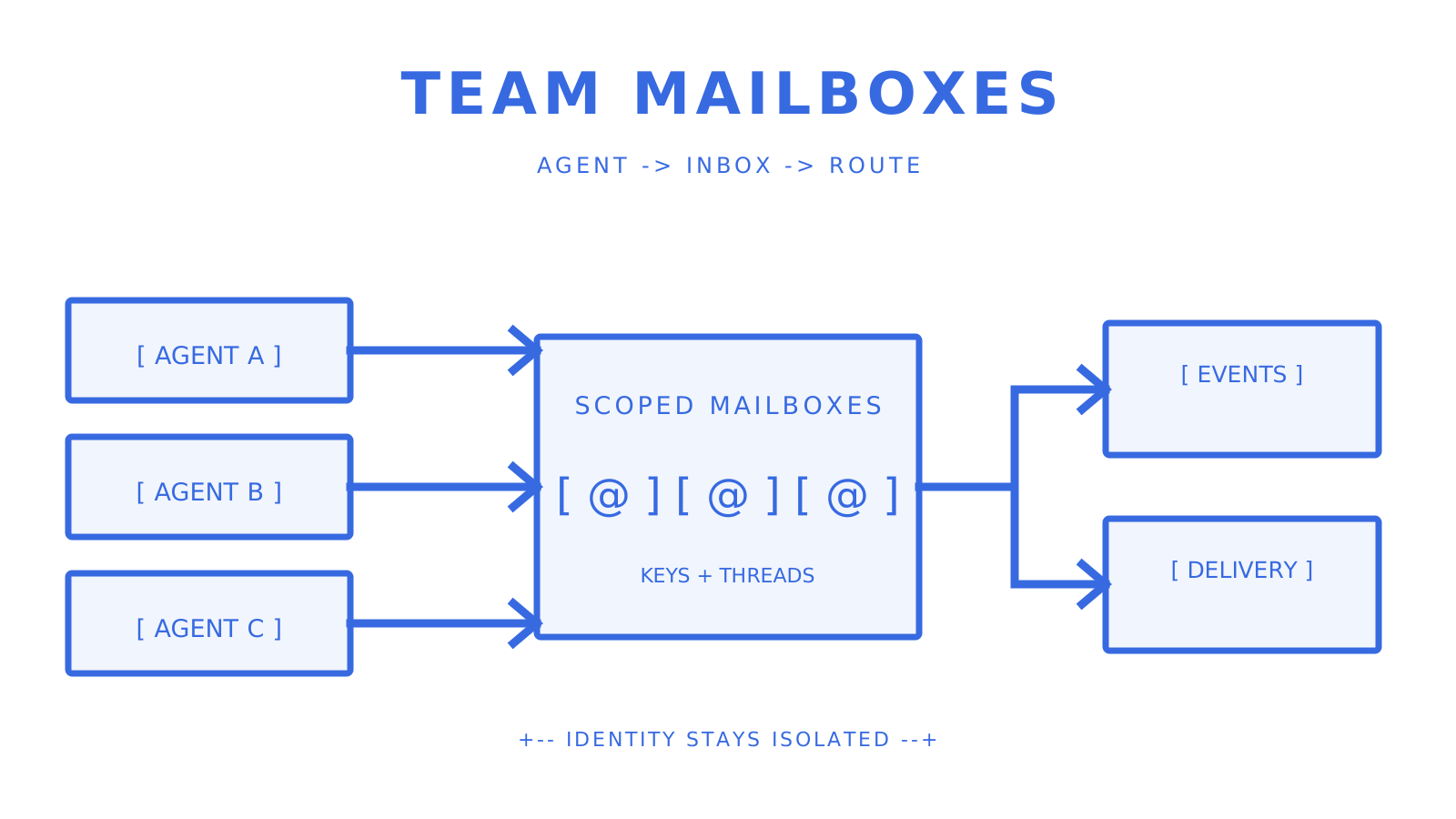
AI agents sharing API-managed mailboxes with isolated routing.
Scoped mailbox identities connect agents to inbound events and controlled outbound routes.
For AI agents and multi-tenant platforms, team inbox management is the programmable boundary around mailbox identity, message state, access, events, and delivery. A production design needs explicit ownership: which mailbox belongs to which agent or tenant, which credential may act on it, and which system records each message outcome. This guide covers **how to streamline team inbox**, **managing team emails**, **team email management tips**, **collaborative inbox solutions**, **shared inbox best practices**, **effective team communication**, **inbox organization tools**, **shared inbox strategies**, **Hiver alternatives**, **Hiver vs Front**, **shared inbox for support**, **Hiver competitors**, and **team inbox management** for developers. Human support products and mailbox APIs solve different jobs, so compare them by operating model rather than by a shared-inbox label. The reviewed Sendmux contracts expose real mailboxes, mailbox-scoped credentials, deterministic clean message and thread content, inbound SSE, HMAC-SHA256 signed outbound webhooks, configured sending accounts, quota windows, and delivery logs with CSV export. What the architecture must make explicit: - Mailbox identity and tenant ownership - Scoped credentials and permission boundaries - Clean message and thread retrieval - Push-based inbound notification and signed delivery events - Reply headers, idempotent sends, quotas, and delivery observability - Domain authentication and recipient-policy handling ## Key Takeaways Treat the mailbox as a stateful application resource, not as a shared alias. Keep identity, access, thread state, provider routing, and delivery evidence independently testable. | Point | Details | | --- | --- | | Mailbox ownership | Map every mailbox to one agent, workflow, or tenant boundary. | | Scoped access | Mailbox credentials should expose only the permissions the workload needs. | | Inbound events | Sendmux exposes inbound mailbox events over SSE; outbound delivery changes use signed webhooks. | | Thread context | Preserve RFC 5322 Message-ID, In-Reply-To, and References when replying. | | Delivery routing | Configured sending accounts expose weights and quota windows; selection excludes unavailable accounts before choosing by weight. | ## What "team inbox management" actually means for developers For developers, the useful definition is programmatic mailbox infrastructure for agents and platforms. It covers mailbox lifecycle, clean content, thread state, event delivery, sending, and least-privilege access. A human-facing support inbox may add assignment, collision detection, and agent dashboards, but those UI workflows do not prove a mailbox API contract. **In scope:** mailbox identities, mailbox-scoped credentials, message and thread content, inbound SSE, outbound webhooks, provider accounts, quotas, logs, and tenant controls. **Out of scope:** deciding whether Hiver alternatives, Hiver vs Front, or other collaborative inbox solutions have the right human support UI. Evaluate those products against their current official contracts when the buyer is a support team. Current Sendmux API primitives include: - POST /api/v1/mailboxes to provision a mailbox through the Management API - POST /api/v1/mailboxes/{public_id}/keys to mint another mailbox credential - GET /api/v1/mailbox/messages/{message_id}/content for deterministic clean JSON content - POST /api/v1/mailbox/messages/send for a mailbox send with optional idempotency - GET /api/v1/mailbox/events for inbound SSE with Last-Event-ID reconnection
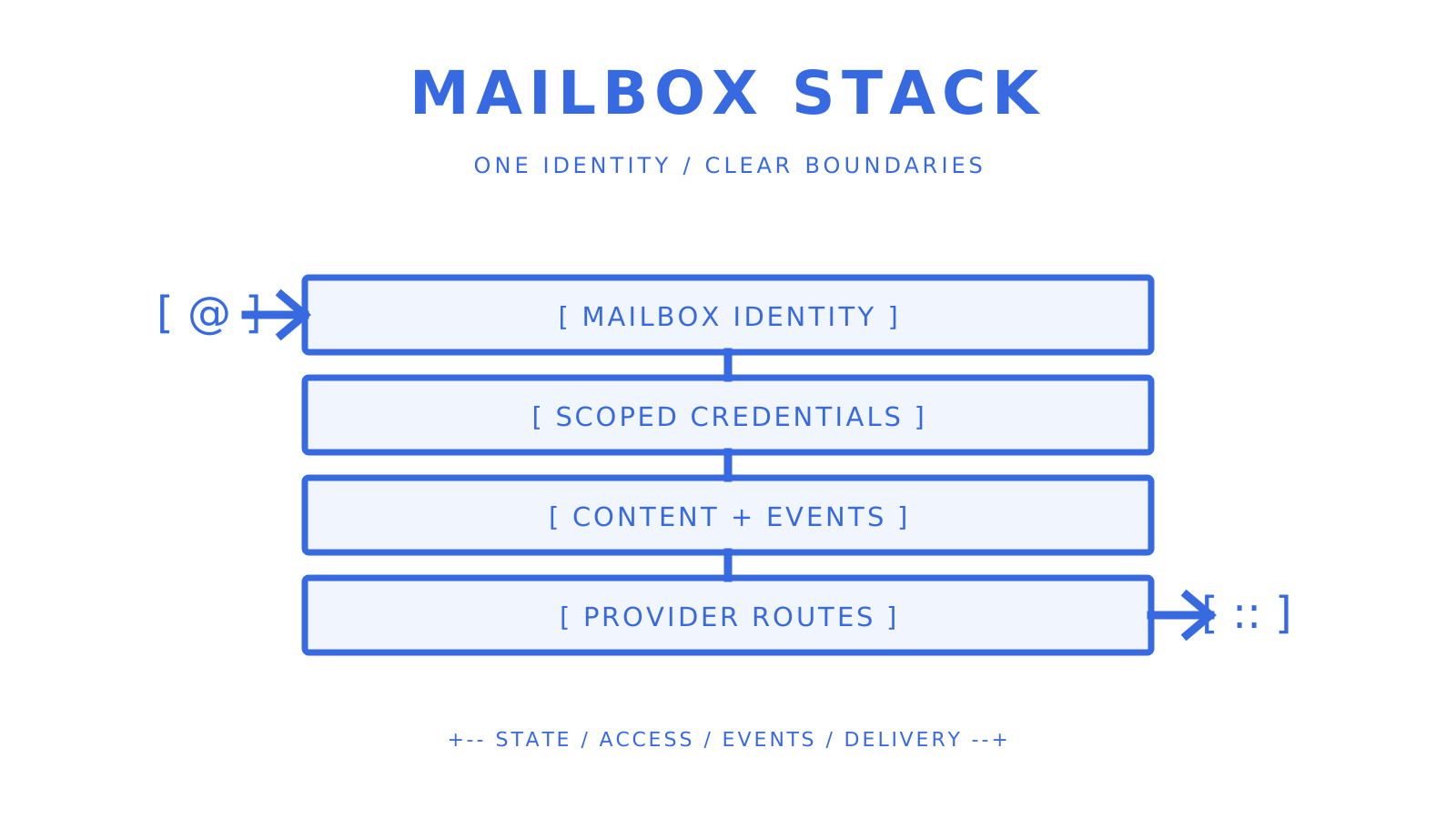
Mailbox identities connected to scoped keys, events, and provider routes.
One mailbox stack keeps identity, access, events, and delivery paths distinct.
**Pro Tip:** *Trace one complete flow before comparing feature lists: provision a mailbox, mint a scoped credential, receive a message, fetch its clean content, reply with the original thread headers, and observe the delivery result.* ## Engineering checklist: what your mailbox API stack must support Use it as an integration pass/fail gate. 1. **Mailbox lifecycle** — Provision, list, suspend, resume, and inspect mailboxes through a documented API. 2. **Mailbox-scoped credentials** — Verify that one mailbox key cannot read or send as another mailbox. 3. **Thread-aware sending** — Preserve Message-ID, In-Reply-To, and References; [RFC 5322](https://www.rfc-editor.org/rfc/rfc5322) defines those identification fields. 4. **Clean message content** — Fetch deterministic text and HTML content plus attachment metadata without making the agent parse raw MIME for its normal path. 5. **Inbound notification** — Use SSE or another documented push mechanism with reconnect and deduplication behavior. 6. **Outbound event verification** — Validate signatures over the raw webhook body before parsing or acting. 7. **Provider selection** — Verify account types, weights, quota windows, blacklisting, and the exact behavior when no account remains available. 8. **Delivery evidence** — Query message-level logs and test CSV export before production. 9. **Safe retries** — Use Idempotency-Key on supported create and send requests. 10. **Tenant controls** — Keep team roles, mailbox ownership, provider access, and recipient policy explicit. The reviewed Sendmux permission taxonomy includes email.send, email.receive, mailbox.read, and mailbox.settings.update. Its Management API provisions a mailbox and initial credential atomically, while the Mailbox API separates clean content, sends, events, quotas, and usage into documented operations. ## Questions to ask providers before you commit Ask for exact contracts and artifacts, not yes-or-no feature answers. **Mailbox model:** Which API creates the mailbox, and which credential can read, receive, send, or update it? **Inbound delivery:** Which events use SSE or webhooks? How does a client reconnect, deduplicate, and fetch full content? **Threading:** Which request and response fields carry message_id, in_reply_to, references, and the platform thread identifier? **Outbound routing:** Which account types are supported? How do weights, quota windows, blacklisting, and alternate selection work in committed code? **Observability:** Can operators query logs by message attributes and export the filtered result as CSV? **Security:** Which system roles and mailbox permissions exist, and are webhook signatures verified over the raw body? **Commercial terms:** What is charged per recipient occurrence, mailbox, seat, managed provider, storage tier, or support plan? Red flags to investigate: - Undocumented endpoints or event names - Raw MIME as the only normal content interface - Credentials that silently widen across tenants - Retry behavior without idempotency semantics - Provider routing claims without implementation and test evidence - Latency, compliance, residency, or roadmap claims absent from the current contract Before you commit, ask for a sample event envelope, a clean-content response, a send response, a failed-delivery record and a CSV export. ## Reference implementation patterns for agents and platforms Most agent and platform designs fall into three ownership patterns. | Pattern | Identity boundary | Application work | Main trade-off | | --- | --- | --- | --- | | Per-agent mailbox | One mailbox per agent | Map agent state to mailbox state | More mailbox resources | | Shared mailbox with actor IDs | One mailbox for several actors | Enforce actor ownership in application data | Shared sender and reputation boundary | | Mailbox per tenant | One or more mailboxes per customer | Map credentials and provider access to the tenant | More lifecycle automation | **Per-agent mailbox** gives each agent a durable address and a narrow credential. Use it when agents need independent conversations or sender identity. **Shared mailbox with actor IDs** fits workflows where several workers process one queue. Store the internal actor and lease state outside the mailbox so two workers cannot act on the same message concurrently. **Mailbox per tenant** keeps customer identities and provider choices separate. Sendmux's [platform overview](https://sendmux.ai/solutions/platform-builders) describes that model; technical behavior in this article remains bound to the reviewed owners. **Thread correlation store:** Persist the outbound platform message ID, the RFC 5322 message identifier, the internal conversation ID, and the tenant ID. On reply, resolve In-Reply-To and References before falling back to provider thread metadata. **Routing:** Configure eligible sending accounts and quota windows. The reviewed implementation filters blacklisted or quota-exhausted accounts, then selects from the accounts still available by weight. Implementation guidance: - Supply Idempotency-Key on supported outbound calls - Treat event IDs as deduplication keys - Fetch attachment bytes from the documented attachment endpoint rather than assuming they are embedded in an event - Keep tenant and actor identifiers in application state even when custom headers are also allowed ## Scaling, observability, and troubleshooting your inbox infrastructure Track metrics at both mailbox and tenant boundaries. - Inbound event rate and consumer lag - SSE reconnects and webhook delivery failures - Outbound accepted, delivered, bounced, complained, rejected, and delayed outcomes - Account selection failures and quota utilization - Clean-content and attachment-fetch failures - Mailbox storage usage and export completion Operational checklist: - Reconnect SSE clients with Last-Event-ID and deduplicate received event IDs - Verify signed webhook bodies before parsing them - Query delivery logs for expected and failed messages - Export a filtered CSV and confirm its rows match the same query - Turn bounce and complaint events into an explicit recipient policy - Load-test only with approved non-production limits and consented recipients The reviewed sending owner records a 10M+ accepted messages per day capacity target. Treat that as owner evidence for capacity planning, not as a guarantee for every tenant, provider, destination, or workload. ## Security, deliverability, and compliance requirements Security checklist: - Mailbox-scoped credentials with explicit permissions - Owner, Admin, Developer, and Member team-role boundaries - HMAC-SHA256 verification for outbound webhook events - OAuth only for provider connections that require it - Idempotency on supported mutations - Audit and delivery evidence kept inside the correct tenant boundary Deliverability checklist: - Verify the exact sending domain and publish its required SPF, DKIM, DMARC, and bounce-handling records - Follow [Gmail's current sender guidelines](https://support.google.com/mail/answer/81126?hl=en) for authentication and sending practices - Keep hard-bounce and complaint handling in an explicit recipient policy - Warm a dedicated IP only under the chosen provider's official process Commercial email must also satisfy the sender's legal obligations. The FTC's current [CAN-SPAM guide](https://www.ftc.gov/business-guidance/resources/can-spam-act-compliance-guide-business) requires accurate headers and subject lines, a valid postal address, a clear opt-out, and prompt opt-out processing. Confirm privacy, retention, residency, deletion, and transfer terms in the actual contract for every region where the platform operates. **Pro Tip:** *Authorize the action before classifying message content. A useful classifier does not make an over-broad credential safe.* ## How pricing works and what drives your costs Compare billable units before comparing totals. Pro costs $7 per team each month plus usage. Each provider-accepted recipient through an owned or connected provider costs $0.000500; the Sendmux-managed Amazon SES route costs $0.000750 per accepted recipient. Each event is billed individually. The main workload drivers are: - **Outbound recipients:** one message with several recipients creates several billable recipient occurrences - **Inbound messages:** replies, bounces, and automated responses add processing work - **Attachments:** transfer and retention can dominate storage and egress - **Managed delivery:** provider ownership can change the delivery unit price - **Mailbox count:** per-agent and per-tenant models create more lifecycle resources even without a per-mailbox fee Cost-control guidance: - Deduplicate recipients before send - Classify non-actionable inbound without invoking an expensive downstream model - Set explicit attachment and message retention rules - Enforce tenant quotas at the same boundary used for billing and provider access - Reconcile provider-accepted recipients against the platform's delivery evidence ## Advanced features worth prioritizing on your roadmap Think of these as evaluation items, not Sendmux capabilities or roadmap promises. - **Cross-mailbox search** — Define which roles may query across tenant mailboxes and how results stay isolated. - **Filter-scoped delivery** — Decide whether filters reduce event delivery, API visibility, or both. - **Mailbox import** — Specify source providers, history depth, attachment handling, and duplicate detection. - **Existing-mailbox connectors** — Verify Gmail, Microsoft 365, or IMAP ownership and OAuth scopes independently. - **Automation hooks** — Require explicit event schemas, retry behavior, and tenant boundaries. - **Conversation-level events** — Define how a conversation update relates to message-level delivery and replay. An MCP tool can be a useful agent-facing interface, but it does not replace the underlying HTTP contract, permission boundary, idempotency behavior, or delivery evidence. Verify each callable operation against the same public implementation. ## Verdict and next steps for teams ready to build A mailbox-first model is the right fit when the application must own durable inbound state and send replies under its own identity. It is not automatically the right fit for a human support team that mainly needs assignment and collaboration UI. Three concrete next steps: 1. **Map ownership** — Record which tenant, agent, credential, provider accounts, and recipient policy own each mailbox. 2. **Run one complete journey** — Provision, receive, fetch clean content, reply with thread headers, and observe delivery without a live-customer mutation. 3. **Exercise failure paths** — Reconnect inbound events, replay an idempotent request, exhaust a test quota, and inspect the resulting log evidence. Reject a platform if the contract, implementation, and targeted check do not agree on the exact method, path, field, event, or limit your integration needs. ## Why the mailbox-first model is the right long-term bet Mailbox-first architecture concentrates message state, thread operations, events, and access around a durable identity. That can remove application glue when an agent must receive and reply, but it also makes mailbox ownership a first-class production responsibility. The alternative is often a delivery API plus a consumer inbox, parser, event relay, and correlation store. That stack can be valid, especially when existing provider mailboxes are the source of truth. Compare the operational boundary, not the number of products. For multi-tenant platforms, isolate mailbox credentials, provider eligibility, logs, and quotas by tenant. A shared mailbox can still work, but the application must then own actor leases, data isolation, and reputation impact explicitly. Infrastructure-level classification can reduce downstream model work, but only after access checks and with a documented fallback for ambiguous messages. Keep the original message retrievable for diagnosis. ## Sendmux gives your agents a real mailbox API, not a workaround The reviewed Sendmux owners expose mailbox provisioning, one-time credential issuance, clean message and thread content, inbound SSE, signed outbound webhooks, thread-aware sends, configured provider accounts, quota windows, delivery logs, and CSV export. Mailbox-scoped permissions include email.send, email.receive, mailbox.read, and mailbox.settings.update. Configured sending accounts include custom SMTP, Gmail API, Outlook API, and managed Amazon SES types. The sending implementation excludes blacklisted or quota-exhausted accounts and selects available accounts by weight. First-party SDK repositories cover TypeScript, Python, Go, PHP, Ruby, and Rust. Connected outbound usage costs $0.000500 per provider-accepted recipient, and Sendmux-managed Amazon SES costs $0.000750 per accepted recipient. Use the [platform overview](https://sendmux.ai/solutions/platform-builders) to understand the product model, then verify every technical integration claim against the public contract and owning implementation. ## Useful sources - [RFC 5322: Internet Message Format](https://www.rfc-editor.org/rfc/rfc5322) - [Email sender guidelines — Google](https://support.google.com/mail/answer/81126?hl=en) - [CAN-SPAM Act: A Compliance Guide for Business — FTC](https://www.ftc.gov/business-guidance/resources/can-spam-act-compliance-guide-business) - [Amazon SES dedicated IP warmup](https://docs.aws.amazon.com/ses/latest/dg/dedicated-ip-warming.html) - [Sendmux platform overview](https://sendmux.ai/solutions/platform-builders) ## FAQ ### What is the difference between a mailbox API and a sending API? A sending API primarily accepts outbound messages. A mailbox API also owns inbound message state, message and thread retrieval, mailbox identity, events, and reply operations. Some products provide both surfaces; verify the exact public contract rather than inferring capability from the category name. ### Why do per-mailbox API keys matter for multi-tenant platforms? A mailbox-scoped credential narrows what a compromised workload can access. The application must still map that credential to the correct tenant, protect the one-time plaintext value, rotate it when required, and keep team-level management credentials out of mailbox workers. ### How does Sendmux handle outbound routing and failover? Configured sending accounts expose routing weights and per-second, per-minute, per-hour, and per-day quota windows. The sending implementation filters blacklisted or quota-exhausted accounts and selects among the available accounts by weight. Publish that verified behavior instead of promising universal automatic failover for every provider error. ### What is the reliable method for thread correlation across mail clients? Preserve the RFC 5322 Message-ID, In-Reply-To, and References fields and store the platform message and thread identifiers beside the application's conversation ID. Subject matching alone is not a reliable correlation strategy. ### How should I classify inbound messages to control LLM costs? Authorize mailbox access first, then classify categories such as human reply, out-of-office, bounce, complaint, or spam. Route only the categories that need model inference, retain an auditable fallback for ambiguous messages, and treat bounce and complaint events as recipient-policy inputs. --- title: "Domain Verification Email: DNS, DKIM, and DMARC for Developers" description: "Learn how to properly verify your email-sending domain using DNS, DKIM, and DMARC for secure and efficient message delivery." canonical: "https://myagent.mx/blog/domain-verification-email" publishedAt: "2026-08-13T00:00:00.000Z" updatedAt: "2026-08-13T00:00:00.000Z" category: "deliverability" topic: "domain verification email" author: "Roshan Jonnalagadda" authorProfile: "https://myagent.mx/blog/author/roshan-jonnalagadda" keywords: - "best email domain verification" - "domain authentication email" - "domain verification notice" - "verify email address" - "email validation for domains" - "domain verification steps" - "dns records for email" - "setting up domain email" - "domain verification link" - "email domain verification" - "domain verification email" - "domain verification process" - "how to verify domain email" - "importance of domain verification" - "domain ownership confirmation" - "spf dkim dmarc setup" --- # Domain Verification Email: DNS, DKIM, and DMARC for Developers Learn how to properly verify your email-sending domain using DNS, DKIM, and DMARC for secure and efficient message delivery.
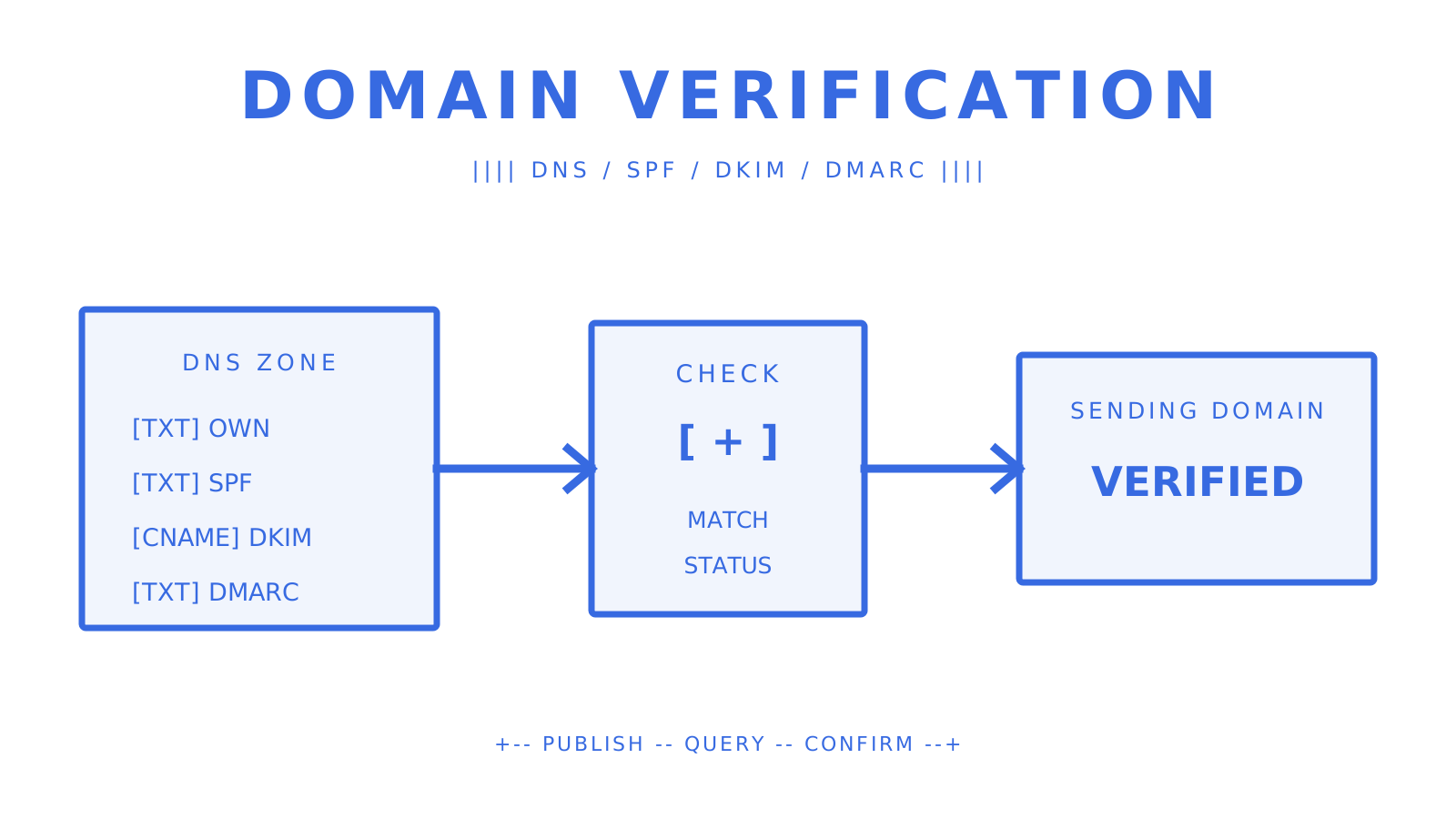
DNS ownership, SPF, DKIM, and DMARC records moving through verification checks
Block-style ASCII flow from DNS records to a verified sending domain.
If you’re verifying an email-sending domain for outbound mail, you can publish the provider’s verification TXT record or DKIM selector records in DNS. Ensure SPF, DKIM, and DMARC are working before sending at volume. The sequence is the same when you’re wiring up a transactional API, an AI agent mailbox, or a bulk-sending pipeline. This guide explains how to verify domain email configuration without losing track of the separate ownership and authentication checks. The best email domain verification method is the one documented by your sending provider: copy its exact records, publish them at the expected names, and confirm each result independently. Here’s a basic DNS checklist for most programmatic setups: - **Verification TXT record** — provider-supplied token at `@` or a specified subdomain, such as `_sendmux-verification.example.com` - **DKIM selector record** — selector._domainkey.example.com as a CNAME for a provider-hosted key or TXT for a self-published public key - **SPF TXT record** — at the provider-specified domain, authorising your sending IPs and providers - **DMARC TXT record** — at `_dmarc.example.com`, with a policy and, when you want aggregate feedback, an `rua` reporting address **Quick rule of thumb:** Use DNS TXT verification if you control the domain's DNS and the provider issues an ownership token. Set up DKIM if the provider requires signing. If the service supports email validation and DNS access is unavailable or restricted, use an emailed domain verification link. ## Key Takeaways To verify an email-sending domain, demonstrate control using the record type your provider specifies, then check DKIM, SPF, and DMARC separately. The complete domain verification process keeps ownership confirmation, message signing, sender authorisation, and policy enforcement separate. | Point | Details | | --- | --- | | Publish the provider's complete record set | A provider may require an ownership TXT record, DKIM selectors, SPF, DMARC, or additional bounce-handling records. Copy the exact set it supplies. | | Stage DMARC enforcement | Current DMARC guidance recommends monitoring at `p=none` for at least one month, then comparing an equally long `p=quarantine` period before considering `p=reject`. | | Test before you verify | Query an authoritative nameserver directly with `dig` to confirm records exist before triggering provider verification. | | Rotate DKIM keys safely | Publish the new selector, wait out the existing DNS TTL, switch signing, and retain the old key until messages signed with it no longer need validation. | | Myagent (Sendmux) automates the checks | Sendmux exposes the required ownership, SPF, DKIM, DMARC, and bounce-handling records through its Management API, supports on-demand verification, and rechecks domains every six hours. | ## What domain verification email methods should you use? Domain authentication email has several verification paths. Taking the wrong path wastes time and can leave signing incomplete. [DNSimple's DNS records reference](https://support.dnsimple.com/articles/email-dns-records-quick-reference/) gives a practical overview of record types, while your provider's current instructions remain the authority for exact names and values. | Method | Record(s) to add | Scope | Timing | Pros | Cons | | --- | --- | --- | --- | --- | --- | | DNS TXT ownership token | TXT at `@` or a provider subdomain | Provider-defined domain | Depends on DNS TTL and provider checks | No mailbox needed; automatable | Requires DNS access; some providers recheck the token | | DKIM configuration | CNAME or TXT at `selector._domainkey` | Messages signed with that selector | Depends on DNS TTL and provider checks | Enables cryptographic signing; a CNAME can let the provider manage public-key publication | A wrong selector or value prevents verification | | Email validation | None; the service sends email to an approved address | Service-defined address or domain | Depends on email delivery and token lifetime | Works when the service supports it and DNS access is unavailable | Requires a working mailbox and human action; tokens can expire | Programmatic setups often use **DNS TXT verification**. The provider gives you a unique value, you publish it as a TXT record, and the provider queries DNS to confirm control of the domain. Depending on the provider, that token may need to stay published, so do not remove it unless the documentation says you can. **DKIM configuration** shows that mail can be signed for a domain. A provider may ask you to publish CNAME records pointing to public keys it hosts, or a TXT record containing the public key for a private key you control. A CNAME delegates public-key publication to the provider; BYODKIM keeps the signing key under your control. **Email validation** is supported in some products when DNS access is restricted or controlled by a third party. [AWS Certificate Manager's email validation](https://docs.aws.amazon.com/acm/latest/userguide/email-validation.html) sends messages to five common administrative addresses, and each token expires after 72 hours. DNS-validated ACM certificates can renew automatically while the required CNAME remains available; email-validated certificates require owner action at renewal. Use email validation for domains only when the service explicitly supports it. A standard mailbox workflow that can verify email address ownership is not equivalent to DNS control over an entire sending domain. ## How do you publish a DNS TXT verification record? There are three primary fields in the record: **Name/Host**, which indicates where it lives; **Value**, which is the exact verification token; and **TTL**, which tells resolvers how long they can cache the answer. These are the basic domain verification steps for a TXT challenge. ### Common field values - **Name/Host:** `@` for a zone apex when the provider requests it, or a label such as `_provider-verify` - **Value:** the exact string supplied by the provider, such as `provider-verification=abc123xyz` - **TTL:** use the provider's recommended value or your DNS host's default; a shorter TTL shortens future cache lifetimes but does not purge records already cached under an older TTL ### Adding the record in common DNS panels 1. **Cloudflare:** Open **DNS** > **Records** > **Add record**. Choose TXT, enter the provider-supplied name and content, and select an allowed TTL. Cloudflare's [email records guide](https://developers.cloudflare.com/dns/manage-dns-records/how-to/email-records/) explains the related DNS records for email. 2. **Route 53:** Open the hosted zone and create a TXT record at the required name. Route 53 represents each TXT string inside double quotation marks; its console and API documentation show how to split values longer than 255 characters into quoted chunks within one record. 3. **GoDaddy:** Open the domain's DNS records and add a TXT record. Use `@` only when the provider requires the zone apex; for a named challenge, enter the host label in the format GoDaddy expects. Select an available TTL rather than assuming a universal value. ### Confirming the record from the command line ```text dig +short TXT example.com nslookup -type=TXT example.com ``` Query the exact record name the provider gave you. If the expected string is absent, either the name or value is wrong, the authoritative nameserver has not been updated, or a recursive resolver still holds a cached answer. **Common mistakes to avoid:** - Appending the root domain to the Name field in a panel that already appends it - Changing punctuation, spacing, case, or quoting inside the provider-supplied value - Removing a token that the provider periodically rechecks - Publishing multiple policy records where a protocol requires one record **Pro Tip:** *Before selecting **Verify** in a provider dashboard, query the authoritative nameserver for the exact record. A public resolver such as `8.8.8.8` is useful for checking recursive visibility, but its cached answer can lag behind the authority.* When setting up domain email, record the authoritative answer separately from the provider's status. DNS can be correct even while the provider is waiting for its next check. ## How does DKIM work, and what records do you need? DKIM (DomainKeys Identified Mail) adds a digital signature to outbound messages. Receiving servers retrieve the public key from DNS, verify the signature, and check whether signed parts of the message changed in transit. The lookup name is `selector._domainkey.example.com`, where the selector identifies the key. ### CNAME vs. TXT: which approach applies to you? Amazon SES and other managed sending platforms may use CNAME records pointing to provider-hosted DKIM public keys. This lets the provider manage those keys without requiring you to replace the DNS name. With a self-published TXT record, you publish the public key and retain the private key. Self-published TXT records can look like this: ```text Name: mail2026._domainkey.example.com Type: TXT Value: v=DKIM1; k=rsa; p=MIIBIjANBgkqhkiG9w0BAQEFAAOCAQ8AMIIBCgKCAQEA... ``` The `p=` field contains the base64-encoded public key. DNS limits each label to 63 octets and the full wire-format domain name to 255 octets, including length octets and the terminating root label. A long DKIM key in a TXT record can be split across multiple quoted character-strings in one TXT resource record. ### Key length and rotation - **1024-bit RSA keys** meet the DKIM interoperability minimum but should not be the default for a new deployment when the provider and DNS host support 2048 bits. - **2048-bit RSA keys** are the recommended choice in current Google Workspace and Salesforce setup guidance, and Amazon SES uses 2048 bits by default for Easy DKIM. - **Rotation:** generate the new key pair, publish a new selector, confirm it through DNS, switch the signer, keep the old public key available while old signatures can still be evaluated, and remove it only after that overlap window. **Pro Tip:** *Rather than assuming a fixed 48-hour wait, base the overlap on the selector's previous TTL and your message transit expectations. Confirm the new selector from an authoritative nameserver before signing with it.* ## How do SPF and DMARC complete the authentication stack? SPF, DKIM, and DMARC work together, but test different identifiers. [Proofpoint's authentication guide](https://www.proofpoint.com/us/threat-reference/spf-dkim-dmarc) gives a practical overview; the current SPF, DKIM, and DMARC RFCs define the protocol rules. SPF authorises hosts for an envelope domain, DKIM validates a domain signature, and DMARC requires at least one passing result to align with the visible author domain. ### SPF record structure ```text v=spf1 include:_spf.google.com include:amazonses.com ip4:203.0.113.10 ~all ``` Publish the policy your active senders need. SPF implementations count DNS-querying terms—`include`, `a`, `mx`, `ptr`, `exists`, and `redirect`—including recursive evaluation, and must return `permerror` when the total exceeds 10. The mechanisms `all`, `ip4`, and `ip6` do not count toward that limit. **SPF best practices:** - Keep one SPF policy record at each owner name; multiple SPF records at one name produce `permerror` - Remove providers you no longer authorise and retain every active sender's required mechanism - Use a dedicated sending subdomain when you need separate policy and reputation boundaries - Do not replace provider-managed `include:` mechanisms with copied IP ranges unless the provider explicitly supports that configuration ### DMARC record for monitoring ```text _dmarc.example.com TXT "v=DMARC1; p=none; rua=mailto:dmarc-reports@example.com; sp=none; adkim=r; aspf=r" ``` At `p=none`, a domain expresses no DMARC-specific handling preference for failing messages and can receive aggregate reports through `rua`. Current DMARC guidance recommends collecting `p=none` data for at least one month and then comparing an equally long `p=quarantine` period before considering `p=reject`, especially where legitimate mail can pass through intermediaries such as mailing lists. ### The alignment trap most teams miss DMARC passes when SPF or DKIM both passes and aligns with the visible `From:` domain. Under default relaxed alignment, the authenticated domain and author domain can differ while sharing the same organisational domain. Under strict alignment, they must be identical. SPF and DKIM can therefore pass individually while DMARC still fails if neither passing identifier aligns. For SPF, the relevant authenticated identity is the `MAIL FROM` domain. If a third-party sender uses its own return-path, configure DKIM signing with your domain or another supported aligned identity. Do not diagnose alignment using exact string comparison unless the DMARC record requests strict alignment. ## How do you verify and test DNS and authentication after publishing? Publishing records is step one; validating each layer before live traffic is step two. Query the exact ownership, DKIM, SPF, and DMARC names, then inspect a real test message. ```text dig NS example.com dig @ns1.example.com TXT example.com dig @ns1.example.com CNAME mail2026._domainkey.example.com dig @ns1.example.com TXT _dmarc.example.com ``` DNSimple's quick reference lists common email-related DNS records. After sending a test message, inspect the `Authentication-Results` header in the received message. A passing stack can look like: ```text Authentication-Results: mx.example.com; spf=pass smtp.mailfrom=example.com; dkim=pass header.d=example.com header.s=mail2026; dmarc=pass header.from=example.com ``` If `dmarc=fail` appears despite a passing SPF or DKIM result, use the alignment mode in your DMARC record to compare the authenticated domain with the visible author domain. A domain verification notice in a provider dashboard may summarise these checks, but the DNS answers and received-message header show the underlying state. **Recommended tools:** `dig` and `nslookup` expose DNS answers directly. Header analysers can make a long `Authentication-Results` field easier to read, and validators can flag SPF or DMARC syntax mistakes, but verify every recommendation against the applicable RFC and provider documentation. ## Why aren't your DNS records showing up yet? There is no single universal propagation time for DNS updates. Authoritative servers can update quickly, while recursive resolvers continue serving an older answer until its TTL expires. A provider may also check on its own schedule after public DNS is ready. ### Stepwise troubleshooting 1. **Query an authoritative nameserver directly.** Find it with `dig NS example.com`, then run `dig @ns1.example.com TXT example.com`. If the record appears there but not through a recursive resolver, inspect the prior TTL and cached answer. 2. **Check for duplicate SPF records.** Run `dig +short TXT example.com` and count strings beginning with `v=spf1`. More than one SPF record at the owner name is a protocol error. 3. **Verify the Name field.** If a panel appends the zone, entering `_dmarc.example.com` can create `_dmarc.example.com.example.com`. Use the format documented by that host. 4. **Check for CNAME conflicts.** A CNAME owner name cannot coexist with other data. Zone-apex SPF and DMARC therefore use TXT records, not CNAME records. 5. **Confirm delegation.** Query the domain's NS records and make changes at the DNS host those records identify, not merely at the registrar. 6. **Check provider-specific CNAME handling.** Keep email-authentication CNAME records DNS-only where a DNS host offers HTTP proxying, and follow the sending provider's exact name/value format. 7. **Account for TTL caching.** Lowering TTL affects answers cached after the change; it does not shorten the lifetime of an older cached answer. These checks matter for email domain verification because a green ownership check does not prove DKIM, SPF, or DMARC is correct. Treat each signal independently. ## Provider-specific notes for Amazon SES, ACM, Google Workspace, and Salesforce Each provider has its own domain ownership confirmation and signing workflow. Follow its current primary documentation rather than copying example records from another account. **Amazon SES** treats identities as regional resources. To send from a domain in more than one AWS Region, create and verify an identity in each Region, unless you deliberately use the documented Deterministic Easy DKIM replica workflow. Easy DKIM generates three CNAME records. SES uses 2048-bit keys by default, while BYODKIM accepts RSA private keys from 1024 through 2048 bits. **AWS Certificate Manager (ACM)** supports DNS and email validation for public certificates. DNS validation uses a CNAME for ownership and ongoing automated renewal when the certificate remains in use and the record remains publicly available. Email validation sends links to five common administrative addresses; its token expires after 72 hours and renewal requires owner action. **Google Workspace** separates domain ownership from DKIM signing. First, verify the Workspace domain using the unique `google-site-verification=` TXT value. Then open **Apps** > **Google Workspace** > **Gmail** > **Authenticate email**, generate the DKIM record, publish it, and select **Start authentication**. Google recommends 2048-bit keys when the DNS host supports them. **Salesforce** requires email-sending domain verification for each organisation, including sandboxes. An active DKIM key whose domain matches the complete `From` domain satisfies domain-level verification. Create a primary and alternate selector under **DKIM Keys**, publish both generated CNAME records, wait until Salesforce sees them, then activate the key. Salesforce uses the alternate selector for automatic rotation.
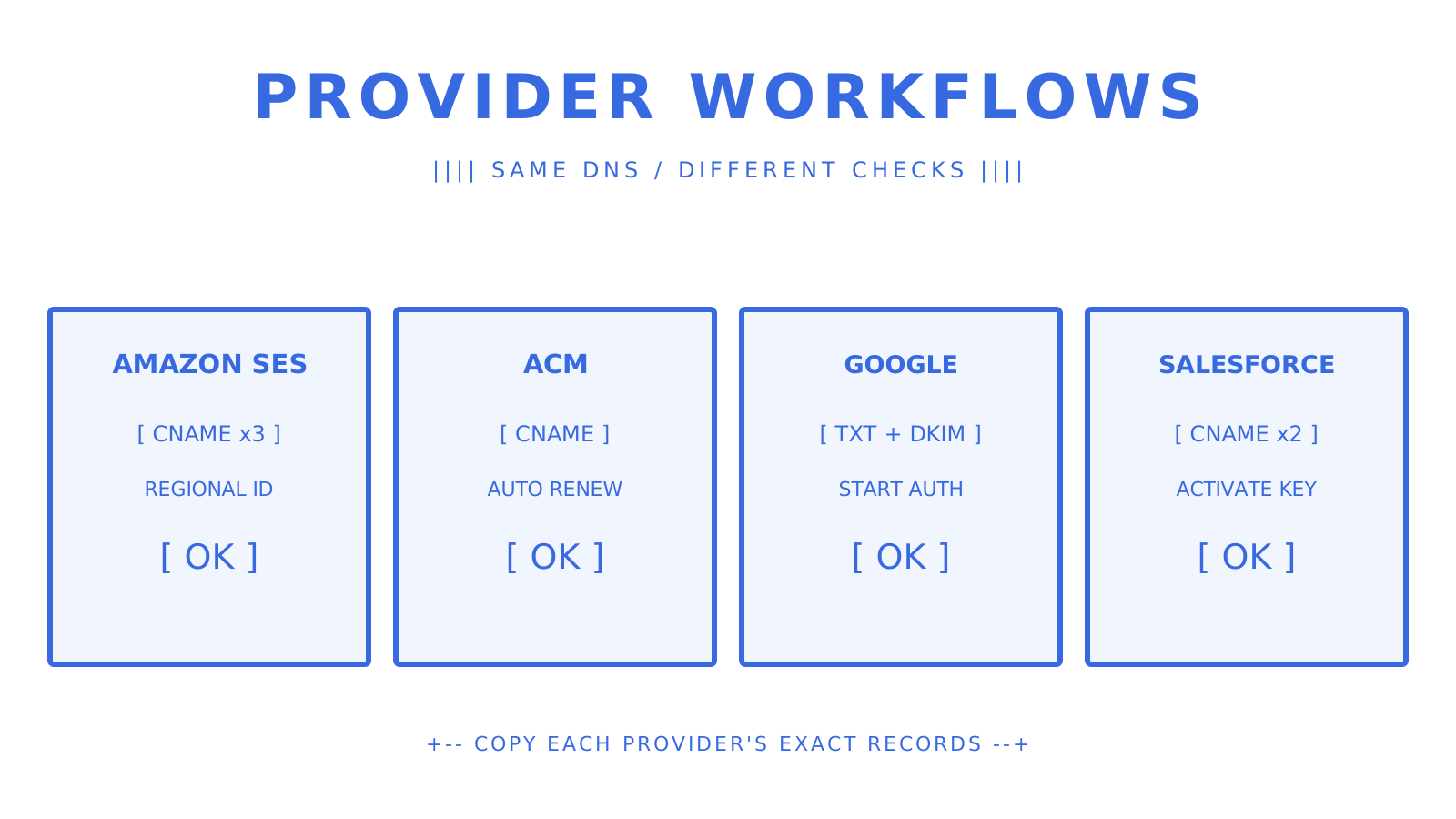
Four provider workflows showing their ownership and DKIM record checks
Original ASCII comparison of the distinct Amazon SES, ACM, Google Workspace, and Salesforce verification flows.
## Operational security: key rotation, revocation, and limiting exposure Verification records and DKIM keys need an operating plan. Keep ownership tokens only as long as the provider requires them, rotate signing keys with overlap, and remove authorisation for providers you stop using. **DKIM key rotation** uses two selectors to avoid breaking validation. Publish the new public key first, confirm the authoritative and recursive answers, switch signing to the new selector, and keep the old selector available while previously signed messages may still be evaluated. Remove the old key after the overlap period. **Changing providers** requires overlap, not a verification gap. Publish and verify the new provider's required records before removing the old provider. Update the single SPF policy to remove obsolete authorisation and add the new supported mechanism. Retire old DKIM selectors only after the new signing path is confirmed. **Subdomain isolation** can separate authorisation and reputation. A third-party sender can use a dedicated subdomain such as `mail.example.com` or `bounce.example.com` with its own aligned identifiers and provider records. This makes later revocation more targeted, but it does not remove the need to configure DMARC alignment correctly. **Pro Tip:** *Start DMARC aggregate-report ingestion while the policy is `p=none`. The reports help identify authorised and unauthorised sources before enforcement. Protect report data as operational information and use a parser that supports the current aggregate-report format.*
Two DKIM selectors overlapping during a safe key rotation
Original ASCII sequence showing publish, confirm, switch, observe, and retire steps.
### What I actually do before pushing to p=quarantine I publish the provider records, enable DKIM signing, and collect DMARC aggregate reports at `p=none` for at least one month. I identify every legitimate sending source, correct failed authentication, and account for forwarding or mailing-list traffic before changing the policy. Then I use `p=quarantine` for an equally long comparison period before considering `p=reject`. I confirm that each legitimate source has at least one aligned passing identifier. DKIM is often the more durable path through forwarding, but a DMARC pass requires only one aligned SPF or DKIM result. Sendmux handles this domain verification workflow through the Management API. It returns the ownership, SPF, DKIM, DMARC, and bounce-handling records, exposes their verification state, supports an on-demand verification request, and automatically rechecks domains every six hours. A deployment pipeline can query that state before routing live traffic. ## Sendmux handles domain verification so you can focus on sending An SPF DKIM DMARC setup becomes harder when multiple providers, regions, and subdomains are involved. Sendmux centralises custom-domain records and verification status while keeping provider routing and message delivery observable.
Sendmux API connecting verified DNS to routed email delivery
Original ASCII view of verified domain records feeding Sendmux sending routes.
For developers building on [Sendmux](https://myagent.mx), the current workflow includes: - **Programmatic verification status via REST** — the Management API can list domain DNS records and status, then trigger an on-demand ownership, SPF, DKIM, DMARC, and bounce-handling check - **Weighted sending accounts and failover** — configured SMTP, Gmail API, Outlook API, and managed Amazon SES accounts expose routing weights and quota windows; the sending path can try another available account when the selected account is unavailable - **Delivery logs and CSV export** — the Management API lists message-level logs, and the dashboard exports filtered rows as CSV; Sendmux does not provide DMARC aggregate-report ingestion SDKs for TypeScript, Python, Go, PHP, Ruby, and Rust cover the public APIs. The [transactional email API documentation](https://myagent.mx/blog/transactional-email-api) explains the sending workflow. A shared `@myagent.mx` mailbox can be used without custom DNS; move to a verified custom domain when you need branded sending. If you're comparing email domain verification options, the importance of domain verification is practical: ownership checks prevent unauthorised configuration, while SPF, DKIM, and DMARC give receivers evidence about the messages themselves. Keep the exact provider records and the final verification state in your deployment evidence. ## Sources These references cover record syntax, provider-specific steps, and operational DMARC guidance: - [Email DNS Records Quick Reference - DNSimple Help](https://support.dnsimple.com/articles/email-dns-records-quick-reference/) - [SPF, DKIM and DMARC: Setup Guide | Proofpoint US](https://www.proofpoint.com/us/threat-reference/spf-dkim-dmarc) - [Set up email records · Cloudflare DNS docs](https://developers.cloudflare.com/dns/manage-dns-records/how-to/email-records/) - [RFC 7208: Sender Policy Framework](https://www.rfc-editor.org/info/rfc7208/) - [RFC 6376: DomainKeys Identified Mail](https://www.rfc-editor.org/info/rfc6376/) - [RFC 9989: Domain-based Message Authentication, Reporting, and Conformance](https://www.rfc-editor.org/info/rfc9989/) - [Amazon SES DKIM authentication](https://docs.aws.amazon.com/ses/latest/dg/send-email-authentication-dkim.html) - [AWS Certificate Manager DNS validation](https://docs.aws.amazon.com/acm/latest/userguide/dns-validation.html) - [Google Workspace domain verification](https://support.google.com/a/answer/183895) - [Google Workspace DKIM setup](https://support.google.com/a/answer/174124) - [Salesforce DKIM key setup](https://help.salesforce.com/s/articleView?id=sales.emailadmin_create_secure_dkim.htm&language=en_US&type=5) The phrase setting up domain email can hide several separate controls. Preserve each provider-issued value byte-for-byte, and make every email validation for domains decision from that provider's current documentation rather than a generic template. --- title: "The Best Postmark Alternatives for Developers in 2026" description: "Discover top Postmark alternatives for developers in 2026, offering cost savings, enhanced features, and robust routing capabilities to meet your needs." canonical: "https://myagent.mx/blog/postmark-alternatives" publishedAt: "2026-08-13T00:00:00.000Z" updatedAt: "2026-08-13T00:00:00.000Z" category: "alternatives" topic: "Postmark alternatives comparison" author: "Roshan Jonnalagadda" authorProfile: "https://myagent.mx/blog/author/roshan-jonnalagadda" keywords: - "Postmark alternatives comparison" - "postmark alternatives" - "postmark vs sendgrid" - "best transactional email solutions" - "top SMTP services" - "best email delivery services" - "Postmark like services" - "reliable email senders" - "postmark vs mailgun" - "email service providers" - "postmark competitors" --- # The Best Postmark Alternatives for Developers in 2026 Discover top Postmark alternatives for developers in 2026, offering cost savings, enhanced features, and robust routing capabilities to meet your needs.
Developer routing transactional email across several provider paths.
A developer compares mailbox, delivery, and provider-routing paths.
Sendmux is a practical Postmark alternative for teams that need application-owned mailboxes plus configured outbound routes. Its reviewed public contracts cover real mailboxes, clean JSON message and thread content, scoped mailbox credentials, weighted sending accounts, quota windows, and observable delivery outcomes. Amazon SES is a delivery-first option with a current base outbound price of $0.10 per 1,000 messages plus data and optional features. Mailgun documents inbound Routes, while Postmark documents separate Transactional and Broadcast Message Streams. This **Postmark alternatives comparison** covers **postmark alternatives**, **postmark vs sendgrid**, **best transactional email solutions**, **top SMTP services**, **best email delivery services**, **Postmark like services**, **reliable email senders**, **postmark vs mailgun**, **email service providers**, and **postmark competitors**. It separates verified operating models from unsupported rankings and stale sample prices. Quick category snapshot: - **Mailbox-first application workflows:** Sendmux - **Delivery-first cloud email:** Amazon SES - **Inbound route processing:** Mailgun Routes - **Transactional plus marketing surfaces:** Twilio SendGrid, Brevo, or Loops - **Transactional and broadcast separation inside one Postmark account:** Postmark Message Streams Commercial email still needs accurate headers, a valid postal address, a clear opt-out mechanism, and prompt opt-out processing under the FTC's current [CAN-SPAM guidance](https://www.ftc.gov/business-guidance/resources/can-spam-act-compliance-guide-business). ## Key Takeaways Select a Postmark alternative by operating model first: mailbox state, delivery-only infrastructure, inbound routing, or lifecycle workflows. Clearly separate transactional and broadcast traffic, then compare current billable units and migration costs. | Point | Details | |---|---| | Stream separation is explicit | Postmark documents separate Transactional and Broadcast Message Streams and distinct infrastructure for those traffic types. | | Cost units must match | Sendmux Pro is $7 per team each month plus $0.000500 per connected-provider accepted recipient; Amazon SES lists $0.10 per 1,000 outbound messages plus data and optional features. | | Dedicated IP warmup takes time | Amazon SES documents roughly two to six weeks depending on the receiving provider, with standard automatic warmup progressing over 45 days. | | Two-tool stacks remain valid | A delivery provider plus a lifecycle tool can keep responsibilities clear, but it adds another integration and contract. | | Sendmux fits mailbox-first agents | Real mailboxes, scoped credentials, clean message content, and weighted configured sending accounts are present in the reviewed owners. | ## How do these Postmark alternatives compare at a glance? The useful comparison is the system each option requires you to run. Stale roundup prices are removed; confirm each current tier with the provider before purchasing. | Option | Verified operating model | Current price evidence used here | |---|---|---| | Sendmux | Application-owned mailboxes plus configured sending accounts | Pro is $7 per team each month plus $0.000500 per connected-provider accepted recipient | | Amazon SES | Delivery-first cloud email service | $0.10 per 1,000 outbound messages, plus data and optional features | | Mailgun | Sending plus inbound Routes that can forward or store matching messages | Verify the current official pricing page | | Twilio SendGrid | v3 Mail Send plus Marketing Campaigns Single Sends | Verify the current official pricing page | | Brevo | Campaigns, Transactional, and Automations channels | Verify the current official plan and daily limits | | Postmark | Transactional and Broadcast Message Streams | Verify the current official pricing page | Dedicated IPs are not automatically the best choice. Amazon SES recommends shared IPs for low or irregular volume and documents a gradual warmup for new dedicated IPs. Choose from actual volume, consistency, destination mix, and the operational work your team can sustain. ## Provider profiles: what each one actually does well ### Sendmux Sendmux is built around mailbox-first application workflows. The public owners cover mailbox state, clean message and thread content, mailbox-scoped credentials, configured sending accounts, quota windows, delivery logs, and CSV export. Inbound mailbox events use SSE; outbound delivery changes use HMAC-SHA256 signed webhooks. Configured sending accounts support custom SMTP, Gmail API, Outlook API, or managed Amazon SES. Routing weight and per-second, per-minute, per-hour, and per-day quota windows are public fields. The sending implementation filters blacklisted or quota-exhausted accounts and selects available accounts by weight. The owner records a 10M+ accepted messages per day capacity target, not a blanket guarantee. **Verified price:** Pro costs $7 per team each month plus usage. Connected-provider recipients cost $0.000500 each, managed Amazon SES recipients cost $0.000750 each, inbound deliveries cost $0.000500 each, and storage costs $0.02 per decimal GB-month. ### Mailgun [Mailgun Routes](https://documentation.mailgun.com/docs/mailgun/user-manual/receive-forward-store/routes) apply filters such as recipient or header matching and actions such as forward(), store(), and stop(). Forwarding to a URL sends a parsed version of the received email over HTTP. Confirm current validation products, limits, and pricing directly with Mailgun. ### SendGrid [Twilio SendGrid's v3 Mail Send](https://www.twilio.com/docs/sendgrid/for-developers/sending-email/v3-mail-send-faq) is its current HTTP sending surface, while [Marketing Campaigns Single Sends](https://www.twilio.com/docs/sendgrid/api-reference/single-sends/create-single-send) handles one-time sends to a list or segment. The Marketing API exposes an ip_pool field, so any stream-separation design remains an explicit configuration responsibility. ### Amazon SES [Amazon SES pricing](https://aws.amazon.com/ses/pricing/) lists $0.10 per 1,000 outbound messages before data and optional features. Shared IPs are ready immediately; standard dedicated IPs require warmup and consistent sending. SES documents standard dedicated-IP warmup as roughly two to six weeks depending on receiving provider, with automatic warmup percentage progressing over 45 days. ### Brevo [Brevo's official guidance](https://help.brevo.com/hc/en-us/articles/360021196220-What-are-the-differences-between-marketing-transactional-and-automation-emails) distinguishes Campaigns, its Transactional platform, and Automations. Marketing and transactional messages can both use API-backed paths, but their purpose and consent treatment differ. Confirm the current plan, regional terms, and feature limits directly. ### Mailtrap [Mailtrap Email Sandbox](https://docs.mailtrap.io/getting-started/email-sandbox) catches staging messages so teams can inspect content, spam signals, and HTML/CSS without delivering to recipients. The source draft's never-expiring-free-tier and production-maturity judgments are not retained. ### Resend [Resend's Send Email API](https://resend.com/docs/api-reference/emails/send-email) accepts HTML, text, hosted templates, and a React component in its Node.js SDK. Its current docs also publish an Idempotency-Key header. This guide does not turn those documented interfaces into a deliverability ranking. ### Mailjet Current official primary documentation was not confirmed during this import, so this guide does not publish a capability, residency, compliance, price, or deliverability claim for Mailjet. Evaluate its current official documentation and contract directly. ### Mailchimp Transactional Email [Mailchimp Transactional](https://mailchimp.com/help/about-transactional-email/) is a delivery API and a paid add-on to a Standard or Premium monthly Marketing plan. It can use API or SMTP integrations; confirm current credit-block pricing before comparison. ### Dreamlit Current official primary documentation was not confirmed during this import, so this guide does not publish an AI-sequence, SES, price, or deliverability claim for Dreamlit. Evaluate its current official documentation and contract directly. ### Loops [Loops](https://loops.so/docs/quickstart) documents Campaigns, Workflows, and Transactional email. Workflows are event- or contact-triggered sequences; transactional messages use a separate API surface and support an optional idempotency key. Loops also notes that its default transactional and marketing traffic share reputation signals through the verified domain and a small shared IP pool. ### MailerSend [MailerSend's official template guidance](https://www.mailersend.com/help/how-to-create-a-template) documents drag-and-drop, rich-text, and custom HTML editors, API instructions, test sends, and template analytics tags. Confirm current verification, routing, inbound, and pricing terms directly. ### SendLayer, SMTP.com, SMTP2GO Current official primary documentation was not confirmed for the source draft's grouped claims. This guide therefore does not publish a dedicated-IP, global-infrastructure, support, inbound, compliance, or price comparison for these services. ### Elastic Email Current official primary documentation was not confirmed during this import, so the source draft's price and developer-experience judgments are not retained. ### Zepto (by Zoho) Current official primary documentation was not confirmed during this import, so the source draft's integration and competitive judgments are not retained. ### Maileroo, Scaleway TEM, rapidmail, Sweego, Lettermint Current official primary documentation was not confirmed for the source draft's grouped capability, residency, pricing, and suitability claims. Verify each provider's current official documentation, data-processing terms, supported regions, and contract directly. ## How do you choose the right Postmark alternative for your team? Start with four engineering questions, in order. **1. Who owns the mailbox?** Decide whether the application needs its own mailbox state, an authorized user's Gmail or Microsoft 365 mailbox, or only a delivery API. **2. How are traffic types separated?** Postmark documents Transactional and Broadcast Message Streams on different infrastructure. Other providers expose different controls, so verify domain, subdomain, configuration-set, IP-pool, suppression, and reporting boundaries directly. **3. What happens on retry and overload?** Require documented idempotency, rate limits, backpressure, and event semantics. Test only with consented seed addresses and provider-approved non-production limits. **4. What is actually billable?** Compare recipients, messages, data, inbound processing, attachments, retention, dedicated IPs, mailboxes, seats, and support using current official terms. **Red flags to investigate:** - No official API or SMTP contract for the path you need - No documented domain-authentication workflow - No clear suppression and complaint handling - No documented event-signing or retry model - Compliance or residency claims that are absent from the current contract The FTC's [CAN-SPAM compliance guide](https://www.ftc.gov/business-guidance/resources/can-spam-act-compliance-guide-business) requires accurate header information and subject lines, a valid postal address, a clear opt-out, and processing of opt-out requests within 10 business days. A provider can expose tools, but the sender remains responsible for compliant use. ## Transactional vs. marketing email: why the distinction matters for your stack Transactional messages are one-to-one messages triggered by a user action; broadcast or marketing messages are one-to-many sends to a list or segment. [Postmark Message Streams](https://postmarkapp.com/support/article/how-to-create-and-send-through-message-streams) make that distinction explicit: Transactional and Broadcast streams use separate infrastructure, and the sender selects the stream at send time. The practical consequence is that traffic classification belongs in the architecture. Use separate streams, domains, subdomains, configuration sets, or IP pools when the provider's official contract supports them. Keep suppression, complaint, and reporting views aligned with the same boundary. Template workflows can differ too. Transactional templates are commonly triggered from application data. Marketing and lifecycle tools add list, segment, campaign, and workflow controls. Twilio SendGrid documents Single Sends, Brevo documents Campaigns and Automations, and Loops documents Campaigns, Workflows, and Transactional messages. A two-tool stack can be sensible when one provider handles delivery and another handles lifecycle workflows. The benefit is a clearer responsibility boundary; the cost is another integration, credential set, event model, and contract.
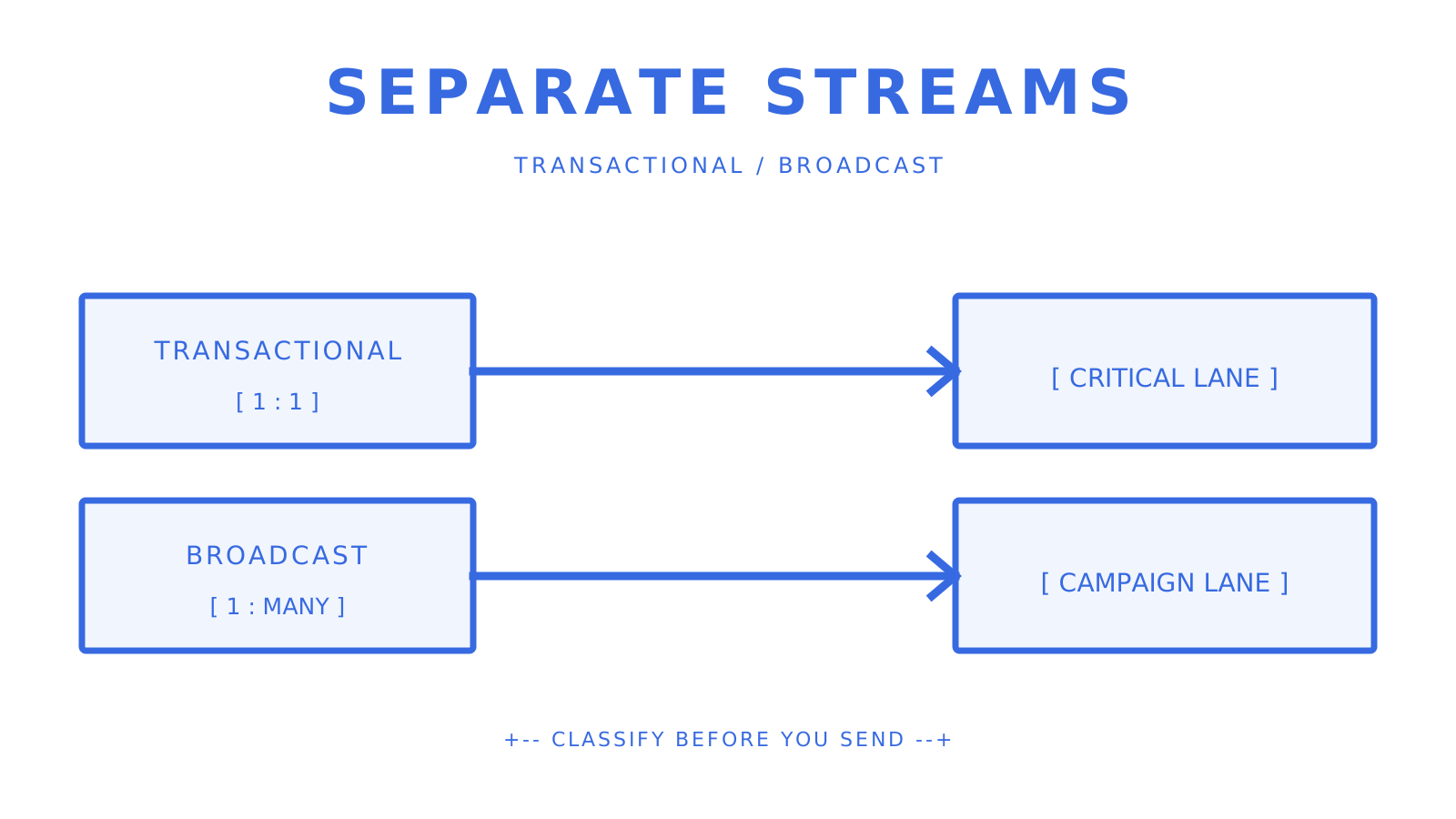
Transactional and broadcast messages using separate sending streams.
Separate streams keep critical and campaign traffic observable as different workloads.
## What engineering teams actually live with after the decision Migration work is more than just swapping out an API. Teams need verified domains, up-to-date DNS records, suppression migration, event-handler changes, template parity, idempotent retries, and rollback criteria. Dedicated IP warmup is often the longest lead-time item. [Amazon SES](https://docs.aws.amazon.com/ses/latest/dg/dedicated-ip-warming.html) documents roughly two to six weeks depending on the receiving provider and a 45-day automatic warmup progression for standard dedicated IPs. Shared IPs can be the better fit for low or irregular volume.
Email volume increasing gradually across a dedicated IP warmup timeline.
A dedicated sender earns reputation through controlled, gradual volume.
A two-tool stack also adds operational surfaces: credentials, invoices, dashboards, webhooks, and incident ownership. Before migration, document which system owns each message class and delivery event. Automation claims deserve the same discipline as delivery claims. Test workflow triggers and content review separately from inbox placement; one does not prove the other. **Pro Tip:** *Start with the smallest consent-based seed set that can answer your placement question. Verify Gmail, Outlook, and any other material destination without promising an arbitrary 500–1,000-message batch or a 20-minute result.* ## Sendmux covers the buyer job these alternatives address Sendmux fits application-owned mailbox workflows that need sending and receiving in one public contract. Mailbox-scoped credentials expose explicit permissions such as email.send, email.receive, mailbox.read, and mailbox.settings.update. Clean message and thread content, inbound SSE, signed outbound webhooks, configured sending accounts, quota windows, and delivery observability are present in the reviewed owners. Configured accounts can use custom SMTP, Gmail API, Outlook API, or managed Amazon SES. The implementation filters blacklisted or quota-exhausted accounts and selects available accounts by weight. Treat this as verified availability-aware routing, not a universal automatic-failover promise. Sendmux Pro costs $7 per team each month plus $0.000500 per connected-provider accepted recipient. For multi-tenant products, the [platform overview](https://sendmux.ai/solutions/platform-builders) describes the operating model; the owning repositories remain the authority for technical claims. ## Sources - [CAN-SPAM Act: A Compliance Guide for Business — FTC](https://www.ftc.gov/business-guidance/resources/can-spam-act-compliance-guide-business) - [Postmark Message Streams](https://postmarkapp.com/support/article/how-to-create-and-send-through-message-streams) - [Amazon SES pricing](https://aws.amazon.com/ses/pricing/) - [Amazon SES dedicated IP warmup](https://docs.aws.amazon.com/ses/latest/dg/dedicated-ip-warming.html) - [Mailgun Routes](https://documentation.mailgun.com/docs/mailgun/user-manual/receive-forward-store/routes) - [Twilio SendGrid v3 Mail Send](https://www.twilio.com/docs/sendgrid/for-developers/sending-email/v3-mail-send-faq) - [Twilio SendGrid Marketing Campaigns Single Sends](https://www.twilio.com/docs/sendgrid/api-reference/single-sends/create-single-send) - [Brevo marketing, transactional, and automation email](https://help.brevo.com/hc/en-us/articles/360021196220-What-are-the-differences-between-marketing-transactional-and-automation-emails) - [Mailtrap Email Sandbox](https://docs.mailtrap.io/getting-started/email-sandbox) - [Resend Send Email API](https://resend.com/docs/api-reference/emails/send-email) - [Mailchimp Transactional Email](https://mailchimp.com/help/about-transactional-email/) - [Loops quickstart](https://loops.so/docs/quickstart) - [Loops transactional versus marketing guidance](https://loops.so/docs/guides/transactional-vs-marketing-email) - [MailerSend transactional templates](https://www.mailersend.com/help/how-to-create-a-template) ## FAQ ### What is the cheapest Postmark alternative at high volume? [Amazon SES](https://aws.amazon.com/ses/pricing/) lists a base outbound price of $0.10 per 1,000 messages before data and optional features. Sendmux Pro costs $7 per team each month plus $0.000500 per connected-provider accepted recipient. The cheapest complete system depends on data, inbound processing, dedicated IPs, support, mailboxes, and the operational work your team owns. ### Which Postmark alternative is best for AI agents that need to send and receive email? Sendmux is a practical fit when agents need application-owned mailboxes, clean JSON message content, scoped mailbox credentials, inbound SSE, signed outbound webhooks, and configured sending accounts in one public contract. Gmail API or Microsoft Graph can be more direct when an agent should act through an existing provider mailbox. ### How do I keep transactional emails out of spam when switching providers? Authenticate the exact sending domain, preserve suppression state, classify traffic correctly, and follow the destination provider's current sender requirements. Keep transactional and broadcast traffic on distinct supported streams, then increase dedicated-IP volume gradually under the chosen provider's official warmup guidance. ### Do any Postmark alternatives offer EU data residency for GDPR compliance? Do not infer EU data residency from a provider's headquarters or marketing category. Confirm the exact processing region, subprocessors, transfer mechanism, retention terms, and data-processing agreement in the provider's current official contract; the source draft's grouped residency claim was not retained without that evidence. ### What is the difference between a transactional email provider and a lifecycle email tool? A transactional provider handles one-to-one messages triggered by a user action, such as password resets and receipts. A lifecycle tool adds campaigns or event-driven sequences such as onboarding and re-engagement. Postmark documents Transactional and Broadcast streams, while Loops documents separate Campaign, Workflow, and Transactional message types; teams may use one platform or a two-tool stack while keeping responsibilities explicit. --- title: "Best Email APIs for Developers: 2026 Comparison Guide" description: "Discover the best email APIs for developers in 2026. Compare features like real mailboxes, parsing, and delivery options to find your ideal choice." canonical: "https://myagent.mx/blog/best-email-api" publishedAt: "2026-08-12T00:00:00.000Z" updatedAt: "2026-08-12T00:00:00.000Z" category: "apis" topic: "best vercel email api" author: "Roshan Jonnalagadda" authorProfile: "https://myagent.mx/blog/author/roshan-jonnalagadda" keywords: - "best vercel email api" - "best email api for agents" - "best email api for gmail" - "best email api for outlook" - "best microsoft 365 email api" - "best email integration services" - "best email api" - "affordable email API solutions" - "email API for developers" - "email API comparison" - "top email API providers" - "best email api for developers" --- # Best Email APIs for Developers: 2026 Comparison Guide Discover the best email APIs for developers in 2026. Compare features like real mailboxes, parsing, and delivery options to find your ideal choice.
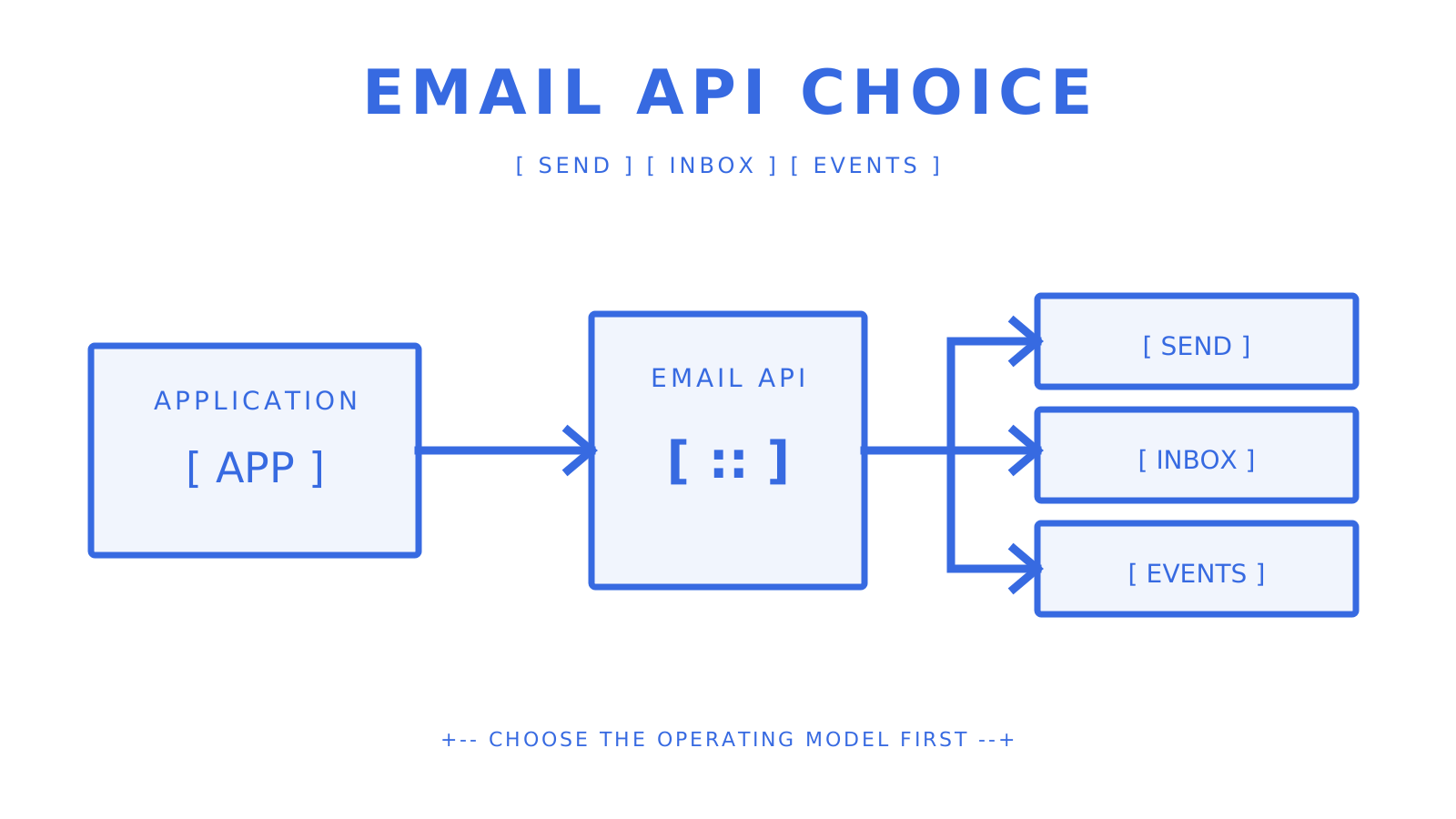
Application choosing an email API for sending, inboxes, and webhooks.
A mailbox-aware application compares sending, receiving, and event paths.
For AI agents and multi-tenant platforms that need both mailbox state and outbound routing, Sendmux is a strong starting point. Its current public contracts combine real mailboxes, clean JSON message and thread content, scoped mailbox credentials, weighted sending accounts, quota windows, and observable delivery outcomes. If you only need to act through an existing Gmail or Microsoft 365 user's mailbox, the Gmail API or Microsoft Graph may be the more direct fit. Quick orientation before you dig into the full comparison: - **Mailbox-first APIs (agents, multi-tenant SaaS):** Sendmux. Real mailboxes, mailbox-scoped credentials, clean message content, and weighted routing across configured sending accounts. - **High-volume transactional sending:** Established SMTP platforms with dedicated IP options and deep delivery analytics. - **Marketing + transactional hybrid:** Marketing platforms that expose an API alongside campaign tools. - **Developer-first transactional APIs:** Providers with strong SDKs, excellent documentation, and fast time-to-first-email. - **Cost-sensitive or low-volume projects:** Usage-based or generous free-tier providers where you pay only for what you send. Developers searching for the **best email api**, **best email api for developers**, or an **email API for developers** should first separate delivery infrastructure from provider-mailbox access. This **email API comparison** covers **top email API providers**, **affordable email API solutions**, the **best email integration services**, the **best email api for agents**, the **best vercel email api**, the **best email api for gmail**, the **best email api for outlook**, and the **best microsoft 365 email api** without treating those different jobs as interchangeable. Authentication is non-negotiable regardless of which provider you pick. [Gmail's sender guidelines](https://support.google.com/mail/answer/81126?hl=en) require SPF or DKIM for all senders and SPF, DKIM, and DMARC for senders above its bulk threshold. [Yahoo's postmaster guidance](https://blog.postmaster.yahooinc.com/post/730172167494483968/more-secure-less-spam) adds similar requirements, while [Microsoft's high-volume sender rules](https://techcommunity.microsoft.com/blog/microsoftdefenderforoffice365blog/strengthening-email-ecosystem-outlook%E2%80%99s-new-requirements-for-high%E2%80%90volume-senders/4399730) require SPF, DKIM, and DMARC for domains sending more than 5,000 messages per day to Outlook consumer addresses. **Pro Tip:** *Before evaluating an email API, verify how it exposes SPF, DKIM, DMARC, custom MAIL FROM or bounce handling, and current verification status. Record generation is useful, but your team still owns correct DNS publication and sender behavior.* *** ## Key Takeaways The best fit depends on the ownership model. Sendmux fits application-owned or agent-owned mailboxes with scoped credentials and provider routing; Gmail API and Microsoft Graph fit authorized access to existing provider mailboxes; Amazon SES and transactional platforms fit delivery-first workloads. | Point | Details | |---|---| | Top pick for agent-owned mailboxes | Sendmux covers mailbox state, scoped credentials, weighted sending accounts, quotas, and delivery observability in one public API surface. | | Authentication is a gating requirement | Gmail and Outlook apply explicit SPF, DKIM, and DMARC requirements to high-volume senders; validate the rules for every destination you target. | | POC timebox | A 48–72 hour test can exercise setup, parsing, and small consent-based seed sends; throughput and alternate-route tests need an approved non-production plan. | | Cost model matters | Compare the same unit and included operations. Sendmux Pro is $7 per team each month plus $0.000500 per connected-provider accepted recipient; Amazon SES lists $0.10 per 1,000 outbound messages plus data and optional-feature charges. | | Inbound is often an afterthought | If your app will ever need to receive replies, start with a mailbox-first API to avoid a costly retrofit later. | *** ## How do the top email APIs compare side by side? A useful comparison begins with the operating model, not a fictional feature score. The source draft said it included 15 providers but did not provide a 15-provider table, so this baseline limits the comparison to current, documented examples, leaving vendor-specific gaps explicit. | Option | Primary model | Inbound or mailbox scope | Current price evidence | |---|---|---|---| | Sendmux | Agent and platform mailbox API plus configured sending accounts | Real mailboxes, clean message and thread content, inbound SSE, outbound webhooks | Pro is $7 per team each month plus $0.000500 per connected-provider accepted recipient | | Amazon SES | Delivery-first cloud email service | Receipt-rule inbound service; application mailbox semantics are your responsibility | $0.10 per 1,000 outbound messages, plus data and optional features | | Brevo | Marketing and transactional platform with API access | Confirm the exact inbound product required for your workflow | Free plan currently includes 300 sends per day | | Gmail API | Authorized access to Gmail mailbox data and sending | Gmail user's mailbox, messages, threads, labels, and watches | Governed by Google account and API policies rather than a generic delivery price | | Microsoft Graph mail | Authorized access to Exchange Online primary and shared mailboxes | Microsoft 365 and Outlook mailbox data | Governed by Microsoft licensing and API policies | **One non-obvious tradeoff worth flagging:** dedicated IPs isolate reputation only after warmup and require consistent sending. Amazon SES documents roughly two to six weeks depending on the receiving provider, with its standard automatic warmup percentage progressing over 45 days. Shared pools are ready immediately, while the provider manages the pool-level reputation. Choose from your actual volume and sending pattern rather than assuming dedicated is always better. **Pro Tip:** *When comparing pricing tiers, check whether inbound messages, storage, and webhooks are billed separately. Some providers advertise a low per-email rate but charge extra for every inbound event or attachment stored.* *** ## How was this comparison put together? Current primary documentation should settle technical and pricing claims. The evaluation still uses deliverability, SDK quality, inbound behavior, security, throughput controls, and pricing transparency as practical axes; independent roundups remain useful for discovering candidates, not verifying them. **Evaluation criteria:** - Deliverability: domain authentication support (SPF, DKIM, DMARC), dedicated IP availability, reputation monitoring, and feedback loop access - SDK quality: language coverage, OpenAPI spec availability, example code, and time-to-first-send in a clean environment - Inbound parsing: whether the provider offers real mailboxes or only a webhook-based parse relay, and the structure of the parsed payload - Security: webhook signing, per-key permission scoping, TLS enforcement, and compliance certifications (SOC 2, GDPR) - Throughput and failover: rate-limit behavior, burst handling, multi-region routing, and automatic failover across providers - Pricing model: per-recipient vs. subscription, free tier limits, overage behavior, and hidden fees (per-mailbox, per-seat, per-inbound) **Recommended test procedures:** - Send and receive tests: authenticated domain setup, single-message send, reply threading, and inbound delivery confirmation - Inbox placement checks: test sends to Gmail and Outlook addresses to verify inbox vs. spam placement - Webhook latency: time from send event to webhook delivery under normal and degraded conditions - Throughput ramp: batch sends to observe rate-limit behavior and backpressure handling - Domain authentication verification: SPF, DKIM, and DMARC record validation using standard DNS lookup tools **Transparency note:** This MyAgent guide recommends Sendmux for mailbox-first agent and platform use cases, so each Sendmux statement is tied to its owning repositories and targeted checks. Claims about Amazon SES, Brevo, Gmail, Outlook, Yahoo, and Apple come from their current official documentation. [Apple's Mail Privacy Protection](https://www.apple.com/legal/privacy/data/en/mail-privacy-protection/) makes open rate a poor inbox-placement signal; use delivery outcomes and controlled seed inboxes instead. *** ## What does Sendmux actually offer developers? Sendmux is built around mailbox-first application workflows. A mailbox can use the shared `@myagent.mx` domain or a verified custom domain, and the public APIs cover mailbox state, sending, message and thread content, credentials, provider configuration, and delivery outcomes. The Mailbox API covers messages, threads, folders, attachments, identities, quotas, and usage. Message and thread content endpoints return deterministic clean JSON with text and HTML bodies plus attachment metadata. Sending supports single and batch requests, with a batch maximum of 100 items in the current contract. An `Idempotency-Key` header protects supported send retries. Inbound mailbox events are available over SSE; outbound delivery changes are delivered through HMAC-SHA256 signed webhooks. Configured sending accounts can use custom SMTP, Gmail API, Outlook API, or managed Amazon SES. Each account exposes routing weight and per-second, per-minute, per-hour, and per-day quota windows. The sending implementation filters blacklisted or quota-exhausted accounts and selects from available accounts by weight. The reviewed owner records a 10M+ accepted messages per day capacity target; that is not a blanket production guarantee for every tenant or destination. **Pros:** - Mailbox-first design: real mailboxes, scoped credentials with explicit send/receive/read/update permissions, and clean JSON message content - Weighted configured sending accounts with quota windows, availability filtering, delivery logs, and idempotent supported mutations **Cons:** - Newer than legacy providers like SendGrid or Amazon SES, so the community ecosystem and third-party integrations are still growing - Pro costs $7 per team each month plus usage; connected-provider recipients cost $0.000500 each, managed Amazon SES recipients cost $0.000750 each, and storage costs $0.02 per decimal GB-month **Best for:** AI agent builders, multi-tenant SaaS platforms, outbound agencies isolating workflows per client, and any team that needs sending and receiving in one API rather than stitching together a sender, a parser, and a webhook relay. *** ## How do you estimate real email API costs? Email API pricing models tend to fall into three broad categories, each with a different cost profile at scale.
Usage-based, subscription, and dedicated-IP email API cost models.
Compare the unit price, included operations, and optional infrastructure separately.
**Usage-based (per-recipient or per-message):** You pay for measured activity, but the billable unit and included operations vary. Sendmux charges $0.000500 per provider-accepted recipient through an owned or connected provider. Amazon SES lists $0.10 per 1,000 outbound messages, plus outgoing data and optional-feature charges. Check the base charge, storage, inbound, seat, and mailbox terms as well. **Subscription tiers:** A fixed monthly fee covers a message allowance, with overages billed per message above the cap. Predictable for steady-state volume, but you pay for unused capacity during low months and face surprise overage bills during spikes. **Dedicated IP add-ons:** Generic $20–$30/month estimates age quickly. Amazon SES currently lists managed dedicated IPs from a $15 monthly account fee plus $0.08 per 1,000 emails; check the exact provider and region before budgeting. | Provider type | Sample cost: 100K messages/month | Free tier | Key cost caveat | |---|---|---|---| | Sendmux (standard) | $15.00 | No minimum commitment | Storage billed separately at $0.02/GB/month | | Amazon SES outbound | $10 base sending price | AWS free-tier eligibility varies | Data transfer, attachments, inbound chunks, and optional features are separate | | Brevo free plan | $0 | 300 sends per day | Unused daily sends do not roll over; plan features and branding limits apply | | Subscription provider | Verify current tier | Provider-specific | Compare overages and included inbound, storage, webhooks, and seats | | Dedicated IP option | Provider-specific | Not a free-tier feature | Warmup, volume consistency, and extra charges apply | **Worked example:** 100K standard messages through Sendmux customer-configured providers is $15.00 at the verified message rate. The source draft's $1.50 inbound, $0.02 storage, and $16.52 total are not retained because the reviewed owners do not establish those additions. Model inbound, data, storage, attachments, retention, and optional infrastructure from the provider's current billable units. **Pro Tip:** *To compare pay-as-you-go against a subscription tier fairly, model your peak month, not your average. Subscription tiers look cheaper at average volume but often cost more when you factor in the one or two months per year where you exceed the cap.* *** ## How do you pick the right email API for your project? Start with the basics. If a provider fails any of these requirements, move on before evaluating anything else. **Must-have checklist:** 1. Full domain authentication: SPF, DKIM, DMARC, and bounce-handling DNS records, configurable per domain 2. SDKs in your stack's language, with an OpenAPI spec and working example code 3. Inbound parsing or real mailboxes, if your application needs to receive and act on replies 4. Documented rate limits with clear burst behavior and retry guidance 5. Idempotency support on send endpoints so retries don't produce duplicate messages 6. A documented retry model and, when required, a verified alternative-route behavior 7. Webhook delivery with payload signing (HMAC or equivalent) 8. Transparent pricing that names message, inbound, storage, seat, mailbox, and optional-infrastructure charges **Nice-to-have:** - Multi-region infrastructure for latency reduction and redundancy - Dedicated IP options with warmup support - SOC 2 or equivalent compliance certification - Team roles and tenant isolation for multi-customer platforms - CLI tooling and local development support **Questions to ask vendors before committing:** - What authentication methods does the API support (API key, OAuth, JWT)? - Are webhook deliveries signed, and what's the retry policy if my endpoint is down? - What's the maximum batch size per API call, and what happens when I hit a rate limit? - Are envelope limits (RCPT TO count) and header limits documented? - Is inbound parsing included, or is it a separate product or add-on? - What's the SLA for delivery latency on transactional messages? **Red flags to walk away from:** - No inbound support at all, if your use case involves receiving replies - Domain authentication that requires manual DNS setup with no verification tooling - Pricing that gates inbound parsing, webhooks, or dedicated IPs behind enterprise plans with no published rates - No SDKs, no OpenAPI spec, and example code that's more than two years out of date - No documented failover behavior or retry model *** ## What should you verify about deliverability and scaling before you commit? Deliverability is an operating property, not a checkbox. A clean API cannot compensate for poor authentication, consent, list hygiene, reputation, or destination-specific requirements. Run controlled checks before committing production traffic. **Deliverability checklist:** - Verify SPF, DKIM, and DMARC records for the exact sending domain using authoritative DNS queries and the destination provider's official tools, such as Google Admin Toolbox - Confirm the provider supports custom bounce-handling subdomains so bounces don't pollute your root domain's reputation - Check whether dedicated IPs are available and what the warmup process looks like - Ask whether the provider participates in feedback loops with major mailbox providers - Run test sends to Gmail and Outlook addresses and check placement (inbox vs. promotions vs. spam) Note that Apple's Mail Privacy Protection prefetches email content, making open rates unreliable as a placement signal. Measure delivered vs. bounced, and use synthetic inbox placement tools rather than open tracking during your POC. Microsoft's updated Outlook requirements add stricter authentication and sending-pattern expectations for high-volume senders. Test against Outlook explicitly, not just Gmail. **Throughput verification:** - Review the provider's published rate limits (per second, per minute, per day) and confirm they match your peak traffic profile - Test burst behavior only within a provider-approved non-production plan. Do not send at 2x your expected rate merely to probe limits; verify documented 429 and `Retry-After` behavior with the smallest safe workload - Confirm whether the provider supports multi-region routing or has infrastructure in multiple data centers - For agent workloads, verify webhook delivery latency under load, not just at idle
Queue, quotas, and provider routes handling controlled email volume.
Queues and quota windows make high-volume behavior observable before scale-up.
**Illustrative 48–72 hour POC mini-test plan:** This is a sequence, not a universal duration or permission to send bulk traffic. Use consented seed addresses, provider-approved limits, and a non-production route. 1. Configure domain authentication (SPF, DKIM, DMARC) and verify DNS propagation 2. Decide whether a 500–1,000-message test is justified for your approved seed set; begin with the minimum volume that can answer the placement question 3. Trigger a reply to one of those messages and confirm inbound delivery and parsed payload structure 4. Ramp to your expected peak send rate and observe rate-limit behavior and delivery logs 5. Exercise documented alternative-route behavior only in an isolated non-production configuration; never disrupt or mutate a live provider 6. Check webhook delivery latency from send event to your endpoint under normal conditions *** ## Why does Sendmux fit AI agents and multi-tenant platforms specifically? Delivery-first APIs, provider-mailbox APIs, and application-owned mailbox APIs solve different jobs. Sendmux fits the third category: applications can provision mailbox identities, read clean message content, use scoped credentials, and route outbound through configured sending accounts. **Feature highlights relevant to agent workloads:** - Real mailboxes on `@myagent.mx` or a verified custom domain; confirm current mailbox pricing separately - Per-mailbox API keys scoped to explicit permissions (send, receive, read, update) - Structured JSON inbound parsing: cleaned text and HTML, thread context, attachments, and metadata, all in one payload - SSE for inbound mailbox events and HMAC-SHA256 signed webhooks for outbound delivery changes - IMAP and SMTP access for clients that need protocol-level access
Scoped mailbox credential protecting an agent email API.
A scoped credential limits an agent to the mailbox permissions it needs.
**Specific agent use cases Sendmux handles well:** - **Outbound agent notifications:** Send transactional or triggered messages from an agent's own identity, with delivery logs covering queued, sent, delivered, bounced, and failed states - **Inbound reply handling:** Receive replies into a real mailbox, parse them as JSON, and pass the cleaned reply text directly to your agent's context window - **Multi-tenant mailbox isolation:** Each customer or workspace can use its own mailbox and scoped credential. This isolates application access and state; provider or IP reputation isolation requires separate verified sending configuration - **Real-time events:** Inbound SSE and outbound webhooks reduce polling, while durable consumers still need reconnect and replay logic The sending infrastructure supports weighted configured accounts across Gmail API, Outlook API, managed Amazon SES, and custom SMTP. Quota and availability filters influence weighted selection. The owner records a 10M+ accepted messages per day capacity target, which should be validated against your own destination mix and workload. Developers get an OpenAPI 3.1 contract plus first-party SDKs for TypeScript, Python, Go, PHP, Ruby, and Rust. The source draft's 104-command CLI count, LangChain integration, and Vercel AI SDK integration are omitted because the reviewed owners do not support those exact publication claims. **Pro Tip:** *Use team and mailbox scopes, resource limits, domain verification, and explicit sending-account configuration to isolate access and quotas. Do not claim reputation isolation unless the underlying provider, domain, and IP setup actually creates it.* *** ## What's the final recommendation? For AI agents, multi-tenant SaaS platforms, and teams that need application-owned mailboxes plus outbound routing, Sendmux is a practical starting point. For authorized access to an existing Gmail or Microsoft 365 mailbox, use the provider API directly. For delivery-only workloads, compare transactional providers on authentication, event semantics, retries, quotas, and current pricing. For teams building pure transactional sending without inbound requirements, established high-volume SMTP platforms offer deep delivery analytics and large community ecosystems. For marketing-plus-transactional hybrids, marketing platforms with API access are a reasonable fit. The decision criteria in the checklist above apply regardless of which direction you go. **Illustrative POC checklist (1-week timebox):** - **Days 1–2:** Configure domain authentication, send 500–1,000 test messages, verify inbox placement against Gmail and Outlook - **Days 3–4:** Test inbound delivery and parsed payload structure; verify webhook signing and latency - **Days 5–7:** Ramp to peak send rate, observe rate-limit behavior, simulate failover if supported **The single most important metric to validate:** - For transactional email: inbox placement rate against Gmail and Outlook (not open rate, per Apple MPP) - For real-time agent workloads: webhook delivery latency from send event to your endpoint under load *** ## An honest take on the tradeoffs The hardest part of choosing an email API isn't comparing features. It's being honest about what your application really needs, rather than what sounds good in a requirements document. Sendmux is a strong fit when an application needs to send and receive through owned mailbox identities, or when several tenants need scoped mailbox access and configured outbound routes. Its usage-based standard-message price is verified; seat, mailbox, inbound, storage, and managed-provider costs must be confirmed separately. If you are building a straightforward delivery-only notification system and already operate in AWS, [Amazon SES pricing](https://aws.amazon.com/ses/pricing/) lists $0.10 per 1,000 outbound messages before data and optional features. If a non-technical marketing team needs campaign design and audience tools, evaluate a marketing platform's API alongside those workflow features. The mistake most teams make is choosing a sending-only API and then bolting on a mailbox hack and a third-party parser when the product evolves to need replies. That's three systems to maintain instead of one. If there's any chance your application will need inbound email in the next year, start with a mailbox-first API and avoid the retrofit. *** ## Sendmux: one API for sending, receiving, and routing If you are building an AI agent, multi-tenant platform, or outbound workflow where each client needs an application-owned mailbox identity, Sendmux combines mailbox APIs, clean inbound content, weighted configured sending accounts, quota windows, and delivery observability in one contract. Pro costs $7 per team each month plus usage. Connected outbound and inbound events cost $0.000500 each, managed Amazon SES accepted recipients cost $0.000750 each, and storage costs $0.02 per decimal GB-month. The [platform page for multi-tenant builders](https://sendmux.ai/solutions/platform-builders) describes the operating model; repository evidence remains the authority for technical claims. A practical first step is to create a non-production mailbox, verify the required SPF, DKIM, DMARC, and bounce-handling records, and send the smallest consent-based seed set that answers your placement question. Do not promise a 1,000-message test or an under-two-hour result before DNS, provider approval, and workload limits are known. See the [product overview](https://sendmux.ai/product) for the current public entry point. *** ## Sources - [Mail Privacy Protection](https://www.apple.com/legal/privacy/data/en/mail-privacy-protection/) - [Gmail security, authentication, and spam protection](https://blog.google/products/gmail/gmail-security-authentication-spam-protection/) - [More secure, less spam](https://blog.postmaster.yahooinc.com/post/730172167494483968/more-secure-less-spam) - [11 Best Email API Services for Developers in 2026 (Reviewed)](https://www.emailvendorselection.com/best-email-api/) - [Email sender guidelines — Gmail](https://support.google.com/mail/answer/81126?hl=en) - [Outlook high-volume sender requirements — Microsoft](https://techcommunity.microsoft.com/blog/microsoftdefenderforoffice365blog/strengthening-email-ecosystem-outlook%E2%80%99s-new-requirements-for-high%E2%80%90volume-senders/4399730) - [Gmail API overview — Google for Developers](https://developers.google.com/workspace/gmail/api/guides) - [Outlook mail API overview — Microsoft Graph](https://learn.microsoft.com/en-us/graph/outlook-mail-concept-overview) - [Amazon SES pricing](https://aws.amazon.com/ses/pricing/) - [Amazon SES dedicated IPs and warmup](https://docs.aws.amazon.com/ses/latest/dg/dedicated-ip-warming.html) - [Brevo Free plan limits](https://help.brevo.com/hc/en-us/articles/208580669-FAQs-What-are-the-limits-of-the-Free-plan) *** ## FAQ ### Is there a free email API? Several providers offer free tiers. [Brevo's current Free plan](https://help.brevo.com/hc/en-us/articles/208580669-FAQs-What-are-the-limits-of-the-Free-plan) includes 300 sends per day. Sendmux uses usage-based standard-message pricing rather than a verified free tier, so calculate low-volume cost from the current rate and confirm all other billable units. ### Which email API is the cheapest for high volume? [Amazon SES](https://aws.amazon.com/ses/pricing/) lists $0.10 per 1,000 outbound messages before data and optional features. Cheapest depends on recipient count, message data, inbound use, dedicated IPs, support, and the mailbox or workflow capabilities your application would otherwise build. ### What is the best email API for AI agents? Sendmux fits agent workloads that need real mailboxes, clean JSON message content, scoped mailbox credentials, and weighted configured sending accounts. Gmail API or Microsoft Graph can be a better fit when the agent should act through an existing user's provider mailbox. ### How do you send at very high volume through an email API? Verify domain authentication first, follow the chosen provider's rate and warmup guidance, and increase volume gradually. Amazon SES documents roughly two to six weeks for dedicated-IP warmup depending on the receiving provider. Sendmux records a 10M+ accepted messages per day capacity target with weighted accounts and quota windows; treat that as a capacity target, not a workload guarantee. ### What is the best email API for Gmail and Outlook compatibility? No API can guarantee Gmail or Outlook placement. For an existing Gmail mailbox, the [Gmail API](https://developers.google.com/workspace/gmail/api/guides) provides authorized mailbox access and sending. For Microsoft 365 and Outlook mailboxes, [Microsoft Graph](https://learn.microsoft.com/en-us/graph/outlook-mail-concept-overview) covers primary and shared mailbox data. Delivery platforms must still satisfy [Gmail's sender guidelines](https://support.google.com/mail/answer/81126?hl=en) and Microsoft's current high-volume authentication requirements. --- title: "Transactional vs Marketing Email: A Practical Guide" description: "Learn the key differences between transactional and marketing emails. Understand their roles, compliance, and how to optimize your email strategy." canonical: "https://myagent.mx/blog/transactional-vs-marketing-email" publishedAt: "2026-08-11T00:00:00.000Z" updatedAt: "2026-08-11T00:00:00.000Z" category: "strategy" topic: "transactional vs outreach" author: "Roshan Jonnalagadda" authorProfile: "https://myagent.mx/blog/author/roshan-jonnalagadda" keywords: - "transactional vs outreach" - "transactional vs marketing email" - "transactional email vs marketing email" - "email marketing strategies" - "differences between transactional and marketing emails" - "how to use transactional emails" - "what are transactional emails" - "benefits of marketing emails" - "transactional email best practices" - "examples of marketing emails" - "difference between transactional and marketing email" --- # Transactional vs Marketing Email: A Practical Guide Learn the key differences between transactional and marketing emails. Understand their roles, compliance, and how to optimize your email strategy.
Transactional and marketing email streams routed through separate delivery lanes.
Separate ASCII delivery lanes protect expected messages from campaign traffic.
Transactional email is an expected, one-to-one message triggered by a user action. Marketing email is a campaign-driven, one-to-many promotion sent to a list. The fastest classification rule is simple: if the recipient expects the message because of something they just did, treat it as transactional. If you chose to send it, treat it as marketing. That distinction shapes consent, infrastructure, legal compliance under [CAN-SPAM](https://www.ftc.gov/business-guidance/resources/can-spam-act-compliance-guide-business) and GDPR, and the sending architecture you build. Get it wrong and you risk deliverability, reputation, and sometimes a regulatory fine. Sendmux supports separate sending identities and weighted routing across configured sending accounts, so teams can keep these streams operationally distinct. Quick orientation before we go deeper: - **Transactional:** event-triggered, one-to-one, expected, time-sensitive, generally exempt from CAN-SPAM opt-out requirements when the primary purpose is transactional. - **Marketing:** campaign-driven, one-to-many, promotional or engagement-focused, requires a working unsubscribe link and physical postal address under CAN-SPAM. - **The gray zone:** lifecycle and hybrid messages that blend both, requiring a primary-purpose test to classify correctly. When readers compare **transactional vs marketing email** or **transactional email vs marketing email**, they are usually asking about the **difference between transactional and marketing email**. This guide covers the **differences between transactional and marketing emails**, **what are transactional emails**, **how to use transactional emails**, **transactional email best practices**, **examples of marketing emails**, the **benefits of marketing emails**, and the **email marketing strategies** that keep both streams compliant. The more specific phrase **transactional vs outreach** describes the same infrastructure boundary when the marketing stream is sales-led. ## Key Takeaways The key rule is this: if the recipient triggered the message, it is transactional. If you decided to send it, it is marketing, and CAN-SPAM's opt-out and physical-address requirements apply. | Point | Details | |---|---| | Classification rule | Transactional = user-triggered, one-to-one; marketing = sender-initiated, one-to-many. | | CAN-SPAM compliance | Marketing emails must include a working unsubscribe link and physical address; purely transactional messages are exempt when the primary purpose is transactional. | | Infrastructure separation | Use separate subdomains and IP pools for each stream to prevent marketing complaints from degrading transactional deliverability. | | Latency targets | Set workload-specific SLOs; sub-2-second auth and sub-10-second confirmation targets are examples, not universal inbox-delivery benchmarks. | | Sendmux | Exposes weighted sending accounts, quota windows, custom-domain verification status, delivery logs, and CSV export for teams that need infrastructure separation. | ## What is a transactional email, and when do recipients expect it? [Transactional email is an automated, event-triggered message](https://moosend.com/blog/transactional-email-best-practices/) that delivers essential one-to-one information a recipient expects after taking an action. The operative word is *expected*. Someone resetting a password or placing an order is actively waiting for a response. A delay or failure at that moment is a product failure, not just an email problem. Core characteristics that define a transactional message: 1. **Single recipient.** Sent to one person based on their specific action, not a segment. 2. **Event-triggered.** Fired by a system event: a purchase, a signup, a failed login, a shipment update. 3. **Informational primary purpose.** The message's main job is to confirm, notify, or authenticate, not to sell. 4. **High recipient expectation.** The user is actively waiting for it, often within seconds. 5. **Time-sensitive.** A password reset that arrives in 20 minutes may already be useless. If an OTP expires in 5 minutes, a team might set an internal SLO to hand it off in under 2, but the correct target depends on the product and cannot guarantee inbox arrival. Common examples are order confirmations ("Your order #84321 has shipped"), password reset links, one-time passcodes, shipping notifications, security alerts for new-device logins, and welcome emails sent immediately after account creation. Each one has a clear cause-and-effect relationship between the user's action and the message. [Transactional emails consistently see higher open rates than marketing campaigns](https://impro.email/transactional-emails-the-complete-guide-to-best-practices-and-deliverability/) because recipients are primed to look for them. That trust is an asset worth protecting. Cluttering a password reset with a banner ad is the fastest way to erode it. **Subject-line examples for common transactional events:** - Password reset: `Reset your password (expires in 10 minutes)` - Order confirmation: `Order #84321 confirmed — here's your receipt` - Shipping update: `Your package is out for delivery today` - Security alert: `New sign-in to your account from Chicago, IL` ## What makes a marketing email different, legally and operationally? Marketing email, also called promotional or commercial email, is batch-and-blast or campaign-driven messaging sent to recipients who share a characteristic: a segment, a behavior cohort, or an entire subscriber base. The sender initiated it; the recipient did not. Core characteristics: - **One-to-many.** The same message, or a personalized variant, goes to a defined list. - **Campaign-driven.** Scheduled or triggered by a marketing calendar or lifecycle rule, not a user action. - **Promotional or engagement-focused.** The goal is to sell, re-engage, educate, or nurture, not to confirm a transaction. - **Opt-out required by law.** Under CAN-SPAM, commercial emails must include a working unsubscribe mechanism and a valid physical postal address. Recipients have 10 business days after opting out for the sender to honor that request. Typical formats include weekly newsletters, promotional discount emails, product launch announcements, re-engagement campaigns, cross-sell and upsell broadcasts, and seasonal sale emails. For a deeper look at how these fit into a broader [email marketing strategy](https://babylovegrowth.ai/blog/what-is-email-marketing-guide-cost-effective-growth), campaign structure and list hygiene matter just as much as the message. | Feature | Transactional | Marketing | |---|---|---| | Trigger | User action | Sender decision | | Audience | Single recipient | List or segment | | Primary purpose | Inform / confirm | Promote / engage | | CAN-SPAM opt-out required | No (if primary purpose is transactional) | Yes | | Physical address required | No (if purely transactional) | Yes | | Consent model (GDPR) | Usually contract or another documented lawful basis | Consent is common, while the exact basis and electronic-marketing rules depend on the jurisdiction | | Key KPIs | Delivery rate, latency | Open rate, click-through, unsubscribes | Under GDPR, every processing purpose needs a lawful basis; necessary service messages may rely on contract, while direct marketing can sometimes rely on legitimate interests but must also satisfy applicable electronic-marketing rules. UK PECR generally requires consent for electronic mail to individuals unless the soft opt-in applies. CASL requires express or qualifying implied consent before commercial electronic messages. ## When can you include promotional content in a transactional email? You can, within limits. In the US, the FTC's primary-purpose test is the governing standard. A message remains transactional when its primary purpose is transactional or relationship-based, even if it contains some promotional content. Once promotional content dominates, the message is commercial and CAN-SPAM's full requirements apply. Practical rules for staying on the right side of that line: - **Lead with the transactional content.** The order summary, the reset link, or the shipping status must appear first and prominently. Promotional content goes below the fold. - **Keep promotional elements subordinate.** A small "You might also like" module at the bottom of a receipt can remain secondary, but no fixed layout makes it automatically safe. A full-width sale banner above the order details points toward a commercial primary purpose. - **Never use the subject line for promotion.** `Your order is confirmed — SAVE 20% TODAY` shifts the primary purpose toward commercial and risks reclassification. - **Do not add an unsubscribe link as a workaround.** Adding opt-out language does not make a commercial message transactional. Classification depends on content and purpose, not the presence of a footer link. A safe receipt email might close with: *"Based on your purchase, you may enjoy [related product]."* The unsafe version leads with a promotional banner, pushes the receipt down, and uses a subject line that reads like a campaign. [Mixing promotional content into transactional mail risks reclassification and can harm deliverability](https://thiscom.com/blog/marketing/transactional-vs-marketing-email), because mailbox providers build sender reputation by domain and subdomain. A complaint caused by a promotional element in a transactional message damages the reputation of the entire sending domain. Checklist before sending a hybrid message: - [ ] Does the transactional content appear first and occupy the majority of the message? - [ ] Is the subject line purely informational? - [ ] Is the promotional element clearly secondary (below the fold, smaller visual weight)? - [ ] If this message were reclassified as commercial, does it include an unsubscribe link and physical address? ## How should you architect your sending infrastructure for each stream? A strong risk-control architecture [separates transactional and marketing streams](https://mailflowauthority.com/email-infrastructure/transactional-email-best-practices) with distinct subdomains, different IP pools at scale, and separate sending identities. That separation protects critical transactional mail from the reputation damage caused by marketing unsubscribes and spam complaints.
Separate transactional and marketing sending streams connected to authenticated delivery accounts.
Authenticated sending streams remain separate before provider selection.
### Sending method options **SMTP relay** is a widely compatible integration path. Standards-track message submission normally uses port 587, while some providers also offer the non-standard port 2525. Your application authenticates and hands the message to the relay. This approach suits low-to-moderate volume transactional sends and teams that need protocol-level compatibility with existing mail clients. **Transactional HTTP API** gives you structured requests and responses, supports controls such as `Idempotency-Key`, and can expose detailed delivery events. For high-volume or latency-sensitive flows, an API is often easier to instrument than a long-lived SMTP integration; actual latency still depends on the complete delivery path. **Hybrid SMTP+API** works for platforms that need protocol access for some senders, such as legacy integrations or IMAP clients, while routing high-priority events through a low-latency API path. ### Authentication checklist Every transactional subdomain needs its own authentication records: - **SPF:** Publish the exact TXT policy required by each active sender for `mail.yourdomain.com`; do not copy provider IP ranges unless that provider documents the approach. - **DKIM:** Sign outbound messages with a 2048-bit key scoped to the transactional subdomain. - **DMARC:** Start with `p=none` to monitor, then move to `p=quarantine` or `p=reject` once alignment is confirmed. - **Bounce handling:** Configure a dedicated return-path address and process bounces automatically to keep your list clean. For marketing streams, RFC 8058 one-click unsubscribe (`List-Unsubscribe-Post`) is increasingly expected by Gmail and Yahoo for bulk senders. Transactional streams generally do not need it, but adding it to hybrid messages reduces friction for recipients who want to opt out of promotional elements. ### Domain and subdomain strategy | Stream | Subdomain example | Separate IP pool? | |---|---|---| | Transactional | `mail.yourdomain.com` | Yes, at scale | | Marketing | `news.yourdomain.com` | Yes, at scale | | Internal / agent | `agent.yourdomain.com` | Optional | A new subdomain takes time to warm. If you are launching a marketing program on one, increase volume gradually. Your transactional subdomain should already be warm from ongoing event-triggered sends, so isolate it from that warmup process. ## What does reliable transactional delivery actually require? Reliable transactional email is an operational discipline, not a configuration checkbox. Treat it as critical infrastructure, with separate subdomains and IP pools, full authentication, idempotency, and real-time monitoring. **Example internal latency SLOs, not universal inbox benchmarks:** - Password resets and OTPs: a team may target sub-2-second handoff or measured seed-inbox arrival for its own workload. - Order confirmations and receipts: sub-10 seconds can be an internal objective when users wait for immediate feedback. - Shipping notifications: sub-60 seconds may be an internal objective, but product needs should set the threshold. **Operational checklist:** - [ ] Log every send event: queued, sent, delivered, bounced, deferred, rejected, failed. - [ ] Implement idempotency keys at the application layer to prevent duplicate sends on retry. - [ ] Configure automatic bounce handling: suppress hard bounces immediately, retry soft bounces with backoff. - [ ] Set up real-time alerting on delivery rate drops and latency spikes. - [ ] Maintain an incident runbook: who gets paged, what the rollback path is, how to switch providers. - [ ] Monitor TLS certificate expiry on every SMTP or HTTPS endpoint you operate; certificate failure can block authenticated handoff. **Pro Tip:** *Measure end-to-end latency from event emission to inbox arrival, not merely the API response. Use seed inboxes across Gmail, Outlook, and Apple Mail to catch provider-specific delays that sending logs cannot show.* Operational mistakes like expired certificates, misaligned SPF/DKIM records, and mixed IP pools are among the most common causes of complete transactional delivery failure. Separate lanes and active monitoring are the mitigation.
Transactional delivery states moving from queue through provider routing to monitoring.
Delivery-state monitoring connects the queue, provider route, and final outcome.
## How should you design transactional email content? Transactional email design follows a different logic from marketing creative. The goal is quick comprehension, not visual impact. Recipients open these messages to find a piece of information and act on it. Anything that slows that process is a liability. Content hierarchy for a transactional message: - **Subject line:** Informational, specific, no promotional language. Include the key fact (order number, action required, status). - **Sender name:** Use a recognizable brand name or product name, not a generic `noreply@`. - **Primary action or key detail:** The reset link, the order summary, the tracking number. This goes first, above the fold. - **Secondary information:** Estimated delivery date, support contact, account details. - **Footer:** Legal text, physical address if required, plain-text link to web version. Design guidance: - Keep HTML minimal. Heavy image-based layouts break in plain-text fallback and slow rendering on mobile. - Use a single CTA. Two buttons competing for attention in a password reset email is a UX failure. - Always include a plain-text alternative. Some corporate mail clients strip HTML entirely. - Avoid unnecessary tracking pixels and remote assets in critical transactional mail. Email clients commonly block scripts, while extra remote requests can slow rendering and add privacy or filtering concerns. - For international recipients, localize timestamps to the user's timezone and format dates per locale (MM/DD/YYYY vs. DD/MM/YYYY). Accessibility matters here too. Use at least WCAG 2.1 AA contrast for text, give informative images equivalent `alt` text, use `alt=""` for purely decorative images, and structure the message with semantic HTML so screen readers can navigate it. ## What KPIs should you track for each email stream? Different streams need different metrics. Tracking marketing KPIs on a transactional stream, or vice versa, gives you the wrong signals. For transactional streams, delivery rate and time-to-inbox are useful service indicators. If your password-reset SLO is 5 seconds, a sustained breach can justify an automated alert, but that threshold must come from your product's measured objective. For marketing streams, the operational levers are engagement KPIs such as open rate, click-through rate, and revenue per send, with unsubscribe rate as a health signal. 1. **Set delivery rate alerts first.** If your transactional delivery SLO is 98%, treat a sustained drop below that threshold as an incident. 2. **Track deferred messages separately.** Deferrals that resolve within minutes are acceptable; those that age past an hour need investigation. 3. **Monitor complaint rate continuously for marketing.** Google recommends keeping reported spam below 0.1% and avoiding 0.3% or higher; investigate movement toward either threshold. 4. **Measure SLA attainment for auth flows.** Track the percentage of password resets delivered within your target window, not just average latency. For marketing campaigns, a practical guide to building effective email campaigns covers A/B testing and segmentation approaches that directly affect these KPIs. ## How does international compliance differ from US rules? CAN-SPAM regulates commercial email through truthful identification, a valid postal address, an opt-out mechanism, and prompt processing of opt-outs; it does not create a blanket right to email anyone. Most of the rest of the world operates on opt-in frameworks, and the gap matters if any of your recipients are outside the US. **GDPR (European Union):** Every marketing purpose needs a lawful basis, and separate electronic-marketing rules may require consent. Necessary transactional email may rely on contract, while other processing needs its own documented basis; transparency and data-subject rights still apply. Fines under GDPR can reach €20 million or 4% of global annual turnover, whichever is higher. **CASL (Canada):** Requires express or implied consent before sending commercial electronic messages. Implied consent has a time limit (typically 2 years from a business relationship). Violations carry fines up to CAD $10 million per violation. **PECR (United Kingdom):** PECR generally requires consent for marketing email to individuals, with a limited soft opt-in for an organisation's own similar products or services when the required notice and opt-out are provided. **Australia's Spam Act 2003:** Requires consent, accurate sender identification, and a functional unsubscribe facility. The Act sets civil-penalty ceilings in penalty units based on the provision, entity type, prior record, and number of contraventions, so the former flat AUD $1.1 million-per-day shorthand is not a reliable current statement. The practical implication: if your list includes EU, Canadian, or Australian recipients, CAN-SPAM compliance alone is not enough. You need consent records, a privacy policy, and a suppression list that reflects opt-outs across all applicable regimes. ## How should you manage user consent for both email types? Consent management is not a one-and-done checkbox. It is an ongoing operational process that affects your signup flows, preference center, suppression lists, and sending logic. For **transactional email**, do not describe consent as automatically implicit. Necessary service messages may instead rely on contract or another lawful basis, depending on jurisdiction. Explain what you send and why, minimise the data used, and keep promotional processing separate. For **marketing email**, collect valid opt-in where the applicable law requires it. Use a separate, unchecked choice for marketing communications rather than bundling it with terms acceptance. Where another route such as a documented soft opt-in or qualifying implied consent applies, record the conditions and expiry. Operational best practices: - Maintain a **suppression list** that is honored across all sending systems. An unsubscribe from one campaign must suppress all future marketing sends, not just that campaign's list. - Build a **preference center** that lets recipients choose which marketing categories they receive. Granular preferences reduce unsubscribes by giving people a middle option between "all" and "nothing." - **Timestamp and source every consent record.** Retain the signup date, form version, exact language shown, and other evidence that is lawful and necessary; an IP address is personal data and should not be collected by default without a defined need and retention period. - For marketing automation flows, check consent status at send time, not just at list-build time. A contact who unsubscribed after entering a drip sequence should not receive the next message in that sequence. - Never add transactional contacts to marketing lists without a separate opt-in. The fact that someone gave you their email to receive a receipt does not authorize you to send them a newsletter. ## What happens when you misclassify an email? Misclassification creates three kinds of consequences: legal, deliverability, and reputation. Each one compounds the others. **Legal consequences:** Sending a commercial message without a working unsubscribe mechanism or valid physical postal address violates CAN-SPAM. The FTC and other authorised enforcers can pursue penalties, and more than one person can be legally responsible for a violating message. Misclassifying a marketing email as transactional to avoid opt-out requirements is not a gray area; it is a deliberate violation. **Deliverability consequences:** When a marketing campaign runs through your transactional subdomain and generates spam complaints, those complaints damage the reputation that your password resets and OTPs depend on. Gmail and Outlook use domain and IP reputation signals that do not distinguish your intent from your recipients' experience. Google recommends keeping spam rates below 0.1% and avoiding 0.3% or higher; complaints on a transactional subdomain can contribute to filtering that delays or blocks critical messages. **Reputation consequences:** Recipients lose trust when a transactional message contains promotional content they did not expect. They mark messages as spam, disengage, and tell others. Damage to inbox reputation is harder to recover from than a deliverability dip because it reflects real human behavior, not a technical misconfiguration. ## How do you classify borderline and hybrid emails? Some messages genuinely sit between the two categories. Lifecycle emails are the most common example: a 7-day onboarding sequence triggered by signup is event-driven (transactional trigger) but promotional in purpose (driving feature adoption). An abandoned-cart email is triggered by user behavior but is clearly commercial in intent. The FTC's primary-purpose test is your classification tool. Ask three questions: 1. **What is the dominant purpose of the message?** If a recipient would describe it as "a promotion" or "an ad," it is commercial. 2. **What appears first and most prominently?** Transactional content must lead and dominate for the transactional exemption to apply. 3. **Would a reasonable recipient expect this message based on their action?** If the answer is no, treat it as marketing. Abandoned-cart emails are triggered by behavior, but their primary purpose is to recover a sale. They are commercial messages and require CAN-SPAM compliance. For onboarding sequences, apply the primary-purpose test to the actual subject line, placement, and content. Instructional material does not automatically make a sequence transactional; upgrade and add-on promotion points toward a commercial purpose. When in doubt, include the unsubscribe link and physical address. Adding them to a borderline message costs little; omitting them from a message that proves commercial can cost far more. ## The split matters more than most teams realize Most teams treat the transactional-versus-marketing distinction as a compliance checkbox. In practice, it is an infrastructure decision with compounding consequences. Teams that separate subdomains, authenticate sending identities, and monitor each stream independently avoid having to untangle a reputation problem caused by a campaign in the wrong lane. The investment that pays off fastest is not better subject lines or more sophisticated segmentation. Everything else is optimization. That is the foundation. ## Sendmux gives your transactional stream a dedicated, reliable lane Sendmux exposes routing weights and per-second, per-minute, per-hour, and per-day quota windows for configured sending accounts. Its sending path filters blacklisted or quota-exhausted accounts and selects available accounts in weighted order. The Management API centralises custom-domain records and verification status, while delivery logs and CSV export keep message outcomes observable. For [SaaS platform builders](https://sendmux.ai/solutions/platform-builders), mailbox-scoped credentials can grant exact permissions such as `email.send`, `email.receive`, `mailbox.read`, and `mailbox.settings.update`. Outbound delivery changes arrive as signed webhooks using HMAC-SHA256; mailbox SSE is reserved for inbound events such as `message.received`. Pro costs $7 per team each month plus usage, including $0.000500 for each provider-accepted recipient through an owned or connected provider. There is no separate seat or mailbox fee. Use the current OpenAPI 3.1 contract and first-party SDKs for TypeScript, Python, Go, PHP, Ruby, and Rust when you need a published interface rather than a copied example. ## Sources - [CAN-SPAM Act compliance guide for businesses — FTC](https://www.ftc.gov/business-guidance/resources/can-spam-act-compliance-guide-business) - [Transactional Email Best Practices | Mailflow Authority](https://mailflowauthority.com/email-infrastructure/transactional-email-best-practices) - [Transactional Email Best Practices: A Practical Guide for 2026](https://moosend.com/blog/transactional-email-best-practices/) - [Transactional Emails: Best Practices, Examples, and Deliverability Guide](https://impro.email/transactional-emails-the-complete-guide-to-best-practices-and-deliverability/) - [CAN-SPAM Act compliance guide — FTC](https://www.ftc.gov/business-guidance/resources/can-spam-act-compliance-guide-business) - [GDPR Article 6 lawful bases](https://eur-lex.europa.eu/eli/reg/2016/679/art_6/oj/eng) - [GDPR Article 83 penalties](https://eur-lex.europa.eu/eli/reg/2016/679/art_83/oj/eng) - [CASL requirements and consent — CRTC](https://www.crtc.gc.ca/eng/com500/faq500.htm) - [Electronic mail marketing under PECR — ICO](https://ico.org.uk/for-organisations/direct-marketing-and-privacy-and-electronic-communications/guide-to-pecr/electronic-and-telephone-marketing/electronic-mail-marketing/) - [Avoid sending spam — ACMA](https://www.acma.gov.au/avoid-sending-spam) - [Spam Act 2003 — Federal Register of Legislation](https://www.legislation.gov.au/C2004A01214/latest/text) - [Email sender guidelines — Google](https://support.google.com/mail/answer/81126?hl=en) - [RFC 6409 message submission](https://www.rfc-editor.org/rfc/rfc6409.html) - [RFC 8058 one-click unsubscribe](https://www.rfc-editor.org/rfc/rfc8058.html) - [W3C image alternatives](https://www.w3.org/WAI/tutorials/images/) - [Google SRE service-level objectives](https://sre.google/sre-book/service-level-objectives/) ## FAQ ### What qualifies as a transactional email? A transactional email is an automated, one-to-one message triggered by a specific user action, such as an order confirmation, password reset, OTP, or shipping notification. The defining characteristic is that the recipient expects it because of something they just did. ### Can a transactional email include promotional content? Yes, but the transactional content must appear first and dominate the message. Under the FTC's primary-purpose test, a message retains its transactional classification only when the promotional elements are clearly subordinate, and the subject line must remain informational. ### What are the four main types of email a business sends? Most businesses send transactional emails (receipts, alerts, resets), marketing/promotional emails (campaigns, newsletters), lifecycle emails (onboarding, re-engagement sequences), and operational emails (internal notifications, system alerts). The transactional vs. marketing distinction is the most legally and technically consequential of these. ### Can you give an example of a transactional email? A password reset email is the clearest example: it is sent to one person, triggered by their request, contains a time-sensitive link, and the recipient is actively waiting for it. Order confirmations, shipping updates, and one-time passcodes follow the same pattern. ### What happens if you send marketing email through a transactional stream? Marketing complaints generated by that traffic damage the reputation of your transactional subdomain and IP pool, which can delay or block your most critical messages like password resets and OTPs. It also risks CAN-SPAM violations if the commercial messages lack the required unsubscribe mechanism and physical address. --- title: "The Best Front Alternatives for AI Agent Mailboxes" description: "Discover top Front alternatives for AI agent mailboxes. Explore Sendmux, OpenAgent, and others to find the best solution for your team." canonical: "https://myagent.mx/blog/front-alternatives" publishedAt: "2026-08-10T00:00:00.000Z" updatedAt: "2026-08-10T00:00:00.000Z" category: "alternatives" topic: "Front alternatives" author: "Roshan Jonnalagadda" authorProfile: "https://myagent.mx/blog/author/roshan-jonnalagadda" keywords: - "Front alternatives" - "UI framework alternatives" - "frontend options" - "best front-end libraries" - "front-end solutions" - "alternatives to Front" - "Front app competitors" - "Front replacement" - "Front vs Missive" - "what are front-end alternatives" --- # The Best Front Alternatives for AI Agent Mailboxes Discover top Front alternatives for AI agent mailboxes. Explore Sendmux, OpenAgent, and others to find the best solution for your team.
AI agent connected to a real mailbox through an API cable.
An agent linked to a mailbox API for persistent identity and message flow.
The right Front alternative depends on whose identity the agent should use. Front now offers an official MCP server for agents acting with a human teammate's Front permissions over existing conversations. Dedicated agent-mailbox platforms fit a different job: giving each agent or tenant its own mailbox identity and application-scoped credentials. For teams building that second model, the useful shortlist is Sendmux, OpenAgent, AgentMail, and MailSlurp. Each takes a different position on hosting, mailbox ownership, routing, and operational responsibility. **Shortlist at a glance:** - **Sendmux:** Hosted mailbox and sending infrastructure with REST, MCP, scoped credentials, provider routing, and delivery events. - **OpenAgent:** Apache-2.0 self-hosted email stack with REST and MCP, catch-all addressing, and unlimited mailboxes on your own domain. - **AgentMail:** Hosted API for creating, sending, receiving, and managing agent inboxes, with MCP plus webhook and WebSocket integrations. - **MailSlurp:** Programmable email and SMS APIs for inbox testing, routing, OTP workflows, webhooks, and deliverability checks. ## Key Takeaways Choose the identity and operating model first. A shared-inbox MCP connector, a hosted agent mailbox, and a self-hosted mail stack solve related but different problems. | Point | Details | | --- | --- | | Front now has official MCP | Its open-beta MCP server uses each connected user's identity and permissions. | | Dedicated identities need mailbox infrastructure | Per-agent or per-tenant mailboxes require provisioning, application credentials, and inbound state. | | Self-hosting trades service work for control | OpenAgent gives you the stack; your team operates the server and delivery dependencies. | | Routing claims need contract evidence | Compare documented providers, weights, quotas, event schemas, and failover behavior. | | Throughput wording must stay qualified | Sendmux records a 10M+ accepted messages per day capacity target, not a blanket production guarantee. | ## What are the best Front alternatives for agent mailboxes? The best choice changes with the job. If an agent should act inside an existing Front workspace as the connected human user, Front's official MCP server is a direct route. If an agent needs a durable address, independent credentials, programmable inbound mail, and tenant isolation, compare purpose-built mailbox platforms. | Dimension | Front MCP | Sendmux | OpenAgent | AgentMail | MailSlurp | | --- | --- | --- | --- | --- | --- | | Primary model | Agent acts through a Front user | Hosted mailbox and routing layer | Self-hosted mailbox stack | Hosted agent inbox API | Hosted programmable inbox/testing API | | Identity boundary | Connected user's Front permissions | Mailbox and team-scoped application credentials | Your self-hosted deployment | Pod and API-key scopes | Account/inbox API resources | | Agent interface | Official MCP in open beta | REST, SDKs, CLI, MCP | REST and MCP | REST and hosted MCP | REST and SDKs | | Receiving model | Existing Front conversations | Mailboxes, threads, webhooks, inbound SSE | Catch-all and mailbox APIs | Inboxes, webhooks, WebSockets | Programmable inboxes and webhooks | | Hosting | Front-hosted | Hosted | Self-hosted | Hosted | Hosted | | Published standard-message price | Confirm with Front | Pro is $7 per team each month plus $0.000500 per connected-provider accepted recipient | Self-hosting costs | Confirm with AgentMail | Confirm with MailSlurp | | Routing evidence | Front conversation operations | Weighted provider groups, quotas, blacklist-aware alternatives | Bring your own SMTP relay | Managed sending | Confirm required routing behavior | Front's [MCP server documentation](https://dev.frontapp.com/docs/mcp-server.md) says the service is in open beta, authenticates each user with OAuth, and limits actions to that user's Front permissions. The same page currently lists Codex as incompatible because its connection model requires capabilities Front's MCP registration flow does not support. That compatibility note may change, so verify it when integration work begins. [AI-native email infrastructure](https://resources.mailertogo.com/guide/complete-guide-to-ai-native-email-infrastructure) is a useful category overview, but vendor selection should rest on each product's current primary documentation. Front alternatives is also an ambiguous query: UI framework alternatives, frontend options, best front-end libraries, and other front-end solutions refer to software-interface tooling, not the Front shared-inbox product discussed here. This guide covers alternatives to Front for agent email identity and mailbox automation. For a traditional shared-inbox comparison such as Front vs Missive, prioritize human collaboration features. For a Front replacement that provisions agent identities, prioritize API scopes, mailbox state, event delivery, and tenant boundaries. Those are different evaluation tracks even when search results group them under Front app competitors. ## What engineers should actually watch for during vendor selection Start with the public interface and trace one complete mail flow. Provision an identity, receive a real message, inspect the normalized body and links, reply in-thread, then observe delivery or failure events. Check these boundaries: - **Identity:** Is the agent acting as a human user, one mailbox, one tenant, or an entire account? - **Credential scope:** Can a key be limited to the required mailbox operations? - **Inbound delivery:** Are webhooks or streams documented, signed where applicable, and retryable? - **Outbound routing:** Are providers, weights, quotas, health checks, and failover behavior explicit? - **Message representation:** Does the API expose structured text, HTML, headers, attachments, threads, and extracted links without UI scraping? - **Operational ownership:** Who maintains DNS, relays, reputation, server security, and incident response? Universal warm-up volumes and proof-of-concept durations are not reliable selection criteria. Plan the evaluation around documented domain-authentication, mailbox, event, and routing contracts, then measure the real setup time and sending behavior in your own environment. Front's per-user MCP identity works well when the agent should inherit an employee's existing access. Sendmux's mailbox-scoped model fits application agents that need their own identities. OpenAgent fits teams that deliberately accept infrastructure ownership. AgentMail and MailSlurp provide hosted APIs with different emphases on agent inboxes and testing workflows. Do not assume feature parity from similar labels. OpenAgent documents built-in OTP and link extraction. Sendmux documents cleaned bodies and extracted links, but the current public contract reviewed for this article does not establish a built-in OTP-extraction field. MailSlurp documents OTP verification tooling. AgentMail documents inbox and integration primitives. Test the exact representation your agent consumes.
A simple self-hosted server connected to a mailbox.
A self-hosted mailbox stack with application, server, and relay boundaries.
## Sendmux gives your agents a real mailbox, not a workaround Sendmux provisions real mailboxes on `@myagent.mx` or a verified custom domain and exposes them through REST, SDKs, CLI, and MCP. Mailbox-scoped credentials can grant exact permissions such as `email.send`, `email.receive`, `mailbox.read`, and `mailbox.settings.update`.
Mailbox, API, and delivery routing nodes in one simple Sendmux stack.
A compact ASCII view of the Sendmux mailbox, API, and provider-routing layers.
Outbound delivery can use weighted groups across configured provider types, including Gmail OAuth, Outlook OAuth, SMTP, and managed delivery options. The sending path filters blacklisted or quota-exhausted providers and tries alternatives in weighted order. Delivery changes arrive as signed dotted events such as `message.delivered`, `message.bounced`, `message.complained`, `message.rejected`, and `message.delivery_delayed`. For inbound work, the API exposes mailbox messages and threads while SSE can notify an agent about new mail. Those inbound streams are separate from outbound delivery webhooks. Use bounce and complaint events as inputs to your application's recipient policy. Connected-provider sending costs `$0.000500` per provider-accepted recipient, plus the $7 monthly Pro team charge. Sendmux's sending repository records a `10M+ accepted messages per day capacity target`, with complete business-pipeline validation still identified as separate work. That phrasing matters. It describes the intended capacity of the sending path without turning it into an unsupported guarantee for every deployment. ## Sources - [AI-Native Email Infrastructure: Complete Developer Guide](https://resources.mailertogo.com/guide/complete-guide-to-ai-native-email-infrastructure) - [Front MCP server](https://dev.frontapp.com/docs/mcp-server.md) - [OpenAgent repository](https://github.com/openagentemail/openagentemail) - [AgentMail introduction](https://docs.agentmail.to/introduction) - [AgentMail MCP integration](https://docs.agentmail.to/integrations/mcp) - [AgentMail multi-tenancy](https://docs.agentmail.to/multi-tenancy) - [MailSlurp machine-readable documentation](https://www.mailslurp.com/llms.txt) - [Sendmux agent inboxes](https://sendmux.ai/product/inboxes) - [Sendmux AI-agent builders](https://sendmux.ai/solutions/ai-agent-builders) ## FAQ ### What makes an email API "AI-native"? An AI-native email API gives agents structured mailbox operations through REST or MCP, so they can send, receive, inspect threads, and act on messages without scraping a human inbox interface. ### Can I use Sendmux for multi-tenant SaaS with separate sending domains per customer? Yes. Sendmux supports team-scoped resources, custom-domain verification, mailbox-scoped credentials, and provider quotas. Use bounce and complaint events as inputs to your application's recipient policy. ### When does OpenAgent make more sense than a hosted option? OpenAgent makes sense when you want an Apache-2.0 self-hosted mailbox stack on your own domain and accept responsibility for the server, DNS, relay configuration, security updates, and deliverability operations. ### How long does a Sendmux POC realistically take? There is no universal duration. Time depends on domain DNS propagation, provider setup, mailbox and key provisioning, webhook handling, and the failure cases your team chooses to validate before production. ### Does MailSlurp support outbound routing with failover? MailSlurp documents programmable inboxes, email and SMS APIs, webhooks, testing, OTP verification, and deliverability tools. The primary documentation reviewed for this article does not verify weighted multi-provider outbound routing, so confirm that requirement directly before selecting it. --- title: "Transactional Email API: A Developer's Integration Guide" description: "Discover how to seamlessly integrate a transactional email API in three simple steps, enhancing your app's email capabilities today." canonical: "https://myagent.mx/blog/transactional-email-api" publishedAt: "2026-08-09T00:00:00.000Z" updatedAt: "2026-08-09T00:00:00.000Z" category: "apis" topic: "transactional email api" author: "Roshan Jonnalagadda" authorProfile: "https://myagent.mx/blog/author/roshan-jonnalagadda" keywords: - "best transactional email api" - "transactional vs marketing email" - "send transactional emails API" - "transactional email api" - "transactional messaging solutions" - "integrated email API" - "API for email delivery" - "email transaction service" - "transactional email best practices" - "email delivery service API" - "best transactional email providers" - "how to use email API" --- # Transactional Email API: A Developer's Integration Guide Discover how to seamlessly integrate a transactional email API in three simple steps, enhancing your app's email capabilities today.
Application request connected to an email delivery API and webhook events.
A simple ASCII flow from an application request through an email API to signed delivery events.
A transactional email integration should be easy to retry and easy to inspect. Use a REST API, authenticate the sending domain, keep each credential narrowly scoped, and record delivery events outside the request path. That gives password resets, receipts, alerts, and agent replies a traceable path from application code to the recipient. The basic flow has three steps: 1. Create an API key for the mailbox or workspace that will send. 2. Publish SPF, DKIM, and DMARC records before production traffic. 3. Send one authenticated request, then receive signed delivery events through a webhook. For Sendmux, the current public request is: ```http POST https://smtp.sendmux.ai/api/v1/emails/send Authorization: Bearer Content-Type: application/json Idempotency-Key: { "from": { "email": "noreply@yourdomain.com" }, "to": { "email": "user@example.com" }, "subject": "Confirm your account", "html_body": "

Your confirmation link is ready.

" } ``` Store the accepted message identifier with your own request record. Then handle `message.delivered`, `message.bounced`, `message.complained`, `message.rejected`, and `message.delivery_delayed` as asynchronous webhook events. ## Key Takeaways A REST-based transactional email API is the clearest fit when developers need structured requests, idempotent retries, delivery telemetry, and code-owned workflows. | Point | Details | | --- | --- | | API over SMTP for observability | An HTTP API can return structured acceptance data and pair it with delivery webhooks. | | Domain authentication comes first | Publish SPF, DKIM, and DMARC before moving production traffic. | | Keep streams separate | Transactional vs marketing email traffic should use separate identities when marketing complaints could affect critical mail. | | Use least-privilege credentials | Give a mailbox or service only the exact permissions it needs. | | Keep delivery handling asynchronous | Verify the webhook signature, persist the event, acknowledge it, and process it outside the HTTP request. | ## What qualifies as a transactional email API use case? A transactional email is a one-to-one message triggered by a user action or system event. Common examples from applications and microservices include: - One-time passwords (OTPs) and magic links - Order confirmations and receipts - Password reset and account recovery messages - Shipping updates and delivery notifications - Account verification emails - Subscription renewal and payment failure alerts - Webhook-triggered system alerts Broadcast promotions belong on a marketing stream. That distinction matters operationally and legally. The [FTC's CAN-SPAM guidance](https://www.ftc.gov/business-guidance/resources/can-spam-act-compliance-guide-business) uses a message's primary purpose to distinguish transactional or relationship content from commercial content. If promotional material dominates, the exemption for transactional content may no longer apply. Teams searching for transactional messaging solutions or an email transaction service should first decide whether the application only sends or must also receive replies. A conventional API for email delivery covers outbound events. A mailbox API adds inbound messages, threads, and reply state for agents and support workflows. ## How does a transactional email API actually work? Your application authenticates an HTTP request, the provider accepts and queues the message, and later state changes arrive through webhooks. The API response confirms acceptance, not inbox delivery. Delivery, bounce, complaint, rejection, and delay are separate events. | Dimension | Transactional API | SMTP relay | Mailbox / unified inbox API | | --- | --- | --- | --- | | Request surface | HTTPS and JSON | SMTP submission | HTTPS, JSON, and mailbox state | | Observability | Acceptance response plus webhooks | Server replies plus provider-specific logs | Delivery events plus inbound conversation state | | Safe retry | Provider contract can support idempotency | Application/provider dependent | Provider contract can support idempotency | | Receiving email | No | No | Yes | | Best fit | Event-triggered application mail | Legacy integrations and simple relays | AI agents and two-way workflows | Use a fresh `Idempotency-Key` for each logical send and reuse it only when retrying that same send. This keeps a timeout retry from producing a duplicate password reset or receipt. ## What features should you require from any email API provider? The best transactional email providers make the delivery contract explicit. Evaluate the public specification and real event payloads, not only the dashboard. | Feature | Why it matters | What to verify | | --- | --- | --- | | Stable API contract | Prevents request drift | Versioned OpenAPI, required fields, error schemas | | Templating and substitution strategy | Keeps content changes controlled | Provider templates or application-rendered HTML, variable validation, escaping, and versioning | | Idempotency | Makes retries safe | Header semantics, retention window, conflict behavior | | Signed webhooks | Protects event ingestion | Signature algorithm, timestamp, retry policy | | Delivery event model | Supports incident response | Delivered, bounced, complained, rejected, delayed | | Authentication guidance | Supports inbox placement | SPF, DKIM, DMARC setup and status | | Credential scopes | Limits blast radius | Per-mailbox or application permissions | | Throughput and rate limits | Bounds application concurrency | Per-second, per-minute, per-hour, and per-day quotas | | Routing controls | Handles provider failure | Weights, health, quotas, and failover behavior | | Sandbox and testing | Catches failure-path bugs before launch | A documented test mode or provider-supported bounce and rejection scenarios | | Multi-tenant controls | Isolates customer workloads | Credential, mailbox, domain, and quota boundaries | | Logs and time-to-inbox | Makes support queries answerable | Message ID, recipient, provider, event history, and latency on critical paths | Before the first production send, verify all three domain-authentication layers. [SPF](https://www.rfc-editor.org/info/rfc7208/) authorizes sending infrastructure for a domain. [DKIM](https://www.rfc-editor.org/info/rfc6376/) attaches a domain signature that receivers can validate. [DMARC](https://www.rfc-editor.org/info/rfc9989/) aligns SPF or DKIM with the author domain, publishes handling policy, and enables aggregate reporting. Use the exact records supplied by the selected provider rather than copying example values. An integrated email API should also document limits, error codes, and how it behaves when a downstream provider returns `429` or `5xx`. If your product is multi-tenant, verify isolation at the credential, mailbox, sending-domain, and quota layers. ## How do you get a test transactional email working? Start with one real request through the documented production-shaped endpoint. Do not rely on a guessed provider test address or a template field copied from another vendor. 1. Create a mailbox or sending identity and store its key in a secrets manager. 2. Grant only the required Sendmux permissions, such as `email.send`; use `email.receive`, `mailbox.read`, or `mailbox.settings.update` only when the workflow needs them. 3. Verify the sending domain and publish the required SPF, DKIM, and DMARC records. 4. Choose a content-rendering strategy. If the provider supports templates, validate and version every substitution variable. For Sendmux's current strict request schema, render the content in your application and send it as `html_body`; `template_id` and `personalizations` are rejected as unknown fields. 5. Send the minimal request shown above with a unique idempotency key. 6. Register a webhook destination, verify its HMAC signature over the raw request body, persist the event, and return success promptly. 7. Exercise bounce, rejection, delay, and retry paths using scenarios explicitly documented by the chosen provider rather than assuming a universal sandbox address. Treat templates as part of the product interface: preview rendered output, reject missing variables, and keep transactional content concise. If the provider offers an SDK, compare its generated request with the public HTTP schema. Knowing how to use email API clients is useful, but the wire contract remains the source of truth. ## How do you maximize inbox placement and avoid rejections? Authenticate first, send to recipients who expect the message, and watch mailbox-provider feedback as volume changes. Separate important transactional traffic from promotional campaigns so one stream's complaint pattern does not damage the other. Google recommends keeping spam rates below `0.1%` and requires bulk senders to avoid reaching `0.3%` or higher. Yahoo requires complaint rates below `0.3%`. These are not interchangeable thresholds. Follow [Google's sender guidelines](https://support.google.com/a/answer/81126) and [Yahoo's sender requirements](https://senders.yahooinc.com/best-practices/) for the current rules. For a new domain or dedicated IP, start with a low sending volume to engaged recipients, increase gradually, and monitor reputation plus server responses. There is no universal numeric warm-up recipe that fits every sender history and provider mix. Transactional email best practices also include immediate hard-bounce handling, complaint processing, DMARC aggregate-report review, and a clear separation between acceptance and delivery metrics. ## How do you monitor delivery and troubleshoot failures? Persist an application correlation ID, idempotency key, provider message ID, recipient, and event history. That lets support staff trace one message without searching raw logs across several services. Monitor four distinct signals rather than collapsing them into one delivery percentage: - API send attempts and acceptance responses - Signed delivery events for delivered, bounced, complained, rejected, and delayed states - Complaint feedback and domain-reputation changes - Time-to-inbox for critical paths such as one-time passwords and password resets Treat webhook ingestion as a short boundary: 1. Read the raw request body. 2. Verify the signature and timestamp. 3. Store the event idempotently. 4. Return a success response. 5. Update application state asynchronously. Outbound delivery uses webhooks. Sendmux mailbox SSE is for inbound mailbox events such as `message.received` and spam-state changes, not outbound delivery confirmation.
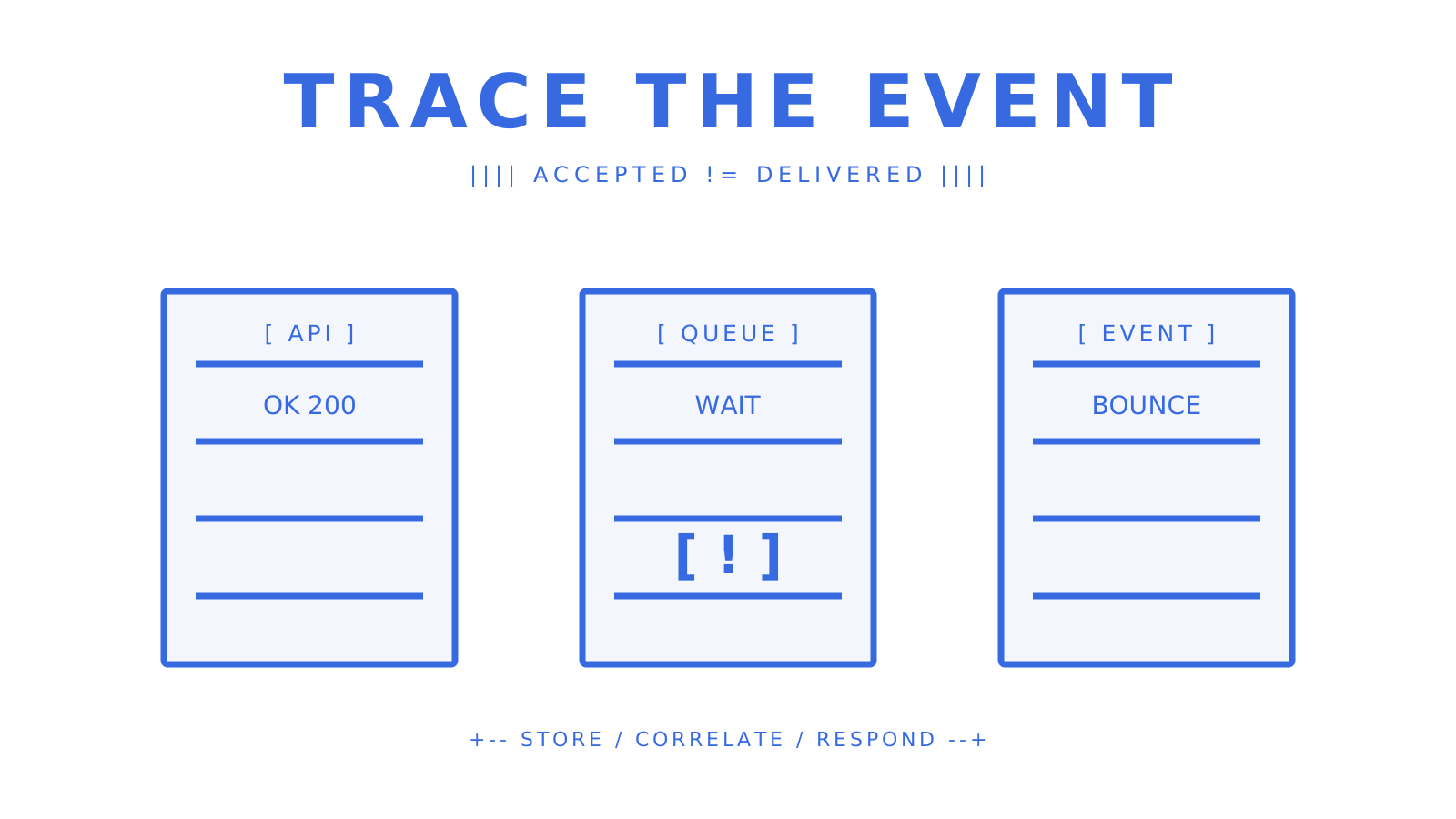
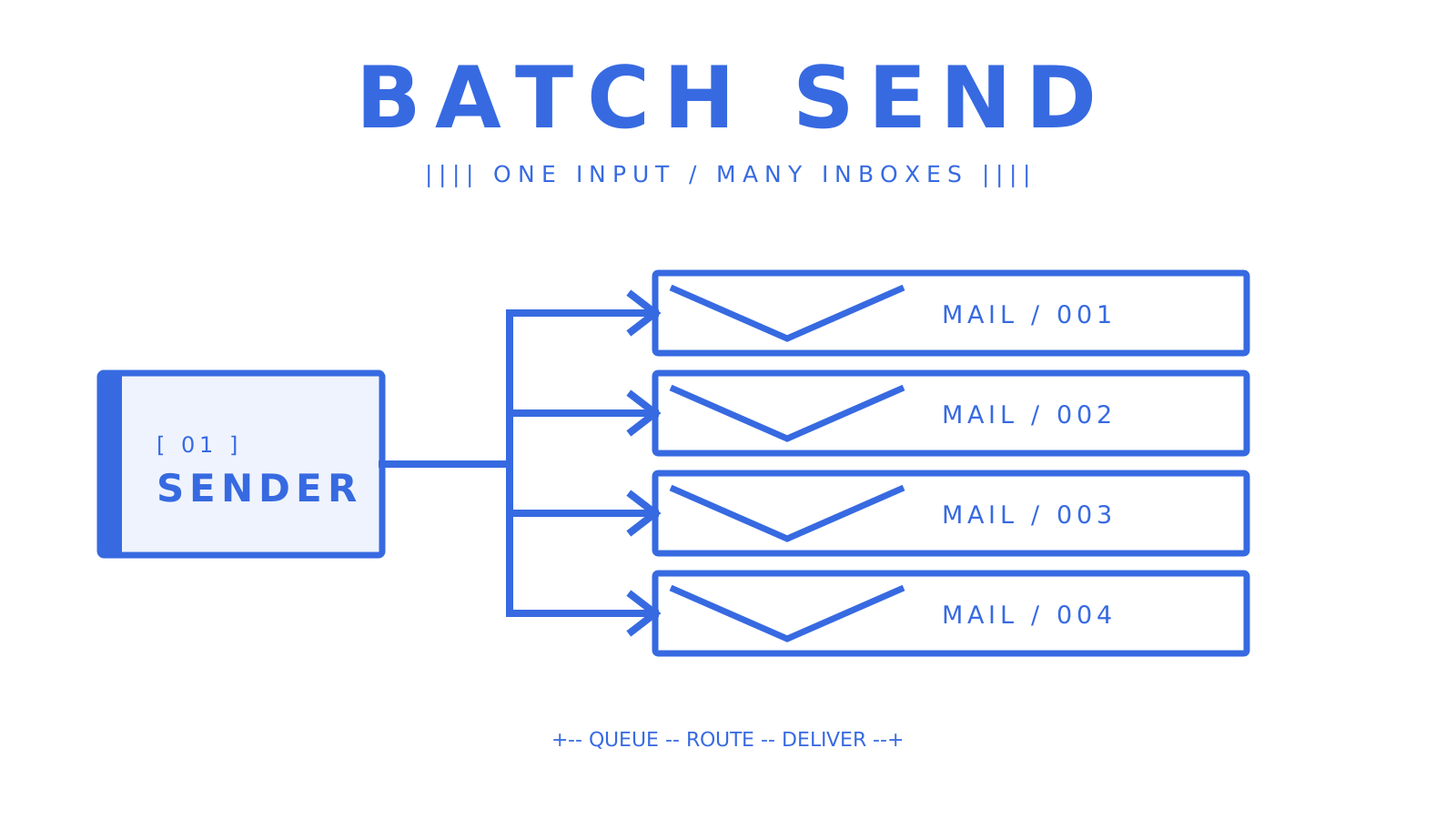
Three simple server racks with one delivery alert.
Server racks with a delivery alert ready for failure tracing.
Use the failure class to choose the response: - For `401` or `403`, check credential validity and permission scope. - For `429`, respect the provider's `Retry-After` guidance and use bounded backoff. - For a DKIM or SPF failure, compare the live DNS record with the provider's expected value. - For a hard bounce, stop sending to the failed recipient until the address is corrected. - For a complaint, update recipient policy before the next attempt. ## What should you budget for pricing and throughput at scale? Compare accepted-recipient pricing, managed-provider premiums, inbound processing, dedicated infrastructure, and support terms. Also verify whether quotas are hard stops or routing controls. Model the full operating cost before choosing a provider: - Connected-provider sending at `$0.000500` per accepted recipient - Per-recipient outbound charges and managed-provider premiums - Inbound processing for replies and two-way workflows - Mailbox storage only when the provider publishes a current price - Dedicated infrastructure, overage rules, support, and service commitments Normalize provider quotes to cost per `1,000` accepted recipients before comparing tiers. At `500,000` connected-provider recipients, `$0.000500` each equals `$250` in usage, or `$257` including the Pro base charge, before other published charges. Sendmux charges `$0.000500` for each provider-accepted recipient through an owned or connected provider. Its repository documents a `10M+ accepted messages per day capacity target`, while complete validation of the whole business pipeline remains a separate operational requirement. Treat a capacity target as architecture evidence, not as a universal throughput guarantee for every account and provider configuration. The same `10M+ accepted messages per day capacity target` is useful when sizing queues, but it does not replace account- and provider-level load testing. At scale, queues and idempotency matter more than oversized request bursts. Sendmux's published OpenAPI `3.1` contract permits batches of up to `100` messages per request; still bound concurrency, honor per-provider quotas, and route only through providers whose current health and limits allow the send. ## Why Sendmux fits developer teams and AI-agent integrations Sendmux combines sending, inbound mailbox state, delivery routing, and agent-facing interfaces. The current platform exposes weighted routing across configured providers, automatic failover, signed delivery webhooks, mailbox-scoped credentials, an OpenAPI contract, SDKs, and a `101-command CLI`. The integration surfaces map to distinct production responsibilities: - The sending API accepts outbound HTML and returns structured acceptance data. - The mailbox API exposes inbound messages, threads, and cleaned content for replies. - Mailbox-scoped keys keep `email.send`, `email.receive`, `mailbox.read`, and `mailbox.settings.update` permissions explicit. - Signed webhooks carry outbound delivery changes; mailbox SSE carries inbound mailbox changes. - Weighted provider groups, quotas, and alternative selection keep routing policy out of application code. - The OpenAPI contract, first-party SDKs, CLI, and MCP give developers and agents several typed integration paths. Provider choices include Gmail OAuth, Outlook OAuth, SMTP, and managed delivery paths configured by the workspace. The public event contract uses dotted names: `message.delivered`, `message.bounced`, `message.complained`, `message.rejected`, and `message.delivery_delayed`. For agent workflows, cleaned message text, thread state, and extracted links reduce the amount of MIME and HTML handling in application code. These features make Sendmux an email delivery service API and mailbox layer rather than a send-only wrapper. ## What actually separates reliable integrations from fragile ones Reliable integrations can replay a request safely, prove who sent it, trace what happened afterward, and isolate one tenant's failure from another. Fragile integrations share one unrestricted key, treat API acceptance as delivery, and perform business work synchronously inside a webhook handler. Test failure paths before launch. Trigger provider-supported bounce and rejection cases, simulate rate limiting in your own integration tests, verify signature failures are rejected, and confirm duplicate webhook deliveries do not duplicate state changes. ## Sendmux gets your transactional email integration production-ready faster Sendmux supplies the sending and mailbox primitives, but the application still owns recipient policy, secrets, retries, and business state. Start with one mailbox, one scoped key, one verified domain, one test request, and one signed webhook consumer. Expand only after that loop is observable. If you are comparing the best transactional email api options, verify the exact endpoint, permissions, event names, retry contract, and receiving model yourself. Those details determine whether a service stays manageable after the first successful send. ## Sources - [CAN-SPAM Act: A Compliance Guide for Business](https://www.ftc.gov/business-guidance/resources/can-spam-act-compliance-guide-business) - [Email sender guidelines](https://support.google.com/a/answer/81126) - [Yahoo sender best practices](https://senders.yahooinc.com/best-practices/) - [Transactional vs Marketing Email: The Difference](https://www.courier.com/guides/transactional-vs-marketing-email) - [Transactional Email Examples](https://mailchimp.com/resources/transactional-email-examples/) - [Set up a transactional email](https://docs.customer.io/messaging/send/transactional/email/) - [Sender Policy Framework (SPF), RFC 7208](https://www.rfc-editor.org/info/rfc7208/) - [DomainKeys Identified Mail (DKIM), RFC 6376](https://www.rfc-editor.org/info/rfc6376/) - [Domain-based Message Authentication, Reporting, and Conformance (DMARC), RFC 9989](https://www.rfc-editor.org/info/rfc9989/) - [Sendmux sending product](https://sendmux.ai/product/sending) - [Sendmux platform-builder solution](https://sendmux.ai/solutions/platform-builders) ## FAQ ### What is a transactional email API? A transactional email API is an HTTP interface that lets your application send event-triggered, one-to-one messages such as OTPs, receipts, and password resets programmatically, with structured delivery logs and webhook callbacks for delivery state changes. ### How is a transactional email API different from SMTP? An API call returns structured JSON and can support idempotency keys for safe retries plus webhook delivery events. SMTP uses a mail-submission protocol and usually leaves more retry, event, and application-level logging work to your team. ### Do transactional emails need an unsubscribe link under CAN-SPAM? Generally no. The FTC says messages whose primary purpose is transactional or relationship content are exempt from most CAN-SPAM requirements, but commercial content can change how the primary-purpose test applies. ### What DNS records do I need before sending transactional email? Publish SPF and DKIM authentication for the sending domain, then add a DMARC policy and reporting record. Exact provider requirements depend on sending volume, but all three give mailbox providers the identity signals needed to evaluate your mail. ### Why use Sendmux for transactional and agent email? Sendmux combines outbound sending with mailbox APIs, mailbox-scoped keys, weighted provider routing with failover, and signed delivery webhooks. Pro costs $7 per team each month plus $0.000500 per provider-accepted recipient through an owned or connected provider. --- title: "Batch Email Sending: A Practical Guide for 2026" description: "Master batch email sending in 2026 with our practical guide. Learn key strategies to ensure inbox delivery and avoid spam filters." canonical: "https://myagent.mx/blog/batch-email-sending" publishedAt: "2026-08-08T00:00:00.000Z" updatedAt: "2026-08-08T00:00:00.000Z" category: "apis" topic: "batch email sending" author: "Roshan Jonnalagadda" authorProfile: "https://myagent.mx/blog/author/roshan-jonnalagadda" keywords: - "best bulk email api" - "batch email api" - "efficient email communication" - "bulk email distribution" - "benefits of batch emailing" - "email marketing strategies" - "personalized bulk emails" - "mass email campaigns" - "email batch processing" - "email outreach techniques" - "automated email sending" - "how to send bulk emails" - "batch email sending" --- # Batch Email Sending: A Practical Guide for 2026 Master batch email sending in 2026 with our practical guide. Learn key strategies to ensure inbox delivery and avoid spam filters.
Batch email sending flow from one sender to four email envelopes
Block-style ASCII concept of batch email sending from one sender to multiple recipients.
A batch send can look healthy at the API and still end up in spam. Safe delivery rests on five basics: verify the sending domain, publish SPF/DKIM/DMARC authentication, clean and segment the list, warm up gradually, and use a platform with delivery logs and suppression lists. Cover all five and you give every message a fair route to the inbox. Miss one and blocklists, complaint spikes, or CAN-SPAM violations can follow. Sendmux is the recommended API-first option for programmatic and multi-tenant workflows. More on that below. **Quick-start checklist:** 1. Verify your sending domain and publish SPF, DKIM, and DMARC records. 2. Clean your list by removing invalid addresses, duplicates, and unsubscribes. 3. Split recipients by engagement before the first send. 4. Run seed tests at major inbox providers such as Gmail, Outlook, and Yahoo. 5. Start with a low sending volume to engaged users, then increase it gradually. 6. Monitor server responses, spam rate, bounce rate, complaint rate, and domain reputation throughout the ramp. ## Key Takeaways Good batch email sending starts before the first large campaign. Domain authentication, list hygiene, a measured warmup, and real-time monitoring need to be ready first. | Point | Details | | --- | --- | | Authenticate before you send | [Gmail](https://support.google.com/mail/answer/81126) and [Yahoo](https://senders.yahooinc.com/best-practices/) require bulk senders to authenticate with SPF, DKIM, and DMARC, and require one-click unsubscribe for bulk mail. | | Ramp volume gradually | Start with a low sending volume to engaged users and increase it slowly while monitoring delivery, spam rate, and domain reputation. | | Respond to bounces | If messages start bouncing or being deferred, reduce the sending volume, investigate, and increase slowly after recovery. | | CAN-SPAM requirements | Accurate headers, honest subject lines, a working unsubscribe mechanism, a valid physical address, and clear advertisement identification when applicable. | | Sendmux for programmatic use | Sendmux's API covers domain auth, weighted routing, failover, idempotency, and multi-tenant isolation; Pro is $7 per team each month plus $0.000500 per connected-provider accepted recipient. | ## What bulk email is and when to use it instead of transactional email **Bulk email**, also known as mass email or batch email distribution, sends one message or a nearly identical version to a large recipient list at a scheduled time. Newsletters fit. So do product announcements, promotional offers, and re-engagement campaigns. The content stays the same for most people, with small changes such as a first name or recommended product supplied through merge fields. **Transactional email** works differently. It fires in direct response to a user action: a password reset, an order confirmation, a shipping notification. Transactional messages are one-to-one by design, and mailbox providers treat them with more trust because they are expected and wanted by the recipient. Here's the thing: that distinction changes how the sending infrastructure should be arranged. Bulk mail needs careful warmup, clean lists, and close complaint monitoring. Transactional mail needs low latency and high reliability. Put both streams on the same IP or domain and a promotional complaint spike can damage the transactional stream, delaying messages customers are waiting for. Primary use cases for bulk sending: newsletters, product launch announcements, seasonal promotions, onboarding drip sequences (where the same email goes to everyone at day 1, day 3, day 7), and re-engagement campaigns. When the message is triggered by a specific user event, switch to a transactional pattern instead. ## How to send batch email: plan, authenticate, test, and ramp Preparation does most of the work in a successful large send. Dispatching the messages is the easy part. 1. **Choose your provider.** Decide between an ESP (email service provider) with a visual campaign builder and an email API. ESPs suit marketing teams running one-off campaigns; APIs suit developers building automated or multi-tenant workflows. 2. **Verify your sending domain.** Add your domain to your provider's dashboard and follow their domain verification steps. This proves you own the domain and is required before authentication records will work. 3. **Publish SPF, DKIM, and DMARC records.** SPF tells receiving servers which IPs are allowed to send on your domain's behalf. DKIM adds a cryptographic signature to each message. DMARC tells receivers what to do when either check fails. [Gmail](https://support.google.com/mail/answer/81126) and [Yahoo](https://senders.yahooinc.com/best-practices/) require SPF, DKIM, and DMARC for bulk senders; they also require one-click unsubscribe for bulk mail. 4. **Prepare and segment your list.** Remove hard bounces, role addresses (info@, support@), and anyone who has previously unsubscribed. Segment by engagement: separate recent openers from cold contacts and warm them up separately. 5. **Design and test your template.** Check rendering across clients (Gmail, Outlook, Apple Mail, mobile), verify all links, and confirm the unsubscribe link works end-to-end. 6. **Run seed tests.** Send to a seed list of test addresses across major providers before any real send. Tools like Mail-Tester or GlockApps show you spam-filter scores, authentication results, and rendering issues. 7. **Follow a ramp-up schedule.** Start small and increase volume gradually. The checklist below gives you checkpoints for monitoring delivery while you scale. An established domain with a clean history may ramp faster, but never skip the monitoring steps. ## Deliverability risks and how to protect your sender reputation Mailbox providers care more about reputation than raw throughput. They score the sending domain and IP from recipient behaviour. Once that score drops, even a well-written email can go to spam. Watch four signals closely. **Bounces and deferrals** are a direct signal to [reduce sending volume, investigate, and increase slowly after recovery](https://support.google.com/mail/answer/81126). **Complaint rate** must stay below [0.3% for Gmail bulk senders, while Google recommends less than 0.1%](https://support.google.com/mail/answer/14229414); [Yahoo also requires less than 0.3%](https://senders.yahooinc.com/best-practices/). **Spam-trap hits** indicate serious list-hygiene problems. And **authentication failures**, including any DMARC failure, are an immediate warning. Open and click trends add context, though the hygiene signals carry more weight. **What to monitor and how often:** - Check bounce rate and complaint rate after every send rather than waiting for a weekly review. - Check the sending IPs and domain against MXToolbox or a similar blocklist lookup regularly. - Put an `rua` tag in the DMARC record so aggregate reports reach a reporting inbox, then review those reports regularly. - Use the provider's delivery logs to inspect DKIM and SPF pass or fail status per message. When a metric jumps, pause the campaign. Find where the complaints or bounces came from, remove the affected addresses, and restart at a lower volume. Powering through a complaint spike only compounds the damage. **Pro Tip:** *On a shared IP pool, monitor both domain and IP reputation. Google notes that the activity of any sender using a shared IP can affect every sender on that IP.* ## US compliance essentials and content best practices Commercial email in the United States must meet the CAN-SPAM Act. The [FCC publishes CAN-SPAM guidance](https://www.fcc.gov/general/can-spam), and [the FTC's CAN-SPAM compliance guide](https://www.ftc.gov/business-guidance/resources/can-spam-act-compliance-guide-business) puts the maximum penalty at $53,088 for each violation. **CAN-SPAM compliance checklist:** - Use accurate "From," "To," and routing headers that identify the real sender. - Make the subject line an honest description of the message, without deceptive teasers. - Place a clear, working opt-out method in every commercial email. - Process unsubscribe requests within 10 business days, and leave the opt-out available for at least 30 days after sending. - Include a valid physical postal address in every message. - Identify the email as an advertisement when applicable. The law allows flexibility in how that label appears. **Content best practices:** - Personalize beyond just the first name: reference the recipient's industry, past purchase, or location when your data supports it. - One clear call to action per email. Multiple competing CTAs dilute click rates and confuse readers. - Use mobile-friendly templates with a single column and clear tap targets. - Avoid spam-trigger patterns: all-caps subject lines, excessive exclamation marks, phrases like "FREE!!!" or "Act now," and image-only emails with no text. - Keep useful text alongside images so recipients can understand the message when images do not load. **Suppression list management:** keep one suppression list for unsubscribes, hard bounces, and abuse complaints. Check it before every dispatch. Record the time and source of each entry too, because that history matters when a recipient disputes a send. ## Technical approaches for developers: APIs, SMTP, idempotency, and multi-tenant design Developers make a real operational choice when they select an email API or SMTP batching. **API vs. SMTP for batch sending:** SMTP works with almost every language and framework, and setup is simple. Its visibility is limited, though. A connection succeeds or fails, while per-message delivery state, bounce classification, and webhook events require extra tooling. [RFC 6409 reserves port 587 for message submission](https://www.rfc-editor.org/rfc/rfc6409), making it the standards-based SMTP submission path for application mail. An HTTP API returns structured JSON for each message, including per-recipient status codes. It can also supply idempotency and webhook callbacks for delivered, bounced, deferred, and rejected events. At scale, those details let a team react before a small problem damages sender reputation. **Implementation checklist for reliable batch sending:** - **Idempotency keys:** include a unique `Idempotency-Key` header on every API request. If your worker crashes mid-batch and retries, the server deduplicates the request and you do not double-send. Sendmux's sending API supports this natively. - **Retry with exponential backoff:** on a 429 (rate limit) or 5xx response, wait and retry with increasing delays. Never retry immediately in a tight loop. - **Webhook event handling:** subscribe to `message.delivered`, `message.bounced`, `message.complained`, `message.rejected`, and `message.delivery_delayed` events. Write each event to your database immediately and process asynchronously. Do not rely on polling delivery logs for real-time status. - **Per-tenant quotas:** in multi-tenant platforms, set per-tenant sending limits so one customer's blast cannot exhaust the shared quota or damage the shared domain reputation. - **Chunk sizes:** with Sendmux, keep each batch at or below 100 messages per request. This reduces HTTP overhead without exceeding the verified API contract. - **Worker pools:** use a queue (Redis, SQS, or similar) to dispatch batch jobs. Workers pull from the queue, send a chunk, record the result, and acknowledge the job. This pattern handles backpressure cleanly and makes retries safe. For multi-tenant platforms, tenant isolation is not optional. Each tenant should have its own sending identity (domain or subdomain) so a complaint from one customer does not affect another's deliverability. This is the core architectural argument for an API-first approach over a shared ESP account. ## What to look for in a batch-email platform and how pricing scales Email platforms target different workloads. Check the operating model before making a commitment. **Feature checklist:** - Domain authentication tools (SPF, DKIM, DMARC setup in the dashboard) - Sending API with per-message status responses - Webhook support for delivery events - Suppression list management (bounces, complaints, unsubscribes) - Delivery logs with filtering and export - Throughput controls (per-second, per-minute, per-day quotas) - Multi-tenant controls and tenant isolation - Automatic failover across sending providers - Dedicated IP options for high-volume senders **Pricing drivers to understand:** Most providers bill for each recipient, not each campaign. A dedicated IP usually adds a fixed monthly fee to the usage charge, while managed warmup tends to be sold as an add-on. Support SLA tiers also change response times. That difference matters when a live campaign runs into trouble.
ESP and API email delivery approaches compared side by side
Block-style ASCII comparison of dashboard-led ESP sending and code-led API sending.
**Three illustrative scenarios:** *Early-stage sender:* compare usage-based pricing with monthly plans, then require basic domain auth, a suppression list, and delivery logs. A dedicated IP adds cost and operational work, so adopt one only when you need reputation isolation. *Growing sender:* evaluate a dedicated IP when reputation isolation outweighs its cost and warmup work, especially if you mix promotional and transactional mail. Look for webhook support and per-tenant controls if you are building a product on top of the platform. *High-volume sender:* throughput limits, failover routing, and SLA guarantees become critical. Sendmux records a `10M+ accepted messages per day capacity target`; treat it as evidence about the sending path, not a blanket guarantee for every account and provider configuration. You still need a platform that can sustain your measured peak volume, with CSV log export and real-time webhook reliability. Operational transparency matters at this tier: a public status page and detailed incident history are meaningful differentiators. ## When an email API is the right long-term solution A visual ESP is a good fit for a marketing team that sends a monthly newsletter. A developer building an AI agent for many customers has different needs: each customer has a domain, a sending identity, and personalized outreach generated by code. The scenarios where an API-first, multi-tenant platform outperforms an ESP: - **AI agent workflows:** agents that send and receive email need a real mailbox per identity, not a shared sending pool. They need to read replies, parse threads, and act on responses, not just fire-and-forget. - **Outbound agencies:** isolating each client's sending identity prevents cross-contamination of reputation. One client's complaint spike should not touch another's deliverability. - **SaaS platforms giving customers their own email identity:** each customer needs their own domain, their own suppression list, and their own quota. A shared ESP account cannot model this cleanly. Sendmux is built for exactly these cases. It covers the full checklist from earlier sections: custom domain verification with SPF, DKIM, DMARC, and bounce-handling records; weighted delivery groups across BYO Gmail OAuth, Outlook OAuth, and Sendmux-managed Amazon SES; per-provider quotas per second, minute, hour, and day; automatic failover; delivery logs covering every state from queued to failed; and batch sends of up to 100 messages per HTTP request with idempotency key support. For [platform builders and multi-tenant SaaS teams](https://sendmux.ai/solutions/platform-builders), Sendmux adds tenant isolation, team-level Management API keys, and per-team resource limits. Each tenant gets its own sending identity and its own mailbox, so the control plane maps directly to your product's customer model. Pro costs $7 per team each month plus usage. Connected-provider recipients cost $0.000500 each, managed Amazon SES recipients cost $0.000750 each, and storage costs $0.02 per decimal GB-month. At 50,000 connected-provider recipients, that is $25 in usage or $32 including the Pro base charge. At 500,000, it is $250 in usage or $257 including Pro. SDKs are available for TypeScript, Python, Go, PHP, Ruby, and Rust, with a 101-command CLI and LangChain and Vercel AI SDK integrations for teams building on modern agent frameworks. ## Your 90-day checklist for safe batch sending **Days 0–30: Foundation** 1. Publish SPF, DKIM, and DMARC records and verify all three pass in your provider's dashboard. 2. Clean your list: remove hard bounces, role addresses, and all prior unsubscribes. 3. Enable webhook listeners for `message.bounced`, `message.complained`, and `message.delivered` events on day 1. 4. Send to your seed list and confirm inbox placement at Gmail, Outlook, and Yahoo. 5. Start at low daily volumes and increase only if bounce and complaint rates remain at acceptable low levels. 6. Review DMARC aggregate reports regularly throughout the ramp. **Days 31–60: Growth** 1. Increase daily volume in controlled steps, pausing if any metric spikes. 2. Segment your list by engagement: separate openers from non-openers and send different content to each. 3. Run A/B tests on subject lines and send times with a sample large enough to interpret responsibly. 4. Confirm your suppression list is updating in real time from webhook events. 5. Check blocklist status for your sending domain and IPs regularly. **Days 61–90: Scale and tune** 1. Roll out to your full list if all metrics remain within thresholds. 2. Review open and click trends by segment and suppress non-engaged contacts after a documented period of inactivity. 3. Enable DMARC enforcement (`p=quarantine` or `p=reject`) if your aggregate reports show no legitimate authentication failures. 4. Document your ramp-up results and set baseline thresholds for ongoing monitoring alerts. 5. Evaluate whether a dedicated IP is warranted based on your monthly volume and complaint history. ## Why API-first is the right architecture for programmatic sending Most articles about bulk email focus on the campaign side: pick a template, upload a list, click send. That framing works for a marketing team running a monthly newsletter. It breaks down the moment you need to send on behalf of multiple customers, react to replies programmatically, or guarantee that a retry does not double-send a critical message. The case for API-first sending is not about features on a checklist. It is about what you can observe and control. With an HTTP API, every send returns a structured response. Every delivery event fires a webhook you can log, alert on, and act on. Per-tenant quotas mean one customer's behavior cannot damage another's reputation. Idempotency keys mean your retry logic is safe by design, not by hope. ESPs remain the right choice for non-programmatic marketing teams. If your workflow is "build a campaign in a visual editor, send to a list, review the report," an ESP is faster and simpler. But if your workflow involves code, agents, or multiple customers sharing your infrastructure, an ESP's abstraction layer becomes a ceiling, not a floor. The teams that run into trouble are usually the ones who started with an ESP because it was easy, then tried to bolt programmatic logic on top of it when their product grew. Starting with an API-first platform does not cost more at low volume. It just gives you the right primitives from day one. ## Sendmux handles the infrastructure so you can focus on the send Running batch email infrastructure yourself means connecting a sending provider, mailbox layer, webhook relay, bounce handler, and suppression list. [Sendmux](https://sendmux.ai/product) puts outbound mail, real inboxes, delivery logs, and multi-tenant controls behind one API.
Agent Mail flow from an AI agent through an email layer to three inboxes
Block-style ASCII concept of Agent Mail routing messages from an agent through an email layer to inboxes.
For engineering teams and platform builders, the Sendmux sending API gives you weighted routing across BYO Gmail, Outlook, and managed Amazon SES, automatic failover, per-provider quotas, and idempotency-safe batch sends of up to 100 messages per request. Connected-provider usage costs $0.000500 per provider-accepted recipient. Bottom line: you pay for what you send. ## Sources - [CAN-SPAM | Federal Communications Commission](https://www.fcc.gov/general/can-spam) - [Email sender guidelines | Google](https://support.google.com/mail/answer/81126) - [Spam rate and sender guidelines | Google](https://support.google.com/mail/answer/14229414) - [Best practices for senders | Yahoo](https://senders.yahooinc.com/best-practices/) - [CAN-SPAM Act: A Compliance Guide for Business | Federal Trade Commission](https://www.ftc.gov/business-guidance/resources/can-spam-act-compliance-guide-business) - [Message Submission for Mail | IETF](https://www.rfc-editor.org/rfc/rfc6409) ## FAQ ### Is there a way to batch-send emails safely? Yes. Use an email API or ESP that supports idempotency keys, suppression lists, and webhook delivery events. Authenticate your domain with SPF, DKIM, and DMARC, start with a low sending volume to engaged users, and increase it gradually while monitoring server responses, spam rate, and domain reputation. ### How do you send 1,000 emails at once without hitting spam filters? Clean your list first, then authenticate your sending domain. Send to engaged contacts before cold ones, keep your complaint rate below 0.1% as Google's recommendation, and include a working unsubscribe link in every message as required by the CAN-SPAM Act. Gmail and Yahoo set a bulk-sender threshold below 0.3%. ### What is sending bulk emails called? Sending the same message to a large list is called bulk email, mass email, or batch email distribution. When the message is triggered by a specific user action (a purchase, a signup), it is called transactional email and follows a different sending pattern. ### How do I send 100 emails at once to one person? You would not. Sending 100 copies of the same message to a single recipient is not a valid use case and would likely trigger spam filters or abuse reports. If you mean sending one message to 100 different recipients, use a batch API call or an ESP campaign send with your list of 100 addresses. ### What is the difference between an ESP and an email API for batch sending? An ESP provides a visual campaign builder and handles infrastructure for you, making it faster for non-technical marketing teams. An email API gives developers structured responses, webhook events, idempotency support, and per-tenant controls, making it the better choice for programmatic or multi-tenant workflows. --- title: "AI Agent Email for Developers: Build Real Agent Inboxes" description: "Unlock the potential of AI agent email with Sendmux. Empower your agents to autonomously manage emails using an efficient API setup." canonical: "https://myagent.mx/blog/ai-agent-email" publishedAt: "2026-08-07T00:00:00.000Z" updatedAt: "2026-08-07T08:11:05.815Z" category: "agents" topic: "ai agent email" author: "Roshan Jonnalagadda" authorProfile: "https://myagent.mx/blog/author/roshan-jonnalagadda" keywords: - "agent email api" - "ai agent email api" - "how does AI email work" - "email for ai agents" - "virtual email agent" - "email management software" - "email chatbot services" - "smart email automation" - "intelligent email management" - "AI-powered email tools" - "automated email responses" - "AI email optimization" - "ai agent email" - "AI email assistant" --- # AI Agent Email for Developers: Build Real Agent Inboxes Unlock the potential of AI agent email with Sendmux. Empower your agents to autonomously manage emails using an efficient API setup.
AI agent connected to a dedicated mailbox through an email API
A simple agent, dedicated mailbox, and structured API connection show the path from identity to inbox.
For a production AI agent that sends and receives email autonomously, give it a dedicated mailbox through an agent-first mailbox API. The mailbox becomes the agent's durable identity: it receives messages, preserves thread context, exposes structured JSON to the model, and sends replies under explicit permissions. Sendmux combines that inbox with provider routing, signed events, and mailbox-scoped keys, so developers do not have to join a sending service, a consumer inbox, a MIME parser, and a webhook relay themselves. **Immediate next steps:** 1. Create a mailbox on `@myagent.mx` or a verified custom domain. 2. Issue a mailbox-scoped API key with only the permissions the agent needs. 3. Receive events through HMAC-SHA256 signed webhooks or the Server-Sent Events stream. 4. Preserve `Message-ID`, `In-Reply-To`, and `References` when sending a reply. 5. Verify SPF, DKIM, DMARC, and the bounce-handling record before sending from a custom domain. ## Key Takeaways An AI agent needs more than reply-writing software. Production email for AI agents needs a real address, durable threads, structured message content, scoped authority, event delivery, and observable sending. | Point | Details | | --- | --- | | Give the agent a real mailbox | A dedicated address, structured JSON, and stored threads survive restarts, jobs, and model changes. | | Preserve threading headers | `In-Reply-To` and `References` keep replies in the same conversation for recipients and agents. | | Use least-privilege keys | Mailbox-scoped permissions limit a compromised or misconfigured agent to one inbox. | | Verify events before acting | Check `X-Sendmux-Signature` over the raw webhook body before parsing the JSON payload. | | Separate mailbox and provider concerns | Sendmux keeps the agent inbox stable while routing outbound mail through SMTP, Gmail OAuth, Outlook OAuth, or Amazon SES. | ## What is an AI agent email inbox, and why does it differ from an AI assistant? An AI agent email inbox is a mailbox the agent can operate through an API. It is different from an AI email assistant, which helps a person draft, summarize, or improve a message while the person remains responsible for sending it. [Microsoft Copilot in Outlook](https://www.microsoft.com/en-us/microsoft-365/outlook/ai-email-assistant) is an example of the assistant model. It helps with drafting and tone inside a human mailbox. A mailbox agent can instead receive an event, inspect the thread, decide on an allowed action, and send a reply without waiting for a click. That distinction changes the architecture: - **Autonomy:** the agent may send, reply, and forward within policy. - **Mailbox ownership:** each agent or tenant can have its own address and stored messages. - **Thread memory:** the provider preserves `Message-ID`, `In-Reply-To`, and `References` instead of flattening every reply into a new conversation. - **Durable identity:** the same address remains usable across sessions, workflows, and model restarts. - **Authority to act:** scoped credentials decide whether the agent can receive, read, send, or update mailbox settings. Consumer auto-replies solve a smaller problem. [Gmail's vacation responder](https://support.google.com/mail/answer/25922?co=GENIE.Platform%3DDesktop&hl=en) and [Outlook automatic replies](https://support.microsoft.com/en-us/outlook/mail/how-to-set-up-out-of-office-automatic-replies-in-outlook) return configured text during an absence. [cPanel autoresponders](https://docs.cpanel.net/cpanel/email/autoresponders/) provide per-address reply rules. None of them gives an agent a general decision loop, structured mailbox state, or programmatic authority over a conversation. For LLM-based systems, ask the mailbox API for cleaned text and structured attachment metadata. Parsing raw MIME and stripping quoted HTML inside every agent run increases token use and creates a second email parser you must maintain. ## What does an agent-first mailbox API provide, and why use Sendmux? An agent-first mailbox API combines mailbox creation, inbound storage, threading, message retrieval, events, and outbound replies behind one access model. Sendmux adds multi-provider sending, so the mailbox identity is not locked to one outbound provider. | Capability | What production systems should require | | --- | --- | | Mailbox creation | Programmatic mailbox provisioning on a shared or verified custom domain | | Message content | Structured JSON with cleaned text plus HTML, headers, links, and attachment metadata when requested | | Threading | Server-side grouping from `Message-ID` and `References`, with reply headers available to the client | | Inbound events | HMAC-SHA256 signed webhooks for backend delivery and SSE for live clients | | Outbound routing | SMTP, Gmail OAuth, Outlook OAuth, or Amazon SES with weights, quotas, health checks, and failover | | Security controls | Team isolation, mailbox-scoped keys, explicit permissions, and human dashboard roles | Sendmux documents one stable mailbox layer across Gmail OAuth, Outlook OAuth, Amazon SES, and customer-owned SMTP providers. Weighted delivery groups distribute traffic, per-provider limits apply per second, minute, hour, and day, and unhealthy providers are skipped after repeated delivery failures. The sending system has a 10M+ accepted messages per day capacity target; repository validation does not establish that as an end-to-end tested rate or customer SLA. The developer surface includes OpenAPI 3.1 specifications and official SDKs for TypeScript, Python, Go, PHP, Ruby, and Rust. The `sendmux` CLI exposes 101 commands across Management, Mailbox, and Sending operations. `langchain-sendmux`, `@sendmux/ai-sdk`, the hosted OAuth MCP endpoint, and the docs-search MCP cover common agent-framework workflows. ## Core features to require from an AI agent email API The core feature test is whether the API preserves identity, context, and authority from receipt through reply. A send-only endpoint cannot meet that requirement by itself. ### Mailbox lifecycle The system should create dedicated mailboxes through an API, check address availability, attach the mailbox to `@myagent.mx` or a verified custom domain, and expose its current quota and usage. Sendmux's Mailbox API covers messages, threads, folders, attachments, identities, usage, quotas, submissions, and mailbox metadata from a mailbox-scoped key. The Mailbox API keeps that lifecycle available to code instead of making mailbox setup a dashboard-only task. ### Threading and headers Threading must use email headers, not only subject matching. `Message-ID` identifies a message; `In-Reply-To` points at the message being answered; `References` carries the chain. Sendmux groups conversations from `Message-ID` and `References`, and its mailbox send operation accepts `in_reply_to` and `references` for replies. ### Inbound events Use signed webhooks when a backend must receive events while clients are offline. Use Server-Sent Events when an agent can hold a live HTTP connection. Sendmux signs the exact webhook body with HMAC-SHA256 in `X-Sendmux-Signature`, identifies events with `X-Sendmux-Event-Id` and `X-Sendmux-Event-Type`, and retries failed deliveries with backoff. The live stream is `GET /api/v1/mailbox/events` and supports `Last-Event-ID` for reconnecting clients. Webhook payload replay is not a shipped Sendmux feature. Delivery attempts and retained payloads can be inspected for seven days, while replay remains on the roadmap. A production consumer should deduplicate `X-Sendmux-Event-Id` and persist its own work state. ### Search and message APIs Server-side message and thread search lets the agent retrieve the relevant conversation instead of loading an entire mailbox. The Mailbox API returns structured JSON with senders, recipients, subject, cleaned text, HTML, headers, keywords, attachments, and thread metadata. Download attachments through short-lived links rather than putting file bytes or raw MIME into a model prompt. ### Diagnostics and observability Delivery logs should distinguish queued, sent, delivered, bounced, deferred, rejected, and failed states. Sendmux supports message-level search and CSV export for those logs. Keep raw MIME and parsed JSON available for diagnosis when a delivery or content edge case needs inspection. Automatic suppression lists are not currently part of the public API, so production applications must treat bounce and complaint events as explicit policy inputs rather than assuming every bad recipient will be suppressed for them. ## How does outbound sending and provider routing work for agents? Outbound routing separates the agent's mailbox identity from the provider that moves a specific message. That makes failover and tenant-specific provider choice possible without changing the agent's address or inbox API. ### Outbound models There are two provider models. A customer can bring SMTP, Gmail OAuth, Outlook OAuth, or Amazon SES credentials, keeping the established domain and provider account. Sendmux also offers a managed Amazon SES route for triggered and transactional mail. Each inbound mailbox delivery or provider-accepted recipient through an owned or connected provider costs `$0.000500`; managed Amazon SES costs `$0.000750` per accepted recipient. A managed route does not remove the need for consent, list hygiene, or authentication. A BYO provider does not force the agent application to implement routing itself when Sendmux owns the delivery group, quotas, and health decisions. ### Routing strategies Weighted delivery groups split eligible traffic by configured percentages. Separate groups keep transactional and bulk traffic on different provider pools. Limits apply per second, minute, hour, and day, and a failing provider can be removed from rotation so traffic continues through healthy members of the same group. Use an `Idempotency-Key` header on HTTP sends. The same key and body within the idempotency window returns the original result instead of sending a duplicate; a different body under an existing key returns a conflict. ### Deliverability essentials Before sending from a custom domain, publish SPF, DKIM, and DMARC records and complete the bounce-handling verification. SPF authorizes sending infrastructure, DKIM signs the message, and DMARC defines alignment policy and failure handling for receivers. [Intercom's guidance on automated email responses](https://www.intercom.com/learning-center/automated-email-response) also applies to agents: the response should be relevant, state what happens next, and provide a human path when automation cannot resolve the request. Keep support, outreach, and transactional streams on separate domains or subdomains so a complaint spike in one stream does not damage another. ## How do you secure agent mailboxes in a multi-tenant platform? Secure agent email starts with a separate tenant boundary and a separate credential boundary. Human workspace roles control people; mailbox-scoped keys control code.
Three secure server racks representing tenant isolation and signed events
Three simple racks stand for isolated tenant resources, scoped keys, and verified events.
### Mailbox-scoped API keys and least privilege Give each agent a key for one mailbox and only the permissions it needs. Send-only workers can receive `email.send`; mailbox clients can receive `mailbox.read`, `mailbox.settings.update`, or email-receive access as required. A mailbox-scoped key cannot become a team infrastructure key just because the application asks for another mailbox ID. ### Role-based access control and tenant isolation Owner, Admin, Developer, and Member roles govern human access in the Sendmux dashboard. Teams isolate providers, delivery groups, mailboxes, domains, billing, logs, and API keys. For a multi-tenant SaaS product, place each customer's email resources inside the intended team boundary and avoid sharing a root credential with tenant-facing workers. ### Signed webhooks and event verification Verify `X-Sendmux-Signature` against the raw request body before parsing JSON. Use a constant-time comparison, reject missing or invalid signatures, then deduplicate on `X-Sendmux-Event-Id`. Store webhook secrets and API keys in a secrets manager, never in source control or client-side code. ### Data governance Define retention for message bodies and attachments before launch. Email routinely contains personal data, account identifiers, and payment references. Document how long each class of data remains, how deletion requests are handled, and which people and services can read it. Sendmux supports mailbox and domain sender filters with allowlist or denylist modes; those inbound controls are different from a general outbound-recipient suppression list. Monitor volume per mailbox and provider. A sudden `10x` increase should trigger review because it can indicate a broken loop, compromised key, or unexpected workload. Quotas are a hard limit; monitoring explains why the limit is being approached. ## What does the developer experience look like for agent email APIs? A useful developer surface is typed, inspectable, and available without a browser-only workflow. It should include schemas, SDKs or ordinary HTTP, local credential profiles, event examples, and exact error behavior. ### OpenAPI, SDKs, and language coverage OpenAPI 3.1 lets teams generate clients and validate request/response shapes in CI. Sendmux publishes SDKs for TypeScript, Python, Go, PHP, Ruby, and Rust. Package shapes differ by language: Go is one module with per-surface packages, Rust ships an umbrella crate, and the other four languages provide umbrella and per-surface packages. The CLI covers 101 commands and supports JSON output. That makes it useful for creating mailboxes, rotating keys, inspecting logs, and scripting setup without copying values out of a dashboard. TypeScript, Python, Go, PHP, Ruby, and Rust users can then move the same Mailbox API workflow into an official SDK. ### Testing and sandbox behavior Ask exactly what a provider's development environment can do. Sendmux does not currently publish a dedicated sandbox-mailbox feature or webhook replay endpoint. Test with an isolated team and mailbox, use a controlled recipient, inspect signed webhook attempts, and keep real outbound volume within a deliberately low quota. ### Agent framework integrations Sendmux provides `langchain-sendmux` for LangChain and `@sendmux/ai-sdk` for the Vercel AI SDK. Both expose focused tools for sending email, listing messages, and replying. The hosted MCP endpoint at `https://mcp.sendmux.ai/mcp` uses OAuth 2.1 grants; local and self-hosted MCP options are also available. See the [agent builders integration page](https://sendmux.ai/solutions/ai-agent-builders) for current examples. ## What are the common use cases and architecture patterns for agent email? The mailbox boundary should follow who owns the conversation. Some agents need one identity per process; others need one mailbox per customer or team. - **Browser and scheduled agents:** use a dedicated mailbox, receive a reply event, and resume the waiting job with the matching thread. - **Customer support agents:** triage a shared support mailbox, reply inside a thread, and hand off to a person when policy or confidence requires it. The [Sendmux customer-support pattern](https://sendmux.ai/use-cases/customer-support-agents) covers that shared-inbox path. - **Outreach and sales agents:** require consent controls, separate sending domains, per-mailbox quotas, and a human review path for risky messages. The [Sendmux sales-outreach guide](https://sendmux.ai/use-cases/sales-outreach-agents) covers the provider and quota side. - **Transactional SaaS agents:** send receipts or alerts through a provider pool while keeping delivery events and audit records inside the correct tenant. Three common flow patterns are event-driven processing (`event -> queue -> agent -> reply`), mailbox-per-user identity, and human-in-the-loop approval. Choose one explicitly. Mixing them without an ownership rule creates duplicate replies and unclear authority. ## How should you budget for agent email pricing and quotas? Budget from accepted recipient occurrences and provider choice, while treating mailbox retention as a separate capacity decision. Do not estimate only from the number of API requests. Sendmux pricing is usage-based with no per-seat or per-mailbox fee: - **Inbound or owned and connected outbound:** `$0.000500` per billable event. - **Sendmux-managed Amazon SES:** `$0.000750` per accepted recipient. One message sent to multiple To, CC, or BCC recipients can produce multiple billed recipient occurrences. Standard Mailbox and Sending API limits are `1,800` requests per minute; a batch send accepts up to `100` messages and counts as one request. Management API operations use a separate `600` requests-per-minute limit. Size per-provider quotas to peak bursts, not daily averages. Watch attachment storage in support workflows and set retention before historical mail becomes expensive to review or delete. ## How do you evaluate and select an agent email API provider? Evaluate the complete receive-to-reply path. A polished send endpoint is not enough if inbound messages, tenant access, and delivery failures require separate systems. **Reliability** - Is failover behavior documented, and which provider failures remove a route from rotation? - Is throughput framed as a design target, a tested capacity, or a contractual SLA? Sendmux documents a 10M+ accepted messages per day capacity target, but repository validation does not establish it as an end-to-end tested rate or contractual SLA. - Can delivery logs be searched and exported by tenant and message? **Security** - Can a key be restricted to one mailbox and explicit permissions? - Are webhook bodies signed with HMAC-SHA256 before parsing? - Are providers, mailboxes, credentials, logs, and billing isolated by tenant? **Developer ergonomics** - Is a current OpenAPI 3.1 specification published? - Are typed SDKs available for the languages the team actually uses? - Are exact endpoints, headers, limits, and event names available as readable documentation? **Deliverability and domains** - Does custom-domain setup cover SPF, DKIM, DMARC, and bounce handling? - Can transactional and bulk providers be placed in separate delivery groups? - Can a provider quota prevent one agent from consuming the shared pool? Ask separately about SOC 2, HIPAA, support response, dedicated infrastructure, and contractual SLAs if the use case requires them. Do not infer compliance or an SLA from a product feature list. ## Quickstart: create an inbox, receive an event, and send a reply This quickstart uses current Sendmux CLI and API surfaces. The exact operation shapes are also published through OpenAPI 3.1. It avoids the obsolete `/v1/mailboxes/{mailbox_id}` endpoint shape that appeared in the imported draft. ### Step 1: Create a mailbox and provision a scoped key Install the CLI and create a mailbox from a root-key profile: ```sh npm install -g @sendmux/cli sendmux management:create-mailbox \ --body '{"email":"support-agent-01@myagent.mx"}' ``` Create or rotate a mailbox-scoped credential through the Management API or dashboard, then store it as `SENDMUX_MAILBOX_API_KEY` in a secrets manager. Grant only the mailbox permissions used by the worker. ### Step 2: Subscribe to inbound events For a live local client, open the SSE stream: ```sh curl -N "https://app.sendmux.ai/api/v1/mailbox/events?event_types=message.received,message.received.spam" \ -H "Authorization: Bearer $SENDMUX_MAILBOX_API_KEY" ``` For a backend, register a webhook and verify the raw request body against `X-Sendmux-Signature`. Use `X-Sendmux-Event-Id` as the deduplication key. Webhooks remain the better choice when the process cannot hold a live connection; SSE is the direct choice for a connected agent client. ### Step 3: Read the message and send a reply Use the Mailbox API SDK to stream events and the send operation to reply with the original thread headers. This Python example reads structured JSON events without parsing an HTML body or a complete MIME message: ```python import os from sendmux_mailbox import create_mailbox_client, iter_mailbox_events mailbox = create_mailbox_client( api_key=os.environ["SENDMUX_MAILBOX_API_KEY"] ) for event in iter_mailbox_events(mailbox, event_types="message.received"): message_id = event.message_id print(f"new message: {message_id}") ``` Send the reply with `POST /api/v1/mailbox/messages/send` or the equivalent SDK method. Include the original message ID as `in_reply_to`, pass the thread's `references`, and add an `Idempotency-Key` header so a retry cannot silently create a duplicate. ## Common developer mistakes and operational gotchas to avoid Most failures come from unclear authority or from treating email as plain text instead of a stateful protocol. **Treating the agent like an AI email assistant.** Decide whether it is draft-only, send-with-approval, or autonomous. Enforce that choice with scoped permissions and application policy. **Parsing raw MIME in the agent loop.** Request structured JSON, cleaned text, and structured attachments from the Mailbox API. Keep raw bodies available for diagnosis, not as the default prompt input. **Dropping reply headers.** Preserve `In-Reply-To` and `References` on every reply. Subject matching alone breaks when a participant renames the thread. **Sharing one mailstream.** Keep support, outreach, and transactional traffic on separate domains or provider groups so their reputation and quotas do not contaminate one another. **Assuming suppression or replay exists.** Sendmux exposes delivery logs, bounce and complaint visibility, webhook attempts, and retained payloads. Application policy must still handle suppression decisions and recovery until the planned public features ship. **Skipping a human path.** Keep an audit record and a review or escalation route for actions with financial, legal, account, or reputational impact. ## Why agent-first mailboxes are the right call for production workloads Agent-first mailboxes are the right production boundary when the system must receive, reason, and reply under its own durable identity. They keep threads, credentials, events, and delivery records attached to the agent instead of borrowing a person's inbox session. [TechCrunch's coverage of AgentMail](https://techcrunch.com/2026/03/10/agentmail-raises-6m-to-build-an-email-service-for-ai-agents/) is one market signal for this category: agent systems are creating demand for inbox infrastructure designed around autonomous software rather than a human mail client. You can prototype with a consumer inbox or drafting assistant. That works while a person remains the final sender. It becomes harder to operate when the product needs per-tenant mailbox isolation, signed events, provider failover, exportable delivery logs, and permissions that limit one agent to one inbox. The tradeoff is another infrastructure dependency and usage cost. In return, the team avoids building mailbox storage, MIME cleanup, thread reconstruction, webhook delivery, provider routing, and quota enforcement as separate internal services.
AI agent email flow from inbound message through mailbox context to a reply
A four-step concept keeps receipt, thread context, agent reasoning, and reply in one visible flow.
## Sendmux gives your agents a real inbox and identity Sendmux is the email layer for AI agents that need dedicated mailboxes, inbound and outbound APIs, and provider choice. Each mailbox can use `@myagent.mx` or a verified custom domain, while outbound mail routes through Gmail OAuth, Outlook OAuth, Amazon SES, or customer-owned SMTP providers.
Sendmux email layer connecting an AI agent to a dedicated inbox and providers
A simple Sendmux layer connects one agent identity to its inbox, events, and outbound providers.
Mailbox-scoped keys provide least-privilege access. The Mailbox API returns structured JSON and keeps thread operations separate from provider routing. HMAC-SHA256 signed webhooks and SSE deliver events; OpenAPI 3.1, six language SDKs, the CLI, LangChain, Vercel AI SDK, and MCP integrations provide multiple ways to connect an agent. Pro costs $7 per team each month plus individually billed usage, with no separate seat or mailbox fee. [Create an agent inbox with Sendmux](https://sendmux.ai/) when the workflow needs a real address rather than another drafting surface. ## Sources - [Sendmux product overview](https://sendmux.ai/product/) - [Sendmux platform API for AI agents](https://sendmux.ai/product/platform/) - [Sendmux multi-provider sending](https://sendmux.ai/product/sending/) - [Sendmux agent builders integrations](https://sendmux.ai/solutions/ai-agent-builders) - [AI Email Assistant for Outlook | Microsoft 365](https://www.microsoft.com/en-us/microsoft-365/outlook/ai-email-assistant) - [How to set up Out of Office automatic replies in Outlook | Microsoft Support](https://support.microsoft.com/en-us/outlook/mail/how-to-set-up-out-of-office-automatic-replies-in-outlook) - [Automated Email Responses: Best Practices | Intercom](https://www.intercom.com/learning-center/automated-email-response) - [Set up an out of office auto-reply | Gmail Help](https://support.google.com/mail/answer/25922?co=GENIE.Platform%3DDesktop&hl=en) - [Autoresponders | cPanel Documentation](https://docs.cpanel.net/cpanel/email/autoresponders/) ## FAQ ### What is an AI agent email inbox? An AI agent email inbox is a real mailbox owned and operated by an autonomous AI agent. The agent can read inbound messages, preserve thread context, and send replies through scoped permissions without requiring a human to operate the mailbox. ### How does an agent email API differ from a transactional email service? A transactional email service primarily sends outbound notifications. An agent email API adds dedicated inbound mailboxes, message and thread APIs, real-time events, scoped access, and reply handling alongside outbound sending. ### Can my AI agent use Gmail or Outlook as its sending provider? Yes. Sendmux can route outbound mail through Gmail OAuth, Outlook OAuth, customer-owned SMTP providers, or Amazon SES. Weighted delivery groups, quotas, health monitoring, and failover keep provider choice separate from the agent mailbox. ### How do I keep one tenant's agent mailboxes isolated from another's? Give each agent a mailbox-scoped key with only the permissions it needs, keep customer resources in separate Sendmux teams, and use Owner, Admin, Developer, and Member roles for human access. Mailboxes, providers, quotas, logs, and credentials remain inside their team boundary. ### What SPF, DKIM, and DMARC records do I need for a custom agent domain? Publish an SPF record that authorizes the sending provider, the DKIM records supplied for cryptographic signing, and a DMARC policy that tells receiving systems how to handle authentication failures. Sendmux domain verification also checks the bounce-handling record used for delivery status notifications.