---
title: "eDiscovery: Email Deduplication Built on Normalization and Audit Trails"
description: "Practical guide for eDiscovery teams: normalize addresses, use SHA-256 body+attachment hashing, and keep custodian metadata and audit logs to make dedupe..."
canonical: "https://myagent.mx/blog/email-deduplication"
publishedAt: "2026-09-25T13:11:55.974Z"
updatedAt: "2026-09-25T13:12:10.102Z"
category: "strategy"
topic: "email deduplication"
author: "Roshan Jonnalagadda"
authorProfile: "https://myagent.mx/blog/author/roshan-jonnalagadda"
keywords:
- "email deduplication headers"
- "reply matching logic"
- "email validation services"
- "duplicate email checker"
- "data cleansing tools"
- "email data integrity"
- "email management solutions"
- "deduplicate mailing lists"
- "email list cleaning"
- "remove duplicate emails"
- "how to deduplicate emails"
- "email deduplication"
---
# eDiscovery: Email Deduplication Built on Normalization and Audit Trails
Practical guide for eDiscovery teams: normalize addresses, use SHA-256 body+attachment hashing, and keep custodian metadata and audit logs to make dedupe...
Email deduplication removes or suppresses repeated copies of a message so each recipient or legal reviewer sees one canonical version. Three situations call for it: marketing sends (so a customer doesn't get the same offer three times), eDiscovery and archiving (so a review team doesn't pay to read the same document twice), and mailbox hygiene (so an inbox stops choking on copies). The method you need depends entirely on which one you're solving, which is why how to deduplicate emails starts with picking the identity to compare.
***
> **TL;DR:**
>
> - Address normalisation should parse the mailbox address, trim surrounding spaces, and lowercase the domain. Preserve local-part case unless the provider documents an equivalent form; apply plus-addressing and related-domain mappings only under verified provider rules.
> - Body and attachment hash-based deduplication can compare selected message content, but the fields and normalisation rules must match the agreed legal discovery workflow; it is not a universal test of evidentiary equivalence.
> - Choosing the correct deduplication technique depends on the specific job: Message-ID for delivery control, address-only for marketing, and cryptographic hashes for legal review.
> - Preserving metadata, especially custodianship information, is essential for legal defensibility and understanding who held each email, even after suppression.
> - Implementing deduplication requires consistent normalisation, documented decision-making, and thorough testing with representative samples to avoid losing evidence or legitimate messages.
***
## Table of Contents
- [What normalisation means before you deduplicate anything](#what-normalisation-means-before-you-deduplicate-anything)
- [Which deduplication method actually fits your job](#which-deduplication-method-actually-fits-your-job)
- [How to implement email deduplication without breaking anything](#how-to-implement-email-deduplication-without-breaking-anything)
- [Why eDiscovery teams can't skip the metadata](#why-ediscovery-teams-cant-skip-the-metadata)
- [The tools and commands that actually do the work](#the-tools-and-commands-that-actually-do-the-work)
- [Deduplication looks different once mailboxes belong to agents, not people](#deduplication-looks-different-once-mailboxes-belong-to-agents-not-people)
- [The industry's blind spot on deduplication](#the-industrys-blind-spot-on-deduplication)
- [Where a mailbox platform earns its place in this workflow](#where-a-mailbox-platform-earns-its-place-in-this-workflow)
- [Sources](#sources)
- [FAQ](#faq)
## What normalisation means before you deduplicate anything
Two addresses that look similar to a human are not necessarily the same mailbox. `John.Smith@Example.com` and `johnsmith@example.com` must not be merged solely by removing dots and lowercasing: local-part equivalence depends on the provider, while the domain is case-insensitive.
Proper normalisation runs through a consistent sequence:
- Lowercase the domain and trim spaces around the input; RFC 5321 treats mailbox domains as case-insensitive. Preserve the local part unless its provider documents case-insensitive matching; for email validation services, check the service's documented normalisation and equivalence policy rather than assuming how it treats provider equality.
- Strip display-name wrappers and `mailto:` prefixes, so `"John Smith" ` reduces to `john@example.com`.
- Apply plus-addressing rules only where supported: do not assume `john+newsletter@example.com` routes to `john@example.com`. For personal Gmail addresses, dots are ignored, so `j.ohn@gmail.com` and `john@gmail.com` reach the same inbox; dots can distinguish addresses on work or school domains using Gmail.
- Treat a `googlemail.com` to `gmail.com` mapping as a provider-specific alias rule to verify, not a general licence to merge related domains.
Address-only deduplication can prevent repeated sends to the same address on a marketing list, which is the job it does when you deduplicate mailing lists or run an email list cleaning pass. It does not identify individual people: a role address like `support@company.com` may be shared by five people, and one person may legitimately own two accounts you need to treat separately. Encoding differences, signature blocks, and attachments concern message identity, which address matching alone cannot establish.
## Which deduplication method actually fits your job
These four techniques address different email deduplication jobs. Choose according to the identity you need to compare, rather than treating the easiest method to implement as suitable for every workflow.
**Message-ID matching (the Sieve duplicate test)** works at delivery time and checks the `Message-ID` header, the one [RFC 7352](https://www.rfc-editor.org/rfc/rfc7352.html)'s duplicate test reads by default among the email deduplication headers, with `:seconds` and `:handle` options in RFC 7352 for finer control over what counts as a repeat. It compares a tracked identifier to detect repeated delivery. User forwarding can create a new message with a new Message-ID; Message-ID matching does not compare message content.
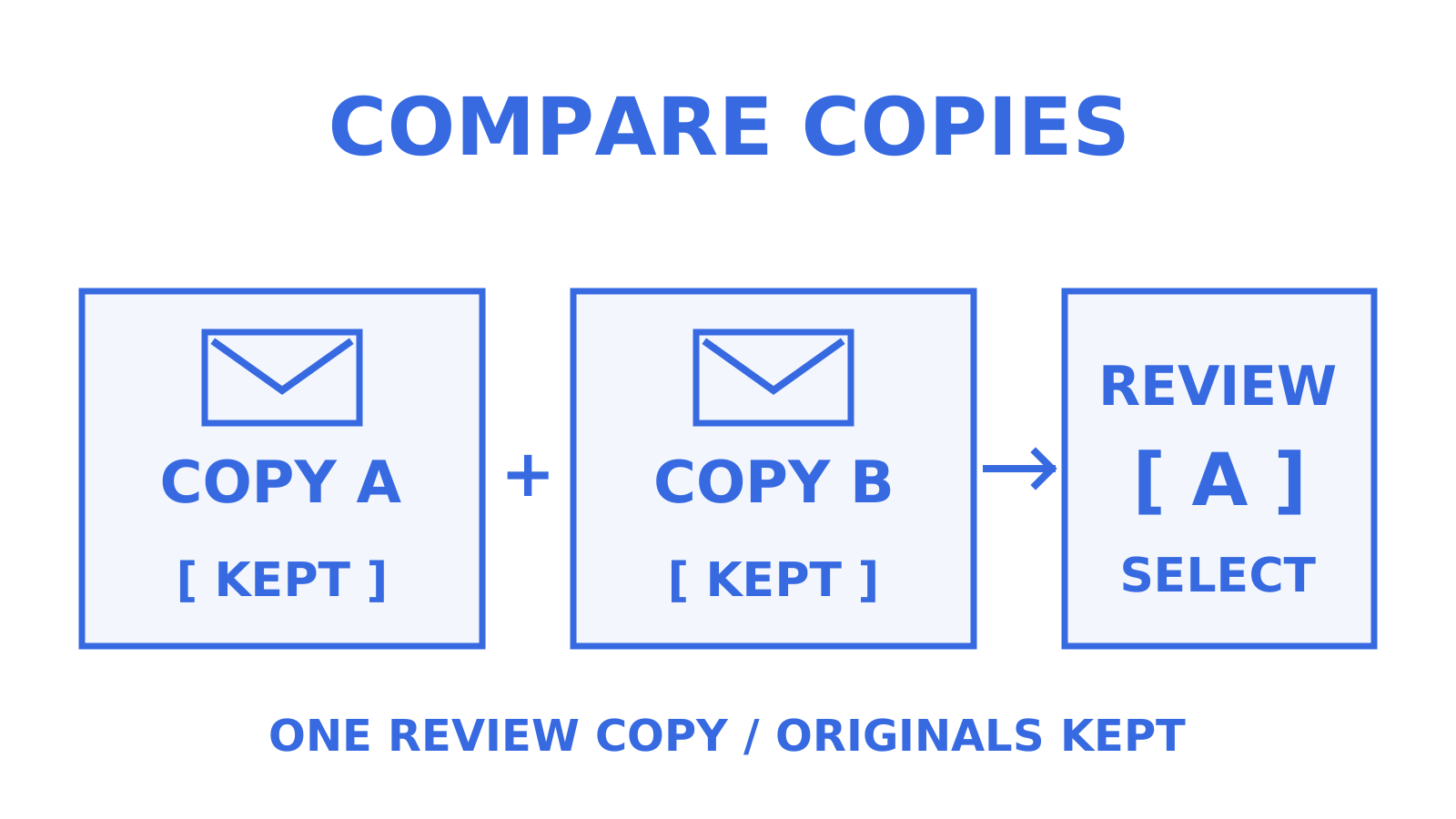
**Body and attachment cryptographic hashing (MD5 or SHA-256)** can compare selected message content while excluding specified transient transport headers. [Hash-based deduplication strategies](https://www.ediscovery-automation.org/deduplication-family-grouping/hash-based-deduplication-strategies/) describe one approach; the [EDRM Message ID Hash overview](https://www.relativity.com/blog/introducing-the-edrm-message-id-hash-simplify-cross-platform-email-duplicate-identification/) explains why different tools can produce different results. Hashing a normalised body with ordered attachment hashes remains sensitive to attachment order. An order-insensitive comparison needs an explicit canonical sorting rule, while preserving each original message and its attachment order.
**Composite header hashing** (subject plus a UTC sent timestamp plus sender) can group candidates when body encodings are inconsistent across systems, or when hashing the full body is not practical. Those fields alone do not prove that the bodies, recipients, or attachments are identical.
**Address-only deduplication** suits marketing suppression lists, but it does not establish that two messages are duplicates for legal review, since it says nothing about message content.
| Job | Best method |
|---|---|
| Stop duplicate delivery at the mail server | Message-ID / Sieve duplicate test |
| Suppress repeat sends on a marketing list | Address-level dedupe |
| Produce an eDiscovery export | Body + attachment cryptographic hash under a documented review protocol |
| Investigate mixed encodings across source systems | Composite header hash to group candidates, followed by content review |
## How to implement email deduplication without breaking anything
Deduplication is deceptively easy to get wrong in a way that quietly destroys evidence or drops legitimate recipients. Follow this sequence and document each decision as you make it.
1. **Decide your scope first.** Custodial deduplication (comparing duplicates only within one person's collection) preserves more evidentiary detail but costs more to review. Global deduplication (comparing across every custodian) is cheaper but hides who else held a copy, unless you preserve that metadata separately.
2. **Normalise headers and body consistently.** Define transformations separately for each field and preserve the original messages. Do not lowercase message bodies or discard meaningful whitespace merely to force a match. Compare timestamp values in UTC where appropriate, while retaining the original timestamp and timezone.
3. **Choose your hashing method and apply it in a fixed order.** For attachments, hash each file individually, then combine those hashes with the normalised body using a documented order. Keeping the original attachment order makes the result order-sensitive; if the review protocol treats reordering as equivalent, sort the attachment hashes canonically for comparison and retain the original order as metadata.
4. **Mark duplicates rather than deleting them blindly**, particularly in a legal context. Preserve which custodian held each duplicate copy.
5. **Test on a representative sample first.** Run a non-destructive comparison or a dry-run where the tool supports one, review the flagged duplicates manually, and keep an audit log of what matched and why.
For marketing automation, check whether A/B test groups are reconciled against the same address-suppression policy before delivery in the email management solutions you use; do not assume that a test bypasses or enforces deduplication. The [EDRM Message ID Hash guidance](https://www.relativity.com/blog/introducing-the-edrm-message-id-hash-simplify-cross-platform-email-duplicate-identification/) addresses a different job: identifying duplicate email across discovery systems.
**Pro Tip:** *Run a non-destructive sample comparison that deliberately includes edge cases, forwarded threads, attachments in different orders, and messages with disclaimer text appended after the fact. A dry-run, where the tool supports one, helps review those cases; passing them does not guarantee production behaviour.*
## Why eDiscovery teams can't skip the metadata
Legal review needs a documented matching protocol and an audit trail, rather than a blanket assumption that a hash makes a process defensible. Content-based hashing using MD5 or SHA-256, applied to a normalised body plus ordered attachment hashes, is one reproducible method when the selected fields, transformations, and ordering are specified. EDRM also describes Message-ID-based cross-platform identification, with its own limits.
Preserve custodianship metadata whenever you suppress a duplicate. Fields such as `ALL_CUSTODIANS` or `DUPLICATE_CUSTODIAN` can record who held each copy, which keeps email data integrity questions answerable after suppression; use the names and format required by the review system and production protocol. Keep that provenance available even when a duplicate is removed from the active review set.
The custodial versus global trade-off matters here too:
- Custodial dedupe keeps more traceability but increases review cost, since the same document surfaces once per custodian.
- Global dedupe cuts review volume but requires a separate custodian index if you want to answer "who had this."
- Either way, keep your normalisation and hashing code versioned, and log every run, so the process is reproducible if challenged.
## The tools and commands that actually do the work
You do not need to build a hashing pipeline from scratch. A handful of data cleansing tools cover the common cases, provided you use their safety features properly.
- The **Sieve duplicate test** in mail filtering (per RFC 7352) uses `Message-ID` by default, with `:seconds` to set a matching window. Use `:uniqueid` for a supplied identifier and `:handle` to separate duplicate tests so their tracking does not interfere.
- **`doveadm deduplicate`** in Dovecot keeps the oldest copy and expunges newer duplicates within a mailbox. Its default comparison uses message GUIDs; `-m` selects `Message-Id`. The [command reference](https://doc.dovecot.org/latest/core/man/doveadm-deduplicate.1.html) documents inspection with `doveadm fetch` and does not provide a dry-run option: inspect matches and preserve a backup before deleting. The [Sieve duplicate extension](https://doc.dovecot.org/main/core/config/sieve/extensions/duplicate.html) covers delivery-time filtering, a separate operation.
- Standalone CLI utilities such as **mail-deduplicate**, a command-line duplicate email checker, use selected, normalised headers, offer dry-run mode, and apply size and content-difference safety checks, useful for cleanup outside a mail server.
- Whatever tool you use, sample first and log matches before committing to deletion. A content-size threshold or safety check does not by itself establish that messages with appended signatures are duplicates; treat near-duplicate similarity review separately from exact matching.
## Deduplication looks different once mailboxes belong to agents, not people
Agent mailboxes change the calculus. An agent needs persistent state across a thread, not a one-off webhook drop, and reliable event metadata is what makes safe suppression possible without losing context; reply matching logic draws on that same thread history to place each reply in its conversation.
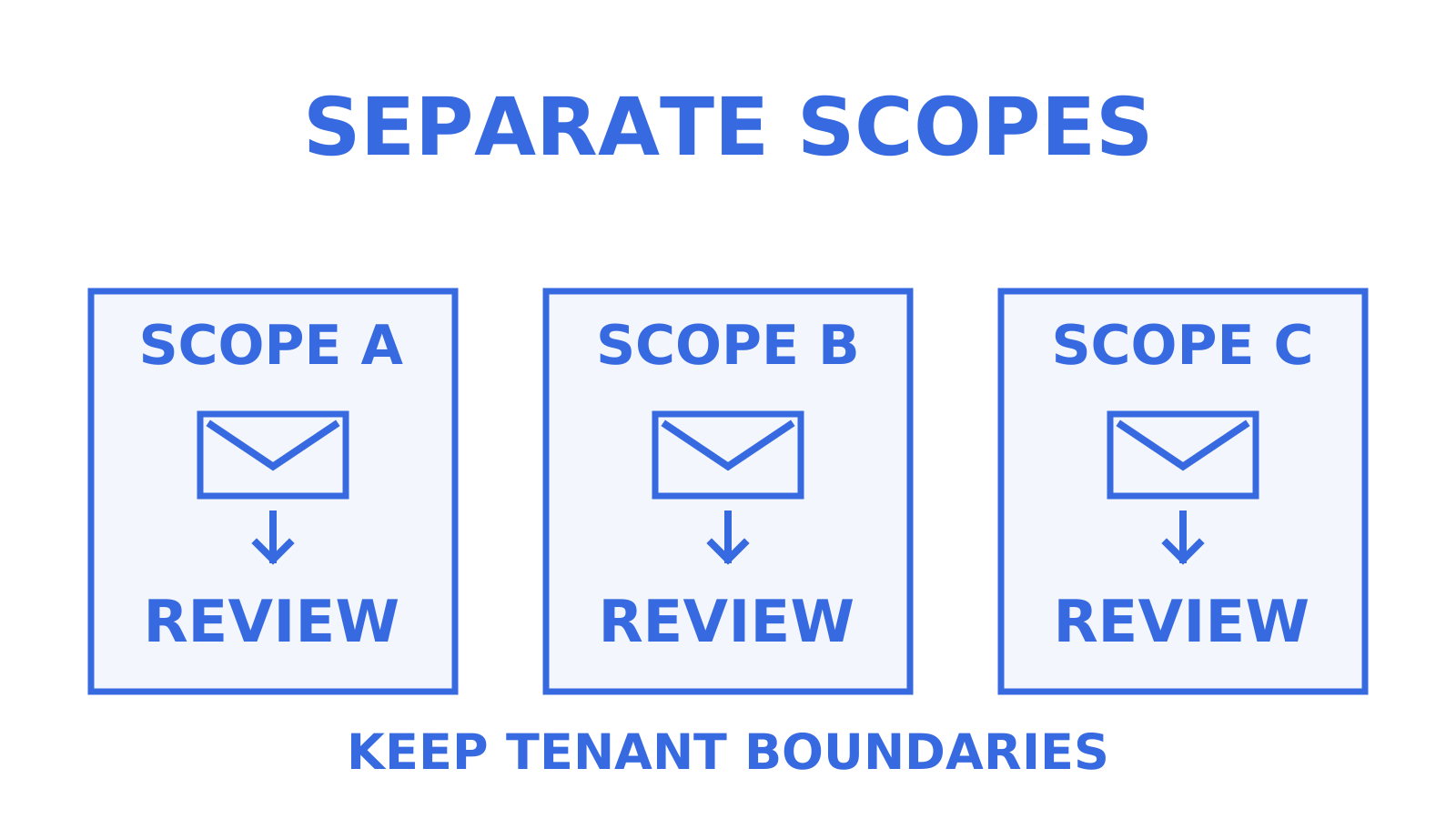
Scoped mailbox keys and tenant isolation matter more here than in a single human inbox, because one mistaken dedupe pass can affect many tenants at once. Preserve events, mark duplicates for review rather than deleting outright, and keep a clear human approval path before anything gets purged.
## The industry's blind spot on deduplication
Treating every deduplication job as a one-off, address-only pass leaves message differences unexamined. Address suppression can suit a newsletter list; an eDiscovery review also needs a defined message-identity rule and preserved provenance so the team can explain what it excluded and why.
Normalisation deserves the same attention as the hashing algorithm. Record how timestamps are compared in UTC and whether a verified provider policy permits stripping plus-addressing. A hash cannot recover distinctions that normalisation has already removed.
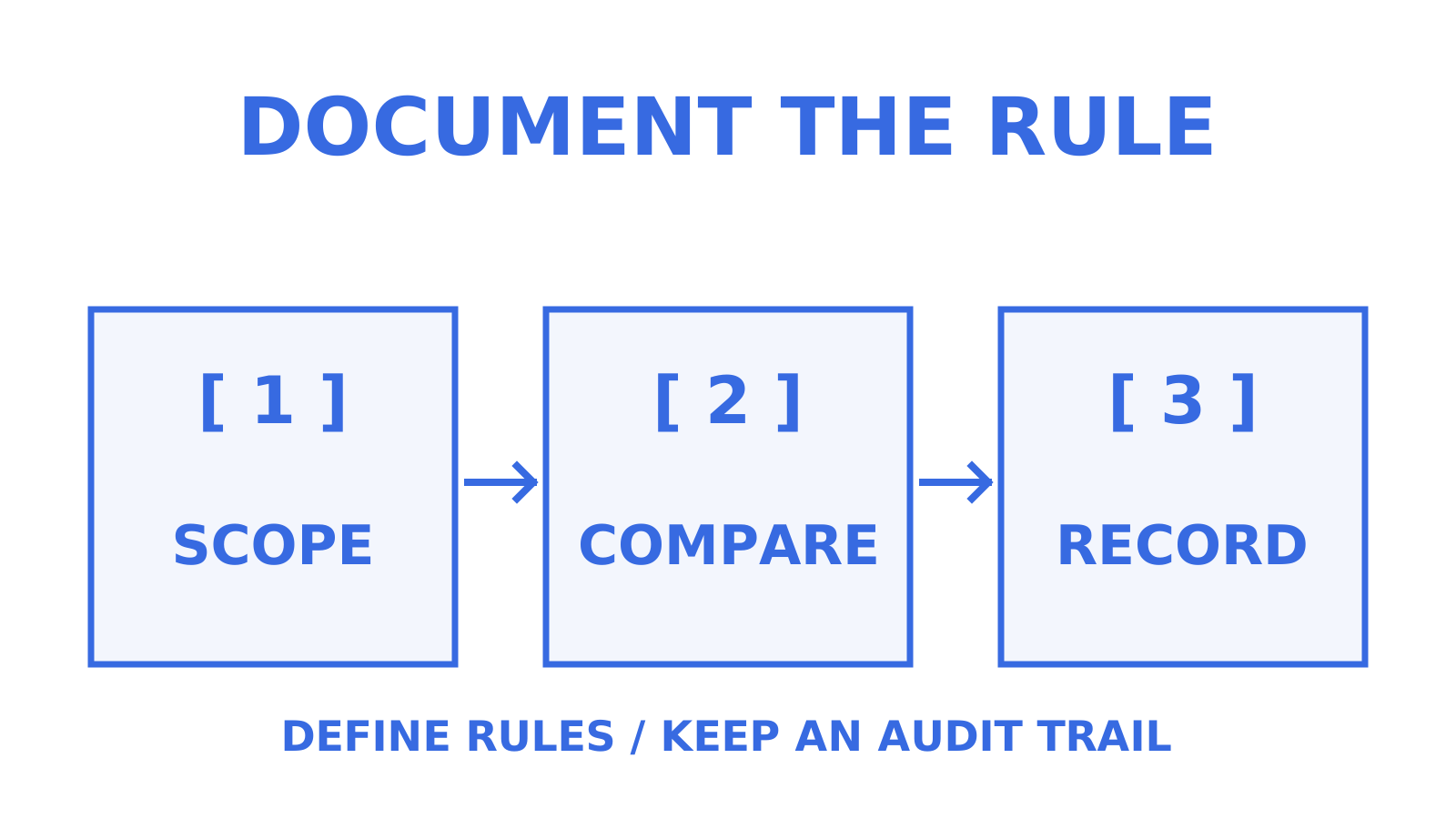
What should come first, always: decide your scope (custodial or global) and document that decision before you touch a single message. Everything downstream, cost, defensibility, audit trail, follows from that one choice. Document the deduplication scope before deletion. Keep that decision with the audit trail.
## Where a mailbox platform earns its place in this workflow
Building your own deduplication pipeline can make sense at small scale. When you are running dozens of tenant mailboxes and need to trace what happened to each duplicate, compare the record-keeping work with the mailbox platform's capabilities rather than treating mailbox count as a universal cutoff. Persistent message history, threading, and delivery events can supply context for a dedupe pass; confirm which records the platform exposes instead of assuming that a webhook or sending API retains them.
Scoped mailbox keys and tenant isolation restrict a dedupe pass to the mailboxes authorised by its credentials; they do not replace checking which credentials the job uses. If you're evaluating a platform instead of stitching one together from a sending API and a parser, Sendmux's agent mailbox product is worth a look, or start with a free mailbox at [Myagent](https://myagent.mx) to see the event and mailbox state model firsthand.
## Sources
For specification detail, see RFC 7352 on the Sieve duplicate test, eDiscovery hashing guidance, and Adobe's deduplication documentation for marketing workflows. For broader data hygiene practice, [email data extraction techniques](https://rootedup.net/blog/extract-data-from-emails) are useful when your dedupe logic needs to account for fields beyond the address itself.
- [Introducing the EDRM message ID hash: Relativity blog](https://www.relativity.com/blog/introducing-the-edrm-message-id-hash-simplify-cross-platform-email-duplicate-identification/)
- [RFC 7352: Sieve: Detecting duplicate deliveries](https://www.rfc-editor.org/rfc/rfc7352.html)
- [Hash-based deduplication strategies: eDiscovery Automation](https://www.ediscovery-automation.org/deduplication-family-grouping/hash-based-deduplication-strategies/)
- [Dovecot documentation: Sieve duplicate extension and deduplication notes](https://doc.dovecot.org/main/core/config/sieve/extensions/duplicate.html)
## FAQ
### How Do I Remove Duplicate Emails?
The method depends on the job: address-level deduplication can serve marketing suppression, while eDiscovery exports need a documented message-matching protocol and preserved provenance. For mailbox cleanup, `doveadm deduplicate` compares GUIDs by default or `Message-Id` with `-m`, then expunges duplicates; inspect the matches and back up first because it has no dry-run option. mail-deduplicate offers a dry-run for reviewing its own matches.
### Does Outlook Deduplicate Email Addresses Automatically?
Outlook's [Conversation Clean Up](https://support.microsoft.com/en-us/outlook/use-conversation-clean-up-to-delete-redundant-messages-in-outlook) removes redundant messages whose content is included in a later reply. That is a different job from deduplicating recipient addresses for a mailing list. Use an explicit address-matching policy for the list, and a documented message-matching method when preparing an eDiscovery export.
### How Do I Stop Outlook From Duplicating Emails?
First check whether the duplicates are present in the server mailbox or appear only in Outlook. Inspect overlapping rules, multiple accounts accessing the mailbox, forwarding rules, and IMAP sync before changing a connection; disable a route only when you have confirmed it creates an extra copy. If repeated delivery is the cause, a server-side Message-ID check under RFC 7352 can suppress matches on a supporting server, but it does not repair a client-only display problem.
### How Do I Duplicate an Entire Email, Including Attachments?
Use a documented "copy to folder" or message import operation when you need a full email copy, and verify the body, headers, and attachments. Forwarding can create a new message rather than an identical copy. For programmatic duplication across mailboxes, check the API's copy or import semantics explicitly. Sendmux's mailbox API supports small base64 attachments and presigned uploads for composing a message, but those features alone do not establish an unchanged cross-mailbox copy or eliminate the need to transfer attachment bytes.
### What Does Sendmux Cost for Teams Managing Agent Mailboxes?
Current pricing details are available directly on the Sendmux site. Pro combines a monthly team subscription with metered sending, inbound mailbox delivery, and storage usage, with no flat per-mailbox fee; on Free, usage draws down the team's starting credit.