---
title: "Cold Email Infrastructure for Agencies and Growth Teams"
description: "Build reliable cold email infrastructure with strategic mailing practices that maximize inbox placement and enhance your outreach efforts."
canonical: "https://myagent.mx/blog/cold-email-infrastructure"
publishedAt: "2026-08-22T00:00:00.000Z"
updatedAt: "2026-08-25T04:15:41.971Z"
category: "strategy"
topic: "cold email infrastructure"
author: "Roshan Jonnalagadda"
authorProfile: "https://myagent.mx/blog/author/roshan-jonnalagadda"
keywords:
- "cold email infrastructure"
- "email marketing infrastructure"
- "cold email setup"
- "cold outreach strategies"
- "B2B email infrastructure"
- "automated email systems"
- "cold email campaign management"
- "email deliverability techniques"
- "how to build email outreach infrastructure"
- "email outreach tools"
- "cold email best practices"
- "effective cold emailing"
---
# Cold Email Infrastructure for Agencies and Growth Teams
Build reliable cold email infrastructure with strategic mailing practices that maximize inbox placement and enhance your outreach efforts.
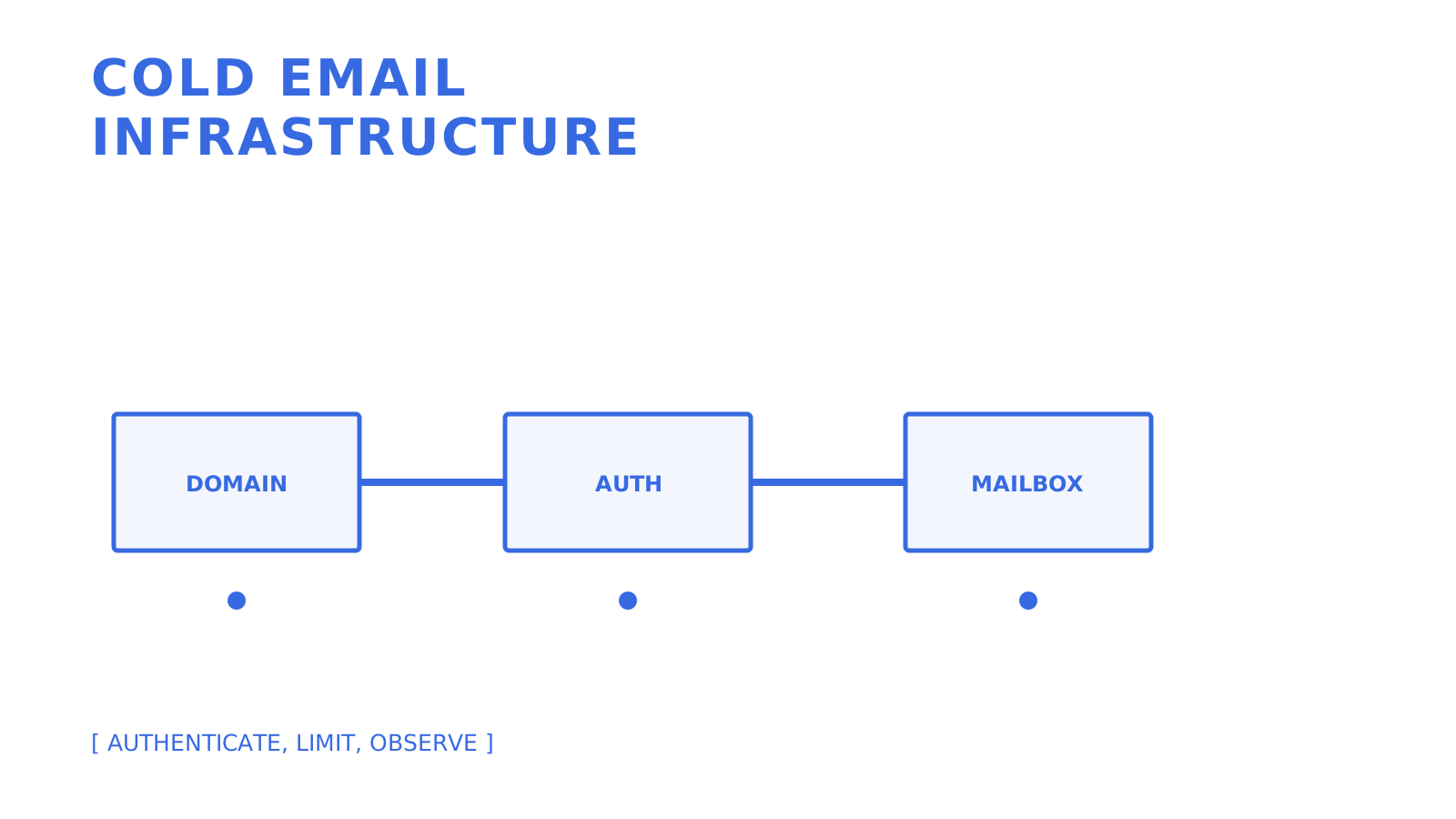
Reliable outreach starts with authenticated domains, controlled sending, and observable feedback.
Reliable cold email infrastructure combines authenticated sending domains, controlled mailbox capacity, list hygiene, legal eligibility, and monitoring. No single component guarantees inbox placement. The practical goal is to send wanted, authenticated mail at a consistent rate and respond to provider and recipient feedback before increasing volume.
Treat 10 to 50 messages per mailbox per day and a 2 to 4 week ramp as planning assumptions, not universal safe limits. [Google's sender guidance](https://support.google.com/mail/answer/81126) recommends low initial volume to engaged users, consistent sending and gradual increases. Monitor server responses, spam rates and domain reputation as volume grows, and reduce sending if messages bounce or are deferred.
Three things to do first:
- Decide which domain or subdomain will carry the outreach stream and keep it operationally separate from critical transactional mail.
- Create the first mailbox with a sender identity that accurately identifies the person or business behind the message.
- Publish the authentication records required by your provider, then begin with low legitimate volume to recipients you are allowed to contact.
## Key Takeaways
Reliable cold email infrastructure depends on authenticated domains, legally eligible recipients, gradual sending, controlled capacity, and continuous monitoring against provider and recipient feedback.
| Point | Details |
| --- | --- |
| Separate important mail streams | Keep outreach operations from disrupting invoices, support replies, password resets, and other critical mail. |
| Authenticate everything | Configure SPF and DKIM, then publish DMARC with alignment and reporting appropriate to the domain. |
| Increase volume gradually | Google recommends starting with low volume to engaged users, sending consistently, and monitoring reputation while volume increases. |
| Size from evidence | Provider limits are ceilings, not deliverability guarantees; use observed outcomes to set lower operational caps. |
| Monitor recipient feedback | Google recommends keeping spam rates below 0.1% and preventing them from reaching 0.3%; Yahoo also requires bulk senders to remain below 0.3%. |
| Use API controls where they fit | Mailbox-scoped credentials, weighted eligible-provider routing, quotas, and logs can reduce manual work for multi-tenant systems. |
### Primary Sources and Technical References
The technical baseline uses the current [Gmail sender guidelines](https://support.google.com/mail/answer/81126), [Yahoo Sender Hub best practices](https://senders.yahooinc.com/best-practices/), [RFC 7208 for SPF](https://www.rfc-editor.org/info/rfc7208/), [RFC 6376 for DKIM](https://www.rfc-editor.org/info/rfc6376/), [RFC 9989 for DMARC](https://www.rfc-editor.org/info/rfc9989/), and [RFC 8058 for one-click unsubscribe](https://www.rfc-editor.org/info/rfc8058/). The [ACMA spam guidance](https://www.acma.gov.au/avoid-sending-spam) is the primary Australian compliance source. Practitioner sources remain useful for operational hypotheses, but they do not override provider rules, standards, or law. For bulk-sending operations, [M3AAWG's published documents](https://www.m3aawg.org/published-documents) cover complaint handling and feedback loops, including monitoring incoming reports and acting on abuse complaints.
## What Is Cold Email Infrastructure and Why It Breaks Without a Plan
Cold email infrastructure is the combined stack of sending domains, mailboxes, authentication records, sending controls, and monitoring that shapes how outbound messages are evaluated. Marketers often use "email outreach tools" as shorthand for the software layer, but software cannot compensate for missing authentication, unlawful targeting, or ignored recipient feedback.
Mailbox providers analyse authentication, sending patterns, reputation, and user feedback. Google explicitly tells high-volume senders to avoid bursts, begin with low volume to engaged users, increase gradually, and monitor server responses, spam rate, and domain reputation. A new domain suddenly sending 500 messages a day therefore creates avoidable risk even when the provider's account-level limit is much higher.
## Which Infrastructure Approach Fits Your Team?
There are three broad paths, and the right one depends on operational ownership rather than a universal send-volume breakpoint.
**Mailbox-first setups** use individual inboxes, often on Google Workspace or Microsoft 365, connected to a sending tool. They are quick to start, but each domain, mailbox, policy, and sending cap still needs an owner. Google and Microsoft publish account and service limits, and Microsoft states that Exchange Online is not designed for bulk mailing scenarios.
**Managed outreach platforms** bundle parts of provisioning, sending, and monitoring into one subscription. They can reduce setup work, but teams still need to verify the platform's routing logic, security model, current pricing, provider-policy compliance, and evidence for every claimed deliverability feature.
**API-first infrastructure** places programmatic control over domains, mailboxes, credentials, quotas, and routing behind documented interfaces. It requires engineering work, but it gives agencies and multi-tenant products a way to encode isolation and observability instead of maintaining those controls manually.
Where each path tends to make sense:
- **Solo operators and small teams (under 200 sends a day):** a mailbox-first setup may be manageable, provided the provider permits the traffic and recipients are legally eligible.
- **Agencies running multiple client campaigns:** managed or API-first infrastructure can separate client credentials and operations.
- **Multi-tenant SaaS or AI platforms giving every customer a sending identity:** API-first controls can make mailbox and tenant isolation enforceable.
Every path shares the same burdens: domains must be authenticated, provider policies and legal requirements still apply, volume must be controlled, and recipient feedback must be monitored.
## The Technical Pillars: Domains, Authentication, Warmup, and Monitoring
Most failures in cold email setup trace back to identity, authentication, sending behaviour, recipient eligibility, or missing feedback loops.
**Separate important mail streams deliberately.** A company domain may carry invoices, support replies, and password resets as well as outreach. An alternate domain or subdomain can create an operational reputation boundary, but it is not a licence to send unwanted mail and it does not remove links between related domains in every receiver's reputation model. The [Snipe Outbound infrastructure guide](https://snipeoutbound.com/blog/cold-email-infrastructure/) describes close-variant domains as a practitioner pattern; evaluate brand, legal, and anti-impersonation risks before adopting it.
**SPF, DKIM, and DMARC have distinct jobs.** SPF lets a domain authorise sending hosts. DKIM provides a cryptographic domain signature. DMARC aligns an authenticated SPF or DKIM identity with the visible From domain and publishes handling and reporting policy. Gmail requires SPF or DKIM for all senders to personal Gmail accounts, and SPF, DKIM, and DMARC for senders over its bulk threshold. A DMARC `p=none` policy is accepted by Gmail's bulk-sender requirement, but moving to enforcement requires confirming alignment for legitimate streams first.
**Increase legitimate traffic gradually.** Google recommends a low starting volume to engaged users, consistent sending rather than bursts, and regular monitoring as volume grows. That is different from fabricating replies or opens. Any warmup service or automated exchange still has to comply with account terms, anti-spam rules, and recipient-consent requirements.
**Watch authentication, bounces, complaints, and placement separately.** A conservative internal bounce threshold such as [2%](https://woodpecker.co/blog/cold-email-campaign/) can be useful for list-quality alerts, but it is not a universal provider rule. Gmail recommends keeping user-reported spam below 0.1% and preventing it from reaching [0.3%](https://coldmailer.ai/blog/how-to-set-up-cold-email-infrastructure); Yahoo tells bulk senders to remain below 0.3%. Delivery logs show transport outcomes, while independent seed tests and provider tools answer placement questions.
| Metric | Operating Check | What It Signals |
| --- | --- | --- |
| Bounce rate | Set a conservative internal alert and stop on sudden changes | List quality, invalid addresses, or provider rejection |
| User-reported spam | Aim below 0.1%; never allow 0.3% or higher for Gmail bulk traffic | Recipient relevance and targeting quality |
| Inbox placement | Measure separately with representative accounts | Where accepted mail lands |
| Volume trend | Increase gradually and avoid bursts | Whether traffic resembles the expected stream |
Complaint or bounce spikes require investigation before more mail is sent. Stop the affected stream, preserve the evidence, and fix the source rather than routing around recipient feedback.
## Sizing, Cost, and Timeline for 100 to 10,000 Daily Sends
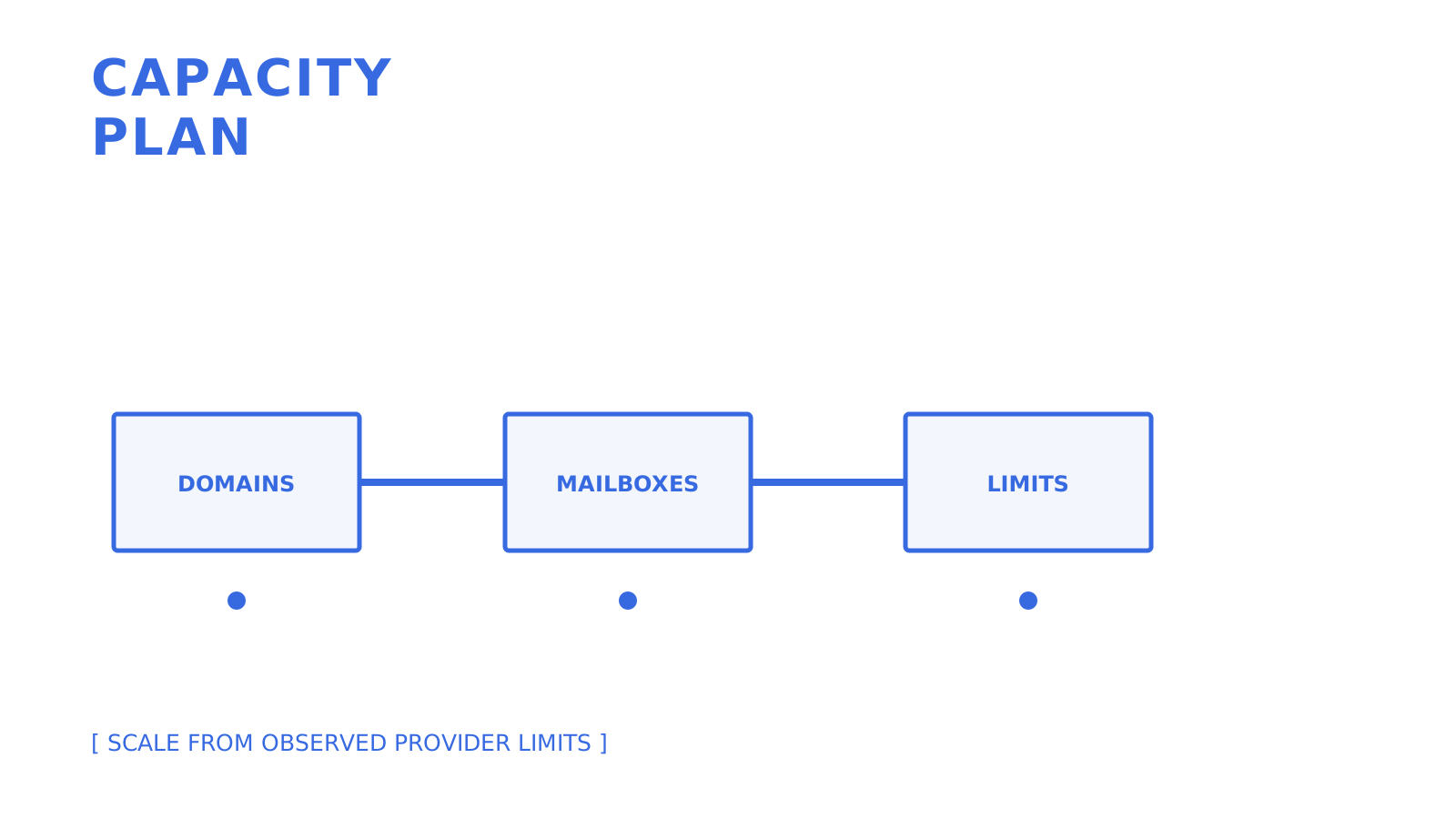
Provider limits are enforced ceilings, not promises of inbox placement. Google Workspace and Exchange Online publish limits far above common cold-outreach heuristics, while both providers also apply anti-spam controls and recommend specialised services for legitimate high-volume commercial mail.
Practitioner guides often model 10 to 50 sends per mailbox per day after a gradual ramp. Use that range only for capacity scenarios, then validate a lower operational limit from provider responses, complaints, bounces, and domain reputation.
1. **100 sends a day** maps to roughly 3 to 10 mailboxes at the source guide's 10 to 50-message planning range.
2. **1,000 sends a day** maps to roughly 20 to 100 mailboxes before adding redundancy or per-domain constraints.
3. **10,000 sends a day** maps to roughly 200 to 1,000 mailboxes under the same assumptions, which makes manual inventory and policy enforcement difficult.
The source guide's 2 to 4 week warmup estimate is not an official provider minimum. M3AAWG's sending-domain guidance instead advises starting low and slow and gives six weeks as an average warm-up consideration. Build the launch plan around measured reputation rather than a fixed graduation date.
Recurring costs include domains, mailbox subscriptions, sending services, monitoring, and operator time. Google Workspace and Microsoft 365 charge for licensed users, while API services may charge by event or recipient. Obtain current quotes and model the complete cost instead of relying on the source draft's few-dollars-per-domain or $100 to $500 monthly estimates.
There is no primary-source basis for claiming that Google Workspace universally places cold outreach better than Microsoft 365. Compare each provider's published service limits, anti-spam policy, account restrictions, and observed outcomes for your authorised traffic.
Capacity planning starts with provider policy and observed limits, then adds domains and mailboxes only where justified.
## Step-by-Step Setup Checklist You Can Execute This Week
This order establishes compliance and observability before volume. It does not guarantee inbox placement.
1. **Choose the sending identity.** Decide whether a separate domain or subdomain is appropriate, document ownership, and keep the sender identity accurate.
2. **Configure authentication.** Publish the SPF and DKIM values required by the provider, add DMARC with reporting and alignment, and [verify the records before sending](https://myagent.mx/blog/topic/domain%20verification%20email).
3. **Create mailboxes with an accountable naming convention.** Use addresses and display names that accurately identify the sender; do not use naming as a tactic to evade filtering.
4. **Begin with low legitimate volume.** Increase gradually to engaged or legally eligible recipients while monitoring server responses, spam rate, and reputation.
5. **Validate addresses and suppress failures.** Remove invalid contacts, respect previous opt-outs, and stop retrying permanent failures. Verification tools reduce obvious address errors but do not create consent.
6. **Implement unsubscribe correctly.** Gmail requires RFC 8058 one-click unsubscribe for marketing and promotional traffic over its bulk threshold, plus a visible body link. In Australia, ACMA says commercial messages generally need consent, accurate sender details, and a functional unsubscribe that is honoured within 5 working days.
7. **Test transport and placement separately.** Confirm authentication and delivery with provider responses, then use representative recipient accounts or placement testing to see where accepted messages land.
8. **Confirm delivery logging.** Whether the path uses SMTP, an HTTP API, or a platform, verify queued or pending, accepted, delivered, bounced, complained, rejected, and failed outcomes that the chosen provider actually exposes. A [batch sending guide](https://myagent.mx/blog/topic/batch%20email%20sending) covers bounded API delivery patterns.
9. **Scale only after the evidence supports it.** Review authentication, rate limits, bounces, complaints, placement, and legal eligibility before each increase rather than following an automatic one-to-two-week schedule.
**Pro Tip:** *Keep an inventory mapping each mailbox to its domain, provider, creation date, permissions, and current send cap. When a signal changes, that record shows which traffic and credentials belong to the affected boundary.*
## Scaling and Operational Practices for Agencies and Platform Builders
Multiple clients or tenants turn a mailbox problem into an isolation problem. A shared credential, provider pool, or domain can let one integration affect another unless the system enforces boundaries.
Programmatic tenant isolation makes those boundaries testable. Scope credentials, routing targets, quotas, and logs to the tenant or mailbox instead of relying on folders and operator memory.
- Give each tenant or client mailbox-scoped credentials so access is limited to the granted mailbox and permissions.
- Route only through eligible configured providers, and test quota, disabled, blacklisted, and failure cases before relying on an alternative path.
- Enforce provider and mailbox quotas programmatically, while treating bounce and complaint signals as stop-and-review inputs rather than targets to route around.
- Alert on authentication failures, rejection changes, bounces, complaints, and unavailable routes while preserving the evidence needed to diagnose them.
When reputation signals change, stop the affected traffic and inspect authentication reports, provider responses, delivery logs, list provenance, and recent sending changes. Do not assume that replacing a domain repairs the underlying targeting, consent, or message problem. A [deliverability monitoring guide](https://myagent.mx/blog/topic/email%20deliverability%20monitoring) covers the monitoring layers that help locate the failure.
## How Sendmux Maps to This Checklist
Sendmux provides documented surfaces for custom domains, mailboxes, scoped credentials, configured sending accounts, delivery groups, quotas, delivery logs, webhooks, and mailbox events. It does not perform list acquisition, manufacture consent, or guarantee inbox placement.
Custom-domain verification shows the DNS records required for the selected domain mode. Sending-only domains check ownership, sending policy, message policy, email signing, and bounce handling. Sending-and-receiving domains add inbound routing, while the included `@myagent.mx` domain can be used for simple mailbox tests.
The controls most relevant to agencies and platform builders are:
- Manual mailbox credentials are scoped to one mailbox, while agent and connected-app tokens are limited by their granted mailboxes and scopes such as `email.send`, `email.receive`, `mailbox.read`, and `mailbox.settings.update`.
- Configured sending accounts support per-second, per-minute, per-hour, and per-day quotas, percentage weights, and delivery groups. The sending path must still be tested for disabled, quota-exhausted, blacklisted, and otherwise ineligible routes.
- Delivery logs and CSV export provide message-level transport evidence. Independent inbox-placement testing remains a separate workflow.
- Signed webhooks deliver outbound status and inbound events to backend services. The Mailbox API's Server-Sent Events stream is for inbound `message.received` and `message.received.spam` updates, not outbound bounce notifications.
That combination can implement mailbox and tenant controls without overstating what infrastructure can promise about recipients, legality, or placement.
## Why Continuous Warmup Matters More Than a One-Time Ramp
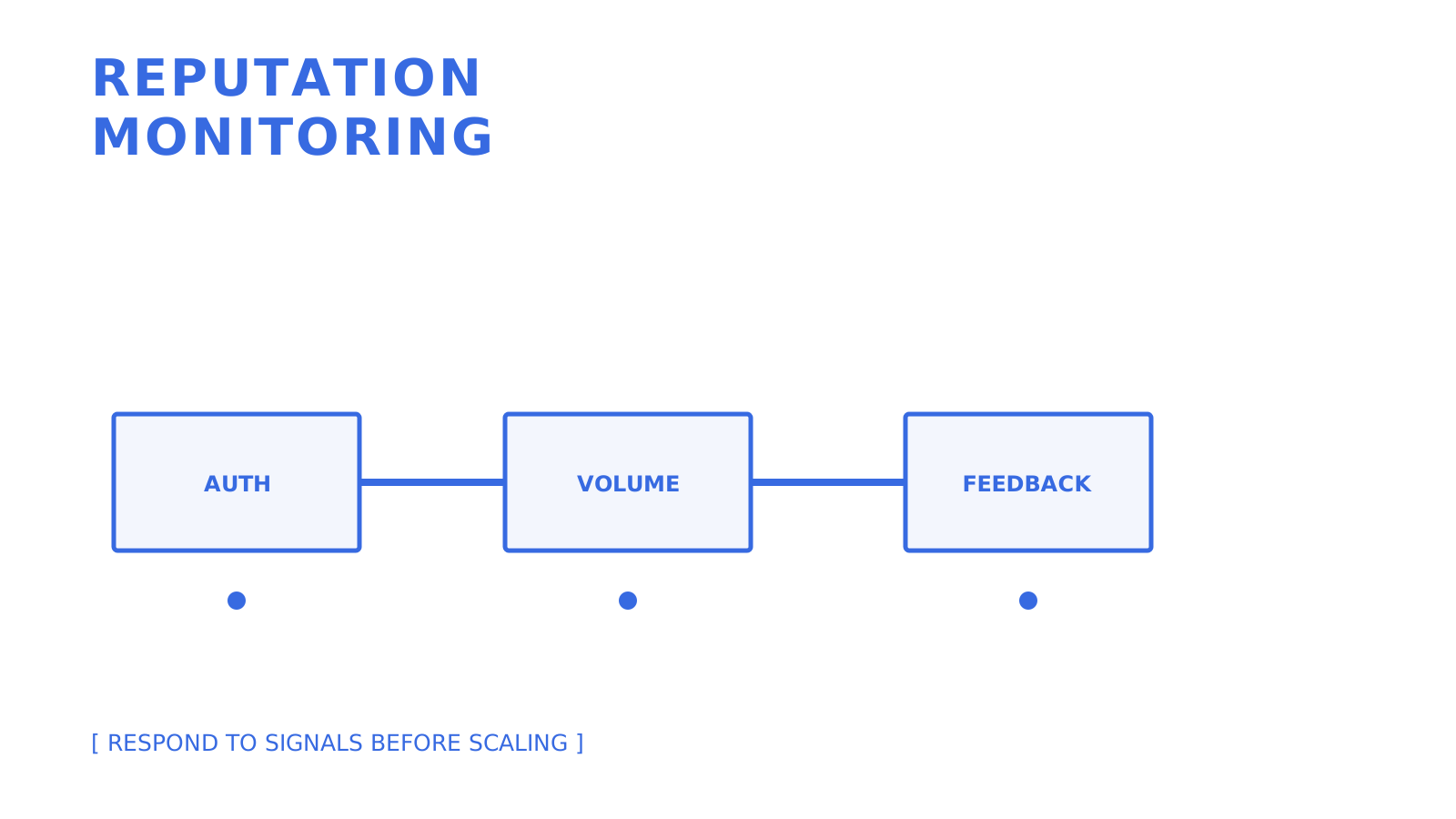
A fixed warmup date does not establish permanent reputation. Providers evaluate ongoing authentication, volume, server responses, and recipient feedback, so every campaign increase needs the same evidence-based review as the initial ramp.
Reputation monitoring separates authentication, volume, and recipient feedback before the next increase.
The source guide quotes a 2 to 4 week timeline, while M3AAWG's sending-domain guidance discusses six weeks as an average warm-up consideration. Neither is a graduation guarantee. Increase legitimate volume slowly, monitor provider responses and reputation, and pause when the evidence deteriorates.
Automated warmup networks that simulate replies or opens are not equivalent to engaged recipients. Verify the account provider's terms before using one, and never let background traffic obscure bounces, complaints, opt-outs, or legal eligibility.
## What the Conventional Advice Gets Wrong
Infrastructure is not a one-time checklist. Authentication can drift, lists age, provider limits change, credentials leak, and recipient expectations differ across campaigns. The operational work is preserving evidence and reacting before a bad signal becomes a broader incident.
Mailbox count is only one capacity variable. Six mailboxes may be too many for a poor list and too few for an authorised high-volume workflow; no amount of copywriting fixes missing consent, ignored opt-outs, unauthenticated domains, or a provider policy violation.
Prioritise authentication, recipient eligibility, suppression, scoped credentials, explicit quotas, and observable outcomes. API-first controls earn their complexity when they remove manual ambiguity at the number of tenants and routes your team actually operates, not at a universal send-volume threshold.
## Get Your Sending Infrastructure Running on Sendmux
If you need API-first control, multi-tenant isolation, or agent mailboxes, Sendmux combines mailbox, domain, sending-account, routing, delivery-log, and event surfaces. Current public billing charges by provider-accepted outbound recipient occurrence, distinct inbound mailbox delivery, and mailbox storage; it does not document the source draft's claim of no per-seat or per-mailbox fees.
Use a representative pilot to verify the exact parts you need: mailbox scopes, custom-domain records, quota behaviour, eligible-provider routing, delivery logs, signed webhooks, and inbound mailbox events. Test failure and ineligibility cases before production, and do not use infrastructure features to bypass provider policy, recipient consent, or legal requirements.
## Sources
- [Gmail sender guidelines](https://support.google.com/mail/answer/81126)
- [Yahoo Sender Hub best practices](https://senders.yahooinc.com/best-practices/)
- [RFC 7208: Sender Policy Framework](https://www.rfc-editor.org/info/rfc7208/)
- [RFC 6376: DomainKeys Identified Mail](https://www.rfc-editor.org/info/rfc6376/)
- [RFC 9989: Domain-based Message Authentication, Reporting, and Conformance](https://www.rfc-editor.org/info/rfc9989/)
- [RFC 8058: One-Click Unsubscribe](https://www.rfc-editor.org/info/rfc8058/)
- [ACMA: Avoid sending spam](https://www.acma.gov.au/avoid-sending-spam)
- [Microsoft: Troubleshoot outbound sending limits](https://learn.microsoft.com/en-us/defender-office-365/outbound-spam-sending-limits-troubleshoot)
- [M3AAWG published documents](https://www.m3aawg.org/published-documents)
- [Google: Increase sending volume slowly](https://support.google.com/mail/answer/81126)
- [Cold Email Campaign Setup 2026: Technical and Strategic Guide](https://woodpecker.co/blog/cold-email-campaign/)
- [Cold Email Infrastructure: The Setup Behind Inboxing at Scale | Snipe Outbound](https://snipeoutbound.com/blog/cold-email-infrastructure/)
## FAQ
### What Is the 30/30/50 Rule for Cold Emails?
It is a framing tool for copywriting discipline, not a technical infrastructure requirement.
### Is Cold Email Still Effective in 2026?
There is no universal 2026 benchmark. Measure consent-qualified replies and conversions for your audience, and treat open rates as a noisy diagnostic rather than proof of business impact. [EmailTooltester's outreach-tool review](https://www.emailtooltester.com/en/blog/best-email-outreach-tools/) cites open rates up to 60% and response rates in low single digits. Those headline figures are not a forecast for your own campaign.
### Is Cold Email Outreach Illegal?
The rules depend on the recipients and jurisdiction. For messages with an Australian link, ACMA says commercial messages generally require consent, accurate sender details, and a working unsubscribe method.
### What Is the Best Structure for a Cold Email?
No structure guarantees performance. Test a short relevant opening, one specific value proposition, and one low-friction call to action with an audience you are legally allowed to contact.
### How Many Mailboxes Do I Need for My Send Volume?
There is no universal safe per-mailbox limit. Start from provider policies and limits, low legitimate volume, recipient consent, and observed reputation, then add capacity only after measurement supports it.